




Importing structures from an XML file
From structural programs such as CYPE Connect, StruBIM Steel and StruBIM Shear Walls, structures saved in XML format files can be imported from other programs such as ETABS® or SAP2000®.
This file can be imported and used in CYPE programs in two alternative ways:
- Export the XML file to the BIMserver.center project using the separate program StruBIM Uploader.
In this case, when creating a new job from CYPE Connect, StruBIM Steel or StruBIM Shear Walls, it will be necessary to connect to that BIMserver.center project, and select and import the structural model exported from the StruBIM Uploader.
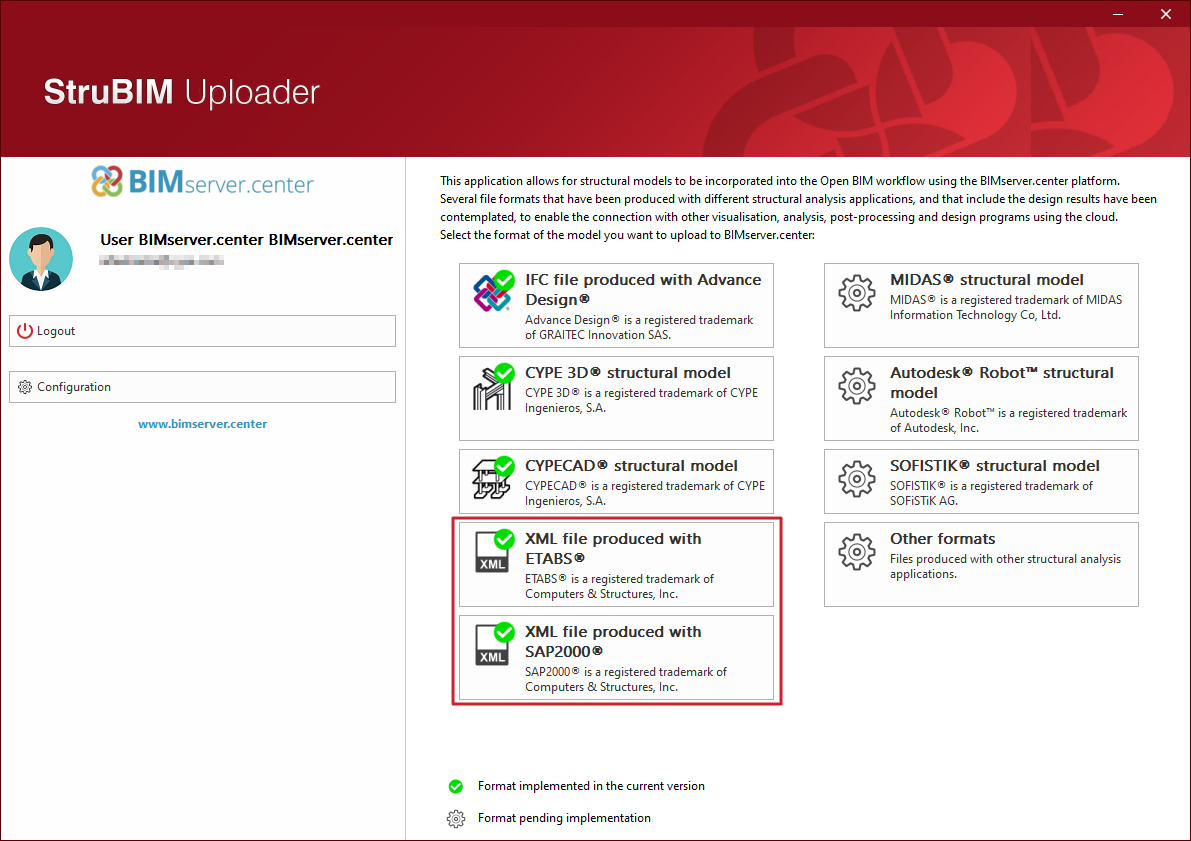
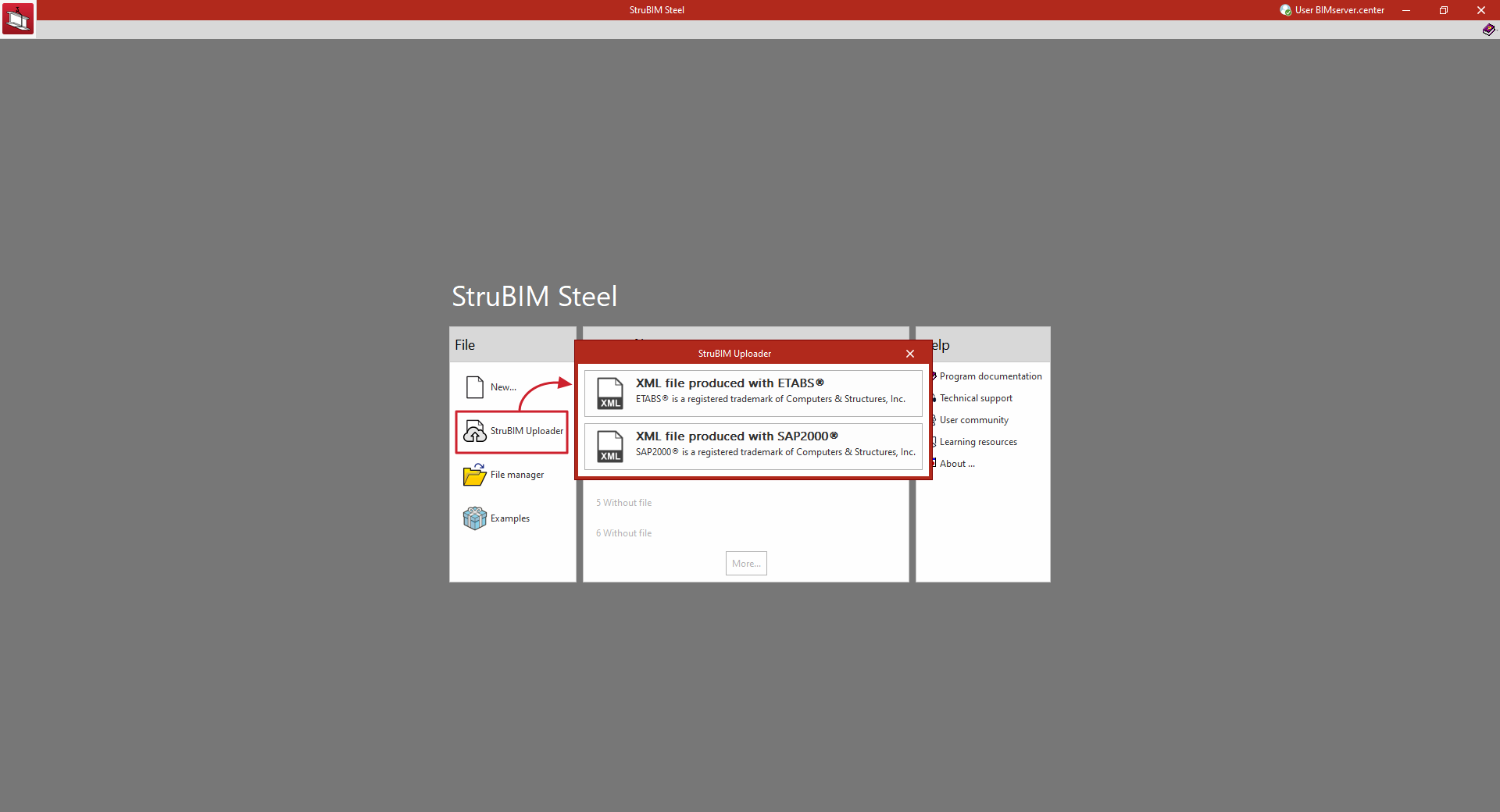
- By directly importing the XML file into CYPE Connect, StruBIM Steel or StruBIM Shear Walls programs, using the "StruBIM Uploader" option integrated in the program and available in the initial interface or in the "File" menu.
After creating a job, this option prompts the user to select a file in XML format from one of the available programs.
In doing so, the ETABS® or SAP2000® structural model is uploaded to an Open BIM project on the BIMserver.center platform (in the same way as the stand-alone "StruBIM Uploader" program would do) and, through an import process, obtains from it the information required to continue the work.
This eliminates the need to use the standalone StruBIM Uploader program.
Importing XML files produced by ETABS®
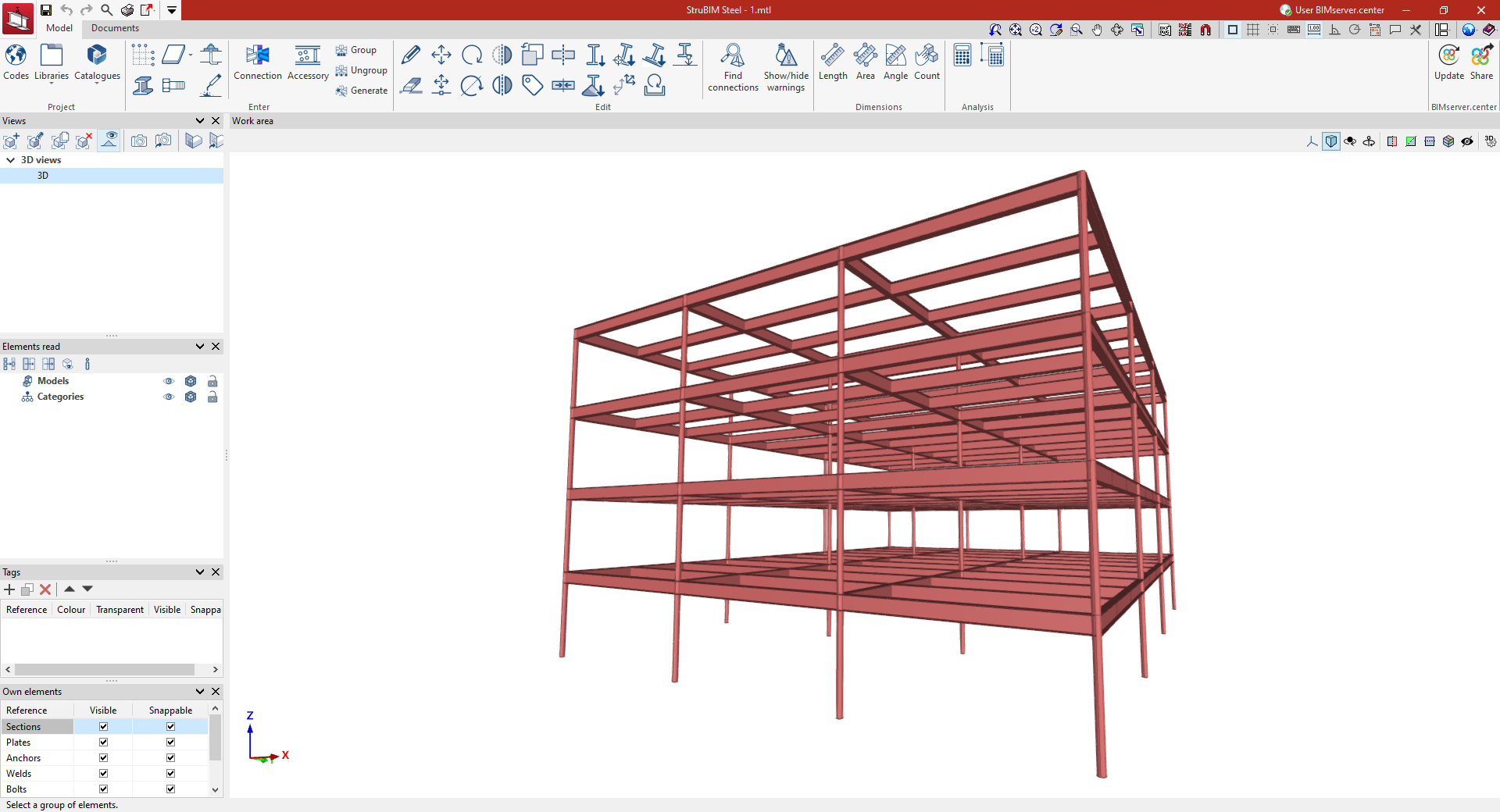
ETABS® is a registered trademark of Computer and Structures, Inc. The current implementation includes versions "ETABS 2016", "ETABS 18" and "ETABS 21". The following programs can import structures from an XML file generated by ETABS®:
- CYPE Connect
From the information contained in the ETABS® XML, the program imports the bars in the structure and their forces by combination. - StruBIM Steel
From the information contained in the ETABS® XML, the program imports the bars in the structure and their forces by combination. - StruBIM Shear Walls
From the information contained in the ETABS® XML, the program generates the necessary information to perform the shear wall design.
Importing XML files produced by SAP2000®
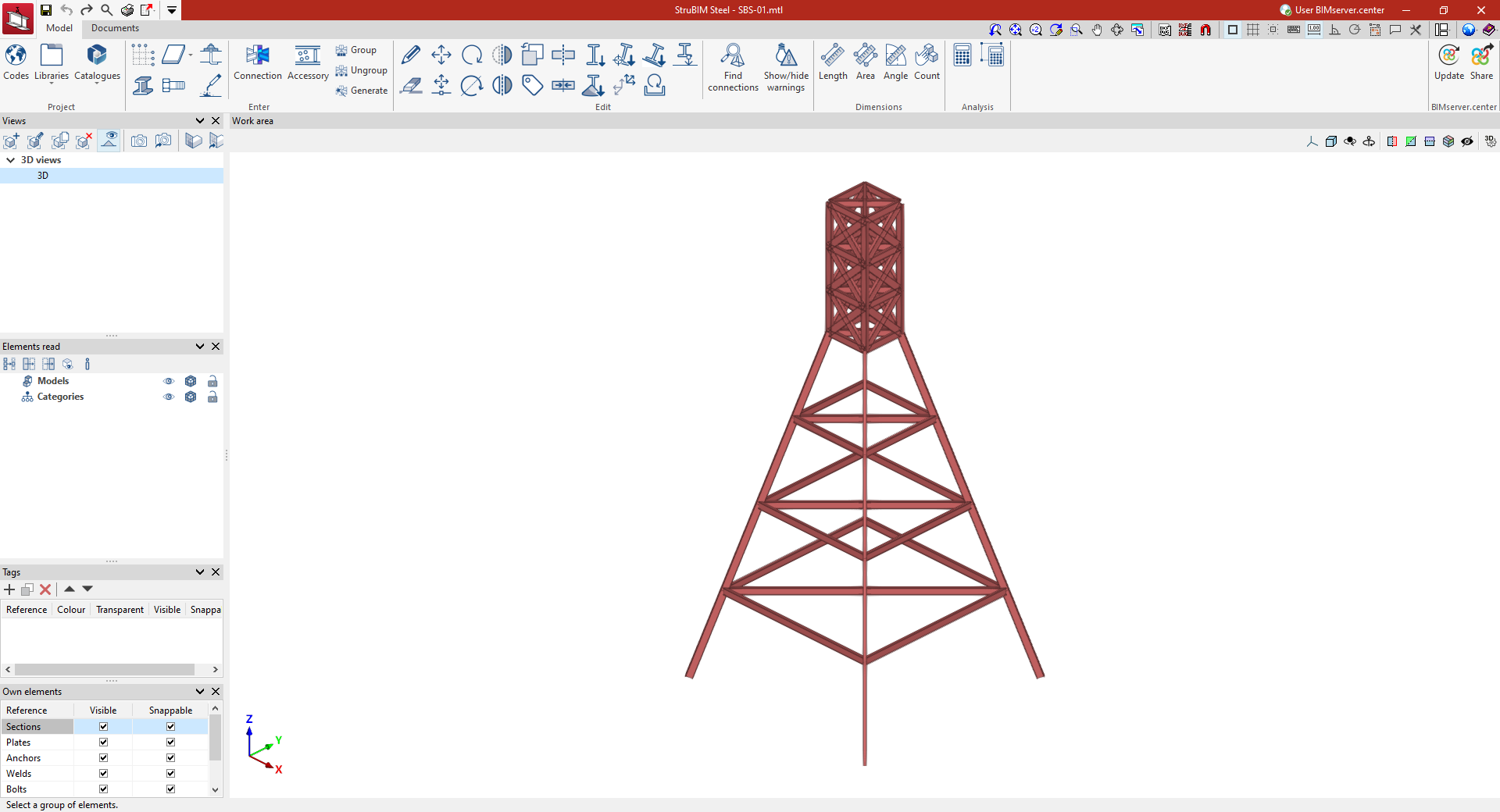
SAP2000® is a registered trademark of Computer and Structures, Inc. The following programs can import structures from an XML file generated by SAP2000®:
- CYPE Connect
From the information contained in the SAP2000® XML, the program imports the bars in the structure and their forces by combination. - StruBIM Steel
From the information contained in the SAP2000® XML, the program imports the bars in the structure and their forces by combination.
XML file export configuration
For import into CYPE Connect or StruBIM Steel, from ETABS® or SAP2000®, the XML file exported by these programs must contain all model definition tables and all bar force tables.
The export of all these tables can be activated from the export to XML file configuration options in the original program. For example, from the "Choose Tables for Export to XML File" option in ETABS®, the following options must be selected:
- Model definition tables:
- System Data
- Property Definition
- Load Pattern Definitions
- Other Definitions
- Load Case Definitions
- Connectivity Data
- Joint Assignments
- Frame Assignments
- Options and Preferences Data
- Miscellaneous Data
- Bar force tables ("ANALYSIS RESULTS" > "Element Output" > "Frame Output"):
- Table: Element Forces - Columns
- Table: Element Forces - Beams
- Table: Element Forces - Braces
- Table: Element Joint Forces - Frame
For SAP2000®, the tables read by the programs and which are necessary are the following (with the name given to them by SAP2000® in the XML file):
- Program_x0020_Control
- Joint_x0020_Coordinates
- Joint_x0020_Restraint_x0020_Assignments
- Material_x0020_Properties_x0020_02x0020-_x0020_Basic_x0020_Mechanical_x0020_Properties
- Material_x0020_Properties_x0020_03ax0020-_x0020_Steel_x0020_Data
- Material_x0020_Properties_x0020_03dx0020-_x0020_Cold_x0020_Formed_x0020_Data
- Connectivityx0020-_x0020_Frame
- Objects_x0020_And_x0020_Elementsx0020-_x0020_Frames
- Frame_x0020_Offset_x0020_Along_x0020_Length_x0020_Assignments
- Frame_x0020_Section_x0020_Assignments
- Frame_x0020_Local_x0020_Axes_x0020_Assignments_x0020_1x0020-_x0020_Typical
- Frame_x0020_Insertion_x0020_Point_x0020_Assignments
- Frame_x0020_Section_x0020_Properties_x0020_01x0020-_x0020_General
- Frame_x0020_Section_x0020_Properties_x0020_05x0020-_x0020_Nonprismatic
- Load_x0020_Pattern_x0020_Definitions
- Load_x0020_Case_x0020_Definitions
- Casex0020-_x0020_Static_x0020_1x0020-_x0020_Load_x0020_Assignments
- Casex0020-_x0020_Multistep_x0020_Static_x0020_1x0020-_x0020_Load_x0020_Assignments
- Casex0020-_x0020_Modal_x0020_2x0020-_x0020_Load_x0020_Assignmentsx0020-_x0020_Eigen
- Casex0020-_x0020_Modal_x0020_3x0020-_x0020_Load_x0020_Assignmentsx0020-_x0020_Ritz
- Casex0020-_x0020_Response_x0020_Spectrum_x0020_2x0020-_x0020_Load_x0020_Assignments
- Casex0020-_x0020_Modal_x0020_History_x0020_2x0020-_x0020_Load_x0020_Assignments
- Casex0020-_x0020_Direct_x0020_History_x0020_2x0020-_x0020_Load_x0020_Assignments
- Casex0020-_x0020_Frequency_x0020_History_x0020_2x0020-_x0020_Load_x0020_Assignments
- Casex0020-_x0020_Buckling_x0020_2x0020-_x0020_Load_x0020_Assignments
- Casex0020-_x0020_Power_x0020_Spectral_x0020_Density_x0020_2x0020-_x0020_Load_x0020_Assignments
- Casex0020-_x0020_Steady_x0020_State_x0020_2x0020-_x0020_Load_x0020_Assignments
- Combination_x0020_Definitions
- Element_x0020_Forcesx0020-_x0020_Frames
Some of these tables may not appear in the XML file, as they are not exported when empty. In this case, the tables could be optional.
