

Work environment
The program has a simple work environment that can be used to quickly enter and edit portal frame geometry in the available work area:
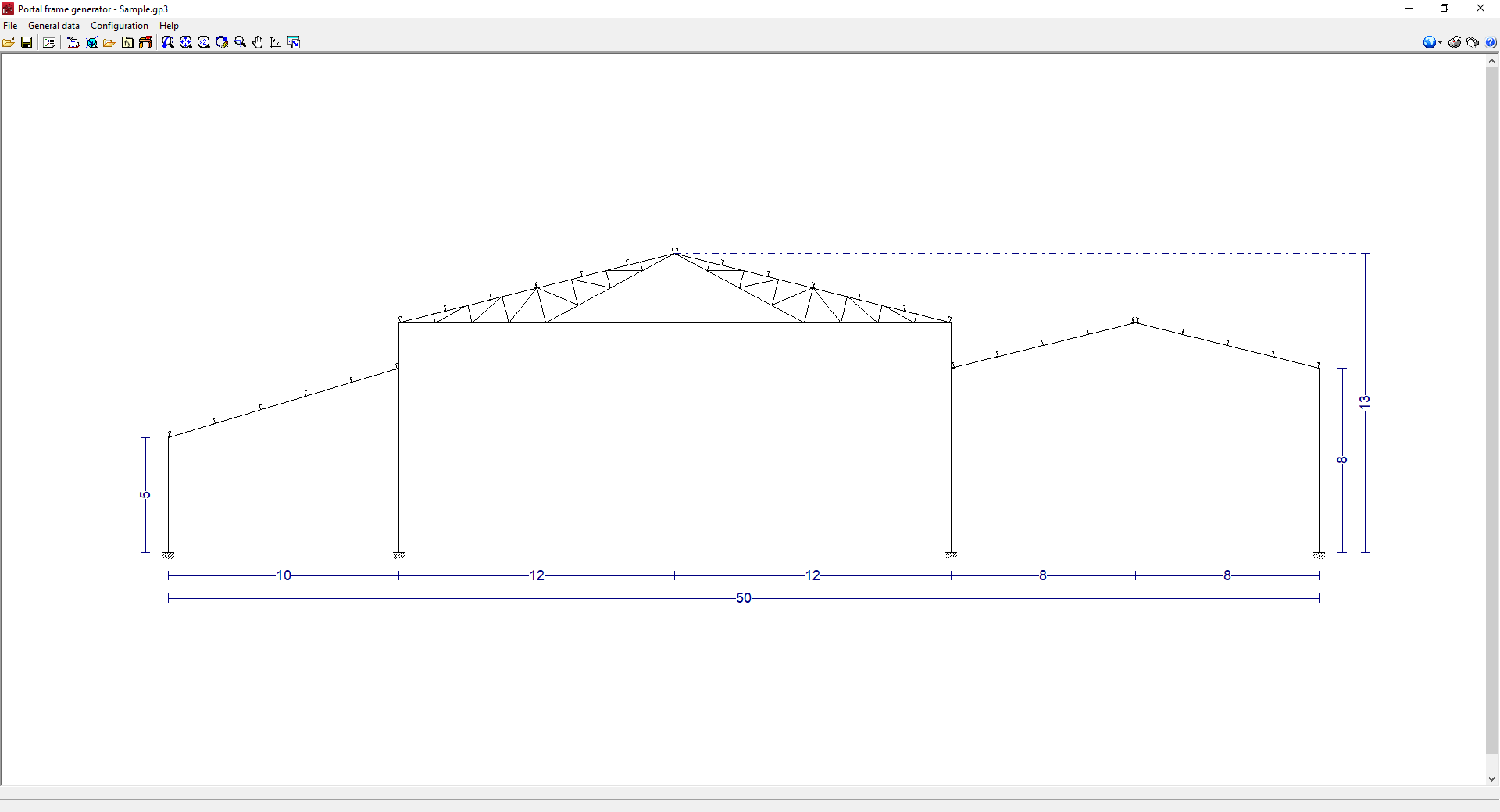
The interface displays the following:
- The menus at the top, where there are tools for:
- accessing the "File" menu;
- accessing the "General data" menu, which allows:
- seting up the general data of the job;
- editing the purlins on the sides and roof of the structure;
- seting up the display options for the purlins, loads and/or dimensions;
- managing the profile library;
- managing the user steel library;
- and exporting to CYPE 3D;
- accessing the "Configuration" menu, which contains the general configuration options, including the selection of the material standard and the units to be used;
- and accessing the "Help" menu.
- An auxiliary horizontal bar, under the menus at the top, where there are shortcuts to the tools for:
- opening the file manager and save the job;
- accessing the different options in the "General data" menu;
- setting the work area view or print the current view;
- accessing the general configuration options, equivalent to those in the "Configuration" menu;
- printing the reports and drawings of the job;
- and accessing the available help.
- Finally, in the central work area, which occupies most of the interface, the frames of the structure, as well as the lateral walls, can be entered, edited and displayed, and the dimensions, purlins and loads generated can be displayed.
