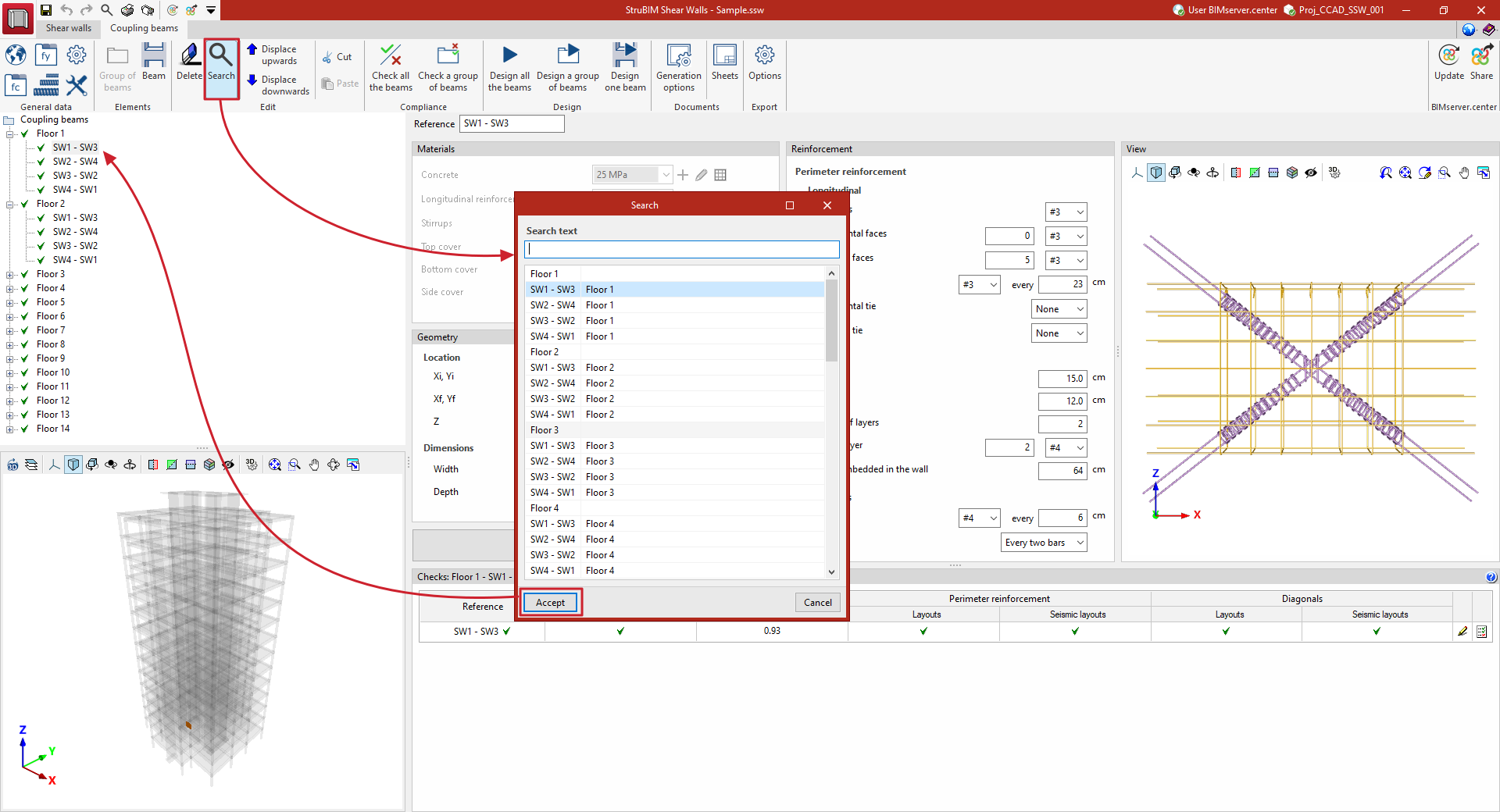
Management of coupling beams
Options in the "Elements" section
The options in the "Elements" section of the top toolbar allow you to manually add groups of beams and coupling beams to the project.

They are as follows:
- Beam group
Adds a group of beams to the list after selecting the root group ("Coupling beams"). You must enter its "Reference". - Beam
Adds a coupling beam to the list after selecting the group of beams into which you wish to insert it. You must enter its "Reference" and define its other properties in the relevant sections of the central panel of the interface ("Materials", "Geometry", "Reinforcement").
The program generates the beams and beam groups during the initial import process based on the information from the BIM model.
Defining beam groups allows you to check compliance with regulations or to design the reinforcement for groups using the relevant options.
Options in the "Edit" panel
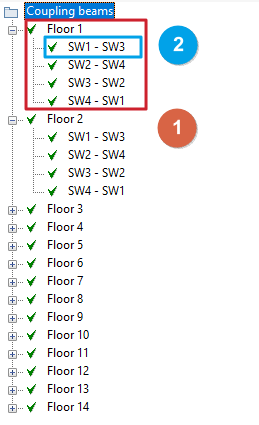
The options in the "Edit" section of the top toolbar allow you to manage the list of beams and beam groups that have been previously entered.

They are as follows:
- Delete
Removes the selected beam or group of beams from the list in the side panel. - Search
Searches for and selects a beam or group of beams by entering their reference text or part of it. - Move up
Moves the selected beam or group of beams up one position in the list. - Move down
Moves the selected beam or group of beams down one position in the list. - Cut
Cuts the selected beam or group of beams. - Paste
Pastes the selected beam or group of beams to the position selected in the list.