The following types of steel have been incorporated to the AISI S100-2007 cold-formed steel code: F-20, F-22, F-24, F-26, F-30 and F-36 (of common use in Argentina).
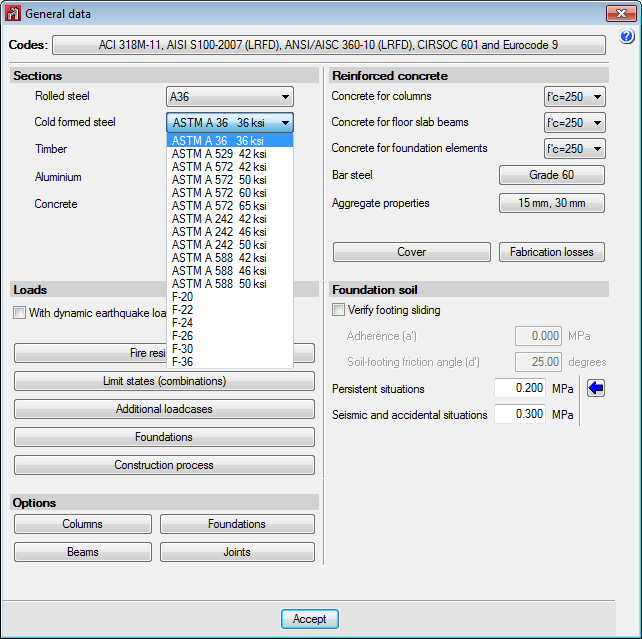



The following types of steel have been incorporated to the AISI S100-2007 cold-formed steel code: F-20, F-22, F-24, F-26, F-30 and F-36 (of common use in Argentina).
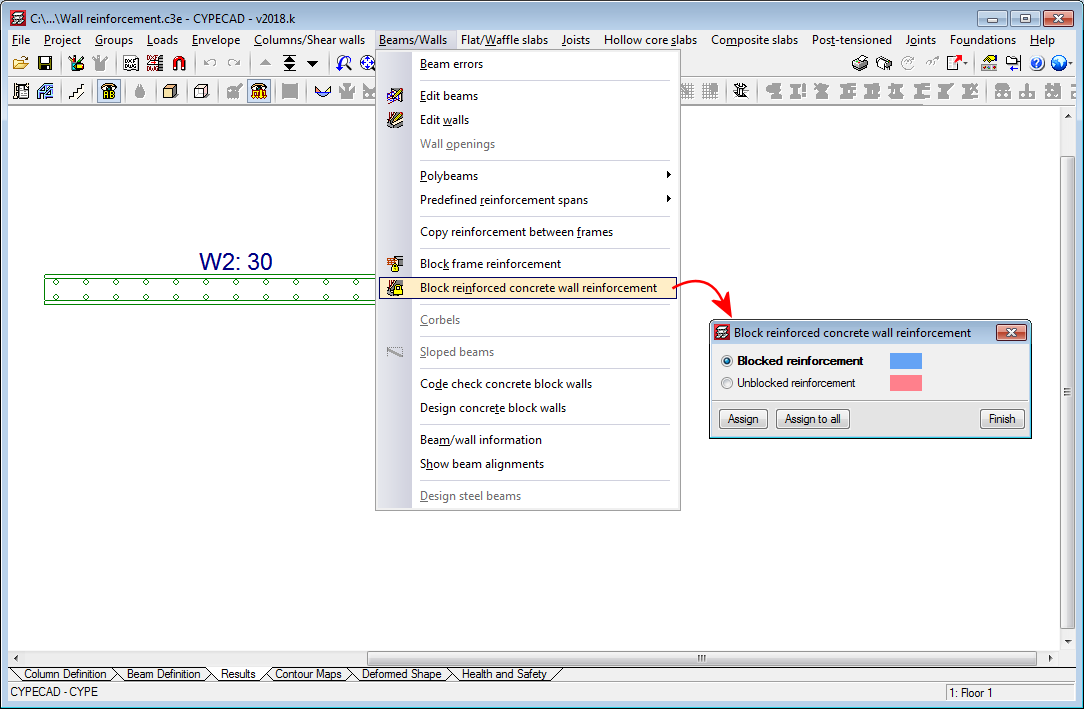
The 2018.k version allows users to block the reinforcement of reinforced concrete walls. To do so, a new option has been implemented: “Block reinforced concrete wall reinforcement” in the “Beams/Walls” menu of the “Results” tab. This option opens a dialogue box in which users can assign a “Blocked reinforcement” or “Unblocked reinforcement” property to reinforced concrete walls. The reinforcement of walls that have been assigned the “Blocked reinforcement” property will not change during the design process.
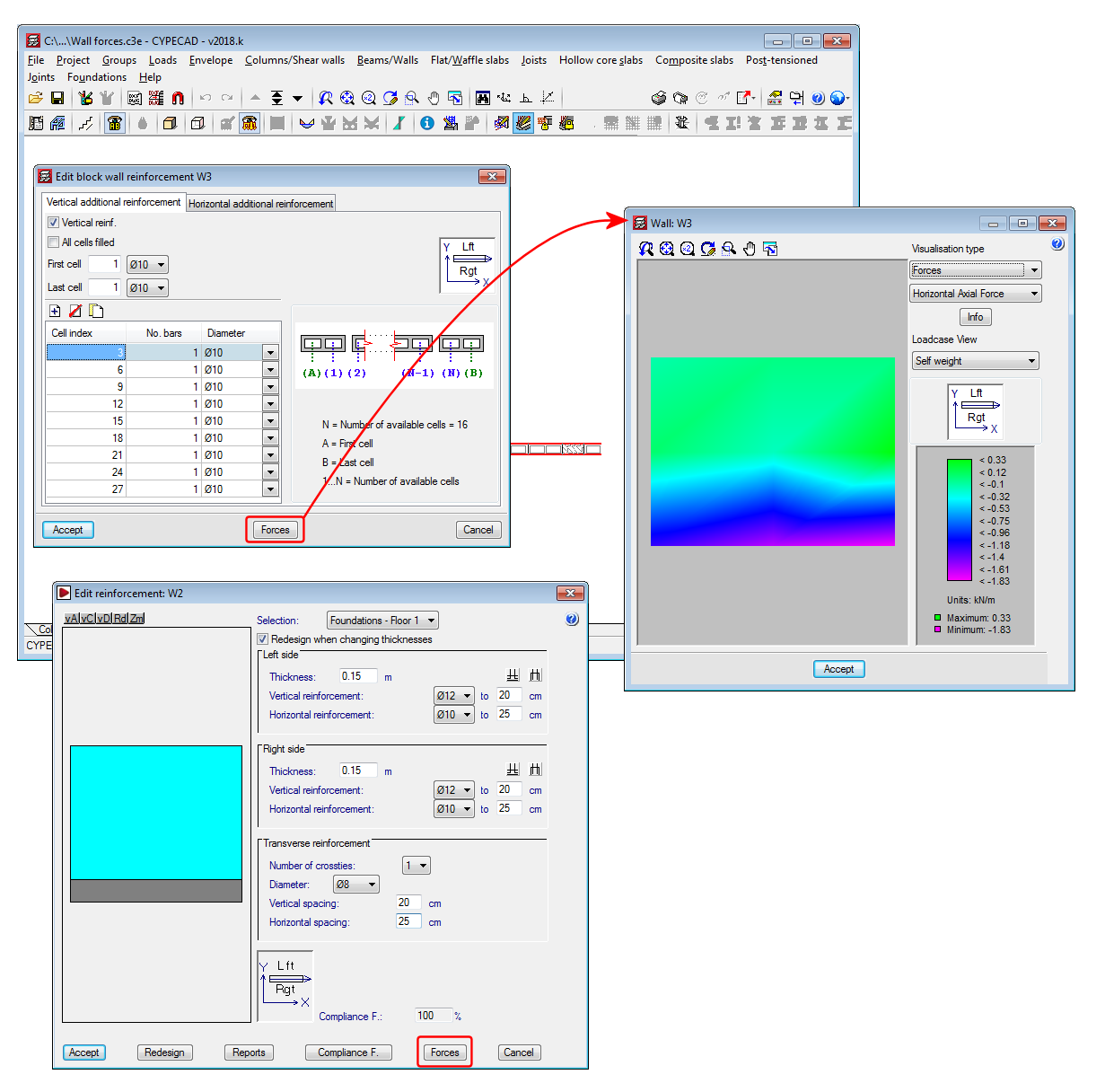
As of the 2018.k version, users can consult the forces in walls in the “Edit reinforced concrete wall reinforcement” and “Edit block wall reinforcement” windows. To do so, both dialogue boxes include the new “Forces” button, which provides access to the force consultation dialogue box of the selected wall.
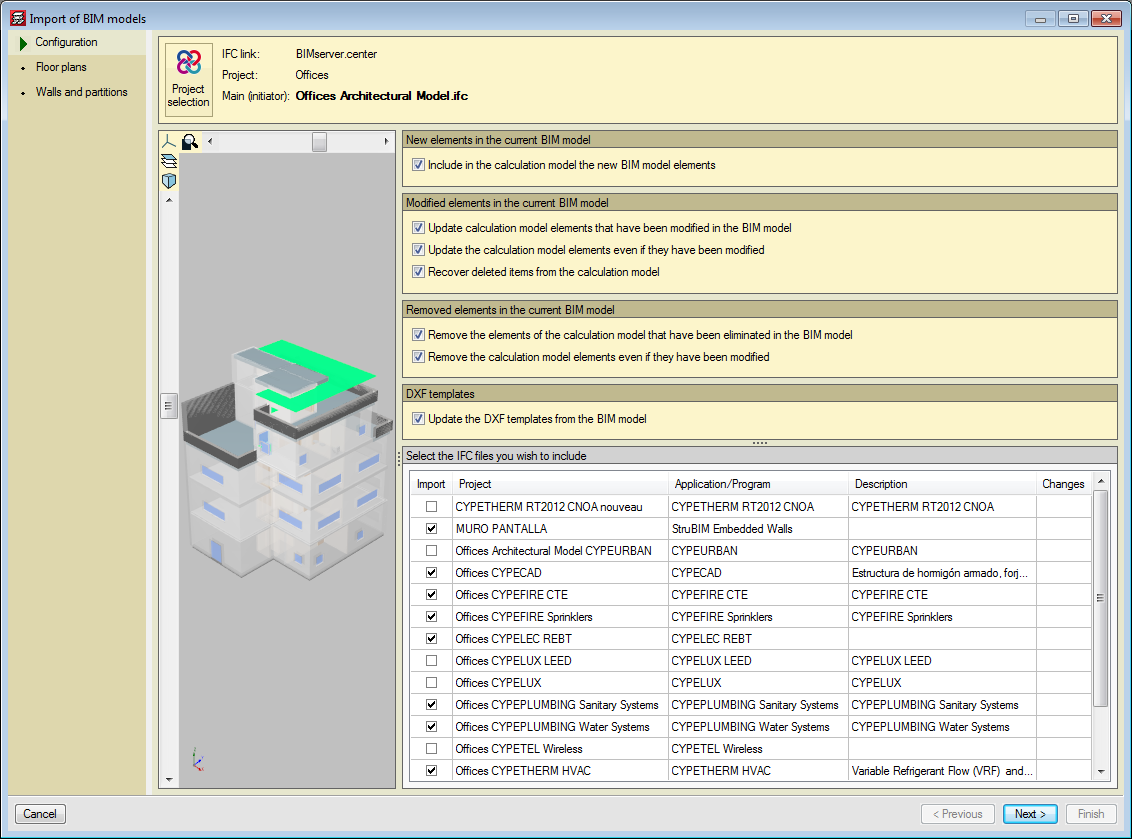
During the creation and updating processes of a project using a BIM model, users can select the IFC files of the BIM model that are to be imported. Until now, all the IFC files were read, now users decide which. This way, the updating process of the BIM model is quicker, since the IFCs that are not required in CYPECAD are not imported. Users can at any moment update the project and import all the IFC files of specialist programs of the BIM model.
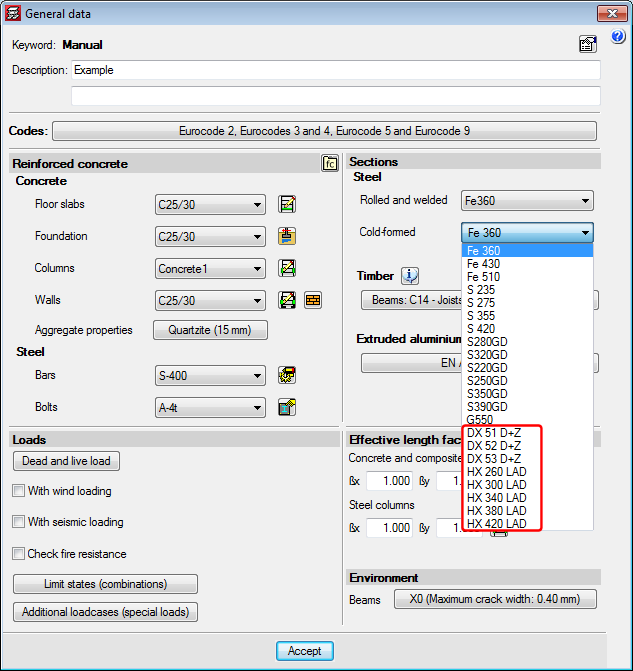
The following new types of cold-formed steel have been added for the EAE 2011 code (Spain) and Eurocodes 3 and 4 (EU):
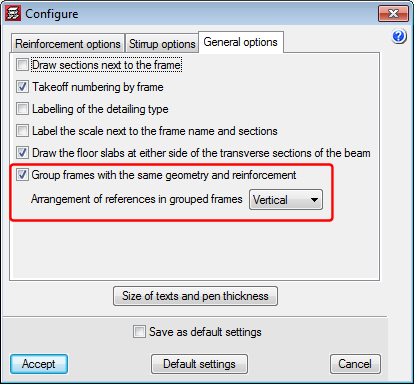
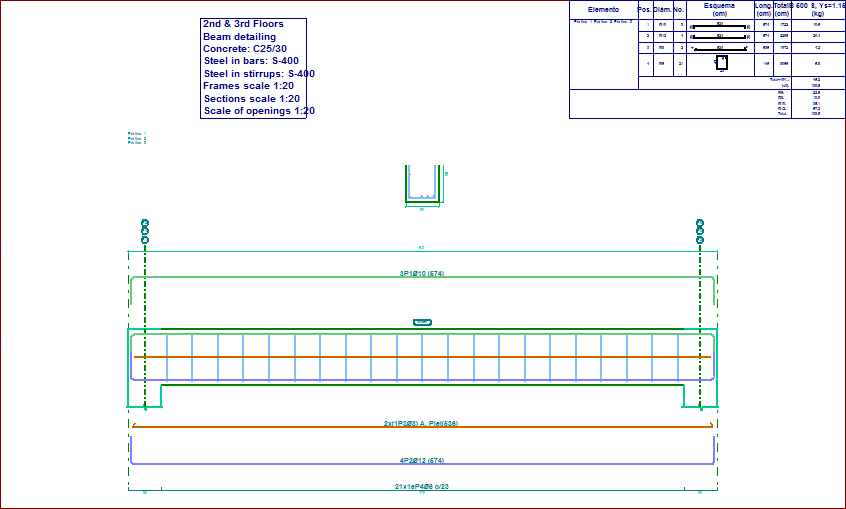
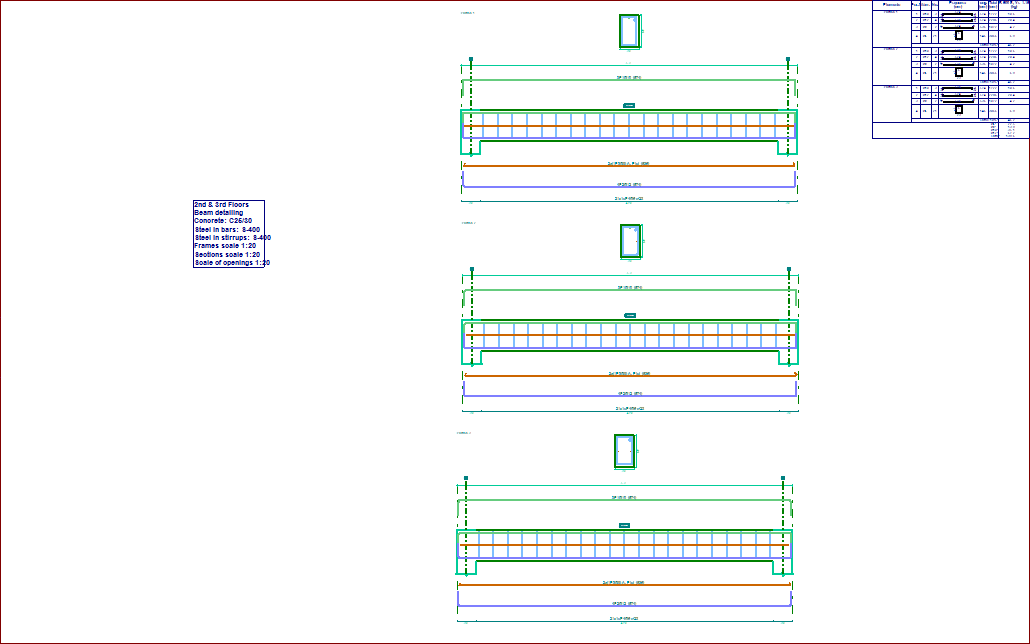
An option has been included where users can indicate whether or not frames with the same geometry and reinforcement should be grouped in frame drawings (Frame drawings > Configure > General options).
In previous versions, the program always grouped frames with the same geometry and reinforcement.