A tool has been implemented to divide walls. When a wall is divided, each part of the wall becomes a new wall with its own reference and properties.
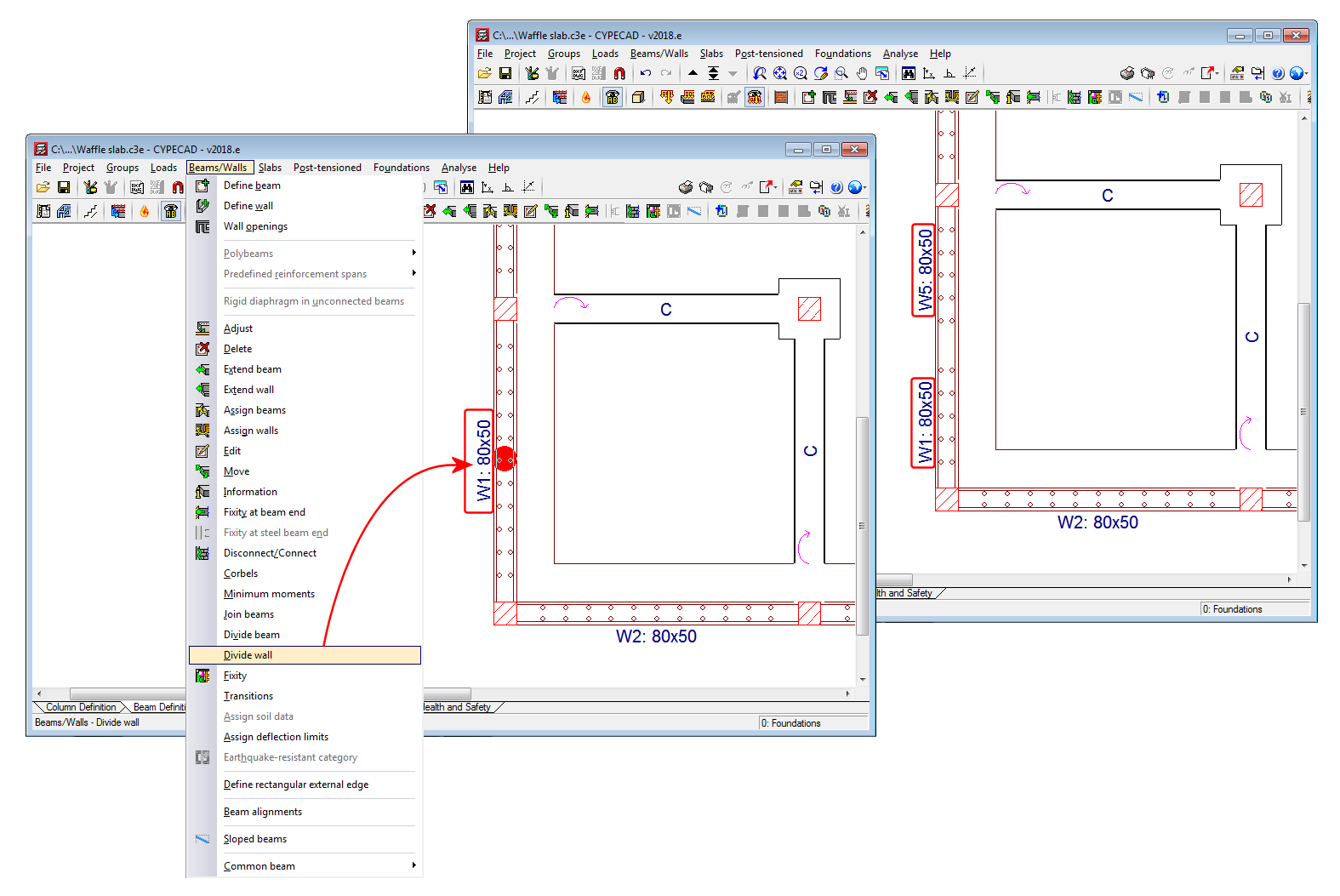



A tool has been implemented to divide walls. When a wall is divided, each part of the wall becomes a new wall with its own reference and properties.
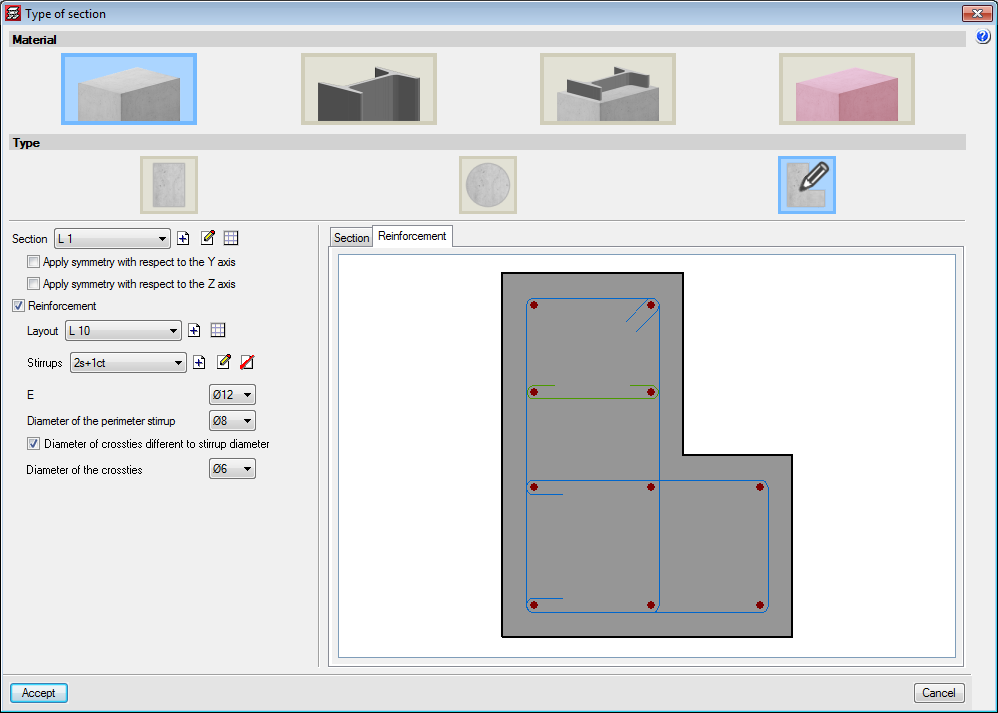
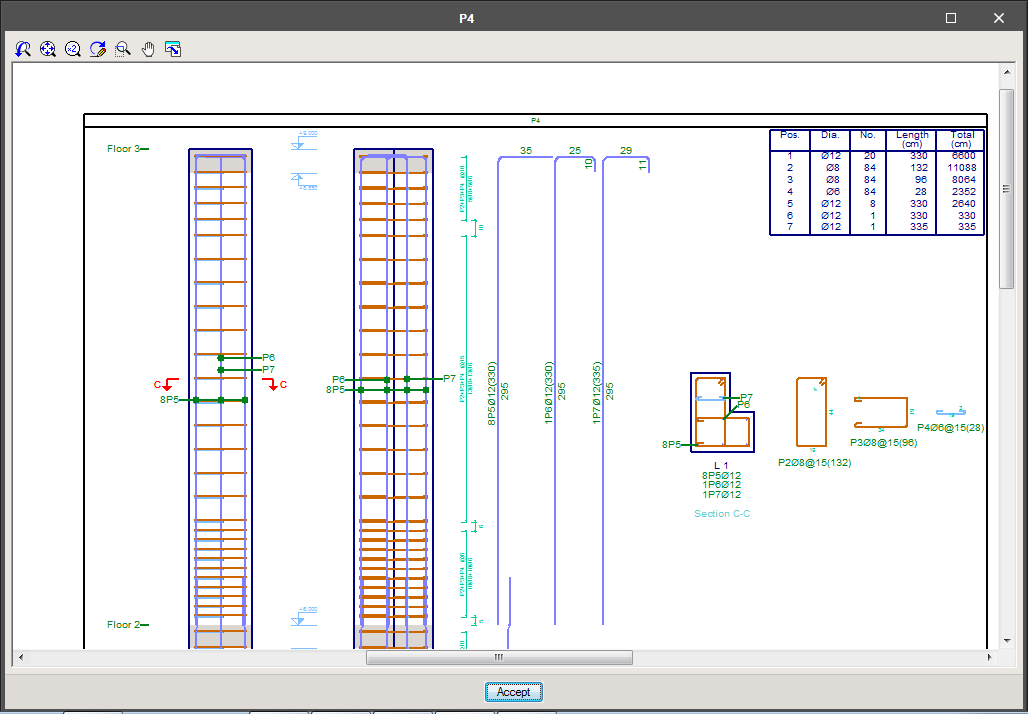
The option to define stirrups in generic section columns has been implemented. The stirrups that are defined are measured and detailed in reports and drawings. The program does not carry out a shear check on these type of columns.
Different stirrup layouts can be defined for each longitudinal reinforcement arrangement that has been defined for a section.
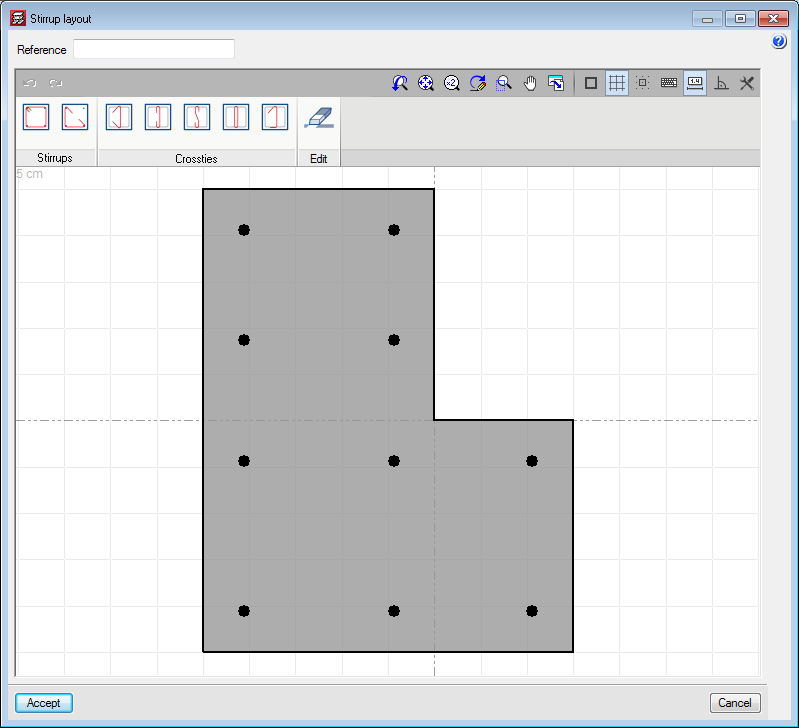
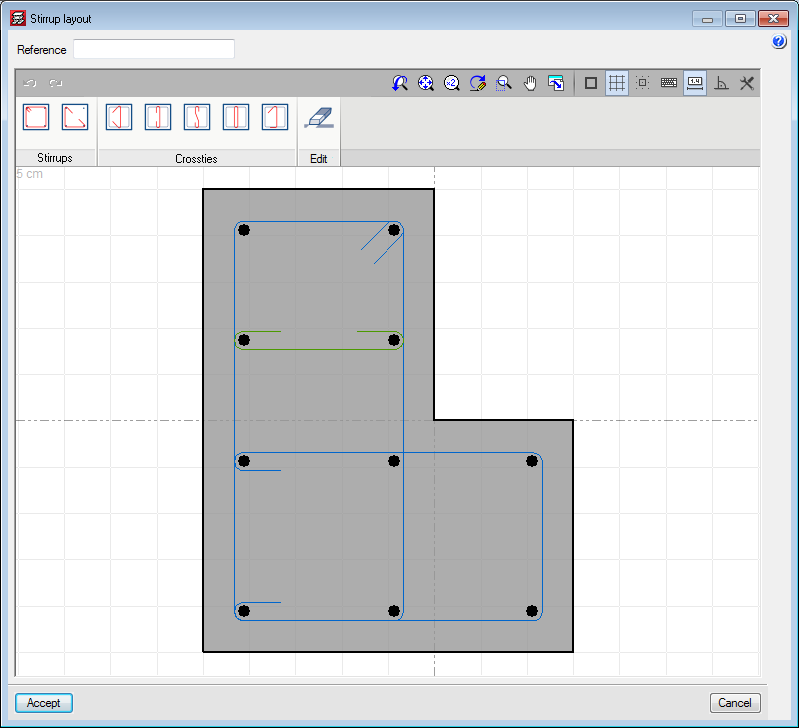
When a stirrup arrangement is added or edited, users access the stirrup layout editor which contains different tools to define the stirrups and crossties that join the longitudinal reinforcement bars.
Users can place closed stirrups, open stirrups and different types of crossties. Crossties can have a different diameter to that of the stirrups.
After selecting the type of stirrup or crosstie, users have to select the longitudinal bars to be joined and finish off by clicking on the right mouse button.
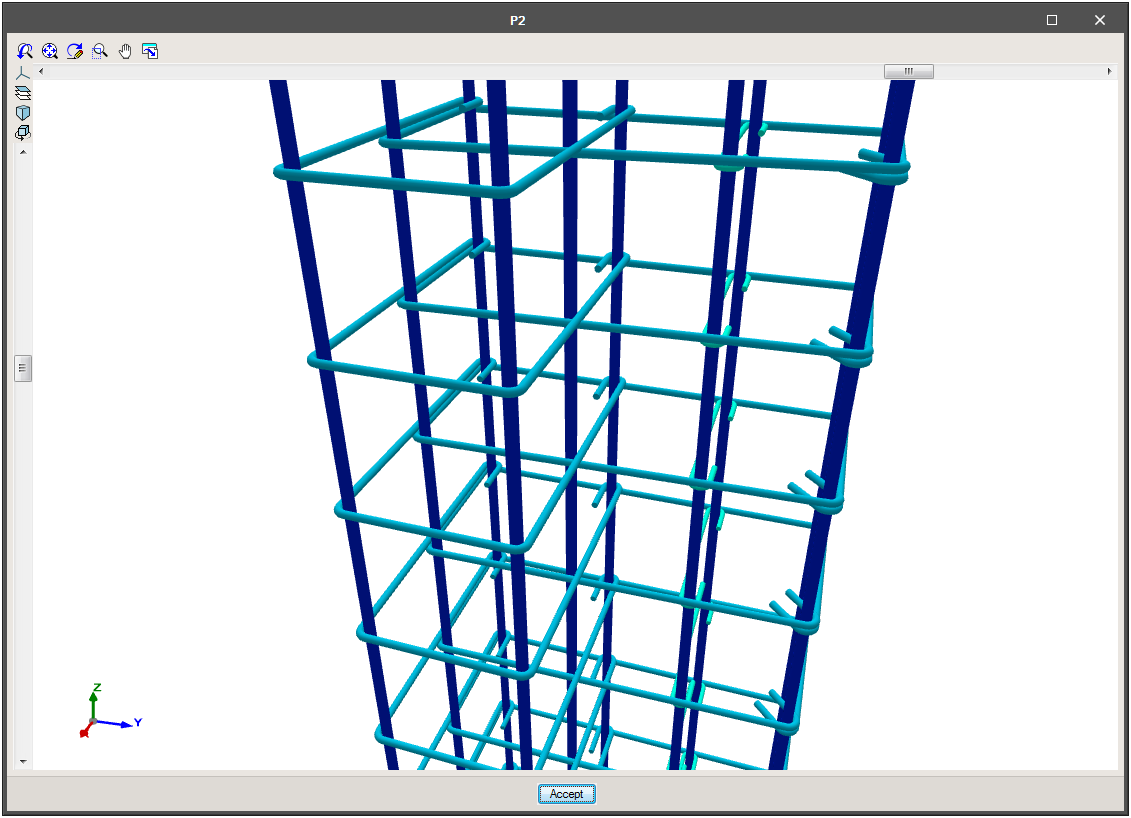
In “Results”, the spacing of the stirrups can be defined in the columns table, as well as the stirrup densification zones. Users can also view the details and consult the 3D view of the reinforcement.
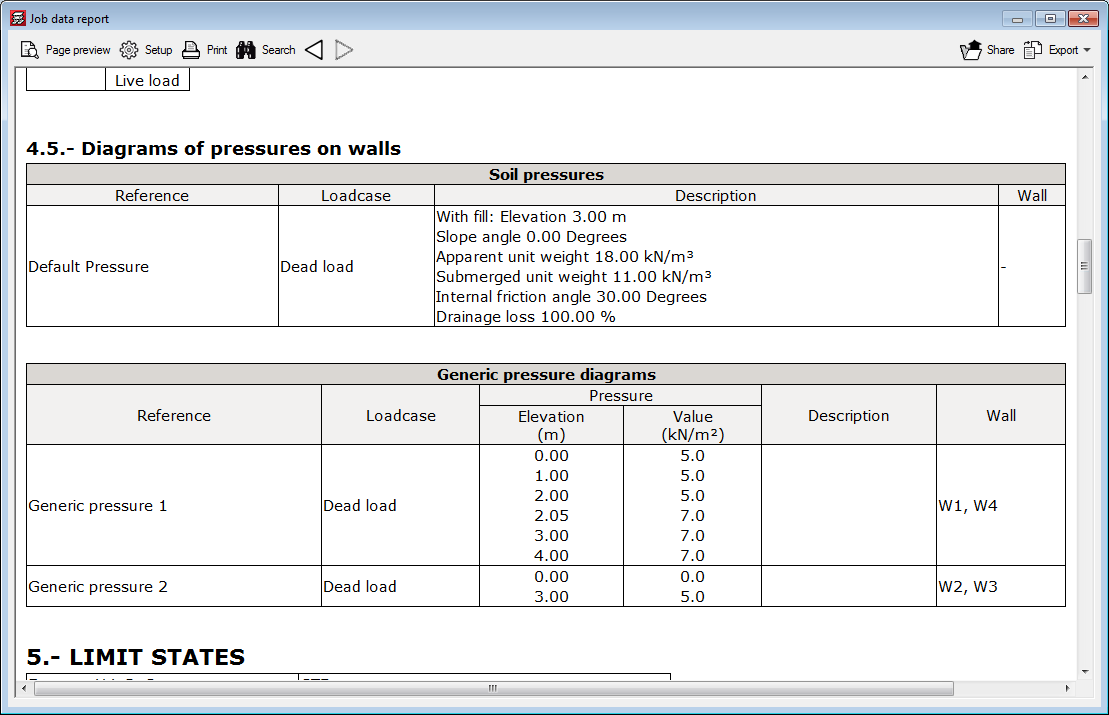
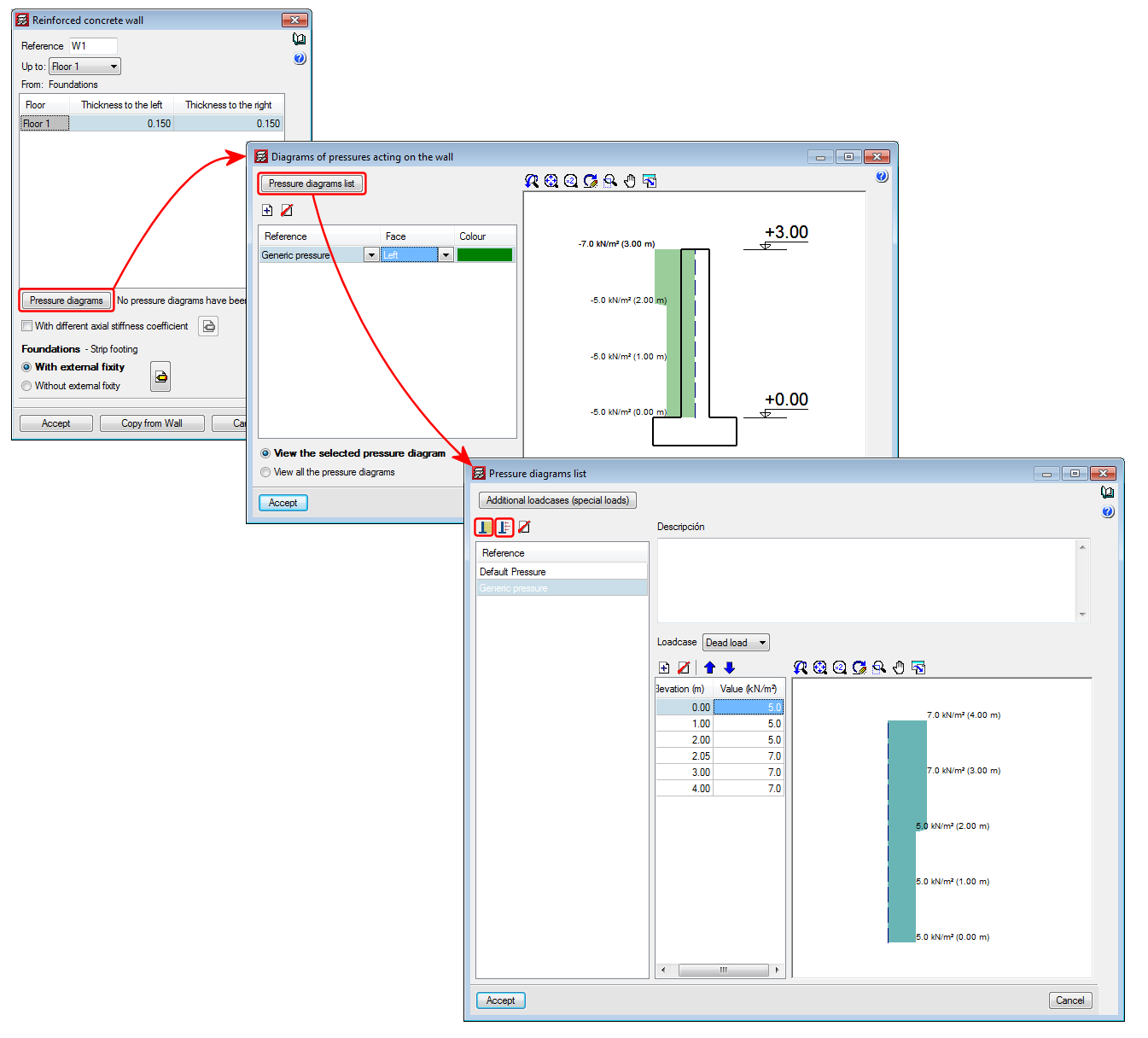
As of the 2018.e version of CYPECAD, pressures acting on walls can be defined. In previous versions, only soil pressures acting on walls could be introduced. With this improvement, as well as soil pressures, users can define a generic pressure diagram associated with any loadcase.
The Project data report includes the soil and generic pressures that have been defined in the project as well as the walls on which they act.
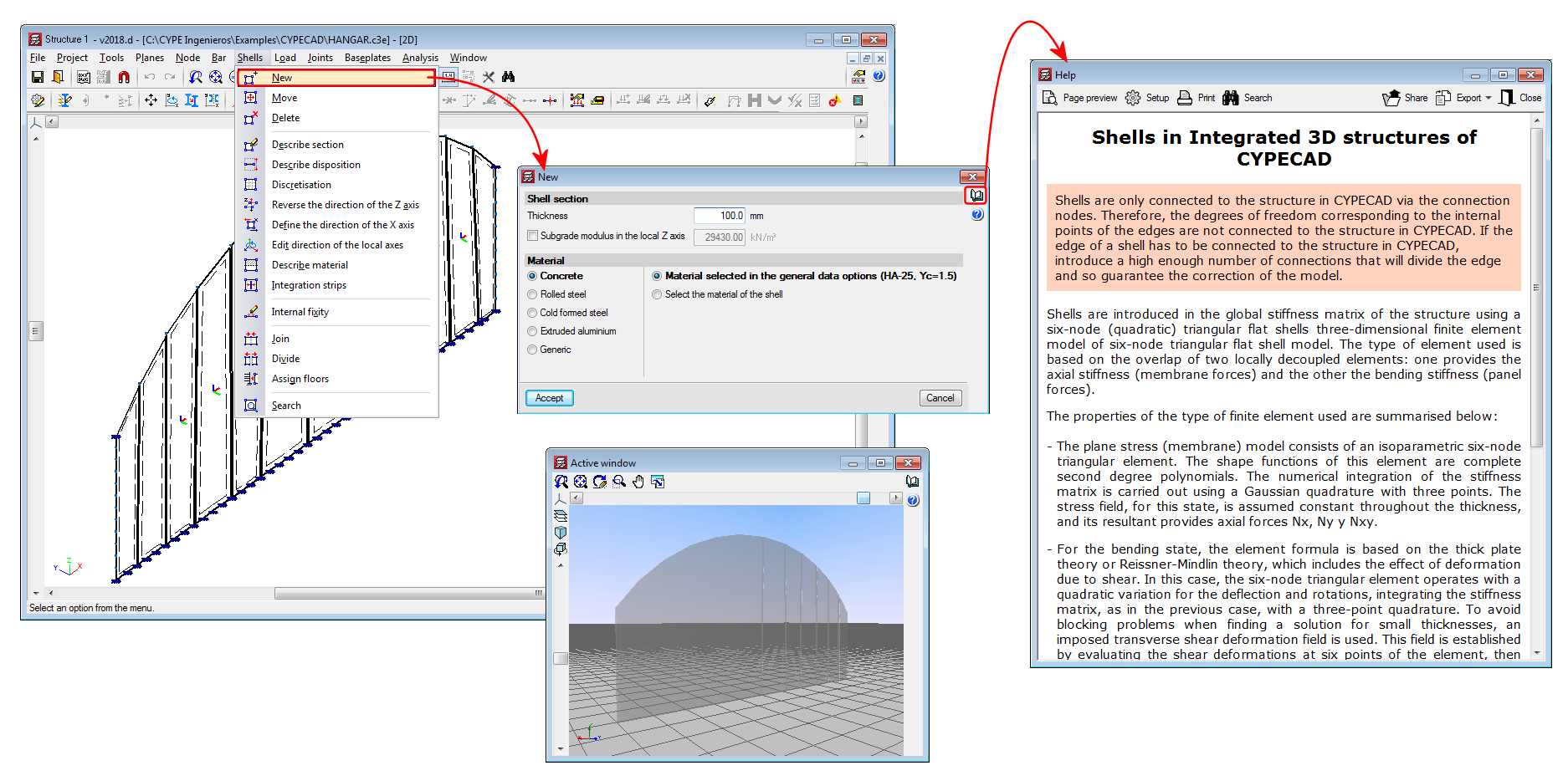
As of previous versions, flat shells (flat two-dimensional elements with a constant thickness) were implemented in the force analyses of CYPE 3D for concrete, rolled steel, cold-formed steel, aluminium and generic materials. These shells, however, could not be imported in Integrated 3D structures of CYPECAD.
As of the 2018.d version, users can define flat shells in “Integrated 3D structures of CYPECAD” by introducing them in the application itself or by importing CYPE 3D structures that contain shells. The operating mode is the same as that for CYPE 3D. Users must bear in mind that the shells of the “Integrated 3D structures of CYPECAD” are conditioned by their connection to the CYPECAD structure: the shells are only connected to the CYPECAD structure via the connection nodes. Therefore, the degrees of freedom corresponding to the internal points of the edges are not connected to the CYPECAD structure. If the edge of a shell has to be connected to the CYPECAD structure, users must ensure to introduce a sufficient number of connections that will divide the edge and guarantee the correction of the model.
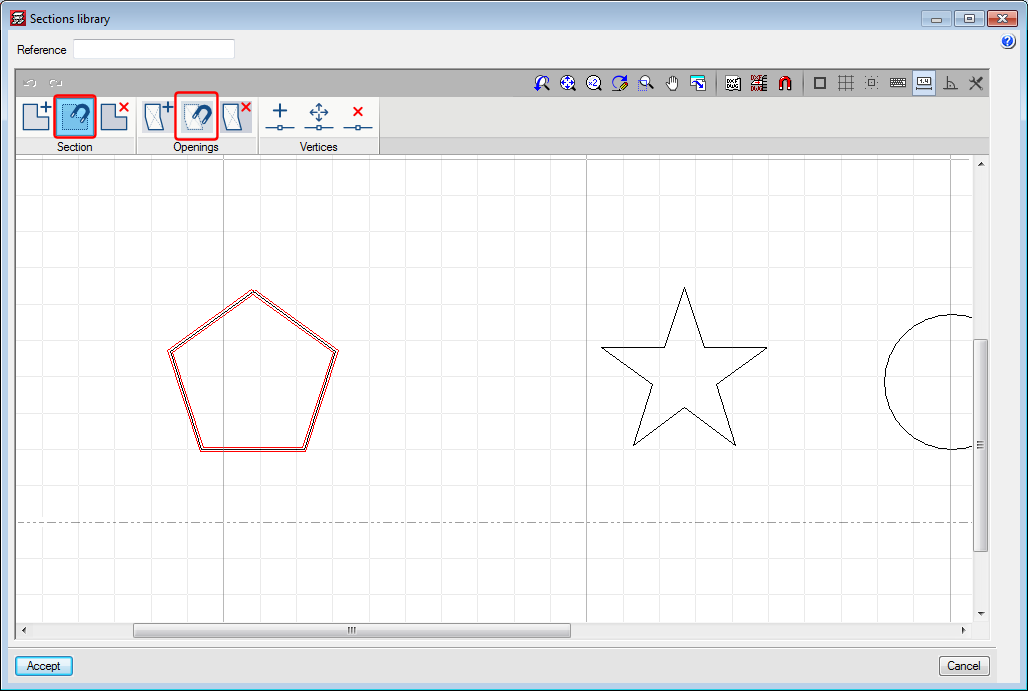
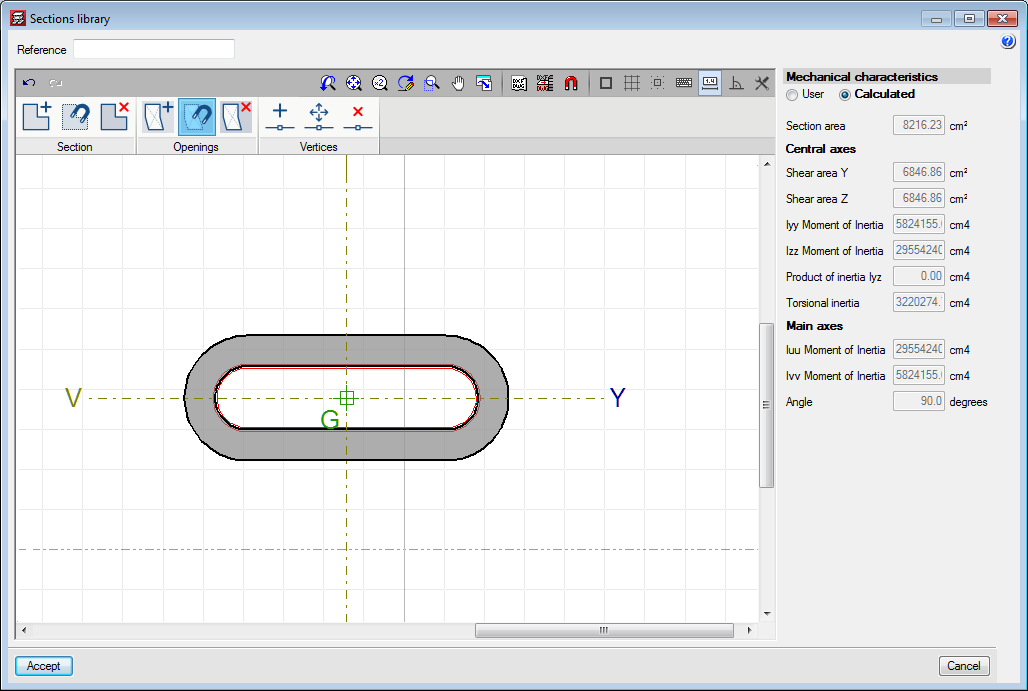
New tools have been implemented in the editor for columns with generic sections. One tool snaps to sections and the other snaps to openings of DXF or DWG templates. Both snap to closed polygons.
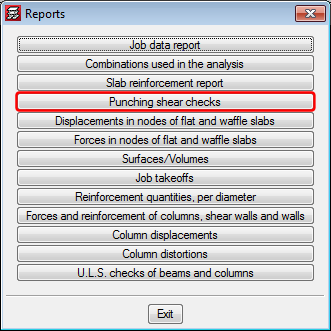
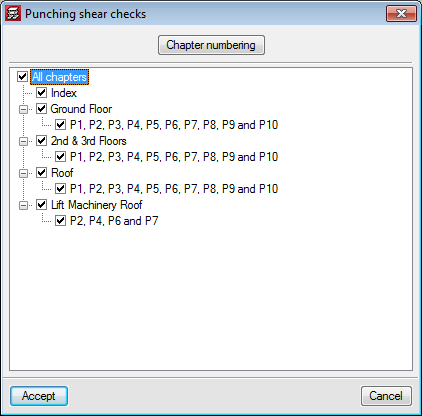
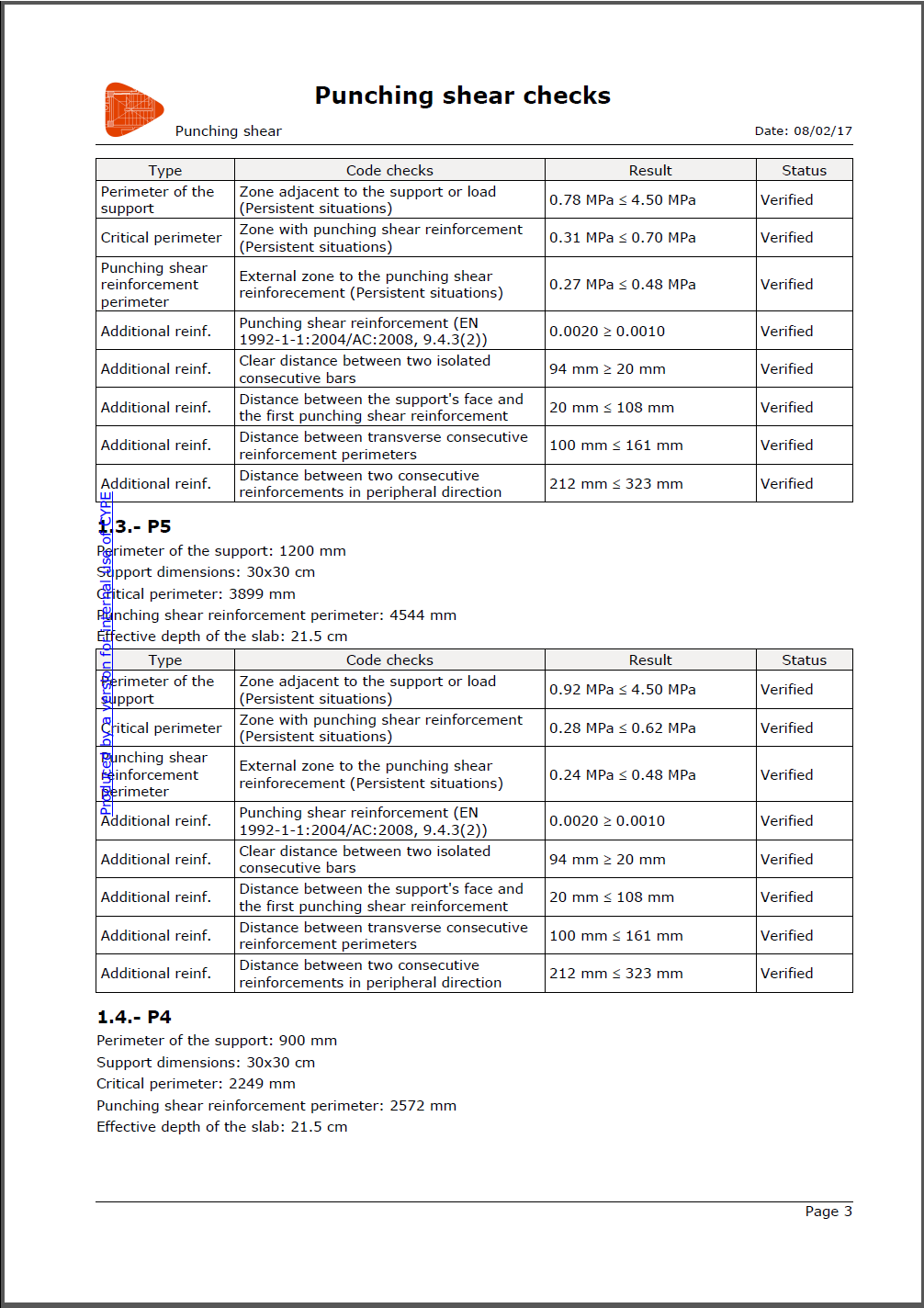
The report ‘Punching shear checks’ has been implemented. This report shows a summary of the punching shear checks that have been carried out for the selected columns.
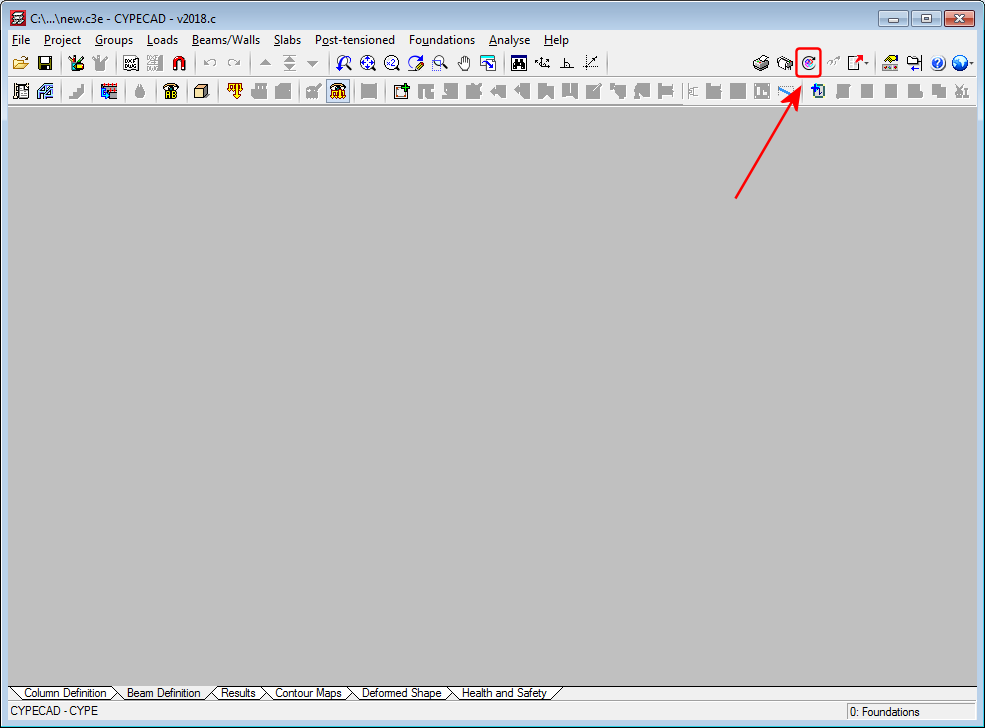
As of the 2018.c version, it is possible to import a BIM model in a CYPECAD project that has already been started, and in which no new floors have been defined. This improvement allows for links to be created with empty projects where the options in ‘General data’ have been previously configured.
The ‘Import’ button will appear as active in the ‘Beam Definition’ tab when no floors have been created in the project.
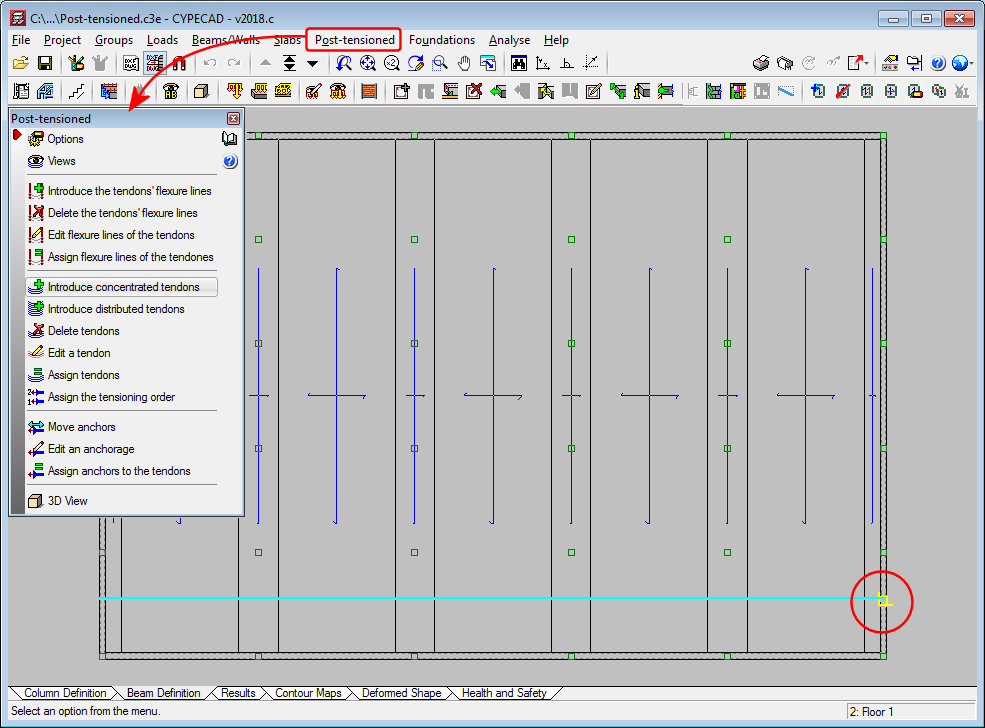
New snap points have been implemented in the introduction of post-tensioned tendon ends. In previous versions, when a tendon was introduced that crossed one or more panels, it was only possible to snap to the edges of the external beams. With this improvement, intersections with internal beams of the floor slab can be snapped to.
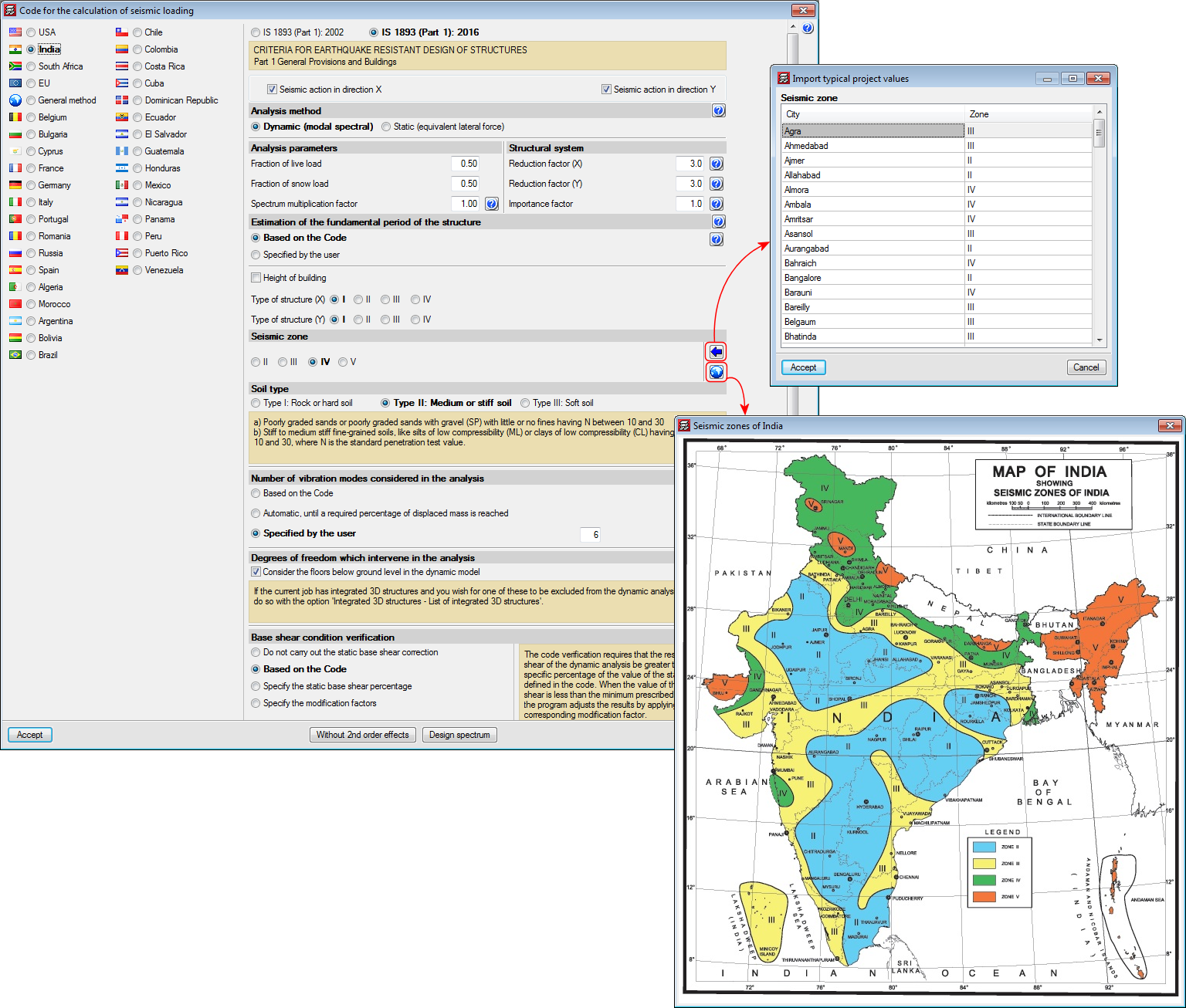
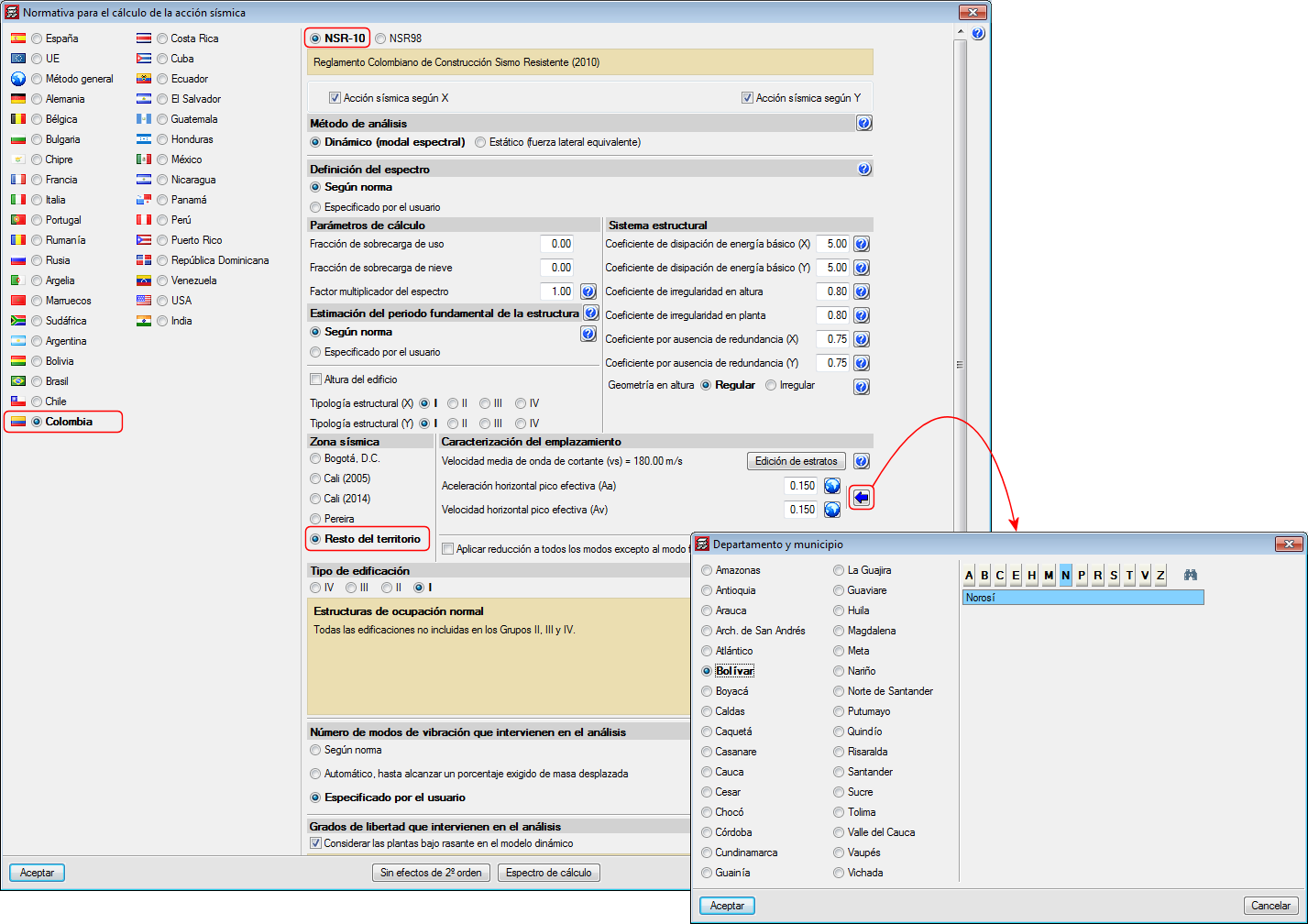
Decree 945 of 5 June 2017 published by the Ministry of Housing, City and Territory of the Republic of Columbia partially modifies the “Reglamento Colombiano de Construcción Sismo Resistente NSR-10”.
In the 2018.c version of CYPE programs, the changes indicated in this decree, which affect CYPECAD and CYPE 3D, have been implemented. These changes allow users to select certain municipalities that were previously omitted in the NSR-10 Regulation.
The municipalities that have been added are: Norosí (Bolívar), Guachené (Cauca), San José de Uré (Córdoba), Tuchín (Córdoba), Nariño (Nariño) and Coveñas (Sucre).
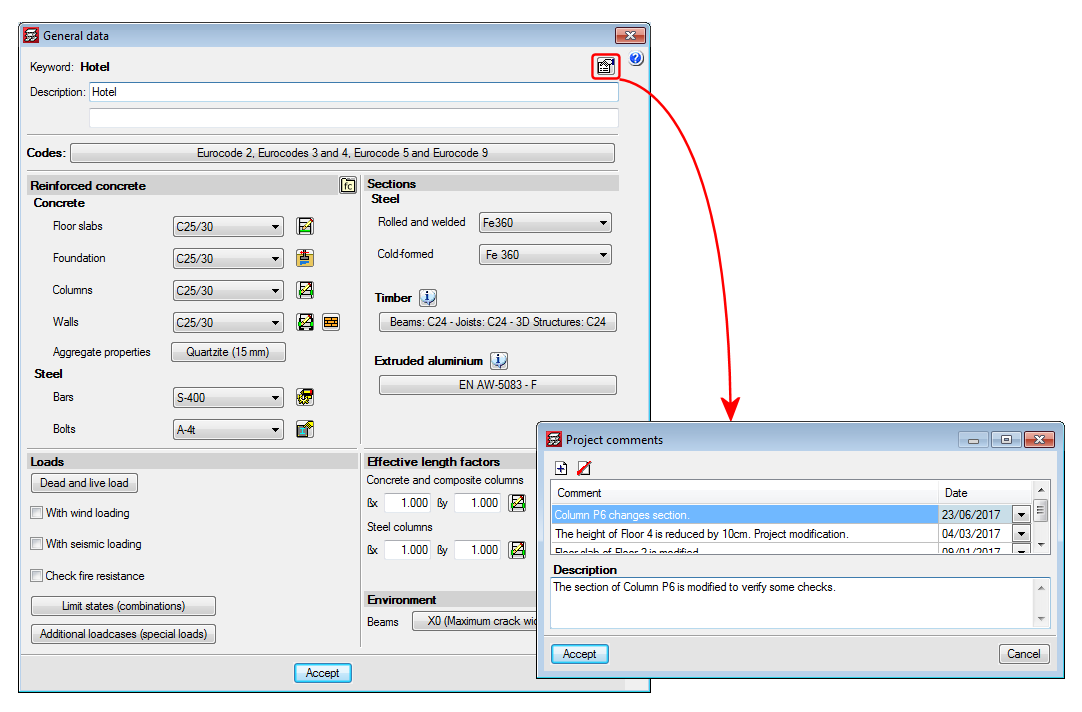
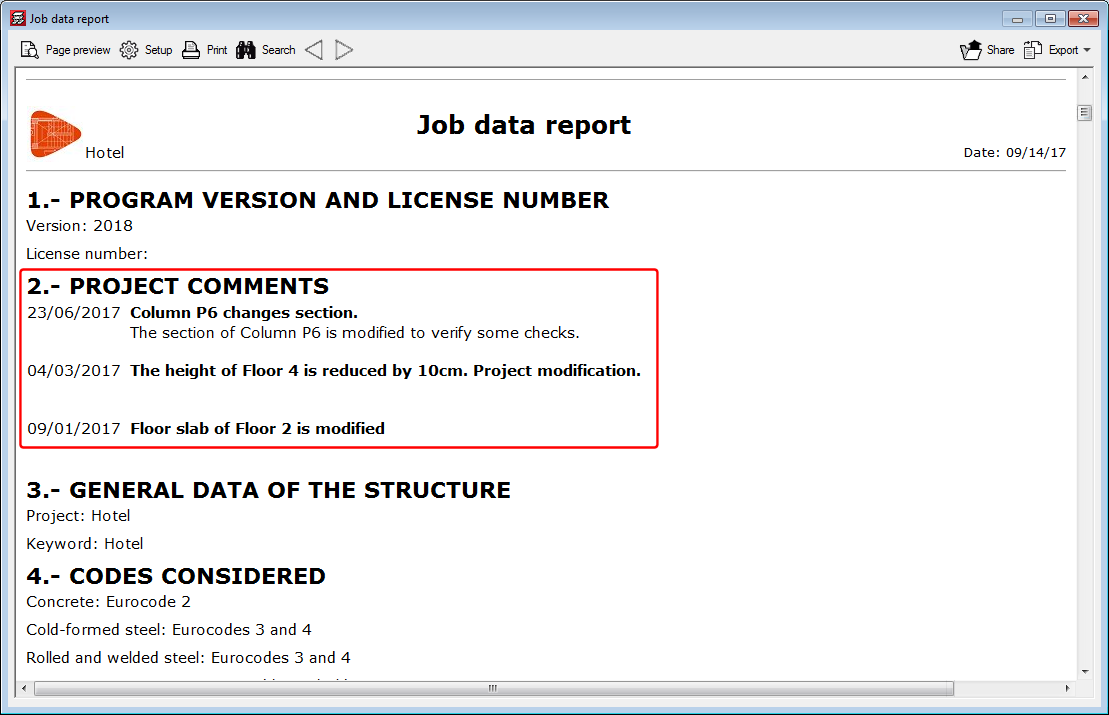
A tool has been implemented which allows users to add a history of comments to a project. These comments are added and managed in the “General data” dialogue box. All these comments can be displayed in the “Job data” report. This improvement allows users to manage a useful history of comments, changes, modifications or revisions carried out on the project.
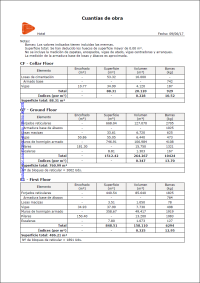
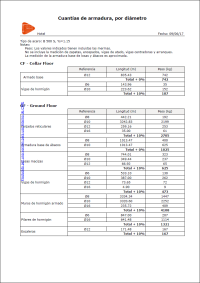
The “Job take-off report” has been improved and a new type of report: “Reinforcement quantities, per diameter” has been added.