Introduction
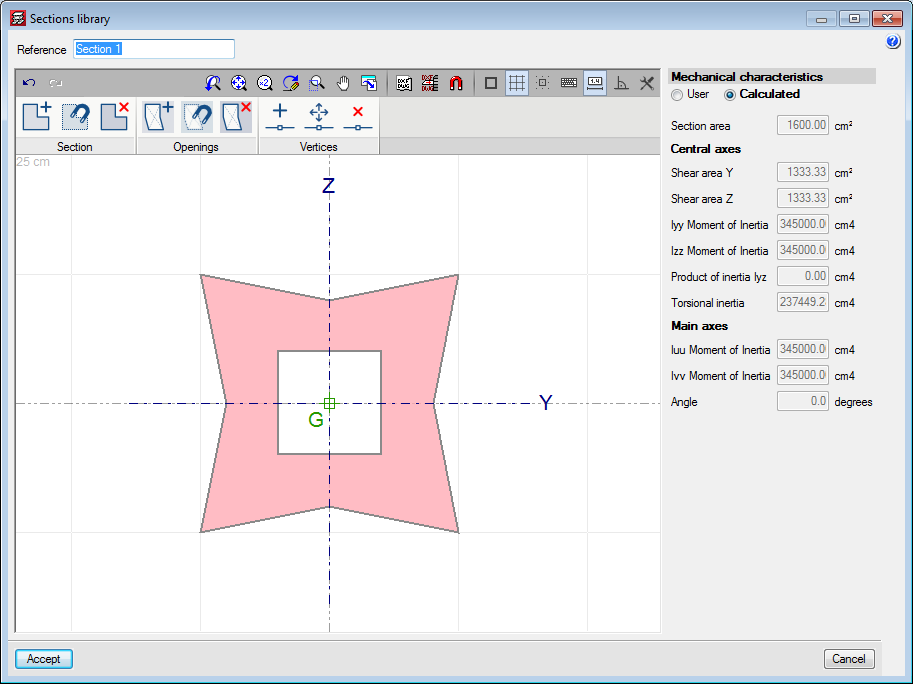
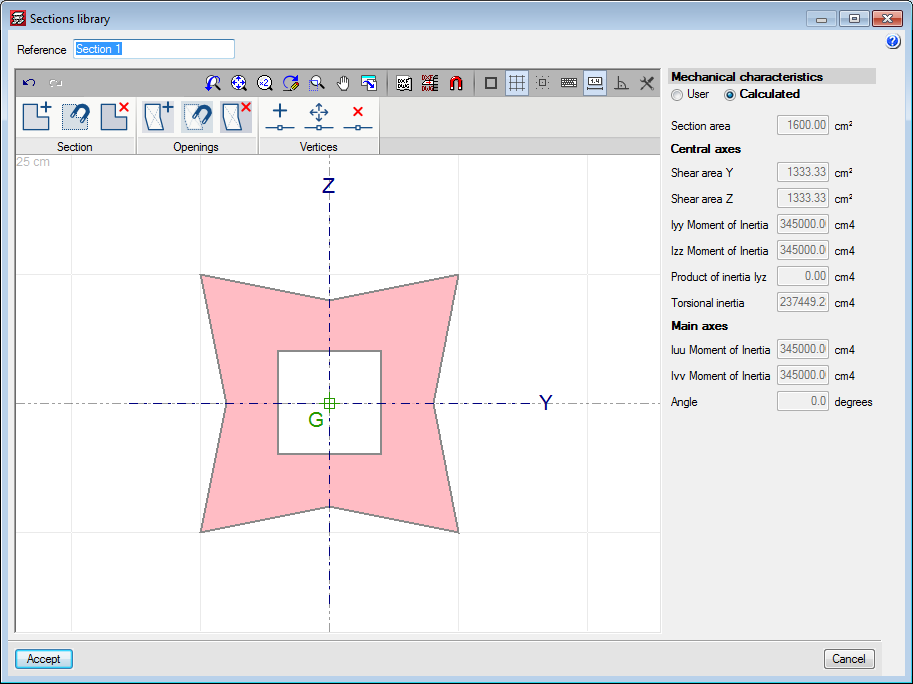
A new type of concrete column has been implemented: generic section columns defined by users. This improvement allows users to calculate projects with columns of any shape. Until the 2018.a version, concrete columns could only have rectangular or circular sections.
Generic section concrete columns are composed of a concrete section defined by users and a longitudinal reinforcement arrangement. Both sections and reinforcement arrangements can be edited by users.
The type of concrete and type of steel will be the same as that defined for other concrete columns in "General data".
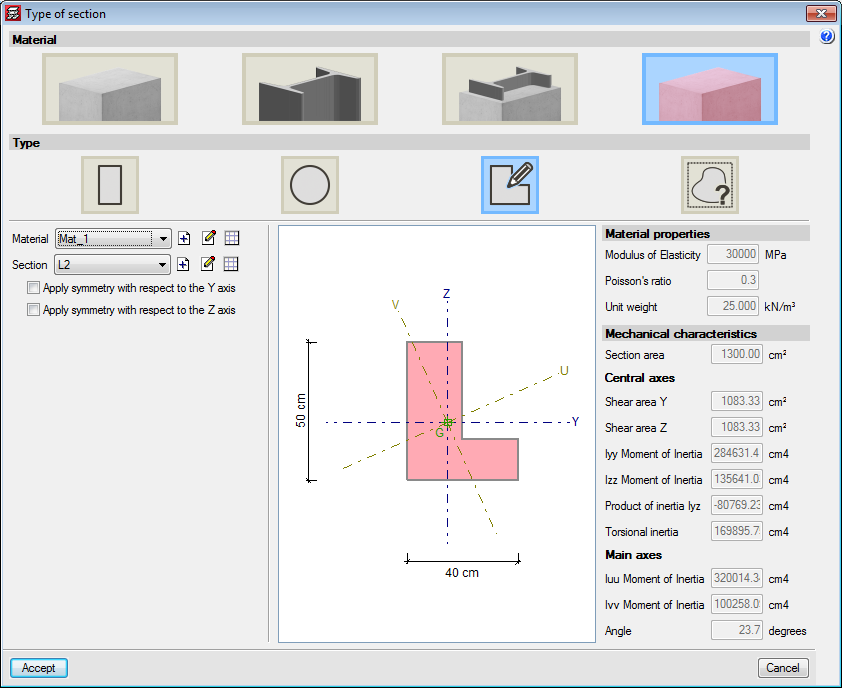
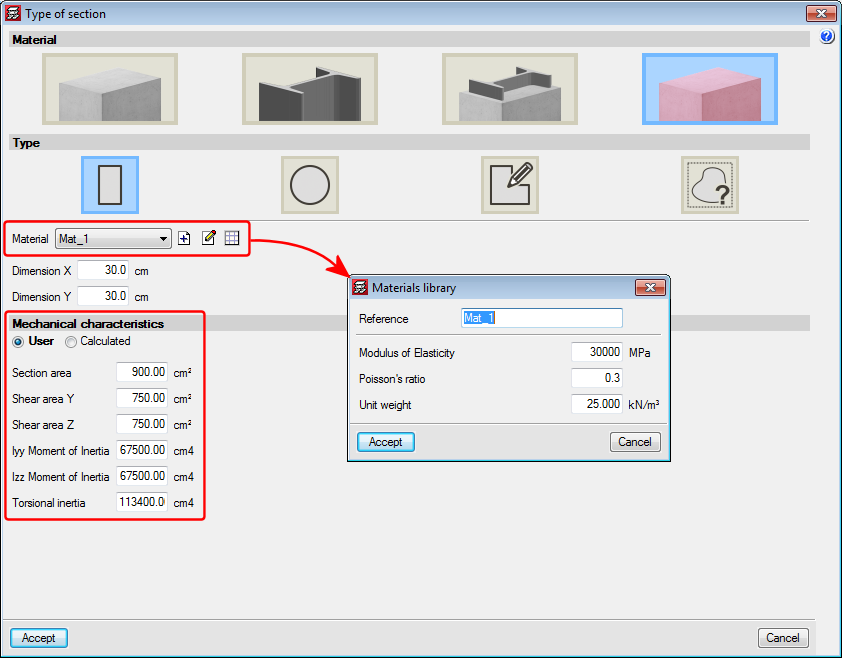
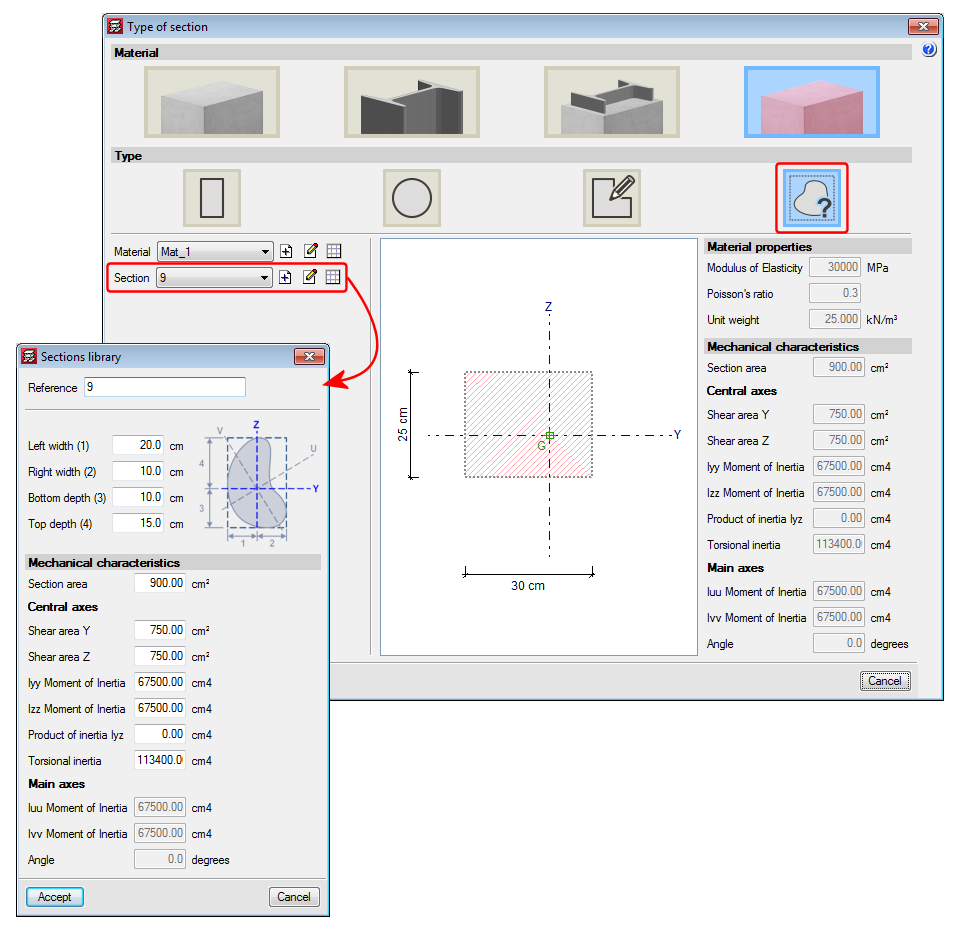
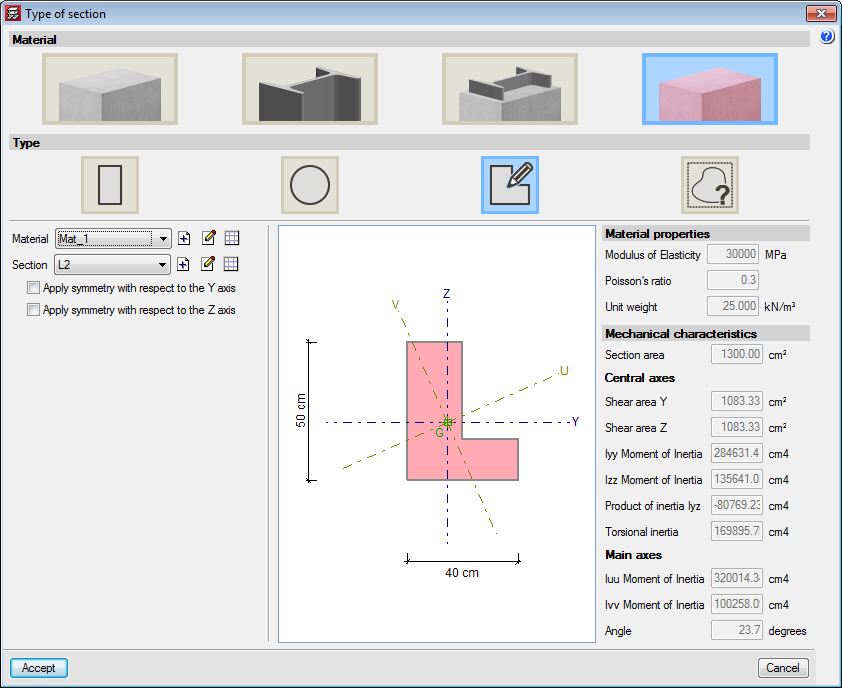
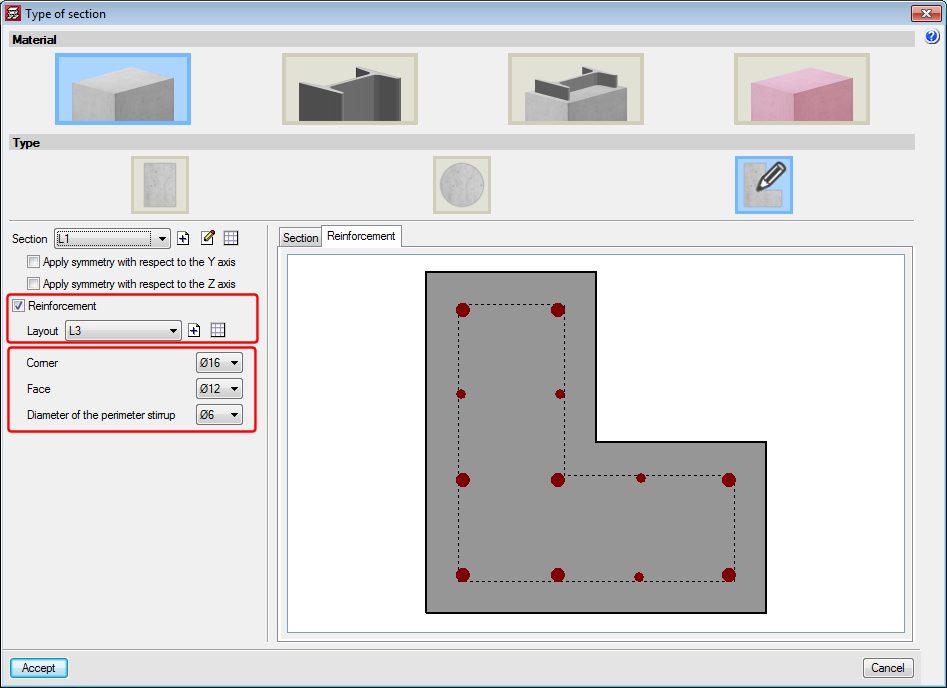
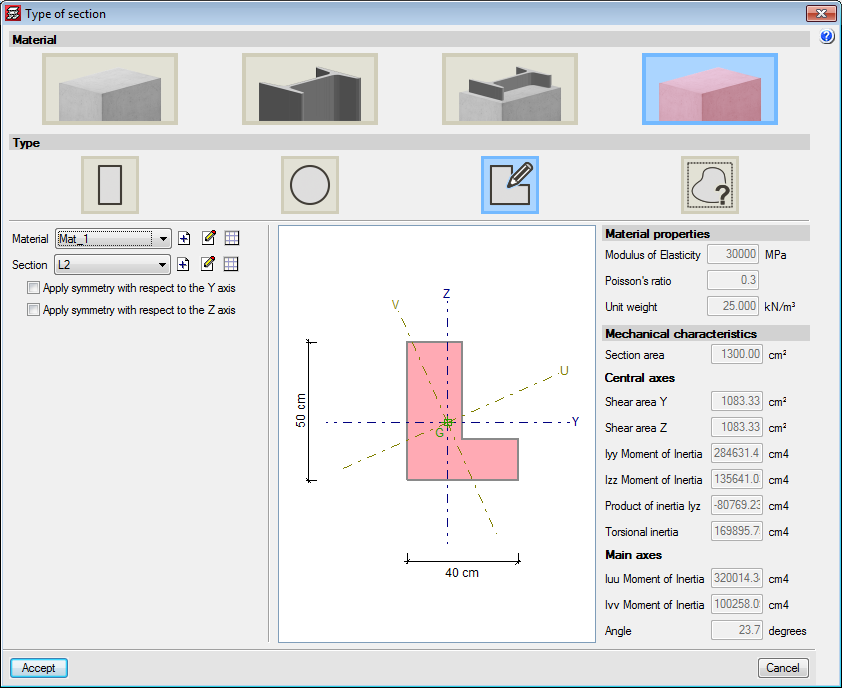
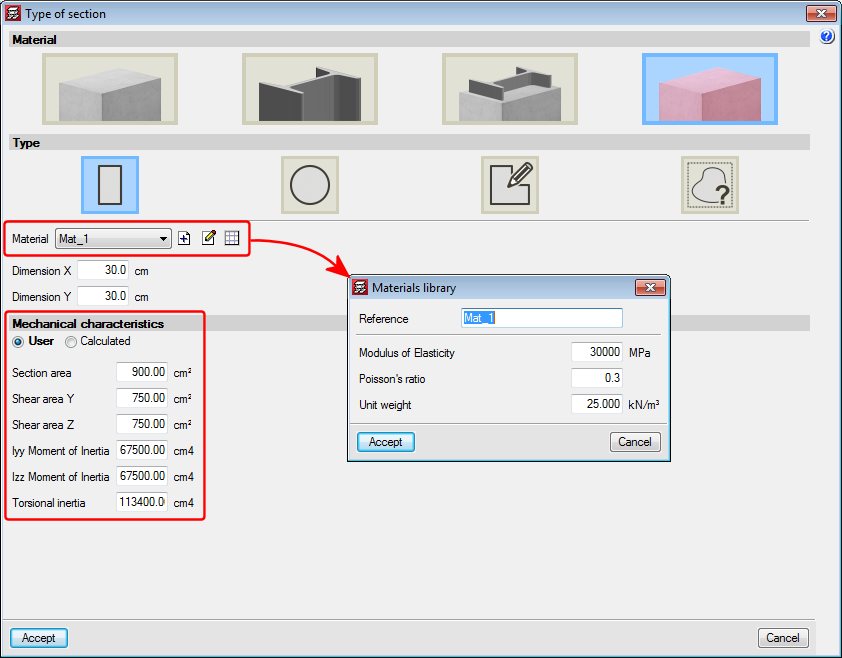
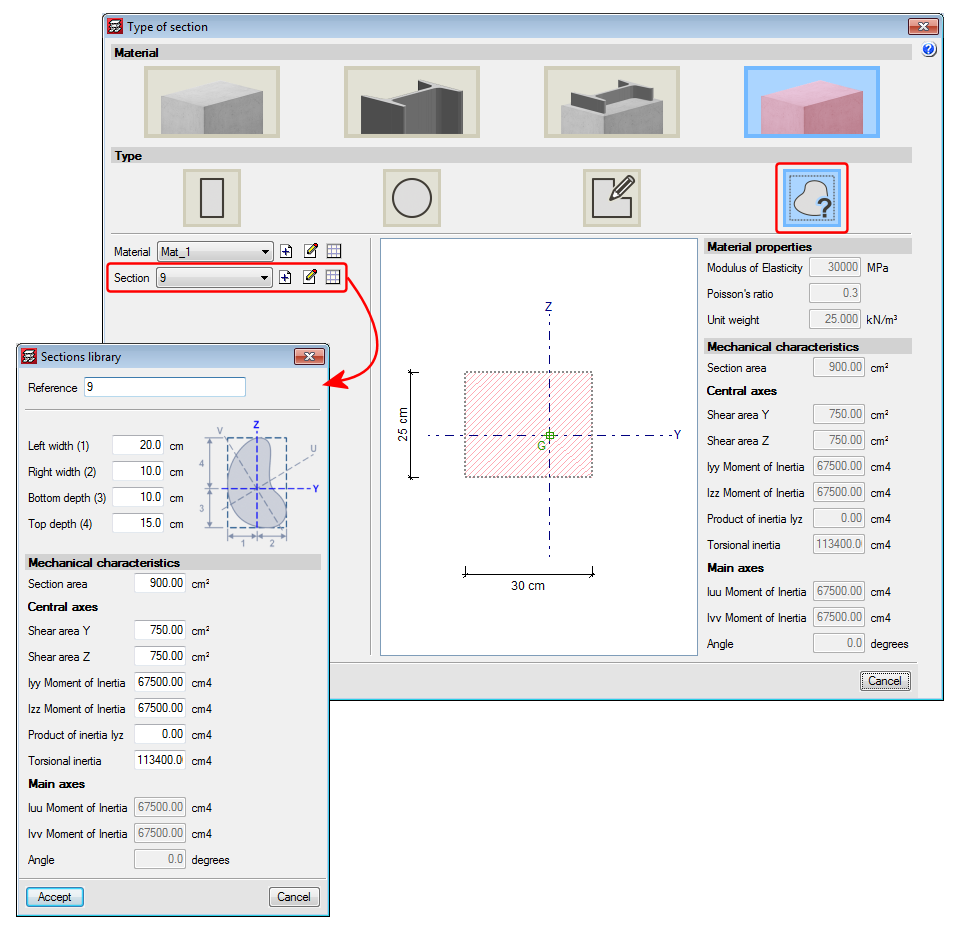
This new type of column appears in the "Type of section" panel, which is displayed when introducing or editing a column. It is possible to select a section from the library or add a new one. This section may be symmetrical with respect to the local axes. Furthermore, it is possible to define a reinforcement arrangement and the diameters of the longitudinal bars. Placing reinforcement is optional, if the 'Reinforcement' option is not activated, the column will not be checked. It will intervene in the force analysis, but no checks will be carried out on it. The reinforcement can be assigned in the "Column Definition" tab and the "Results" tab by editing the “Column schedule”.
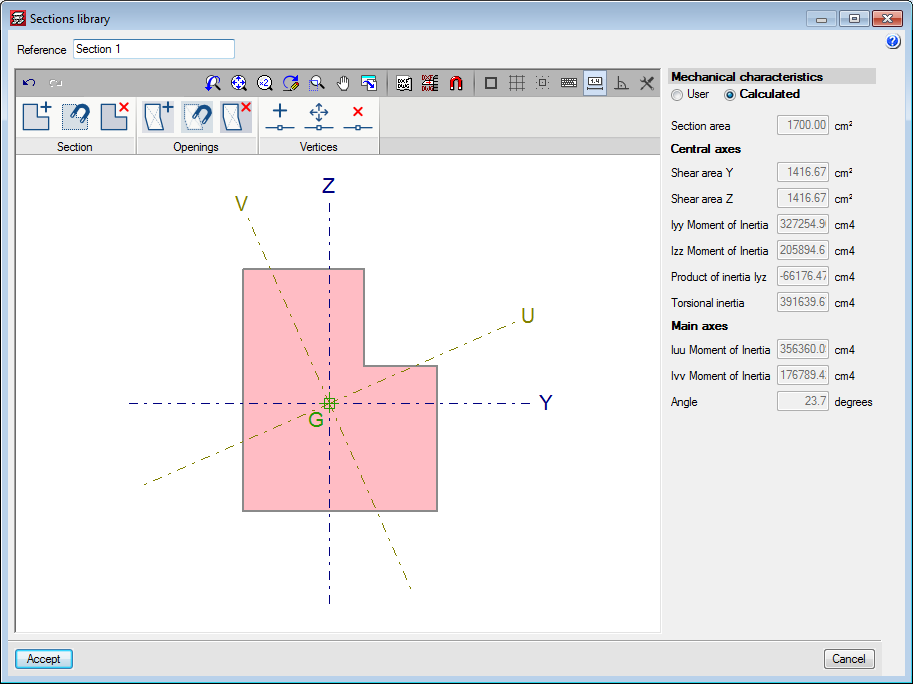
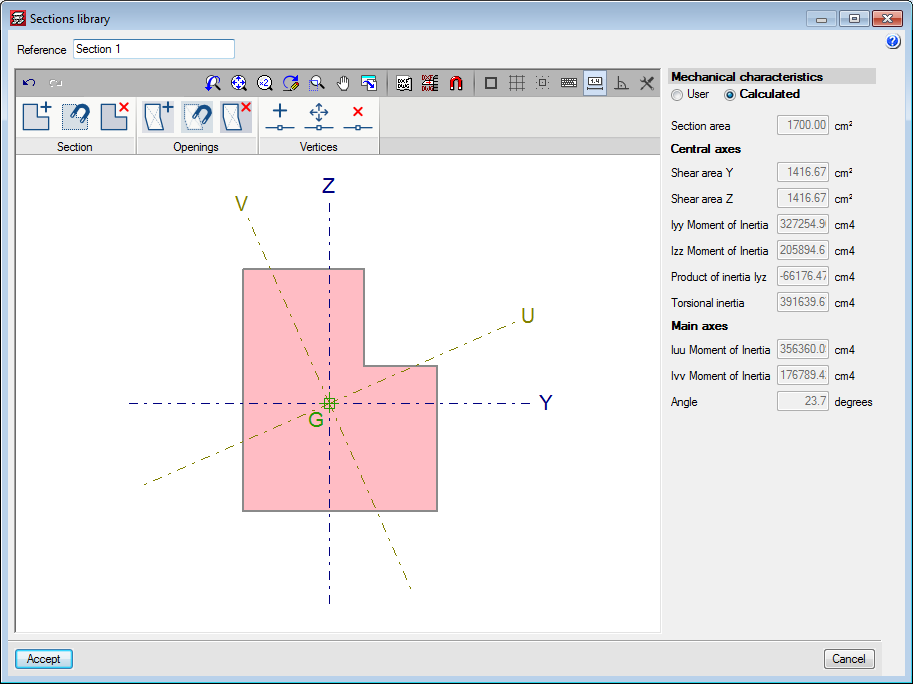
Generic sections defined by users can be stored in a library that will be shared with generic section and material columns. Both types of columns use the same generic section editor, which has been referenced on this web page in “Generic sections” in the "Generic material columns" section.
Layout of the longitudinal reinforcement
For checks to be carried out on these columns, reinforcement must be provided. To do so, a reinforcement layout that is compatible with the section of the column and the diameters of the bars must be chosen. A reinforcement layout defined in a section will be compatible with sections of the same shape. For example, if a user defines a series of reinforcement layouts which can be used for a regular pentagonal section, these layouts will be compatible for use with another section of the same shape but with different dimensions.
The different reinforcement layouts are stored in a user-defined library.
Based on a previously introduced section, a longitudinal bar layout can be defined. Several options to define the position of the bars are included in the layout editor.
It should be noted that bars are not defined with a specific diameter, just their position. This way, a longitudinal bar layout can be used from the library for columns with bars of different diameters and even for sections of the same shape but with different dimensions.
The tools of the layout editor are:
- Generate bars in corners
- Place bars in all the vertices of the section
- Introduce bars in the selected corner
- Introduce bars on one face
- Introduce bars between two points
- Introduce a bar at a free position
- Delete bar
- Define tags
Tags allow for bar groups of the same diameter to be defined, or simple to provide a reference as to their position. Each tag will be assigned a bar diameter.
Drawn in the section view is a discontinuous line, which represents the zone that lies inside the perimeter stirrup, where the corner and face bars will be placed. Therefore, the total cover of the bars defined at the corners or faces will be the sum of the geometric cover and the diameter of the perimeter stirrup.
When bars are added at corners, a panel appears where the tag can be defined, and where users can choose whether to introduce one, two or three bars. A similar panel appears with bars at the faces, where users can define the tag of these bars, the number of bars along the face and whether a single bar or two joined bars are to be placed.
Column schedule
Users can edit and check these sections from the column schedule. The program checks the maximum and minimum reinforcement requirements and resistance against normal forces. The present version of the program does not design the reinforcement; it checks the reinforcement defined by users.
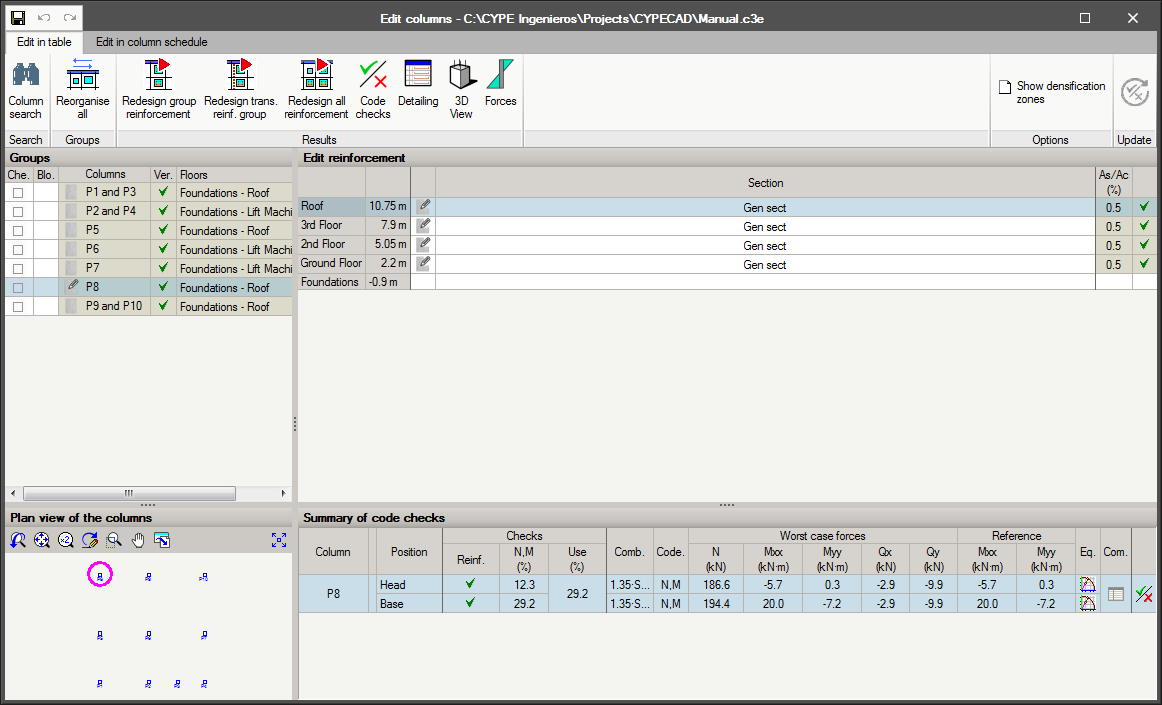
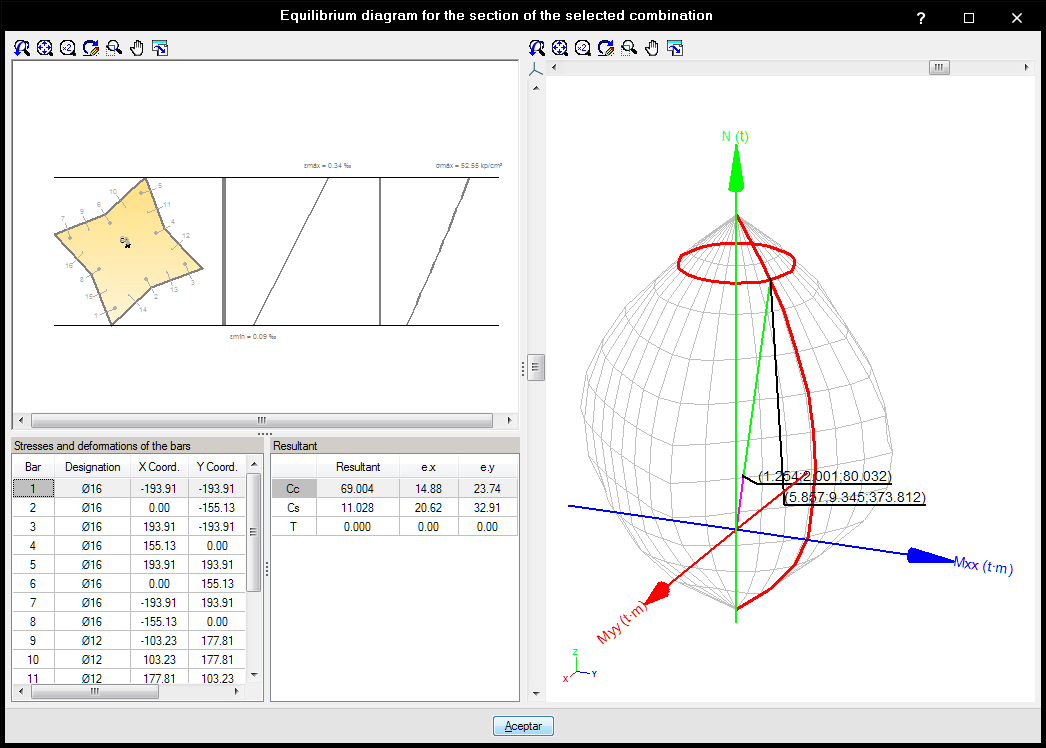
From the column schedule, users can:
- Edit the diameters of the bars of the reinforcement layouts assigned to the section.
- Add new layouts.
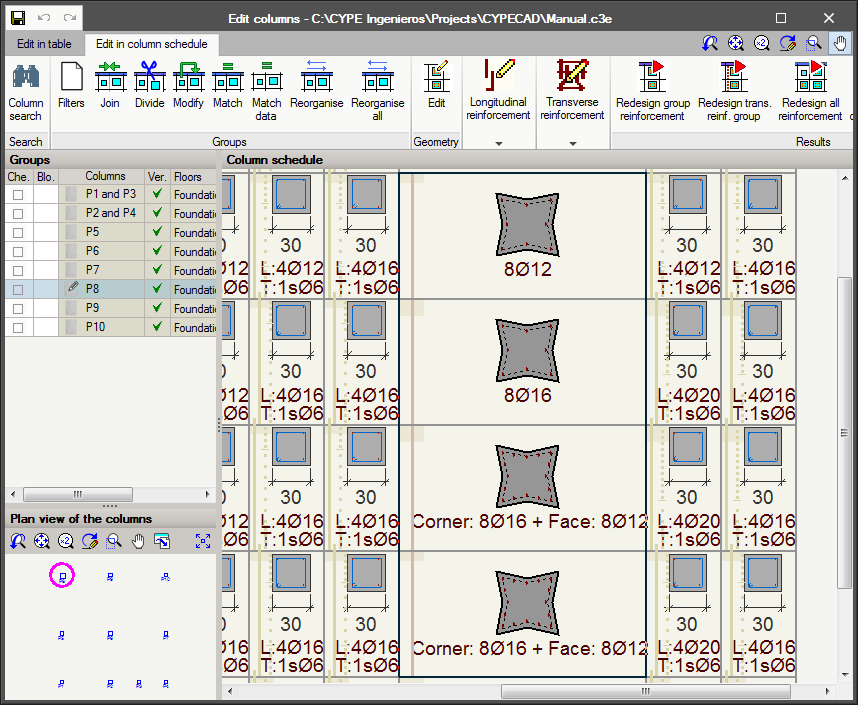
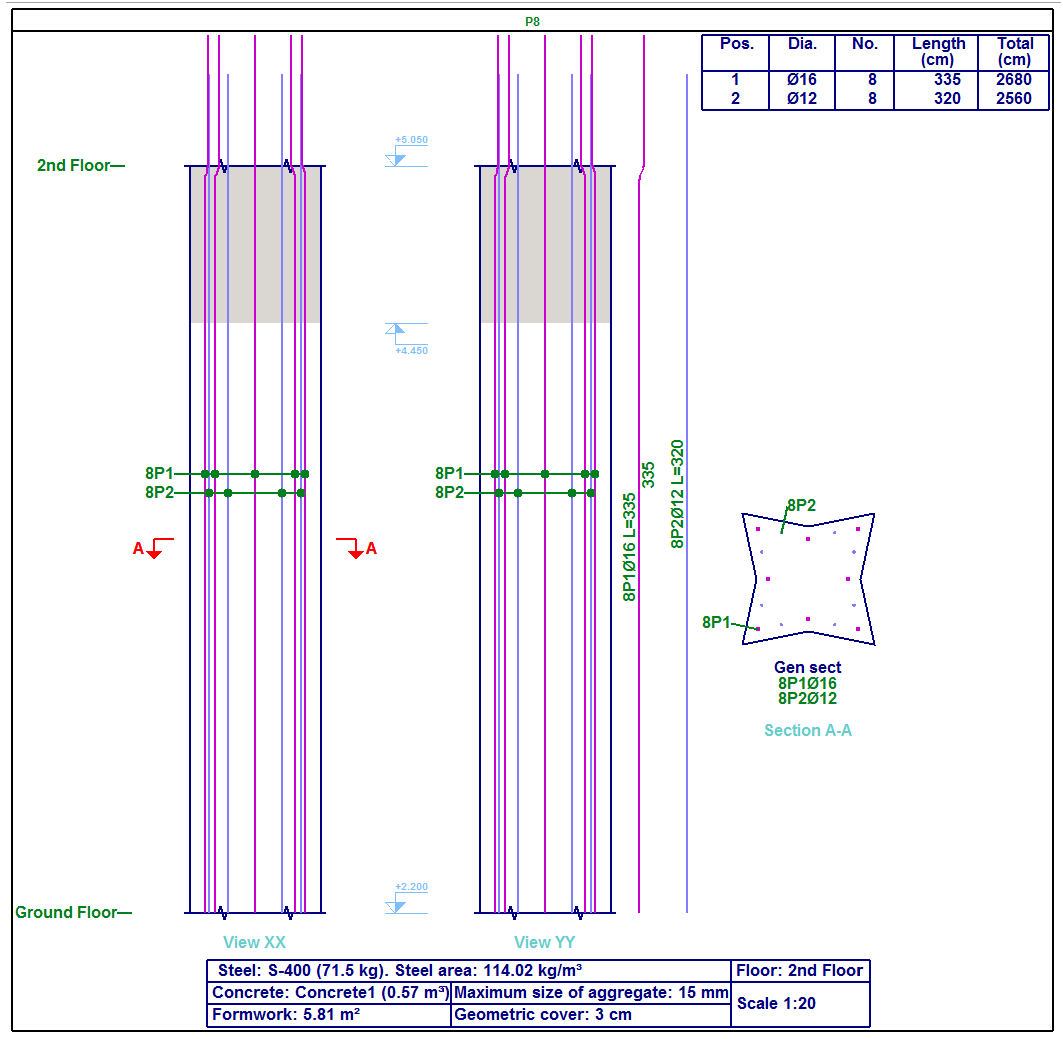
The same drawings and reports can be generated as for rectangular or circular columns, bearing in mind that the steel quantities do not include those of the transverse reinforcement.