Update history​​

CYPECAD

As well as the check for cracking that can be activated for concrete beams in previous versions, the check for cracking has been added for the following concrete reinforced concrete elements:

  • Sloped beams
    The check for cracking in sloped beams is activated with the same option as for all concrete beams (Job > Beam options > Cracking Code check)
  • Strap and tie beams
    The check for cracking for strap and tie beams is activated in Job > General data > By position button > Foundation tab> Strap and tie beam options button > Code check for cracking
  • Footings
    The check for cracking for pad footings is activated in Job > General data > By position button > Foundation tab > Strip and pad footing options > Code check for cracking

For codes BAEL-91 (R-99)CIRSOC 201-2005 and ACI 318 M-08, it is verified that the tension in the reinforcement does not exceed that stated in the codes. The user classification is taken into account (cracking causing little harm, Harmful or Very harmful). Cracking control in common beams (CYPECAD) is adapted to the criteria of the code.

For the remaining codes, the fissure aperture is calculated, also checking that this value is less than the admissible maximum, which may be edited by the user.

The load combinations are automatically generated in accordance with the concrete code, depending on the data introduced in the Limit states dialogue: Job > General data > Limit states (combinations) button.
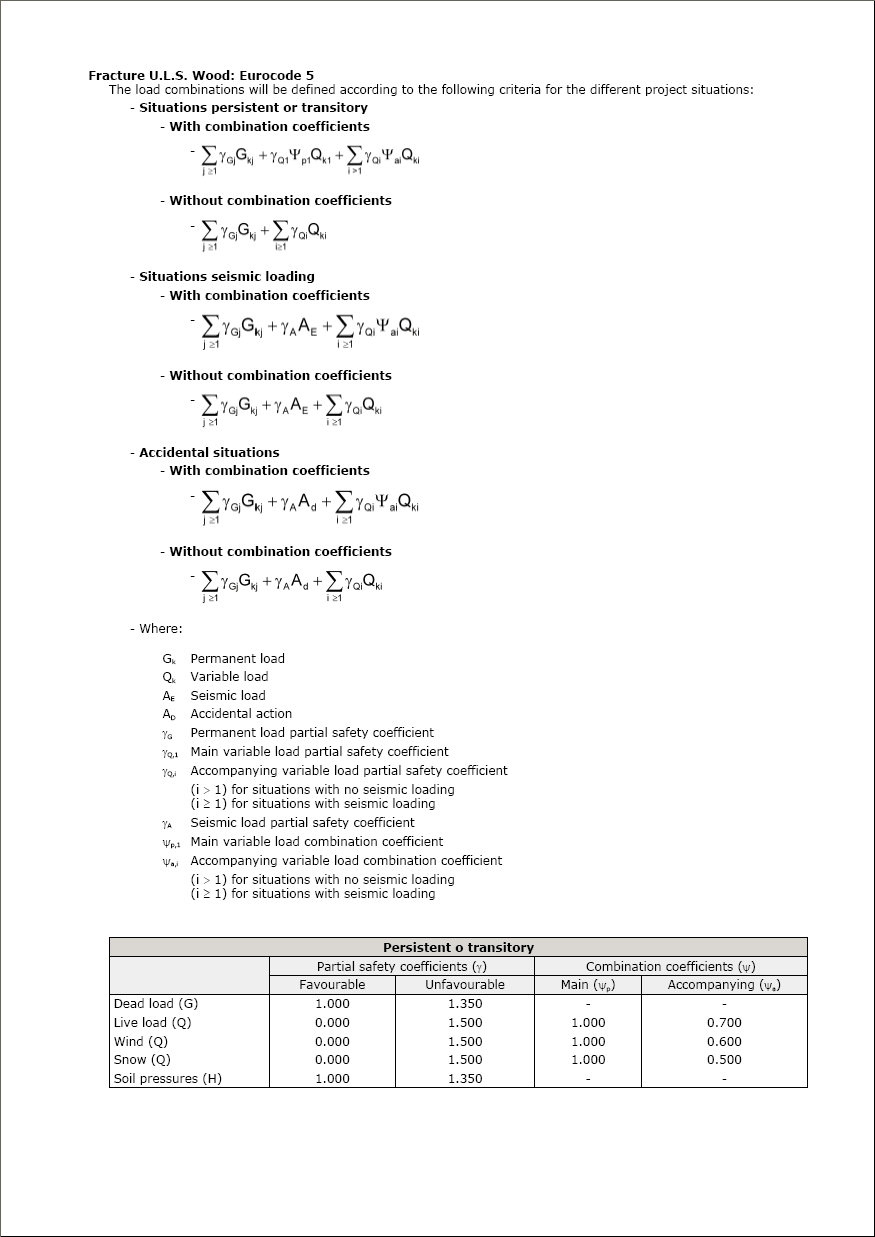
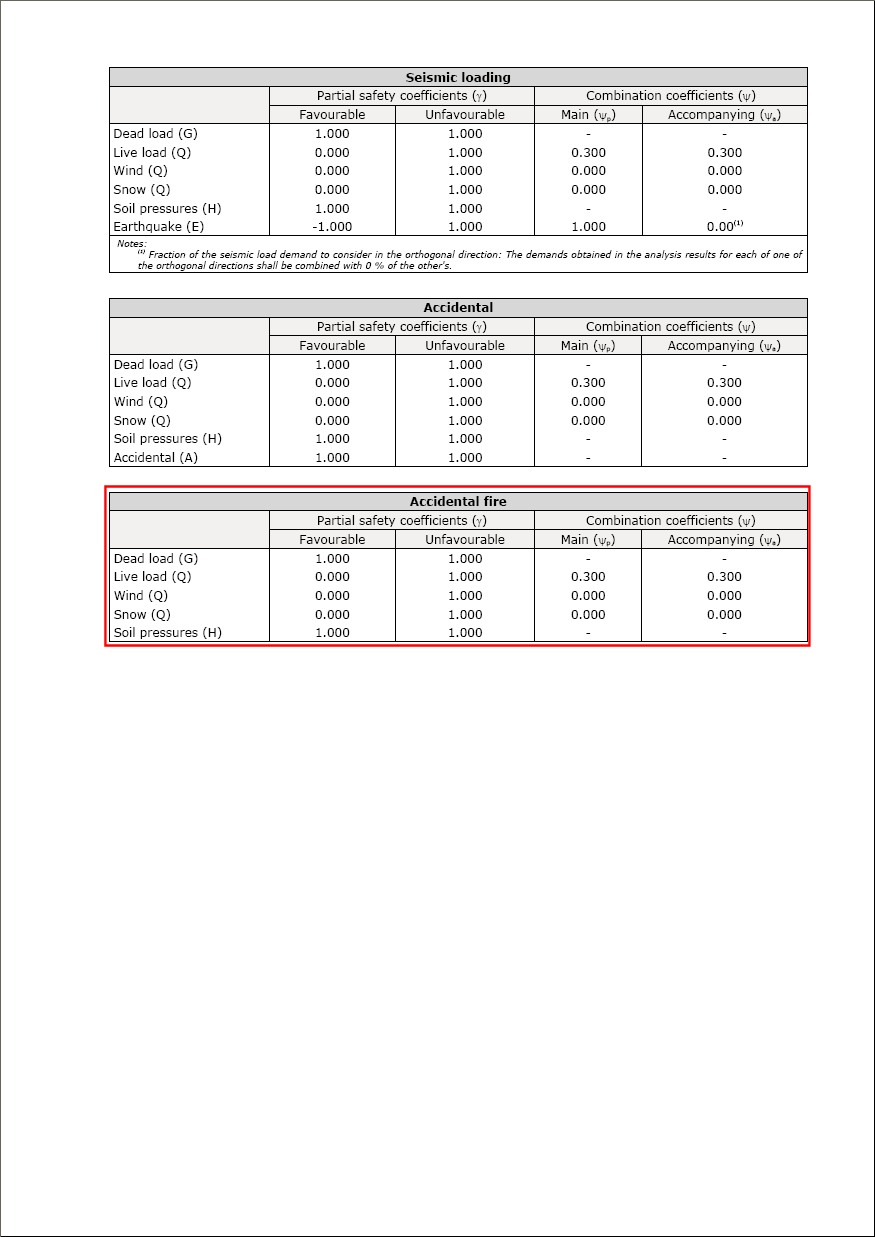
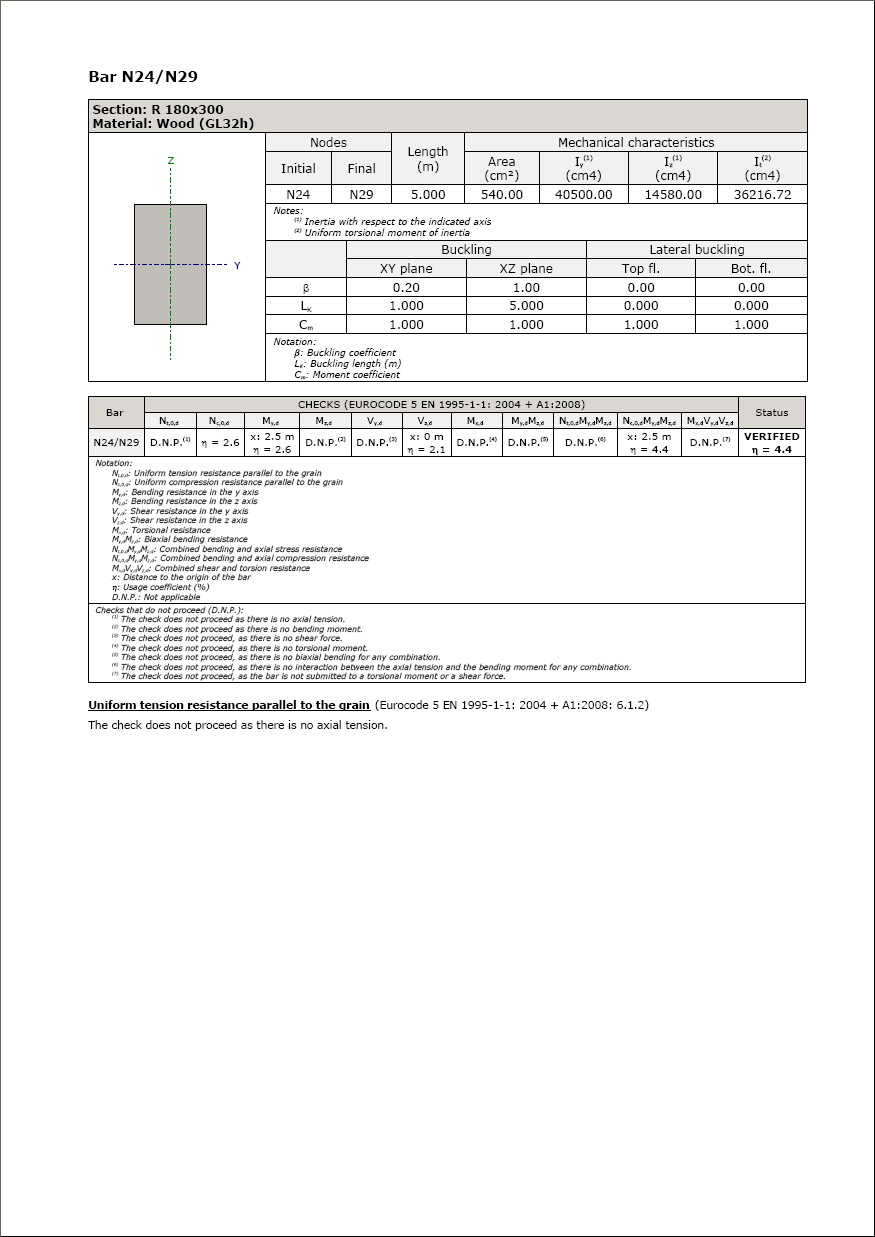
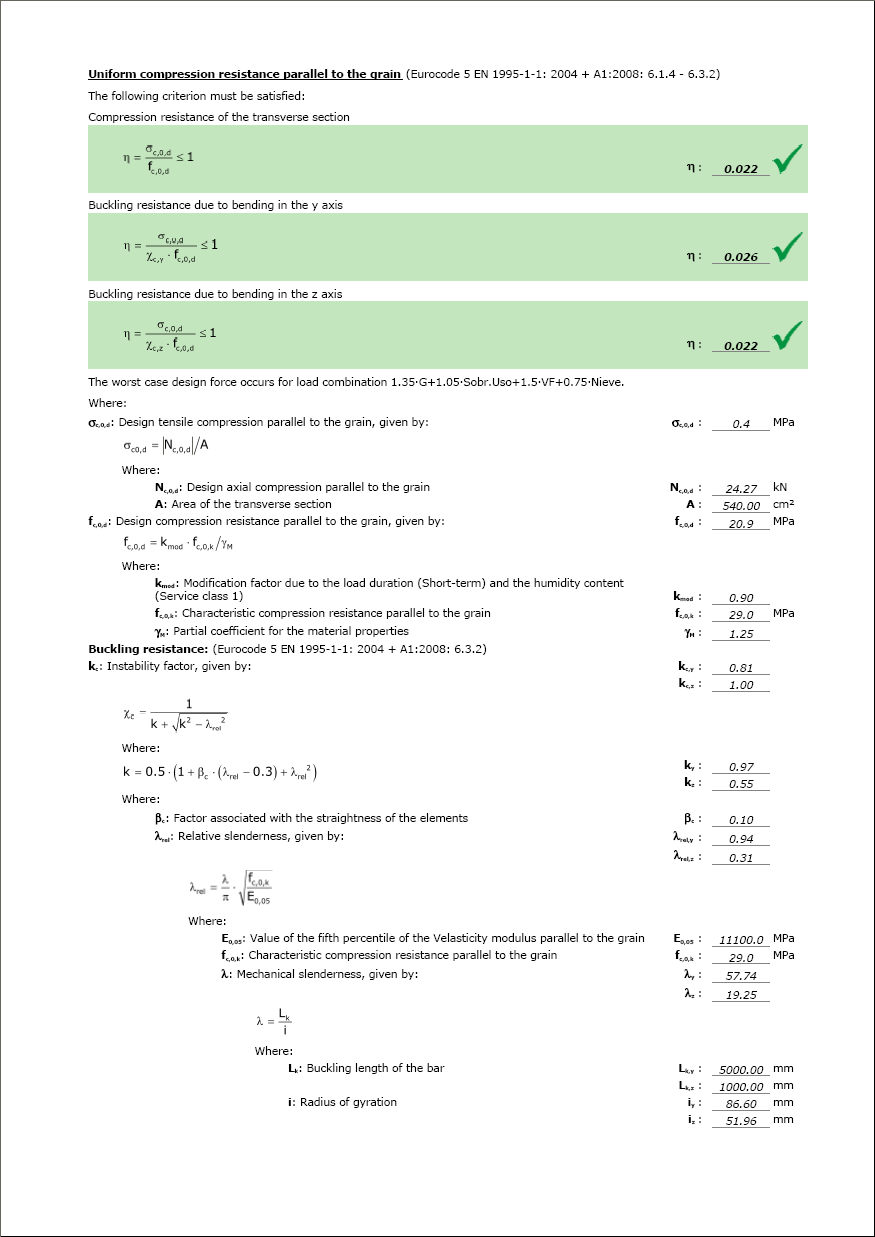
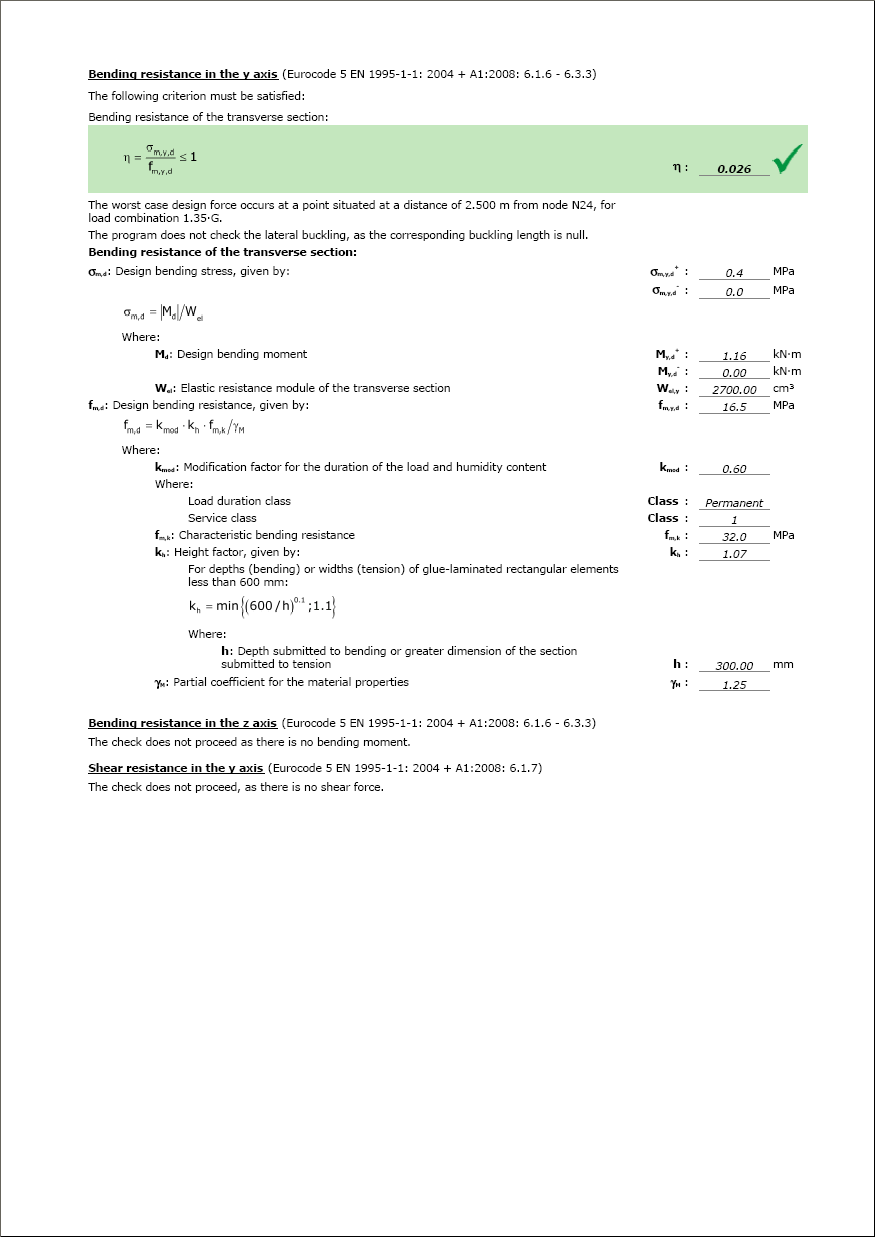
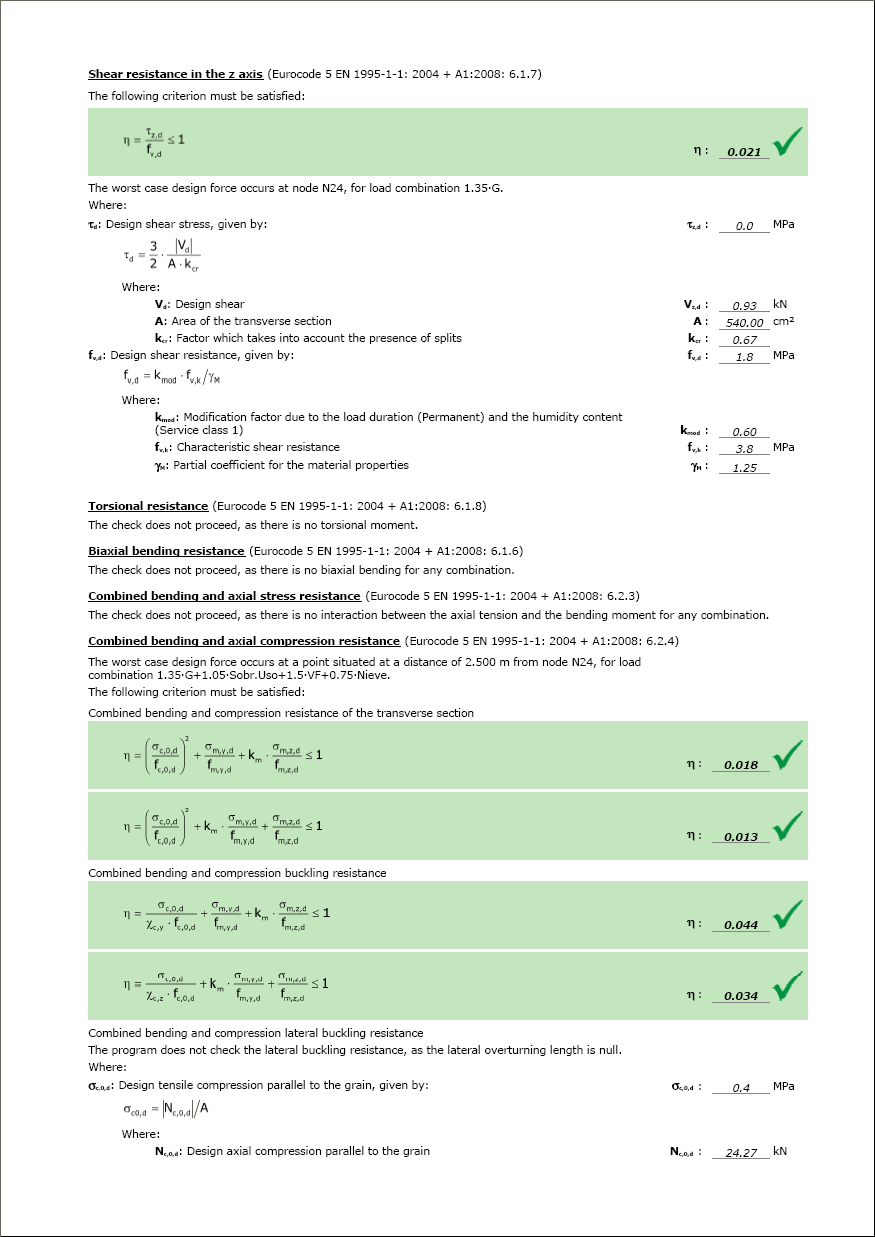
The classification of the combinations with respect to the duration of the load has been improved. This improvement is important for the resistance calculation of wooden sections.

The automatic generation of accidental fire combinations for wood has been implemented according to the codes for wooden sections: CTE (Spain), Eurocode and NBR 7190 (Brazil).

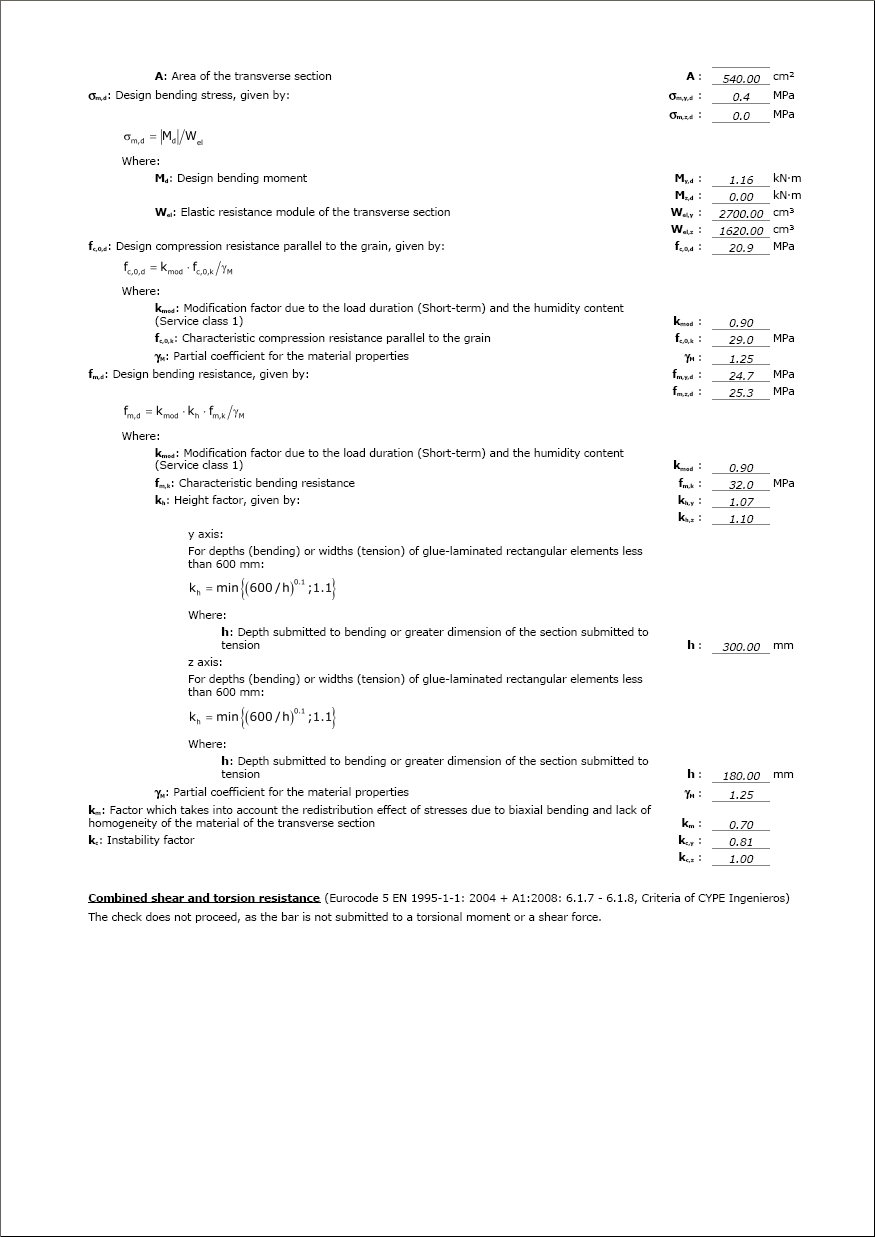
The ultimate limit state (ULS) check reports for wooden sections have been implemented for when analysing using the CTE. In this reports, a check is carried out on the resistance for outdoor temperatures situations and for fire situations (this last check if the user has activated the check for fire resistance).

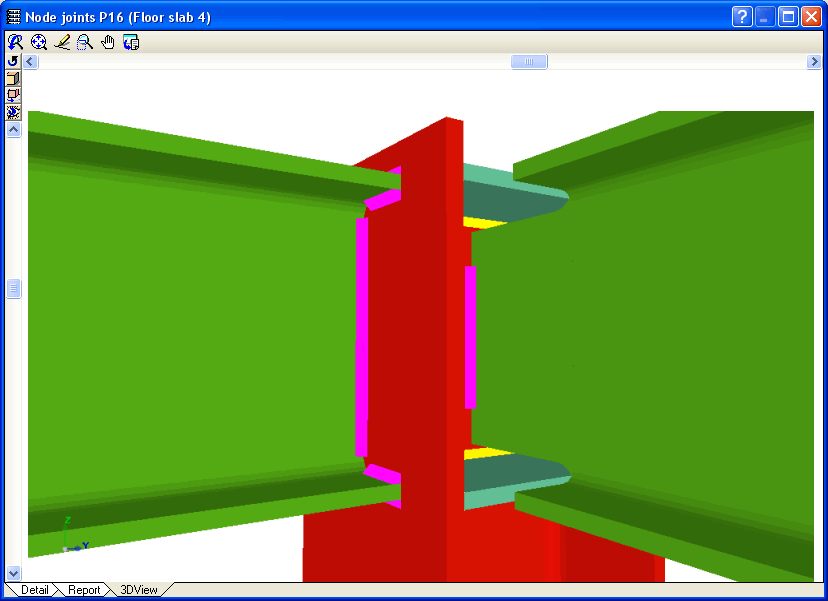
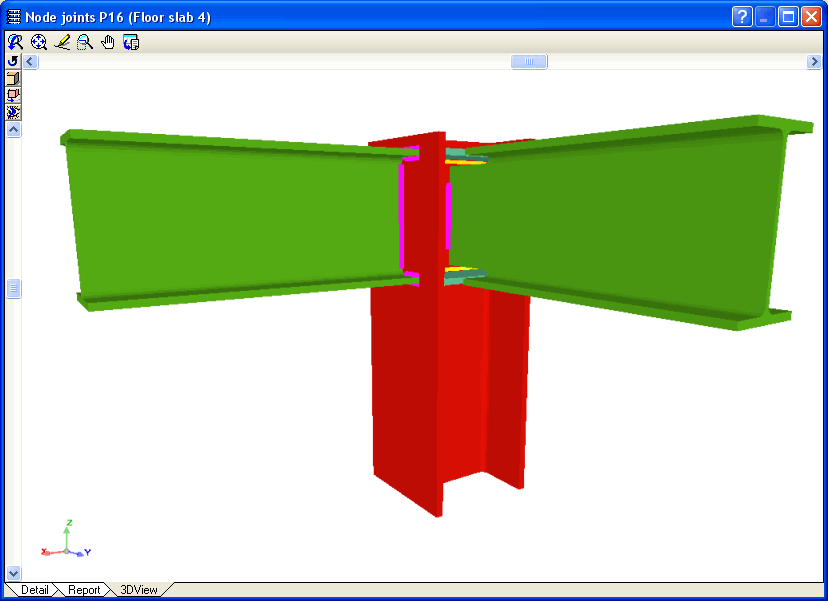
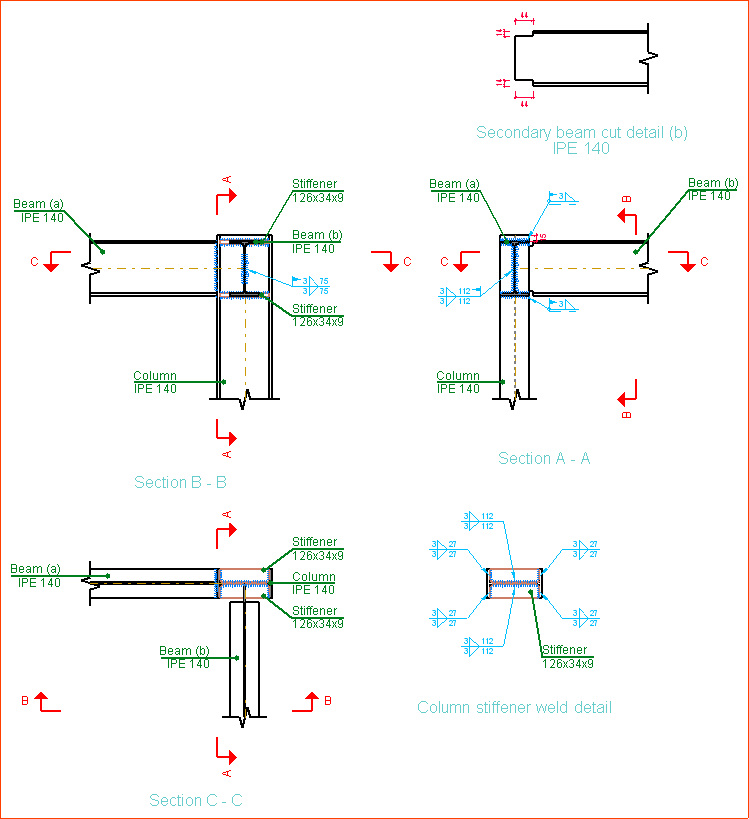
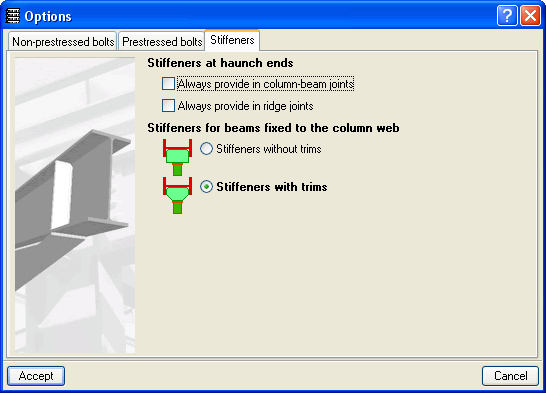
When beams pinned to the web of a column interfere with any stiffeners that are present due to beams fixed to the column flanges, the joint is designed in such a way by the Joints I. Welded. Warehouses with rolled and welded steel I sections and Joints II. Bolted. Warehouses with rolled and welded steel I sections modules that one of the flanges, both or even part of the web of the pinned beam is trimmed if necessary.

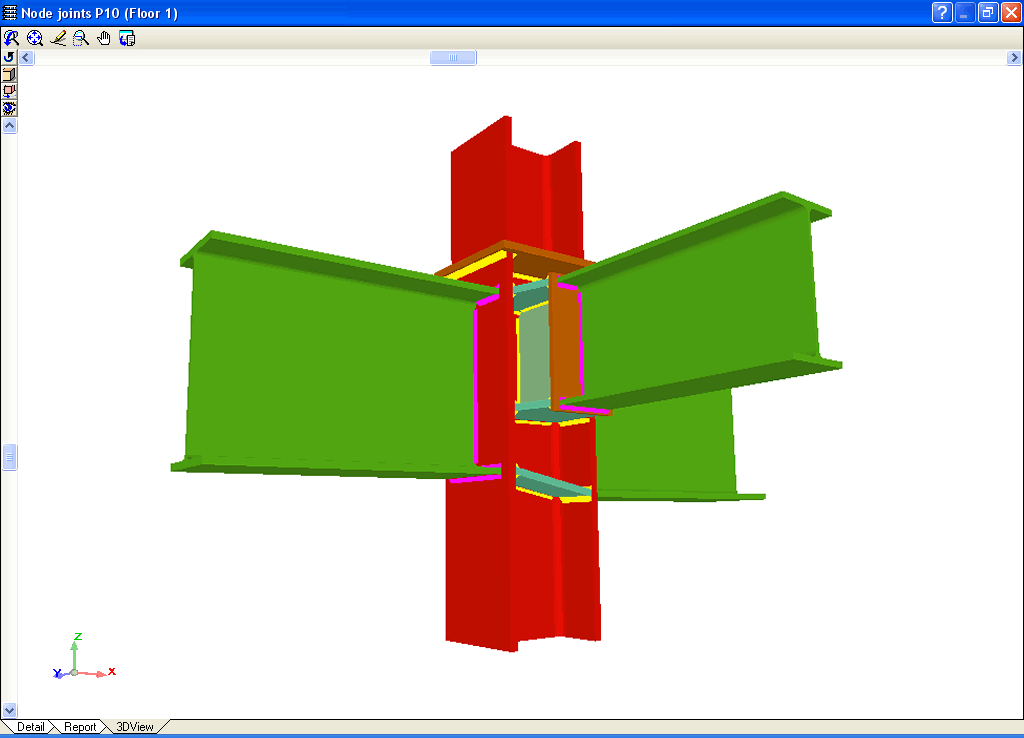
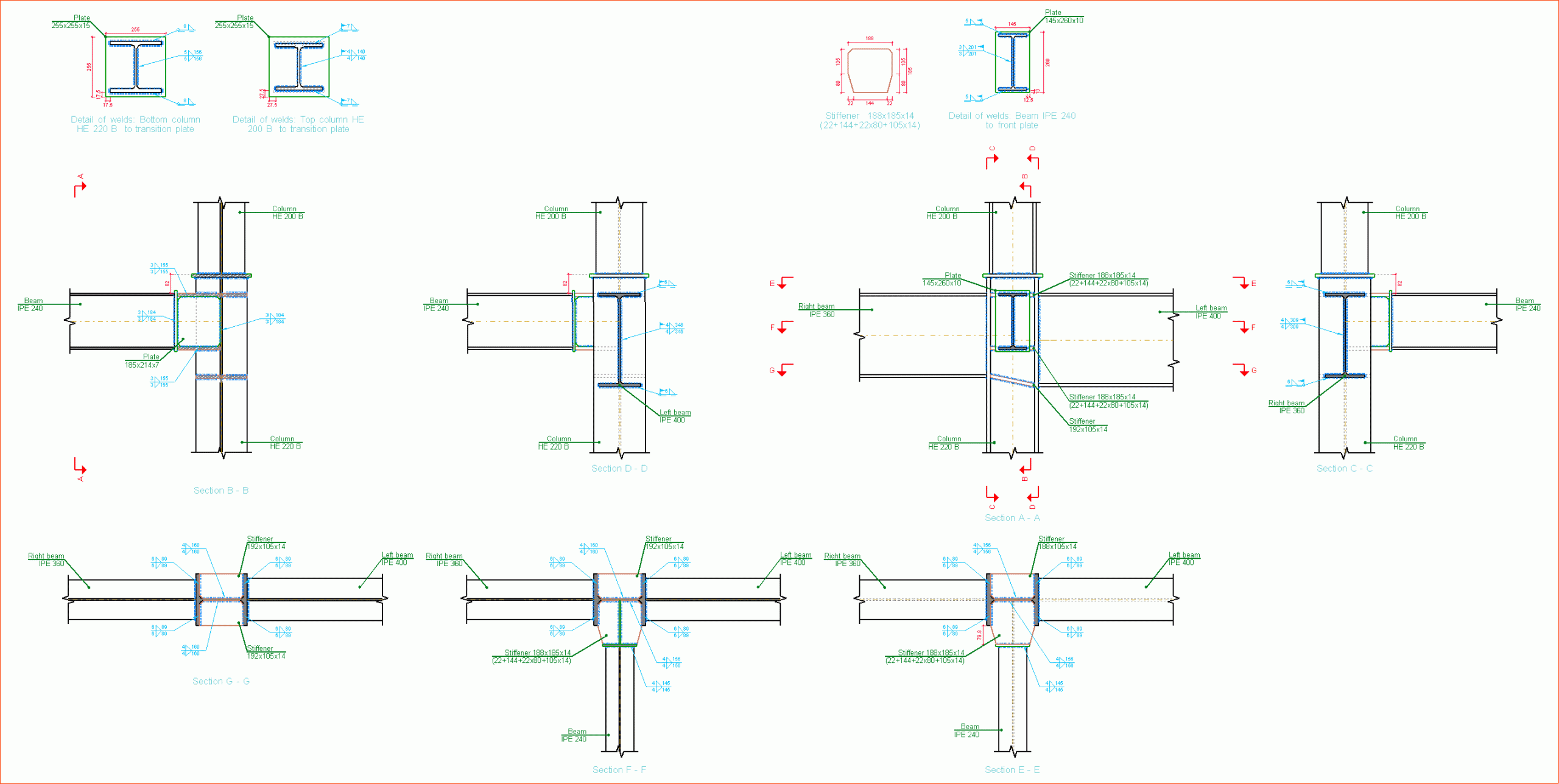
The new module: Joints III. Welded – Building frames with rolled and welded steel I sections allows CYPECAD, Metal 3D and the Integrated 3D structures of CYPECAD to carry out the automatic design of welded connections of common rolled and welded I steel sections in building frames.

More information on the properties of this module can be found in Welded joints for building frames with rolled and welded steel I sections (implement code, type of implemented connections…)

The following new features are available as of the 2010.a version of the program:

  • Creation of user drawing series
  • Longitudinal and transverse reinforcement in stairs
  • Final report of the last undergone analysis
  • Improvement in reports
    • Job data
    • Forces and reinforcement of columns, shear walls and walls
  • Improvements in the waffle slab dialogue box
  • Improvements in the soil lateral pressures dialogue box

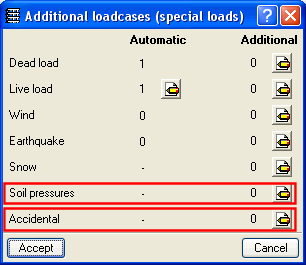
The following type of loads can be introduced for all the implemented codes:

  • Soil lateral pressures
    This type of load is included in persistent or transitory situations
  • Accidental loading (different to seismic or fire, e.g. impacts or explosions)
    This type of load is included in new accidental situations

Once the structure has been analysed, the columns, beams and details of the designed connections (designed with Joints I, Joints II and Joints III modules) of CYPECAD and its Integrated 3D structures can be exported to TEKLA Structure and TecnoMetal 4D and in CIS/2 format. Concrete columns and beams are exported as generic bars and steel bars as they appear in Metal 3D. For more information click on Export to TEKLA Structure, Export to TecnoMetal 4D and Export in CIS/2 format.

To be able to export the columns and beams of CYPECAD and its Integrated 3D structures to TEKLA Structure, TecnoMetal 4D and CIS/2 format, the Export to TEKLA Structure, Export to TecnoMetal 4D and Export in CIS/2 format modules are not required in the user license. If the user possesses one of the Joints I, Joints II or Joints III modules as well as one of the Export modules, the connections may be designed and exported to the aforementioned programs.

As well as the joints included in the new Joints III. Welded. Building frames with rolled and welded steel I sections module, it is also possible to design in CYPECAD I section (rolled or welded) columns and beams contemplated in modules: Joints I. Welded. Warehouses with rolled and welded steel I sections and Joints II. Bolted. Warehouses with rolled and welded steel I sections. In this first 2010 version of CYPE programs, the connections of modules Joints I and Joints II can only be designed in CYPECAD at the end of the last column span. However in future updates of the 2010 version, it will be possible to resolve connections in other spans of the column. In Metal 3D and in the Integrated 3D structures of CYPECAD, it is possible to design all the joints implemented in the Joints I, Joints II and Joints III modules.

The connections between elements belonging to Integrated 3D structures and steel beams and columns of CYPECAD can also be designed, as long as their type is included amongst the resolved connections of one of the Joints modules (Joints I, Joints II or Joints III).

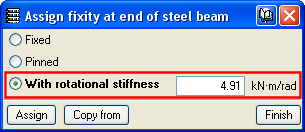
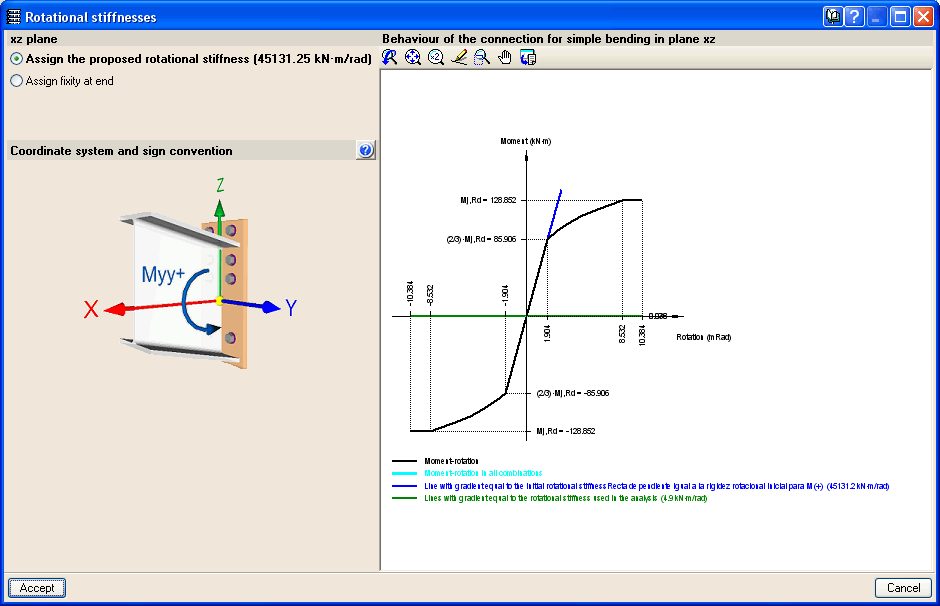
Now that bolted connections can be designed in CYPECAD (those contained in the Joints II module), it is possible to assign a rotational stiffness at beam ends (Beam Definition tab > Beams/Walls> Fixity at beam end).

The new Joints menu has been included in the Results tab, where the options for connection design, joint consultation and rotational stiffness at beam ends can be edited.

A bearing pressure check of the soil below the foundations by verifying the reference bearing pressure according to DTU 13.12 “Regles pour le calcul des fondations superficielles”. The check is undertaken for ultimate and serviceability limit states in accordance with the code, using the load combinations corresponding to each case and which CYPE programs generate automatically depending on the data introduced in the Limit states (combinations) menu.

P100 Seismic design code, Part 1 – P100-1/2006 (Romania), as of the 2010.a version.

CYPE Mentor