Getting started: creating new jobs, workflows, and examples
When you start the program and create a new project, you are presented with various options, such as creating an empty project to start from scratch or automatically importing data from models saved in IFC format files.
The program then allows you to configure the general project data and access the main working interface.
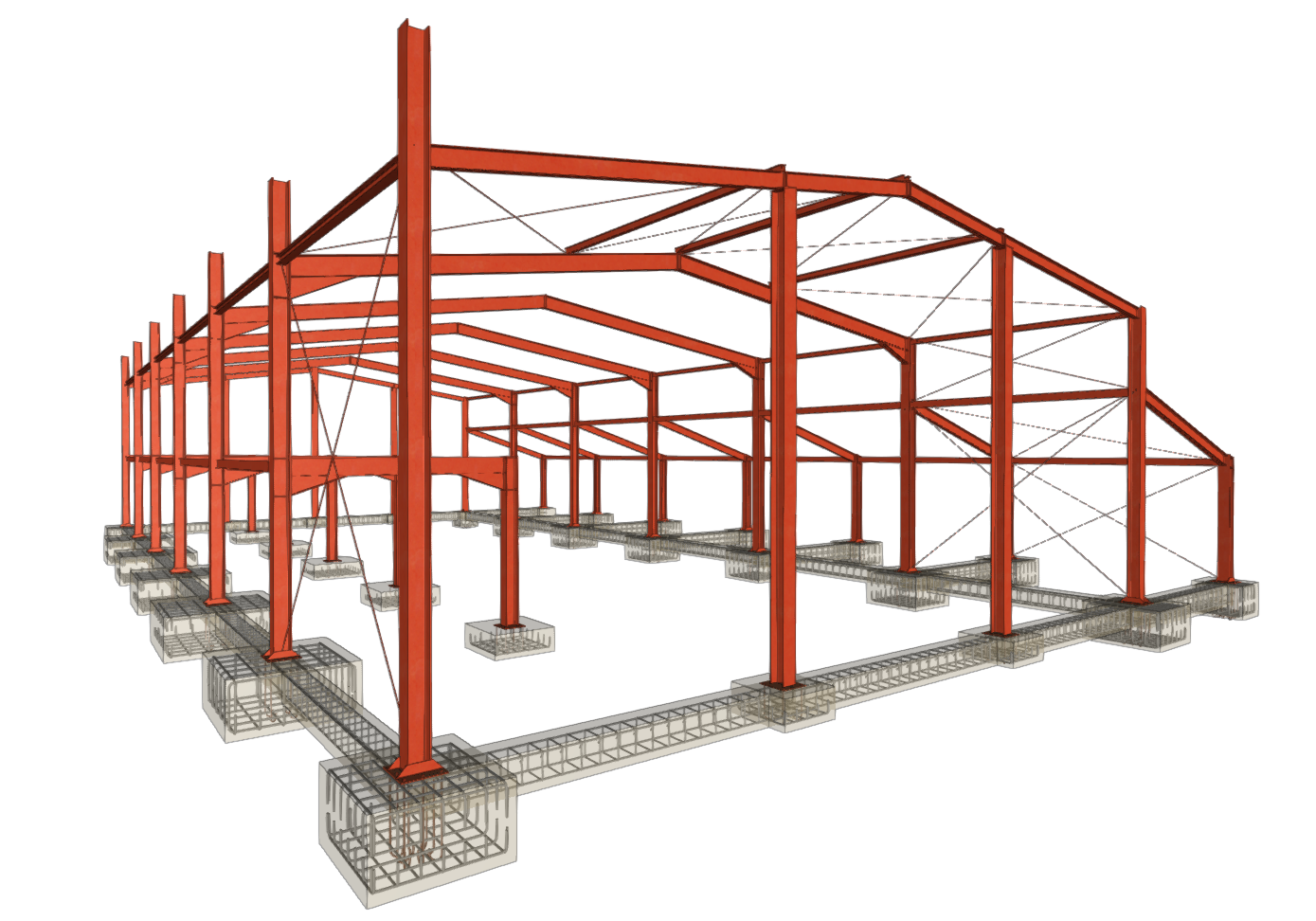
The geometry and loads of the structure can also be automatically generated in CYPE 3D from the data entered in the Portal frame generator, or the geometry can be imported from information saved in .dxf, .dwg or .txt files.
The following link provides detailed information on the options that appear in the initial process of creating new jobs, instructions on possible workflows and the general sequence of data entry and output, as well as a gallery of examples of structural models developed with the program.