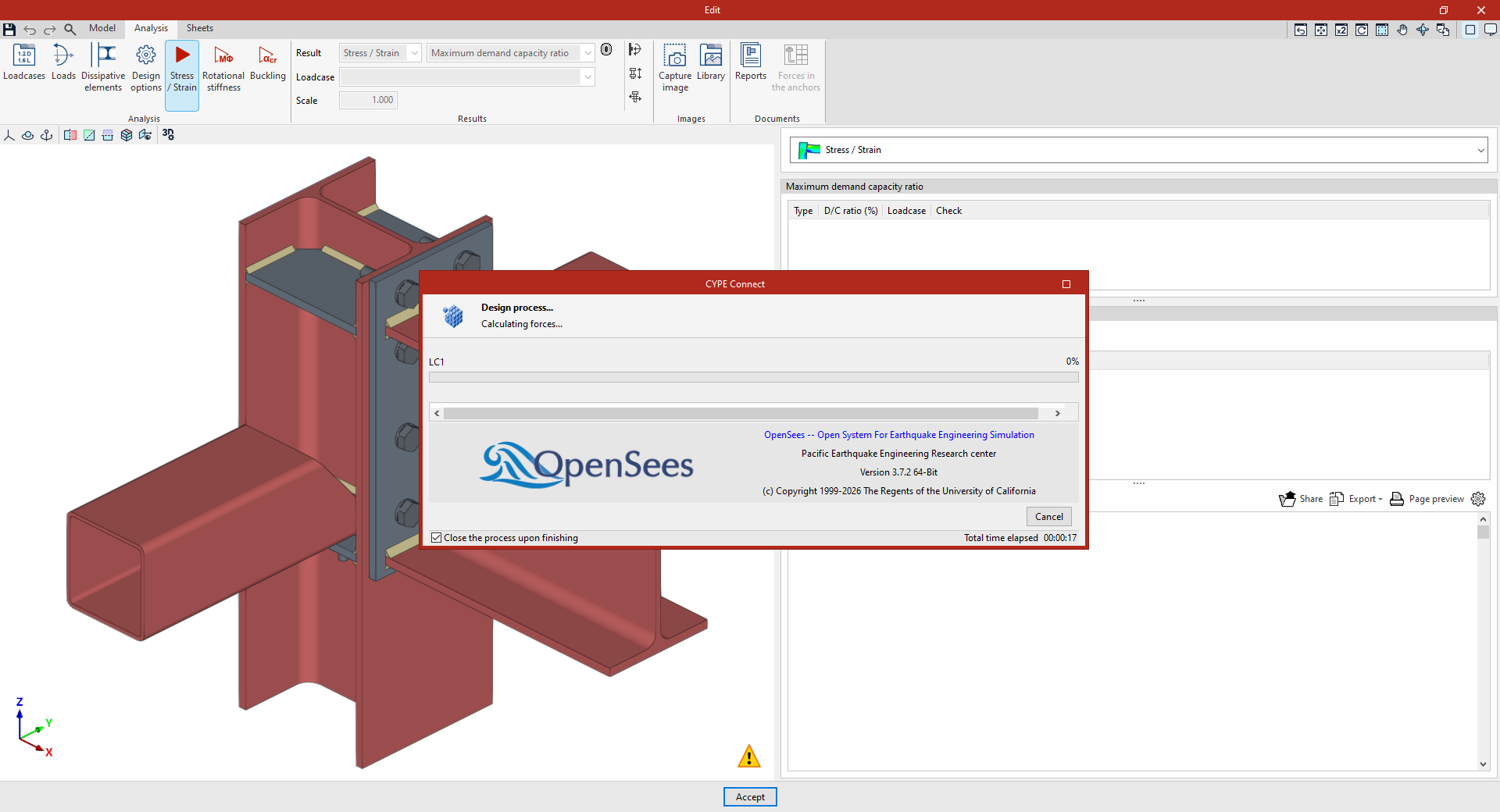
Stress–strain analysis in the connection editor
The following option in the top toolbar of the "Analysis" tab, within the connection editor, allows you to carry out the stress–strain analysis for each connection:

First, configure the "Loadcases" and the "Loads" acting on each section using the options in the top toolbar. These may have been generated automatically using the “Generate from BIM model” option.
Stress / Strain
The "Stress/Strain" option allows you to carry out the stress analysis and verify the connection elements.
The first time the analysis is run, the deployed version of OpenSees© is automatically installed. If it is already installed, the analysis is carried out. If multiple processors are available, the program can analyse several loadcases simultaneously.

Once you have finished, you can view the results provided by the program to continue your work.