Entering and editing fittings
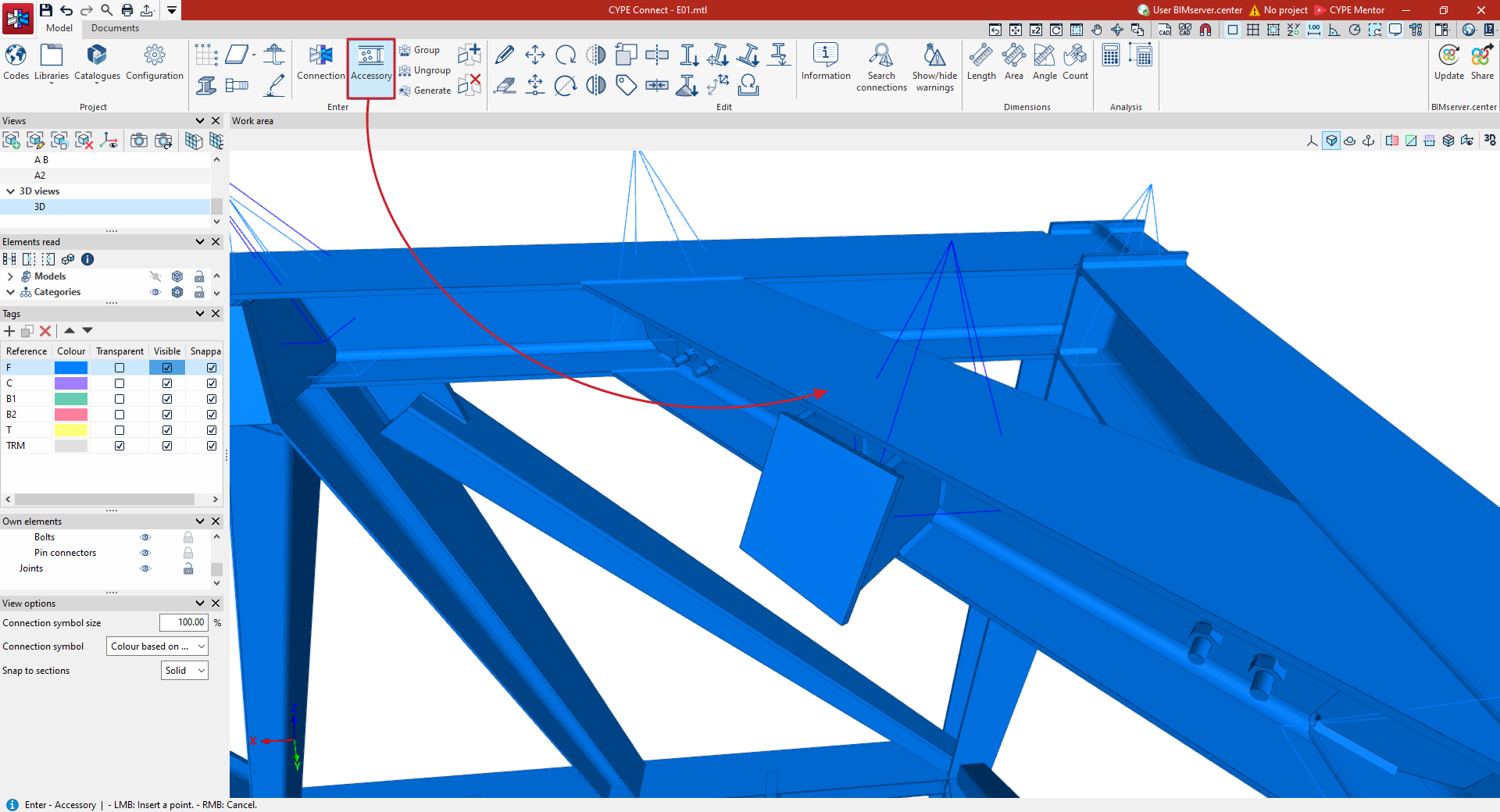
To create a fitting on a section, on the "Model" tab of the program’s main interface, select the "Fitting" option from the "Enter" section on the top toolbar.

Fittings are components fitted at intermediate points along profiles, such as drill holes, openings, reinforcements or lifting lugs.
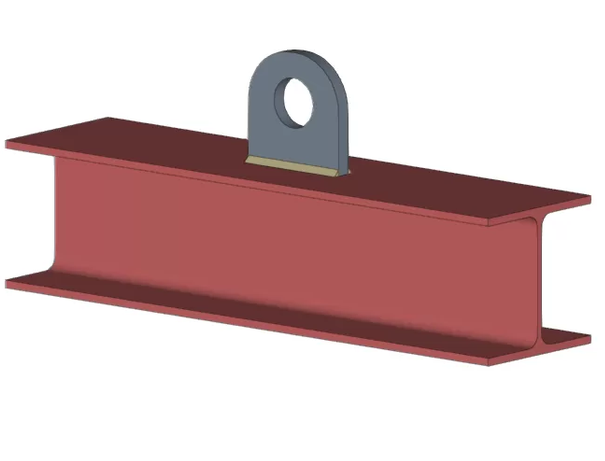
Fitting
Designing new fittings
To create a new fitting, click on the "Fitting" option and then left-click on the point on a beam where you wish to insert the fitting. You can use snaps and relevant object references to help you position this point.
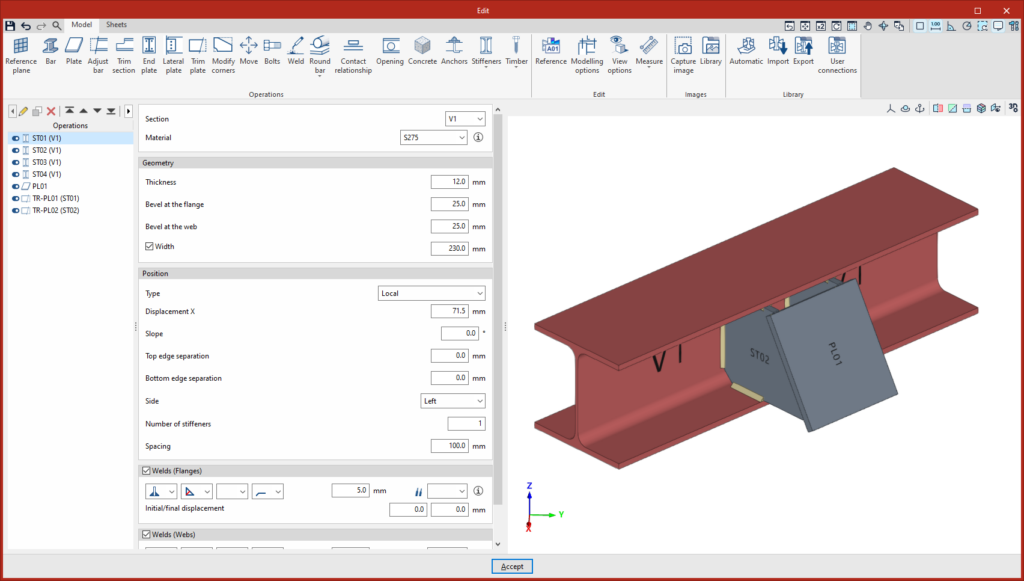
This opens the "Fittings" editing window. The fitting modelling interface is similar to that used for editing connections. Further information on the connection editor can be found at this link.
When you click "Accept" or close the edit window on any of its tabs, the program updates the fitting information and returns to the main program interface. The newly created fitting will also be added to the "Connections" table, which is displayed by default in the right-hand side panel of the interface.
At this point, you can continue to select other points using the left mouse button to add more fittings of the same type to the model. To finish adding a specific group of fittings, click the right mouse button.
Options for editing fittings
To edit a fitting that has already been created and to familiarise yourself with the main functions of this editing interface, select the "Edit" option in the "Edit" section of the top toolbar.
The symbol used to represent fittings is a blue pyramid, as opposed to the purple pyramid used for joints.
Clicking on a specific fitting with the left mouse button opens the edit window for the connection editor, which in this case has only two tabs: "Model" and "Sheets".
You can also edit a fitting by selecting it from the "Connections" table or list in the right-hand side panel and clicking the "Edit" button on the toolbar at the top of the table.