

Results output
Project reports
You can print reports generated by the model directly from within the program, or generate HTML, PDF, TXT, RTF or DOCX files.
This includes the following chapters:
- Index
- Codes
- Joints
- Components of the joint
- Loads
- Stress / Strain
- Forces on the anchors
- Summary of code checks
- Detailed checks
- Rotational stiffness
- Buckling
- Quantities
- Assembly quantities
- Assembly and part quantities
- Sections quantities
- Summary by type of section
- Timber bar measurement
- Summary by type of timber bar
- Plate quantities
- Bolt quantities
- Weld quantities
- Anchor quantities
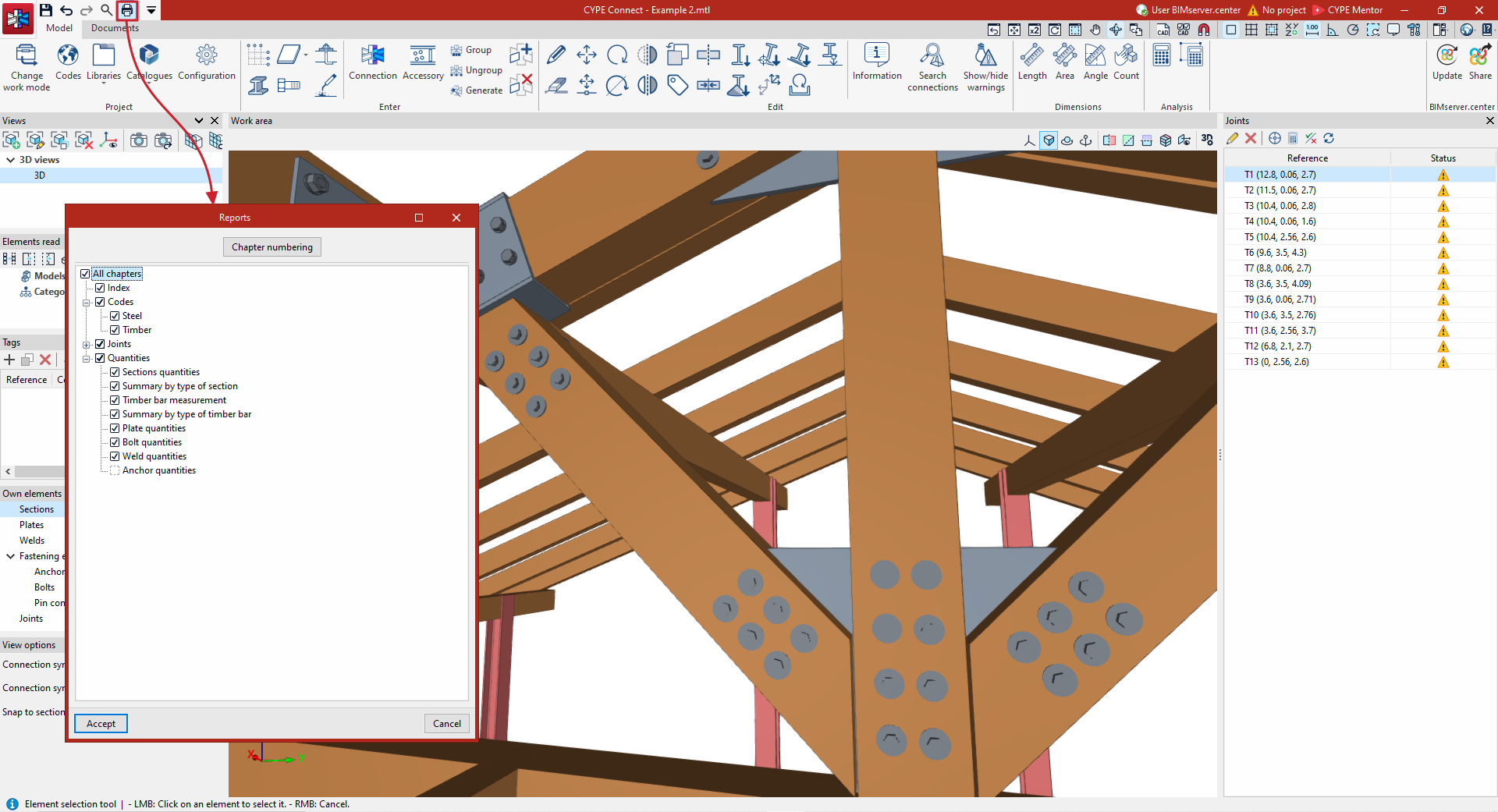
Quantities reports
Under the "Documents" tab, in the "Quantities" section of the main toolbar, you will find the features required to generate quantities reports for the structural elements.
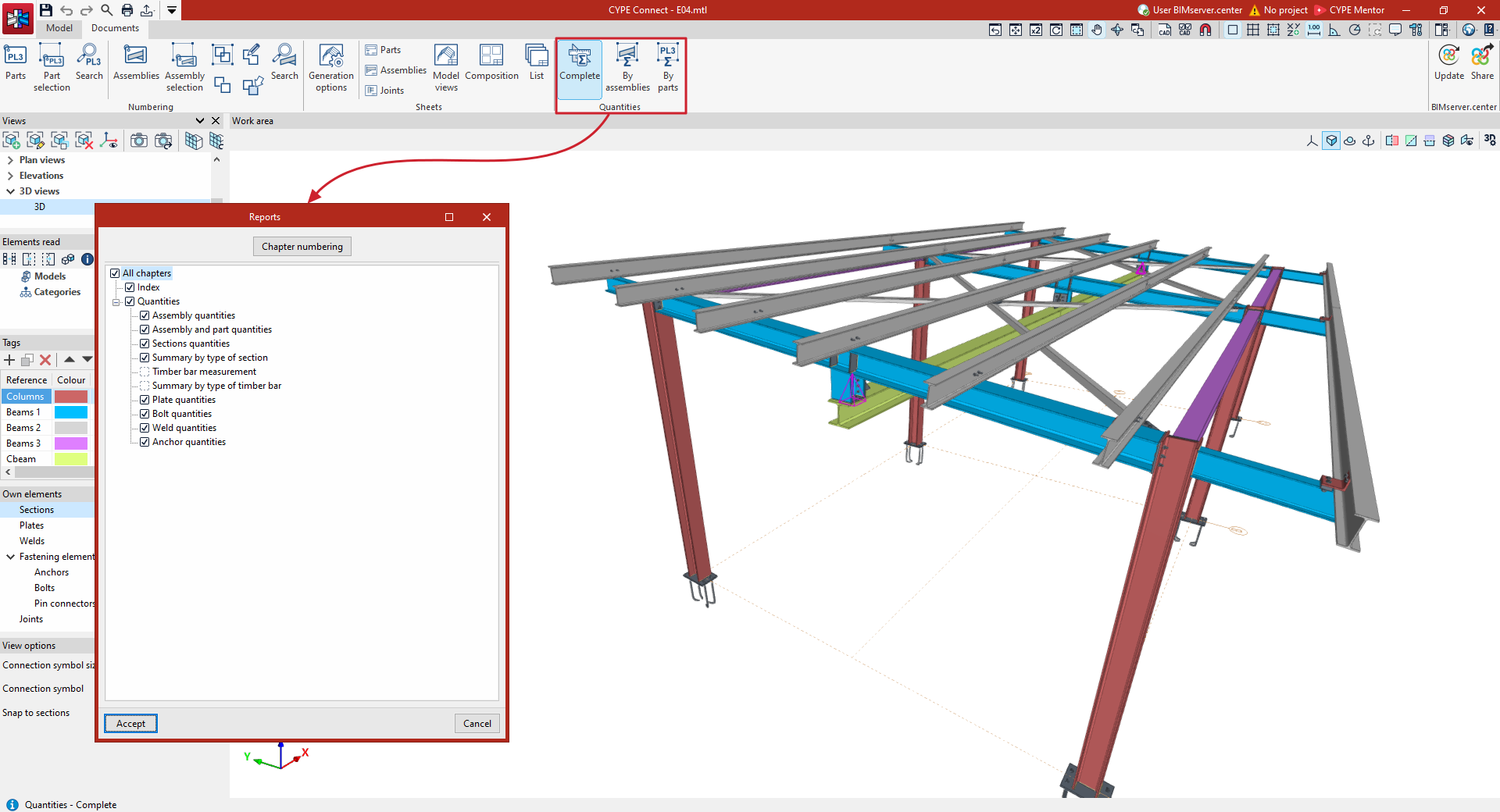
Connection analysis results
On the "Analysis" tab within the connection editor, you can:
- View the results of the analyses carried out on screen, including a 3D view and a review of the checks carried out on each element.
- Print the specific result reports for the connection currently being edited, or export them to various formats.
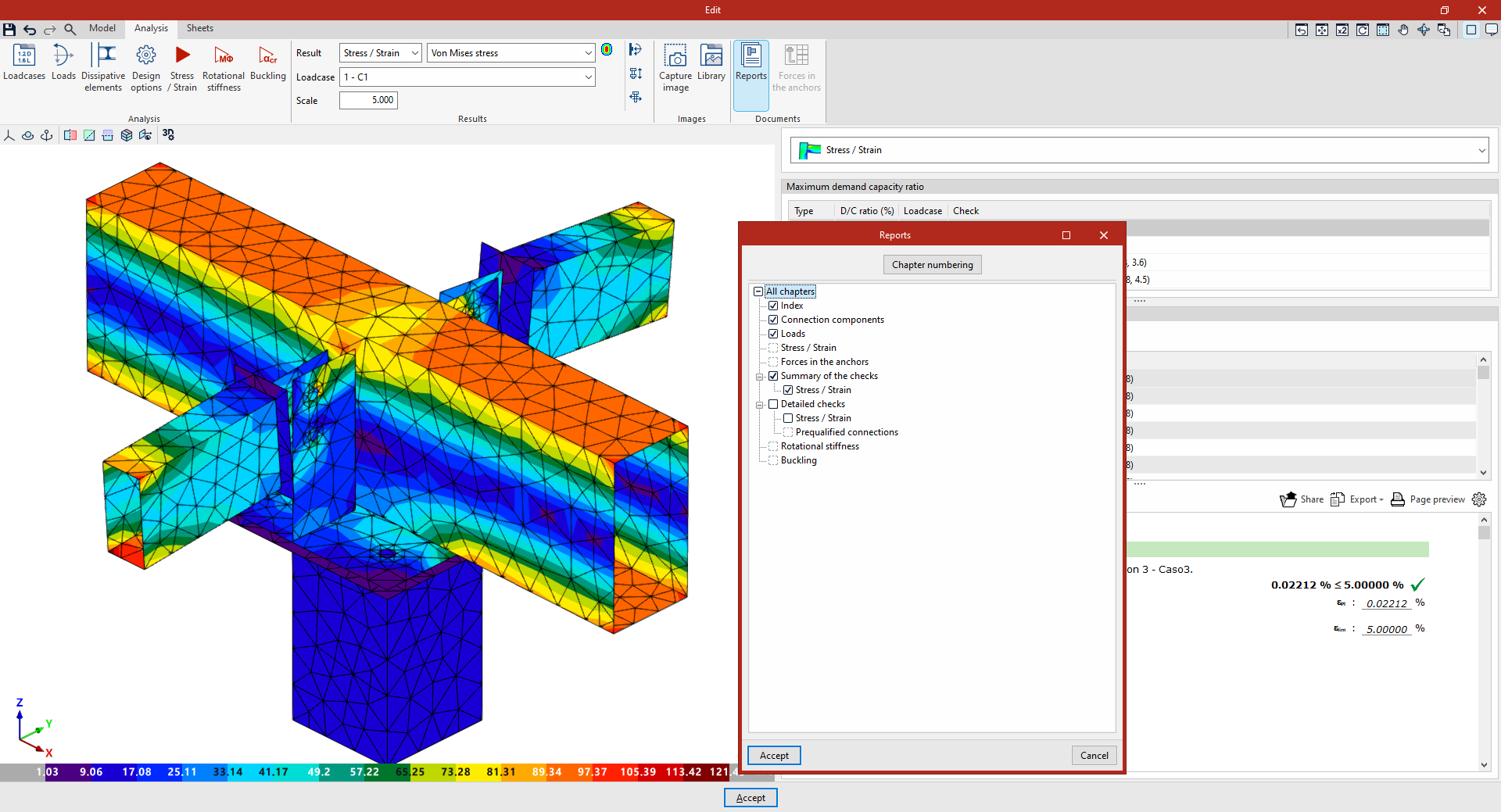
Drawings in DWG, DXF or PDF format
The drawings generated in the program using the options available in the sheet editor can be exported in DWG, DXF or PDF format.
Manufacturing files (DSTV, STEP, DXF)
Models in DSTV and STEP formats can be exported in two ways: via the export settings for the BIMserver.center platform, which appear when you click the "Share" option, and via the options in the "Export" menu, located in the top-left corner of the program’s home window.
- The DSTV format is an industry standard defined by the German Steel Construction Association (Deutscher Stahlbau-Verband). From the "Export" menu options, you can generate a .dstv file for the entire model (the "DSTV" option) or for selected elements only (the "DSTV (Selected elements)" option).
- The STEP format (ISO 10303) enables the exchange of data between design and manufacturing systems (CAD, CAM, CAE). When exporting to STEP format, the program allows you to choose whether or not to include each category of element ("Sections", "Plates", "Bolts", "Welds", "Anchors", "Pins", "Bolts" and/or "Screws").
- In addition, the "Export" menu offers an option to export the plates to a .dxf file for manufacturing.
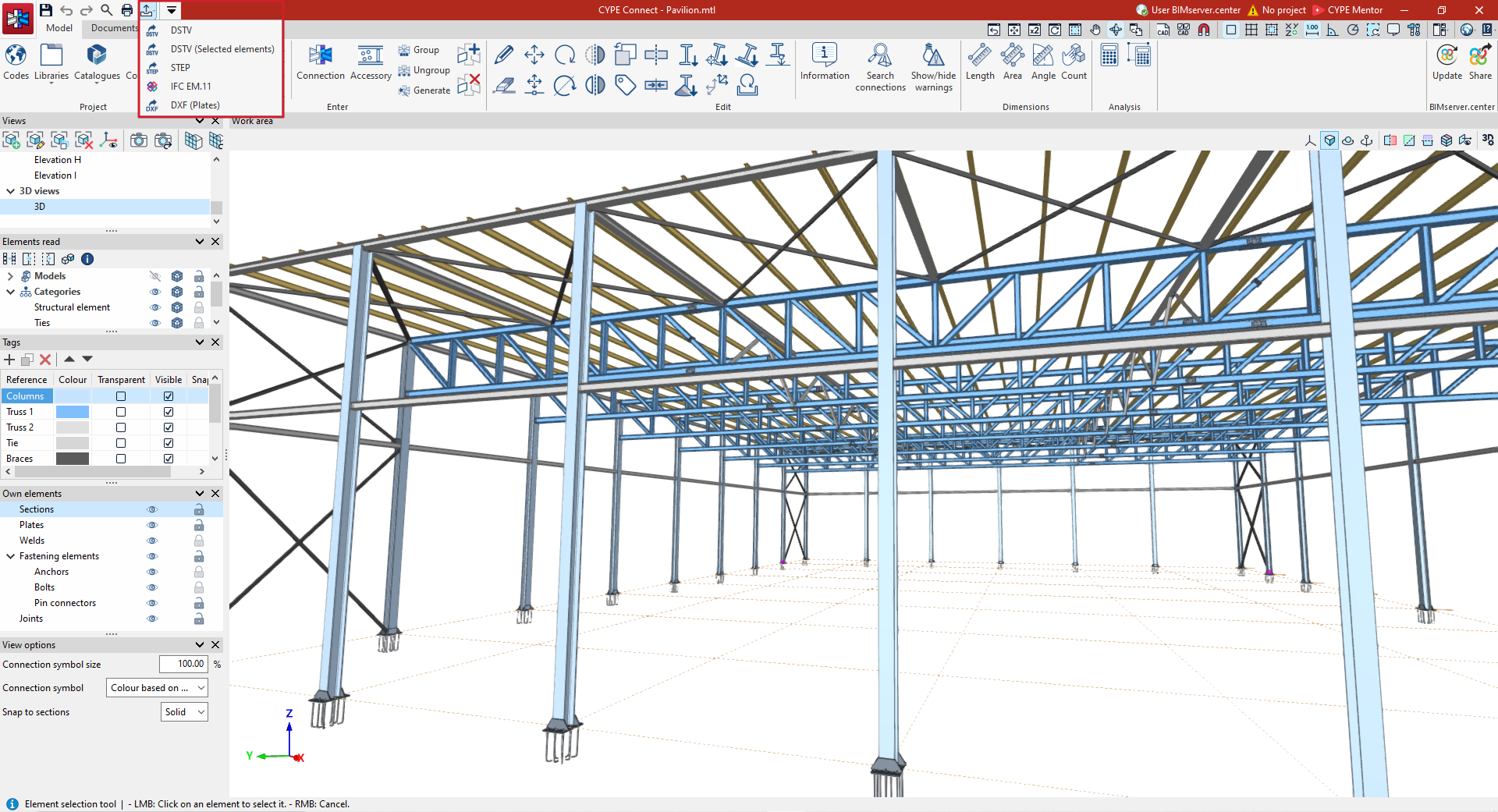
Exporting the exploded view model in IFC EM.11 (Exchange Model 11)
EM.11 is an MVD (Model View Definition) specification of the IFC format that contains information for the automated fabrication of steel. The program exports data using this format for sections, plates, welds, bolts and ties.
The IFC EM.11-format detailing model can be exported in two ways: via the export settings for the BIMserver.center platform, which appear when you click the "Share" option, and via the "Export" menu option, available in the top-left corner of the program’s start window.

| Note: |
|---|
| The "Export" menu in the program’s main interface is only available in the "Fabrication" work mode. |
GLTF file compatible with BIMserver.center
When you export the project to the BIMserver.center platform, a 3D model in GLTF format is automatically exported for integration into the Open BIM project, enabling the model to be visualised:
- On the online platform
- In the BIMserver.center app for iOS and Android
- In virtual reality and augmented reality
- In other CYPE programs
