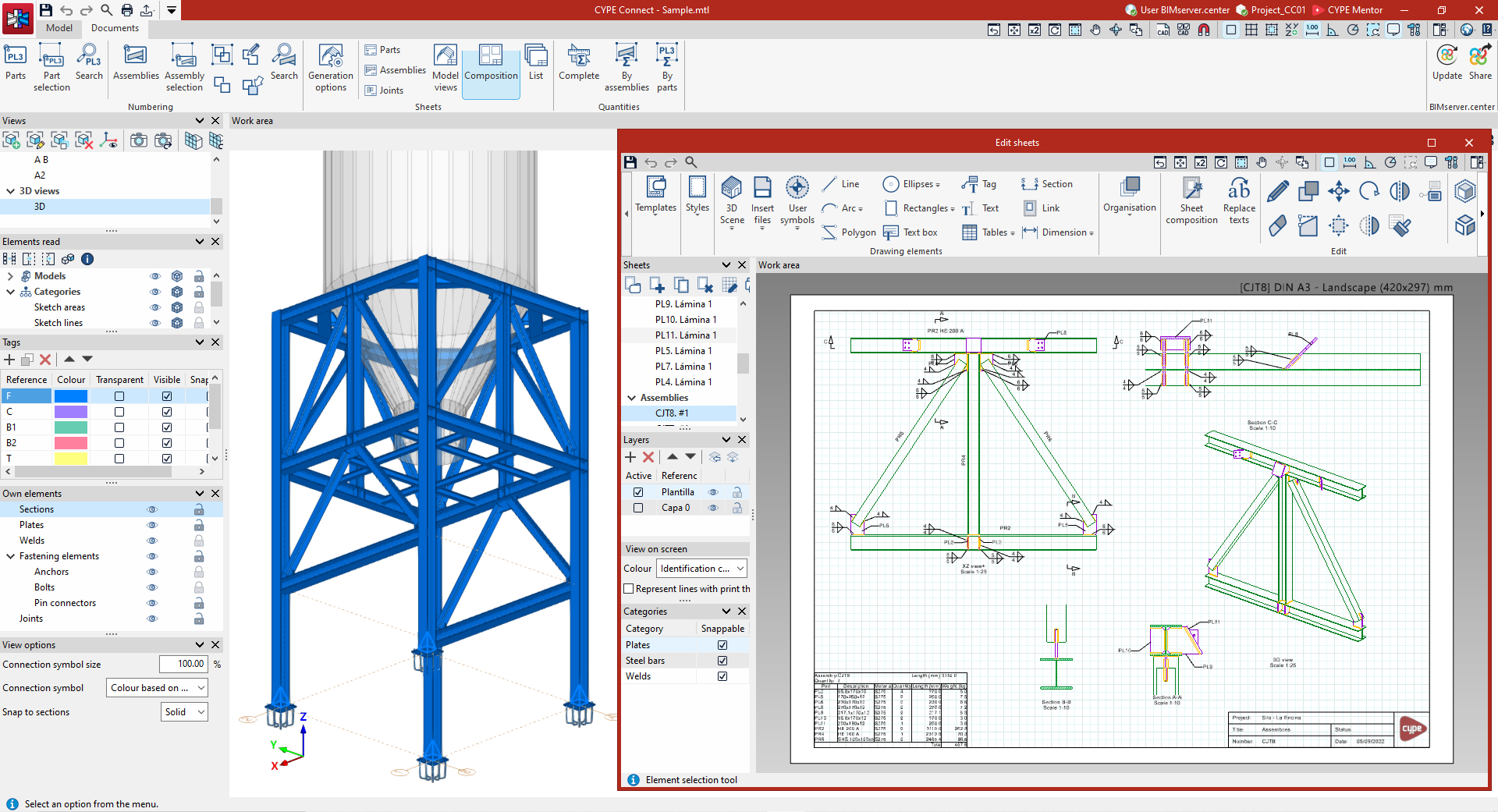
Work environment
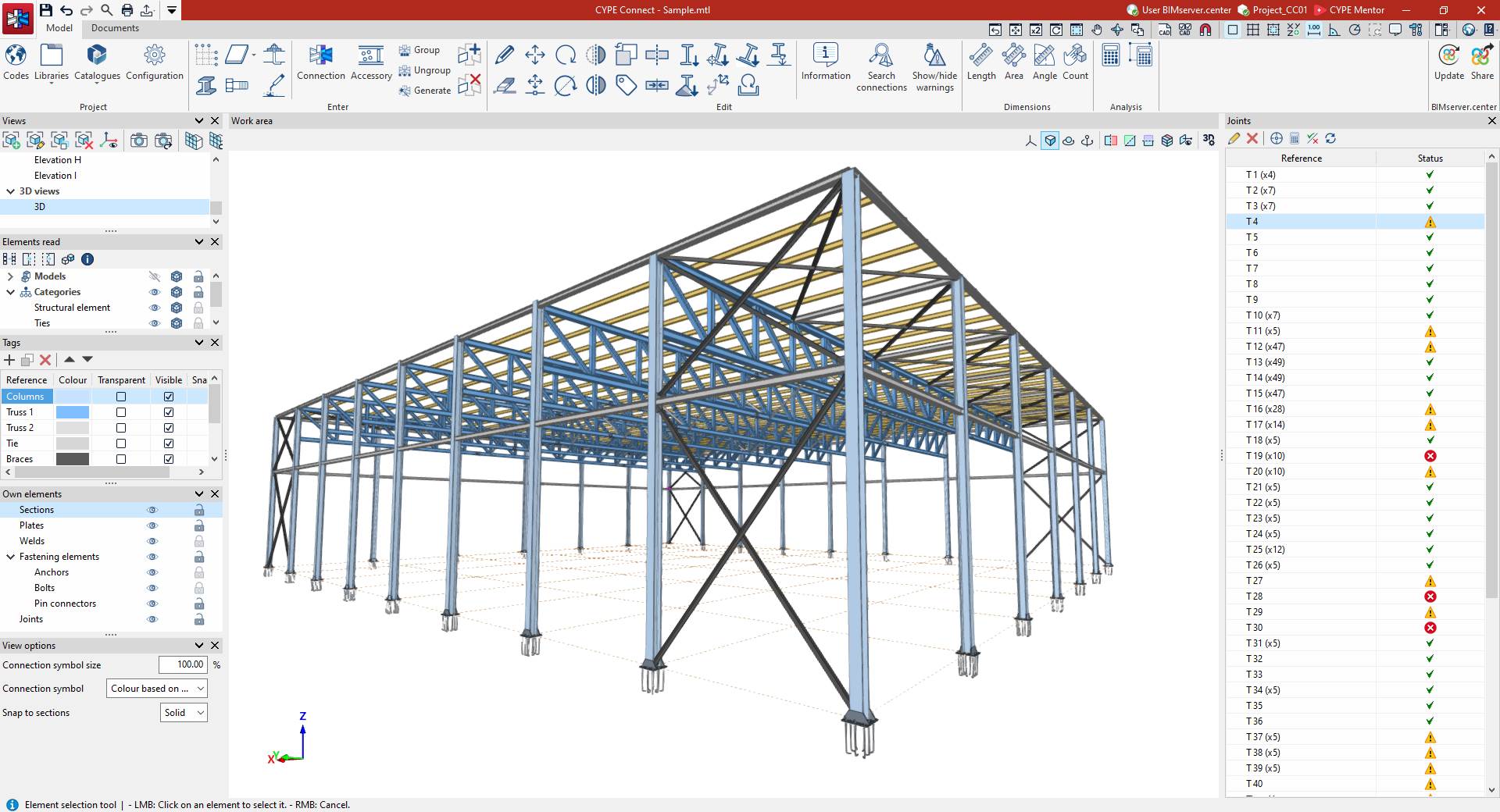
The CYPE Connect user interface is similar to that of other CYPE modelling tools and features a system of dockable windows that can be customised to adapt the workspace to the project’s requirements.
In the top left-hand corner of the screen, there are two separate tabs: "Model" and "Documents":
"Model" tab
The "Model" tab in the program’s main interface allows you to adjust the general project settings (including the selection of standards and libraries of structural elements and materials), add or modify structural elements in the workspace, generate and/or group connections and fittings, and access the connection editor, from where they can be designed and analysed.
The following link provides a detailed overview of the options offered by the program under the "Model" tab:
"Documents" tab
The "Documents" tab in the program’s main interface allows you to number parts and assemblies (in "Manufacturing" mode) and to create drawing sheets for parts, assemblies, connections and/or model views, amongst other things. This way, the graphical documentation of the elements making up the structure is managed in detail.
You can view detailed information about the options offered by the program under the "Documents" tab via the following link: