Home: Workflows and creating new jobs
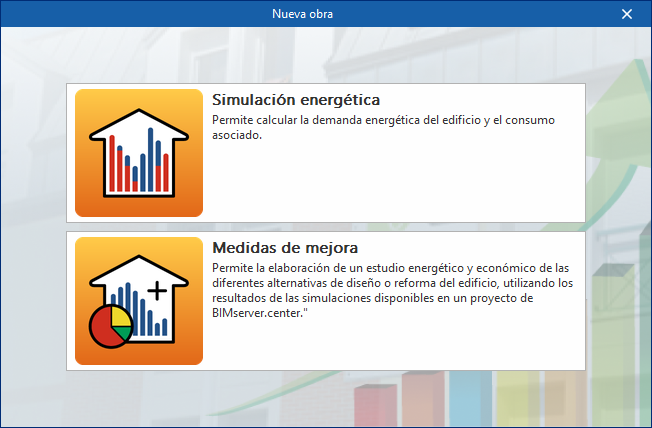
When you open a new project in CYPETHERM EPlus, the program offers two options, "Energy simulation" and "Improvement measures", which allow you to access different working environments.
- If you select "Energy simulation", you will be taken to an interface that allows you to carry out an energy simulation of the building, analysing its energy demand and associated consumption.
- If you select "Improvement measures", you will be taken to an interface that allows you to perform an energy and cost analysis of various design or renovation options for the building, using the results of simulations available within a BIMserver. center project.
The following page details the possible workflows within the program and the options for creating new projects when selecting "Energy simulation" (if you select "Energy certification with improvement measures", please refer to this other link):