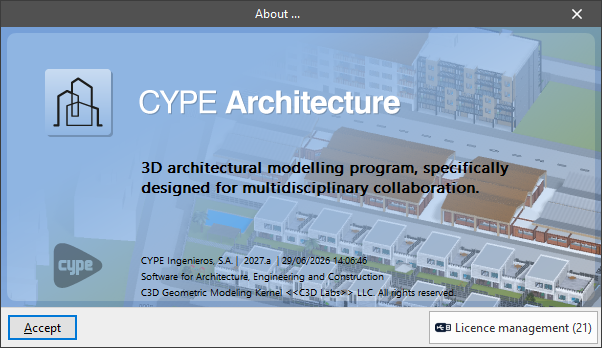
Options in the "Help" menu
The "Help" menu option is located in the upper right-hand corner of the interface.

Clicking on this option displays a menu with the following options:
- Program documentation
- Program License contract
- Responsabilidad clause
- Technical support
- User community
- Learning resources
- About
This menu also includes links to manuals, calculation reports, practical examples and other documents available for each program.
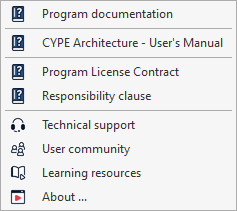
Program documents
Provides access to explanatory text on the program documents and their location, both within its interface and through external resources.
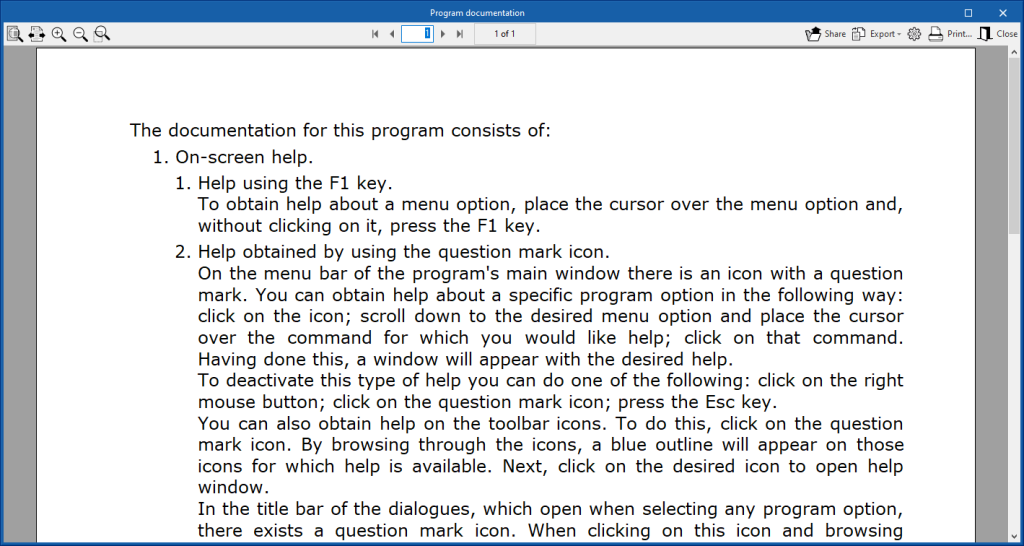
Program License Contract
Allows users to consult the license contract for the programs. This document is displayed and must be accepted when the program is installed.
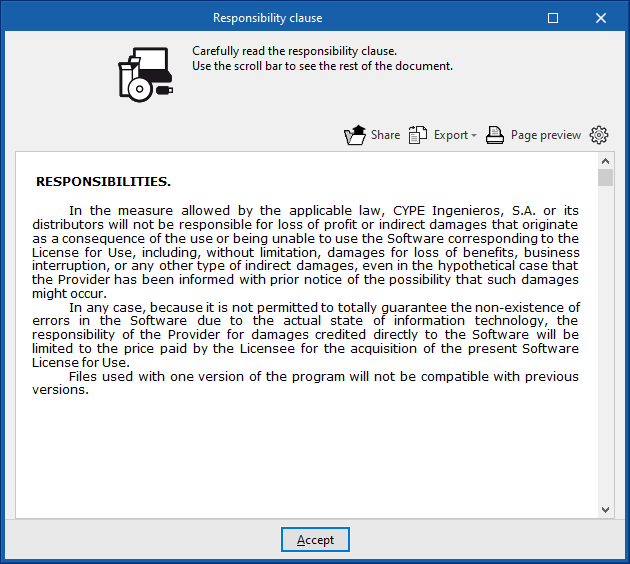
Responsibility Clause
Allows users to check the responsibility clause. This document is displayed and must be accepted when the program is installed.
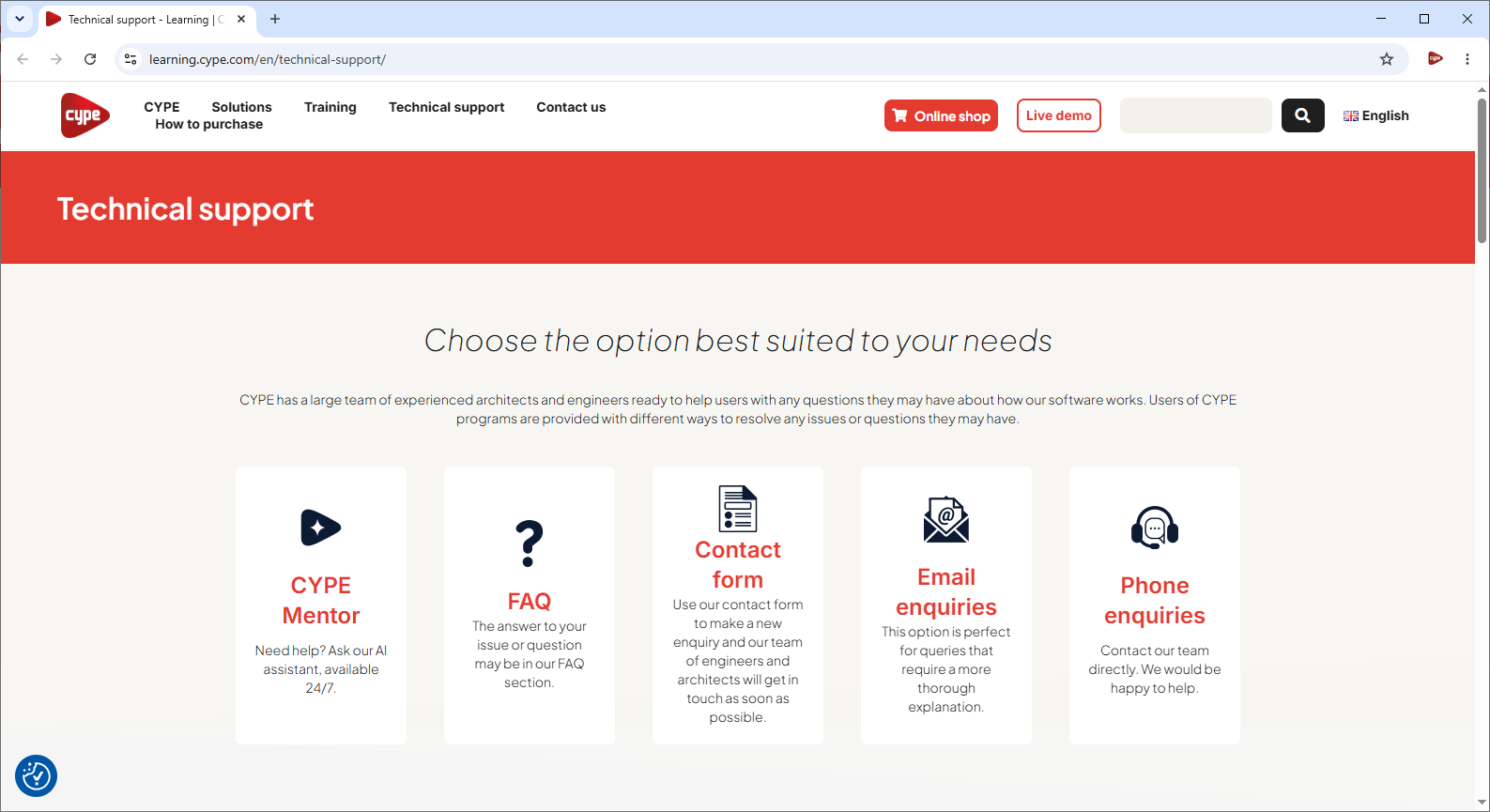
Technical support
Link to the website with Frequently Asked Questions (FAQs), contact forms, and contact details for CYPE Technical Support, including email and telephone support.
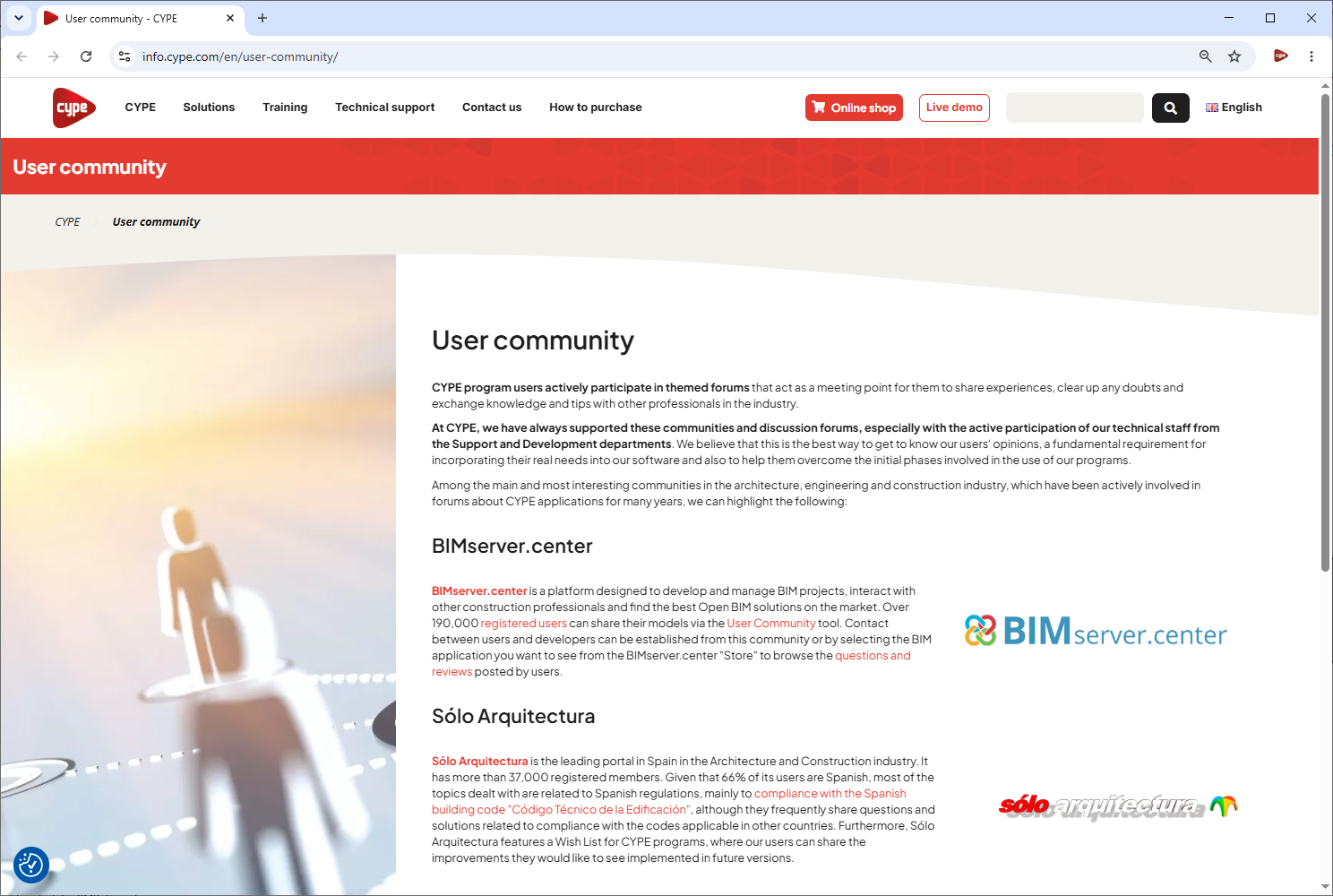
User community
Link to the website providing access to the CYPE software user communities and related discussion forums, including BIMserver.center and Sólo Arquitectura.
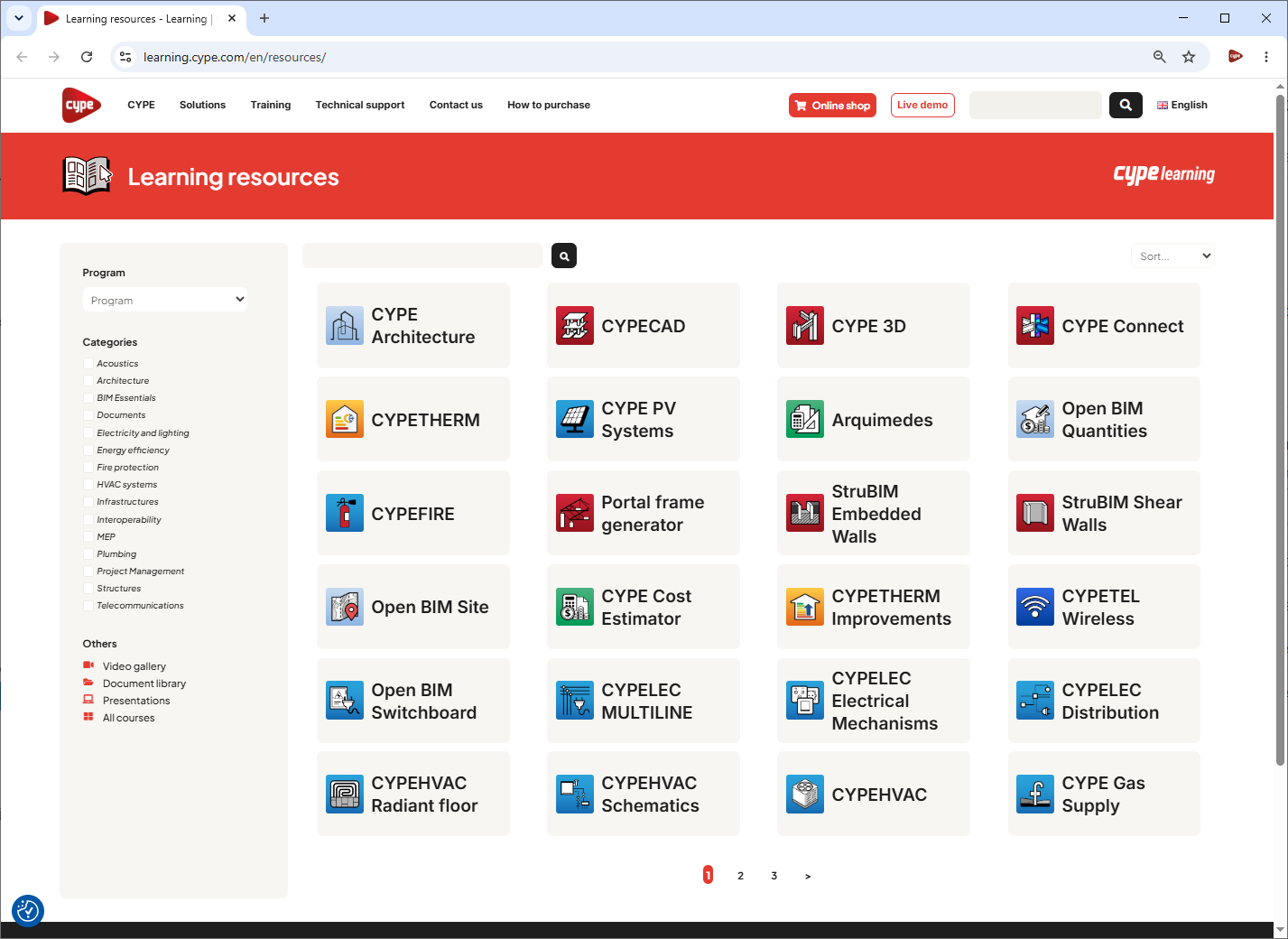
Learning resources
Link to the website which provides access to the learning resources for each of CYPE's programs, including their detailed information pages, audiovisual resources such as videos, tutorials and seminars, as well as the library of related documents and the frequently asked questions.
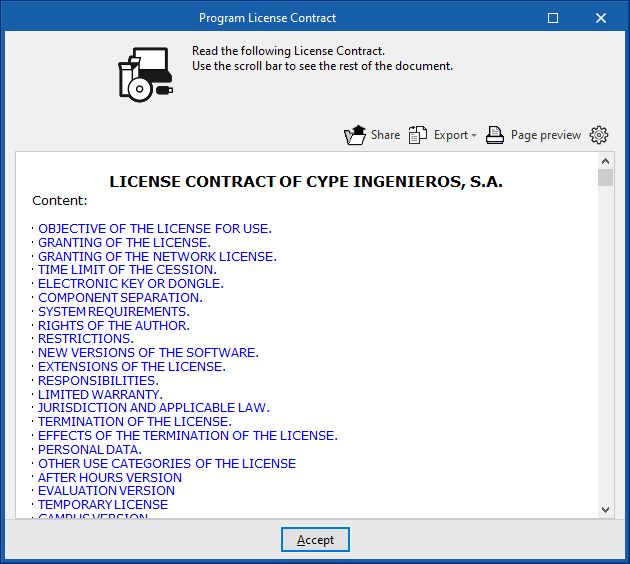
About
Allows users to view information about the program, the version and the licence number currently in use. By clicking on "Licence management", it is also possible to read licences on the network, as well as to use, activate or manage the electronic licence, and to view the permissions it contains and those required by the program.