Support elements
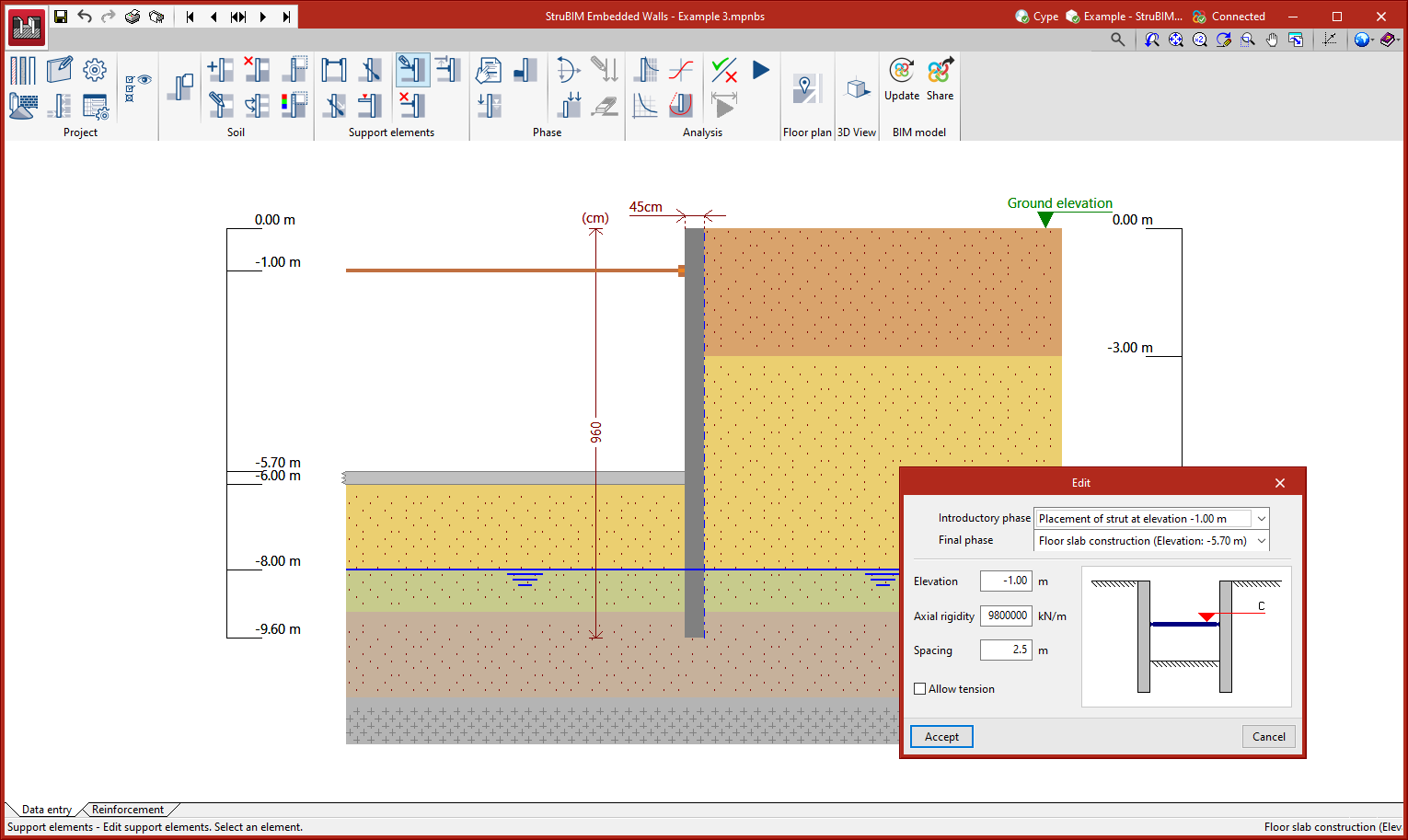
In the "Data entry" tab, in the "Support elements" group of the main toolbar, the characteristics of the wall can be defined:

The options available are:
- New strut:
Allows users to define the different struts that will brace the wall during the different phases of the job. - New active anchor
Allows users to define the different active anchors to be used during the different phases of the job. - New passive anchor:
Allows users to define the various passive anchors that will brace the wall during the different phases of the job. - New floor slab:
Allows users to define the different floor slabs in the job (including the foundation if it has been defined using a mat foundation or screed bracing the wall). - Edit support elements:
Modifies the different support elements that have already been entered. - Delete support elements:
Allows users to delete one or more support elements. - Copy support elements:
Allows users to copy a support element together with its characteristics.