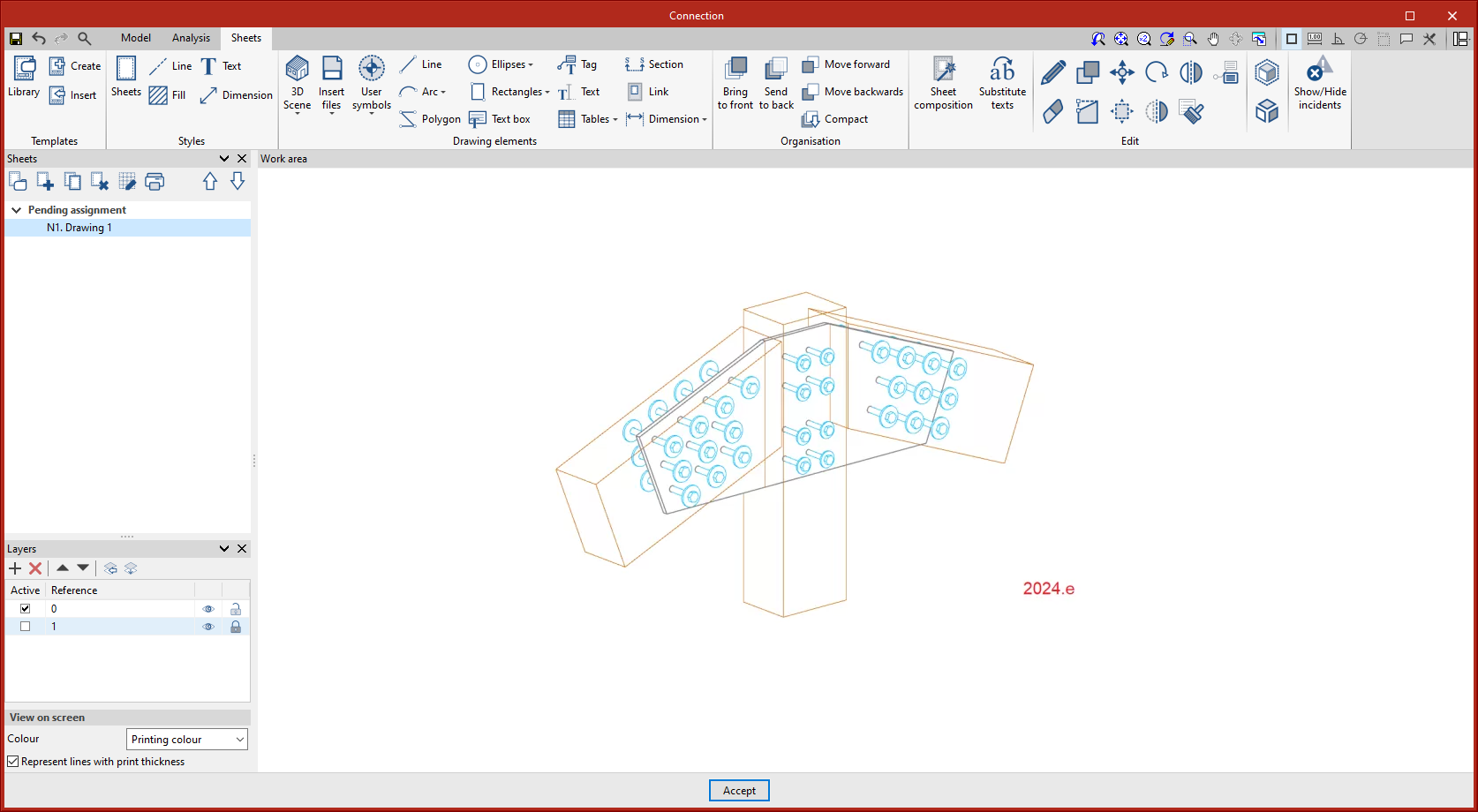
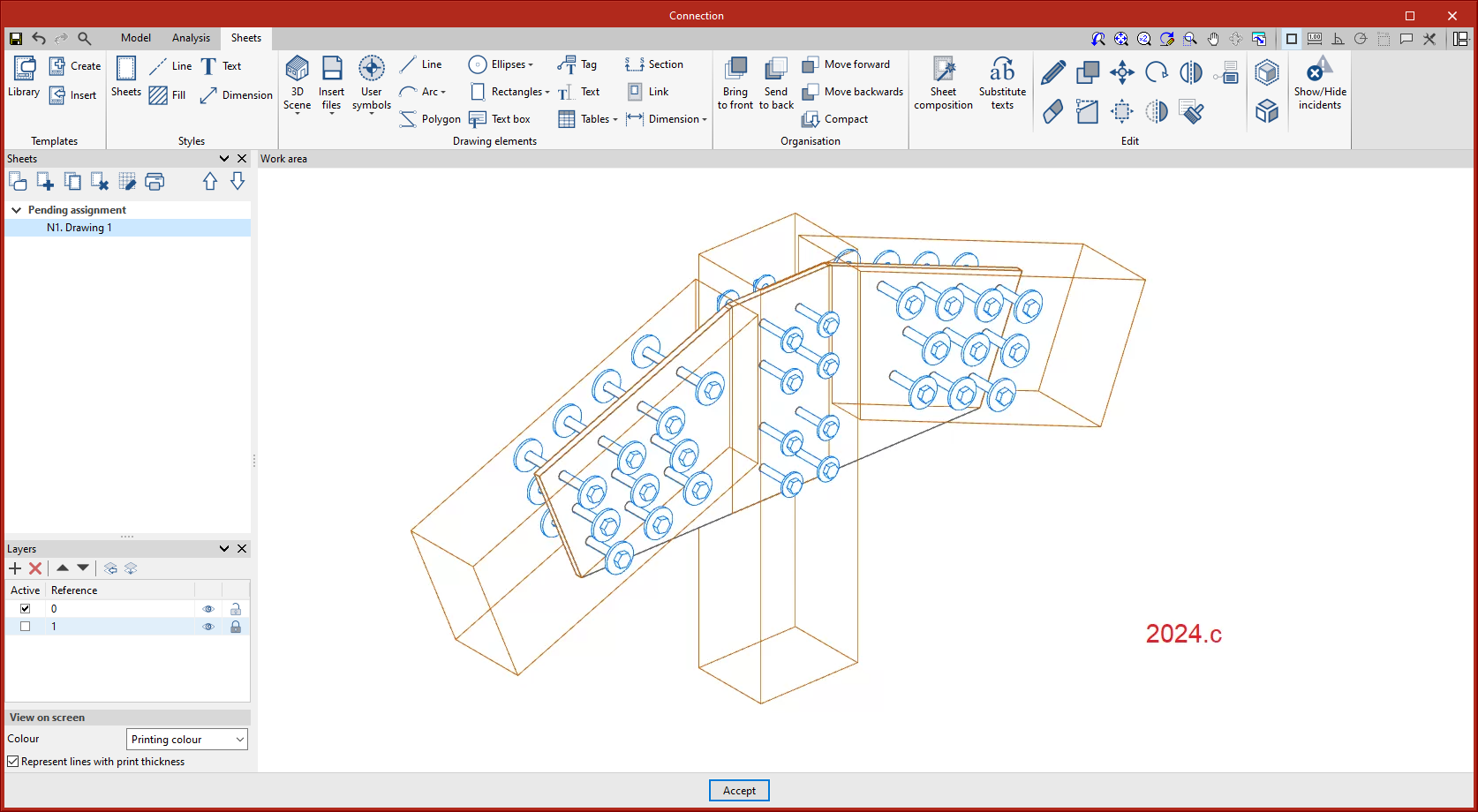
As of version 2024.f, the bolt and screw position table includes a new option to generate bolts radially by defining the number of bolts and the radius.
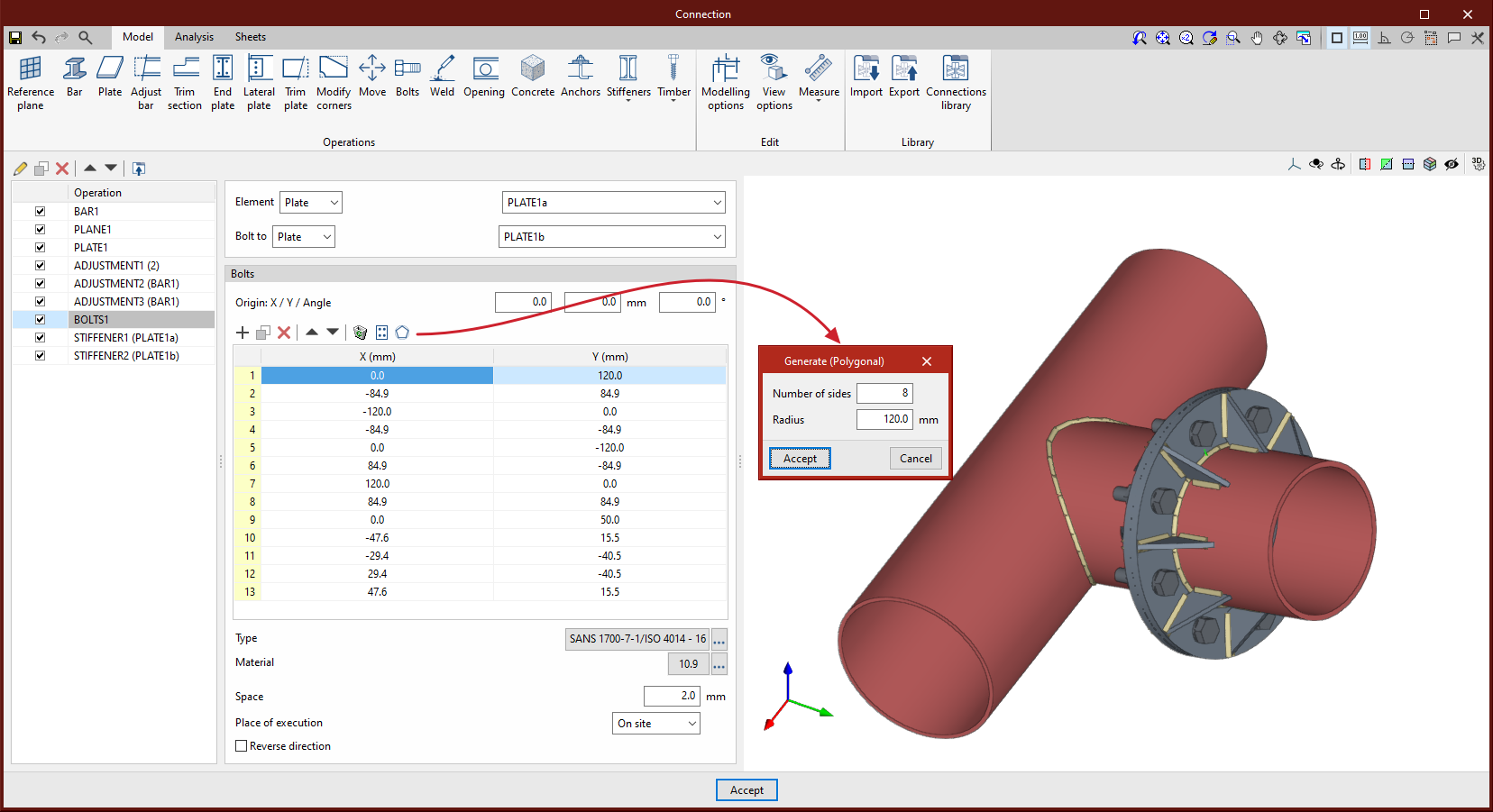



As of version 2024.f, the bolt and screw position table includes a new option to generate bolts radially by defining the number of bolts and the radius.
Up until version 2024.f, a circular plate could be defined by using the "Polygonal" option to create 2 or more curved sections.
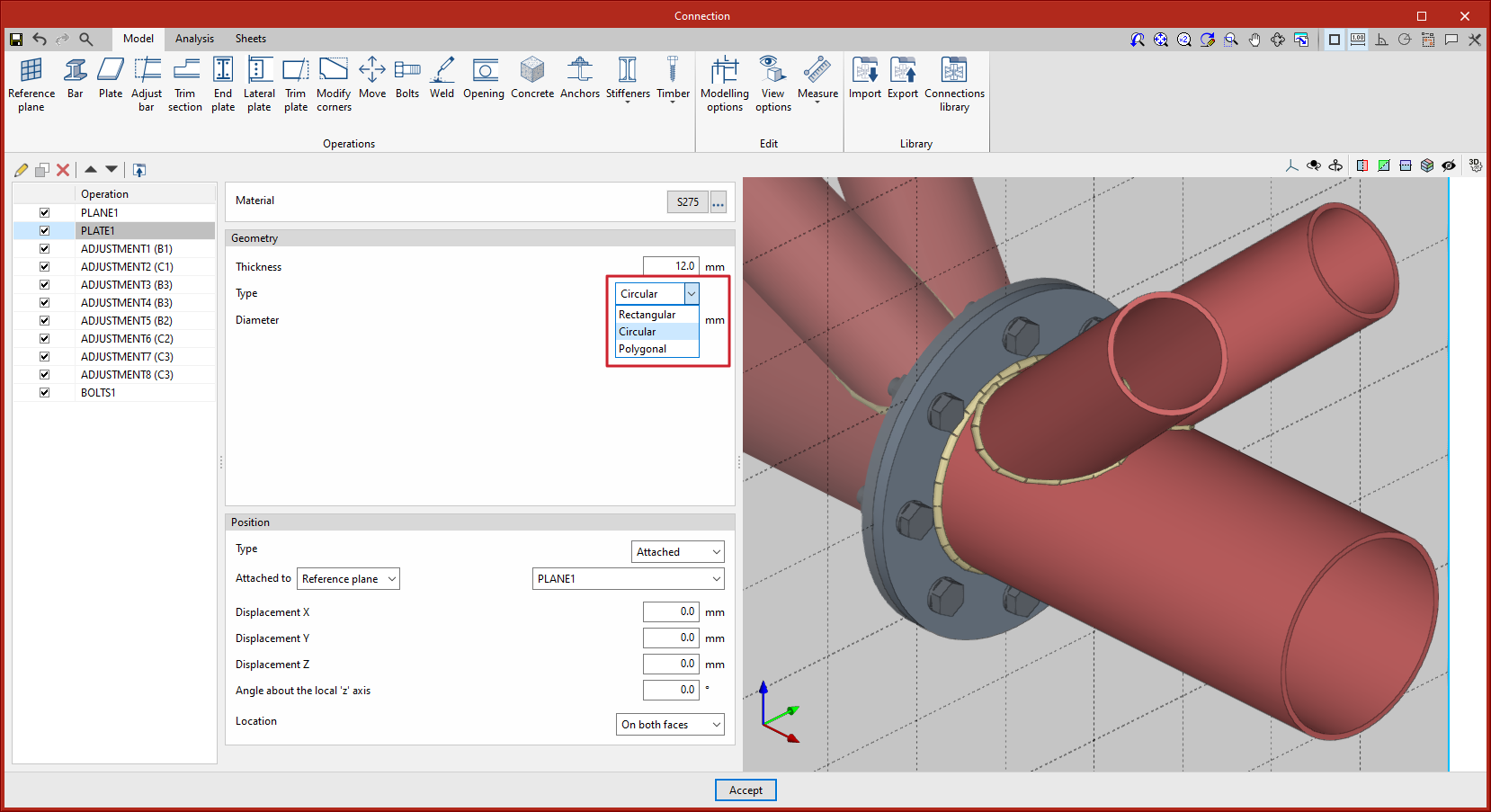
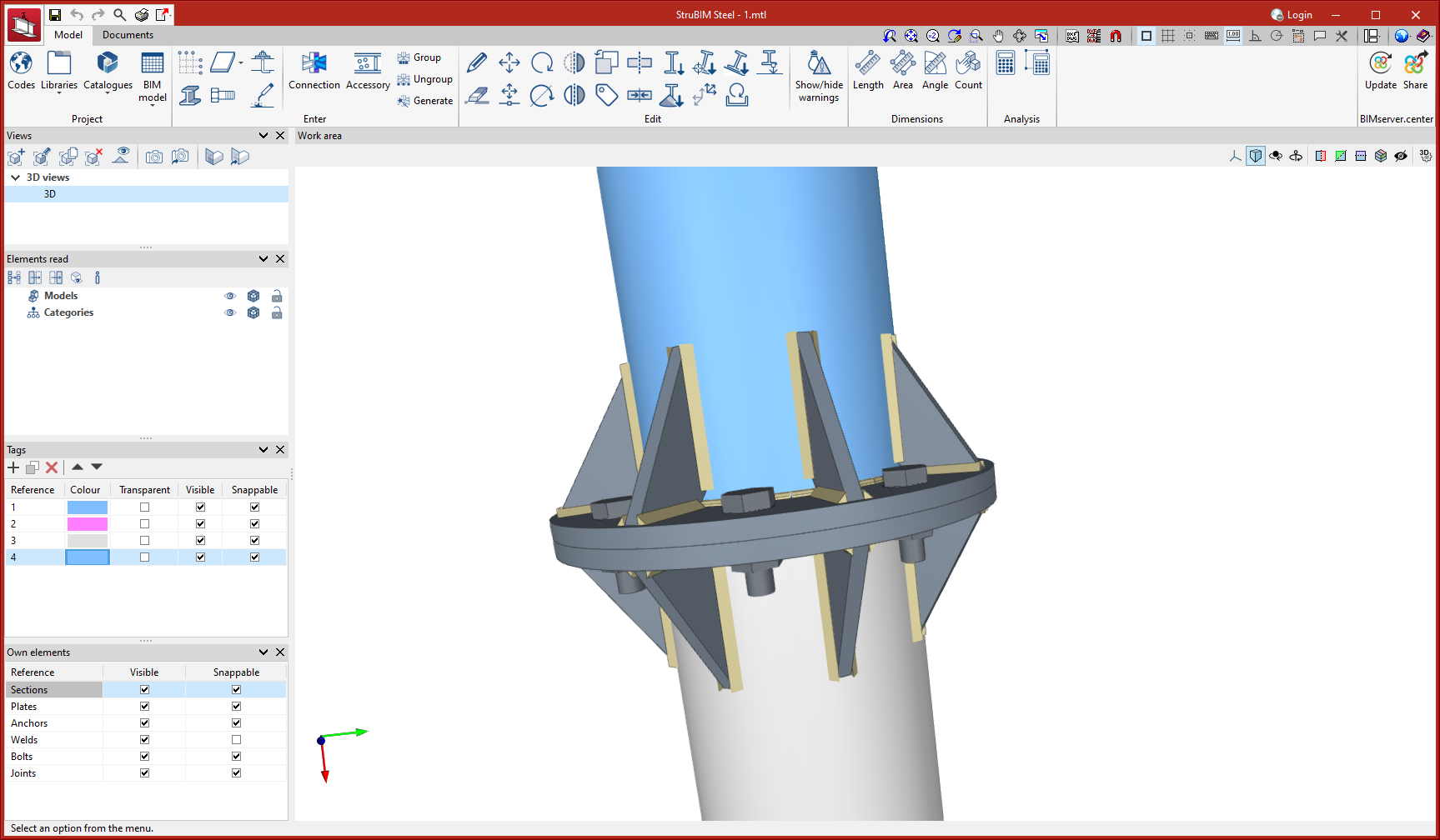
As of version 2024.f, the "Plate" operation includes the new "Circular" option.
This new option allows users to define a circular plate more easily.
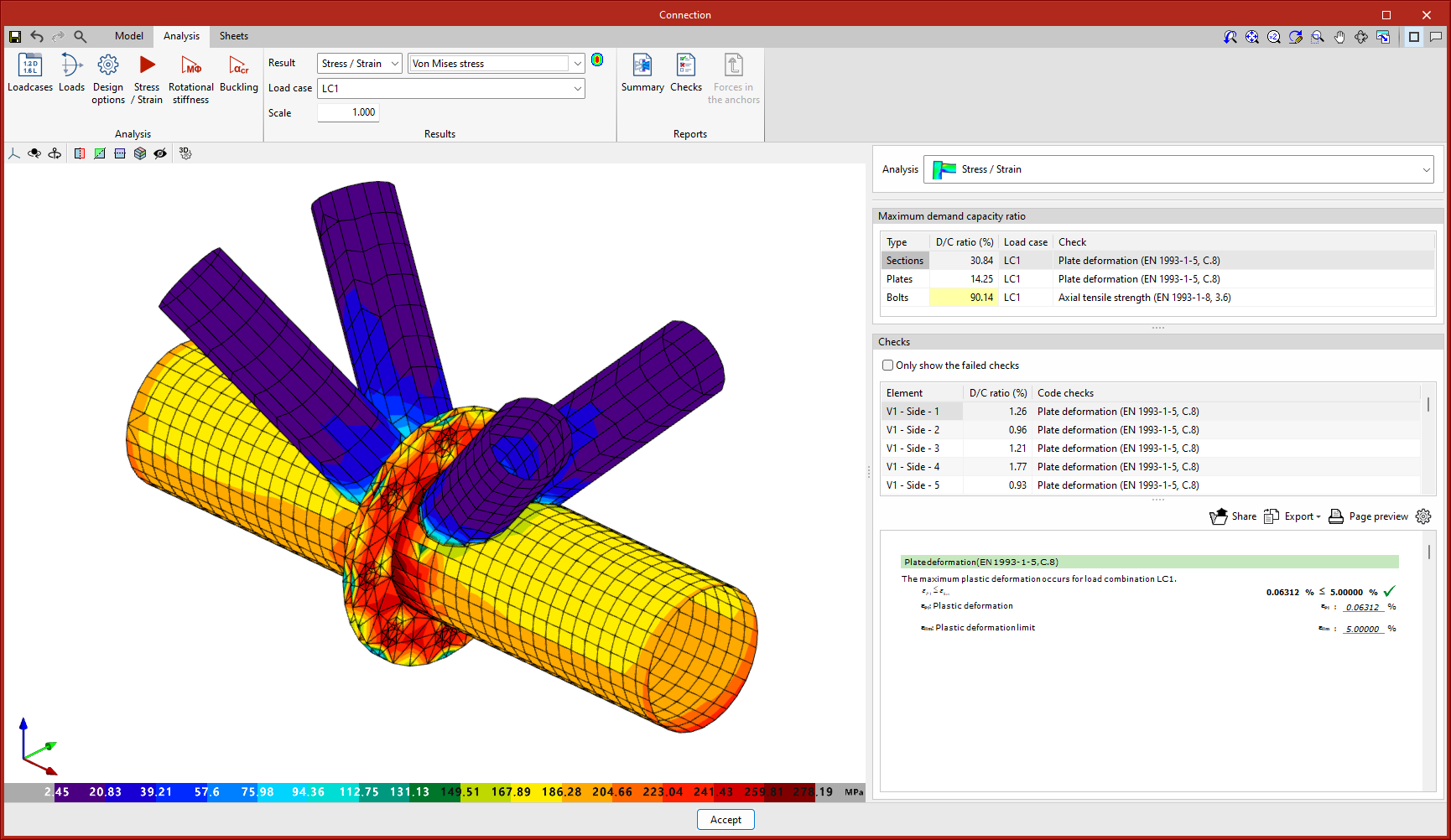
As of version 2024.f, the possibility to model and analyse connections between circular hollow sections in CYPE Connect and StruBIM Steel has been implemented.
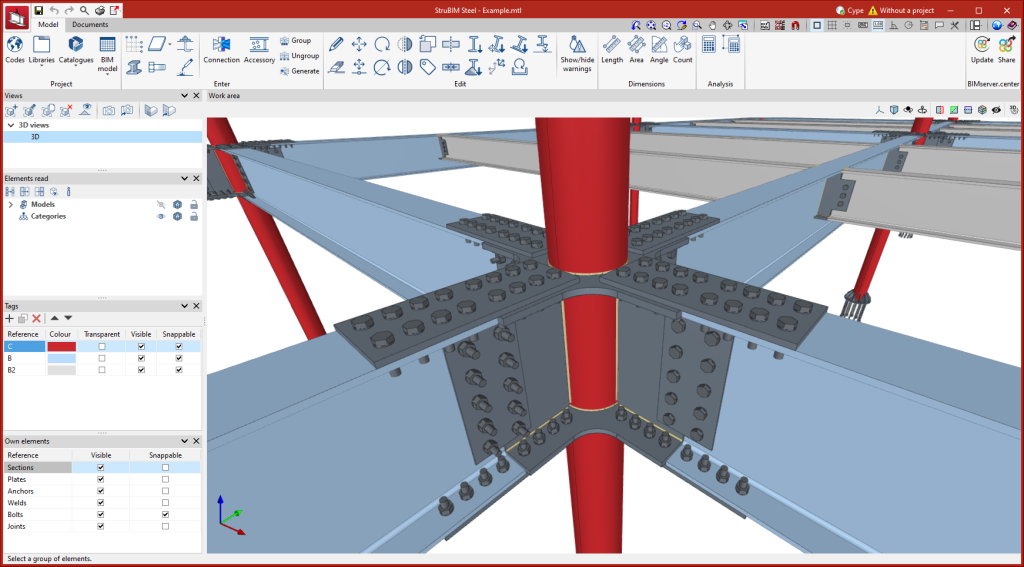
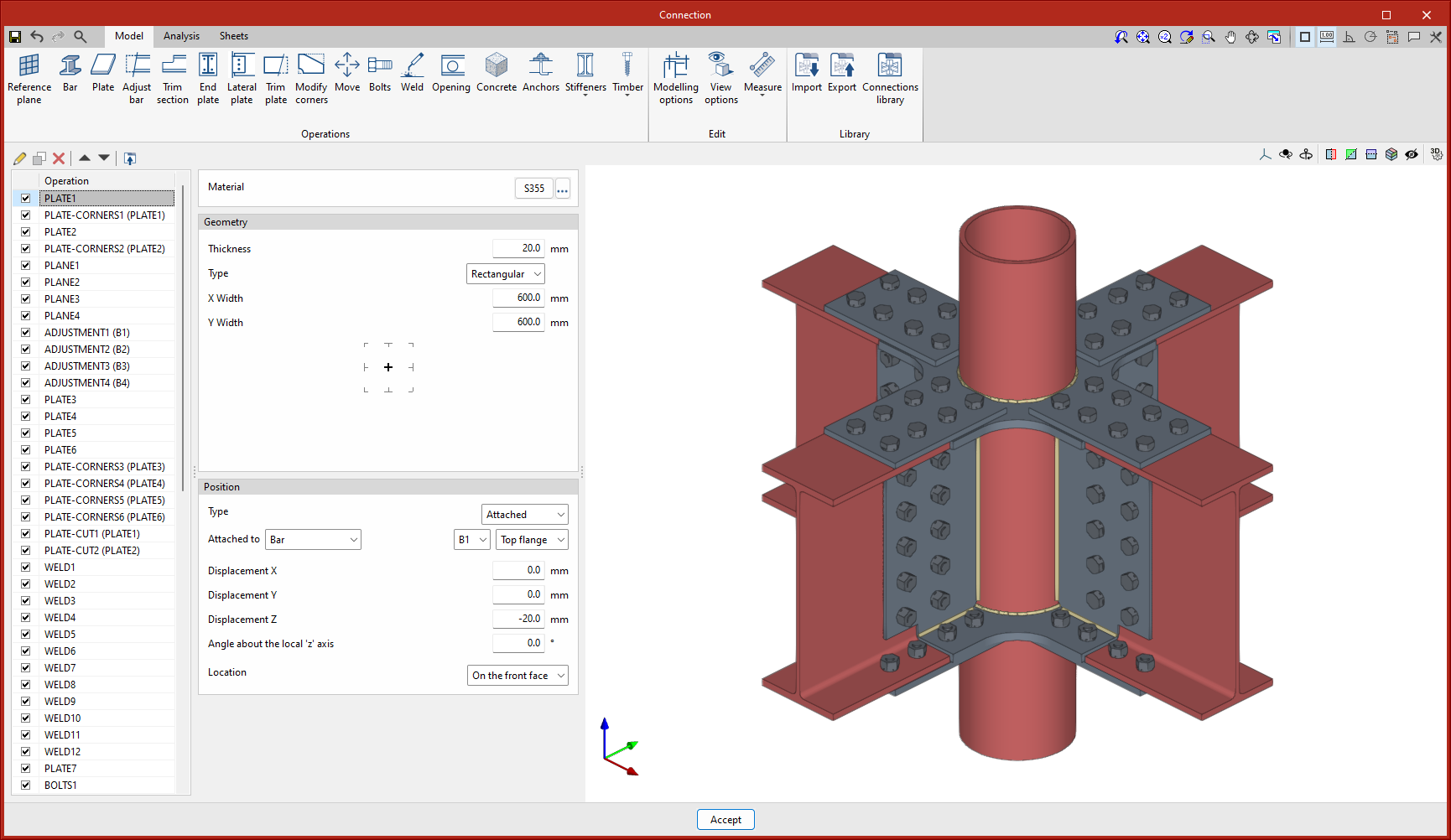
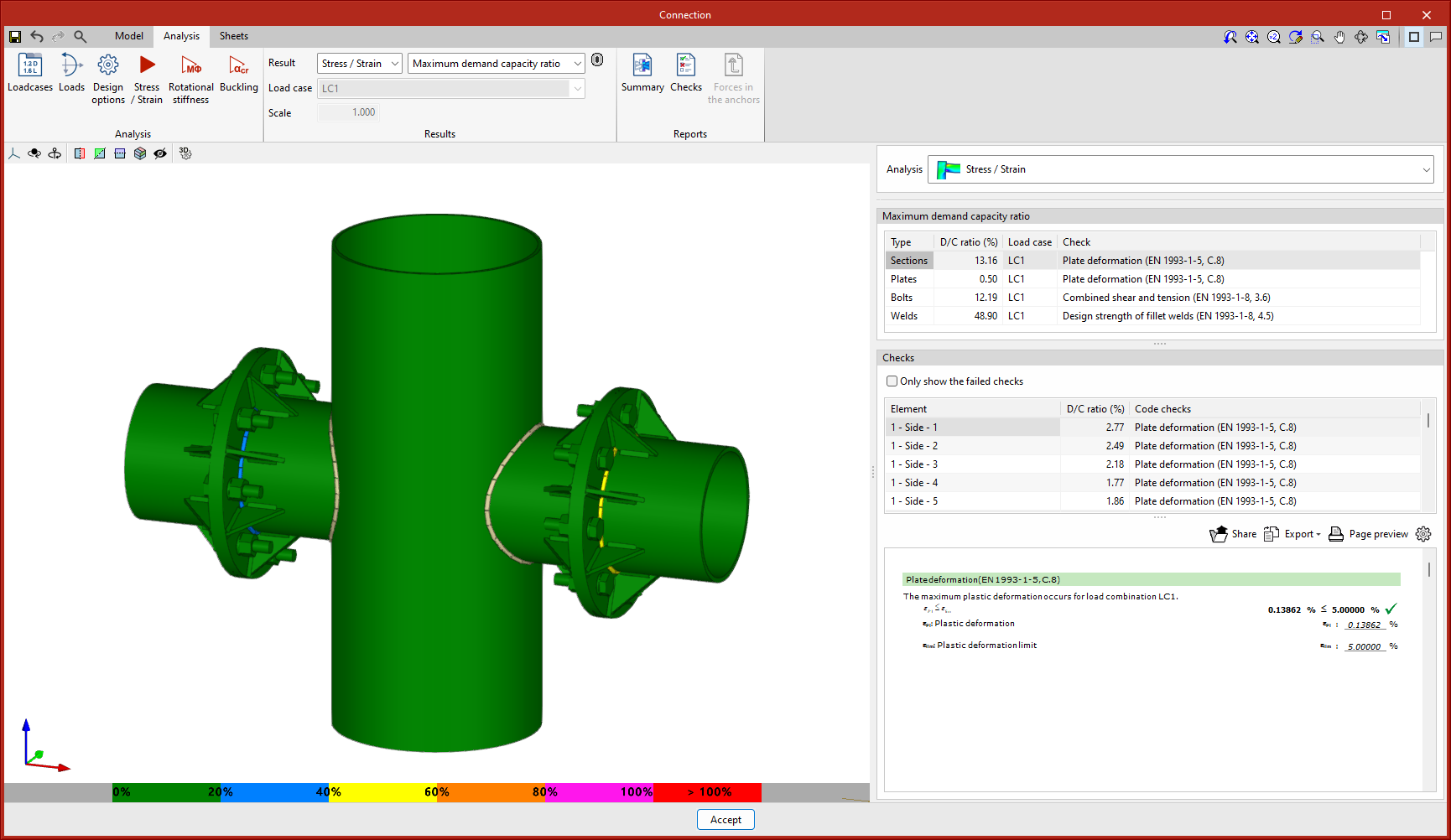
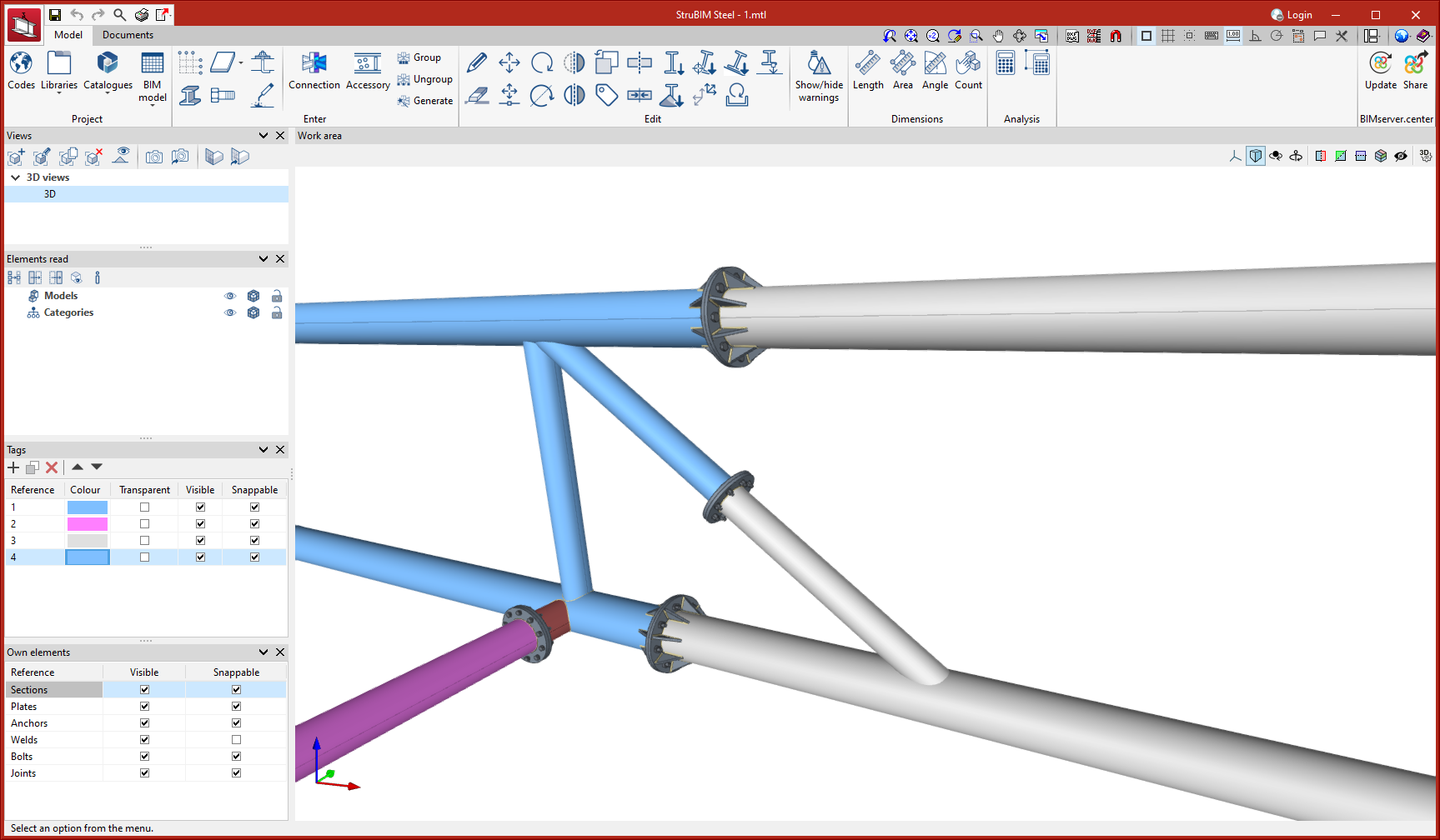
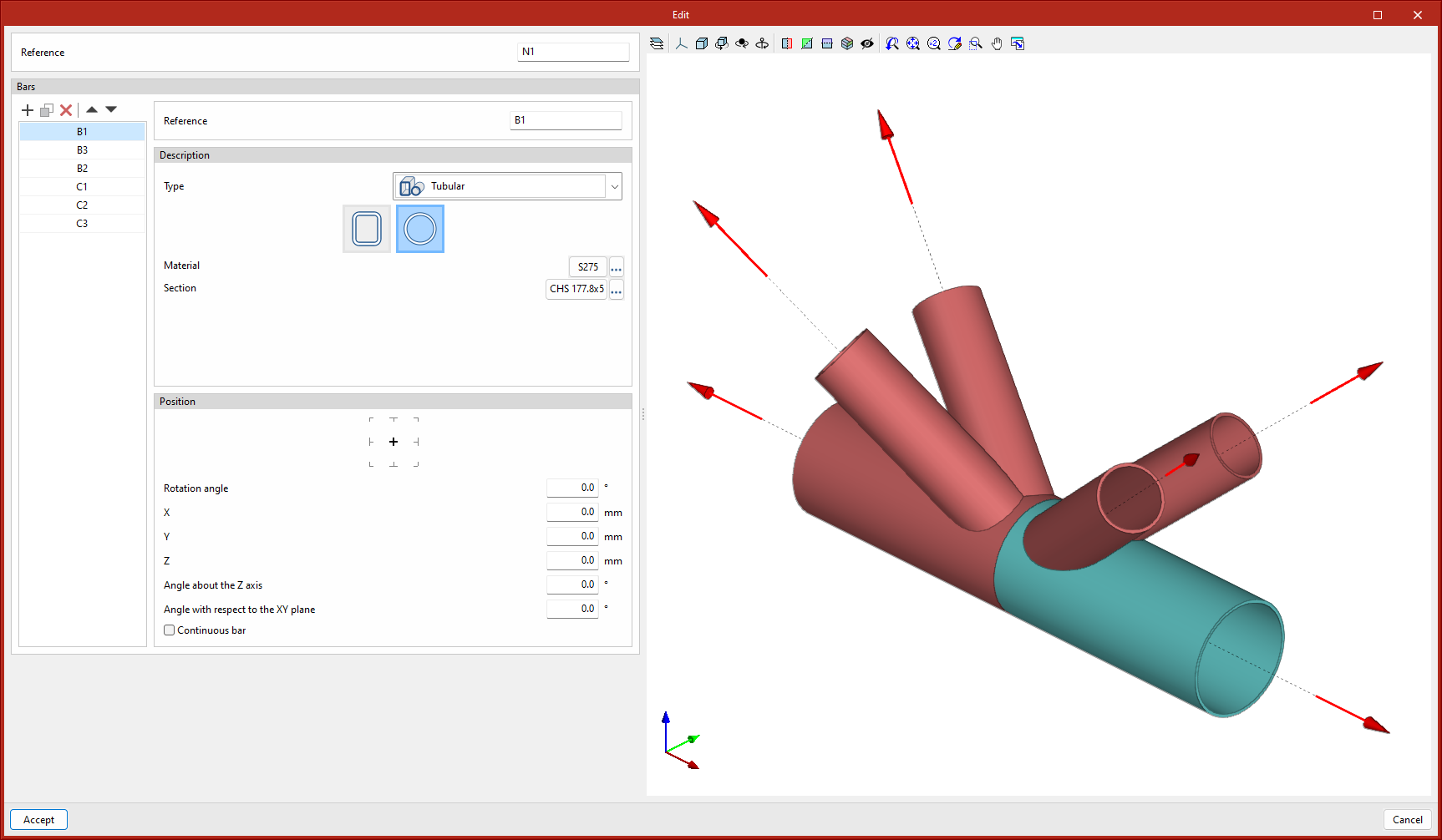
In CYPE Connect, the node editing panel includes the option to select circular hollow sections within the hollow sections option.
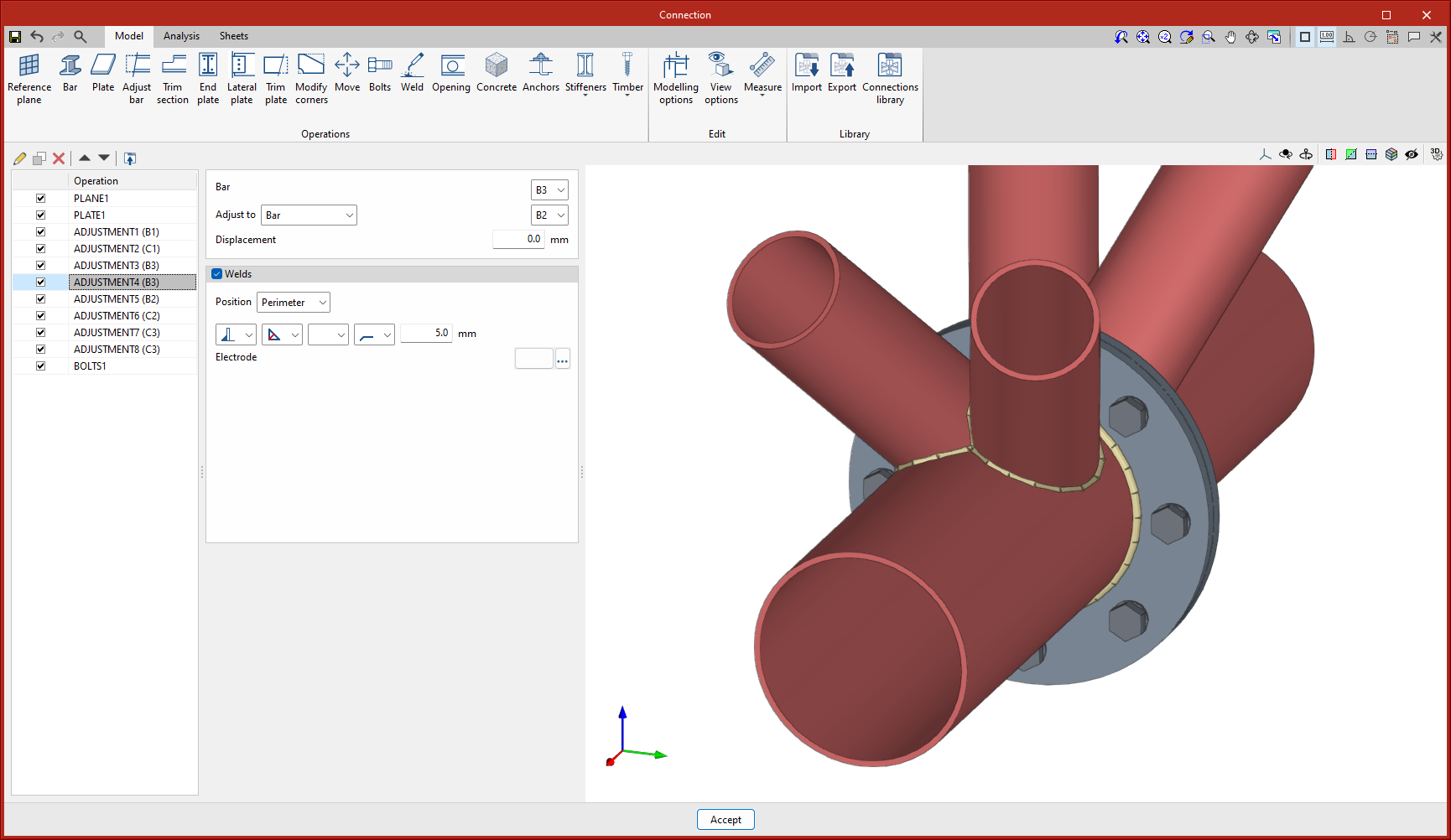
In the connection editing panel, the existing operations adapt their use to work with hollow sections:
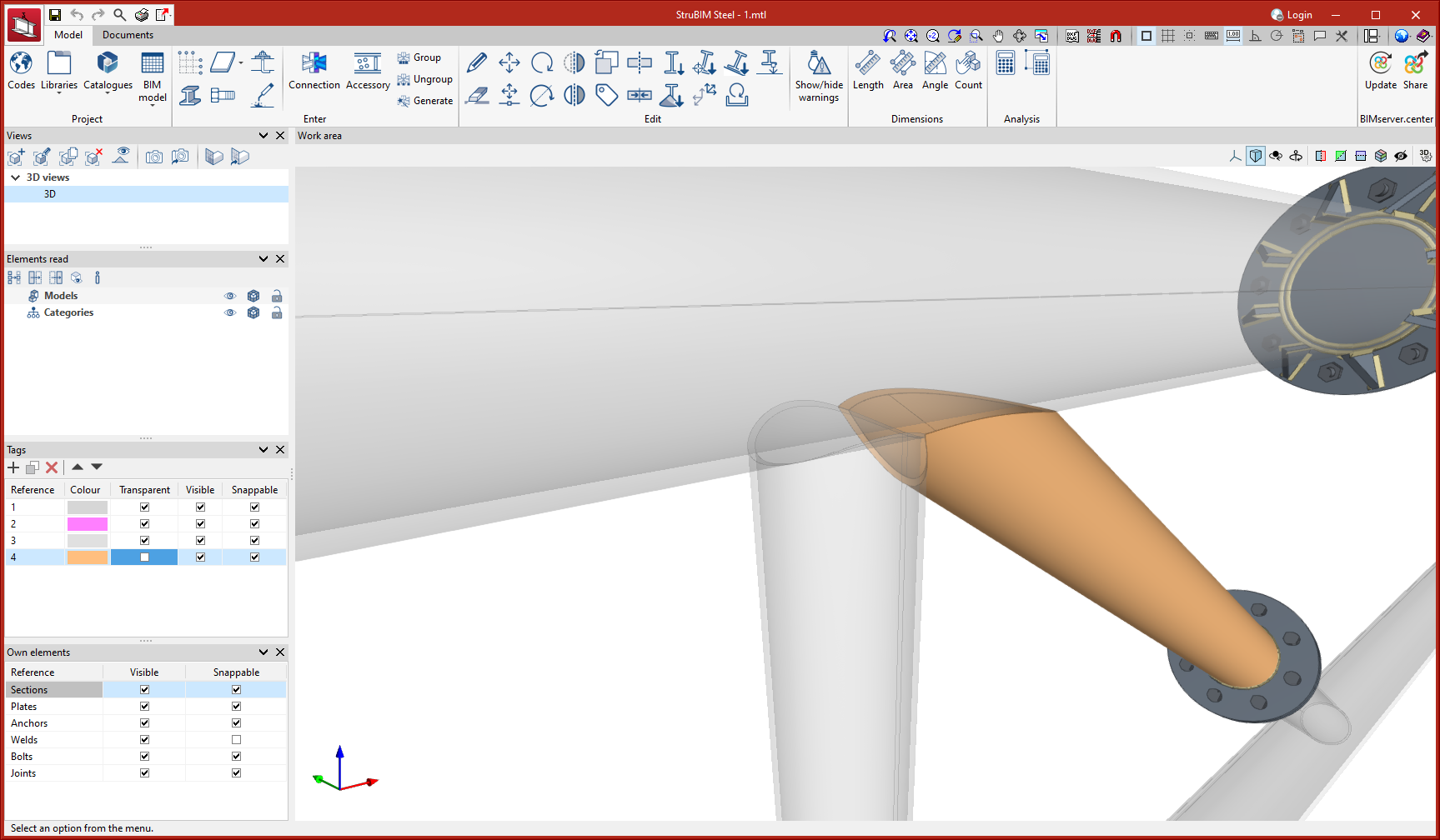
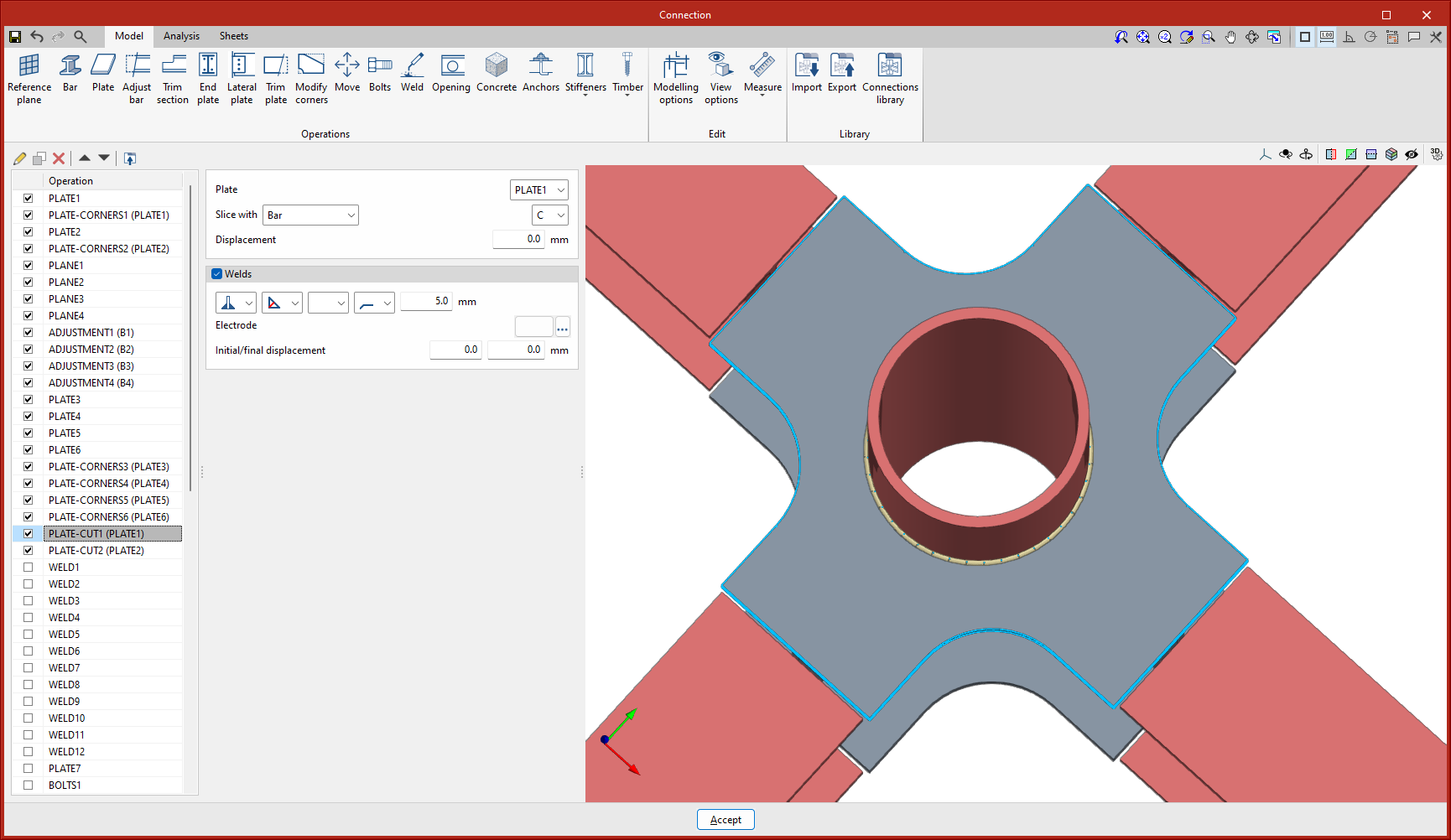
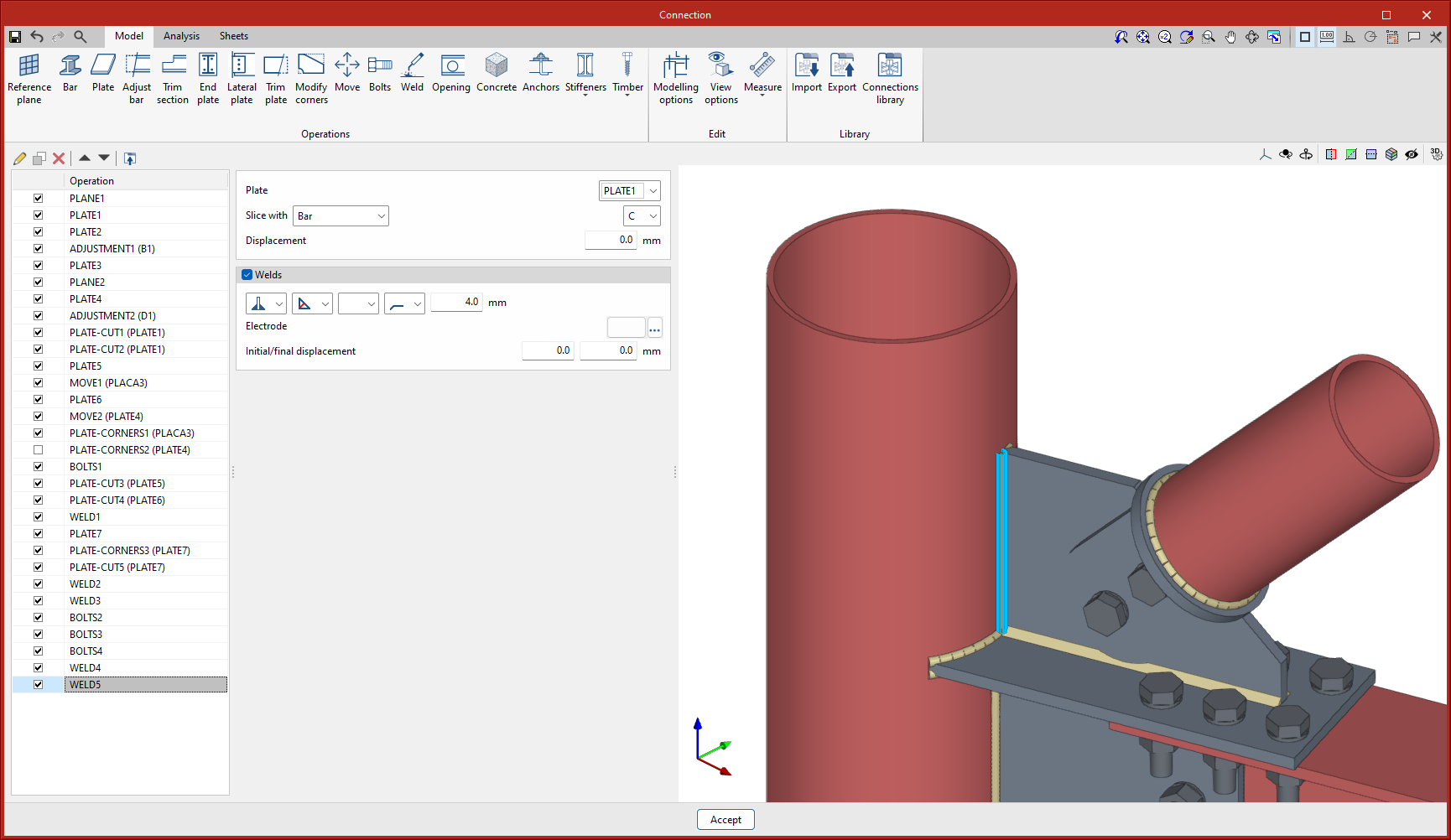
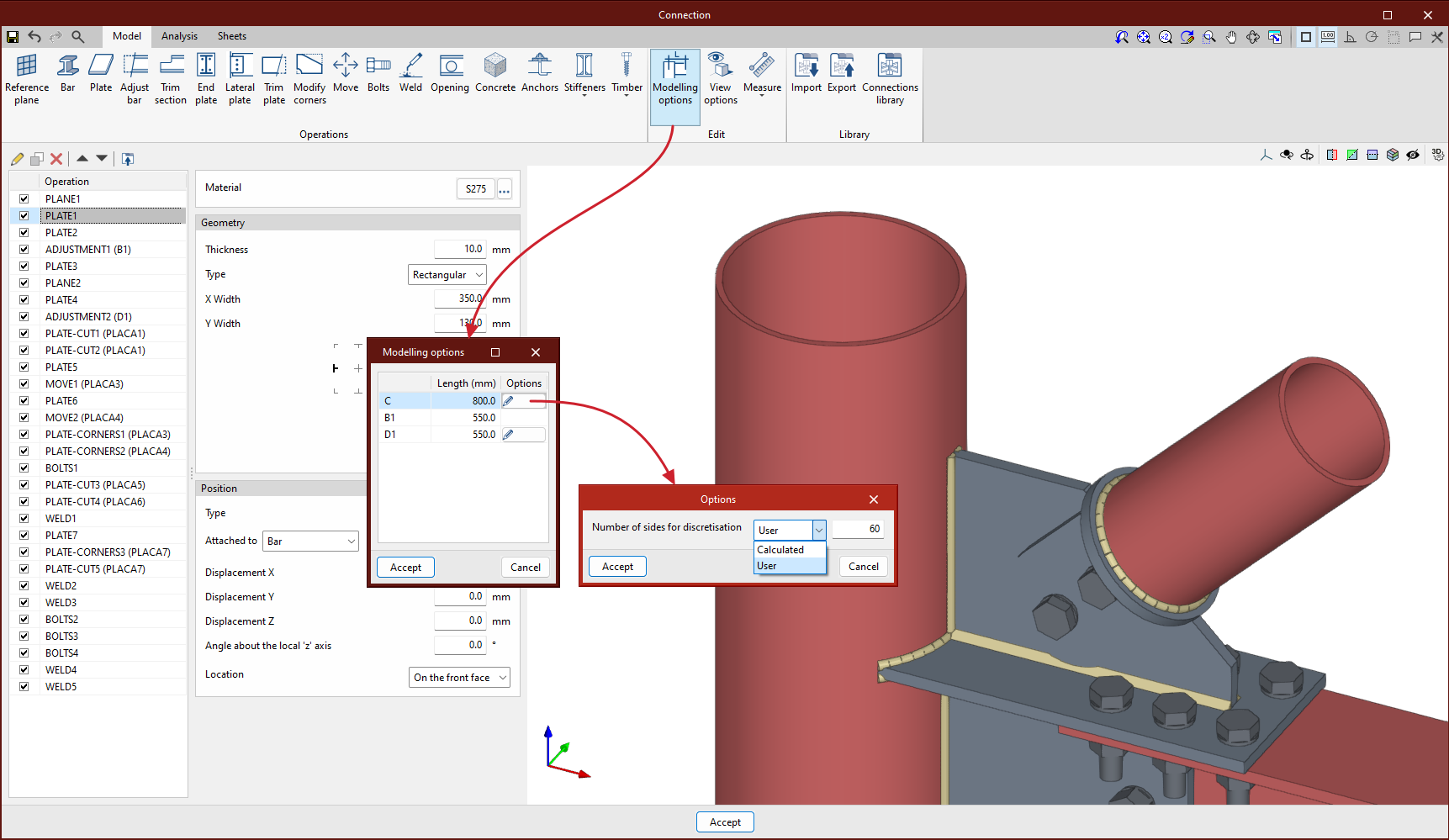
The setting of the number of sides for the discretisation of the circular hollow sections can be found under "Modelling options". A user value or a value calculated automatically by the program can be defined.
Tubular hollow sections with a circular section are discretised by means of quadrilaterals and the number of elements can be reduced, thus reducing the analysis time.
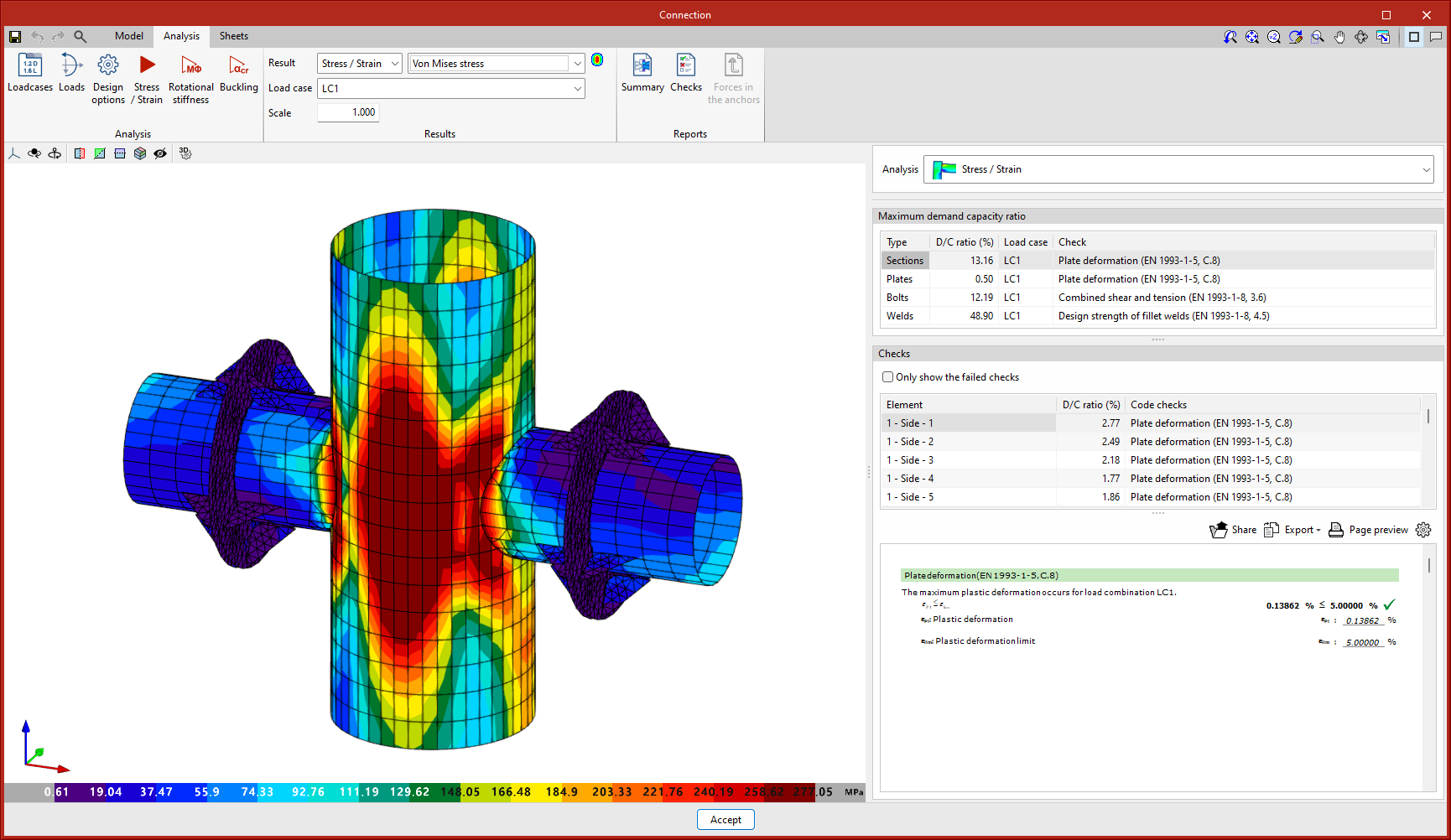
As of version 2024.f, ETABS® structures can be imported into CYPE Connect and StruBIM Steel.
An XML file containing all the model definition tables (MODEL DEFINITION) and the bar force tables (ANALYSIS RESULTS > Element Output > Frame Output) must be exported from ETABS®.
The structure can be imported via StruBIM Uploader or directly into CYPE Connect and StruBIM Steel.
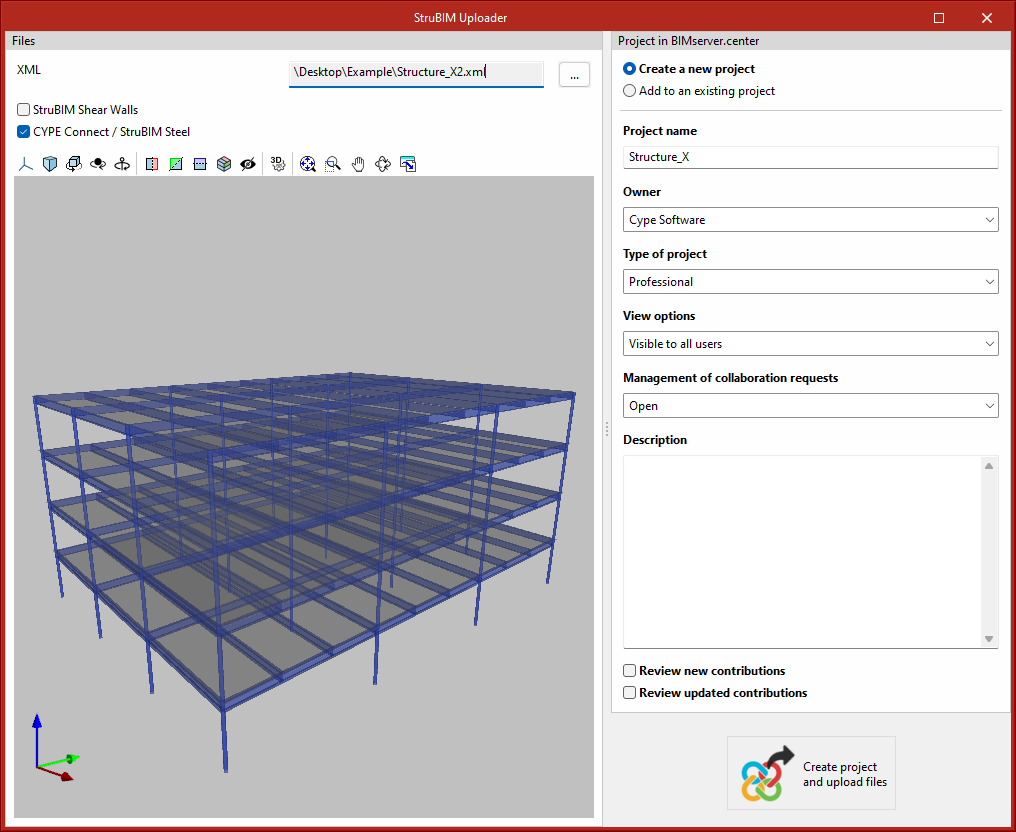
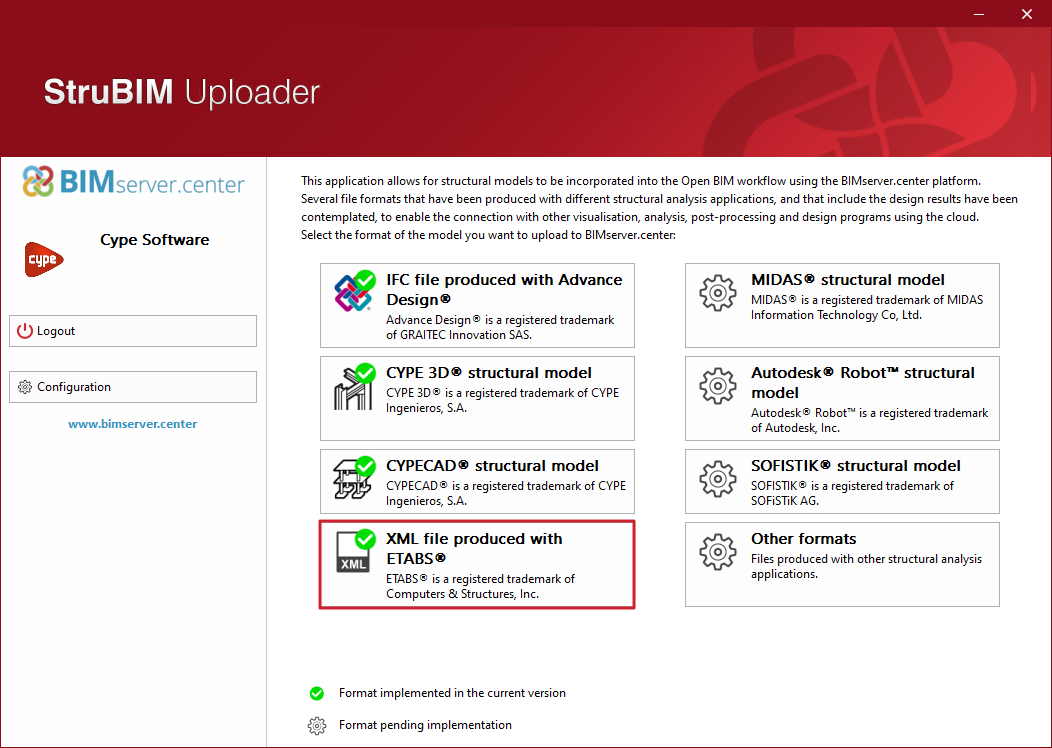
In StruBIM Uploader, by selecting the "XML file produced with ETABS®" option, users access the file selection panel and select the BIMserver.center project, to which the data will be uploaded.
Information can be generated for StruBIM Shear Walls and for CYPE Connect or StruBIM Steel.
After exporting to BIMserver.center, in CYPE Connect or StruBIM Steel simply create the job from that BIMserver.center project.
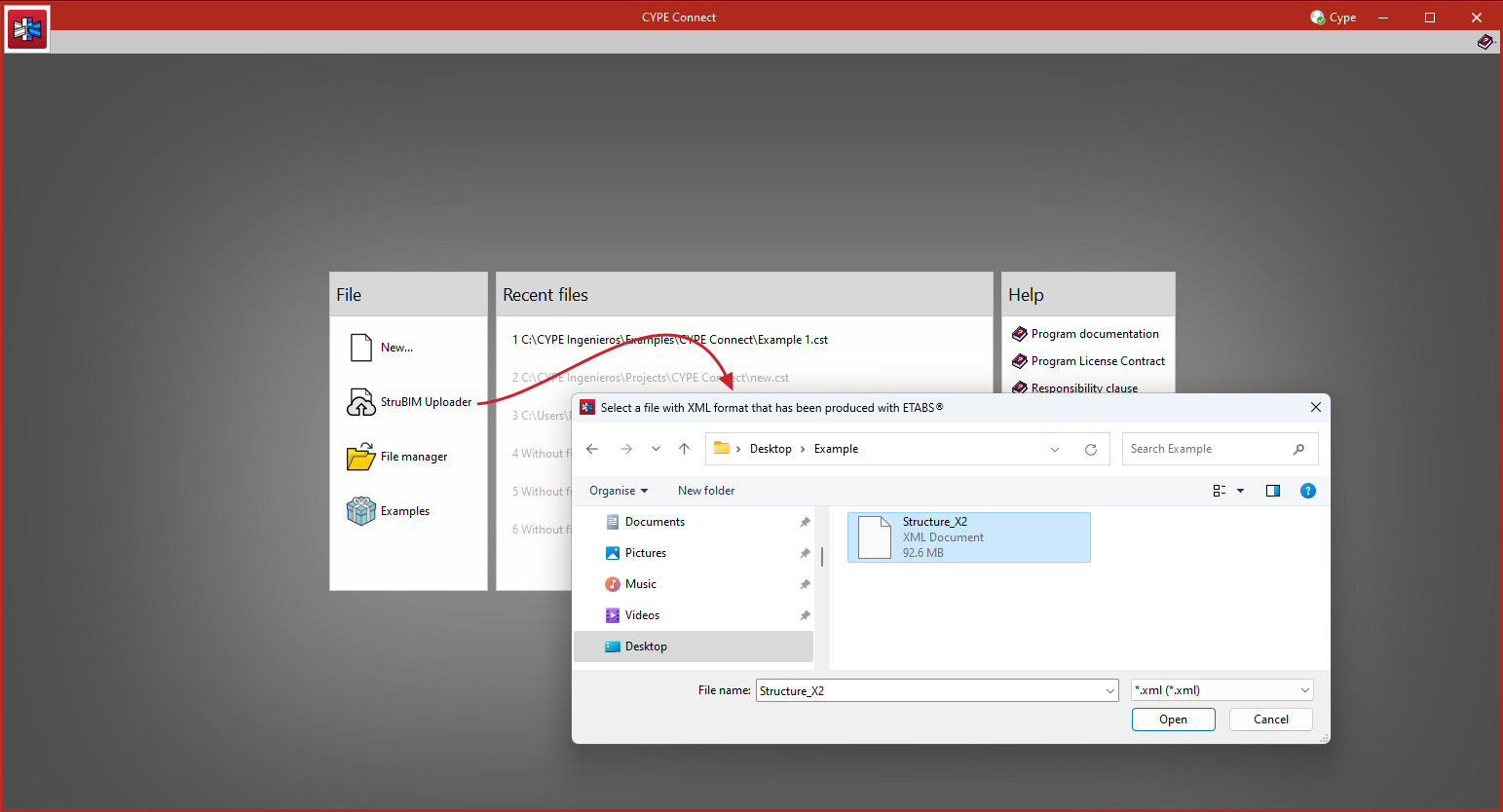
In CYPE Connect and StruBIM Steel, it can be imported directly via direct access to the StruBIM Uploader.
The bars and the forces in the bars are imported.
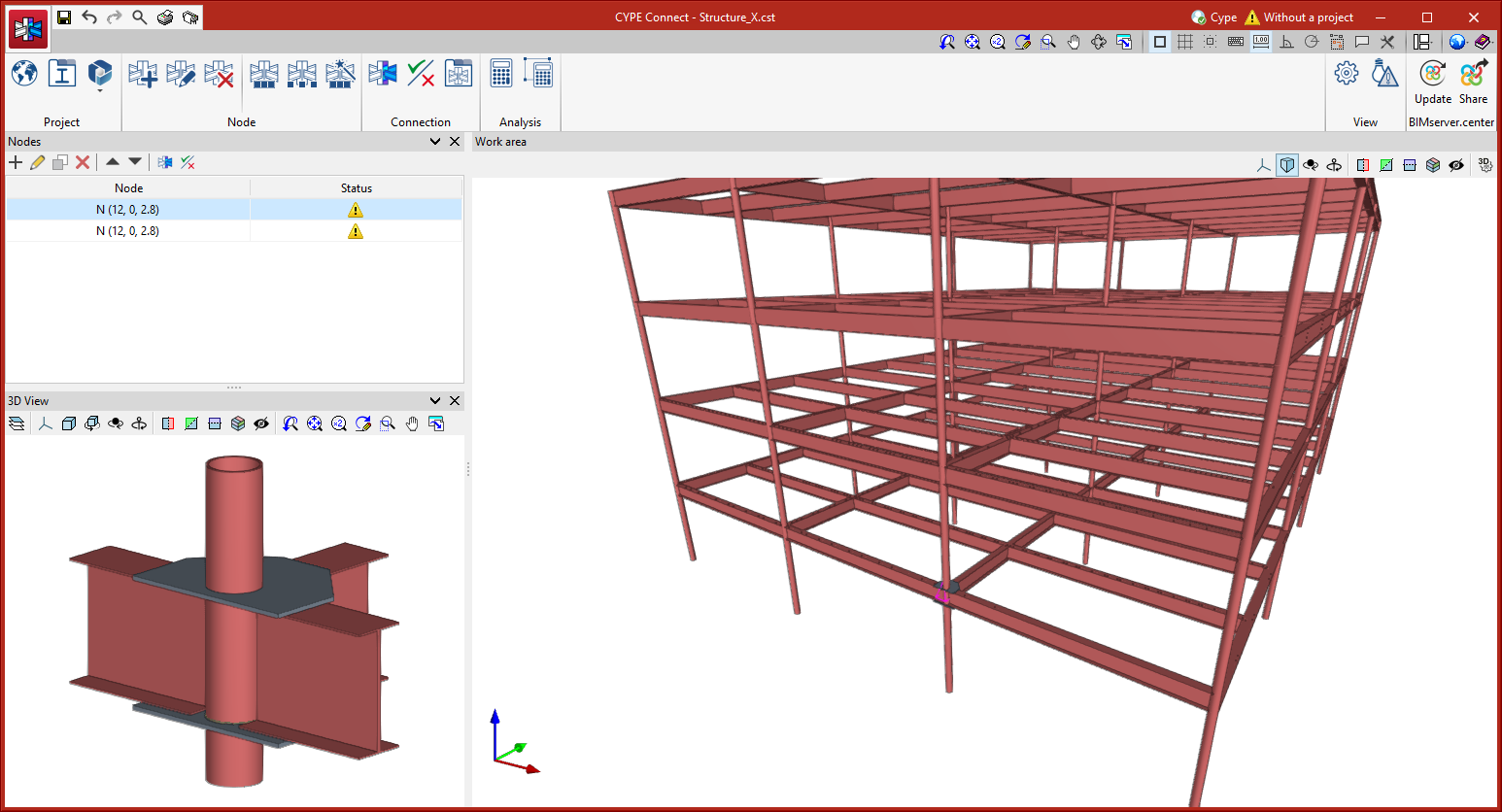
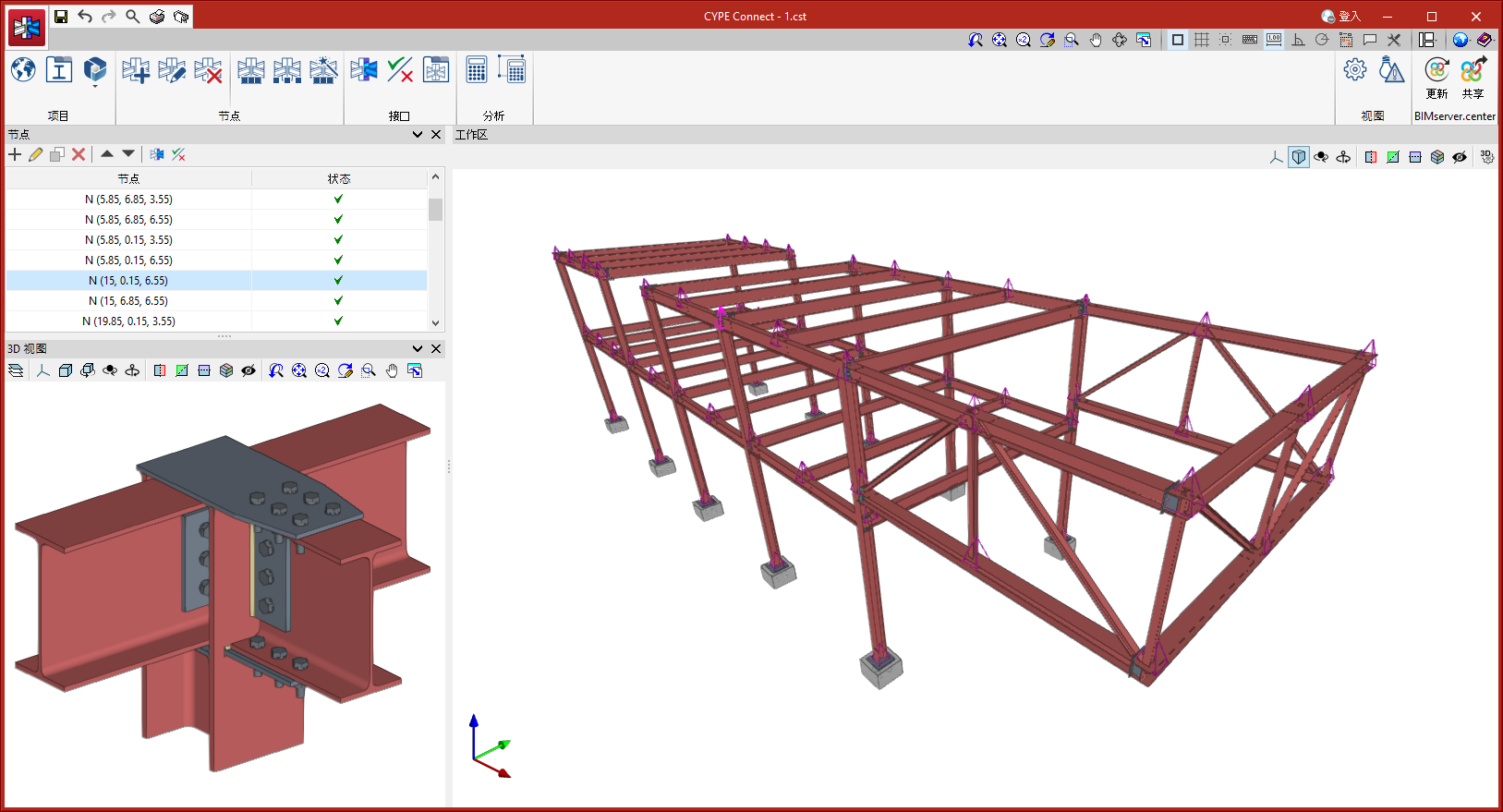
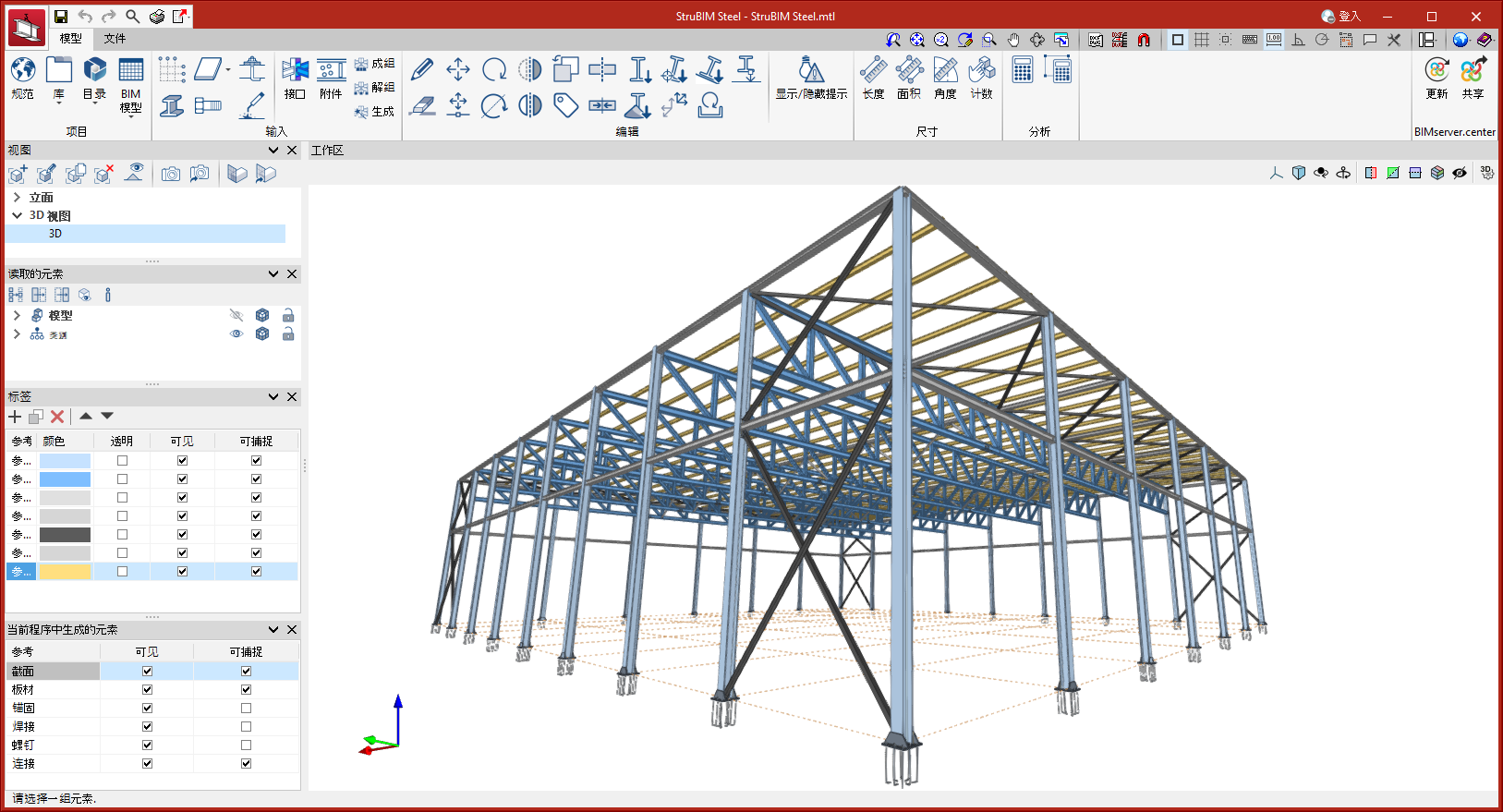
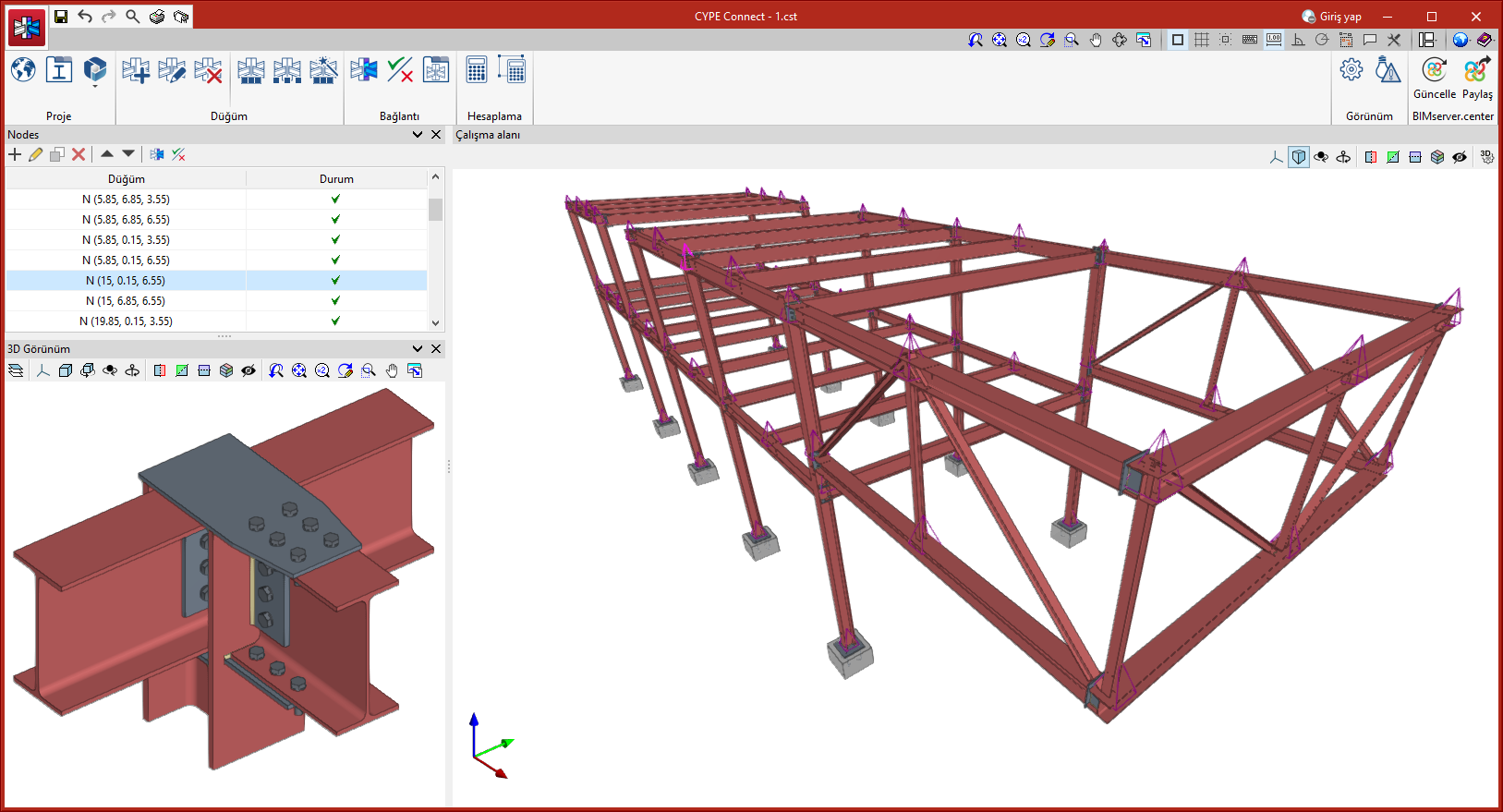
As of version 2024.e, CYPE Connect and StruBIM Steel can also be installed in Chinese and Turkish. These two applications can now be installed in the following languages:
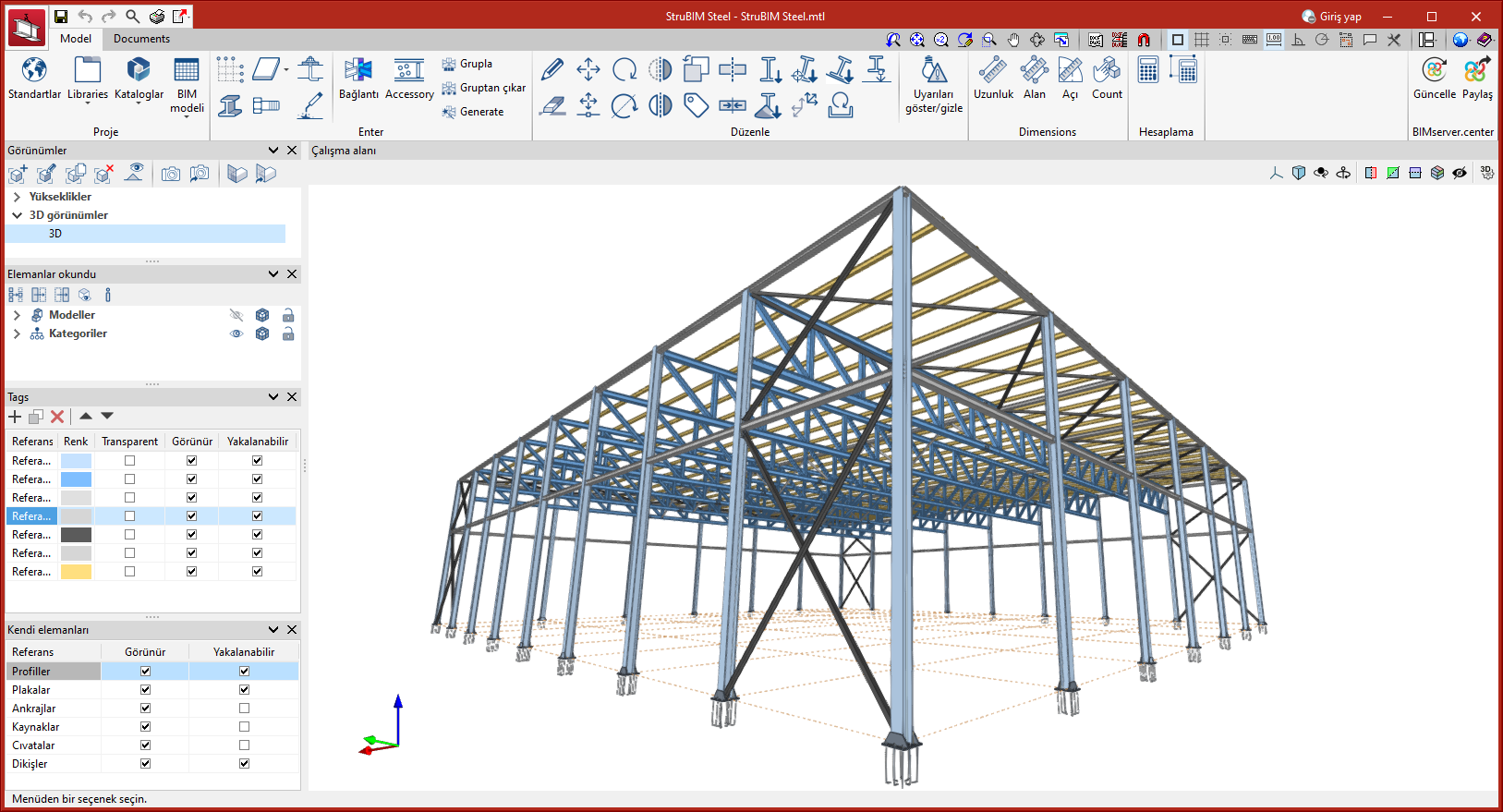
As of version 2024.e, elements with a wire drawing mode will show only the visible lines, hiding the lines that would be hidden if the model were drawn solid.