Up until the previous version (2013.i), the Show error messages option (from the Show error messages dialogue that opens when the  button is selected in the top part of the editor) displayed all the error messages due to the introduced reinforcement (zones of the frame without reinforcement, bars with bending shape errors...). As of the 2013.j version, the Show error messages option displays all the errors in the tool-tip that appears when a span containing errors is selected. The information shown is the same as that provided with the “Beam errors” option from the “Beams/Walls” menu of CYPECAD, but with the added list of checks that have been failed, if any are found.
The location points of the errors are visible with all the options of the beam editor, unless users deactivate them (using the “Hide all errors” option in the dialogue box that opens using the button).
The error information may not be up to date (for example, if the reinforcement of the frame has been modified), in which case, this is indicated in the tool-tip that displays the error information. The errors are not updated automatically after each modification for the same reason as with the deflection calculation, indicated in the previous section. So users can update the error information when they deem adequate (for example, once the reinforcement has been modified several times), the option: Update error information has been implemented, which is represented by the button (located to the left of the button).




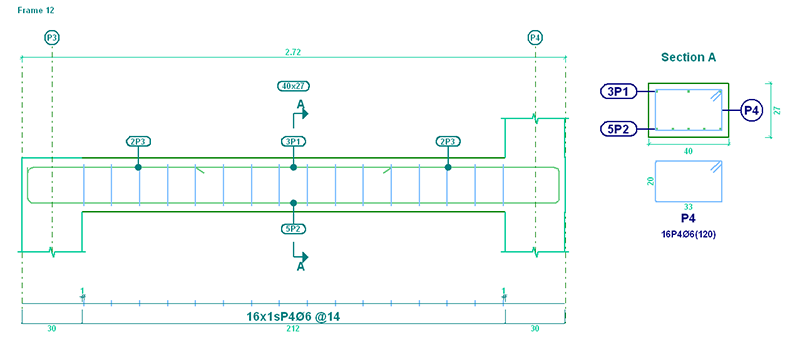
 > Edit
  select the end of the reinforcement bar), the program takes into account if the option in CYPECAD: The depth minus the cover, with a maximum of, is activated so to calculate the length of the top or bottom anchorage lengths (Job > General data > By position button in Steel in bars
  > Beam options > Design/ Code checks > Top reinforcement or Bottom reinforcement button > Anchorage length > The depth minus the cover, with a maximum of).
 U.L.S. and S.L.S. checks at the worst case point
 U.L.S. and S.L.S. checks at a point
 Consult deflections in spans
 button is selected in the top part of the editor) displayed all the error messages due to the introduced reinforcement (zones of the frame without reinforcement, bars with bending shape errors...). As of the 2013.j version, the Show error messages option displays all the errors in the tool-tip that appears when a span containing errors is selected. The information shown is the same as that provided with the “Beam errors” option from the “Beams/Walls” menu of CYPECAD, but with the added list of checks that have been failed, if any are found.
 button (located to the left of the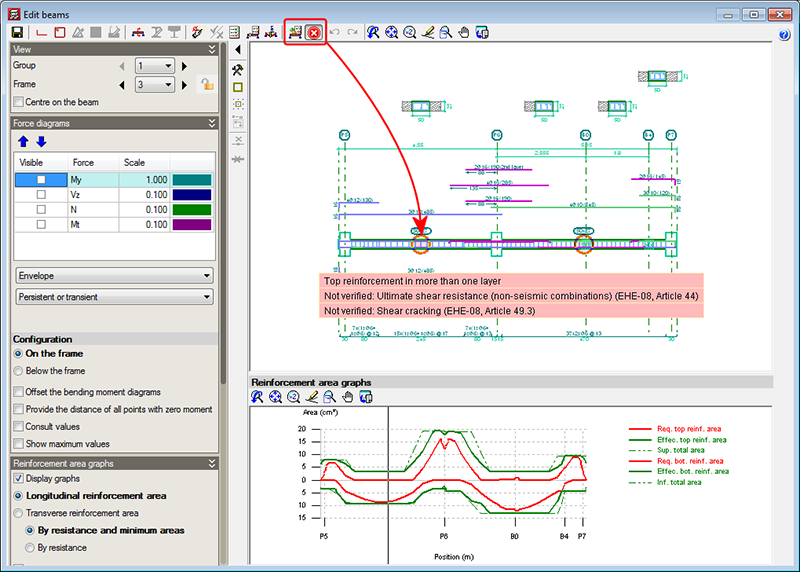
 button in the top part of the beam editor), which displays the deflection values of the selected frame span. This tool provides the same information as is obtained using the “Beam/wall information” option in the “Beams/Walls” menu of CYPECAD.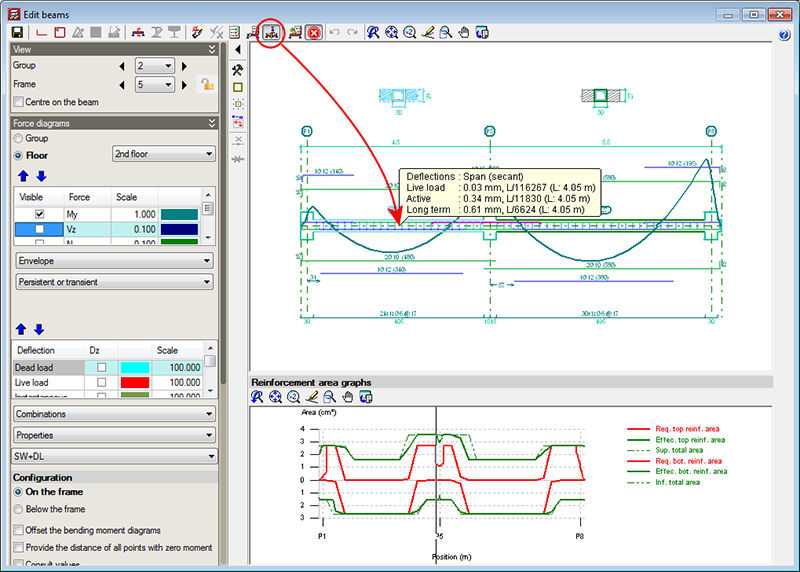
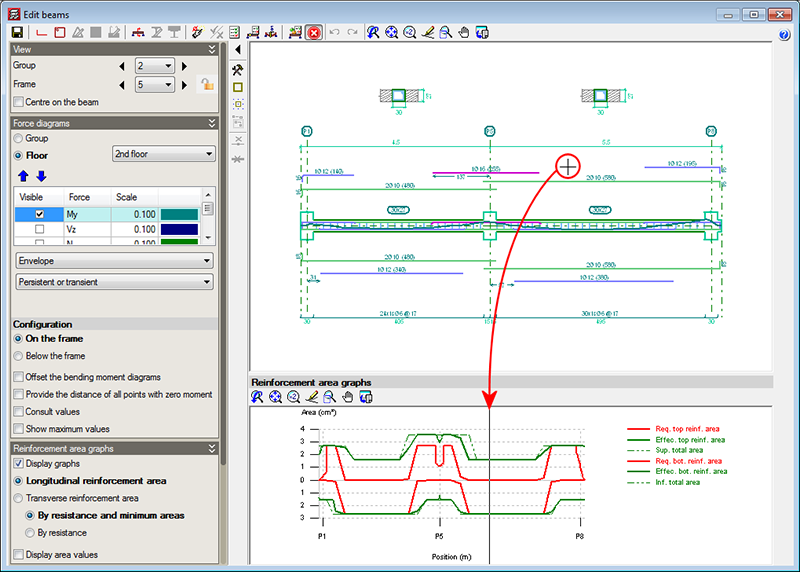
 button in the top part of the editor). Similarly, the transverse reinforcement areas are automatically displayed when any of the transverse reinforcement edition options are used (
 button in the top part of the editor).