Update history​​

Open BIM Quantities

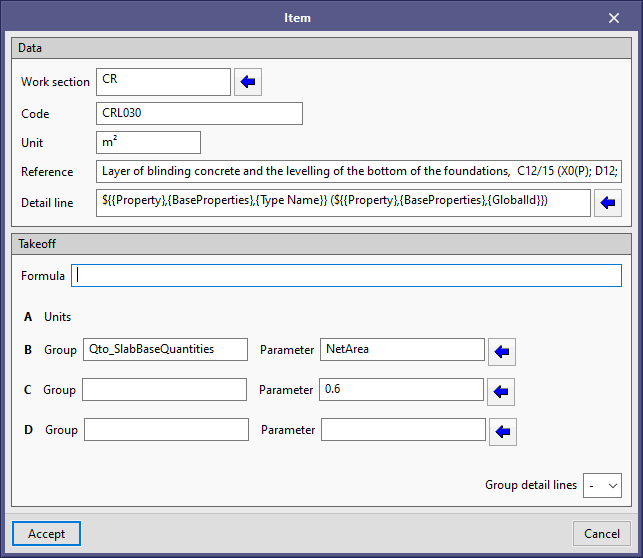
As of the 2021.a version, users can enter constant values for parameters A, B, C and D that make up the measurement. To be able to obtain this result in the previous version, an expression had to be entered in the “formula” field, which included the value that had to be considered. With this implementation, the task is simplified and the documents are improved.

To include a constant in the measurement, simply leave the “Group” field empty, which appears next to the parameter identifier (B, C or D) and introduce the numerical value in the “parameter” field.

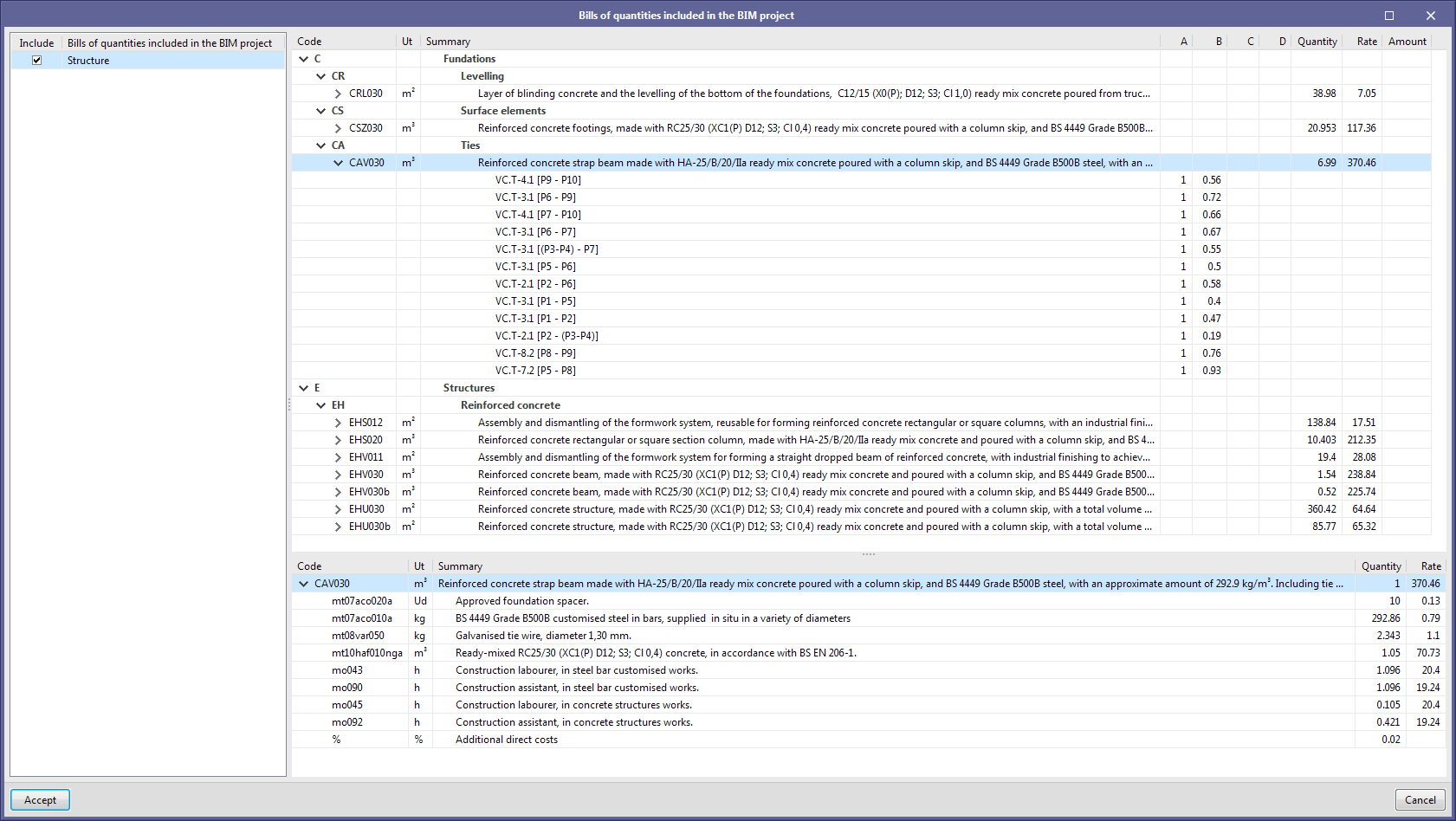
As of the 2021.a version, Open BIM Quantities can read the bills of quantities that are generated by project applications, via the "Bill of quantities" tab that is available in the tools. The information from the different applications is consolidated in Open BIM Quantities, making it easier to create a bill of quantities for the complete project. The documents that are generated can be exported to the BIMserver.center project and integrated with the project reports in Open BIM CTE Memorias application.

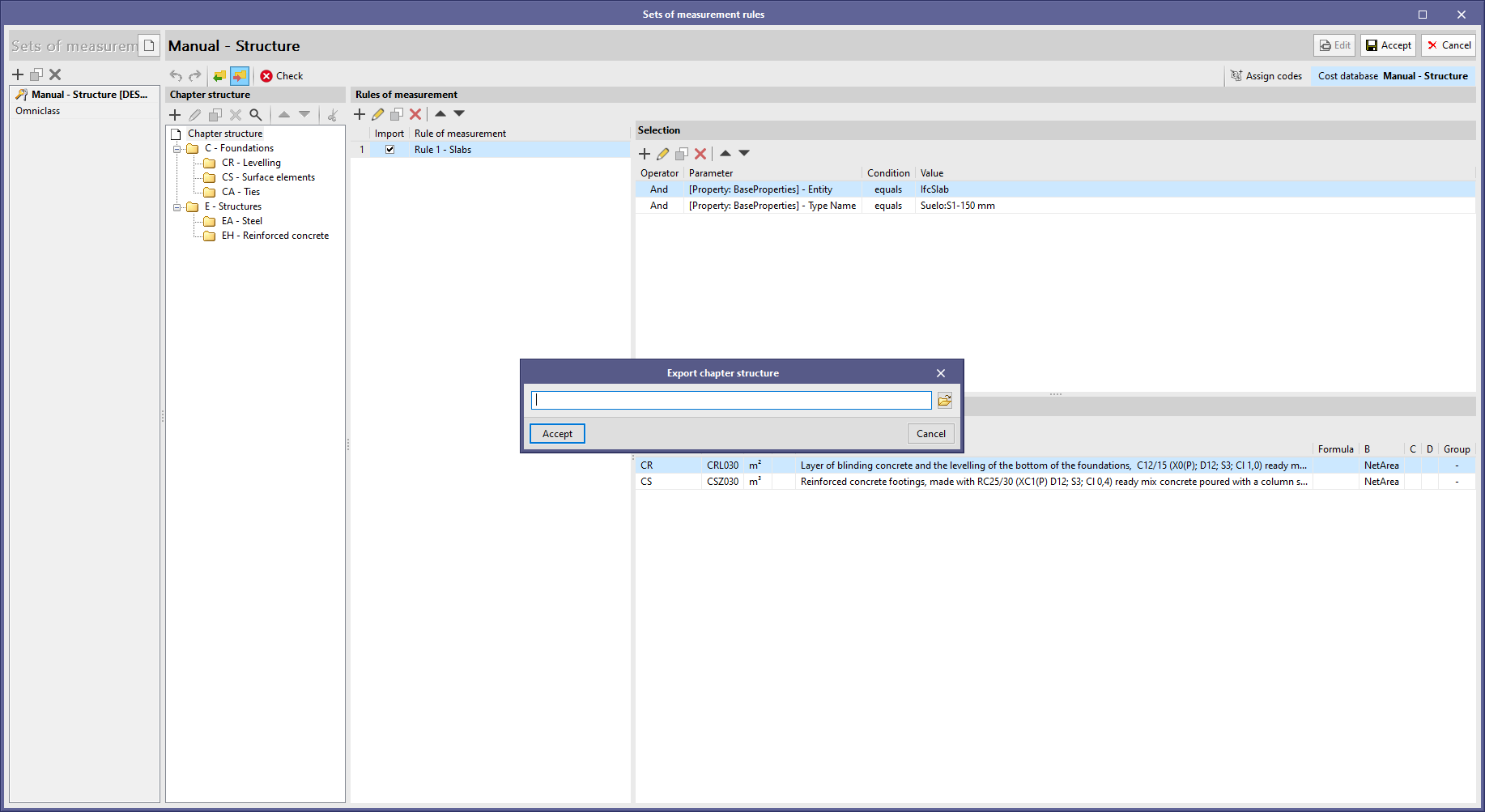
Now, users can import or export the chapter structure of a set of measurement rules. In the previous version, users could import it but only from the creation window of the set of measurement rules.

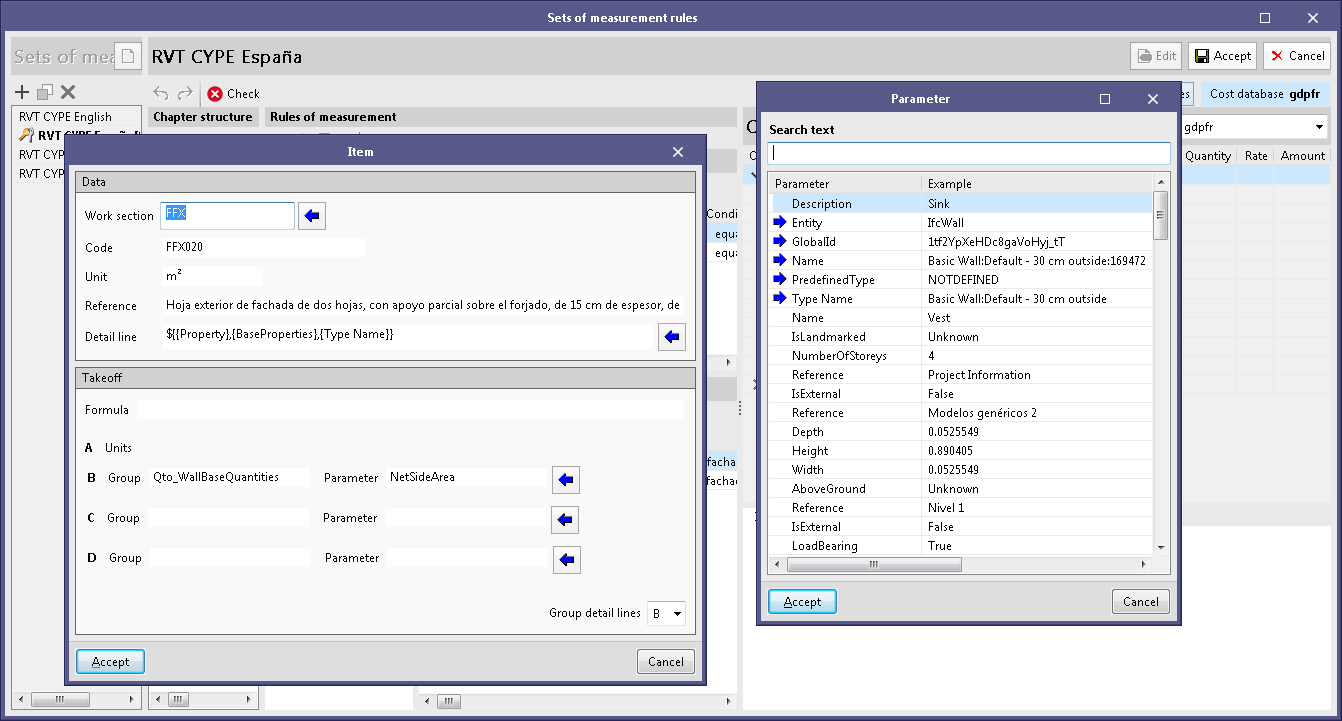
As of the 2020. f version, in Open BIM Quantities, users can customise the text of detail lines of the project units that make up the bill of quantities. To do so, users can use variables that represent the different properties and quantities that the elements of the BIM model contain, from which the quantities are obtained.

The references of the detail lines of a project unit are defined in the panel where the measurement criteria are edited. To help users enter the variables, the application has an assistant with which users can select the parameters of the IFC entities that are available in the project.

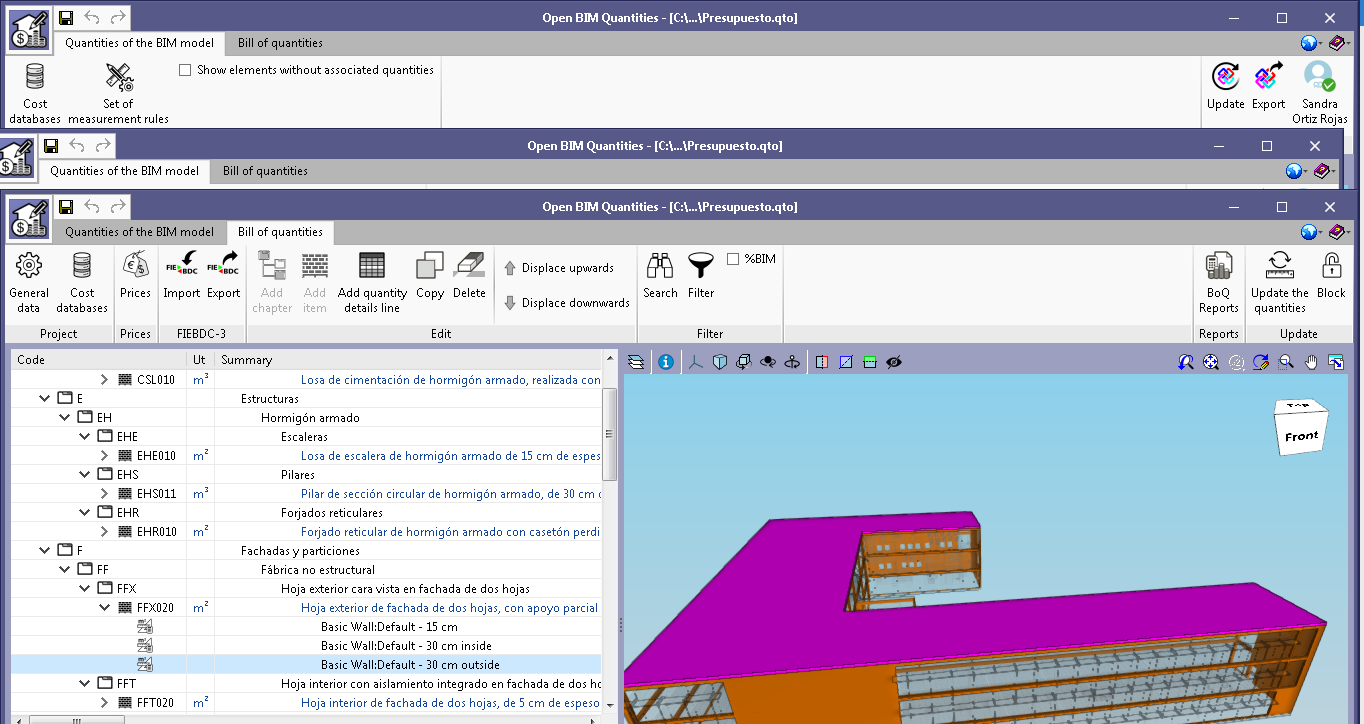
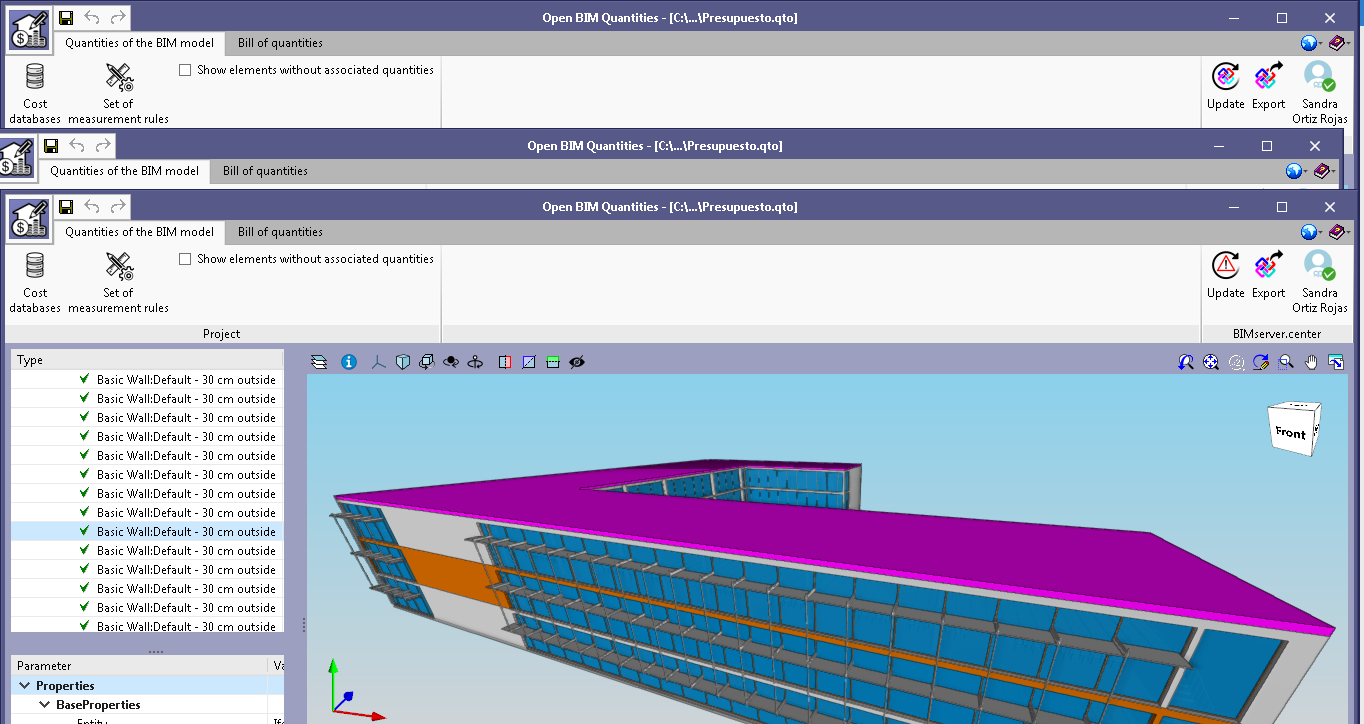
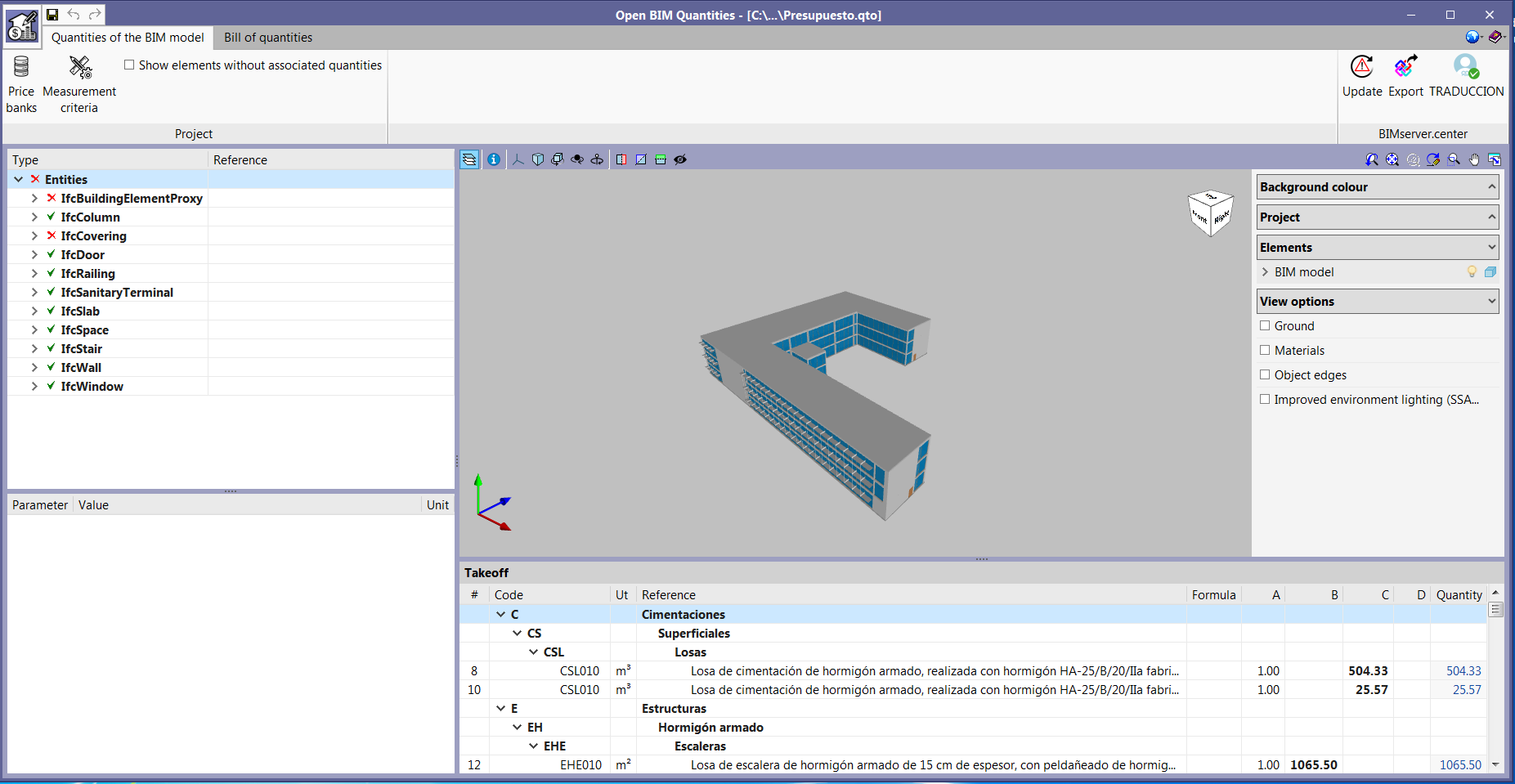
Now users can select elements in the 3D view of the application and, this way, access the entity of the model directly without having to search for it in the tree of the project.

When the cursor is moved over one of the components of the model, it will light up. If it is clicked on with the mouse button, the element will be marked and change colour. The corresponding IFC component from the tree of the project is selected automatically and users can view its properties and quantities, as well as the project items that will be generated in the bill of quantities, in accordance with the active measurement criteria.

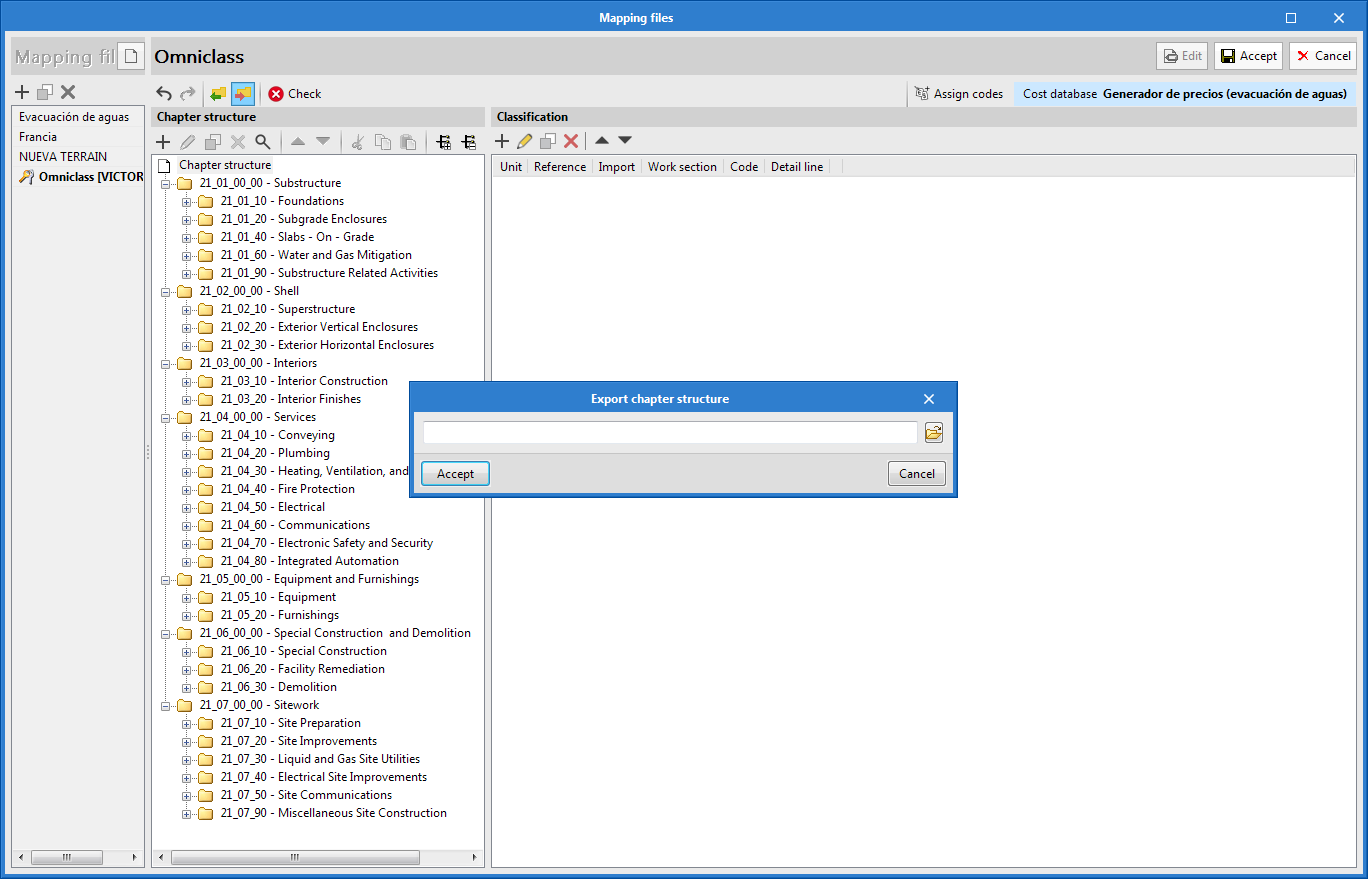
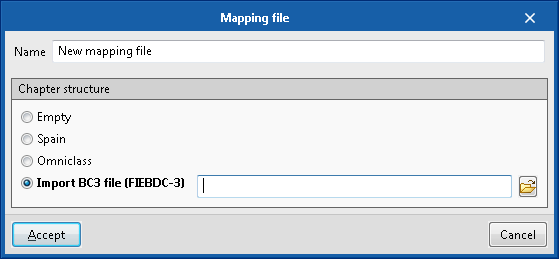
An option has been added in the file creation and editing panel of the mapping file with which the chapter structure of a file in FIEBDC-3 (.bc3) can be imported. Using this tool, the chapter structure from a cost database or a previous bill of quantities can be used more easily.

When the file is read in FIEBDC-3 format (.bc3), all concepts that are not defined as chapters (job items, unit prices...) will be ignored.

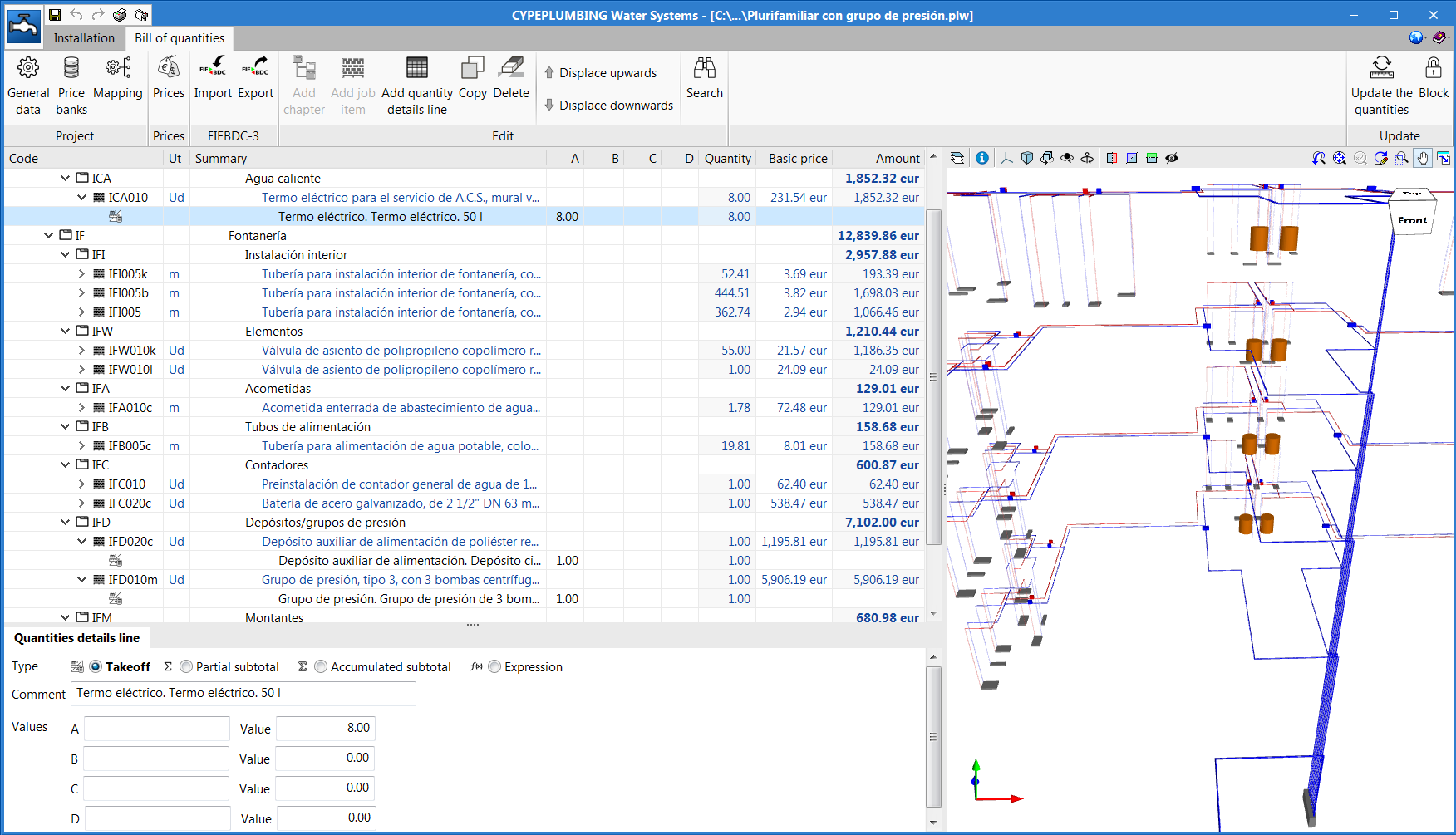
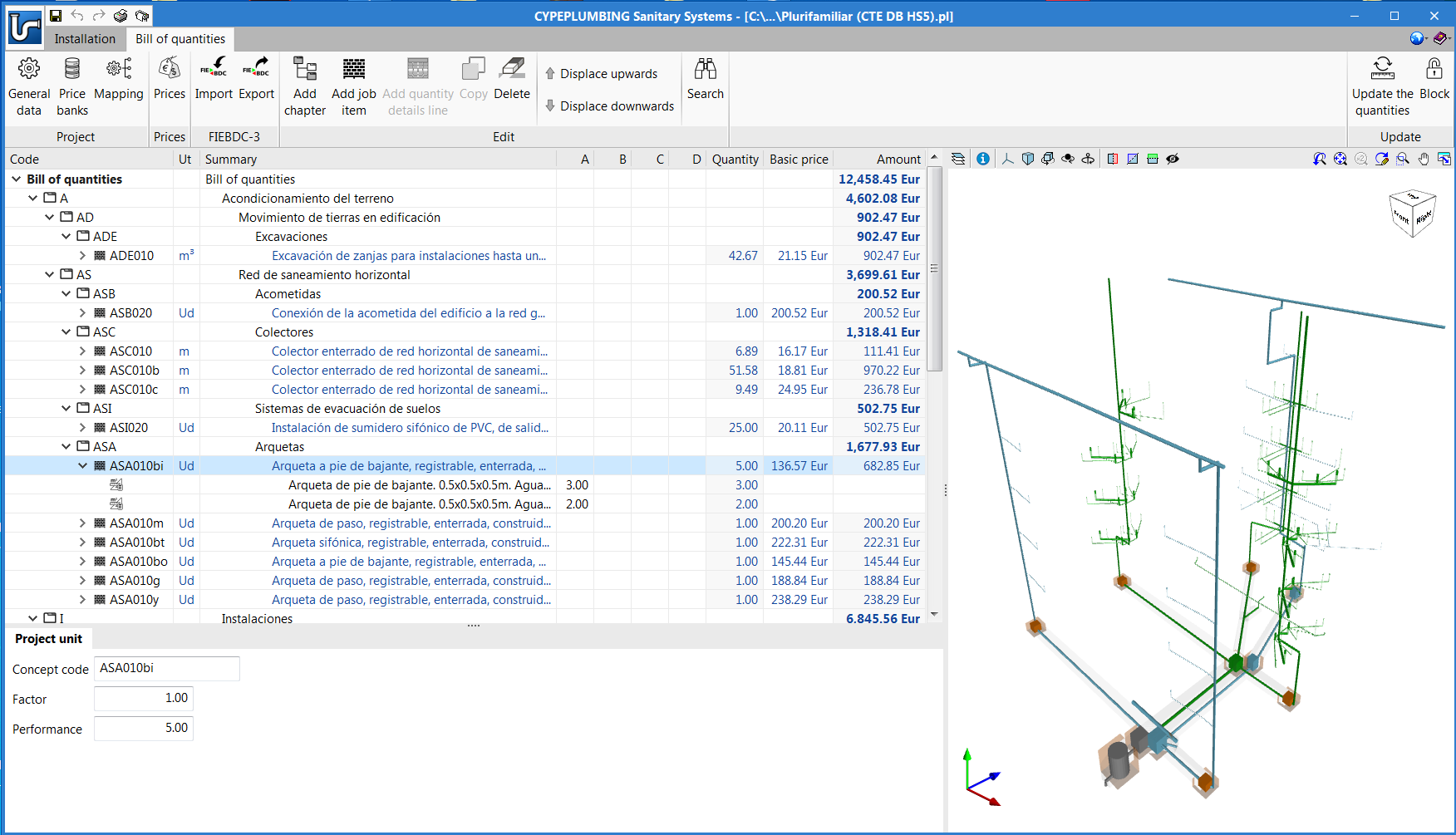
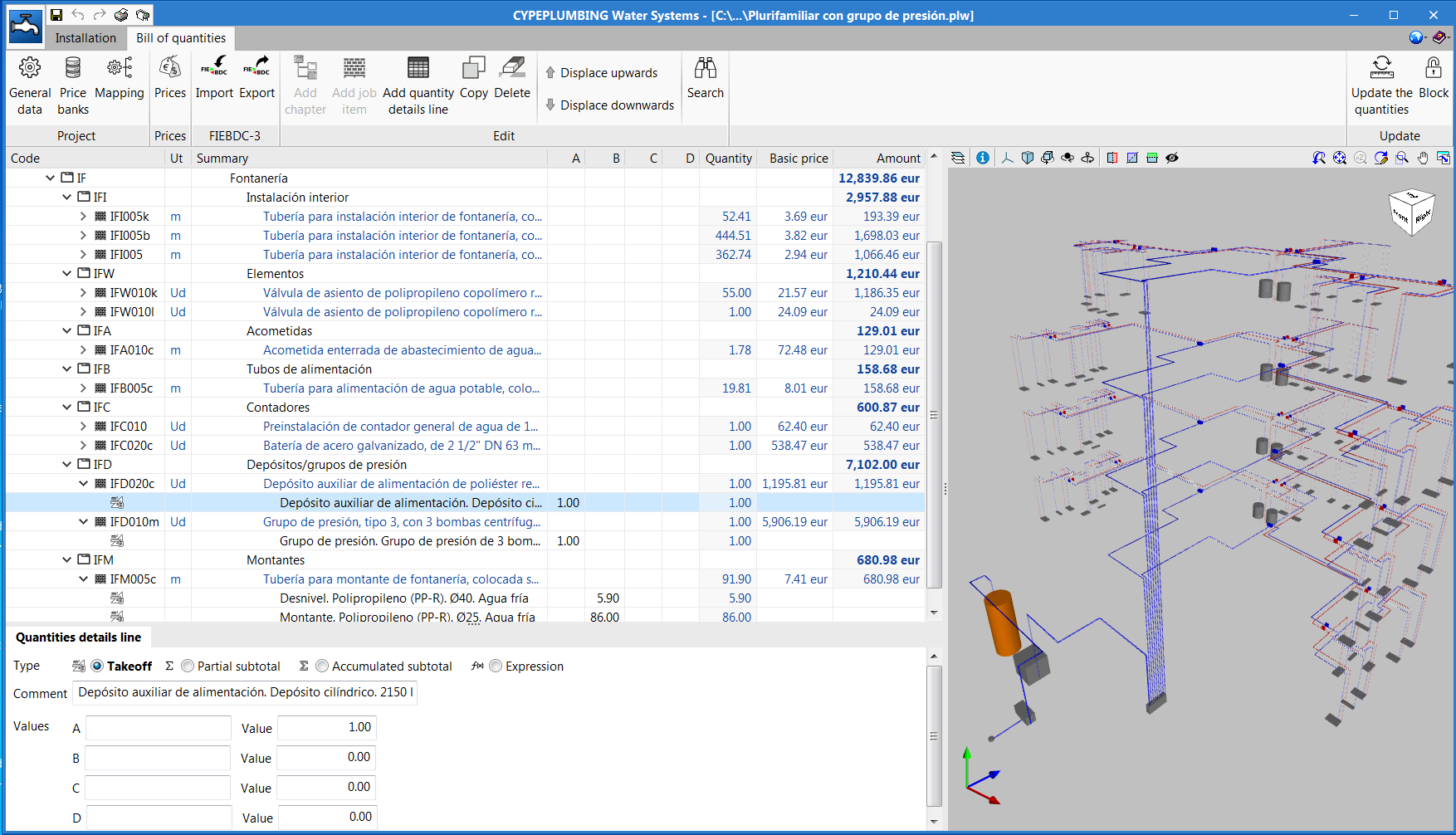
The "Bill of quantities" tab has been added to the toolbar of some of the applications that are integrated in the Open BIM workflow. In the 2020.e version, the first Open BIM programs to have this tab are:

  • Open BIM Quantities (new program of the 2020.e version)
  • CYPE Accessibility
  • CYPE Lightning
  • CYPEPLUMBING Sanitary Systems
  • CYPEPLUMBING Water Systems
  • CYPEPLUMBING Solar Systems
  • CYPEFIRE Hydraulic Systems
  • CYPEHVAC
  • CYPEHVAC Ductwork

This tab will be integrated into the remaining Open BIM applications in upcoming versions.

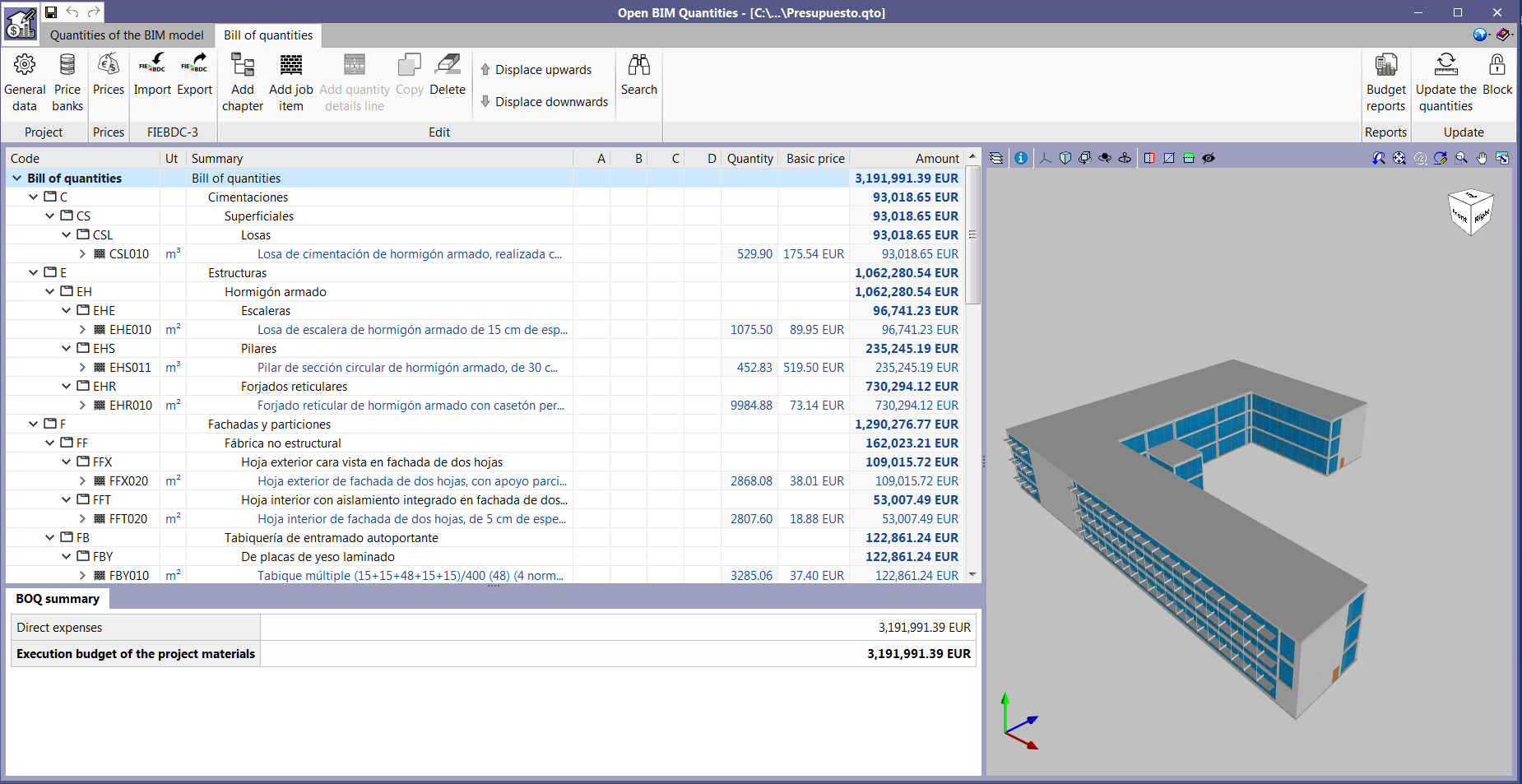
The "Bill of quantities" tab provides users with tools to generate and manage the bill of quantities of the installation that each program analyses. Within this tab, users can extract the quantities of the model and, based on that information, generate the real project items. This process is carried out using a correspondence system between the elements that have been measured in the design model and the concepts of the bill of quantities (mapping). This equivalence is stored on a local drive or network, so that it can be extended progressively and used in future projects.

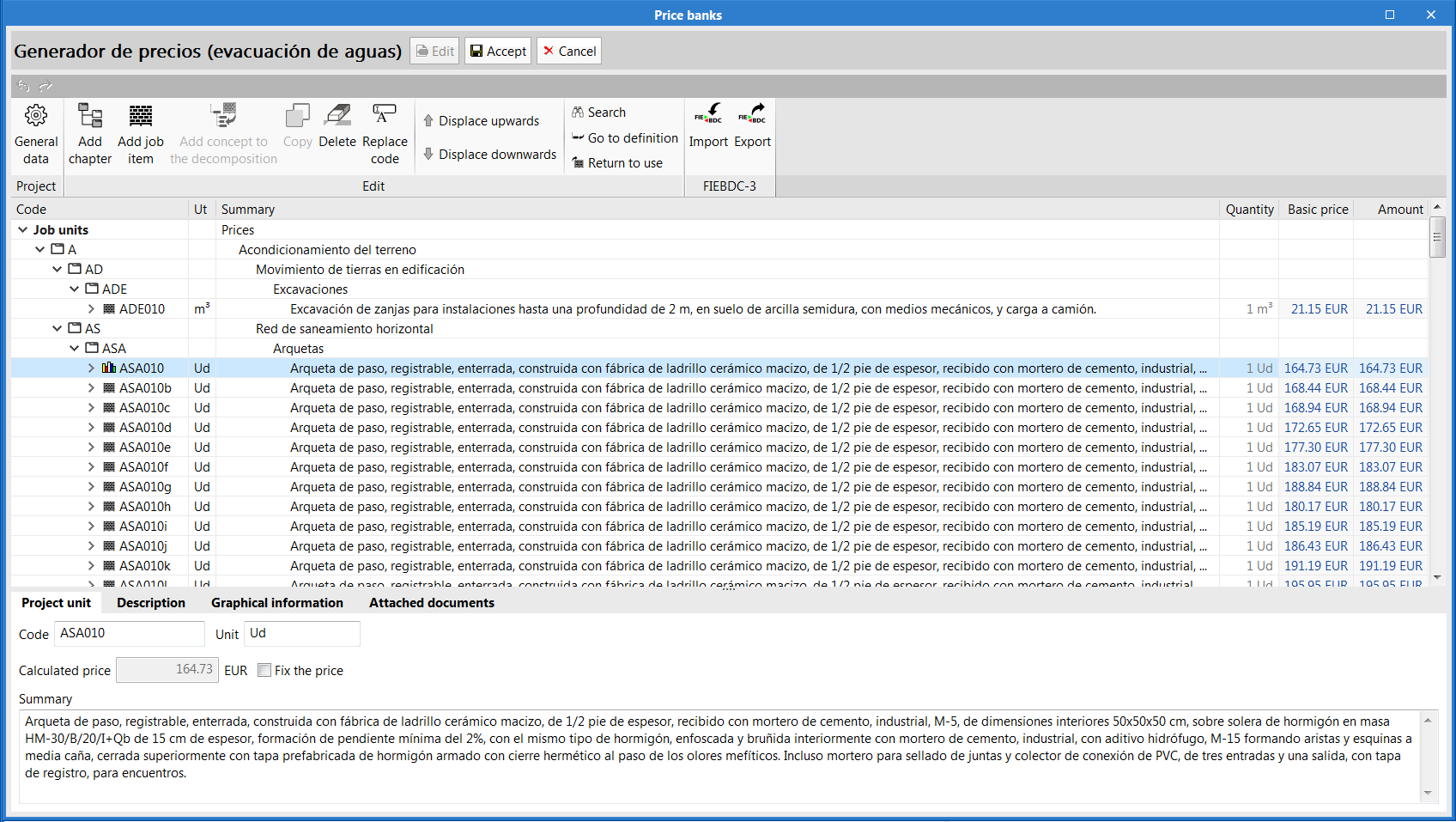
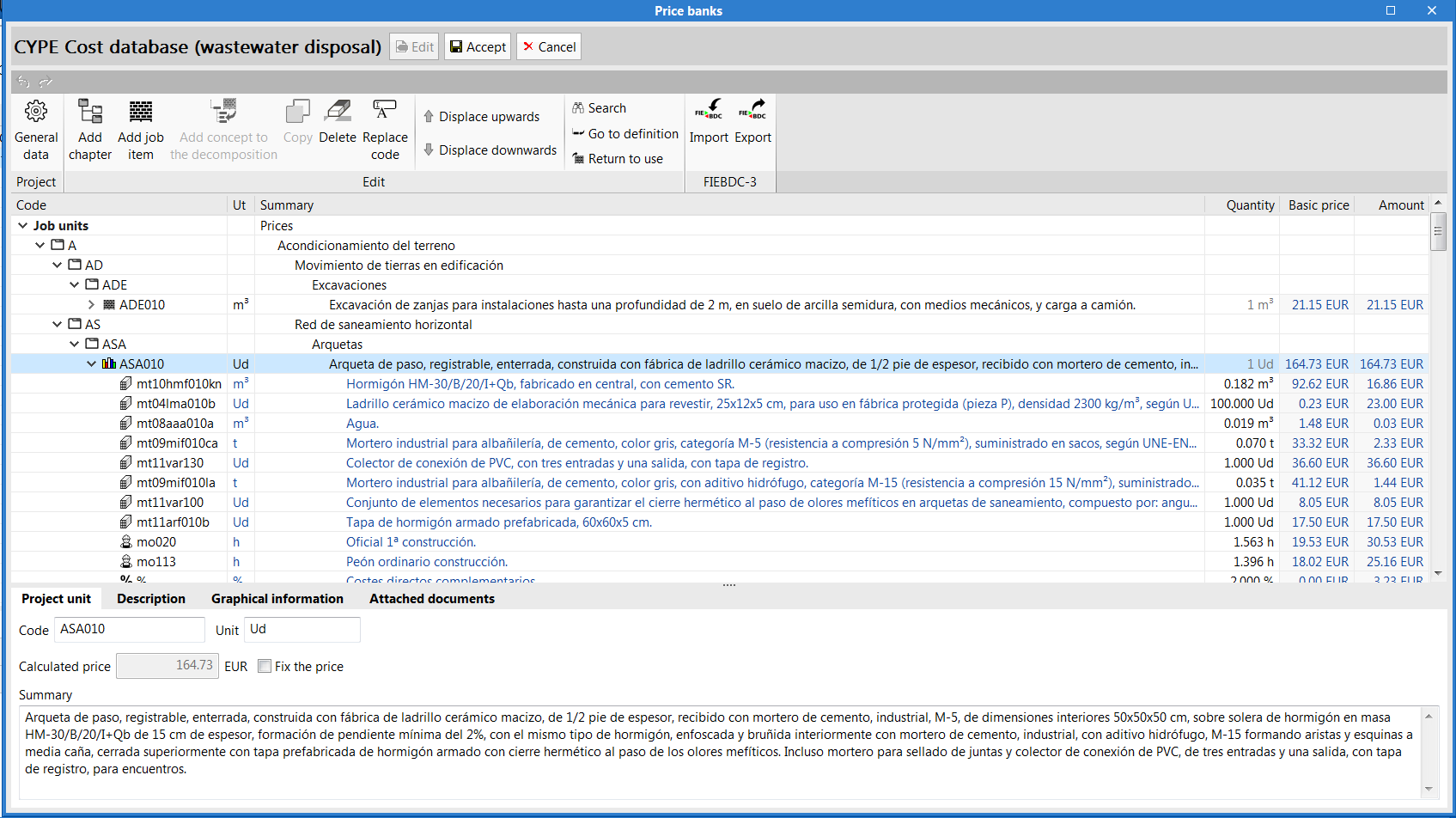
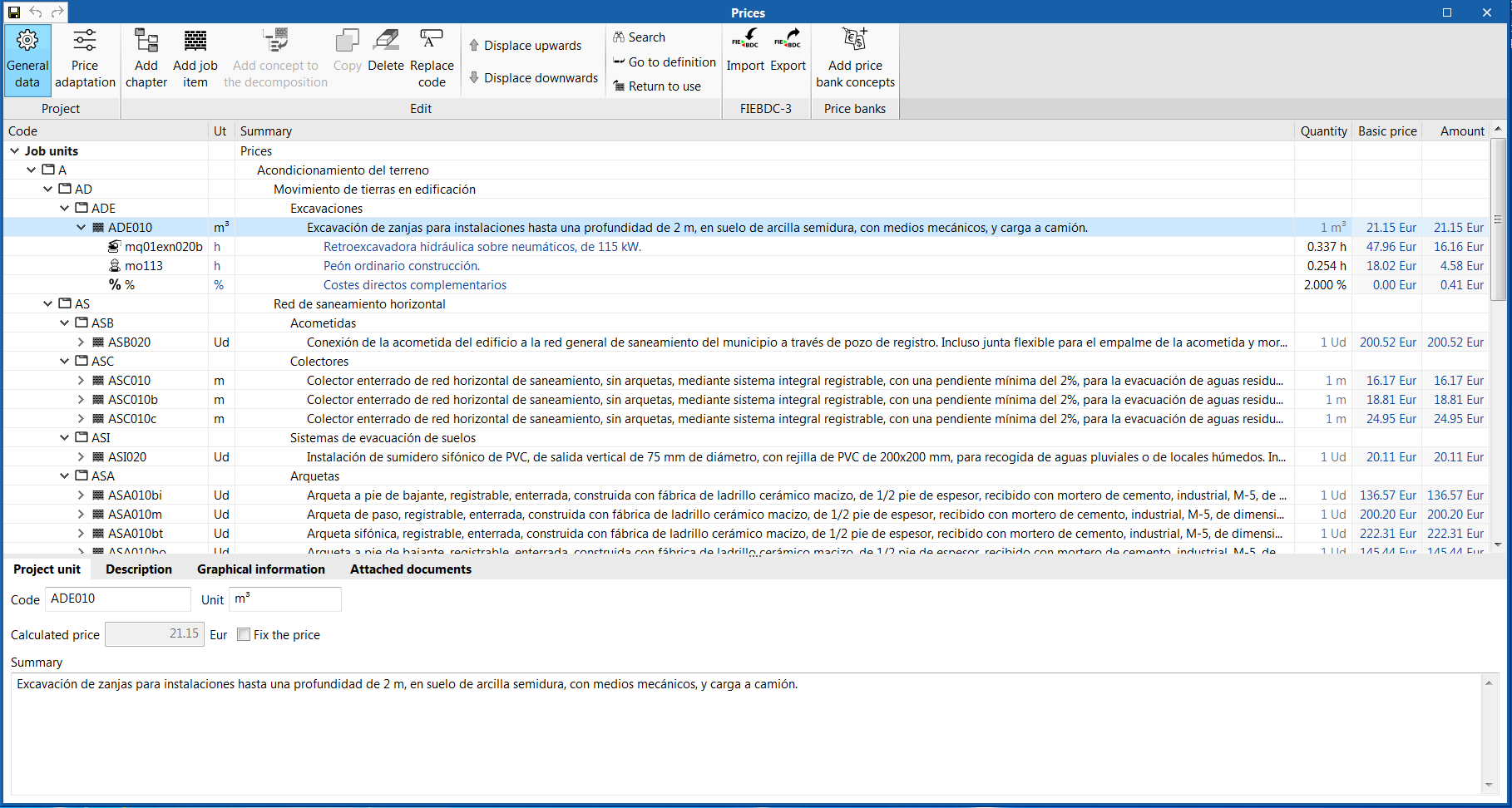
In order to enter project prices easily, users can import complete databases as well as individual concepts from cost databases that have been developed in accordance with the FIEBDC-3 standard (.bc3), such as the CYPE construction cost database Generador de precios.

A cost database and mapping example have been included for installation elements for most of the programs that have the bill of quantities tab. Remember that they are just examples and you can create your own mappings and cost databases.

The documents of the bill of quantities can be extracted in several types of reports (Quantities, Cost breakdown structure, Priced bill of quantities, Detailed priced bill of quantities, BoQ summary) and can be exported in HTML, DOCX, PDF, RTF and TXT formats.

The bill of quantities can also be exported, in "FIEBDC-3" format, from the "Bill of quantities" tab of each program, to then be used in cost management programs such as Arquimedes.

The "Bill of quantities" tab is also included in "Open BIM Quantities" (new program of the 2020.e version). Unlike other applications that include the "Bill of quantities" tab, "Open BIM Quantities" allows users to extract the quantities from BIM models that have been defined using the IFC standard (in their "Quantities of the BIM model" tab) . The other programs extract it from the installation that has been introduced in the program itself. Once the quantities have been extracted, the process to generate the bill of quantities in "Open BIM Quantities" is carried out in its "Bill of quantities" tab, as is done with the other Open BIM applications that contain the tab.


"Open BIM Quantities" is a tool destined to create bills of quantities based on BIM models that have been defined using the IFC standard. This application is integrated into the Open BIM workflow via the BIMserver.center platform.

"Open BIM Quantities" can read the properties and quantities that are contained in the IFC entities that make up the Open BIM model of the building. Users can establish the sets of measurement rules they wish in order to transform the data that is contained in the elements of the model into real items for the bill of quantities. These sets can be saved to be used in other projects.

The items that are then obtained from the BIM model can be linked to concepts of a cost database.

Users can create their own cost databases or import them from databases in FIEBDC-3 format (such as CYPE's cost database Generador de precios).

The program allows users to edit the final result of the quantities and bill of quantities and print reports containing the information that has been generated.

"Open BIM Quantities" also offers users the possibility to export the bill of quantities to FIEBDC-3 format to be used by other cost management programs such as Arquimedes.

More information.