Managing the visibility of project elements
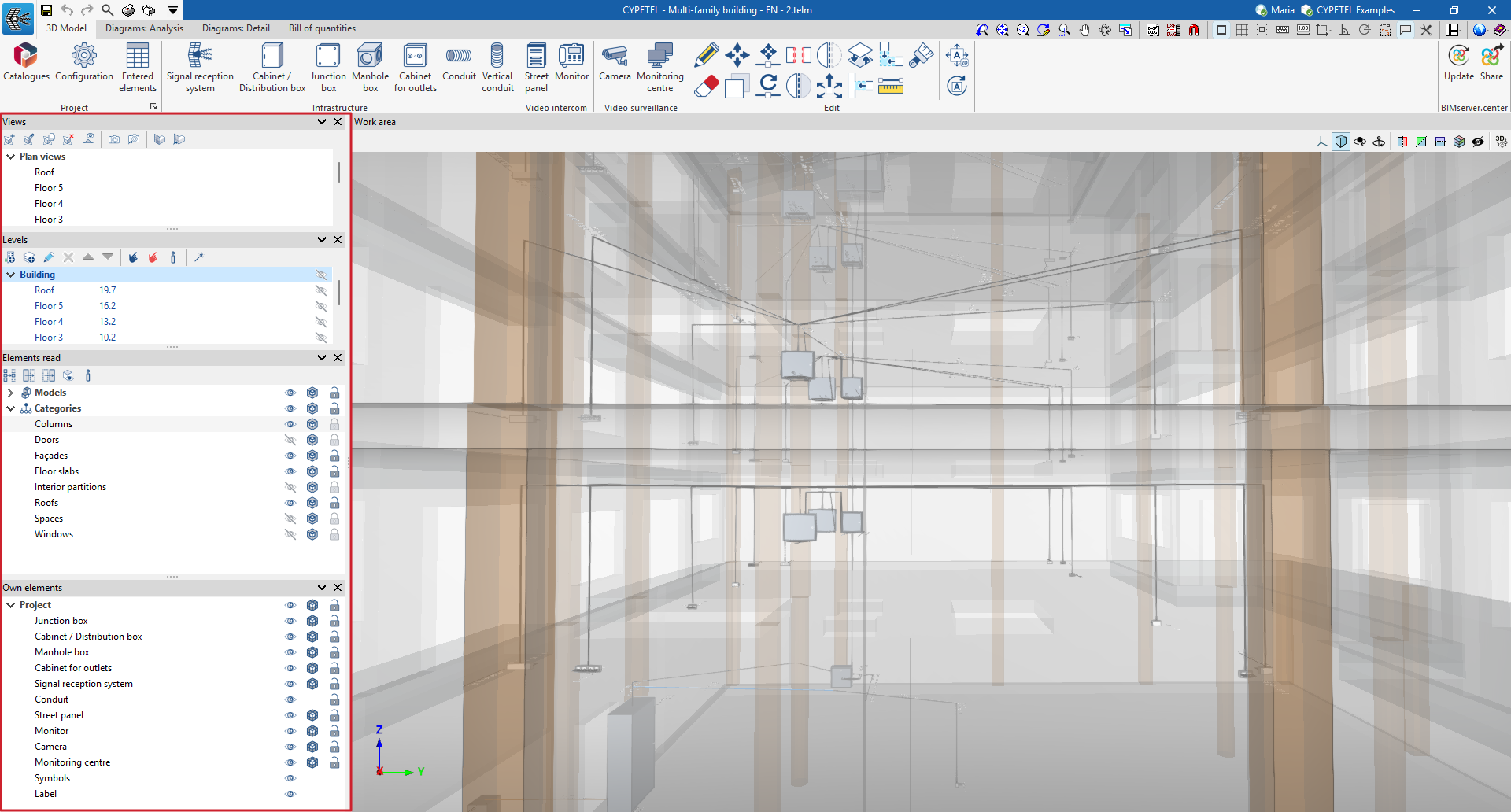
The visibility of the various elements required to model the project can be managed via the following sections:
- Views
Using this option, you can create, edit and save the opening scene, as well as return to it. - Levels
Makes it easier to link model elements to various views, such as building floor plans or other reference drawings. - Imported elements
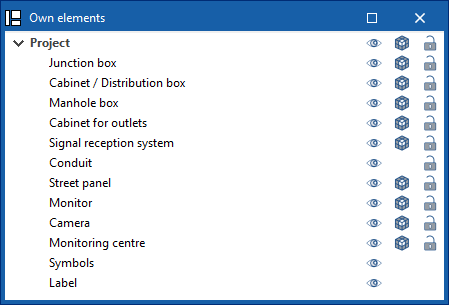
These are elements exported from other disciplines. - Own elements
These are the elements created in the program itself.
Managing own elements
Within the "Project elements" section, project elements are organised into layers. These layers correspond to the infrastructure, video intercom and video surveillance elements that can be incorporated into the 3D model. In addition, the "Symbols" and "Label" layers are included, allowing you to quickly enable or disable the visibility of these elements.
The following buttons are displayed next to each component in the tree:
- Visible
Enables or disables the visibility of elements. - Display mode
Choose between normal, transparent and wireframe display modes. - Capture
Enables or disables object references for elements.