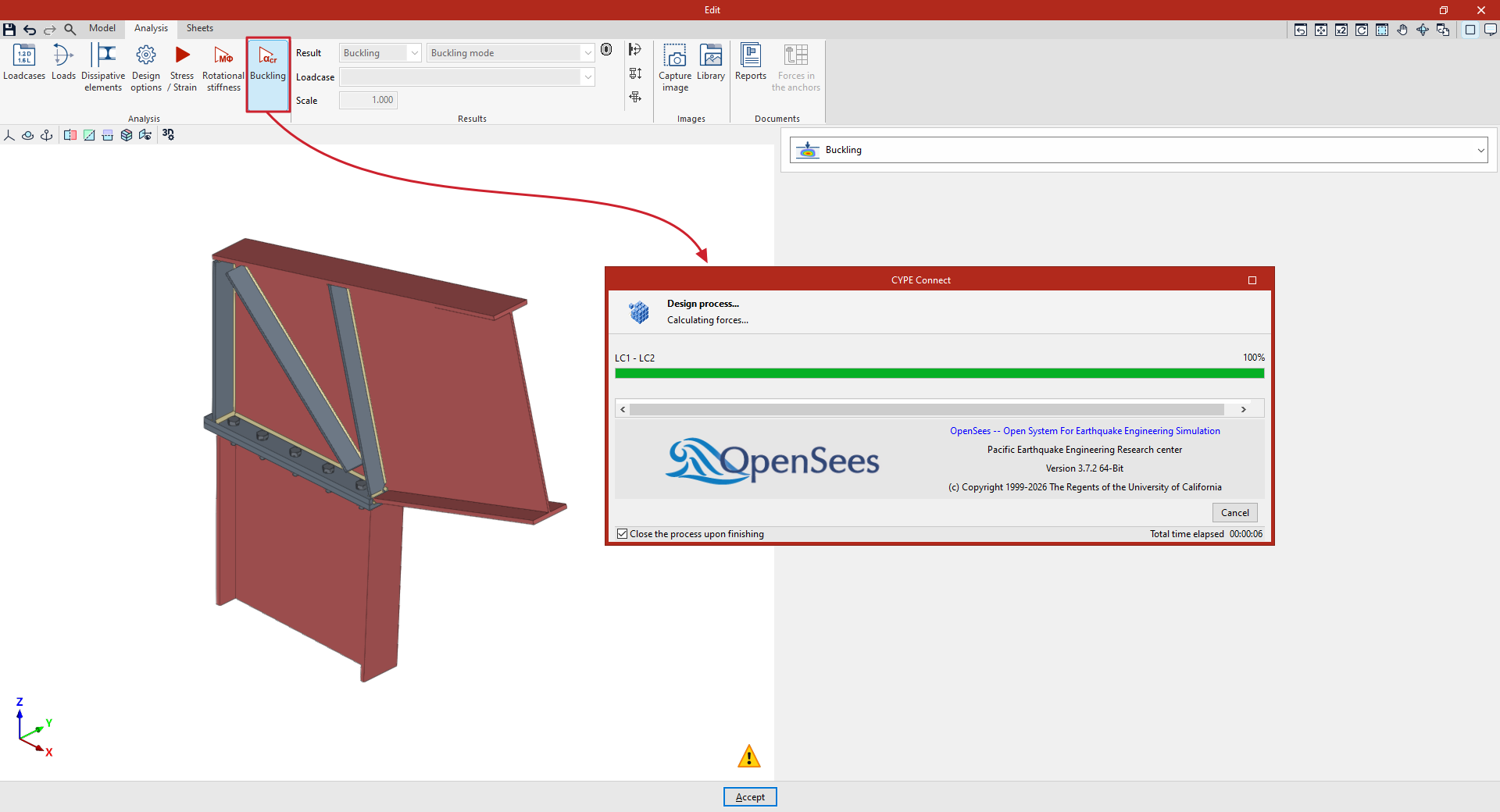
Buckling analysis in the connection editor
The following option in the top toolbar of the "Analysis" tab, within the connection editor, allows you to carry out the buckling analysis on each connection:

First, configure the "Loadcases" and the "Loads" acting on each section using the options in the top toolbar. These may have been generated automatically using the "Generate from BIM model" option.
Furthermore, under "Design options", you can adjust two parameters relating to buckling analysis:
- First, select the "Number of buckling modes" you want to analyse.
- Secondly, the buckling analysis can be carried out using the same loads as the "Stress/Strain" analysis or using a different set of loads. This can be controlled by ticking or unticking the "Perform the instability analysis with the same loads as the Stress/Strain analysis" option.
Buckling
The "Buckling" option allows you to perform a buckling analysis or local stability analysis of the connection components. The local buckling of a connection component occurs due to compressive stresses and depends, to a large extent, on the stiffness of the component and the distribution of the applied loads. The buckling analysis helps to identify unstable configurations in a connection design under the action of a specific loadcase.
There are several ways to evaluate the buckling phenomenon using finite elements. The method implemented in the connection analysis is linear buckling analysis, which allows the critical load factors for the different local buckling modes of the connection to be obtained for a given loadcase.
Once completed, you can view the results provided by the program to continue your work, such as the critical load factors for each buckling mode and its corresponding deformation. The smaller the first critical load factor, the closer the connection is to an unstable configuration.