Import a cost database in CSV format
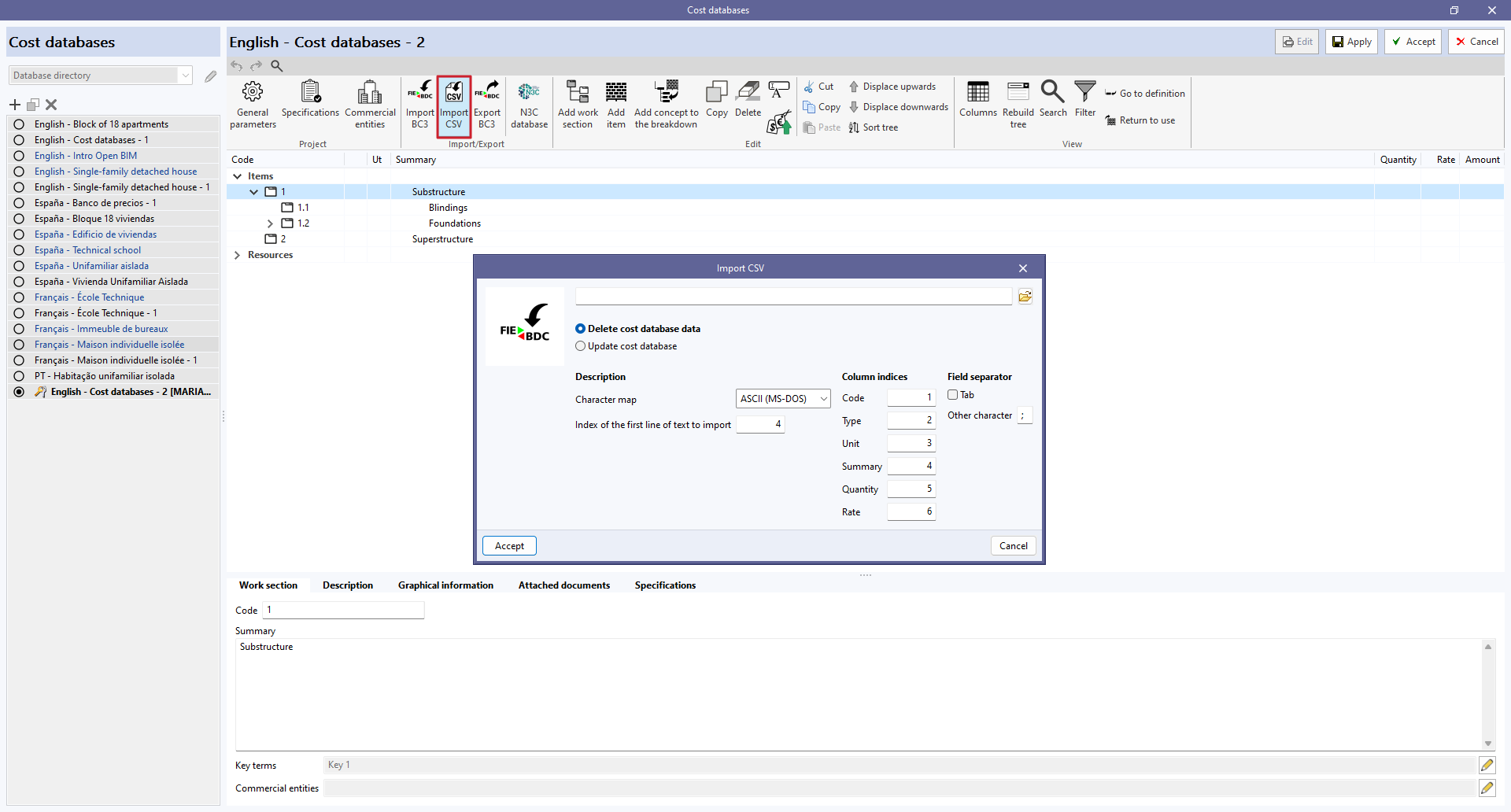
Cost databases in CSV format can be imported from the "Import CSV" option in the "Import/Export" group of the toolbar of the cost database and project database management panel.
The CSV file must contain the columns with the information for the "Code", "Type", "Unit", "Summary", "Quantity" and "Price" fields. The index of each column can be specified from the file import configuration panel. Users can also specify the character set, the index of the first line of text to be imported and the field separator.
In the same way as with FIEBDC-3 files, you can choose whether to delete the existing data from the cost database before importing or to update it.