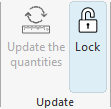
Update on changes to the installation
If there are changes to the installation, simply run "Update the quantities" again to incorporate the changes into the bill of quantities. This is also used if quantities have been added manually and you want to keep the edit.
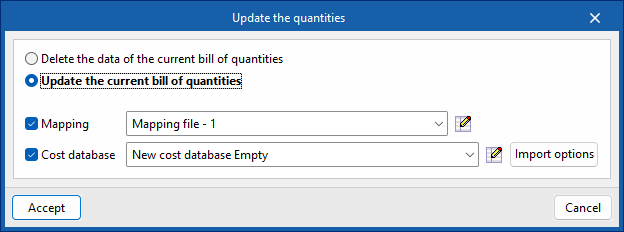
In these cases, you must select the option "Update the current bill of quantities", activate and select the mapping and cost database, and press accept.
The "Update the quantities" menu also offers the possibility to modify the active cost database, select the items to be included in the bill of quantities (summary, breakdown, graphical information, etc.), and a shortcut to the "Price adjustment" tool, which allows you to modify the performance coefficients for labour, machinery or price.
We can lock the budget to prevent modifications and make it work in "Read-only" mode. This function protects the entire budget, preventing both updates and the manual introduction of work units.