Eurocode 2: Design of concrete structures - Part 1-1: General rules and rules for buildings.
National Annex AN/UNE-EN 1992-1-1 (2015).
Implemented in:
- CYPECAD
- CYPE 3D
- Shear walls
- Reinforced concrete cantilever walls
- Foundation elements
- Box culverts



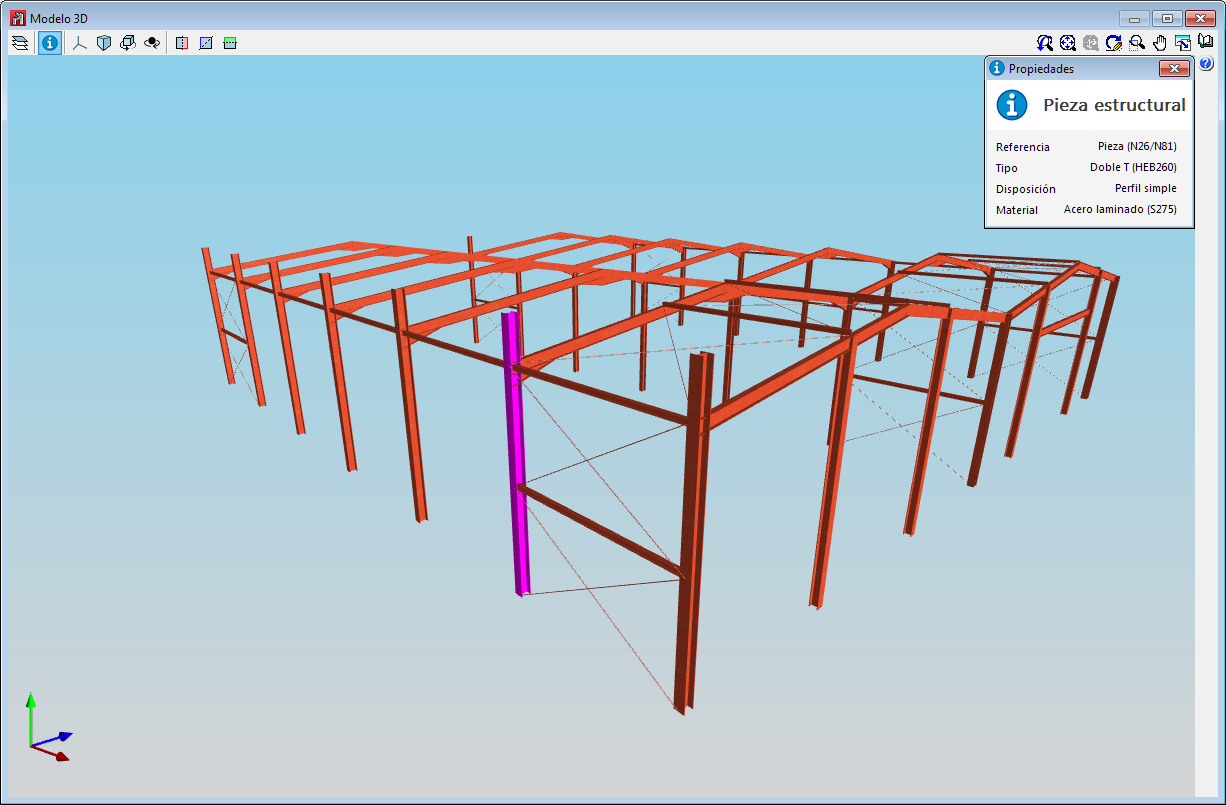
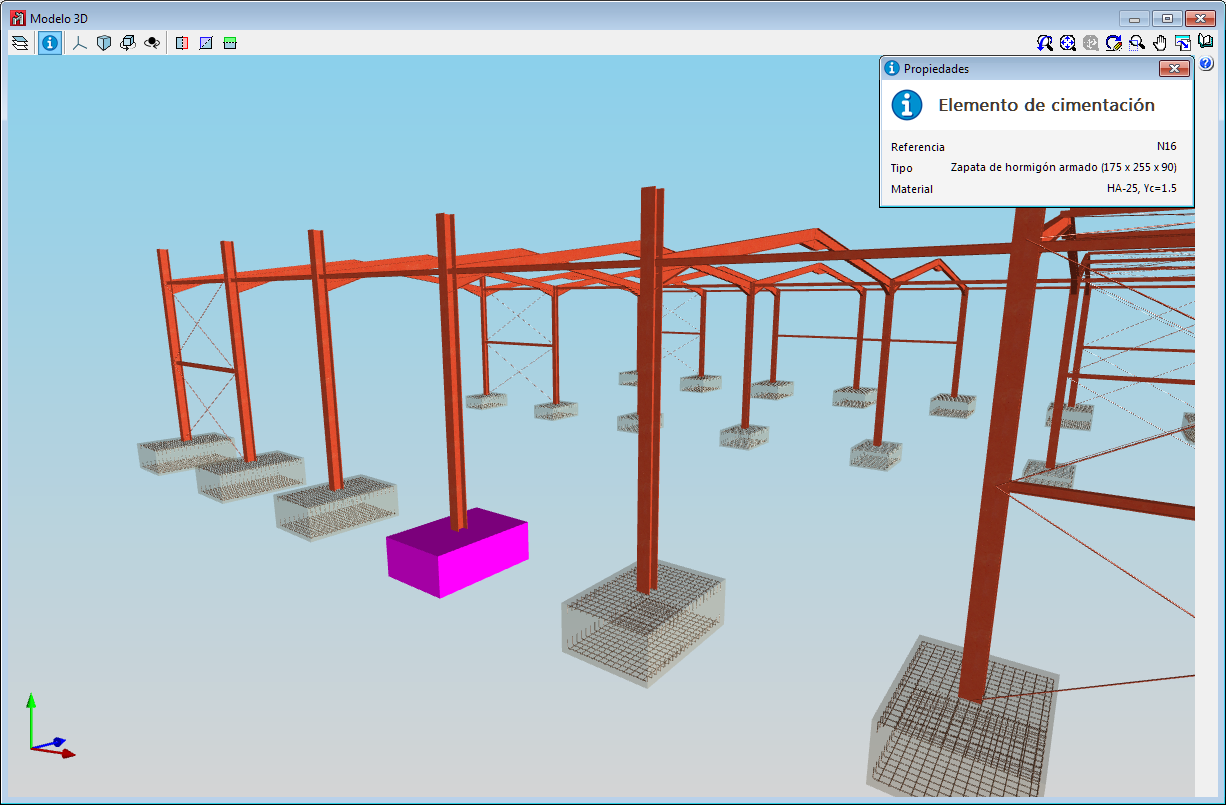
As of the 2019.f version, users can consult the information of the structural elements that have been introduced in the 3D view of the structure that is displayed in CYPE 3D.
By pressing the “Information” button of the 3D view, the elements over which the cursor is placed are highlighted in magenta and their properties are displayed.
As of the 2019.f version, CYPE programs (those downloaded from our website and those downloaded from the BIMserver.center platform) are compiled for 64-bit systems. The 64-bit compilation of CYPE software implies the use of the superior features of 64-bit processors and operating systems compared to those of 32 bits.
Please bear in mind that you must have a 64-bit operating system to be able to work with any 64-bit software.
In any case and as a temporary measure, the 2019.f version is available in 64 and 32 bits on the download area of our webpage. The programs that can be downloaded from the BIMserver.center platform are only available in 64 bits. If you have a 64-bit operating system, you can work with either the 64-bit and 32-bit version of our software, although we strongly recommend that you install the 64-bit CYPE software version.
You can see which operating system is installed on your computer by clicking on "Control panel > System".
Since 64-bit microprocessors began to be massively introduced into personal computers from 2003 and from the Windows XP version, Microsoft already offers the two versions of its operating systems (32 and 64 bits). We understand that almost all our users will have computers with 64-bit processors (x64) and 64-bit operating systems.
It could occur that a user may wish to work with a computer with a 64-bit processor but with a 32-bit operating system. It would be very strange if the computer had a 32-bit processor (x86 - computers over 15 years old). If any of these is your case, we advise you to talk to your hardware or software provider to update your situation as soon as possible. However, you can download the 32-bit version and work with CYPE programs that can be downloaded from our website until your situation is up-to-date.
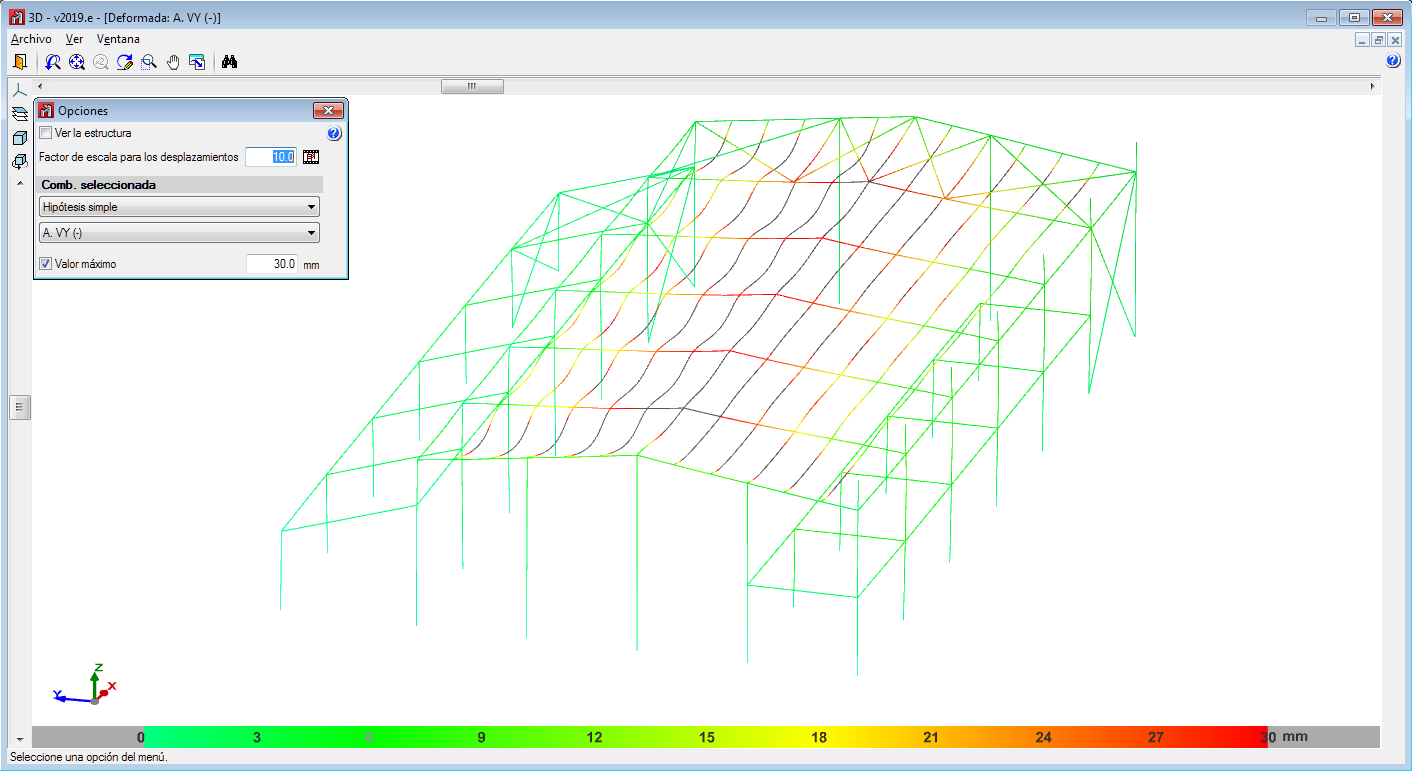
As of the 2019.e version, users can set a displacement limit from which the deformed values are not shown.
That is, the deformed shape of the structure is still represented by the scale factor indicated by users regardless of whether the indicated limit is exceeded or not, only now, all the points that exceed the displacement limit are drawn in black.
To do so, the "Maximum value" option has been included in the "Deformed shape" panel that is represented in the "Deformed shape" dialogue.
This tool helps users to visualize the deformed values, discarding the parts with a displacement value higher than that established by them.
This new feature was implemented in CYPECAD in the 2019.d version.
As of the 2019.e version, the applications that are integrated in the Open BIM workflow can consult the BIM information contained in the GLTF format files in the same way as on the BIMserver.center platform.

As of the 2019.e version, the 3D representation in the applications that are integrated in the Open BIM workflow contains the elements of the application itself as well as those contained in the GLTF files exported by the rest of the applications whose IFC files have been linked to the model.
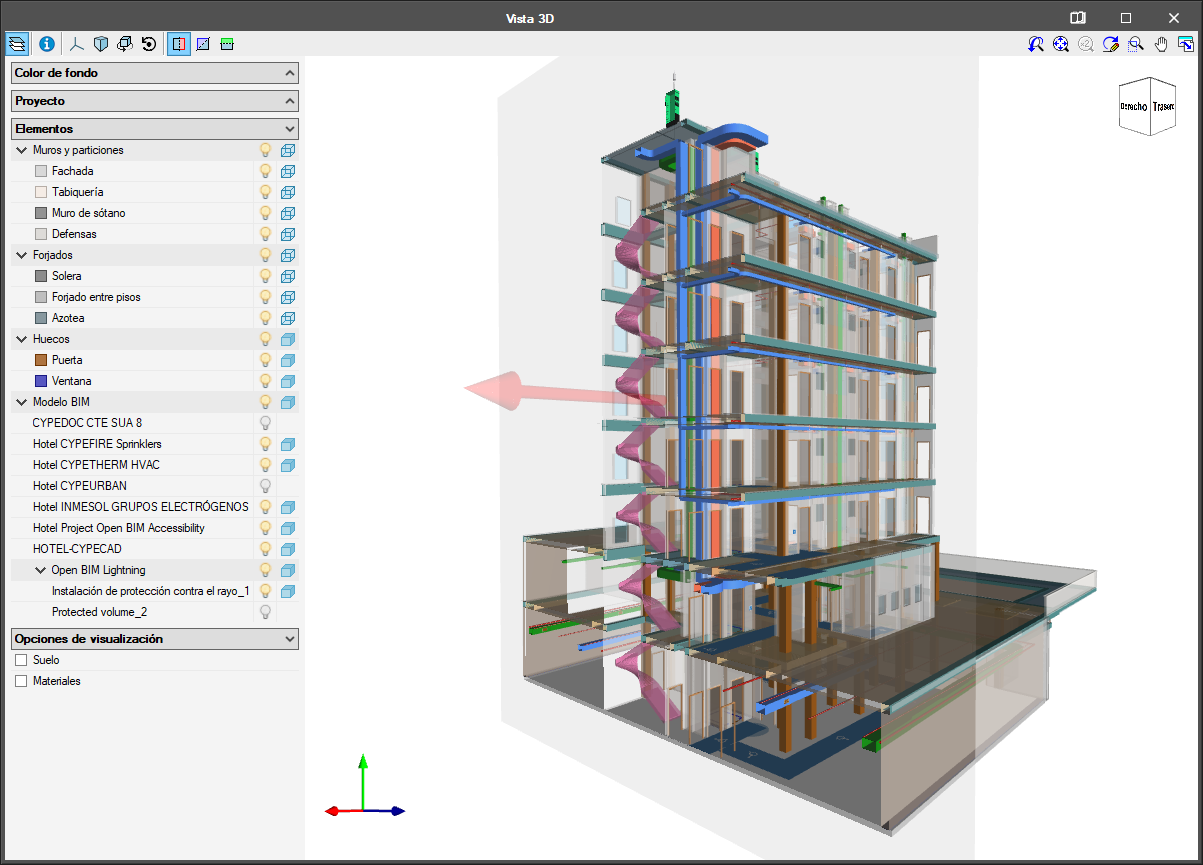
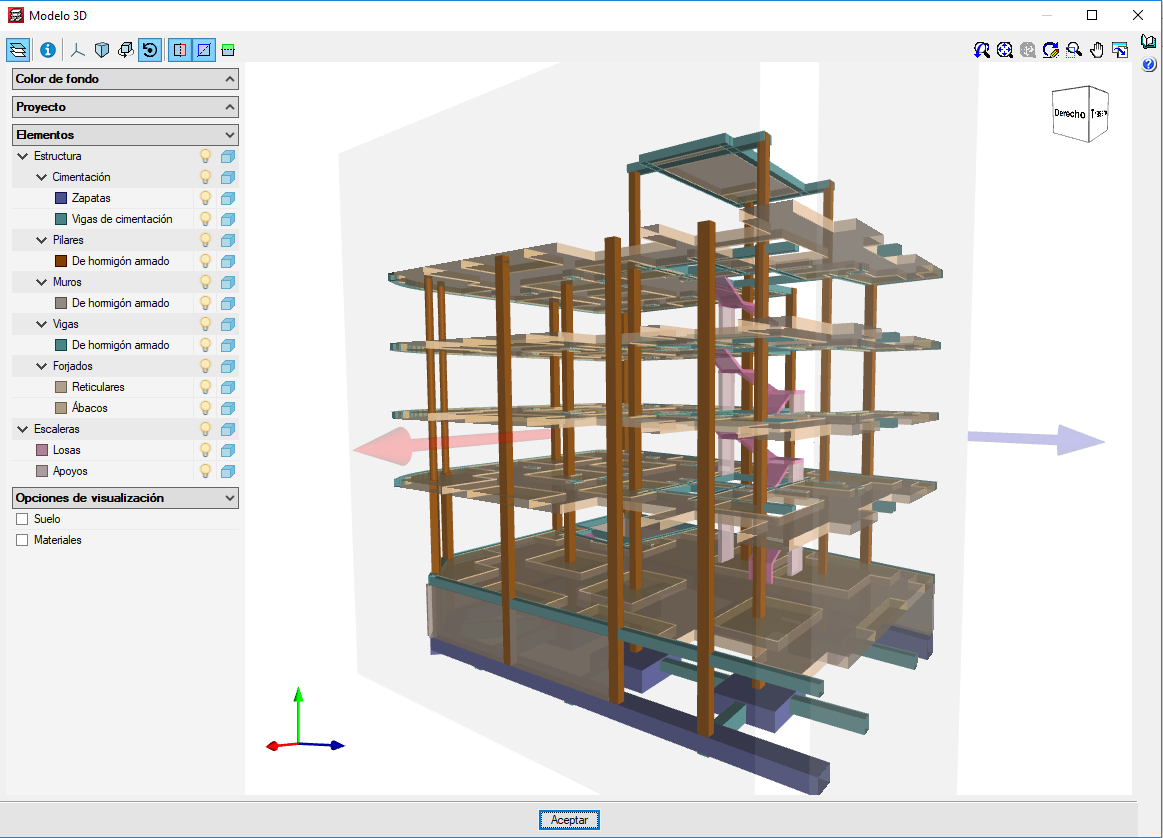
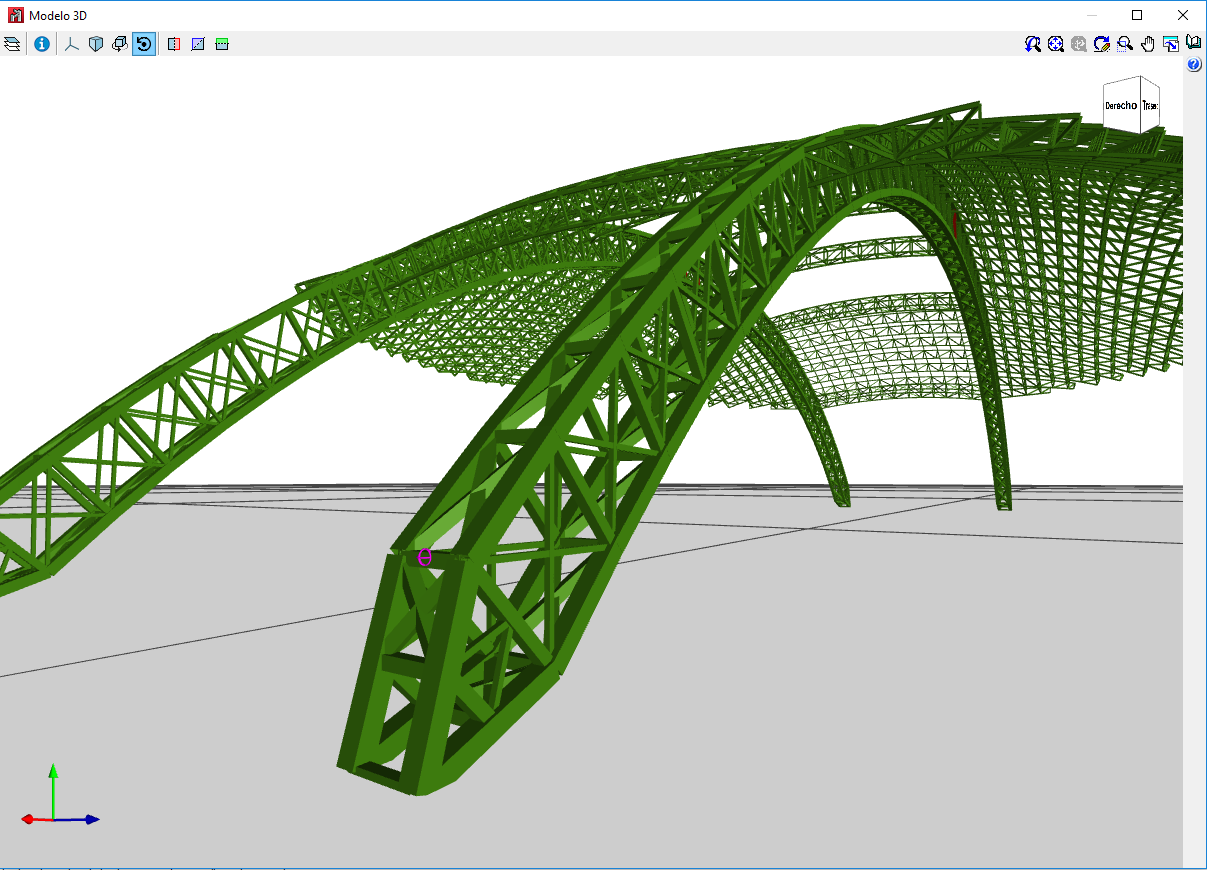
The 2019.e version includes a new 3D view system in most of its programs: CYPECAD, CYPE 3D and the entire family of applications integrated in the Open BIM workflow. It will be incorporated progressively in other programs.
The properties of the system are:
For this viewing system to operate correctly, the applications require a video card that is compatible with OpenGL 3.3 or higher.