Update history​​

CYPE 3D

In the new 2025.c version of CYPE 3D, a new feature has been implemented for automatically selecting elements using filters.

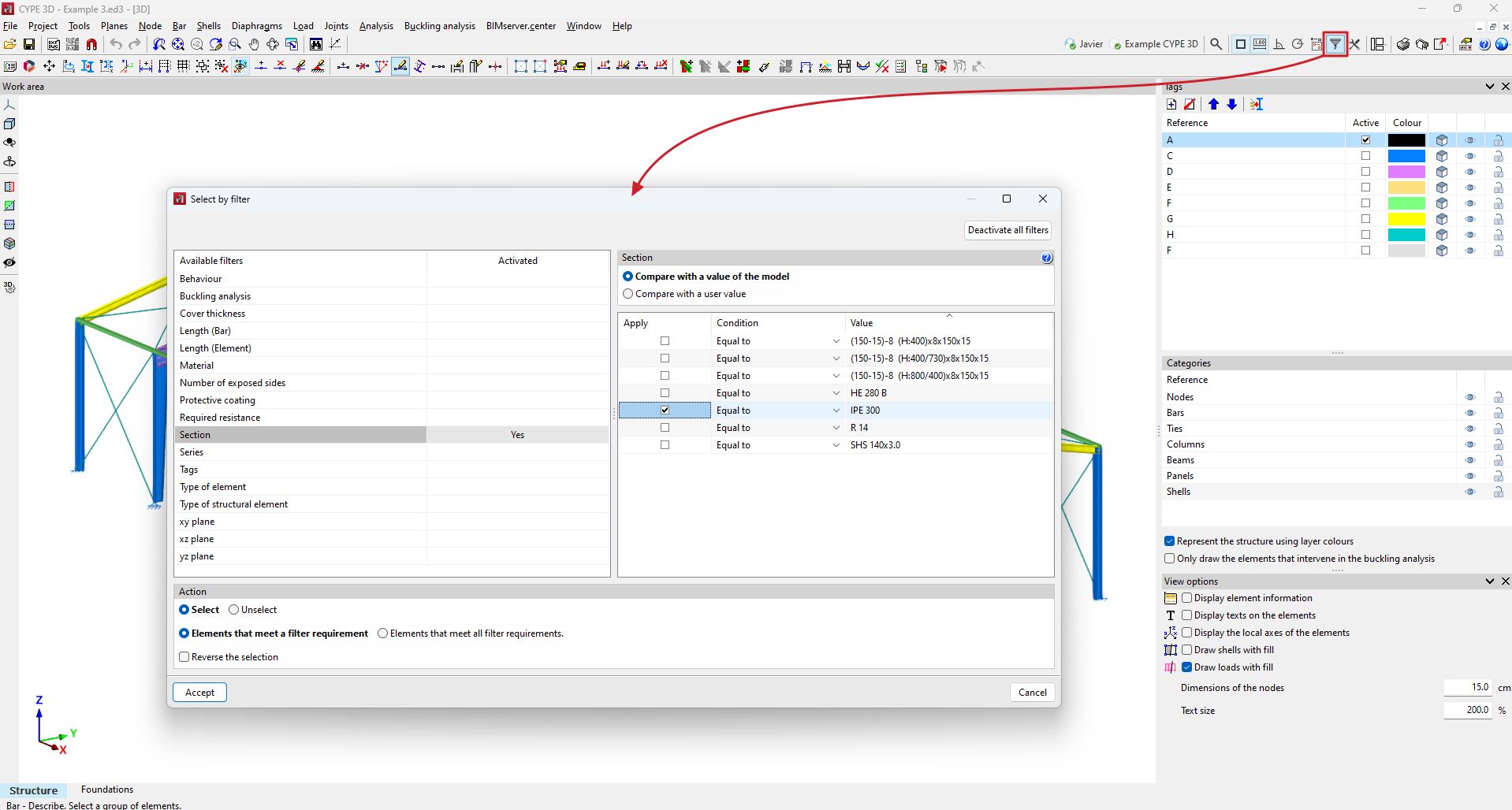
When using any tool in the program that requires selecting elements, this can now be done automatically using filters. By clicking on the "Select by filter" option or by using the keyboard shortcut "Ctrl+s", a panel appears where users can define the filters they wish to apply.

At the bottom of the panel, the following options can be chosen:

  • Select or deselect elements.

  • Apply the selection or deselection action to elements that meet some or all filters.

  • Reverse the selection.

This tool will significantly facilitate the use of the program. Some of the tasks that can be carried out with this function are: selecting all the bars of a specific section to modify that section, selecting all the vertical bars to adjust their buckling coefficients, or selecting all the nodes that are not connected to any bar to eliminate them, among other possibilities.
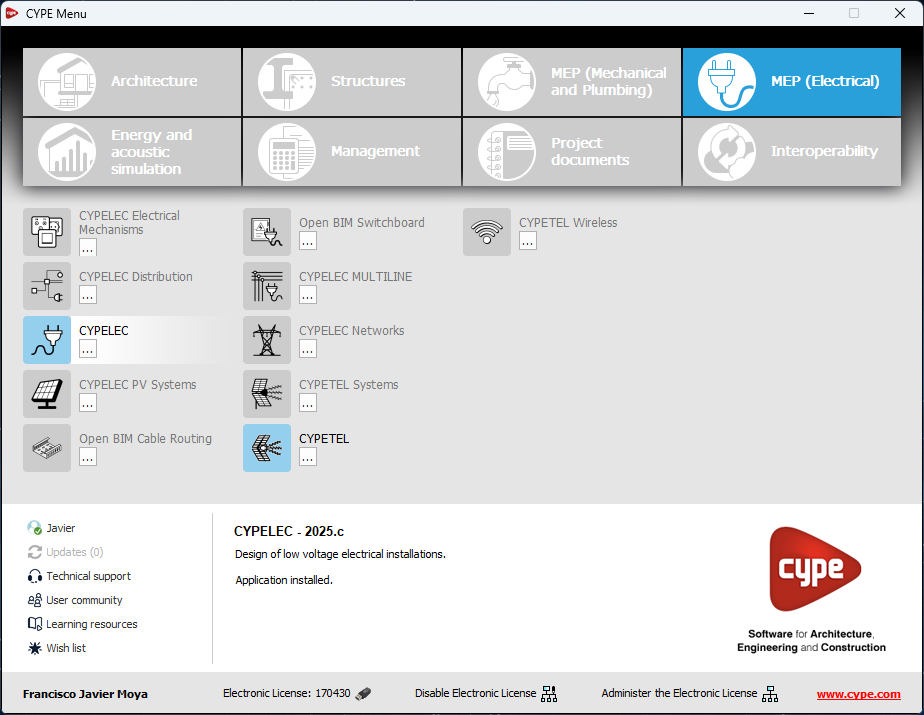
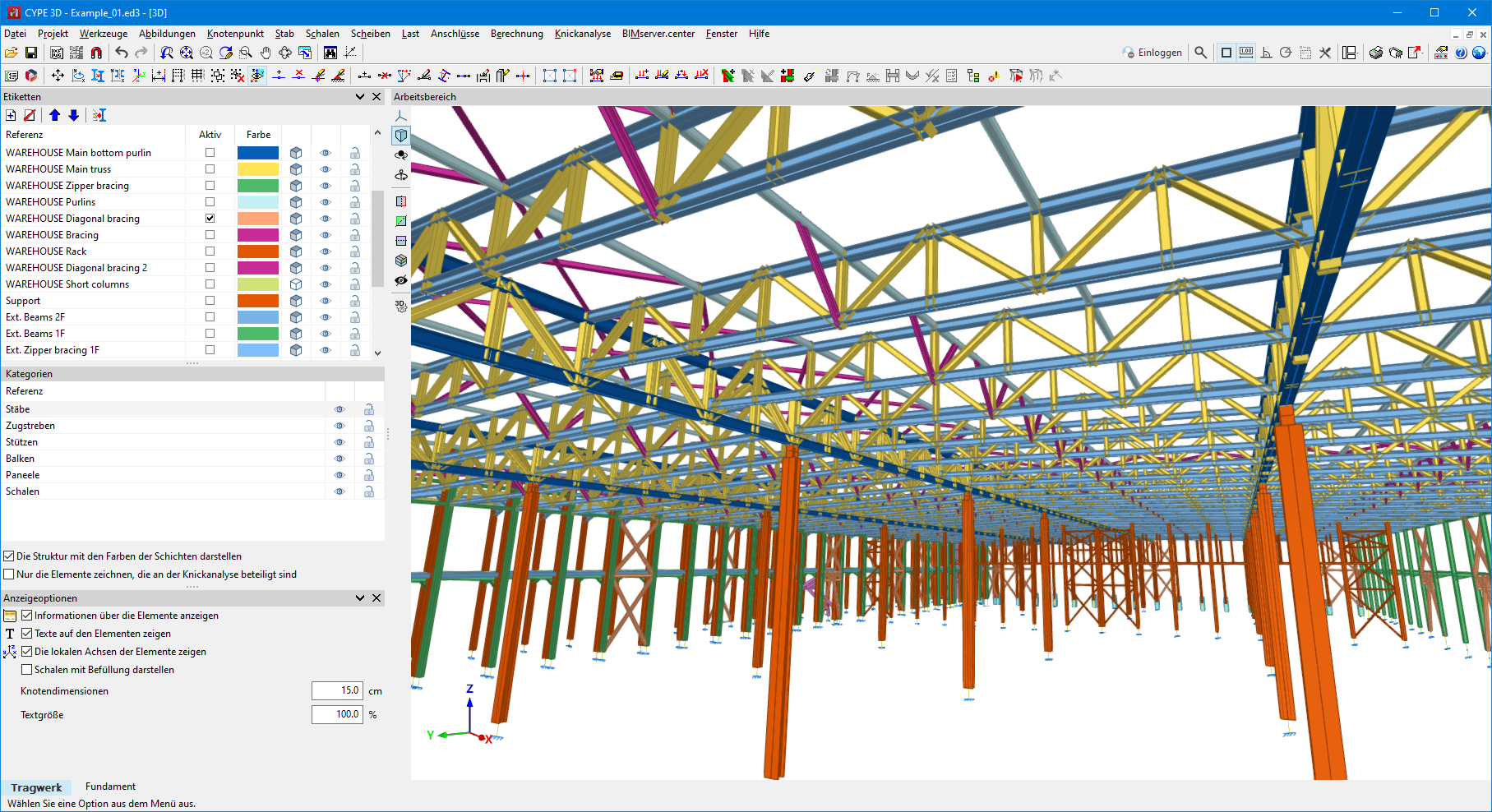
As of version 2025.b, CYPE 3D can also be installed in German. The languages in which this application can be installed are now as follows:

  • Bulgarian
  • Catalan
  • English
  • French
  • German
  • Italian
  • Polish
  • Portuguese
  • Portuguese (Brazil)
  • Romanian
  • Russian
  • Spanish
  • Spanish (Argentina)
  • Spanish (Mexico)
  • The "Copy elements" option has been improved. When a panel is selected, all the surface loads applied to it are copied. Previously, only those corresponding to the visible loadcases were copied.

  • An error that occurred when using the "Move end" option in the "Bar" menu when a bar contained in a plane grouped with others was selected, has been fixed.

  • The order of the windows defined by the "Organise windows" option in the "Window" menu is now saved.

  • An error that could occur in some particular cases when editing the section of a job recorded with versions prior to 2015.a. has been fixed.

  • An error that could occur when exporting a job where there is a section with very small haunches has been fixed.

  • An application error in the elastic external fixity on the edge of a shell has been fixed.

  • The editing of the "Construction process" has been improved. Live load data can now be edited if no live load cases have been defined and wind or snow loadcases have been defined.

Norma Técnica Complementaria para Diseño y Construcción de Estructuras de Acero.

Implemented in:

  • CYPECAD and CYPE 3D for designing and checking rolled and reinforced steel sections.
  • CYPE Connect and StruBIM Steel for checking bolted and welded steel connections.

"Norma Técnica Complementaria para el Diseño por Sismo".

Implemented in CYPECAD and CYPE 3D.

"Norma Boliviana de Diseño Sísmico".

Implemented in CYPECAD and CYPE 3D.

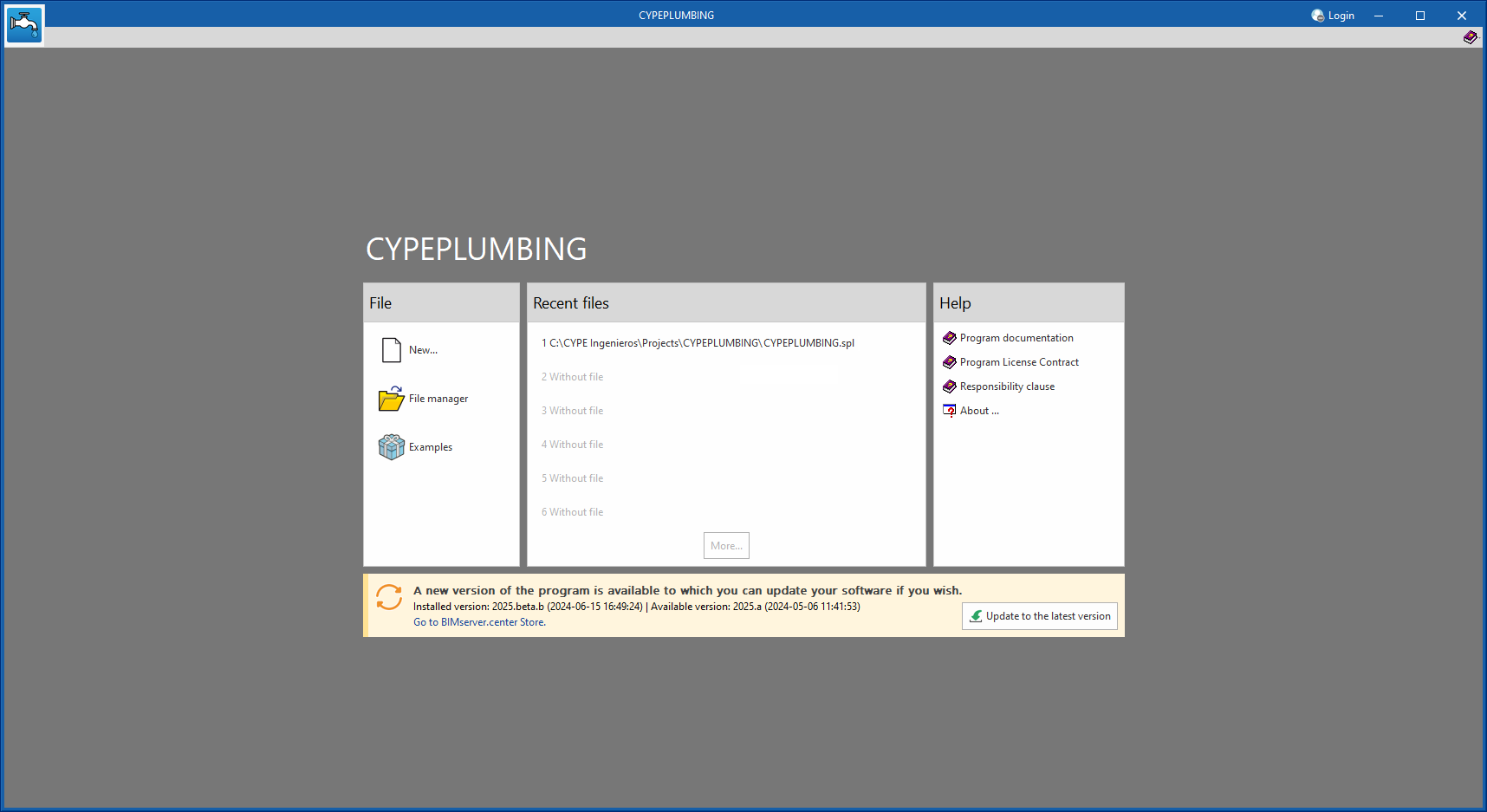
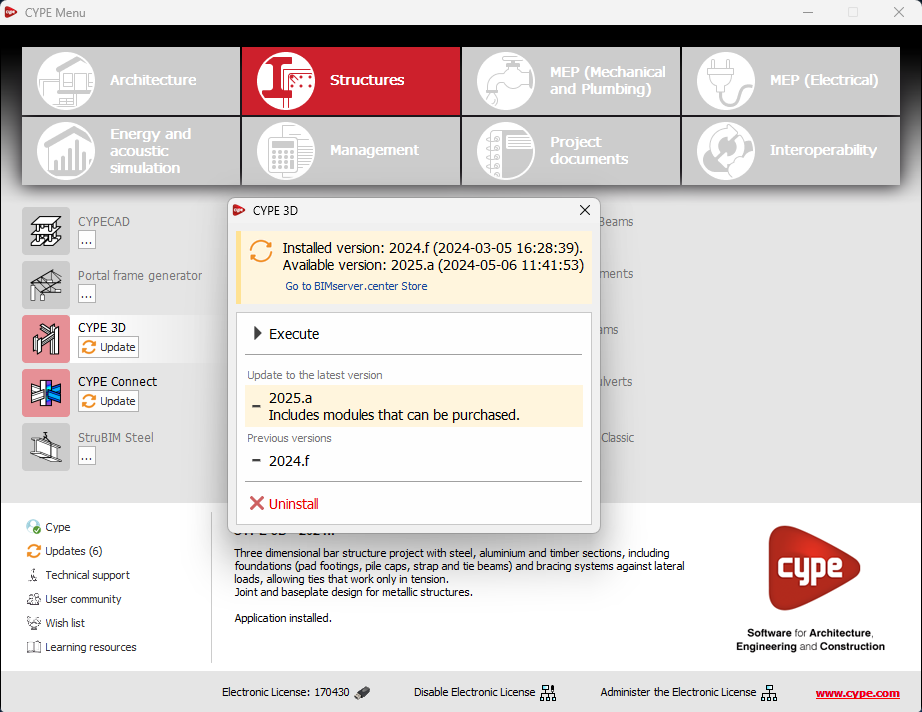
As of version 2025.b, applications now display a warning message in their initial window when a new update is available. This message provides information about the "installed version" and the "available version", together with a direct link to the Store page of the BIMserver.center web platform.

Clicking on the “Upgrade to the latest version” button automatically starts the download and installation process of the application. This feature ensures that the most current version of the program is always being used, thus benefiting from the latest improvements.

This method replaces the automatic notification and update process of a new version in the BIMserver.center programs available in previous versions.

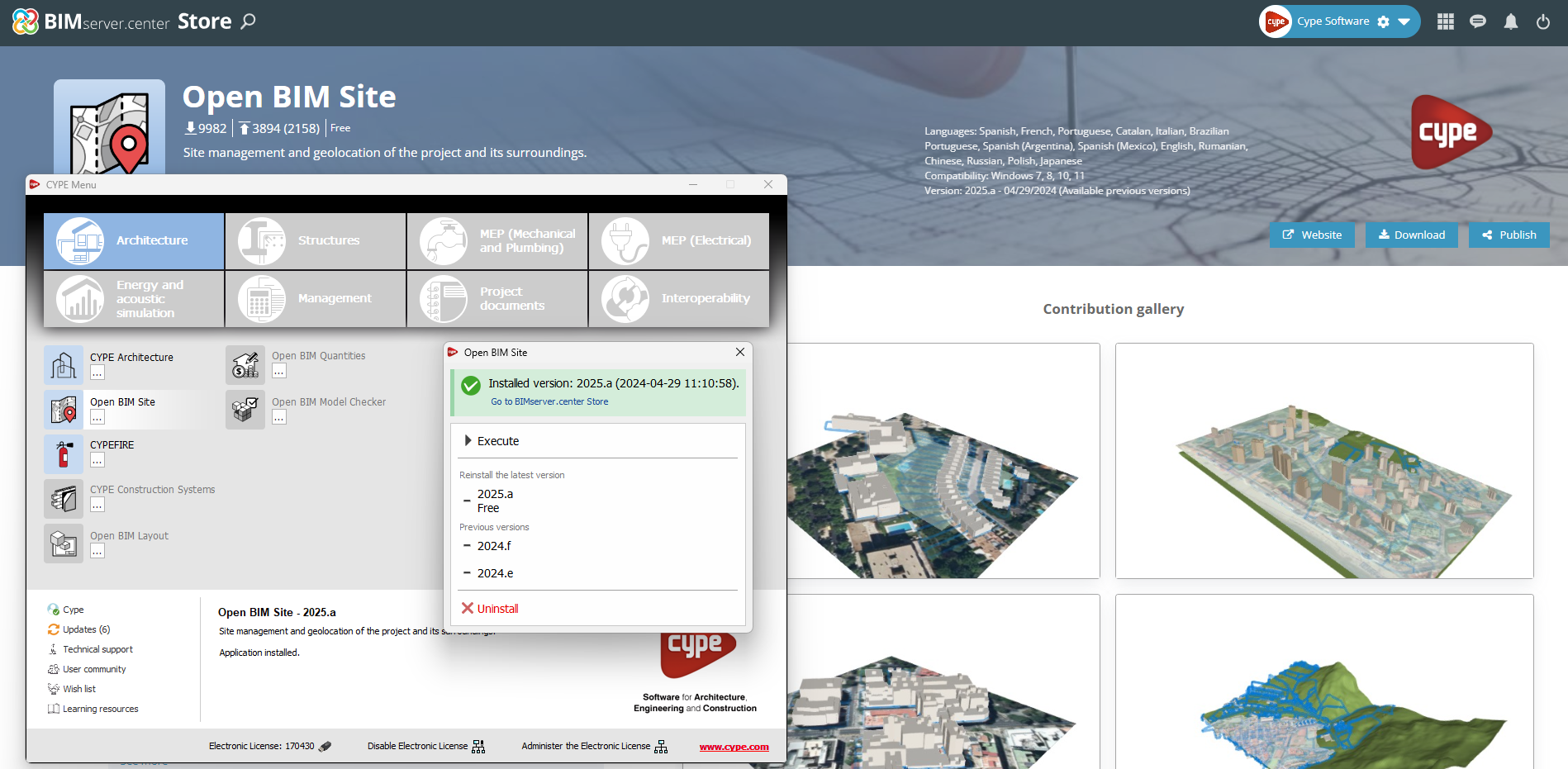
In the configuration panel for each application, a direct link to its page in the BIMserver.center web store has been included.

By clicking on the “Go to BIMserver.center Store” button, users are redirected directly to the corresponding page in the Store, where they can learn more about the application, view its features, read reviews from other users and see examples of real contributions.

This feature provides easy access to additional resources and support, enhancing the user experience by providing quick and easy access to all relevant information about the applications.

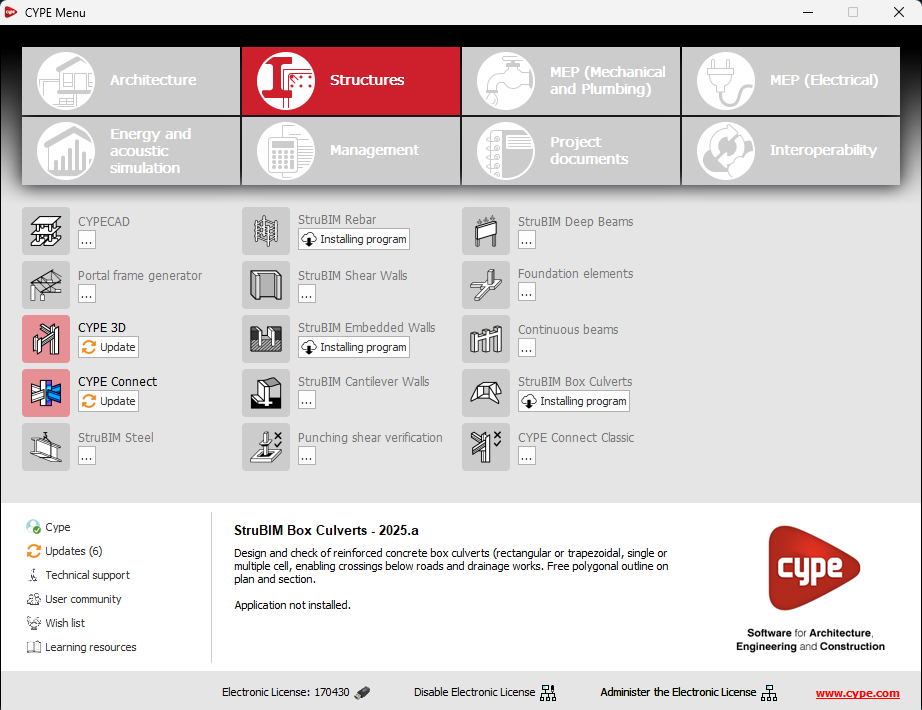
In the new 2025.b version of CYPE Menu, the background installation feature has been added. Users can now continue working on other tasks while applications are automatically installed in the background.

During the background installation process, the “Installing program” message is displayed next to the applications button in the main CYPE Menu window. Once completed, the message disappears and the application can be run.

This feature is designed to make applications easier to use and manage, improving productivity and the overall experience by minimising waiting time and interruptions during the installation of new applications or upgrades.

"Norma Técnica Complementaria para Diseño y Construcción de Estructuras de Hormigón".

Implemented in CYPECAD, CYPE 3D, Foundation elements, Punching shear verification, StruBIM Cantilever Walls and StruBIM Embedded Walls.

CYPE Mentor