Update history​​

CYPE Connect

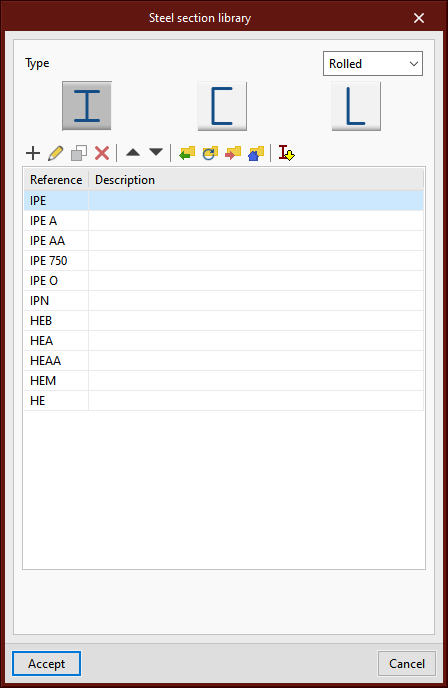
The possibility of using the predefined section libraries that are available in other structure design software such as CYPECAD and CYPE 3D has been incorporated.

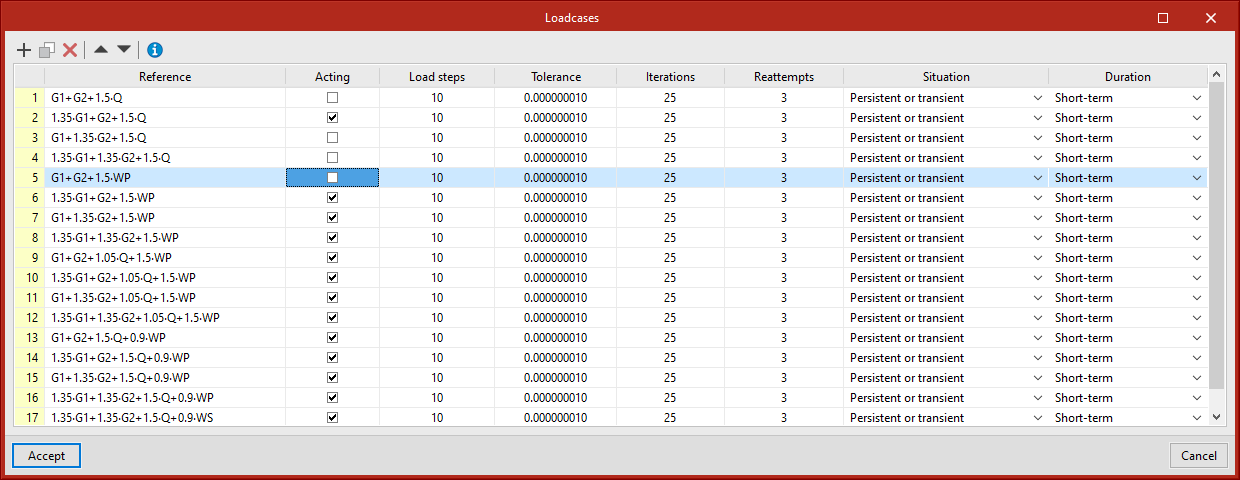
As of version 2022.e, users can select the load cases to be considered when analysing a joint. To do this, the "Acting" column has been added to the table in the "Load case" dialogue box, allowing the desired load cases in the analysis to be activated or deactivated.
Version 2022.h of CYPE software is a closing version of version 2022.

In addition to the new features and improvements that are explicitly outlined in each version of CYPE software, process optimisation involving internal improvements to our programs is normally included. All programs are systematically checked during each revision, and improvements are made to improve their performance. As a result, we advise our users to always update their version to the latest revision (in this case, v.2022), regardless of whether or not new features in version 2022.h are explicitly mentioned for the program they are using, the country for which they are using CYPE software or the language in which it is installed.

New paper formats have been added to CYPE Connect and Open BIM Layout:
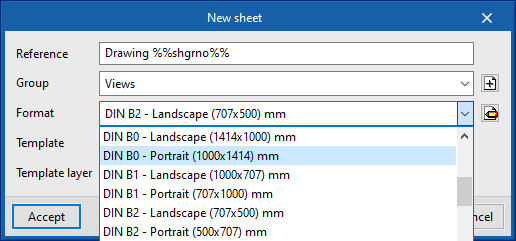
  • DIN B type
    B0, B1, B2, B3 and B4.

  • ARCH type
    ARCH A, ARCH B, ARCH C, ARCH D, ARCH E and ARCH E1.


As of version 2022.g, the connections exported to the connections library will also save their defined sheets. Thanks to this implementation, the work spent on making a detail drawing of a connection can be used for similar connections when applying a library connection.
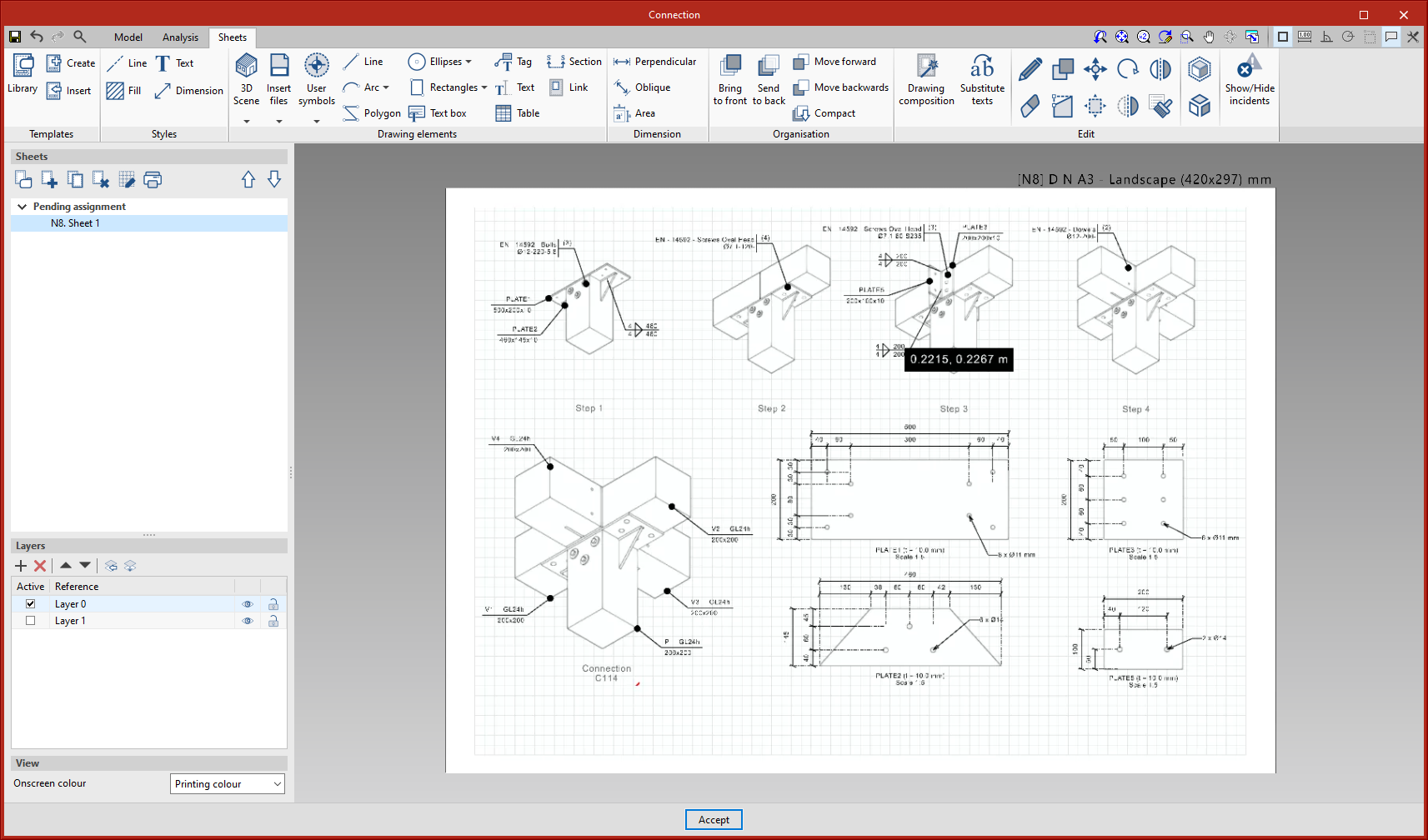
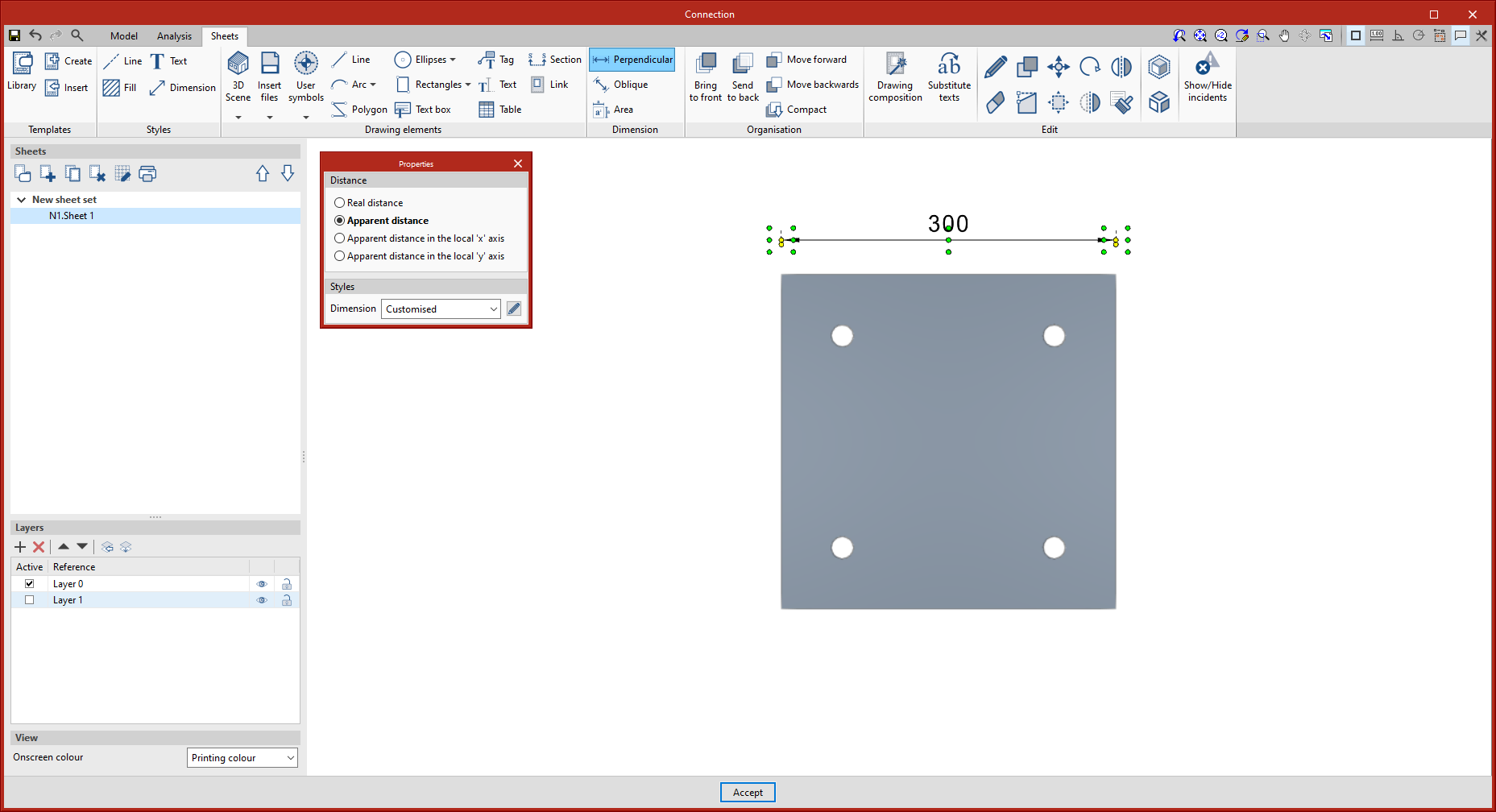
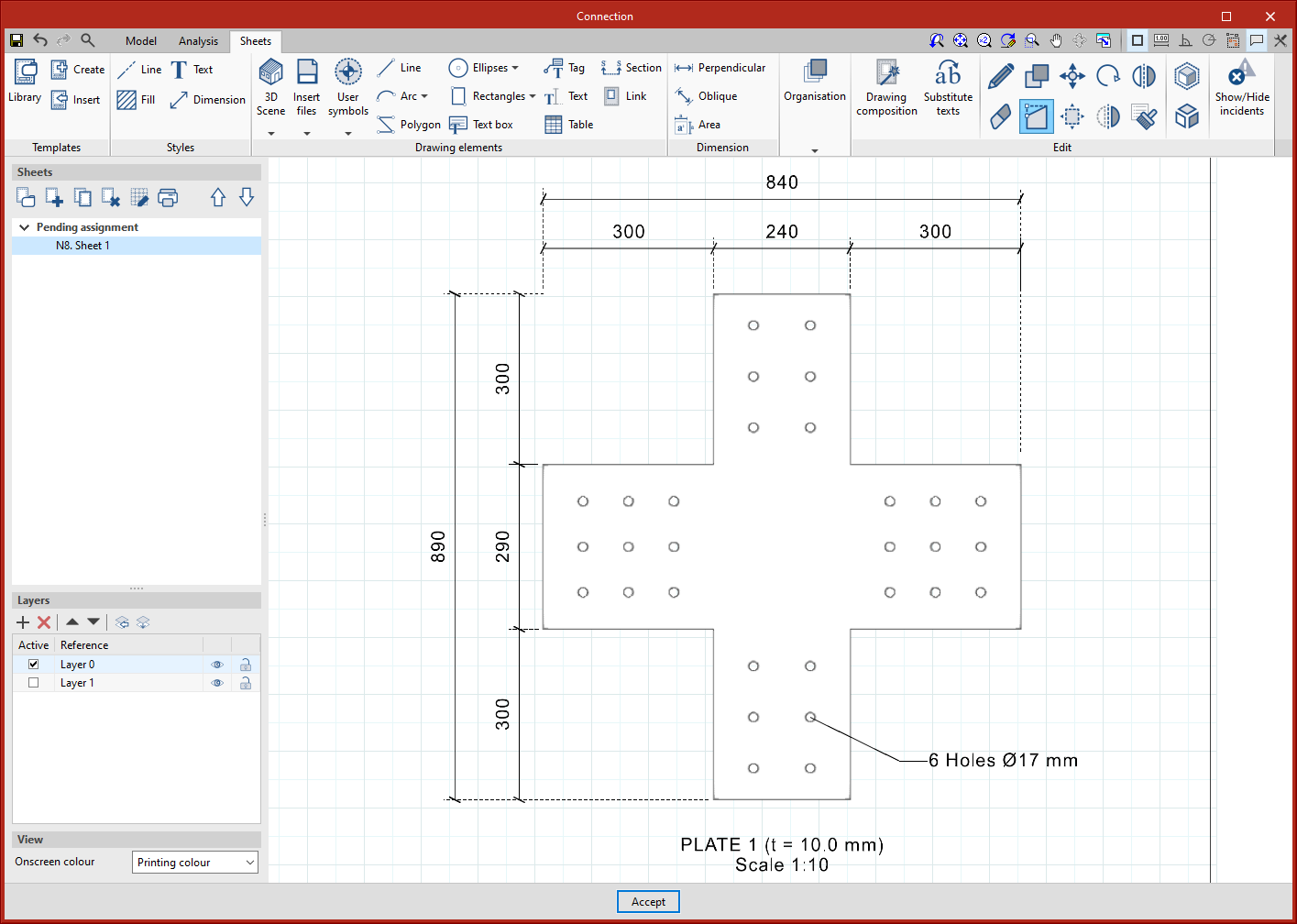
The dimensions defined in each sheet are associated with the geometry of the elements of the scene that have been taken as a reference. This association allows the dimensions of the model to be automatically readjusted in the event of changes in the dimensions of the model.

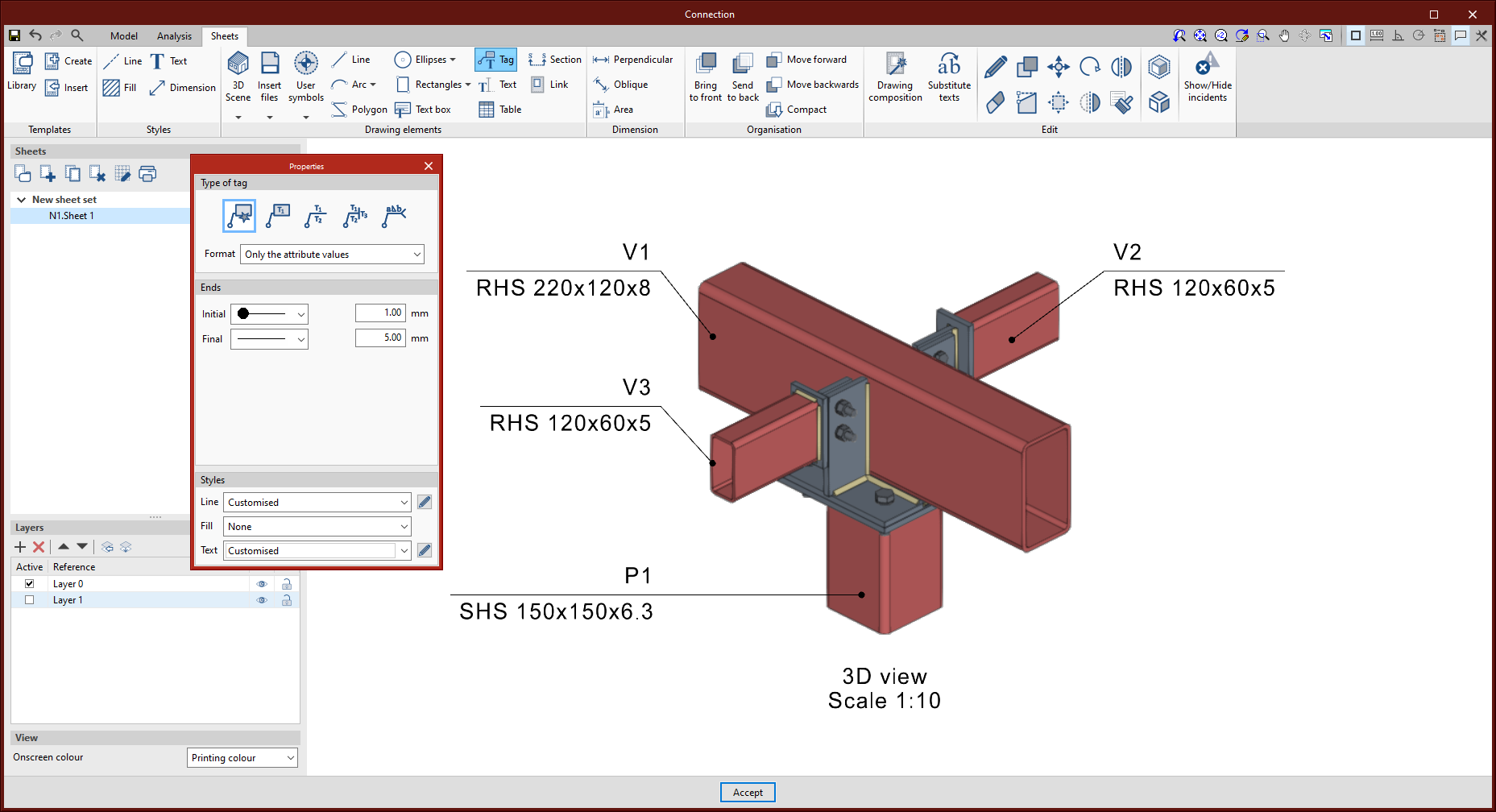
In the particular case of the tags, this association was already maintained in previous versions, except in the particular case of the tags of the holes in CYPE Connect. As of version 2022.g, this association is maintained, allowing the directrix of the tag to be moved when the position of the relevant hole changes. This is a special case, as the hole itself is not an object in the scene.
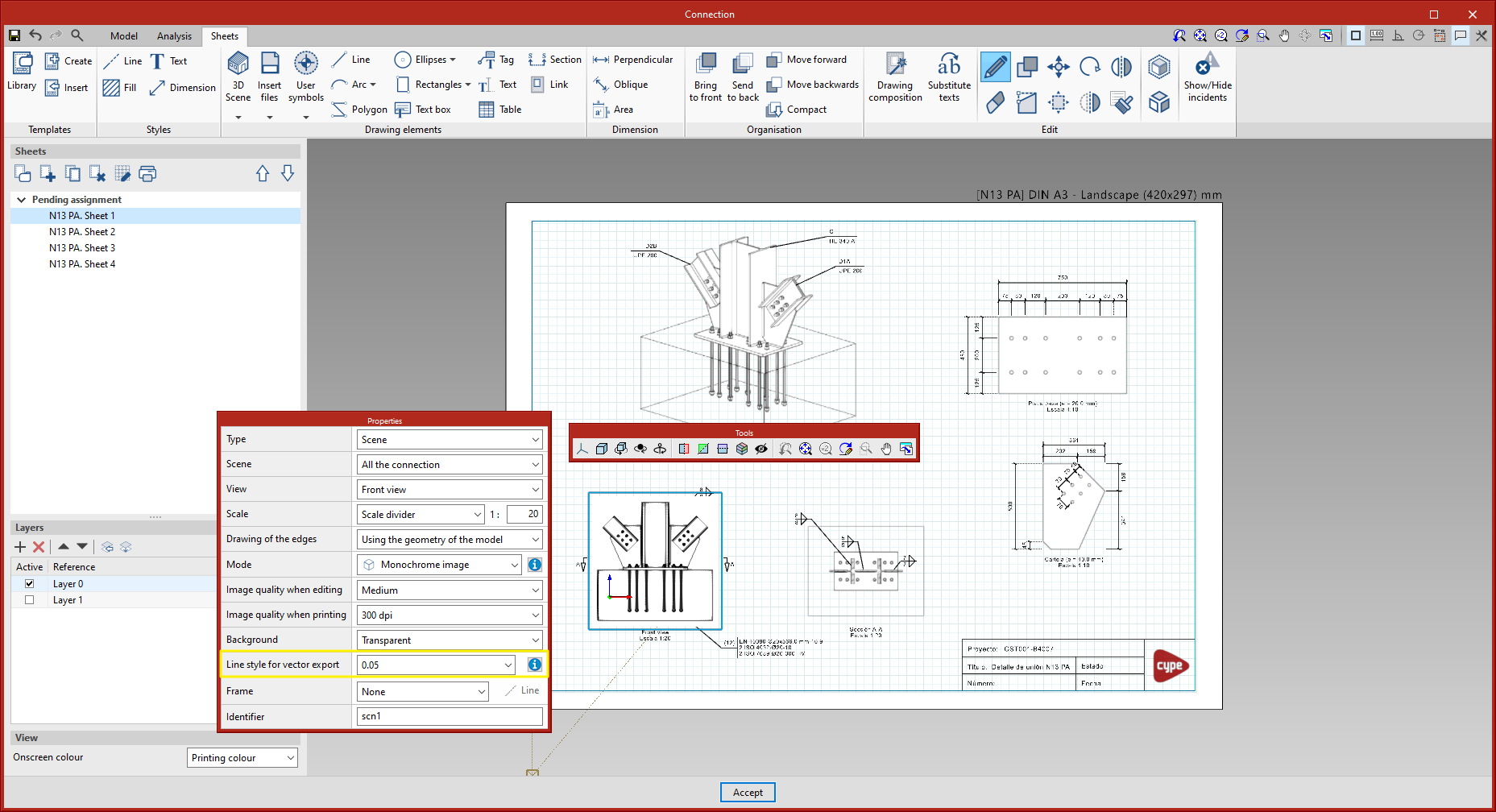
The option to export the 3D scenes in sheets in vector graphics format has been implemented in version 2022.g. Up to version 2022.f, these scenes were exported as raster images.

From the scene editing panel, the line style to be used for vector graphics format export can be configured.
From the 'Print' dialogue box, the scene views can be exported:

  • As raster image (option used until this improvement was implemented).
  • As vector image (when possible).

The latter option must be selected to export in vector graphics format. In particular, this explains the "when possible" note in the option, a scene view is exported as a vector image if two requirements are met:

  • The projection defined for the view is axonometric.
  • The colour mode is monochrome.

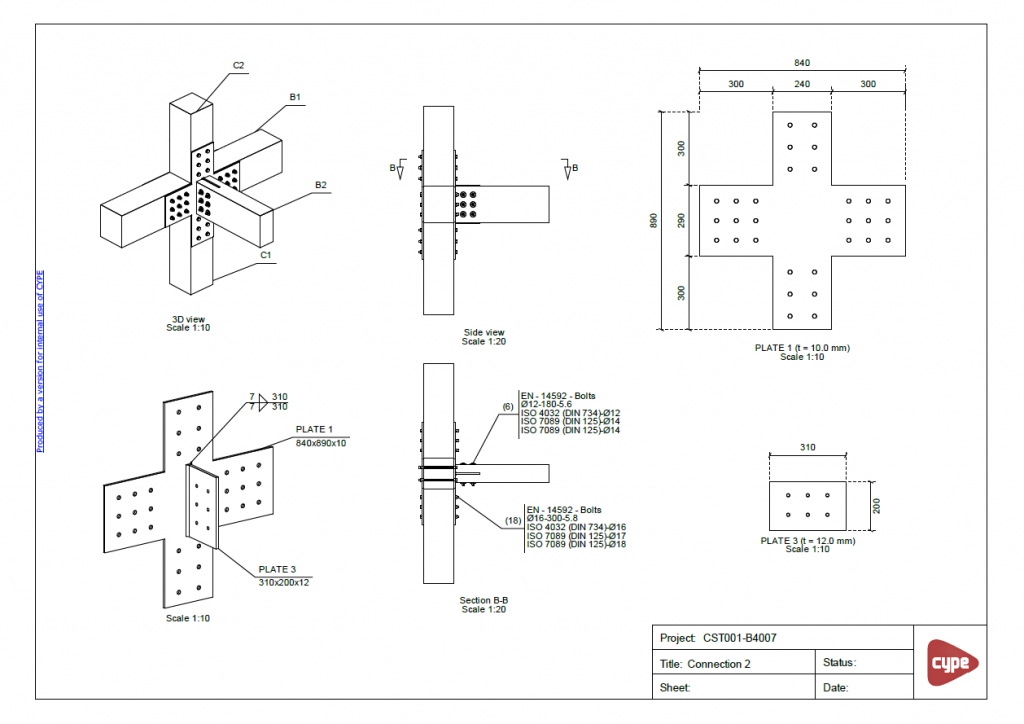
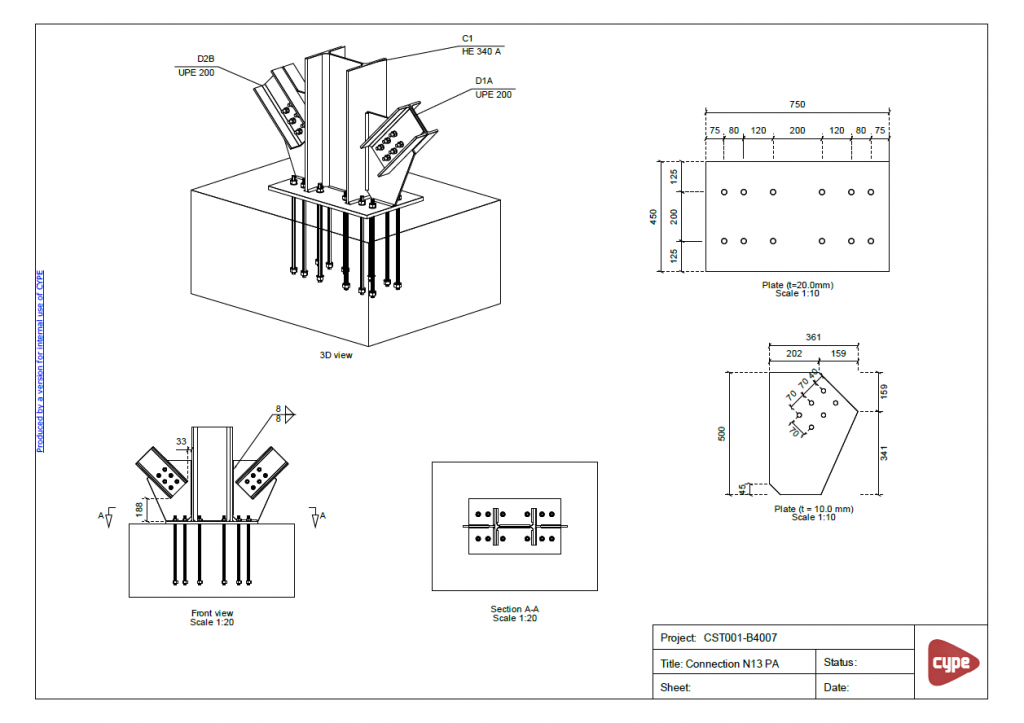
As an example, there are two PDF sheets that can be downloaded, which have been exported in vector graphics format.
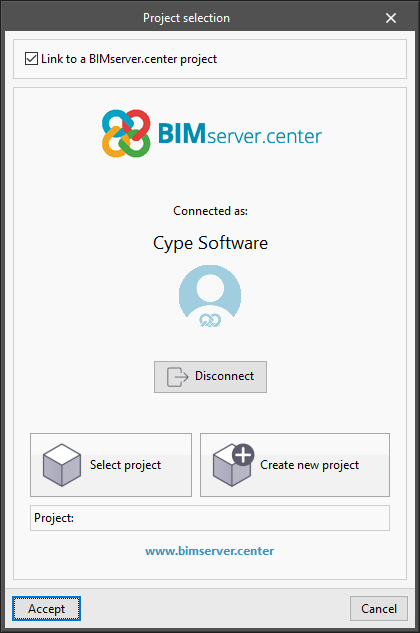
As of version 2022.g, applications that can be linked to a project on the BIMserver.center platform allow the user account to be changed during the project selection process. To do this, a "Disconnect" button has been added below the user's name and image in the "Project selection" panel. When disconnecting the active account, the credentials of the account (email and password) that the user wishes to work with can be entered.
Version 2022.d implements the analysis and checking of steel connections according to the following standard:

  • IS 800: 2007 (India)
    "Indian Standard. General construction in steel - Code of practice"

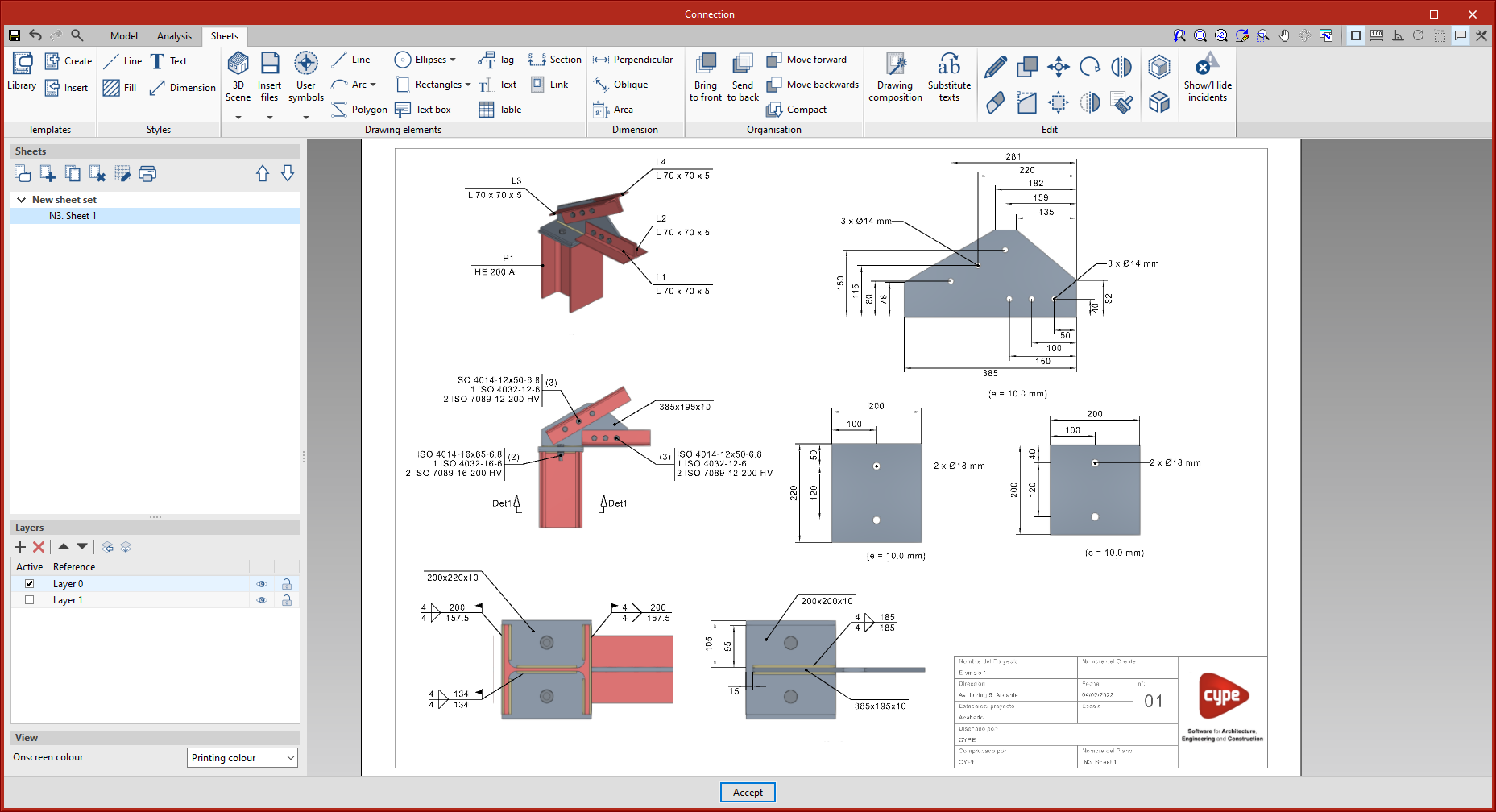
As of version 2022.f, CYPE Connect includes a new tool to help users create detail drawings for connections by integrating the editing and composition features from Open BIM Layout.

Once a connection has been modelled, users can switch to the sheet tab, where they can find the tools available for creating the details.
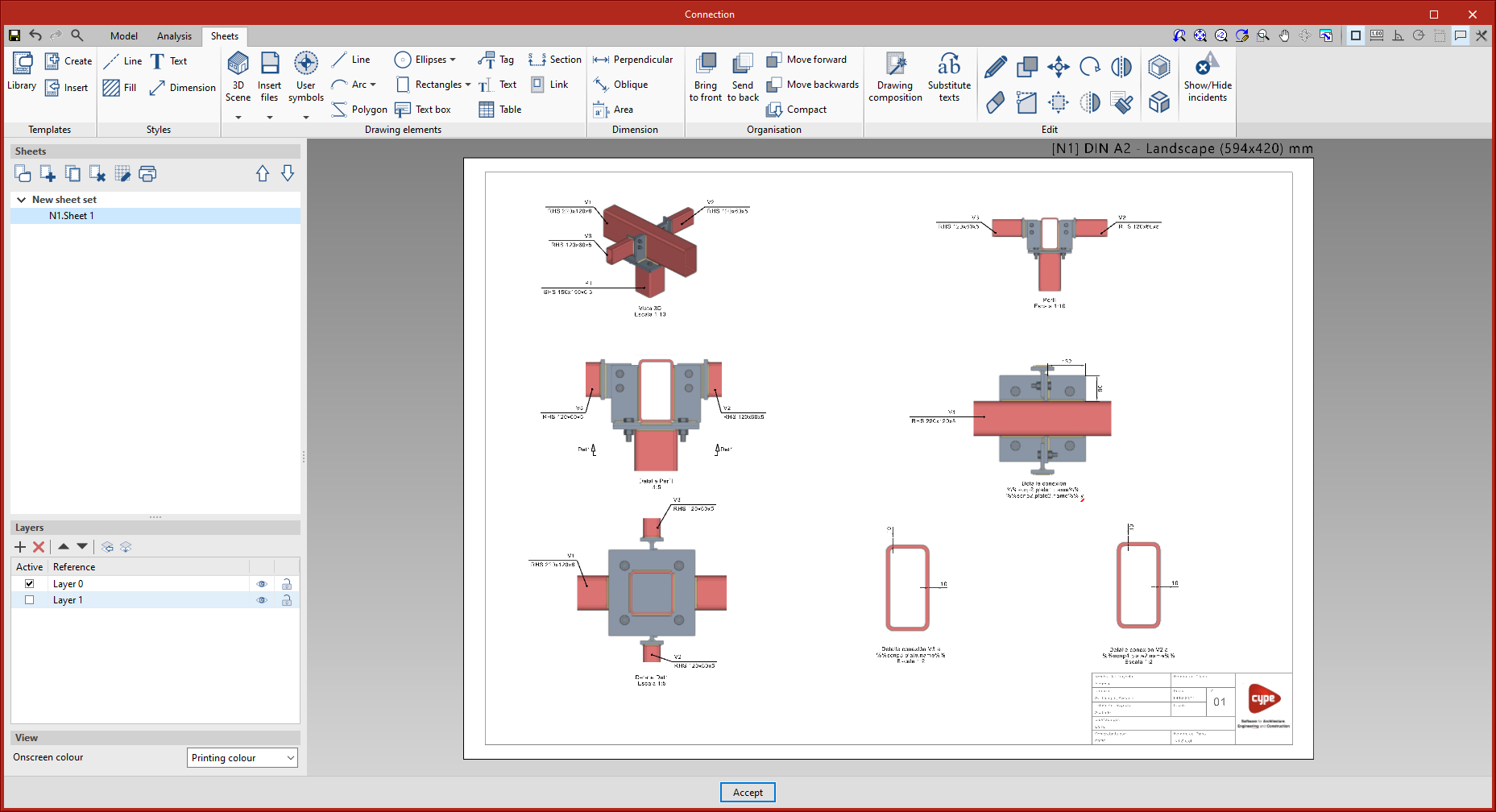
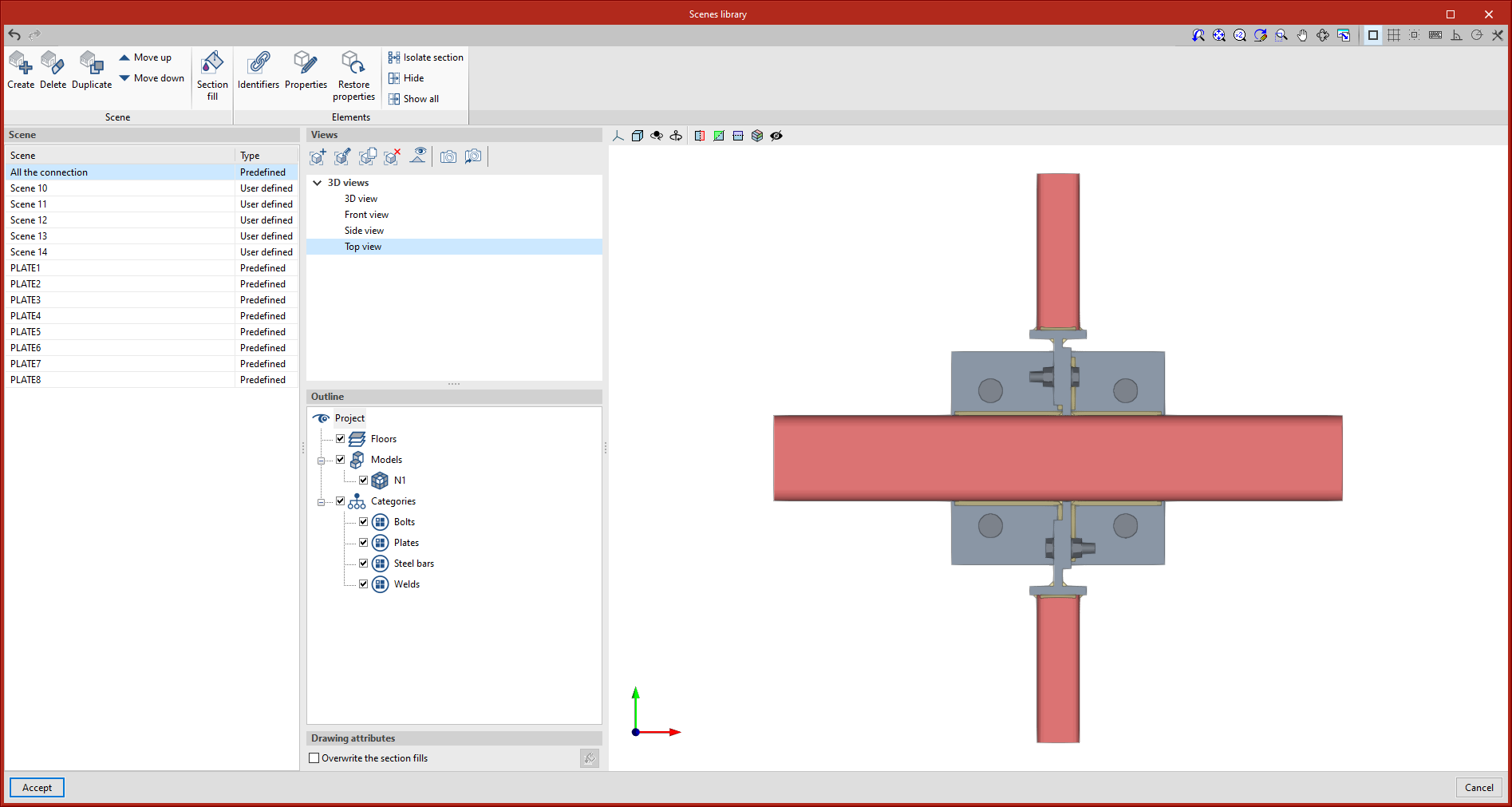
  • Scenes and Views
    To create the sheets, views of the connection model (front view, top view, side view, 3D view, etc.) can be inserted at the desired scale.

    The program allows predefined views to be inserted, but user-defined views can also be created and inserted.
  • Dimensioning and Tagging
    The program includes traditional drawing elements and dimensioning tools. Users can define and save their line, text or dimension styles to use them for any future sheets in connections.

    When dimensioning the connection elements, once the elevation has been entered, both the auxiliary lines and the text position can be modified.

    To tag elements, the tagging tool incorporates the most common types of tags in connection drawings. However, to speed up the process, the automatic tagging tool has been developed, which allows the selected element's tag to be automatically generated with the content and shape predefined by CYPE Connect.
  • Composition of sheets
    Once the sheets have been detailed, the next step is the composition level, where one or more sheets can be created using the content of the other sheets.

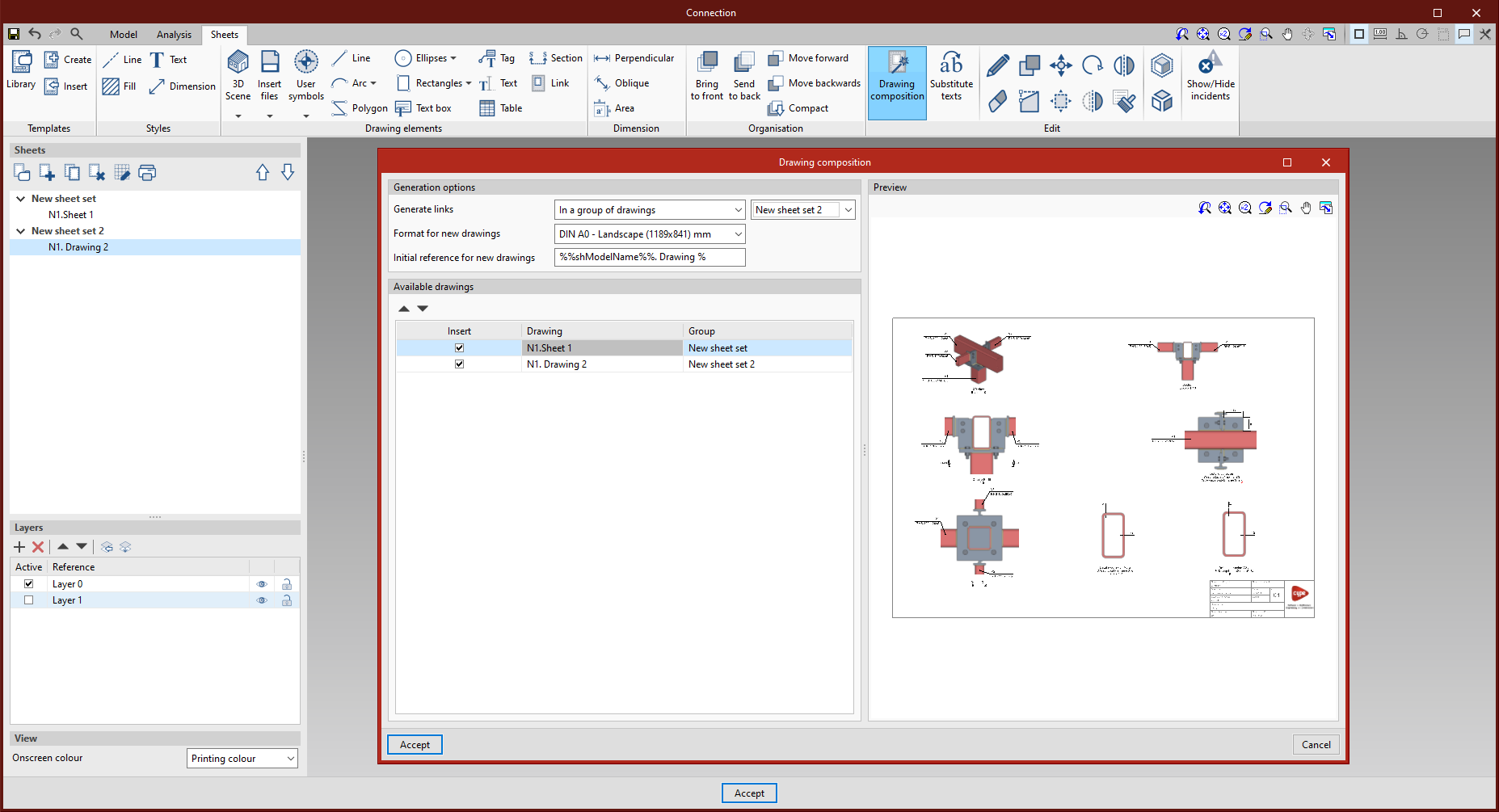
    The 'Link' tool allows users to add a reference to the content of one sheet to another, while the 'Composition of sheets' tool generates a mosaic of the selected sheets.
  • Linking with the connection model
    The content of the sheets is linked to the model of the connection, i.e. the scenes and views that have been defined, as well as the element tags entered, will be automatically updated if there are changes in the modelling of the connection.

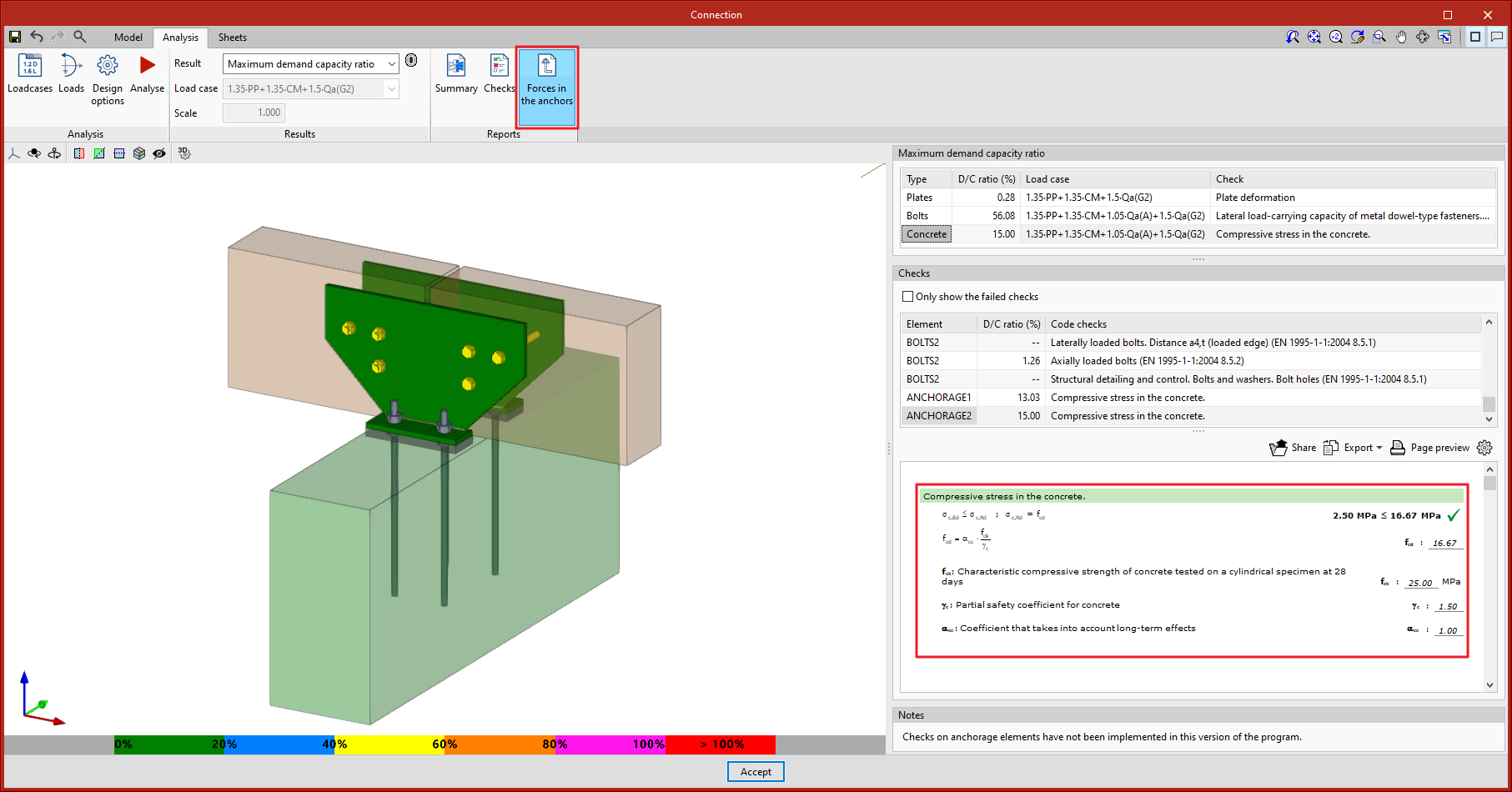
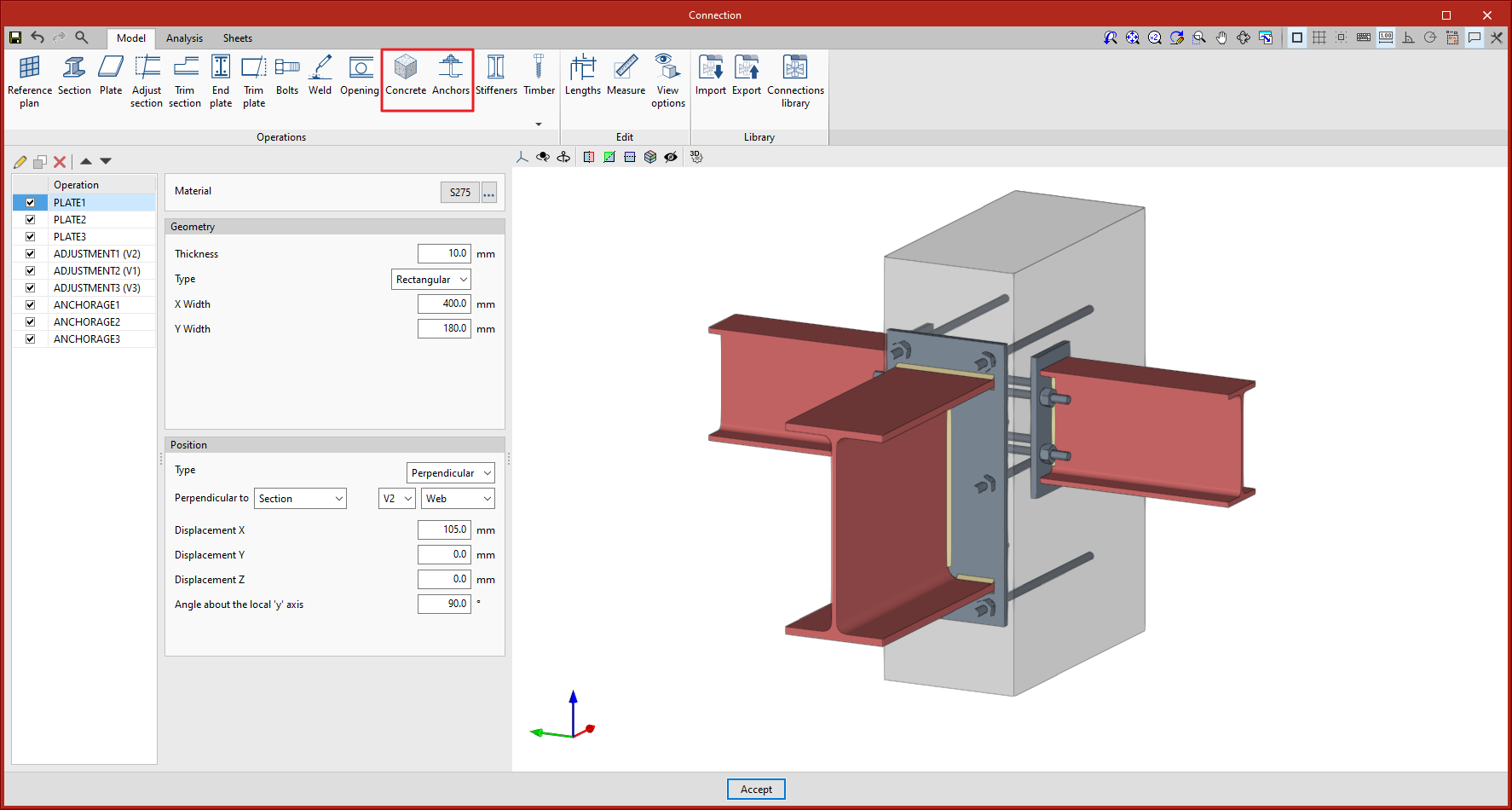
As of version 2022.f of CYPE Connect and StruBIM Steel, users can now model and design elements anchored to concrete. To do this, the "Anchors" and "Concrete" features have been included for modelling the connection.
  • Anchors
    The "Anchors" feature allows users to introduce the anchor elements of a steel plate or section into a concrete block. The program allows users to design the connection given the geometrical layout of the fastenings, as well as their geometrical and mechanical properties. There is a choice of different types of anchors, either welded or bolted.

    The anchorage can be made either to a new concrete block defined in the operation itself or to an existing block that has been previously defined.
  • Concrete
    The "Concrete" feature allows users to enter a concrete block where the material, dimensions and position of the block are defined.
  • Analysis
    When the analysis is carried out, a finite element model is automatically generated that characterises the behaviour of the different components involved in the connection, considering the type of anchors and the properties of the concrete block. Once the analysis has been completed, the compressive strengths in the concrete can be checked. The anchors cannot yet be checked in version 2022.f, but their resulting forces can be consulted.

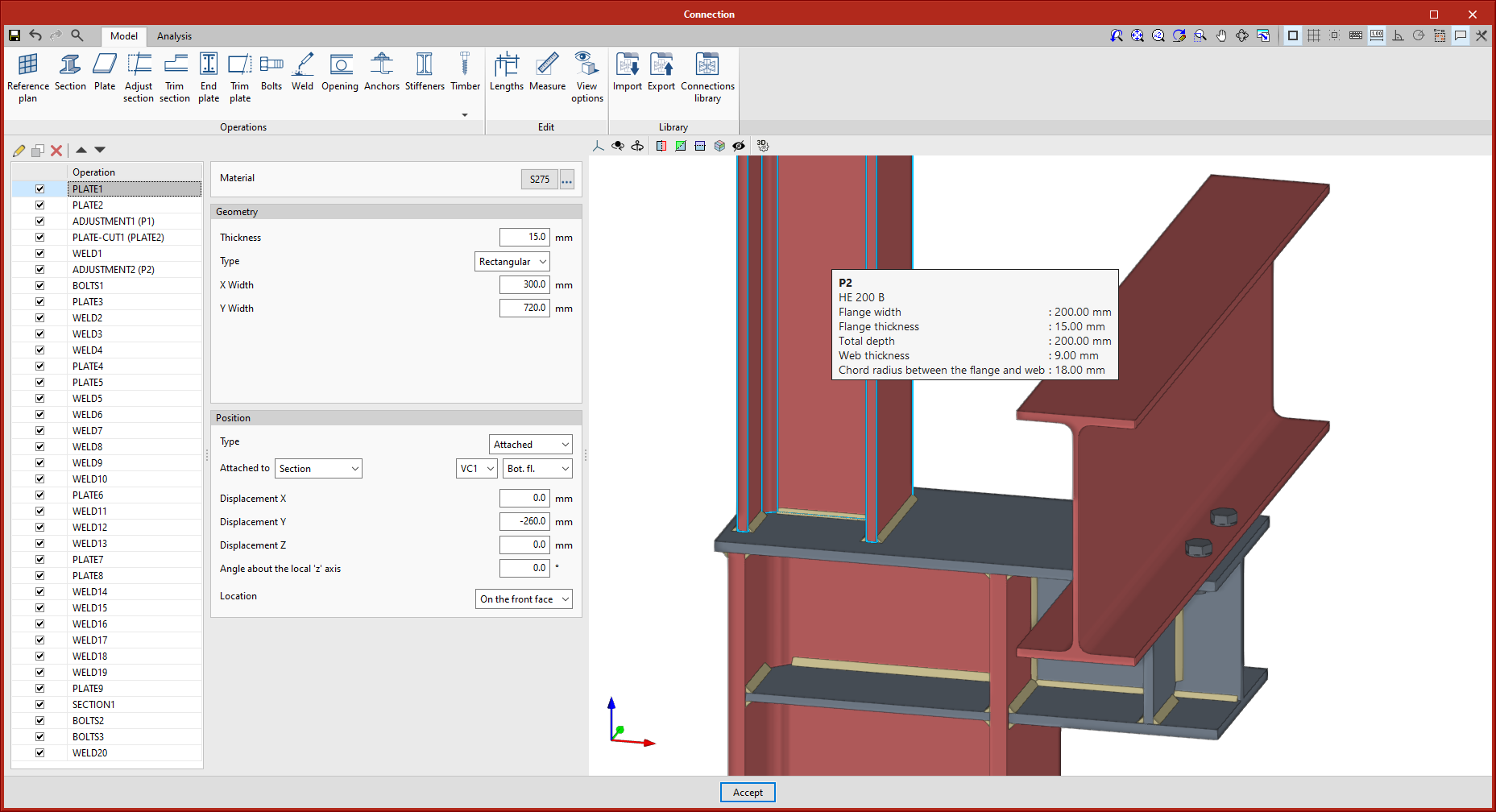
Information about section geometry has been implemented in the label of the bars, where previously only the reference was shown.

CYPE Mentor