Update history​​

CYPE Architecture

As of version 2022.d, when the elevation of a level is modified, the programme moves all the architectural elements immediately above that elevation and extends or shrinks the elements located at the level below the modified elevation. The architectural elements that are extended or shrunk are: walls, curtain walls, louvres, columns and lift stops.

The program also modifies the elevation of the plan views associated with these levels.

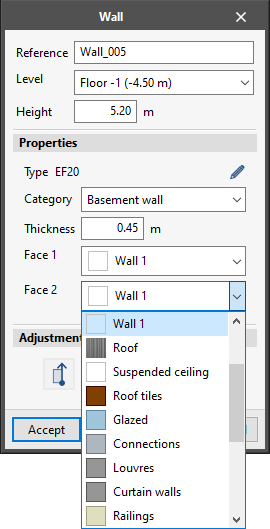
In this version of the program, the visible thickness of a wall can automatically be coloured or texturised with the colour or texture of the adjacent wall span. If necessary, this new function will be activated automatically when using one of the following tools: Colours, Typologies, Intersection solutions, Invert the colour of the faces of the wall, Move, Copy, Edit geometry and Copy properties.

Two new example jobs have been included:

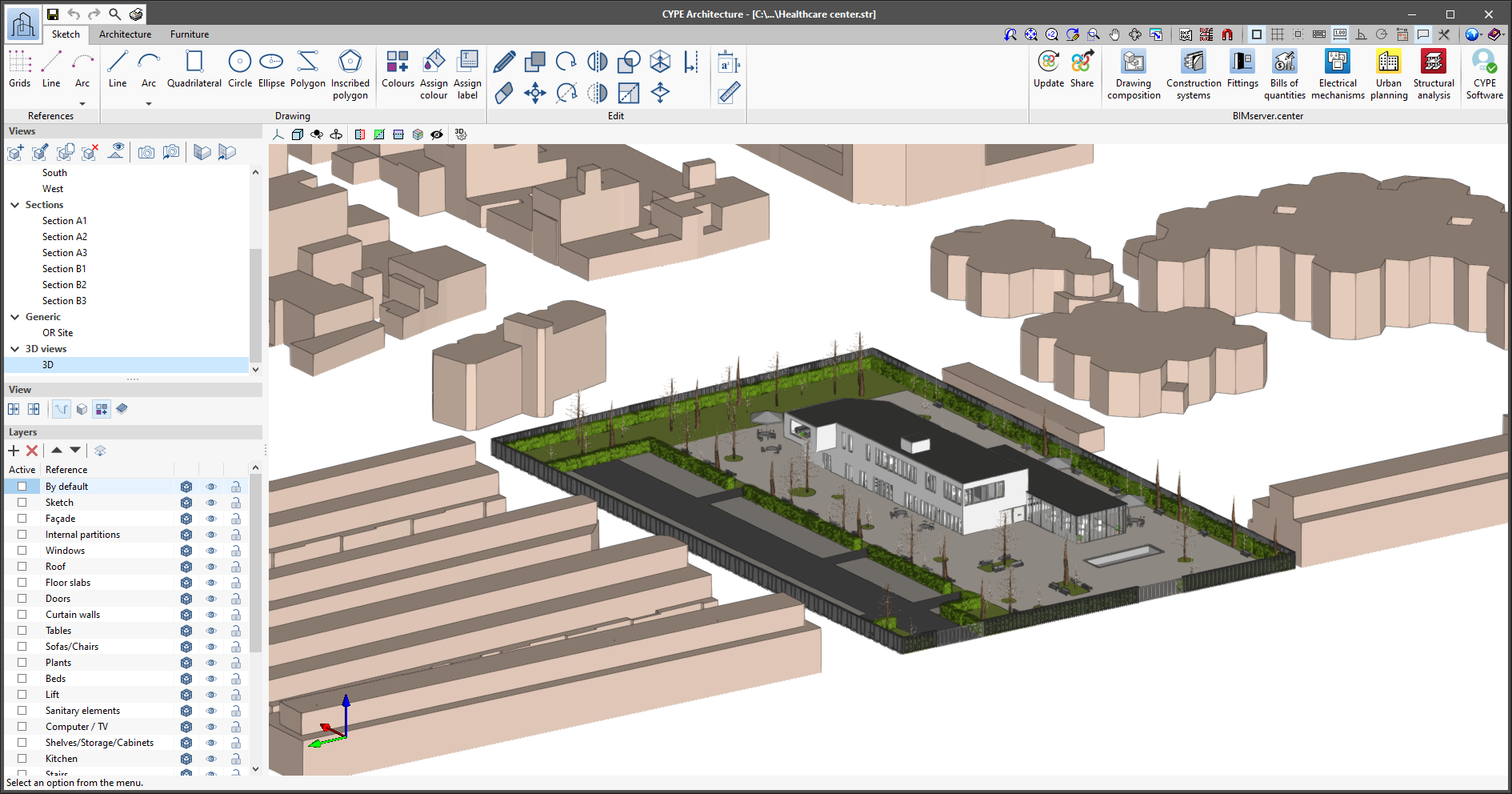
  • Health care center
    Two-storey primary health care centre.
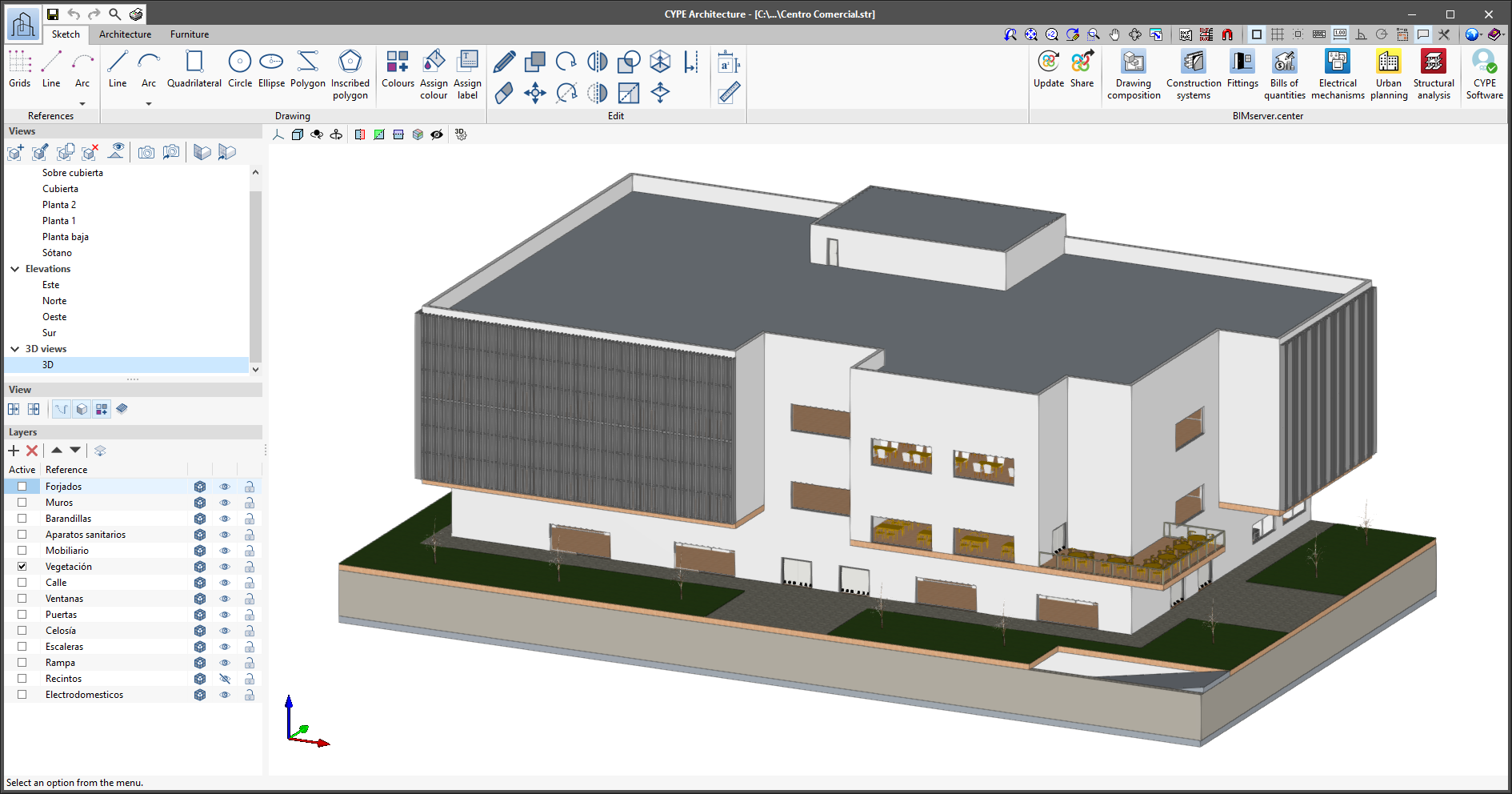
  • Centro Comercial
    Medium-sized shopping centre, three floors and a car park.

Furthermore, the "Single-family detached house" example job, equivalent to the Spanish example job "Vivienda unifamiliar aislada", has been translated into English, French and Portuguese.

The program can store all the intersections that have been solved.

This improvement prevents intersections from being undone when a window or door is moved over a wall where these intersections have already been solved.

It also allows users to solve an intersection that has been changed (for example, an intersection to which a new element is added), but that has already been solved.

Several new features regarding the colouring and texturing of architectural elements are implemented:

  • All architectural elements can be coloured and textured. Also, the criteria for entering colours and textures have been unified for all of them.
  • They can be coloured and textured from the "Typologies" panel. This provides greater agility when users need to create more colours or textures when creating typologies.
  • The walls can be coloured and textured in a different way on each face.
  • New "Invert the colour of the faces of the wall" feature. Invert the colour and texture of wall faces. To do this, select all walls to be inverted and press the right mouse button.
  • The floor slabs can be coloured and textured in a different way on each face and front of the floor slab.
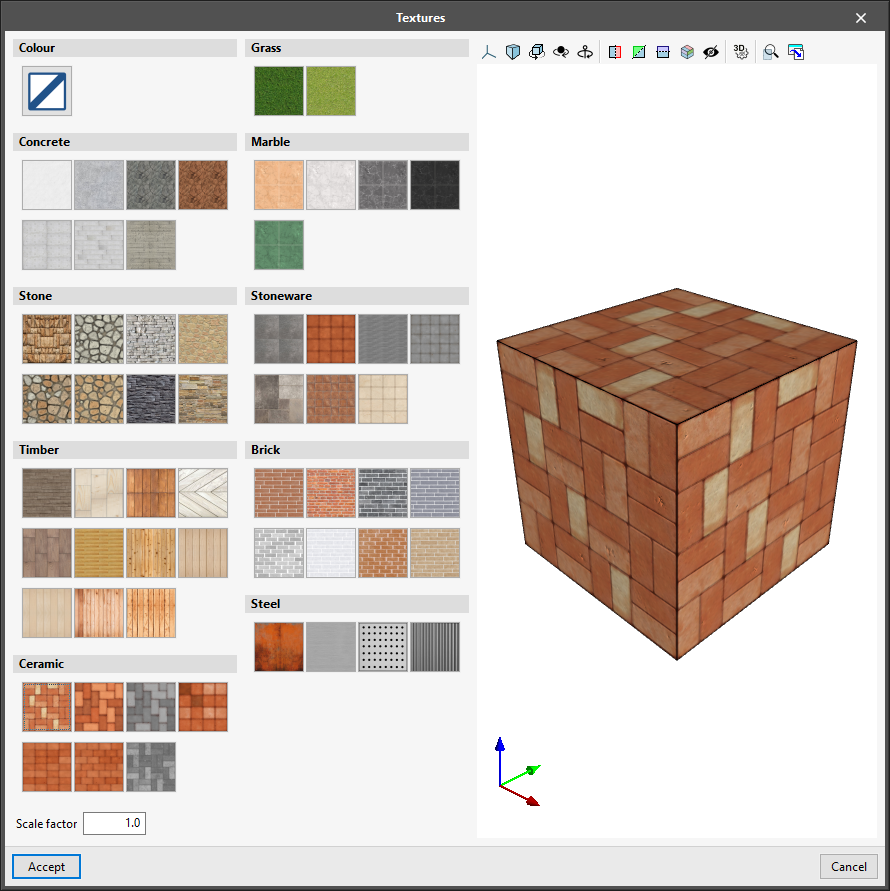
  • By default, textures are classified into groups to make their recognition easier (grass, concrete, marble, stone, stoneware, brick, steel, ceramic, etc.).
  • New textures for brick and ceramic have been created, and improvements have been made to marble and stone textures.
  • A scale factor has been added for textures, allowing them to be made larger or smaller as required by the user.
  • Textures can be rotated, allowing their orientation to be changed as required by the user.

This improvement, implemented in the introduction of elements in floor views, forces the introduction of doors and windows so that these elements can always be placed in the corresponding wall and generate an opening in them. The aim of this improvement is to prevent the problems that occurred when introducing doors and windows where they could be inserted and not generate the corresponding opening.

Texture input in the "Architecture" tab has been unified to make it easier to define and enter them.

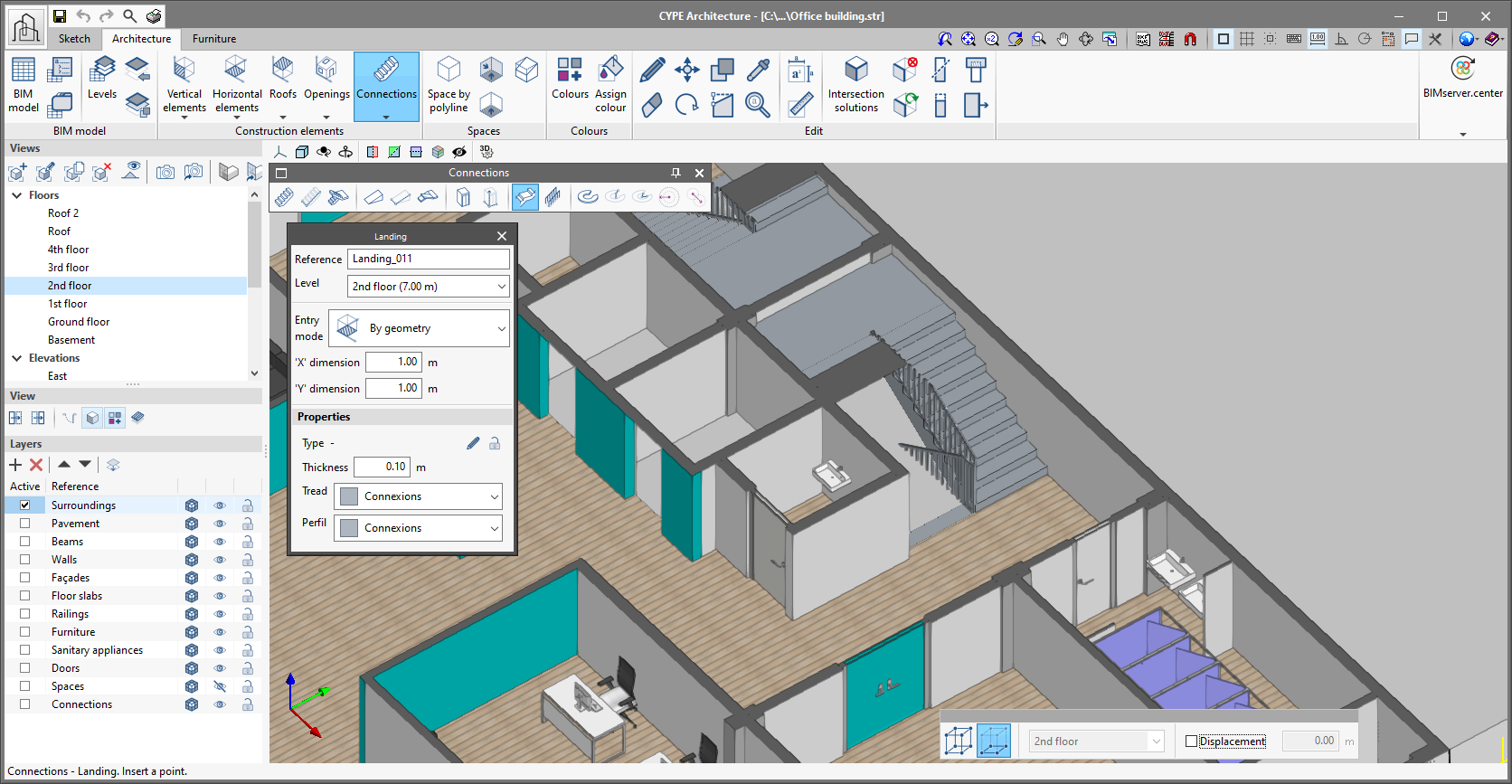
In the "Connections" section, there are two new ways of entering landings for both stairs and ramps: by points and by sketch area.

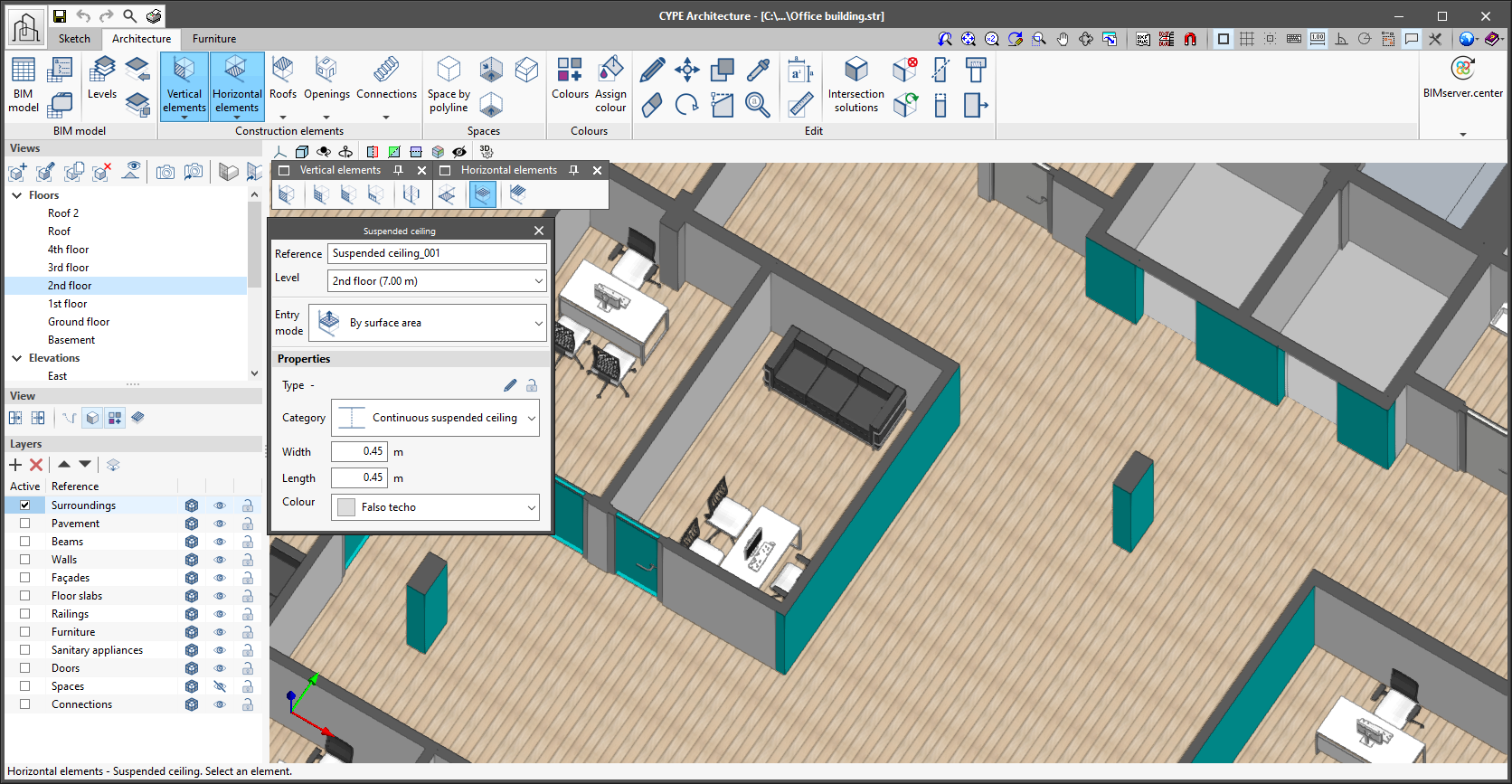
The following improvements have been made for entering and drawing suspended ceilings.

  • New entry mode for suspended ceilings by sketch area.
  • New way of entering suspended ceilings by automatic detection of surface areas.
  • Correction and improvement for drawing continuous suspended ceilings.
  • Information about the height of suspended ceilings above their assigned level.

In version 2022.b of CYPE Architecture, new direct links to CYPECAD (structure analysis and design) and Open BIM Carpentry (structure analysis and design of door and window carpentry) have been added. These connections can be viewed from each of the tabs in CYPE Architecture, in the BIMserver.center section in the top menu in the program.

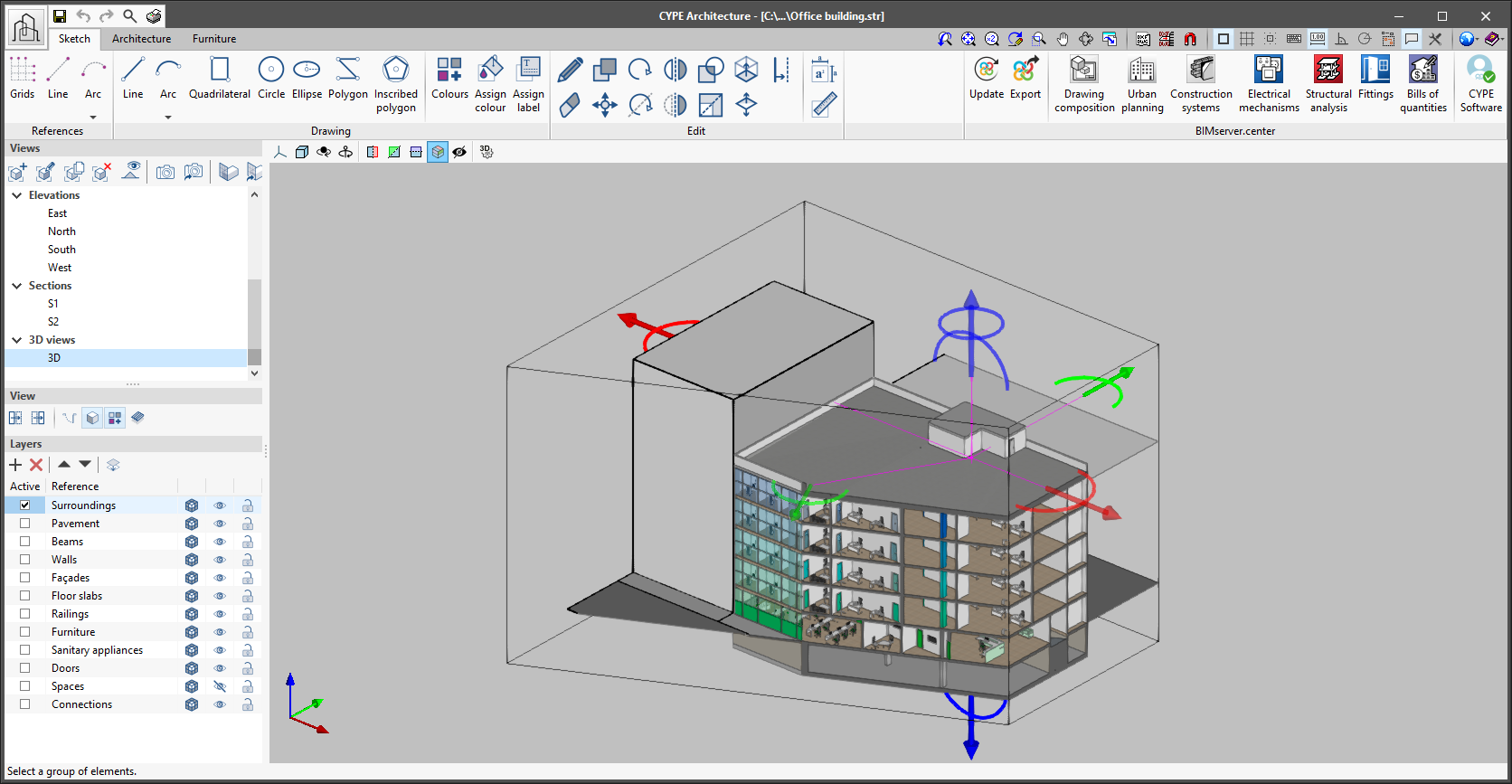
As of version 2022.b, applications with 3D drawing surroundings allow a viewing volume to be defined from the geometric envelope of the scene content. The arrows allow the viewing volume to be adjusted by moving their faces and the arches allow the viewing volume to be adjusted by means of 6 clips planes.

The representation of vegetation is no longer made up of large volumes but of trees containing branches and leaves.