Update history​​

Open BIM Quantities

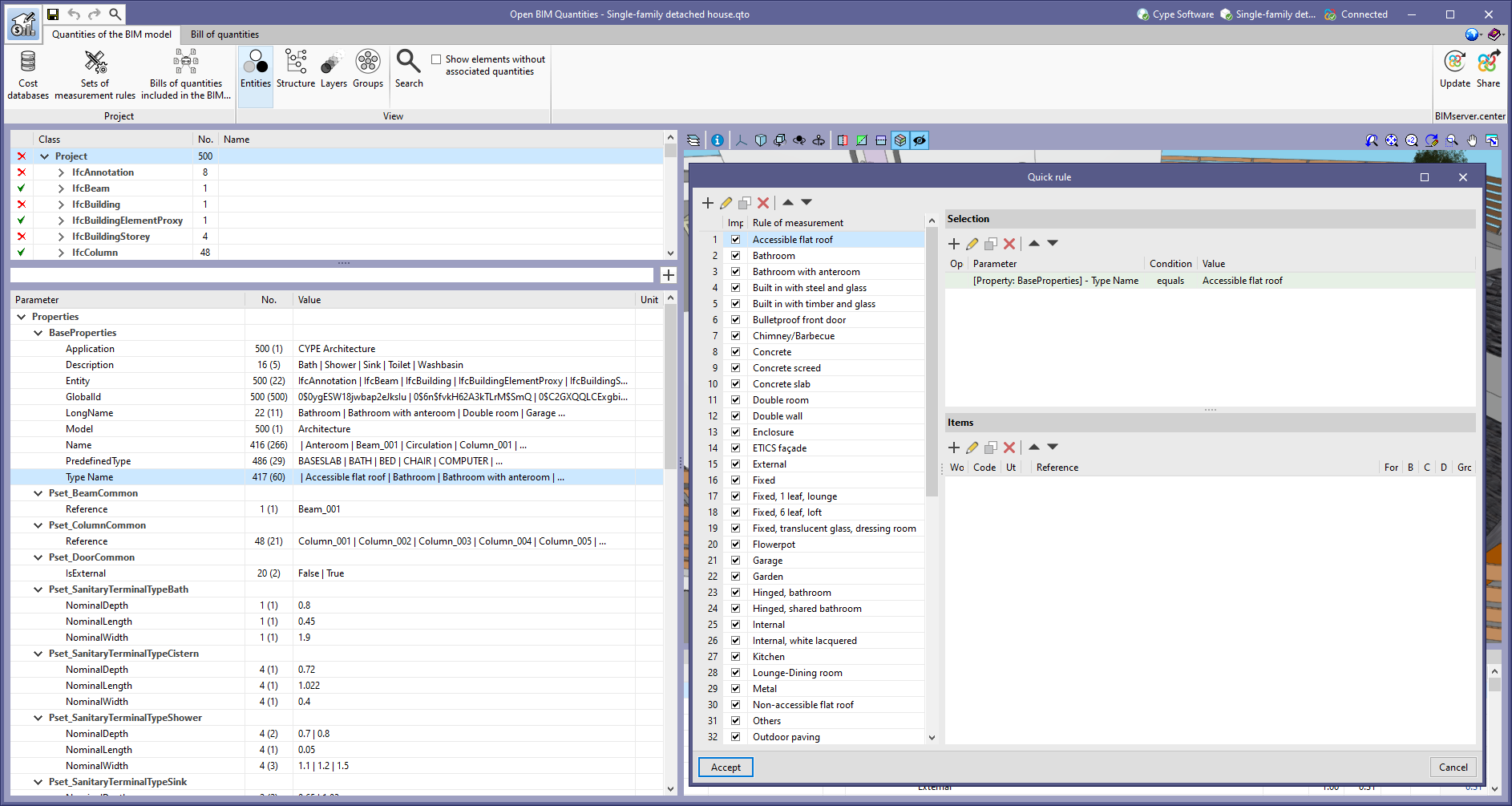
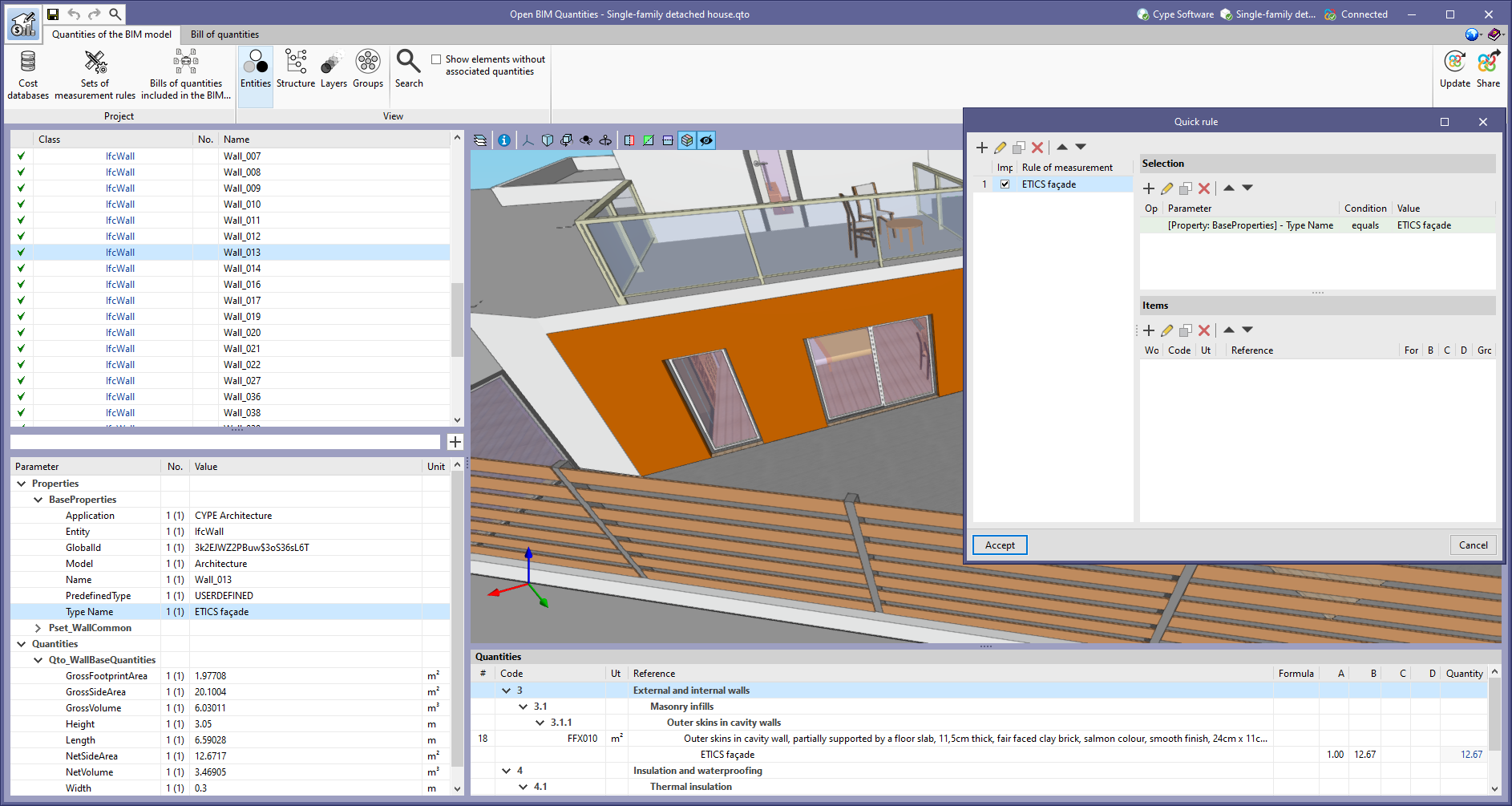
As of version 2022.g, when creating a quick rule on a property or quantity of a group of project elements (See "Properties and quantities in the groups of the project tree"), a rule will be added for each unique value of this (See "Number of entities, properties and quantities"). Thanks to this improvement, a complete quantity criteria can be generated from a property of the IFC model.

As of version 2022.g, when creating a quick rule for a property or quantity, the value of the property or quantity will be assigned as the rule reference. This way, a name is generated according to the entities of the IFC model that it contemplates.

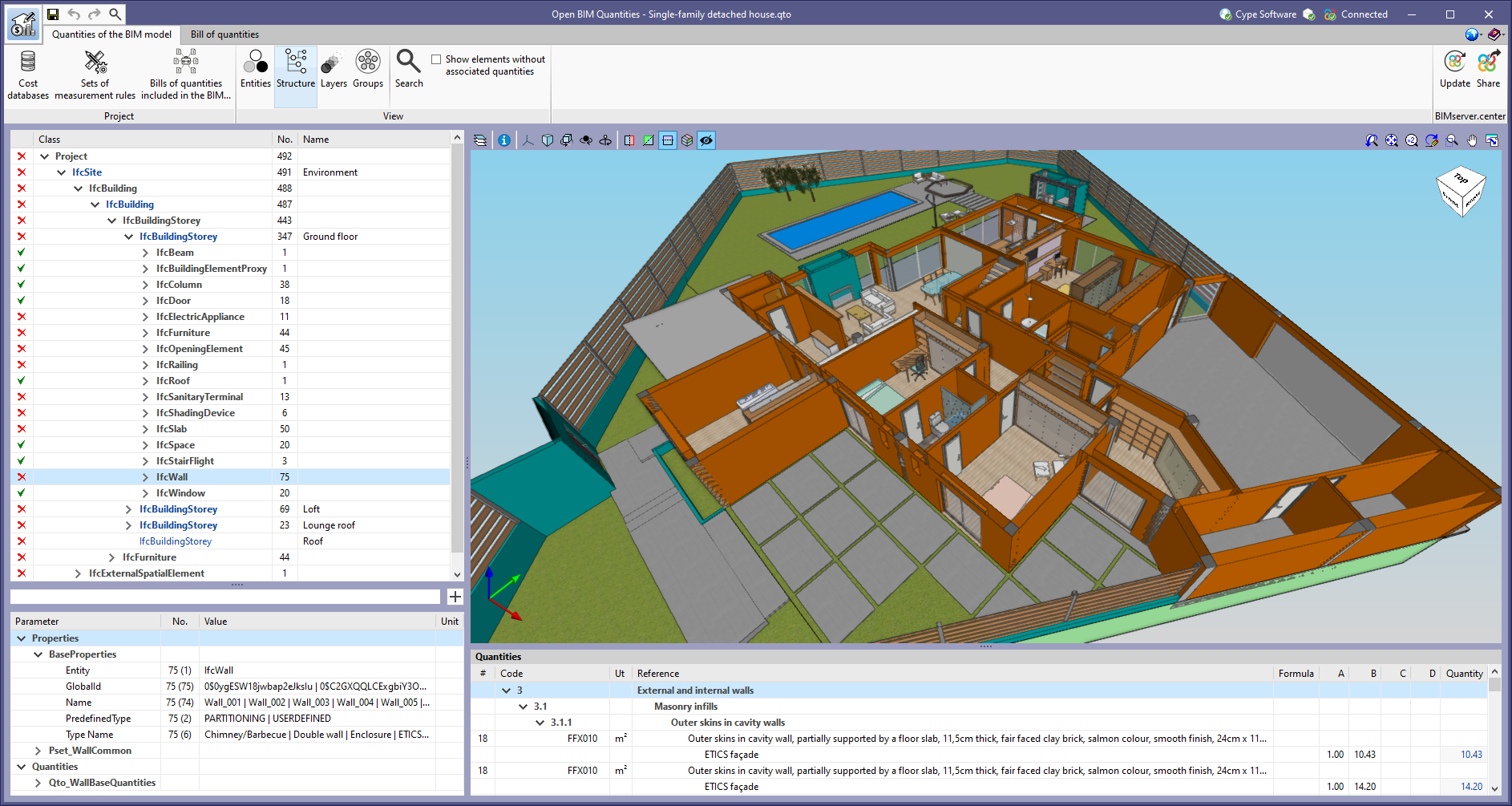
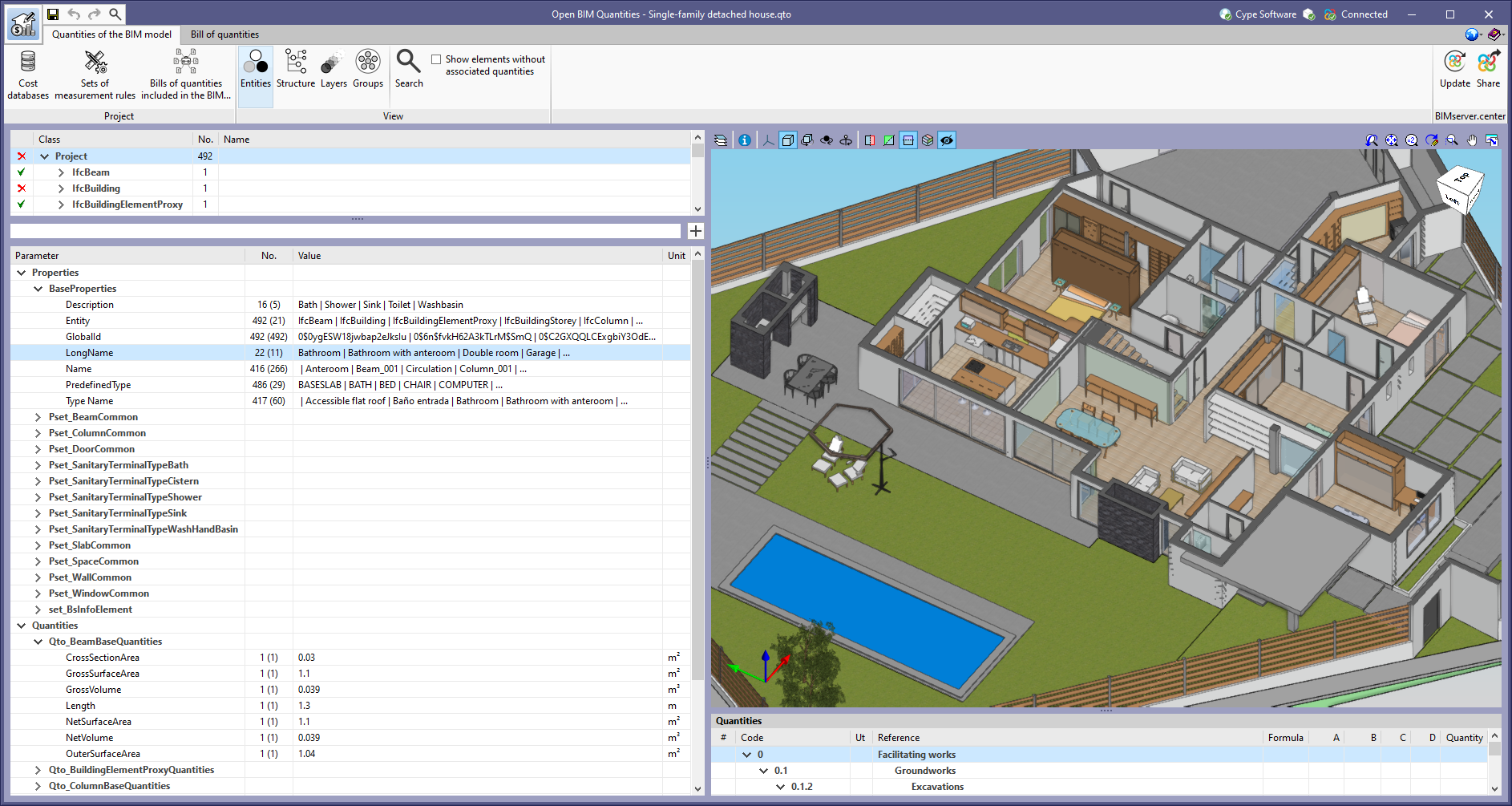
In the "Quantities of the BIM model" tab in Open BIM Quantities, the "No." column has been added to the tree of entities that make up the BIM project, as well as in the properties and quantities associated with each component. In the tree of entities, this field indicates the number of elements contained in each branch. In the case of properties and quantities, this field indicates the number of properties and quantities of the same type that are contained in the components of the selected element in the tree of components. Additionally, the number of unique values of the property or quantity is shown in brackets.

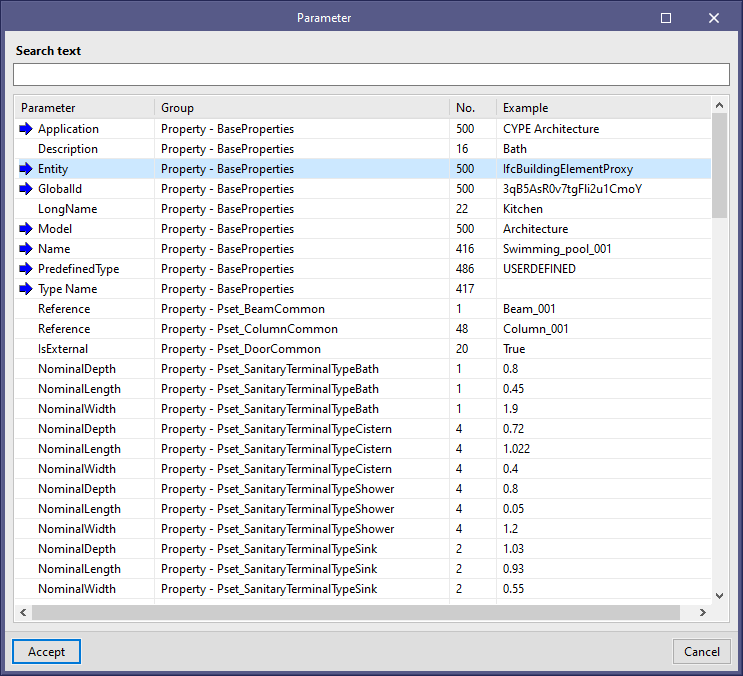
The “No.” column can also be found in the list of properties and quantities that appears when using the tool available in Open BIM Quantities for facilitating the introduction of a variable in the comments of an item or in its quantities.

In the tree of entities in the BIM project, available from the "Quantities of the BIM model" tab in Open BIM Quantities, entities containing other elements can be found. These are represented in bold and can be expanded to show their content.

From version 2022.g onwards, when selecting an element composed of other elements in the tree of entities in the BIM project, the properties and quantities available in these components can be displayed. In this case, the "Value" column of the list of properties and quantities displays some of the values of the property or quantity that the components possess, separated by the "|" character.

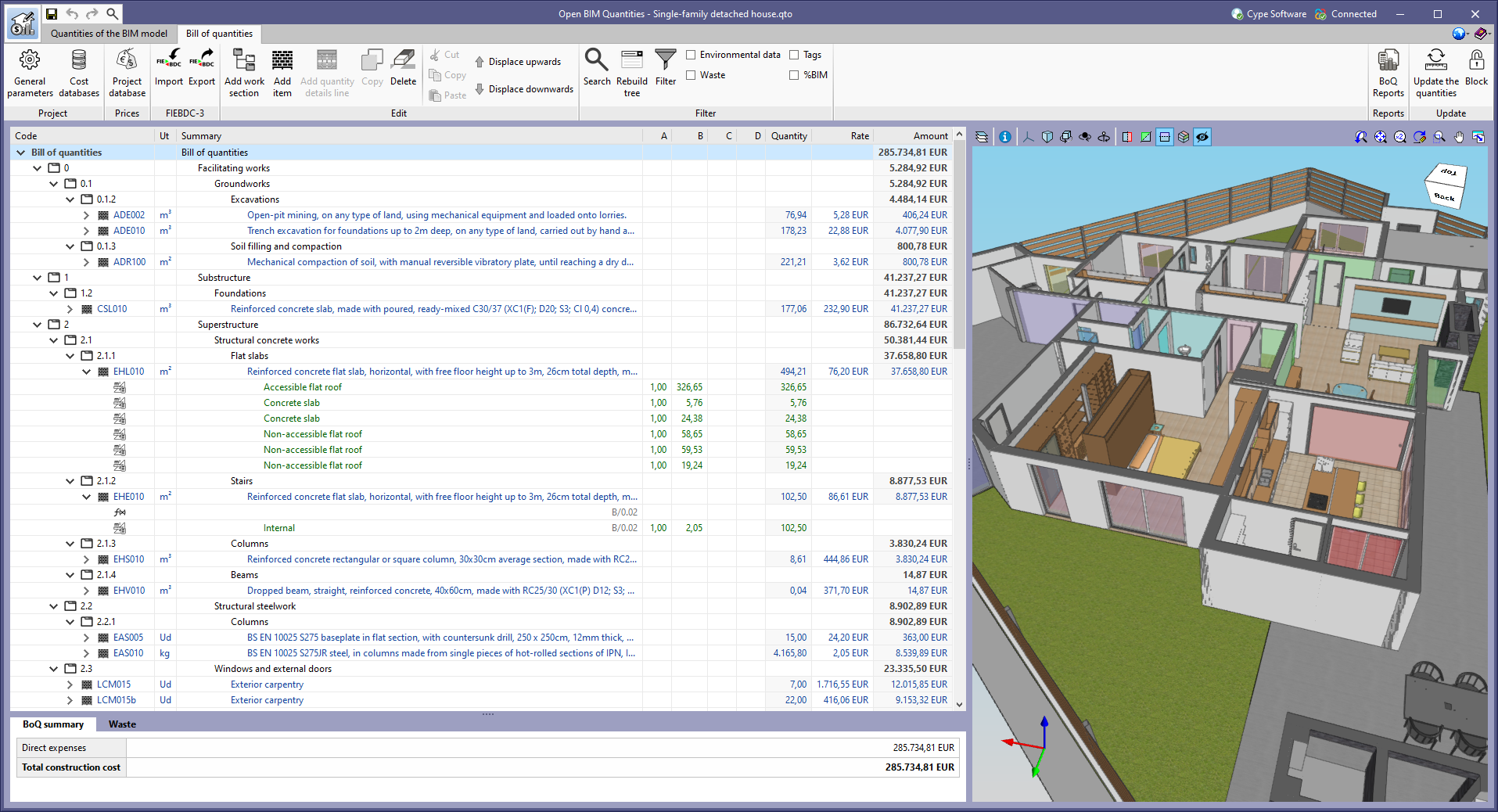
The example job “English - Single-family detached house” has been added together with its cost database and set of measurement rules ("English - Single-family detached house"). Both the architectural model, from the CYPE Architecture application, and the bill of quantities of the job have been created in English.

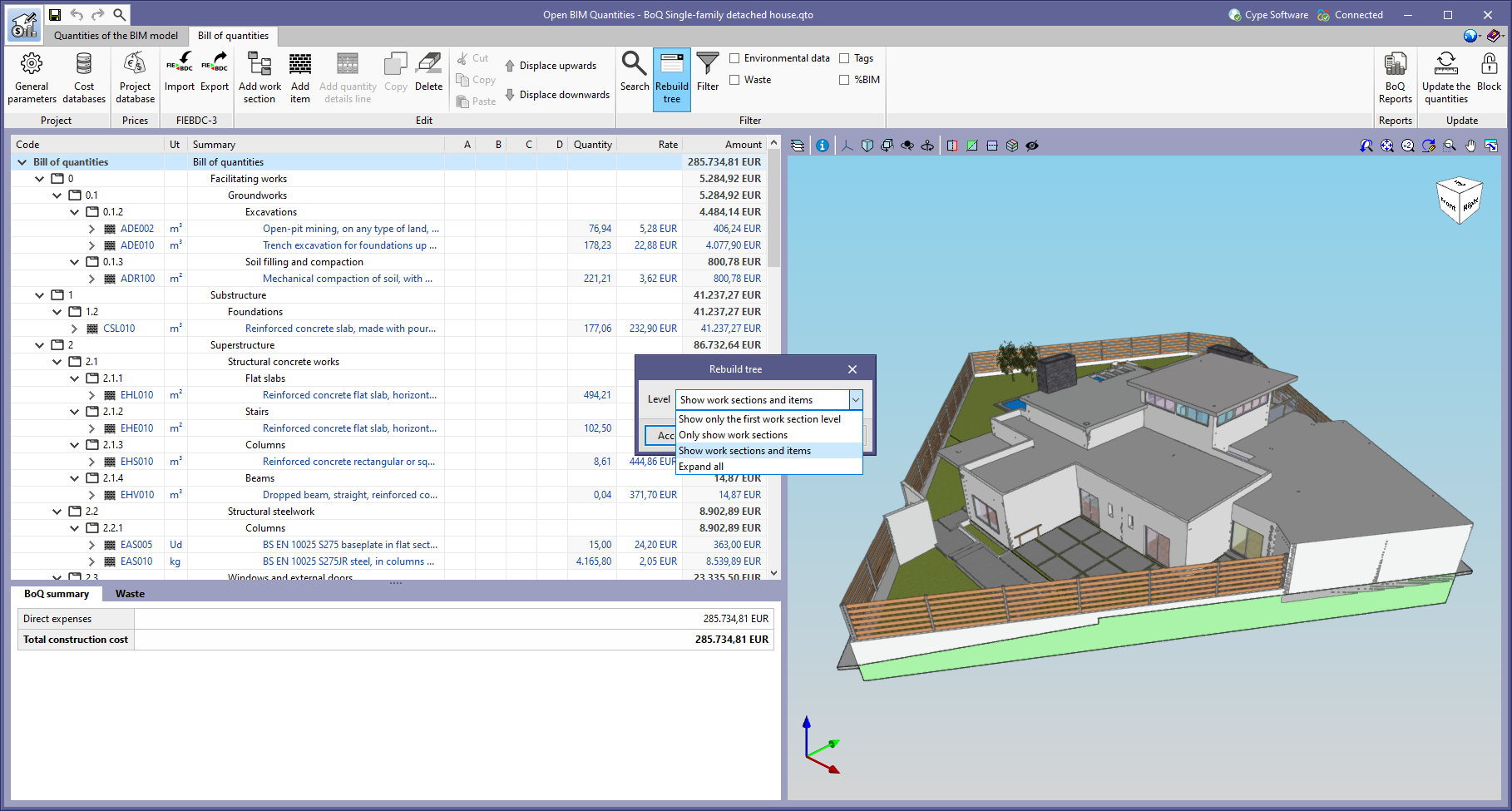
The "Rebuild tree" feature has been added to the toolbar of the "Bill of quantities" tab in the applications where this tab is included. This button is available in the main window of the "Bill of quantities" tab, as well as in the definition panel of the cost databases and prices of the job.

Thanks to this new feature, it is now possible to display or collapse the bill of quantities tree based on the type of items it contains. The reconstruction options allowed in this version are the following:

  • Show only the first work section level
    Only work section type concepts that derive directly from the root of the bill of quantities are displayed.
  • Only show work sections
    All work section type concepts are displayed.
  • Show work sections and items
    All work section type concepts and items are displayed.
  • Expand all
    All the work section type concepts, the items and the detail lines they contain are displayed. For cost databases, the breakdown of the items is displayed instead of the detail lines.

The Open BIM Quantities user's manual has been available in Spanish since the previous version (2022.e). Now, in version 2022.f, the manual is available in the following languages:

  • Spanish (available since version 2022.e)
  • English (available as of version 2022.f)
  • French (available as of version 2022.f)
  • Portuguese (available as of version 2022.f)

The “Update the quantities” window displayed when selecting the “Update the quantities” tool in the “Bill of quantities” tab has been modified. The following options have been added:

  • Set of measurement rules
    Checking this option will apply the set of measurement rules that are active in the IFC files, originating from the BIMserver.center project contributions, that have been uploaded to Open BIM Quantities.
  • Bills of quantities included in the BIM project
    Checking this option will add the bills of quantities from the BIMserver.centre project contributions that have been selected via the "Bills of quantities included in the BIM project" option from the toolbar in the "Quantities of the BIM model" tab.

Each application involved in a BIM project on the BIMserver.centre platform includes a BIM model in this project by means of an IFC file that consists of different entities. Open BIM Quantities imports these entities with their corresponding properties.

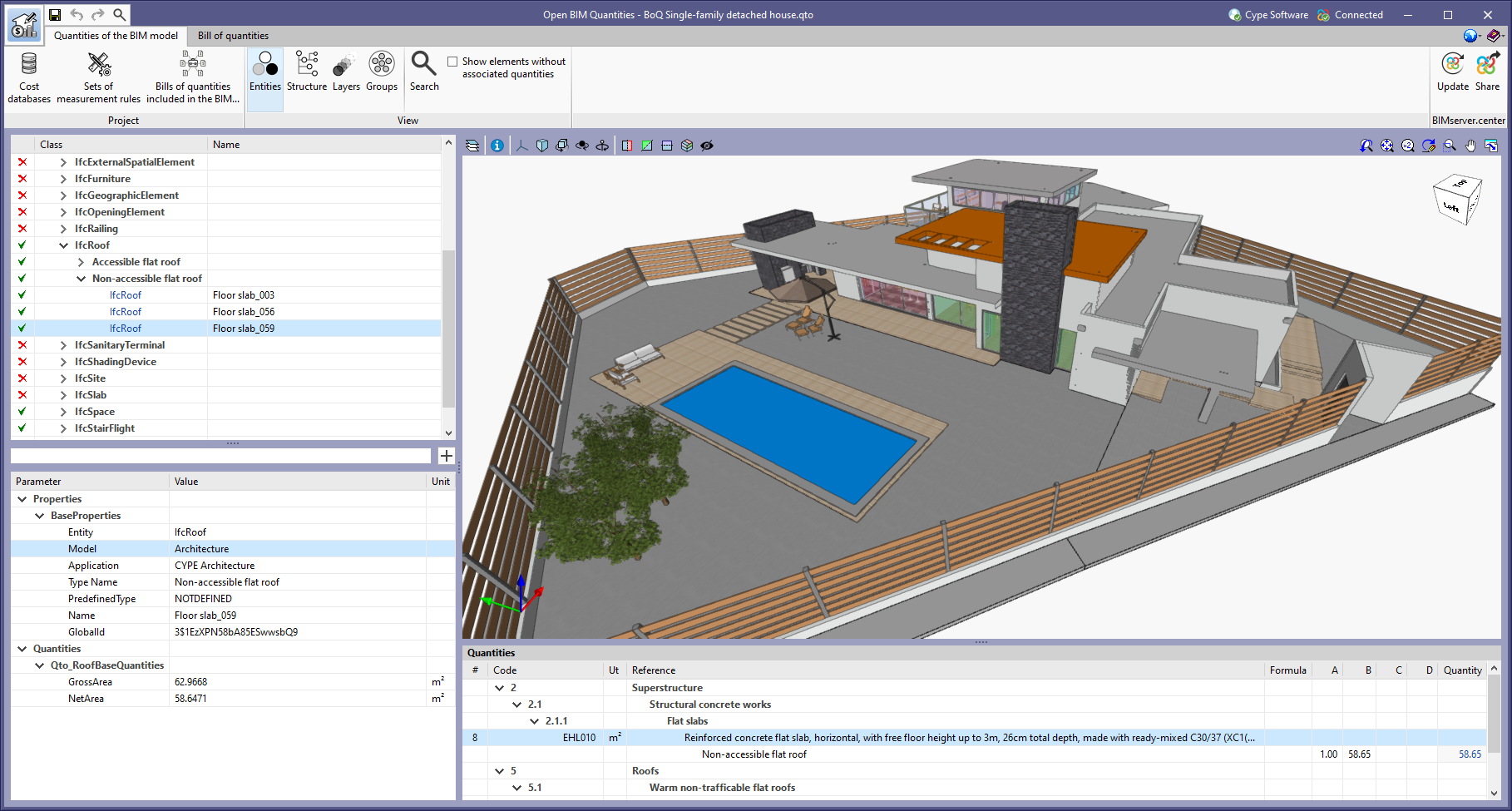
As of version 2022.f, Open BIM Quantities displays two more properties for each entity imported from the BIM project: the reference of the BIM model from which it originates and the application from which it was generated. The model reference and the name of the source application are included respectively in the new "Model" and "Application" fields, which are in turn incorporated into the "BaseProperties" property set. Just like the other properties and quantities, this data can be used in the rules of measurement as part of the selection of elements of the project or to type in the commentary of the detail lines of an item. It is also possible to use them in the "Filter" tool to display, for example, the bill of quantities of a specific contribution.

In order to view the new properties in jobs carried out with previous versions of Open BIM Quantities, users must update the BIMserver.center project in the application again.


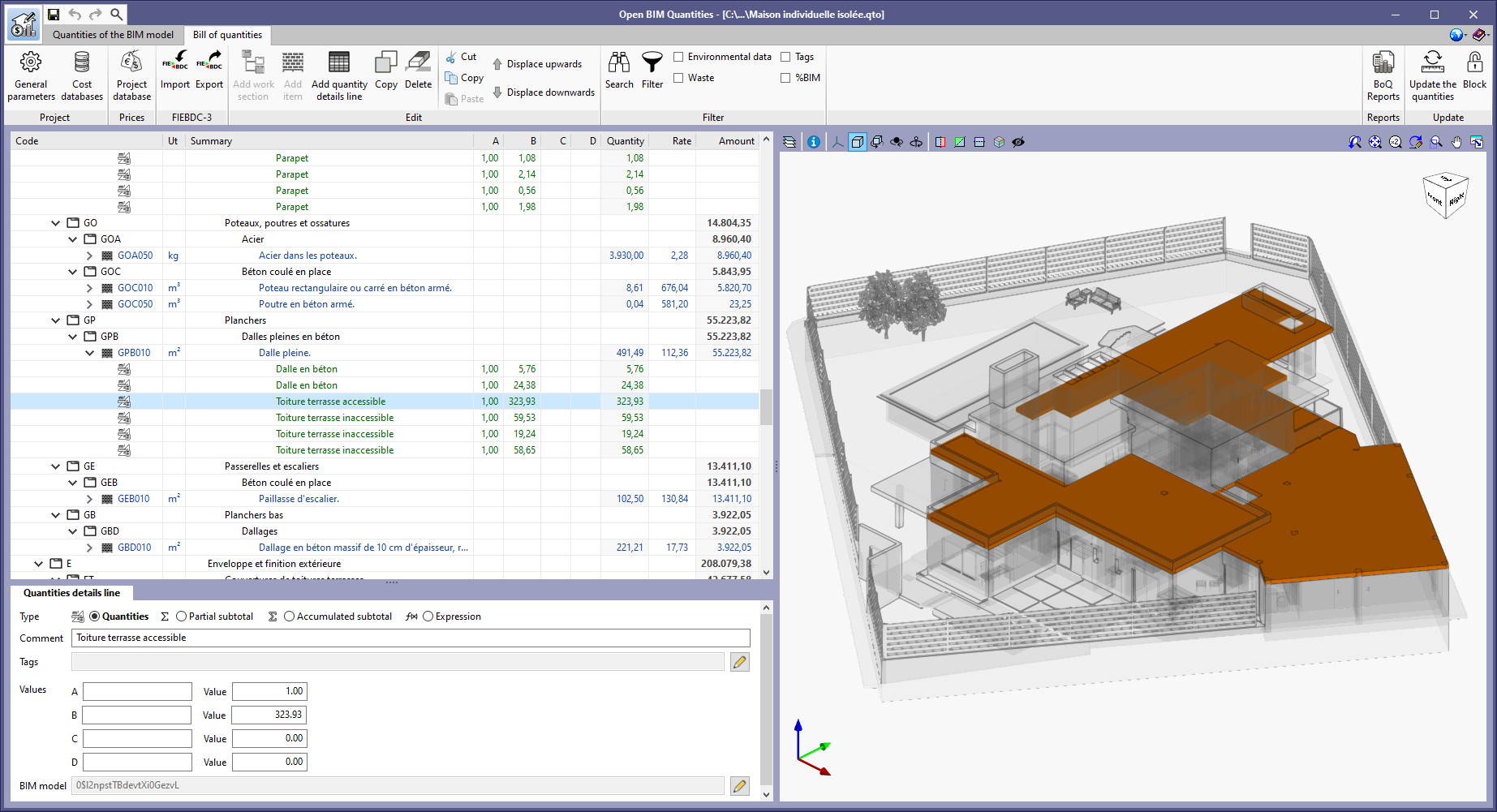
The French example job "Maison individuelle isolée" has been added along with its cost database and set of measurement rules ("Français – Maison individuelle isolée").

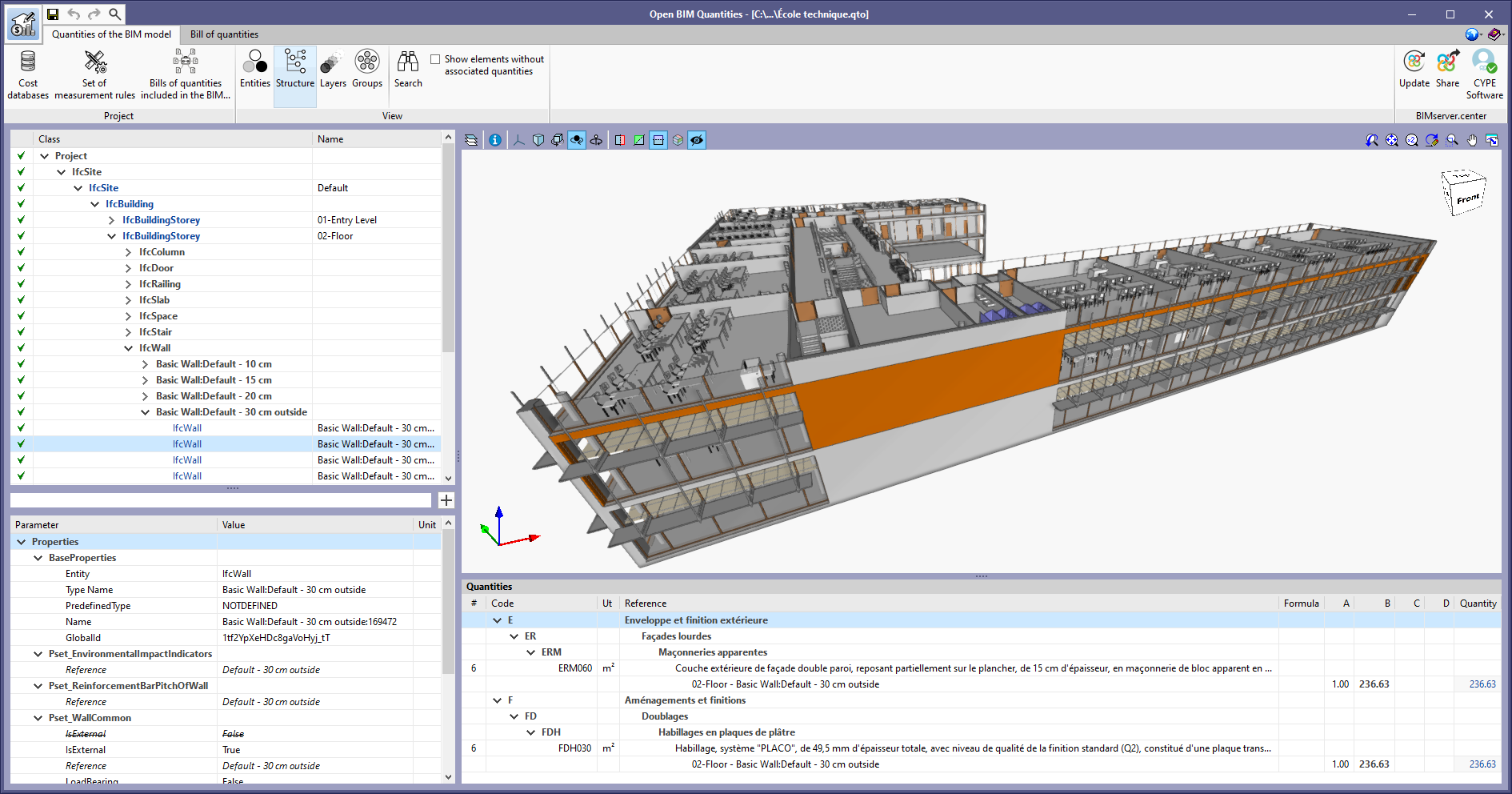
The example job in French "École technique" has been added along with its cost database and set of measurement rules ("Français – École Technique").

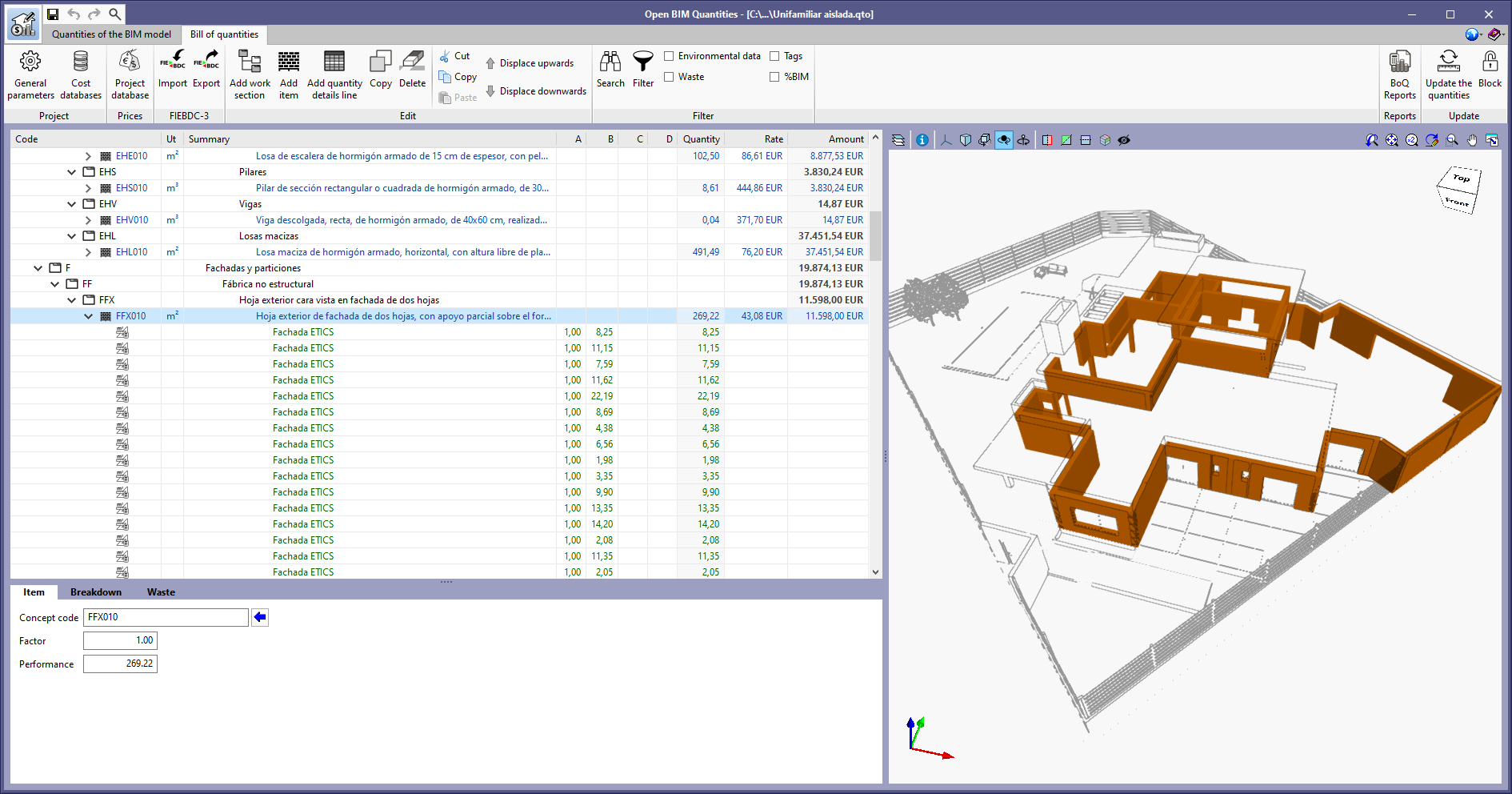
The example job in Spanish "Unifamiliar aislada" has been added along with its cost database and set of measurement rules ("España – Unifamiliar aislada").

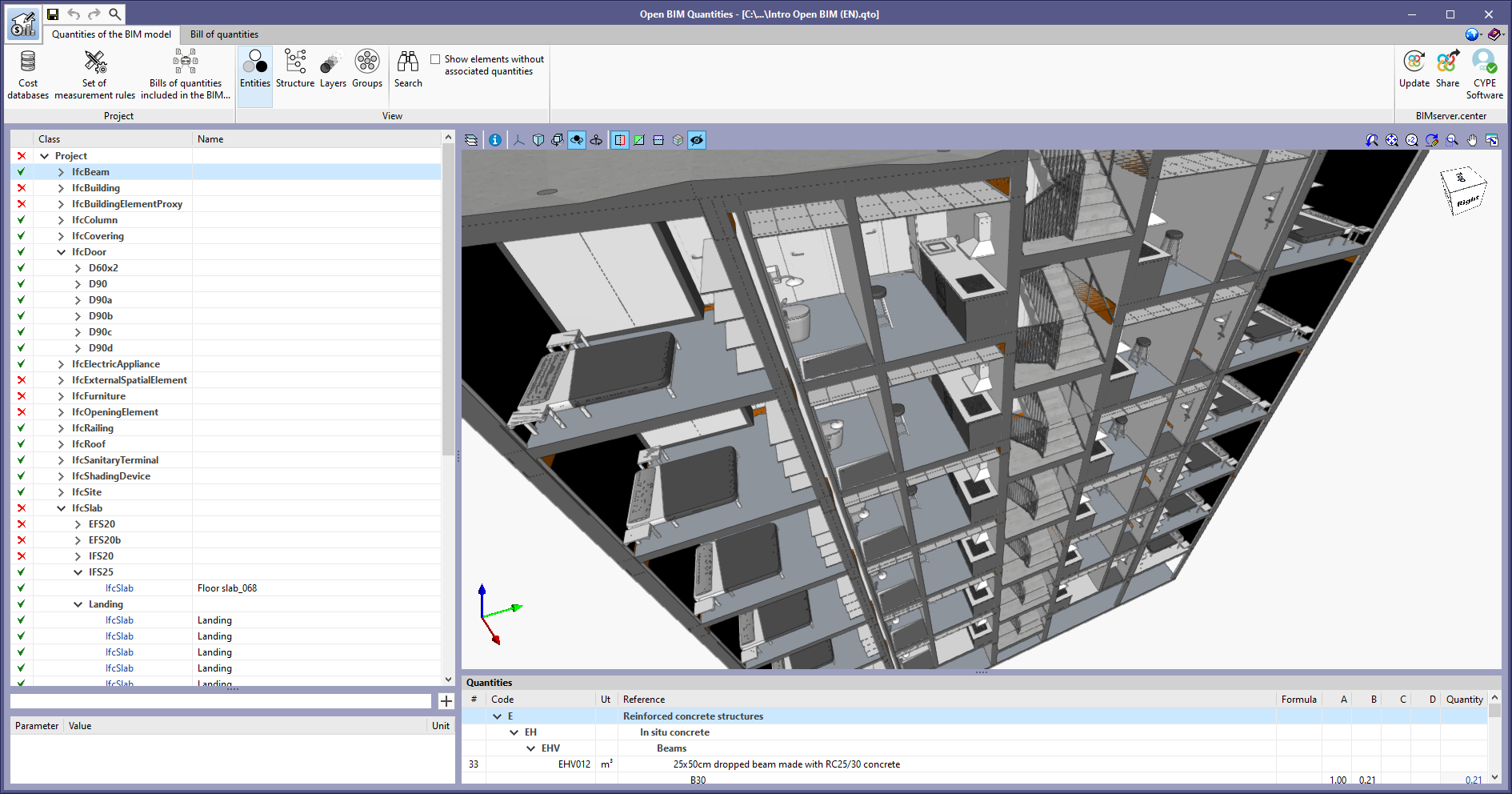
The example job in English "Intro Open BIM (EN)" has been updated along with its cost database and set of measurement rules ("English – Intro Open BIM").

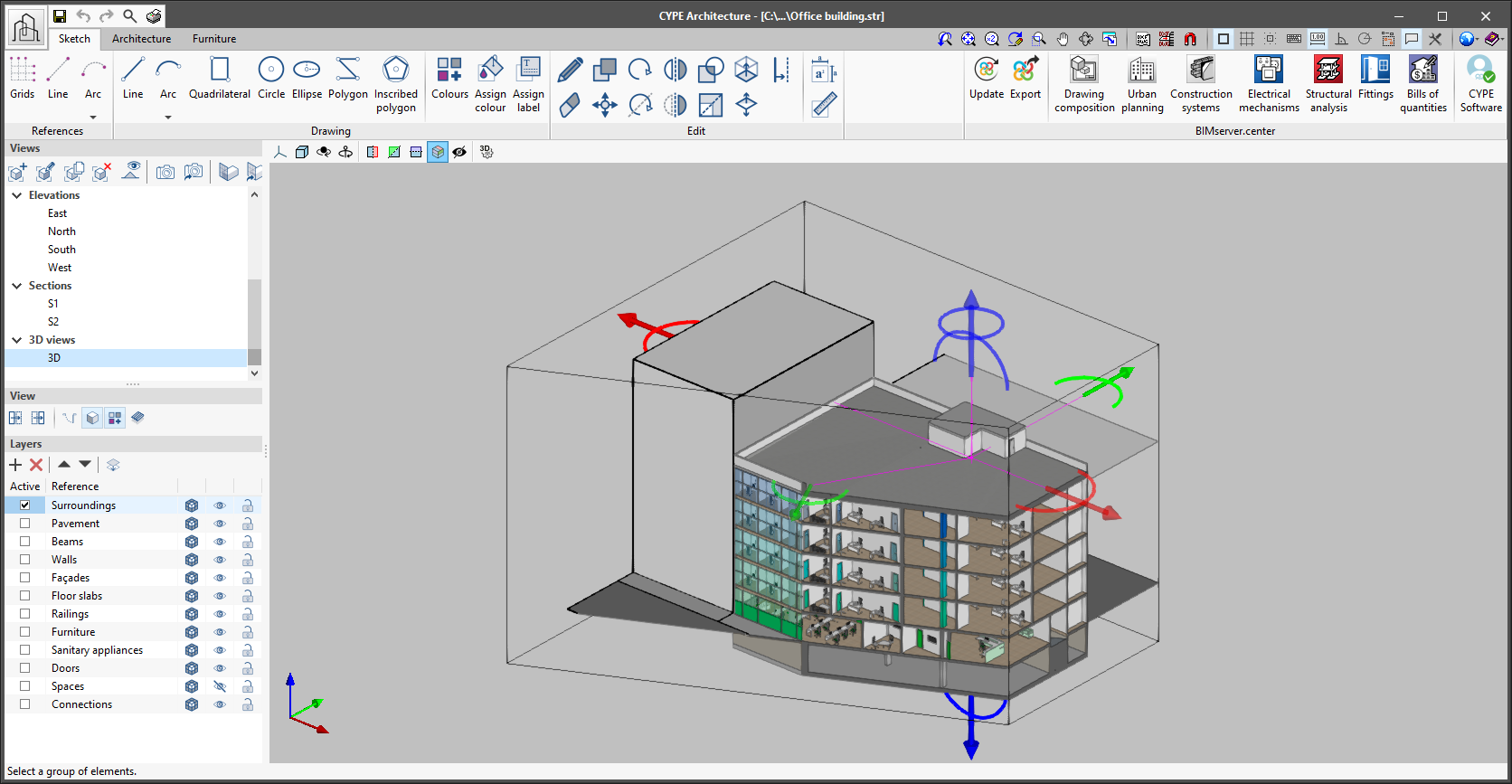
As of version 2022.b, applications with 3D drawing surroundings allow a viewing volume to be defined from the geometric envelope of the scene content. The arrows allow the viewing volume to be adjusted by moving their faces and the arches allow the viewing volume to be adjusted by means of 6 clips planes.