Update history​​

CYPE Accessibility

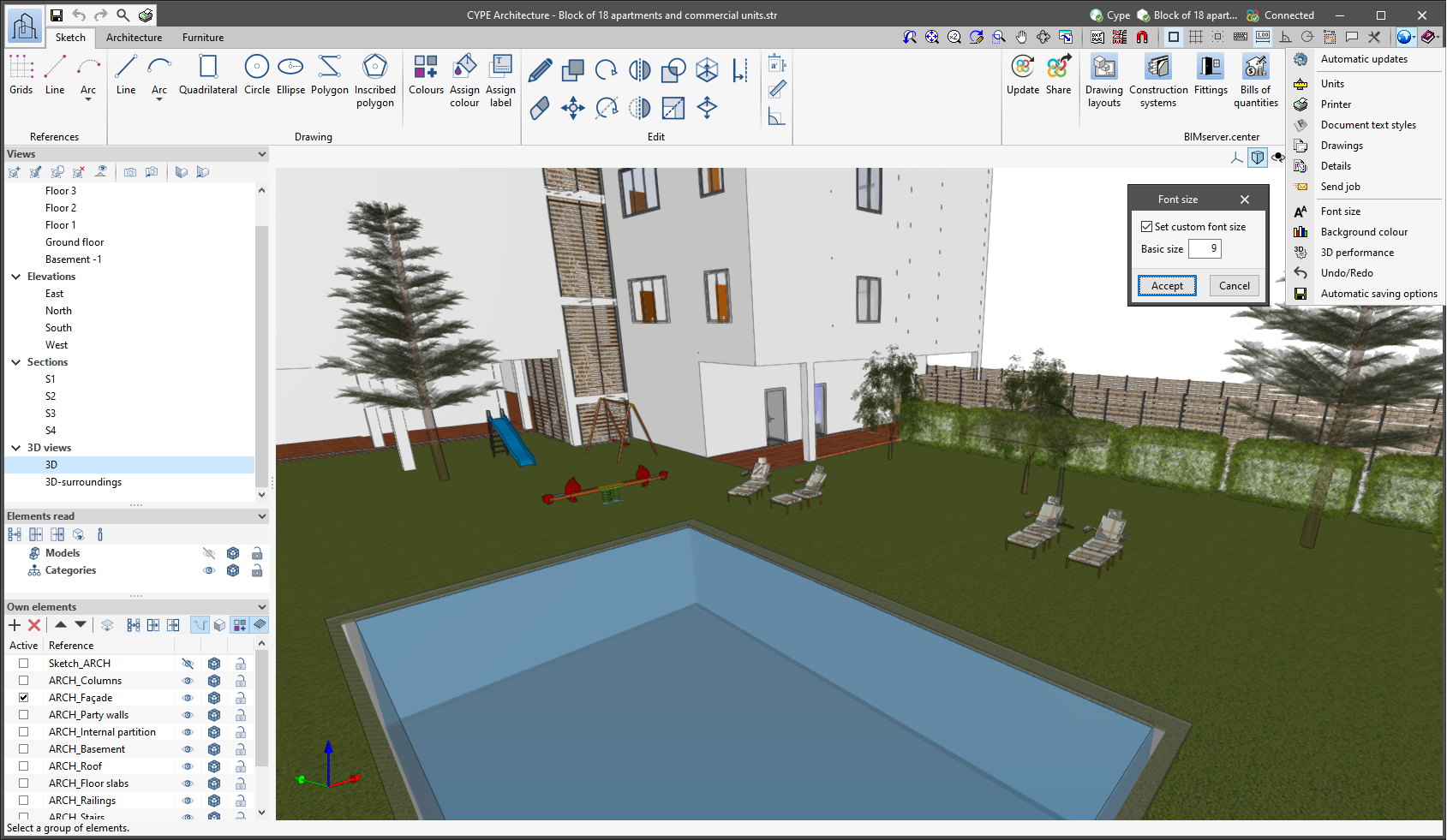
The "Font size" option has been added to the general configuration menu of the applications. This tool allows users to increase or decrease the basic size of the font used in the user interface of the programs. Thanks to this implementation, the accessibility of the applications has been improved while also ensuring the correct visibility of the content on devices with different screen resolutions.

To enter a "Basic size" the "Set custom font size" option must be checked. The size users can enter is the application's basic font size. Any other font sizes that may exist in the program's interface will be automatically modified proportionally according to the change in the basic size.

It is important to note that, as this is a common parameter, its modification will affect all installed CYPE tools.
Version 2021.g of CYPE’s programs is a closing version of the 2021 version.

As well as the new features and improvements expressly indicated in each version of CYPE software, process optimisation involving internal updates for all our programs is normally included. In each revision, all programs are systematically checked and changes are made to improve their performance, therefore, we recommend that our users (in this case those of v.2021) always update their version to the latest one, regardless of the country for which they are using CYPE software or the language in which it is installed.

As of the 2019.f version, CYPE programs (those downloaded from our website and those downloaded from the BIMserver.center platform) are compiled for 64-bit systems. The 64-bit compilation of CYPE software implies the use of the superior features of 64-bit processors and operating systems compared to those of 32 bits.

Please bear in mind that you must have a 64-bit operating system to be able to work with any 64-bit software.

In any case and as a temporary measure, the 2019.f version is available in 64 and 32 bits on the download area of our webpage. The programs that can be downloaded from the BIMserver.center platform are only available in 64 bits. If you have a 64-bit operating system, you can work with either the 64-bit and 32-bit version of our software, although we strongly recommend that you install the 64-bit CYPE software version.

You can see which operating system is installed on your computer by clicking on "Control panel > System".

Since 64-bit microprocessors began to be massively introduced into personal computers from 2003 and from the Windows XP version, Microsoft already offers the two versions of its operating systems (32 and 64 bits). We understand that almost all our users will have computers with 64-bit processors (x64) and 64-bit operating systems.

It could occur that a user may wish to work with a computer with a 64-bit processor but with a 32-bit operating system. It would be very strange if the computer had a 32-bit processor (x86 - computers over 15 years old). If any of these is your case, we advise you to talk to your hardware or software provider to update your situation as soon as possible. However, you can download the 32-bit version and work with CYPE programs that can be downloaded from our website until your situation is up-to-date.

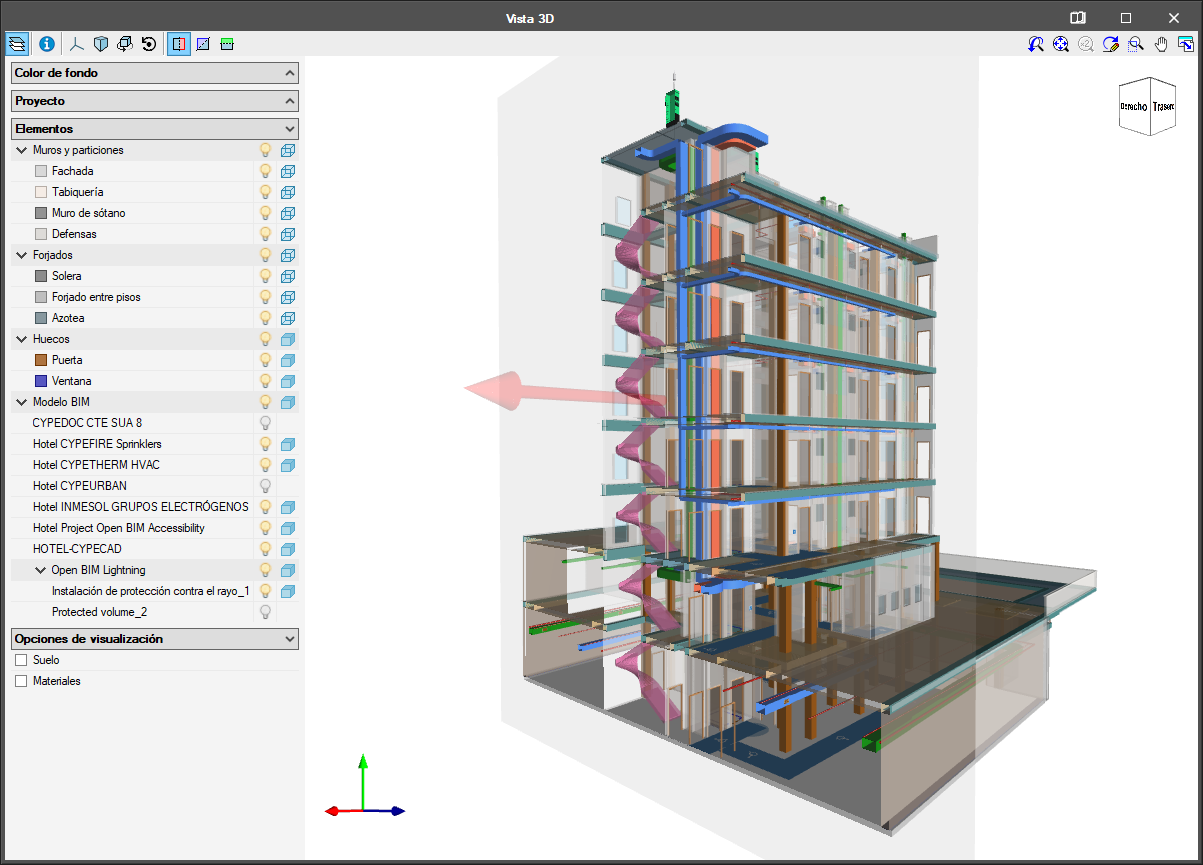
As of the 2019.e version, the applications that are integrated in the Open BIM workflow can consult the BIM information contained in the GLTF format files in the same way as on the BIMserver.center platform.

As of the 2019.e version, the 3D representation in the applications that are integrated in the Open BIM workflow contains the elements of the application itself as well as those contained in the GLTF files exported by the rest of the applications whose IFC files have been linked to the model.

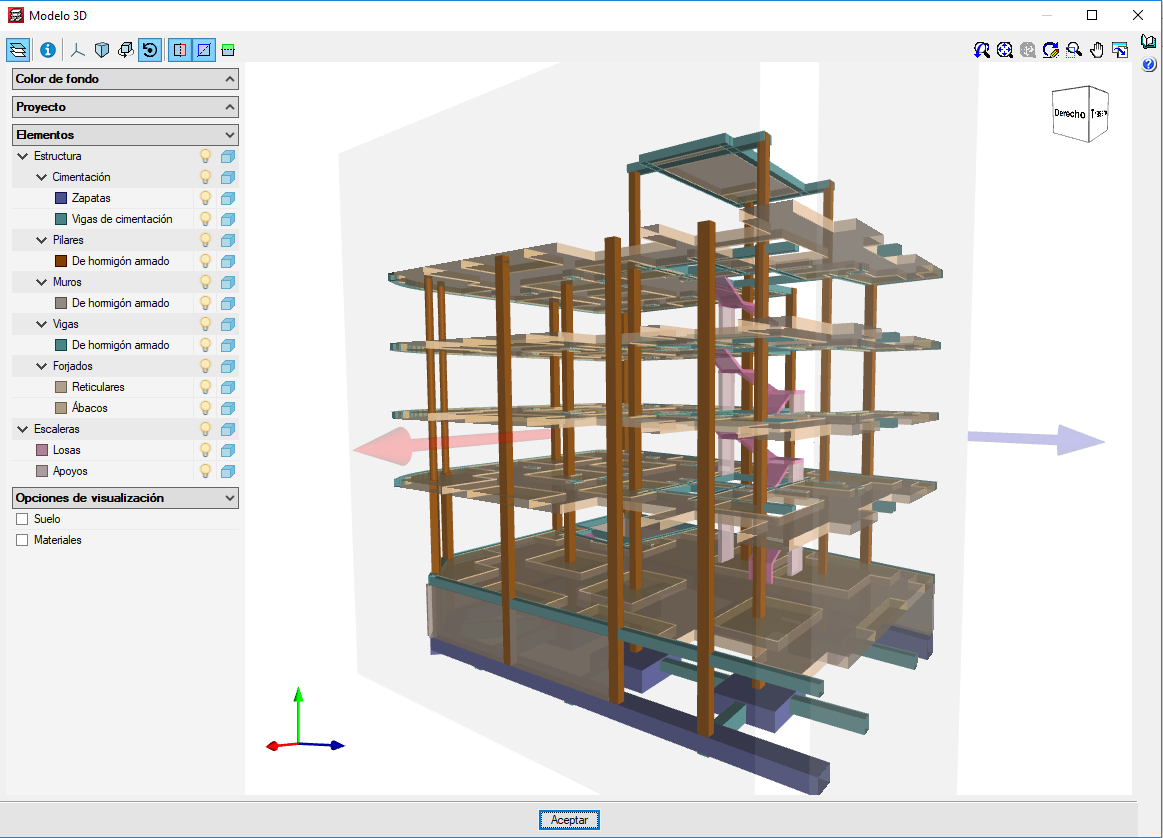
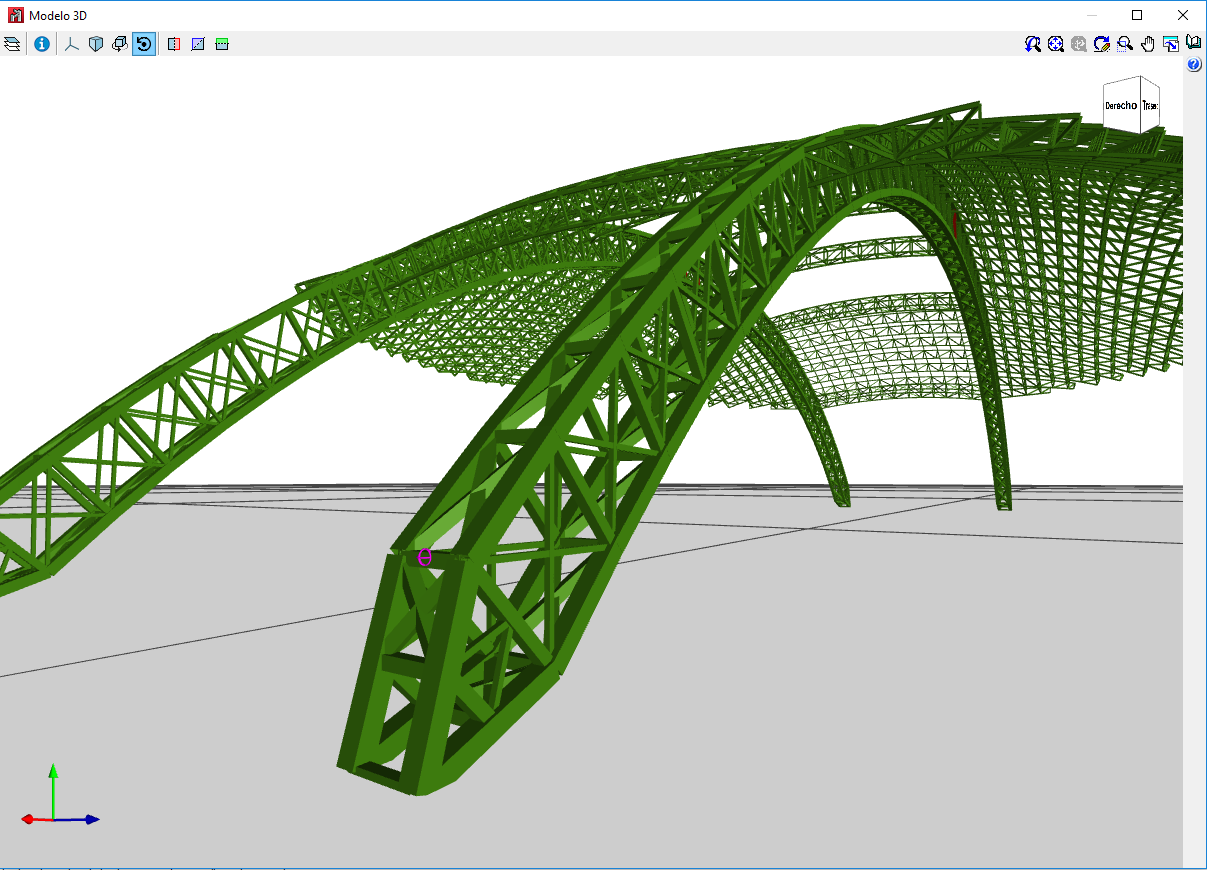
The 2019.e version includes a new 3D view system in most of its programs: CYPECAD, CYPE 3D and the entire family of applications integrated in the Open BIM workflow. It will be incorporated progressively in other programs.

The properties of the system are:

  • Improvement in the speed with which scenes containing many objects are drawn

  • Dynamic calculation of the rotation pivot of the camera

  • Rotation around a point indicated by users

  • Possibility to define global section planes X, Y or Z

  • Zoom to the object under the cursor in the perspective and orthogonal views


For this viewing system to operate correctly, the applications require a video card that is compatible with OpenGL 3.3 or higher.