Update history​​

CYPE Cost Estimator

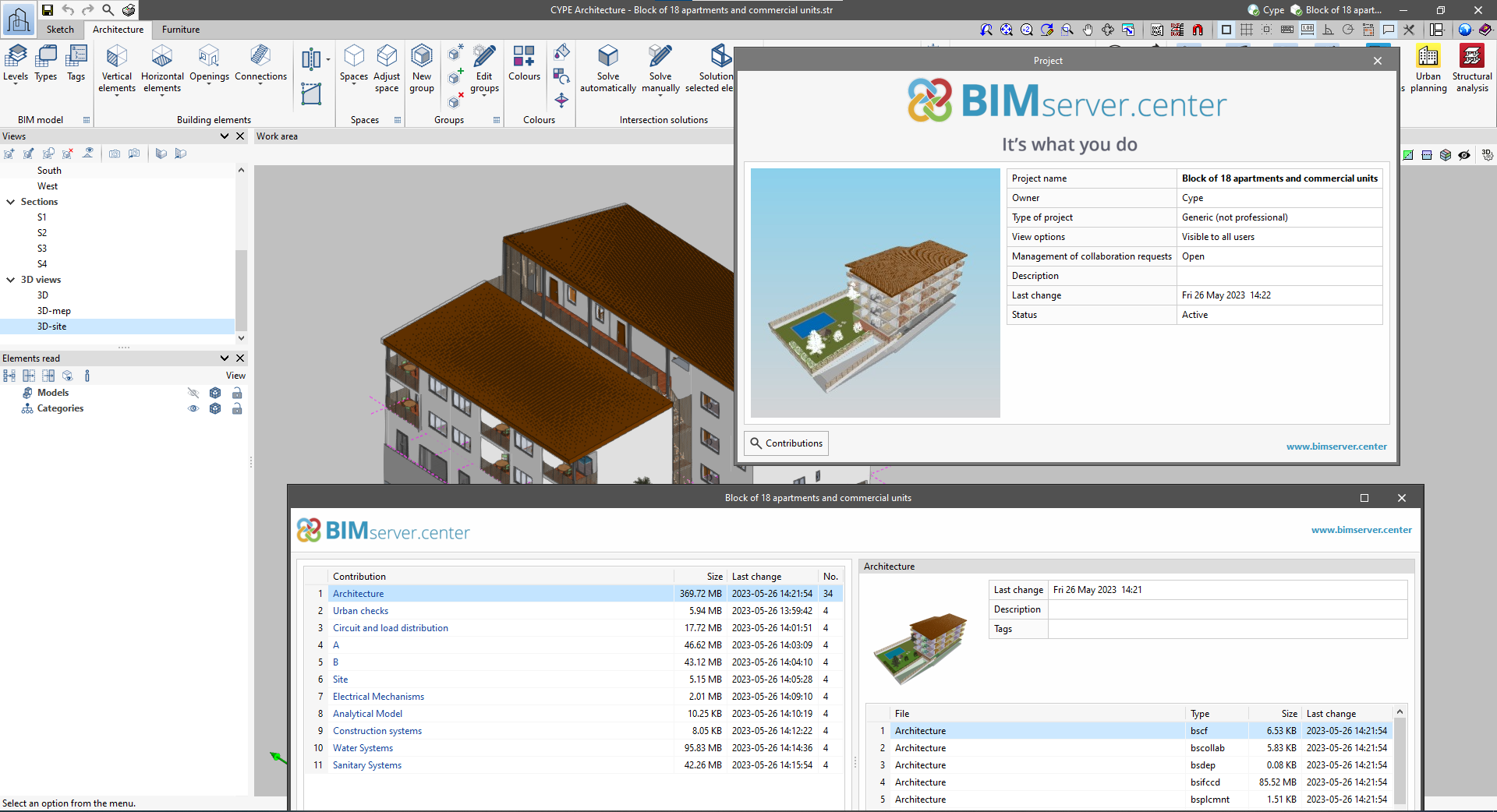
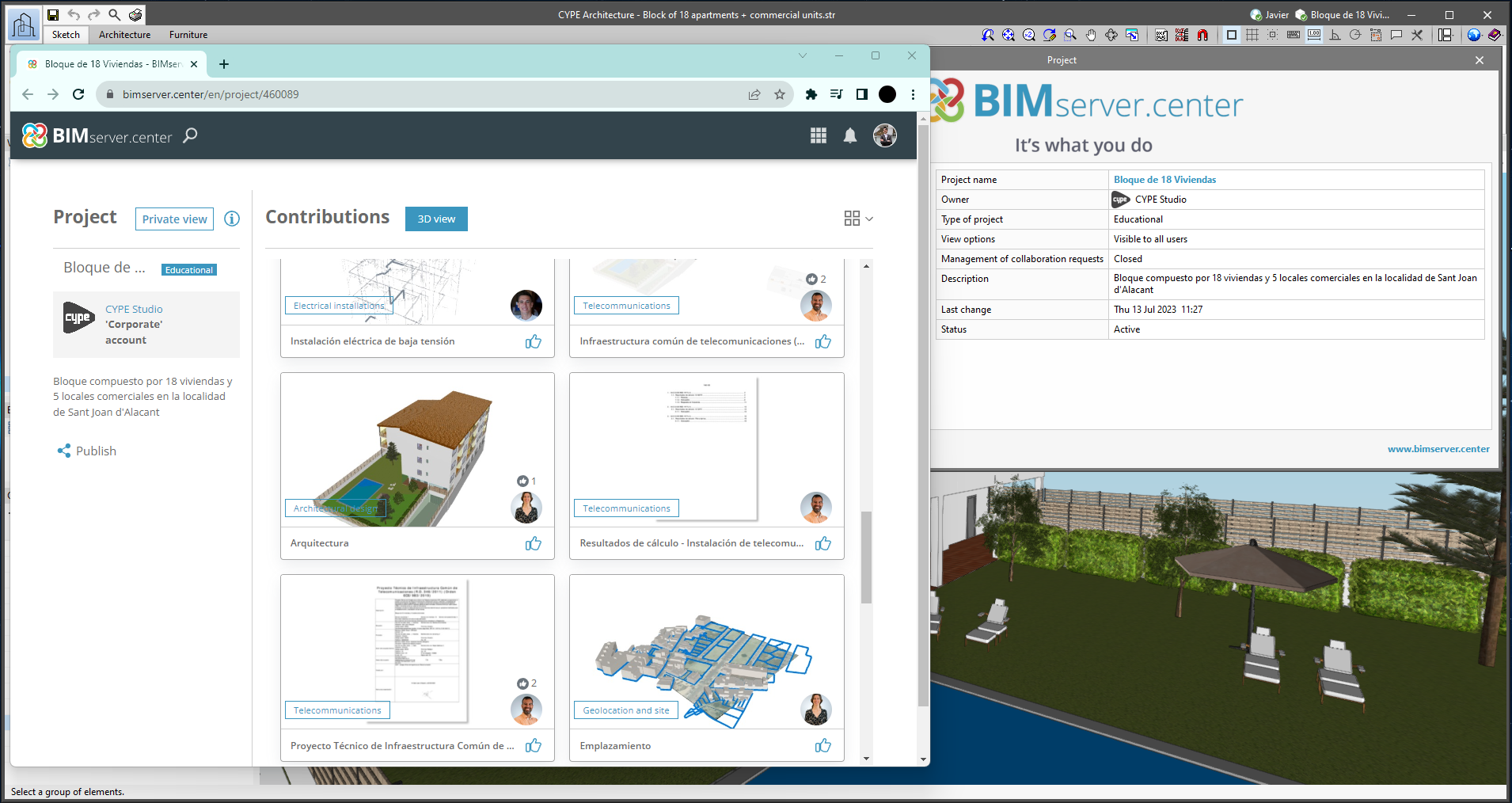
From the BIMserver.center project information window (displayed by clicking on the project name shown in the project information bar - upper right part of the application window) you can access the project page of the BIMserver.center platform via a link that has been inserted in the text indicating the project name.

Likewise, from the information window about the project contributions ("Contributions" option in the project information window), users can access the page of each contribution in the BIMserver.center platform. These links are inserted in the texts indicating the name of each contribution.
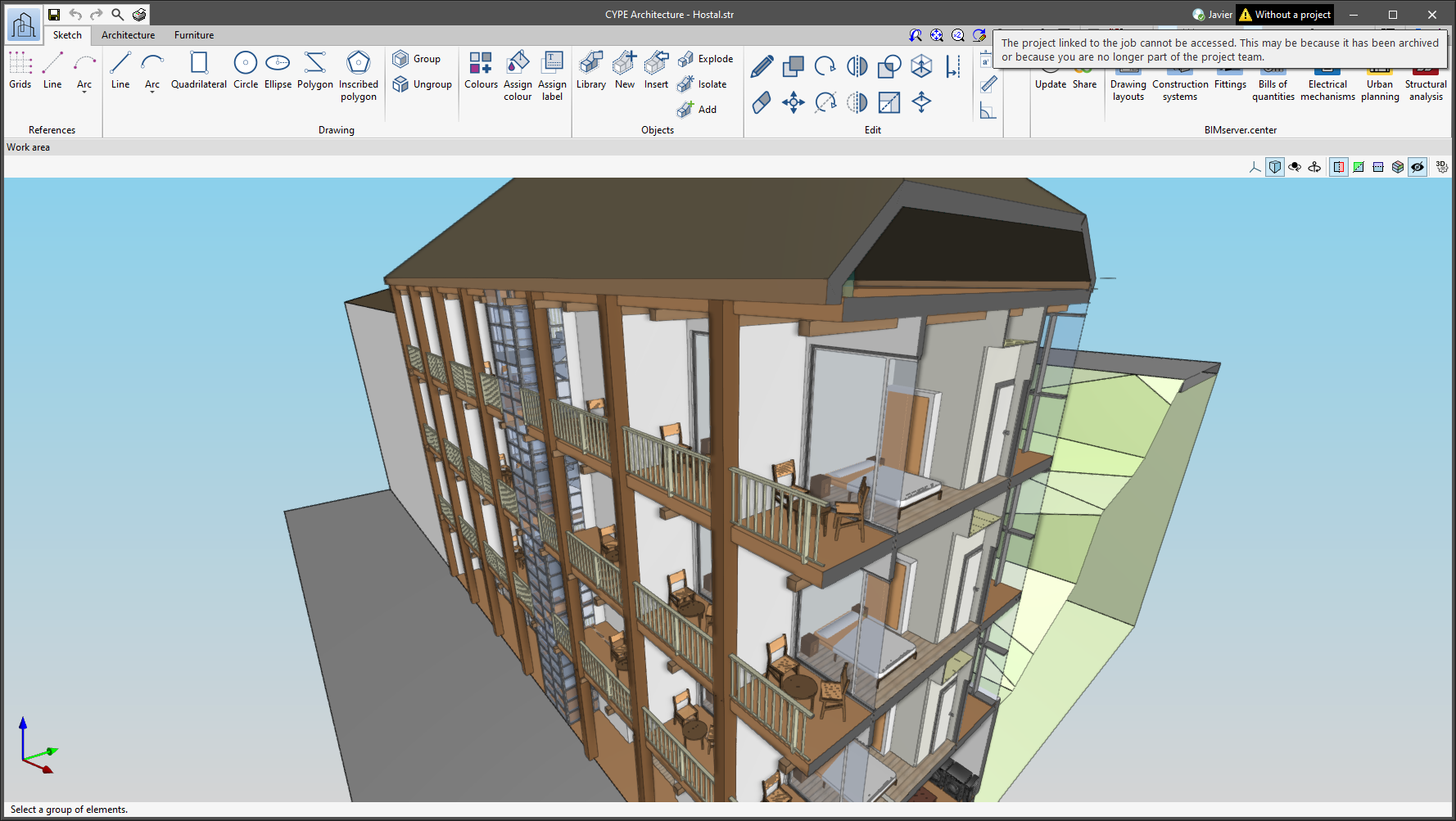
The status information bar of the BIMserver.center project is located at the top right of the window of the programs included in the Open BIM workflow. This bar has been available in the applications since version 2022.e and shows a warning icon when there is a problem with the connection to the project, as well as other things. Now, in version 2024.b, users can obtain more information about the warning by hovering the mouse cursor over the icon.

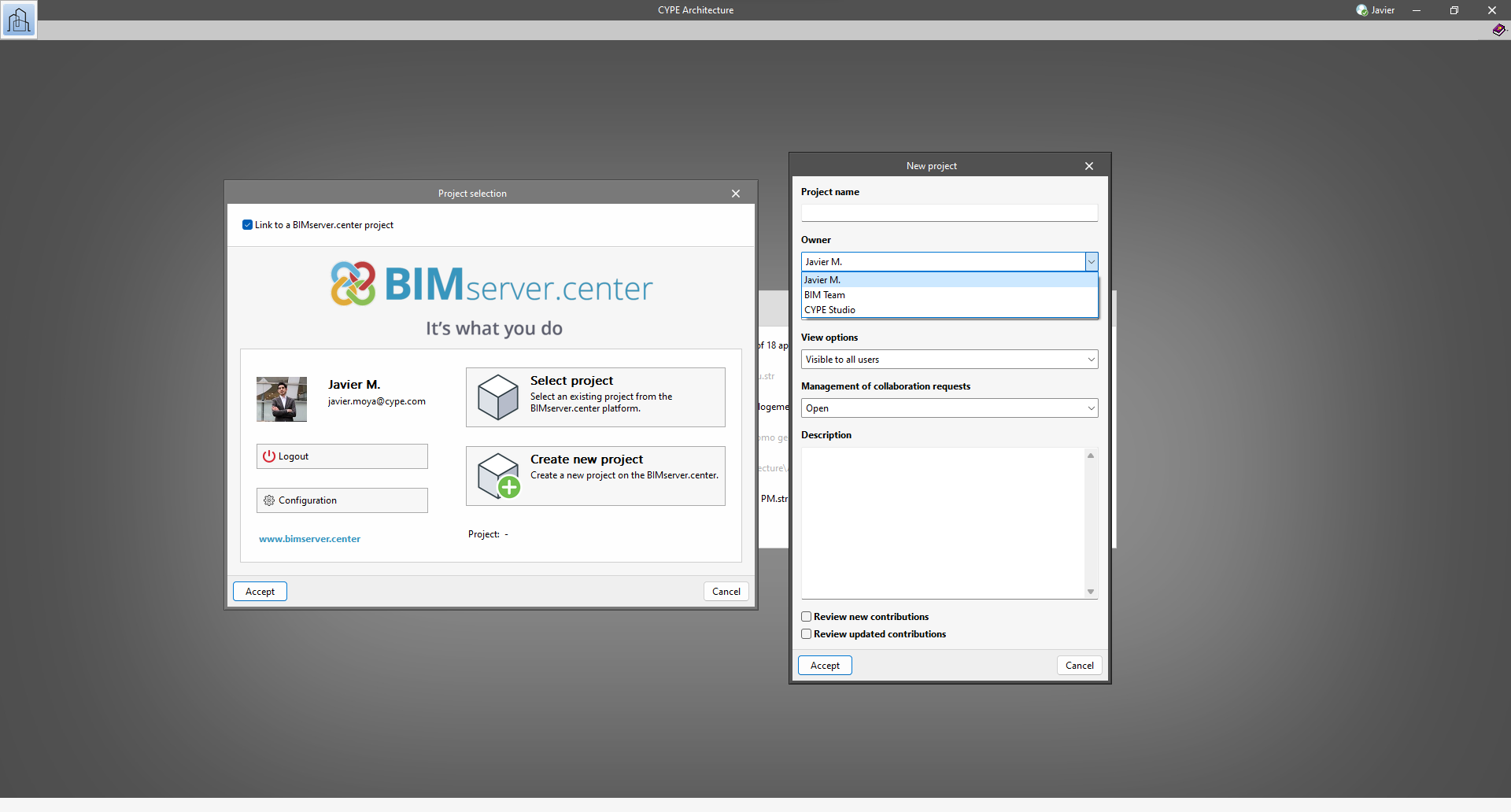
As of version 2024.b, users can create projects associated with a "BIMserver.center Corporate" account from all CYPE applications included in the Open BIM workflow. To do this, the "Owner" field has been added to the window for creating a new project. This is a drop-down menu that includes, as one of the available options, the logged-in BIMserver.center user name along with the "BIMserver.center Corporate" accounts to which it has access. When selecting the user name as the owner, the project will be associated with this personal account, as was the case in previous versions. On the other hand, if a BIMserver.center Corporate account is selected, the project will be associated with that account.

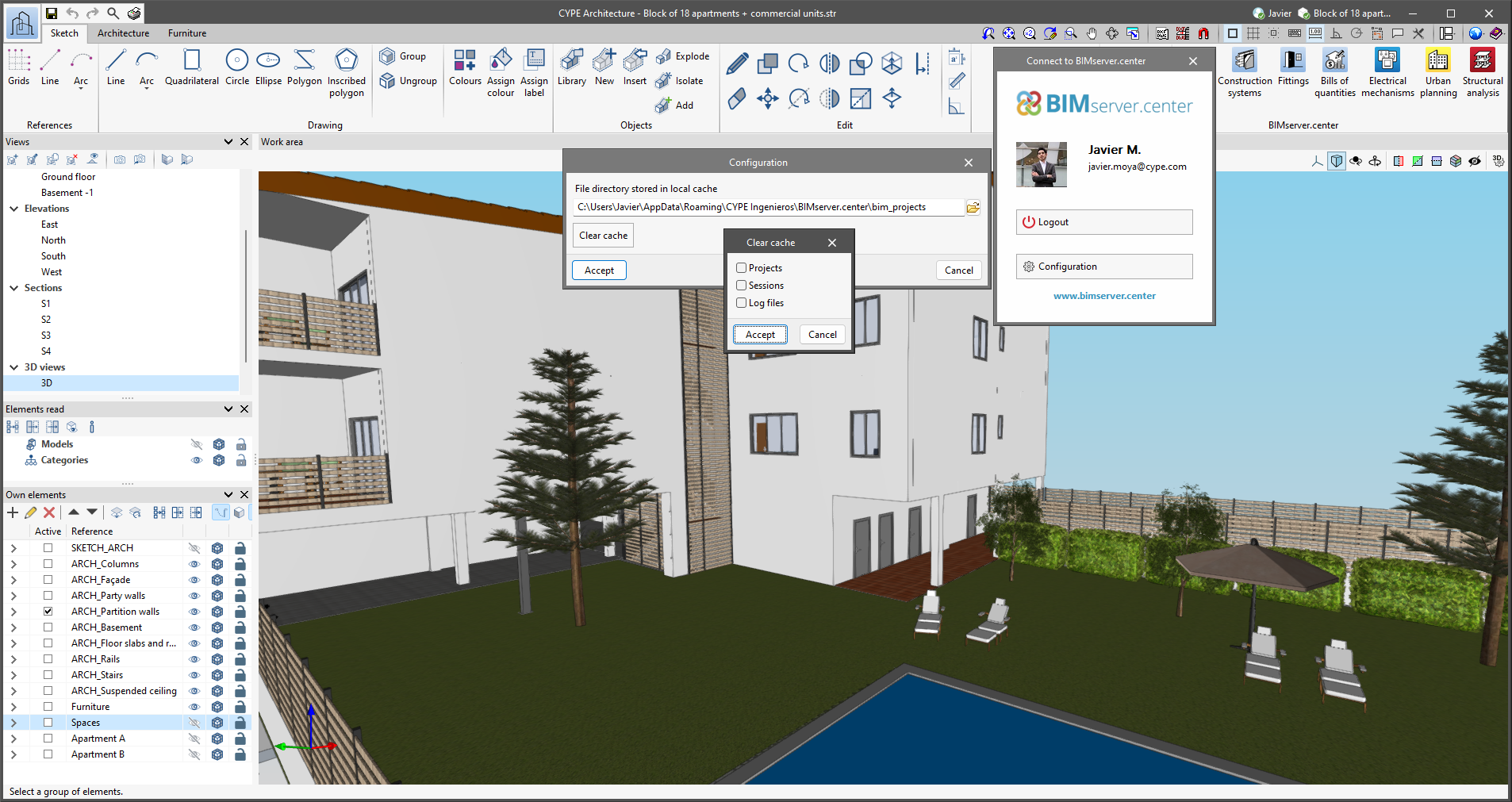
The "Clear cache" button has been added to the CYPE applications included in the Open BIM workflow in the "Configuration" dialogue box that opens with the following sequence of commands: Select any of the options in the "BIMserver.center" tool group > "Configuration" option in the dialogue box that appears. When clicking on "Clear cache", the following options are displayed:

  • Projects
    Deletes projects, contributions and documents downloaded from the platform that are in the "File directory stored in local cache".

  • Sessions
    Deletes the data of any active sessions. This action will require applications to be re-authorised to access BIMserver.center.

  • Log files
    Deletes transaction logging from applications with BIMserver.center.

In previous versions, file paths used by applications were limited to a maximum length of 256 characters. This restriction is not specific to CYPE tools but is set by default in the Windows file system. As of version 2024.b, CYPE applications can bypass the restriction and allow the use of an extended path length for a maximum total path length of 10,000 characters. This eliminates the problems caused by the default limit and allows users to work with long access paths.

This improvement is particularly useful when working on projects with a complex directory structure or with long file names. By allowing longer paths, CYPE applications offer greater flexibility in file organisation.

The mode of communication between Open BIM applications and the BIMserver.center collaborative work platform has changed. In previous versions, the applications used the "BIMserver.center Sync" tool to upload and download the files of the contributions associated with the project from the platform. This tool was downloaded from the BIMserver.center platform or installed together with the installation of the platform applications if users so desired.

From version 2024.a onwards, applications are now able to work directly with BIMserver.center without an intermediary. That is, without the need for the "BIMserver.center Sync" tool.

This modification will improve the performance and efficiency of Open BIM applications significantly. By removing this dependency, the applications have more autonomy and the waiting times for communication between BIMserver.center Sync and the program have been considerably reduced. The process of downloading contributions has also been optimised, as users no longer need to obtain the entire content of a project from BIMserver.center in order to work, but only the contributions to be read.

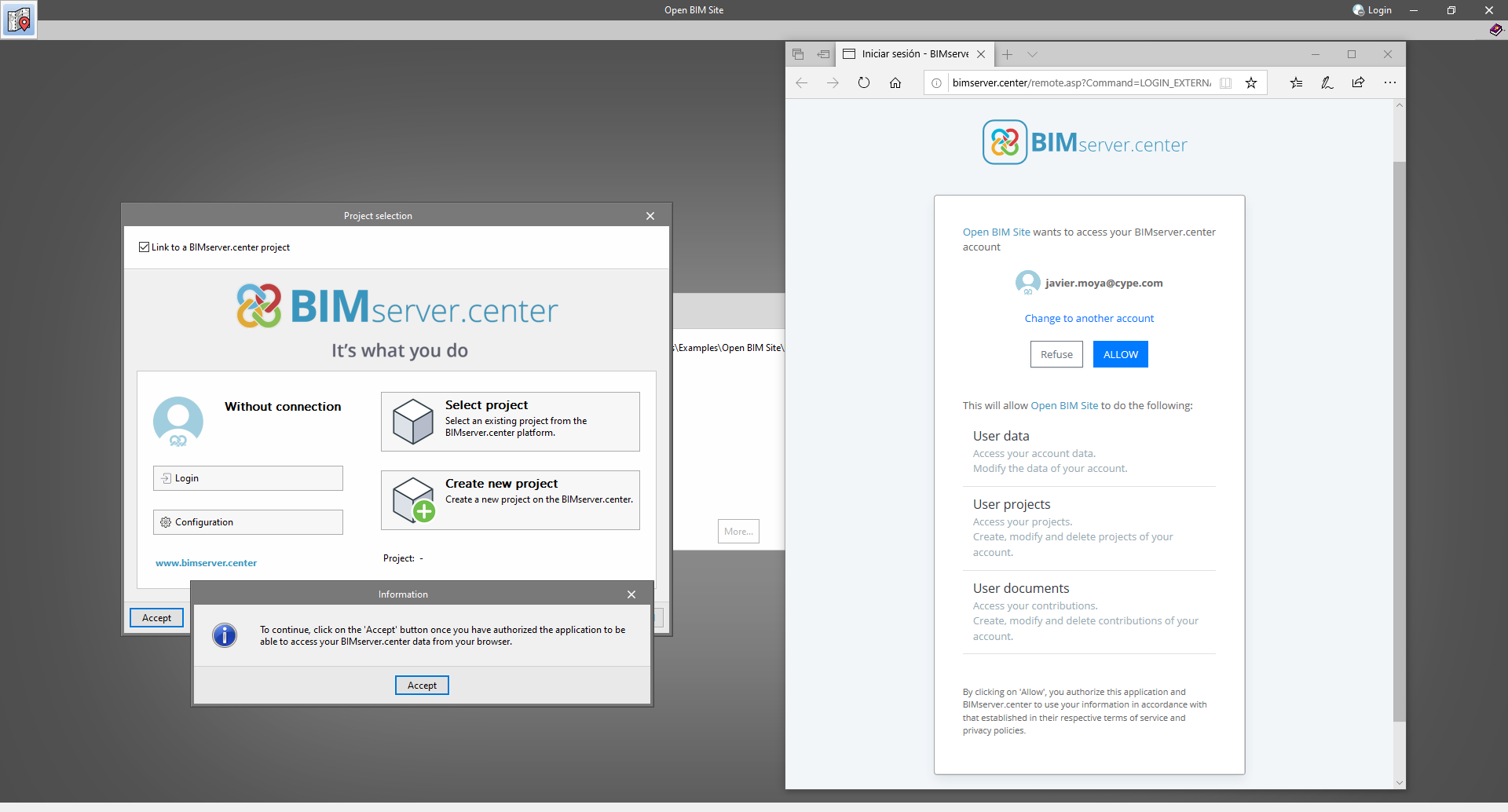
The way of authenticating a BIMserver.center user in the applications has also been modified. Now, this process is carried out within the BIMserver.center web platform. To do this, the application with which the user is working will run the user's default browser when the "Login" button is pressed. When the credentials are entered, or after opening the browser if the user is already connected to the platform, an authorisation page will be displayed. This page details the resources the application is requesting access to and two buttons for granting or denying this access.

The authorisation must be carried out for each application. Once access has been granted, it is saved for the next time the program is run and there is no need to perform this process again for that application.

As well as performance improvements, changes have been made to the user interface of the Open BIM applications regarding the connection to BIMserver.center.

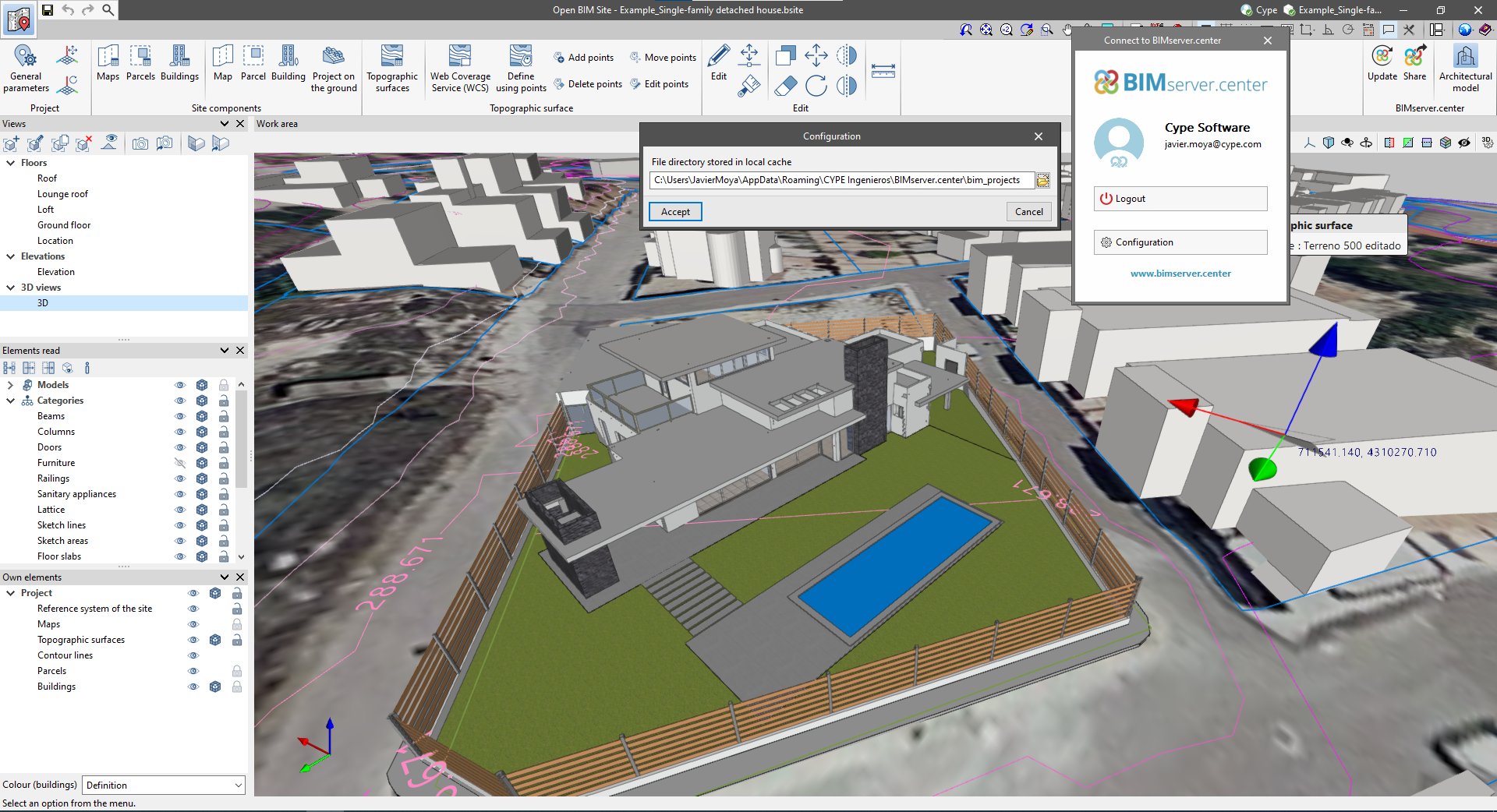
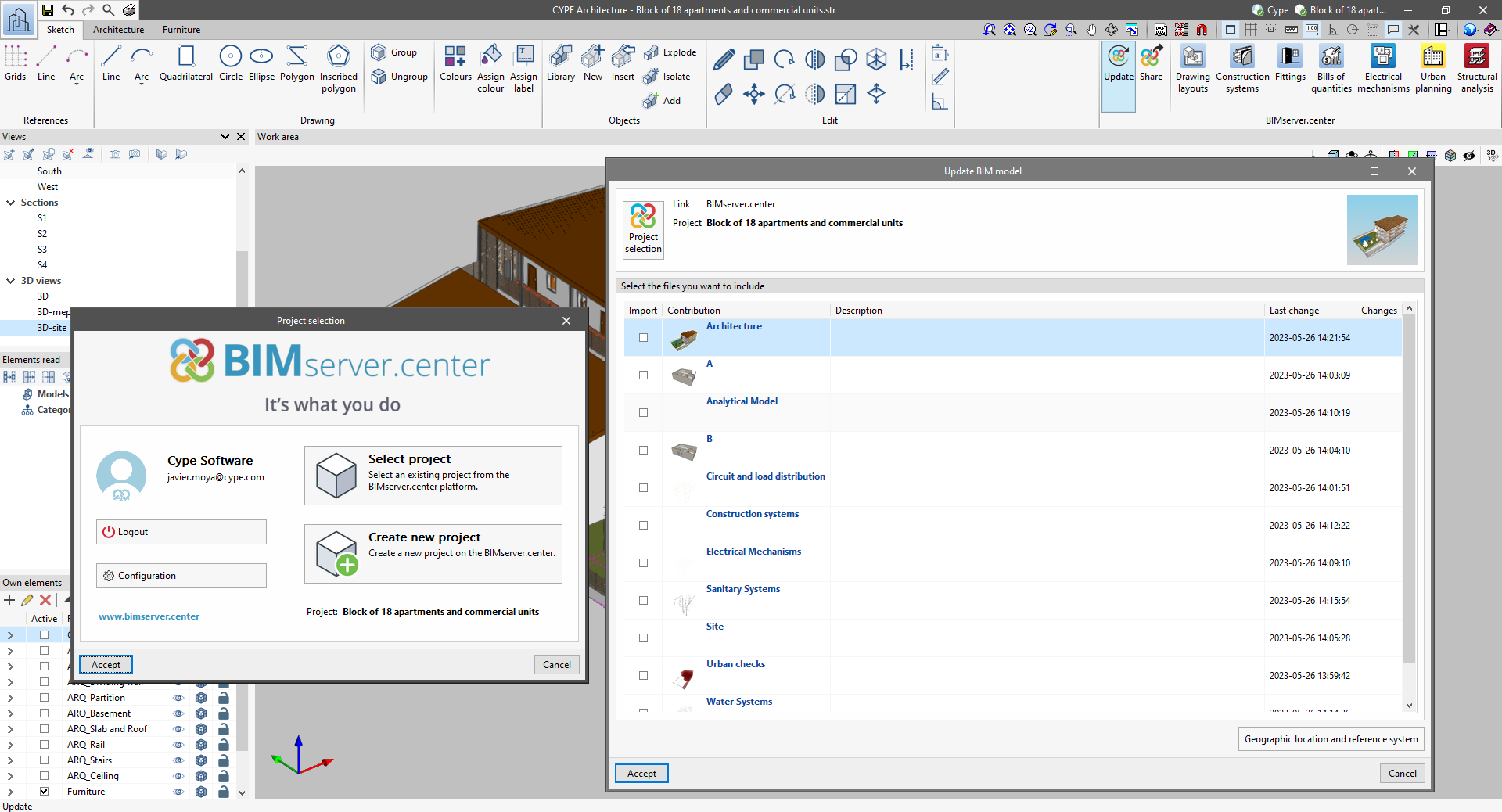
  • The "Connect to BIMserver.center" window now includes a "Configuration" button. Clicking it launches a menu from which you can edit the "File directory stored in local cache". This is the path where the files that make up the contributions will be downloaded when working with them from the applications. In previous versions, this location could be selected from the BIMserver.center Sync tool.
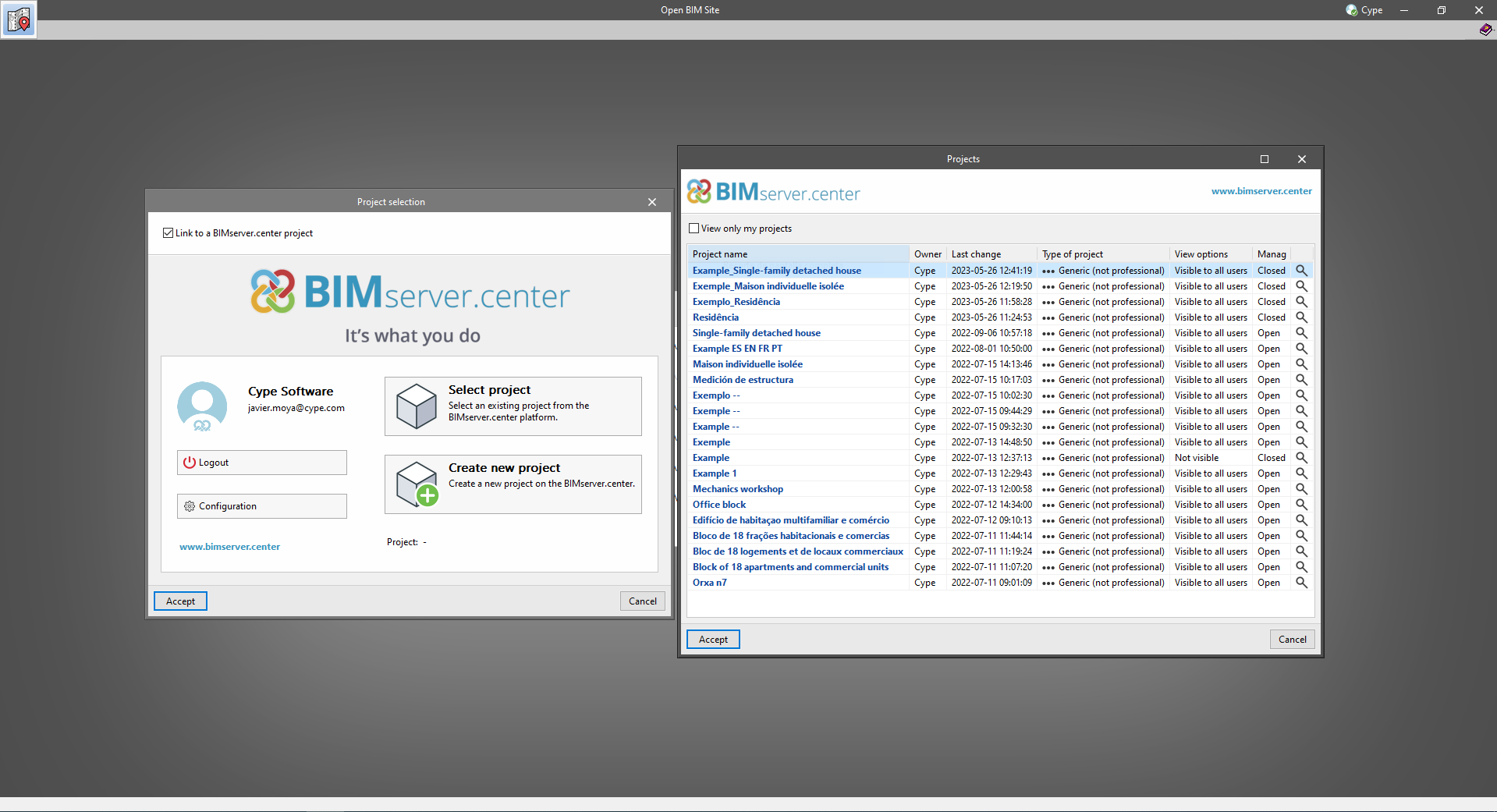
  • The appearance of the "Project selection" window has been modified.
  • In the "Select project" list, the "View only my projects" option has been added to show only the projects where the connected BIMserver.center user is the owner. Icons have also been included for the "Type of project" column in order to make it easier to identify them. The detailed data of a project now shows the image of each contribution, the description and the tags.
  • The "Review new contributions" and "Review updated contributions" options have been added to the "Create new project" window.
  • The list for selecting contributions ("Import BIM models") now includes the images of the contributions and the tags. The name of the contribution will be displayed in blue to indicate that the owner is the logged-in user.
  • When sharing a contribution or selecting contributions during the process of linking to a BIMserver.center project, a progress window will appear during the upload or download process.

To work in BIMserver.center with versions of Open BIM applications prior to 2024.a, users must continue to use the BIMserver.center Sync tool. This is still available for download from the platform and was included in the installation packages of the CYPE Open BIM applications prior to 2024.a.

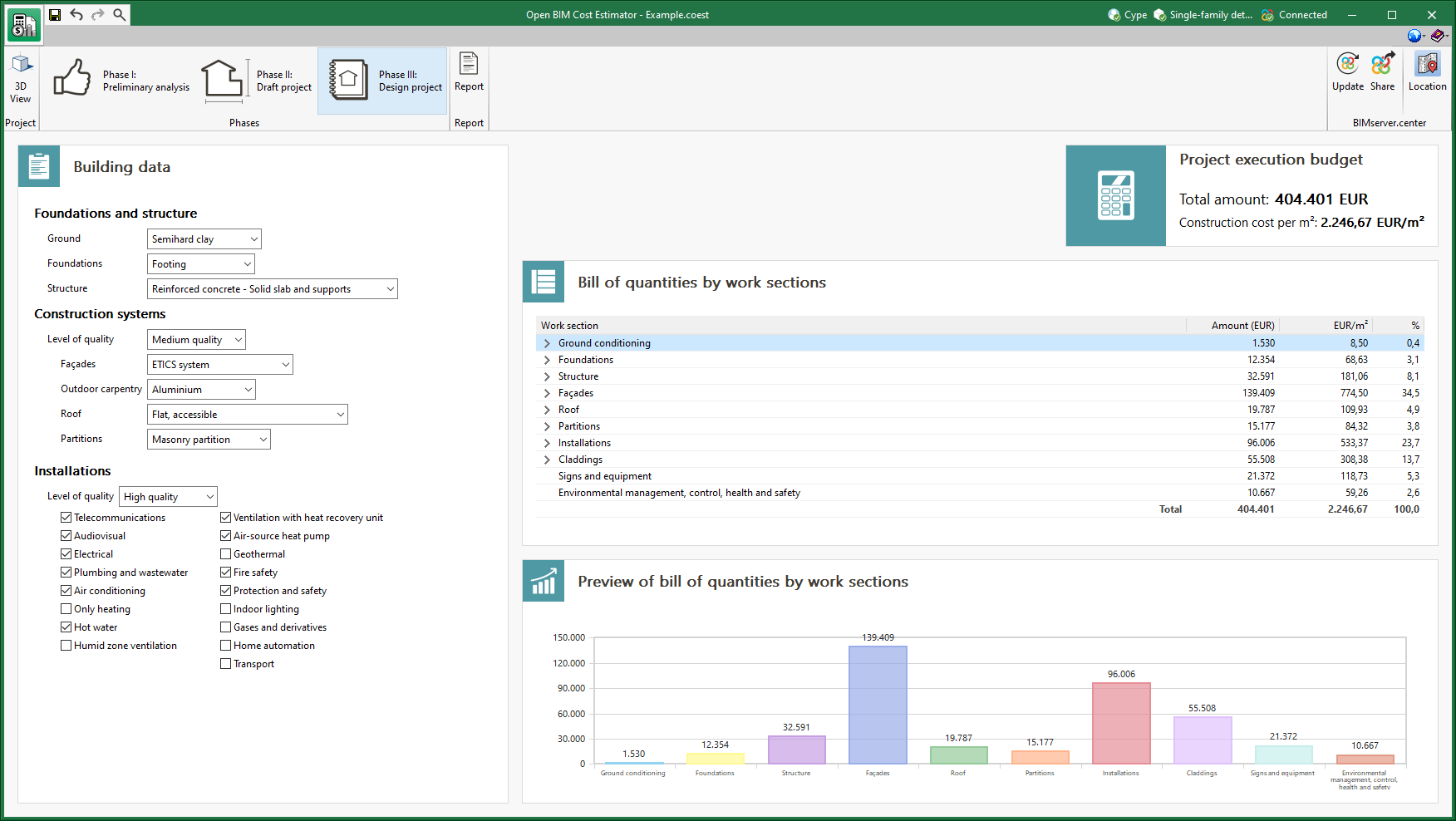
The cost database used by the application to determine the project execution budget of the job has been revised. Projects carried out with previous versions of the program will be automatically updated when they are opened with version 2023.e.

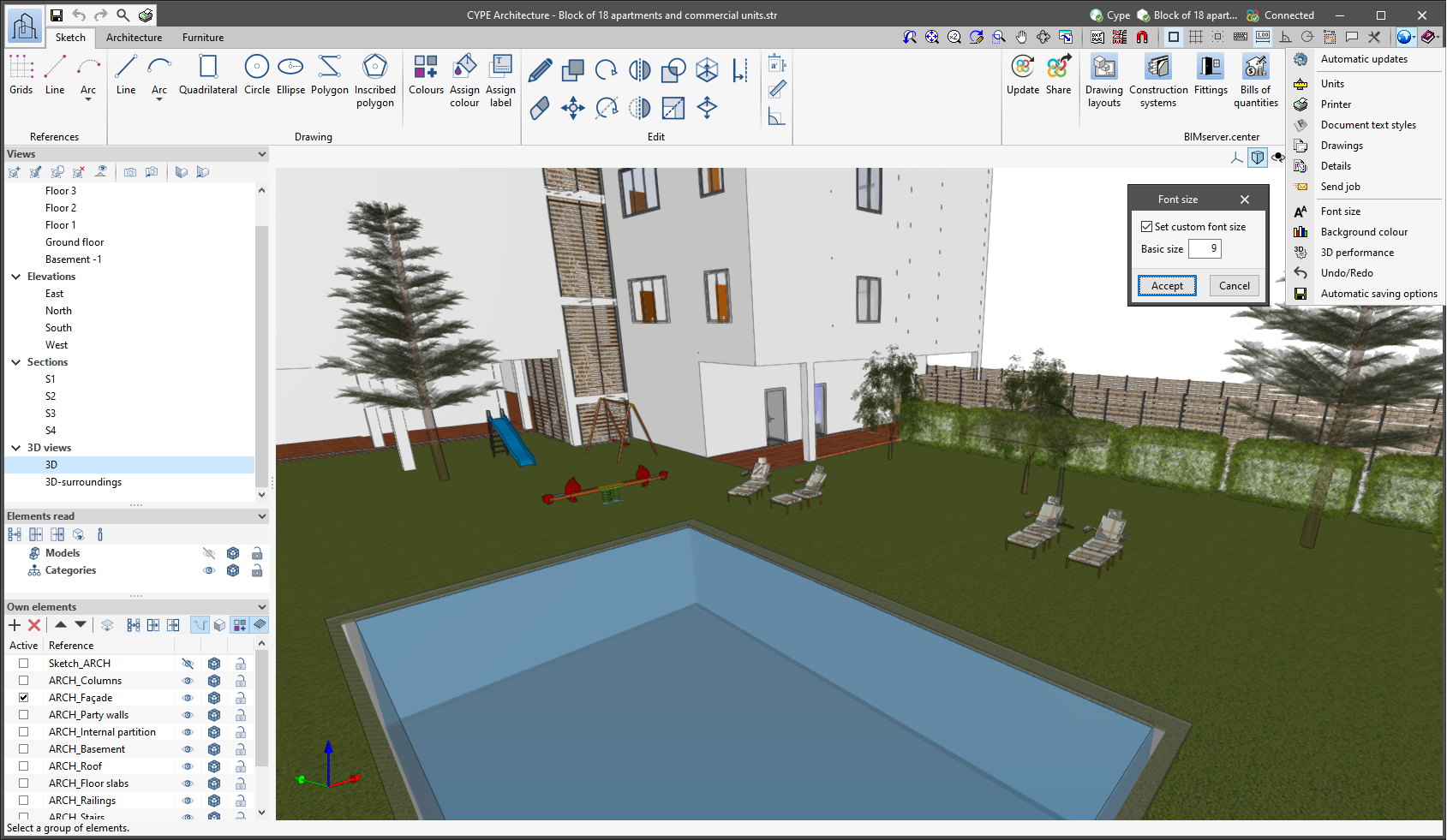
The "Font size" option has been added to the general configuration menu of the applications. This tool allows users to increase or decrease the basic size of the font used in the user interface of the programs. Thanks to this implementation, the accessibility of the applications has been improved while also ensuring the correct visibility of the content on devices with different screen resolutions.

To enter a "Basic size" the "Set custom font size" option must be checked. The size users can enter is the application's basic font size. Any other font sizes that may exist in the program's interface will be automatically modified proportionally according to the change in the basic size.

It is important to note that, as this is a common parameter, its modification will affect all installed CYPE tools.

The cost database used by the application to determine the total construction cost has been revised. Any projects carried out with previous versions of the program will be automatically updated when they are opened with version 2023.a.

A further six countries have been included for the geographical location (Phase I: Preliminary analysis -> Geographic and economic data -> Geographical location - > Country): Norway, Slovakia, Bangladesh, Egypt, South Africa and Central African Republic.

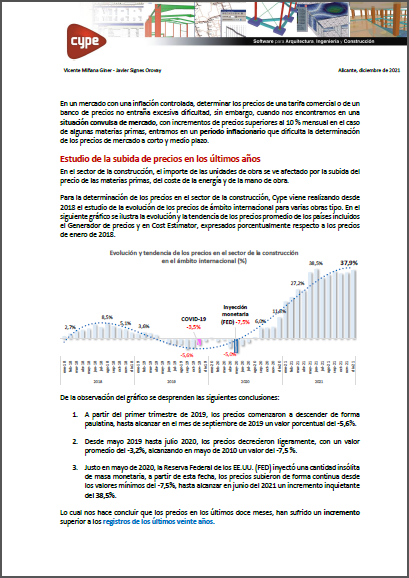
In light of the new inflationary situation, an overview of the evolution of construction costs for the 2018-2021 period can be found in the document below, as well as the main causes of price increases and the criteria adopted in the updates of Open BIM Cost Estimator.

The price database used by the application to determine the total construction cost. Projects carried out with previous versions of the program will be automatically updated when they are opened with version 2022.c.