Update history​​

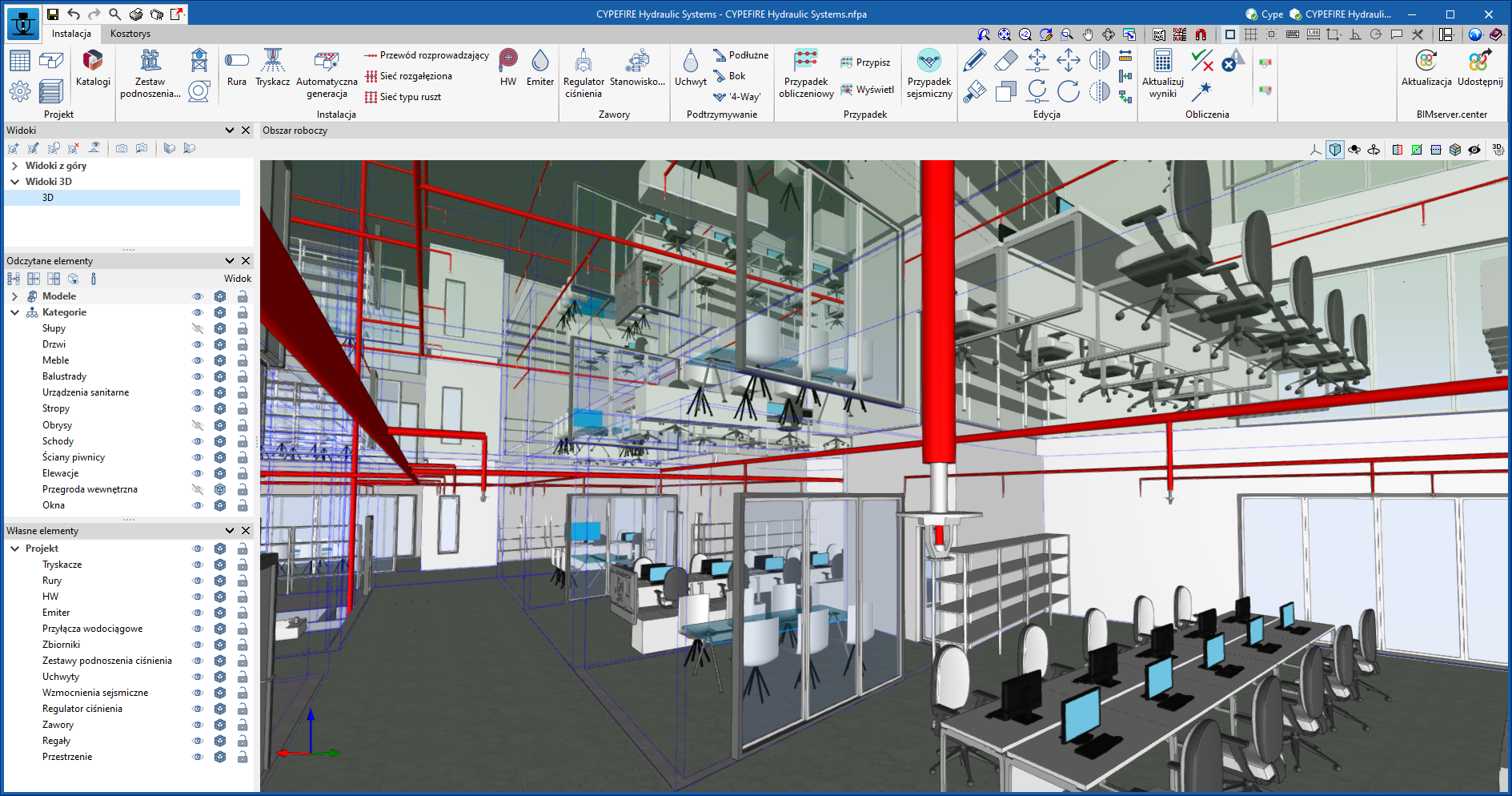
CYPEFIRE Hydraulic Systems

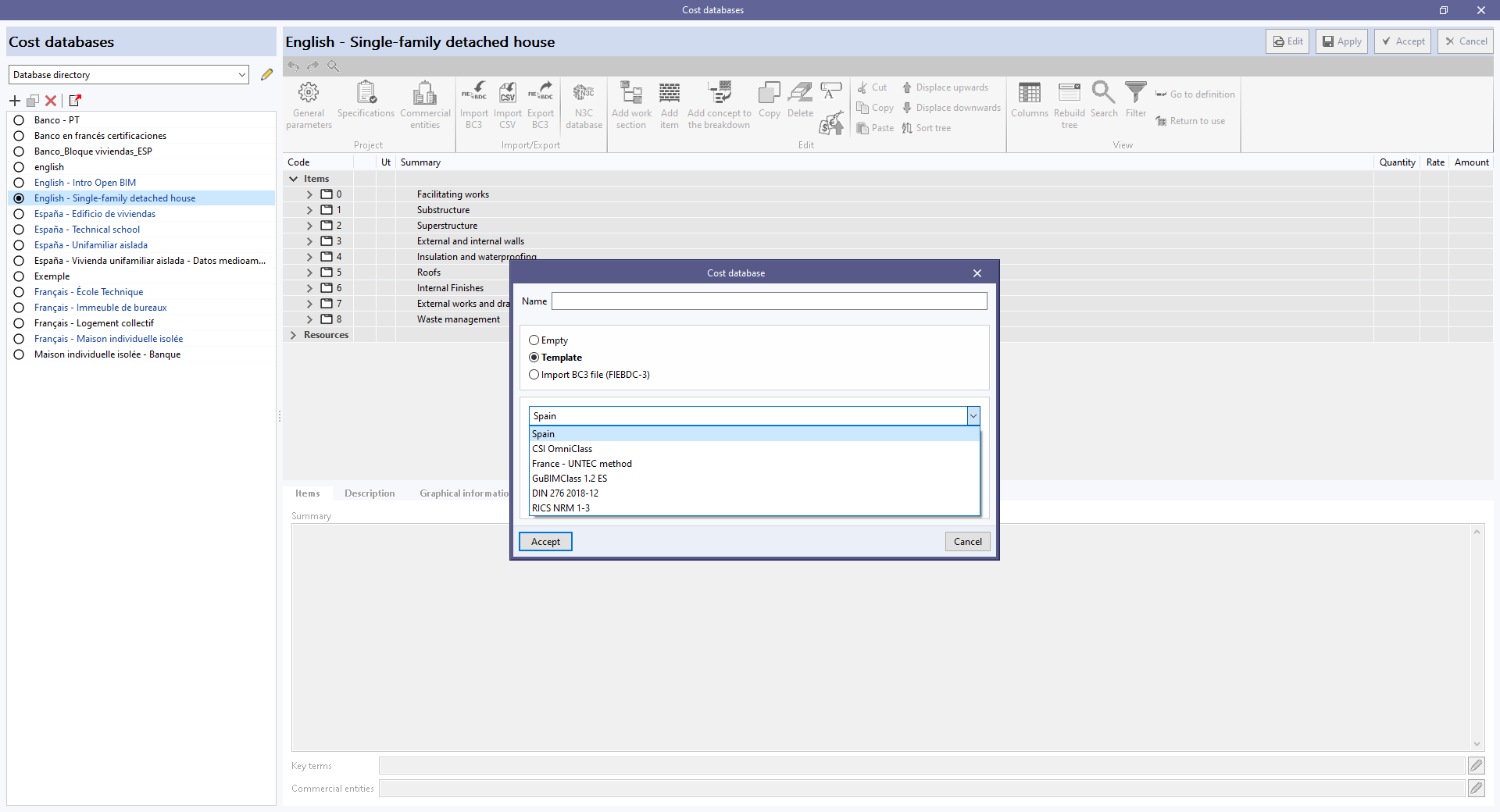
As of version 2024.f, the window for creating a "Cost database" includes the "Template" option.

When selected, users can create a cost database with an initial work section structure.

The following configurations are currently available:

  • Spain
  • CSI OmniClass
  • France – UNTEC method
  • GuBIMClass 1.2 ES
  • DIN 276 2018-12
  • RICS NRM 1-3

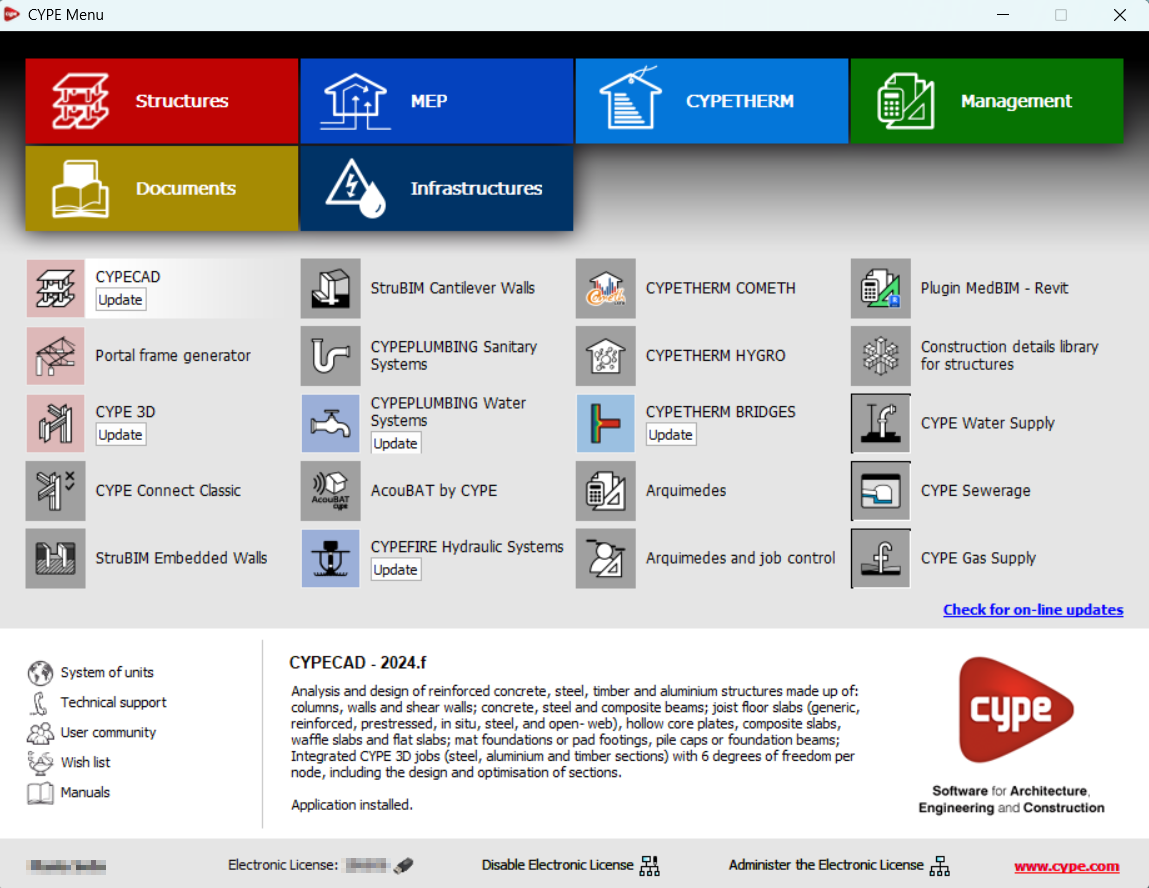
As of version 2024.f, the CYPE Menu tool (available on the BIMserver.centre platform Store) allows users to manage the updates of the applications it includes.

When accessing the CYPE Menu, the program checks whether there is a newer version of the installed applications and, if so, the "Update" option appears next to them.

The update process will download the application and, once completed, will start the installation.

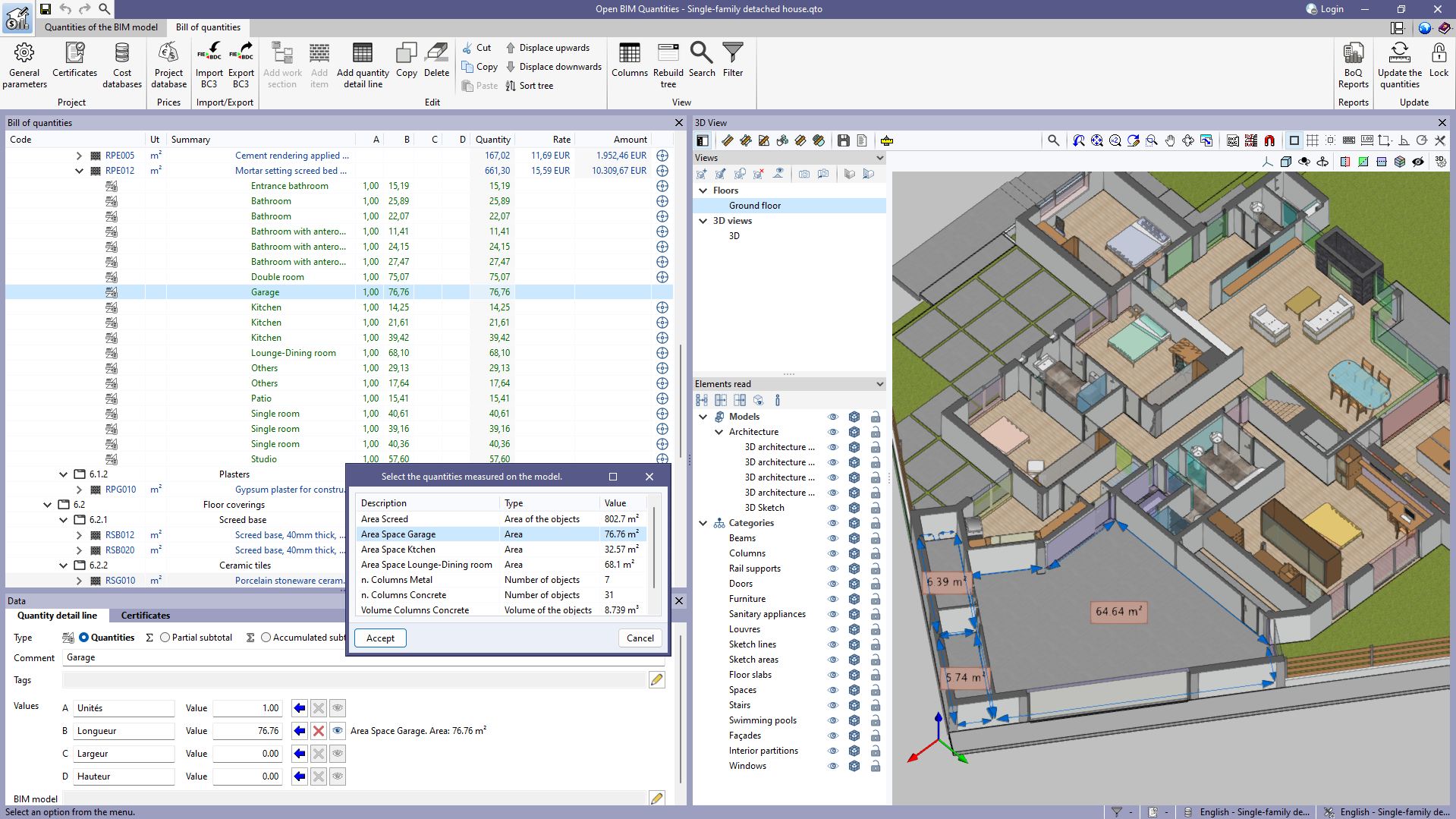
In version 2023.d, the "Quantities on the 2D/3D model" were implemented in the applications that have a "Bill of quantities" tab. This tool has now been enhanced in order to allow users to save quantities measured on the 3D view so that they can be used in several quantity detail lines. To this end, the "Save the current quantities" option has been added to the toolbar of the 3D view. By clicking on it, a window is displayed where a description for the quantity can be entered before saving it. In order to display the list of saved quantities, the "Measurements carried out on the model" option has also been added. This option displays a list of the measurements taken, showing the description, type of measurement (length, area, angle, etc.) and value for each one.

The "Assign the quantities measured on the model to the variable" option, which appears next to each variable in a quantity detail line, has changed the way it works as a result of this new feature. In previous versions, clicking on it assigned the last measurement taken on the 3D view, whereas now the "Measurements carried out on the model" list is displayed to select the saved quantity to be used.

Additionally, next to each variable linked to a quantity on the model, the description, type of measurement (length, area, angle, etc.) and value of the selected measurement can be viewed. Also, the "Delete the link between the variable and the quantities measured on the model" and "View the quantities measured on the model in the 3D view" options have been added. The first option allows users to remove the link between the value of the variable and the quantities measured on the model. The second option allows users to display the representation of the assigned measurement in the 3D view. If this option is used on another variable or if another element is selected in the "Bill of quantities" window, this representation will no longer be displayed.


As of version 2024.c, CYPEFIRE Hydraulic Systems can also be installed in Polish. The languages in which you can install this application are now as follows:

  • Catalan
  • English
  • French
  • Italian
  • Polish
  • Portuguese
  • Spanish

In order to improve user experience and learning, the categorisation of errors displayed by CYPEFIRE and CYPEFIRE Hydraulic Systems has been improved.

All errors are now ranked from most serious to least serious and both programs will display the highest ranked errors first. In most cases, the correction of these errors solves less serious errors and also displaying and correcting them in stages can contribute to a better understanding of the job.

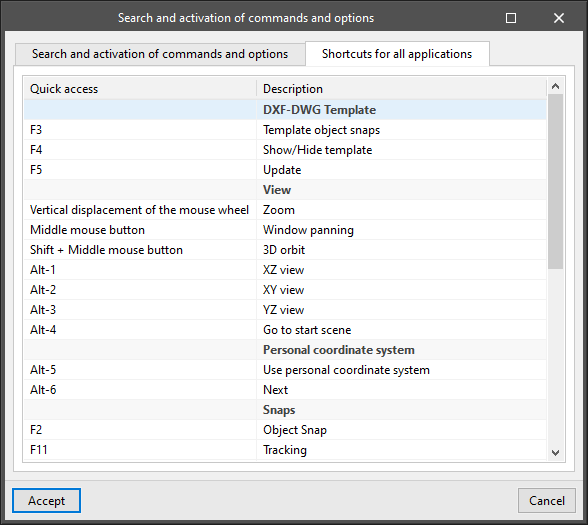
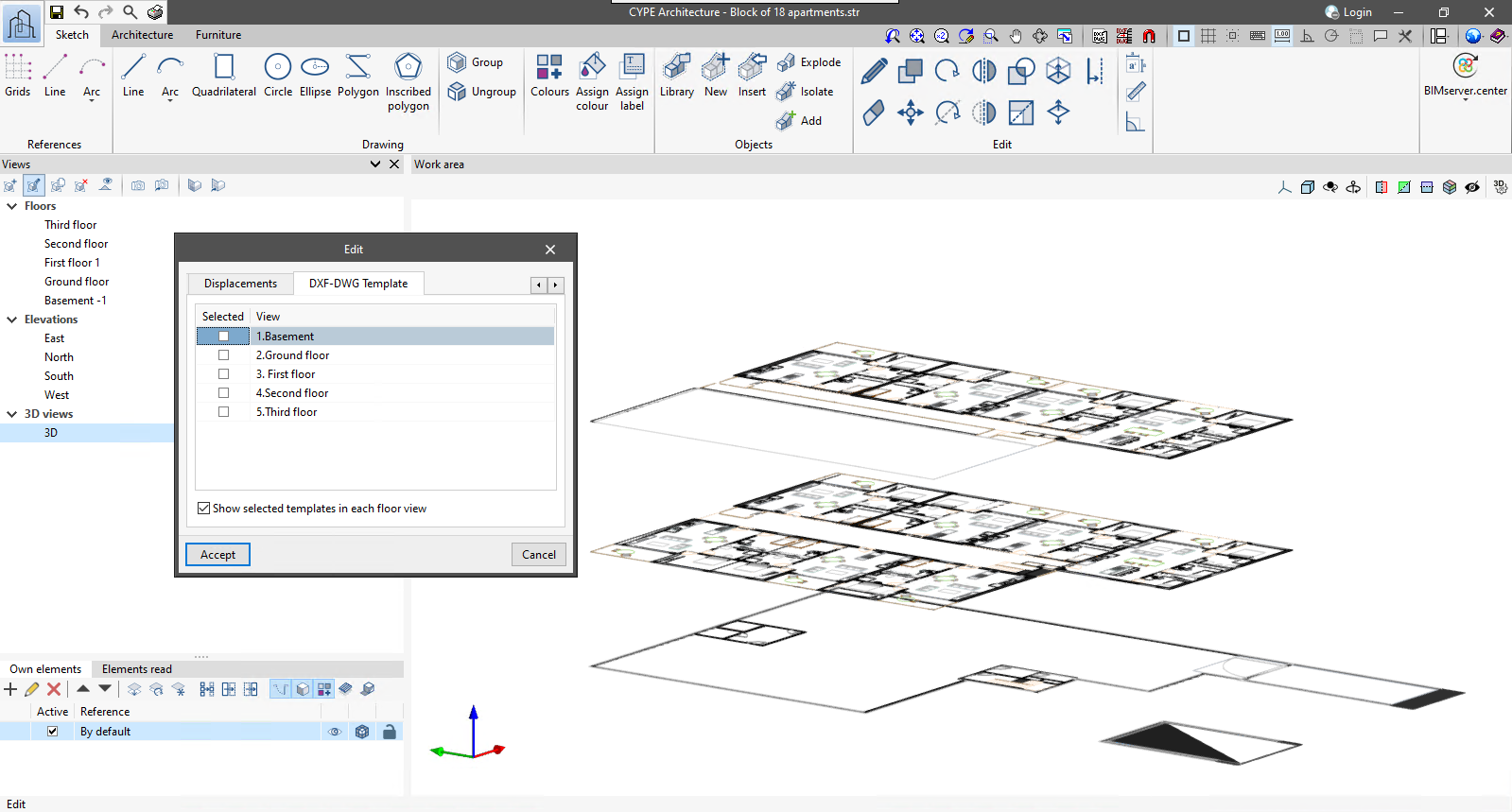
For 3D views defined within applications with a 3D working environment, the "Show selected templates in each floor view" option has been added. When activated, the templates visible in each of the floor views will be displayed in the 3D view in the dimension corresponding to these views.

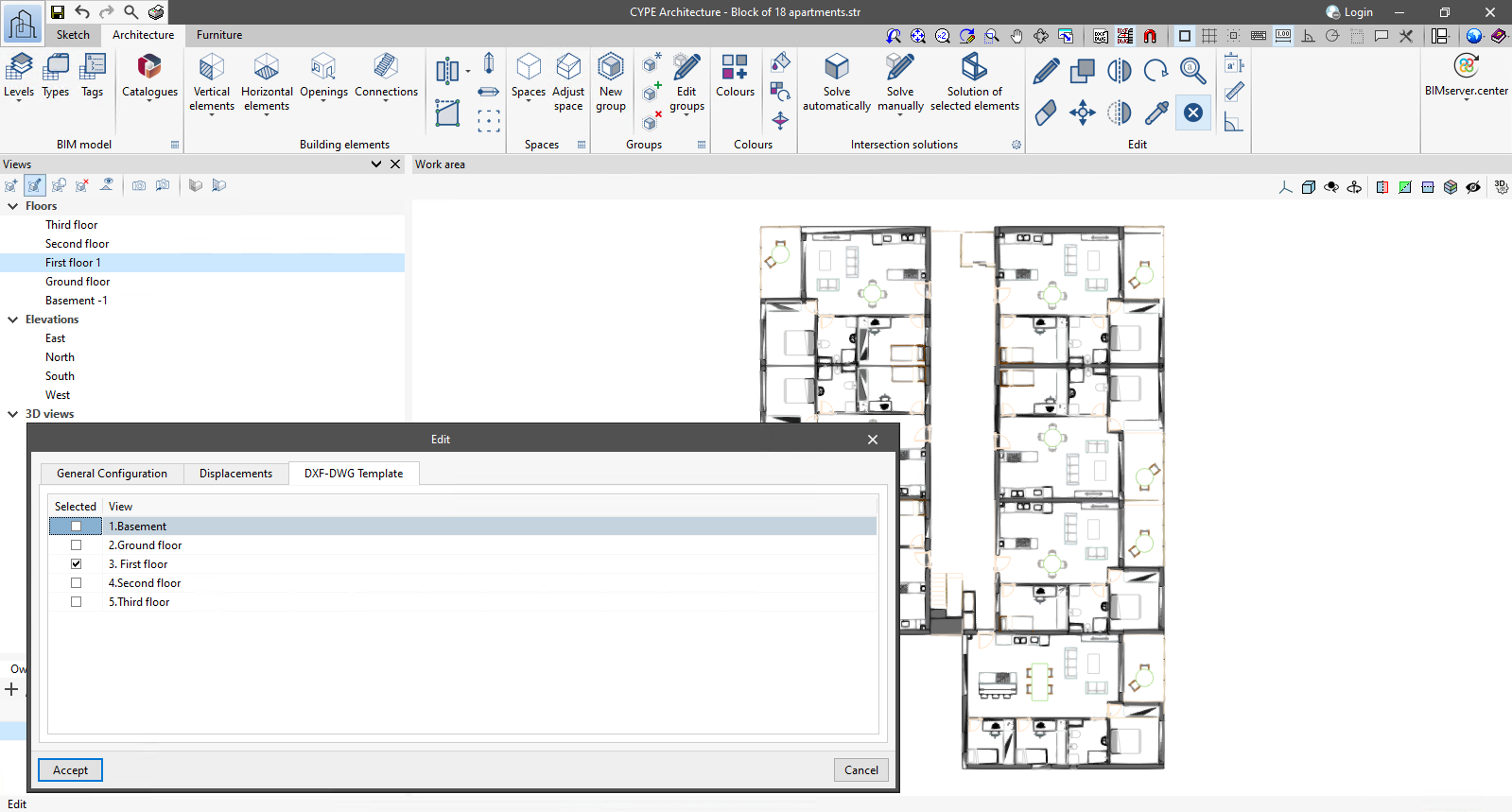
As of version 2024.c, applications with a 3D working environment can manage the visibility of templates from the view configuration panel. For this purpose, the "DXF-DWG templates" tab has been added, where a list of all the templates imported into the project is displayed together with a checkbox to indicate which ones should be shown in the view.

Version 2024.c of the CYPE programs listed below incorporates product libraries from different manufacturers so that they can be downloaded and used in the BIM model generated by the program.

  • CYPE Architecture
  • CYPE Construction Systems
  • CYPELEC REBT
  • CYPELEC NF
  • CYPELEC PV Systems
  • CYPELUX
  • CYPELUX CTE
  • CYPELUX EN
  • CYPELUX SCE
  • CYPEPLUMBING Water Systems
  • CYPEFIRE
  • CYPEFIRE Hydraulic Systems

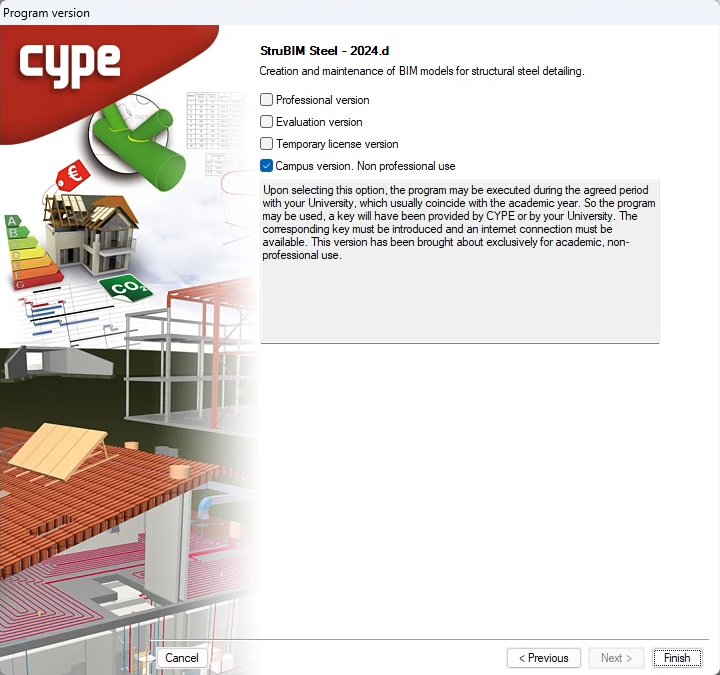
All CYPE programs can be installed in their different versions (Professional Version, Evaluation Version, Campus Version, Temporary License). In previous versions, users could only choose the type of version to be installed from the classic CYPE menu.

As of version 2024.a, the selection of version types has been implemented in all CYPE programs on the BIMserver.center platform.

As of version 2024.d, this selection can be made during the installation of all CYPE programs, regardless of where they are downloaded.

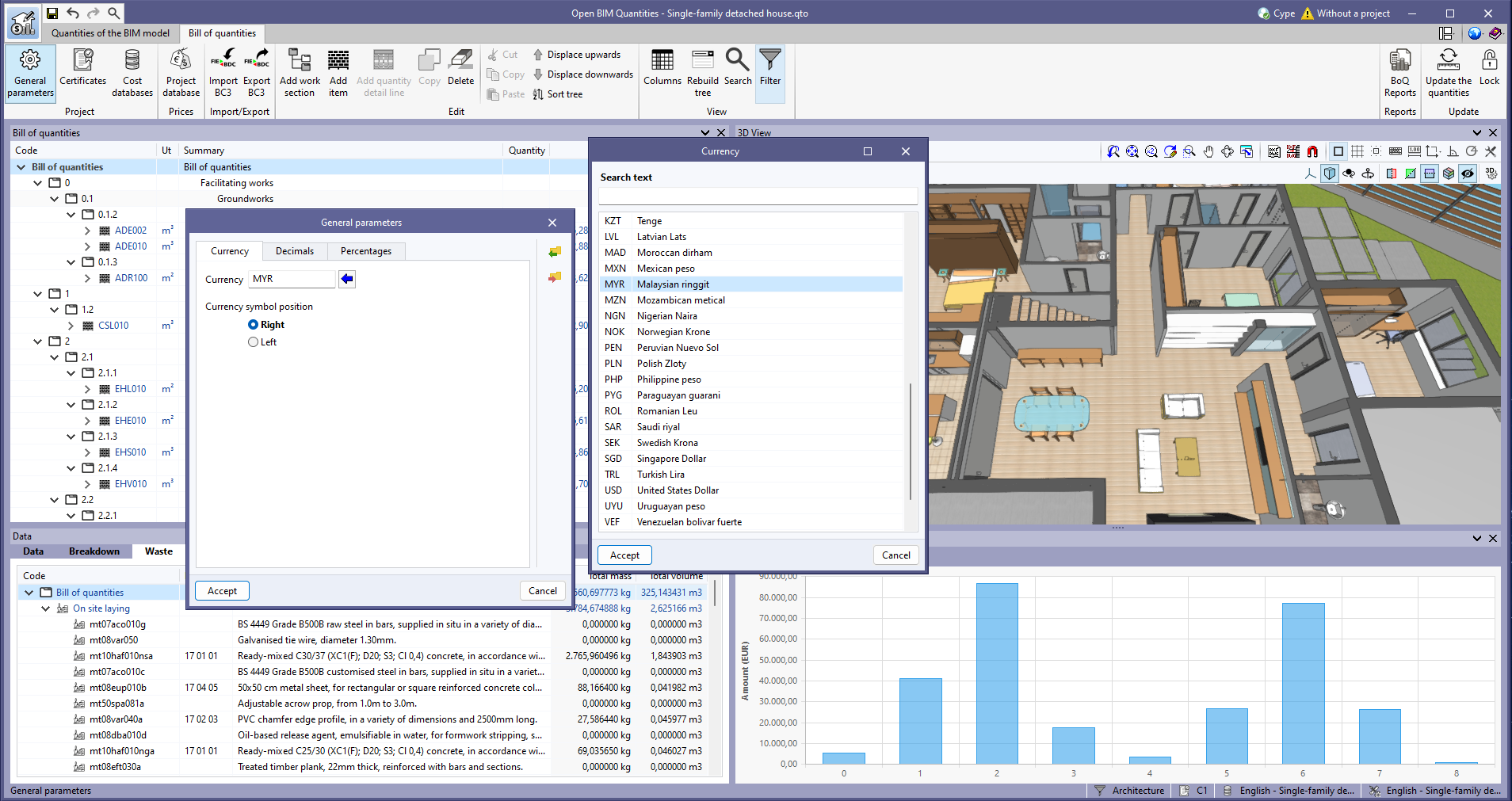
In the help tool for filling in the currency code, within the general parameters of the project, the following references from ISO 4217 have been added:

  • EGP. Egyptian pound
  • KZT. Tengue
  • MYR. Malaysian ringgit
  • PHP. Philippine peso
  • SAR. Saudi riyal

As of version 2024.b, applications with the "Element selection tool" (this tool was implemented in version 2021.e) have the ability to move the selected model components with the arrow keys on the keyboard. The elements shall be moved on the work plane of the active view in the direction of the arrow key. Whenever the arrow is pressed, the distance that is displaced is constant, so zooming will make it larger or smaller.

CYPE Mentor