Update history​​

Open BIM Quantities

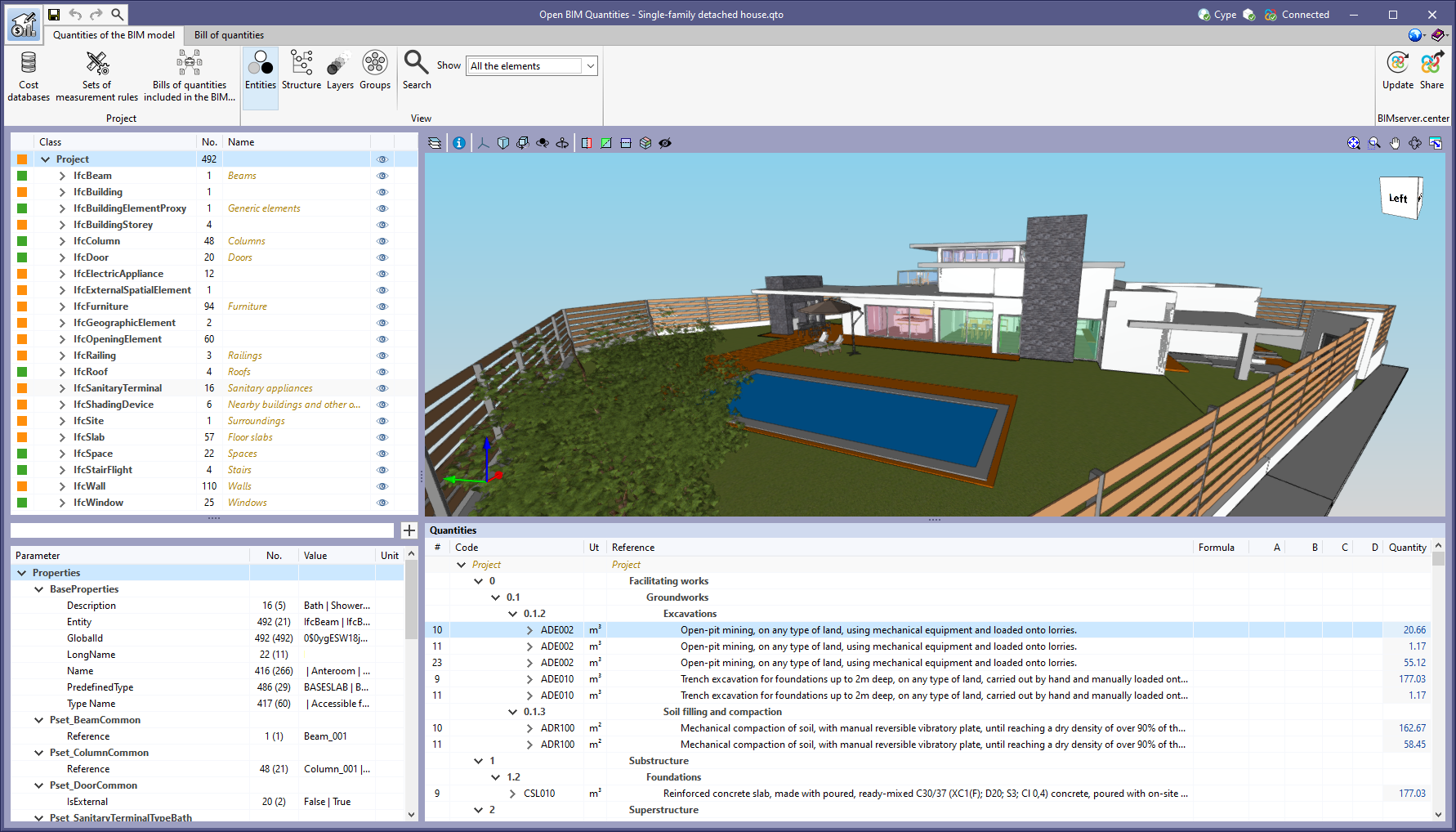
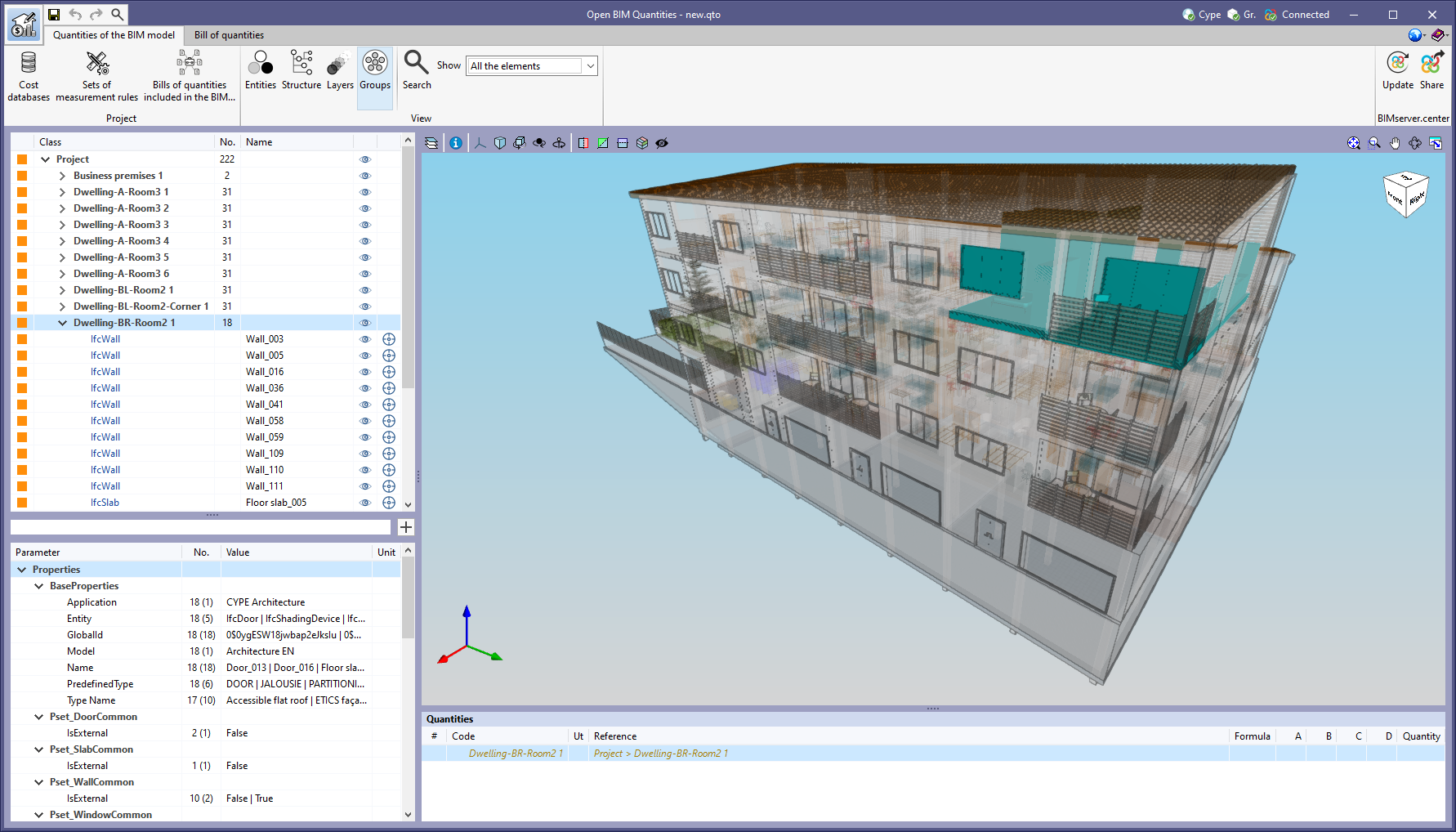
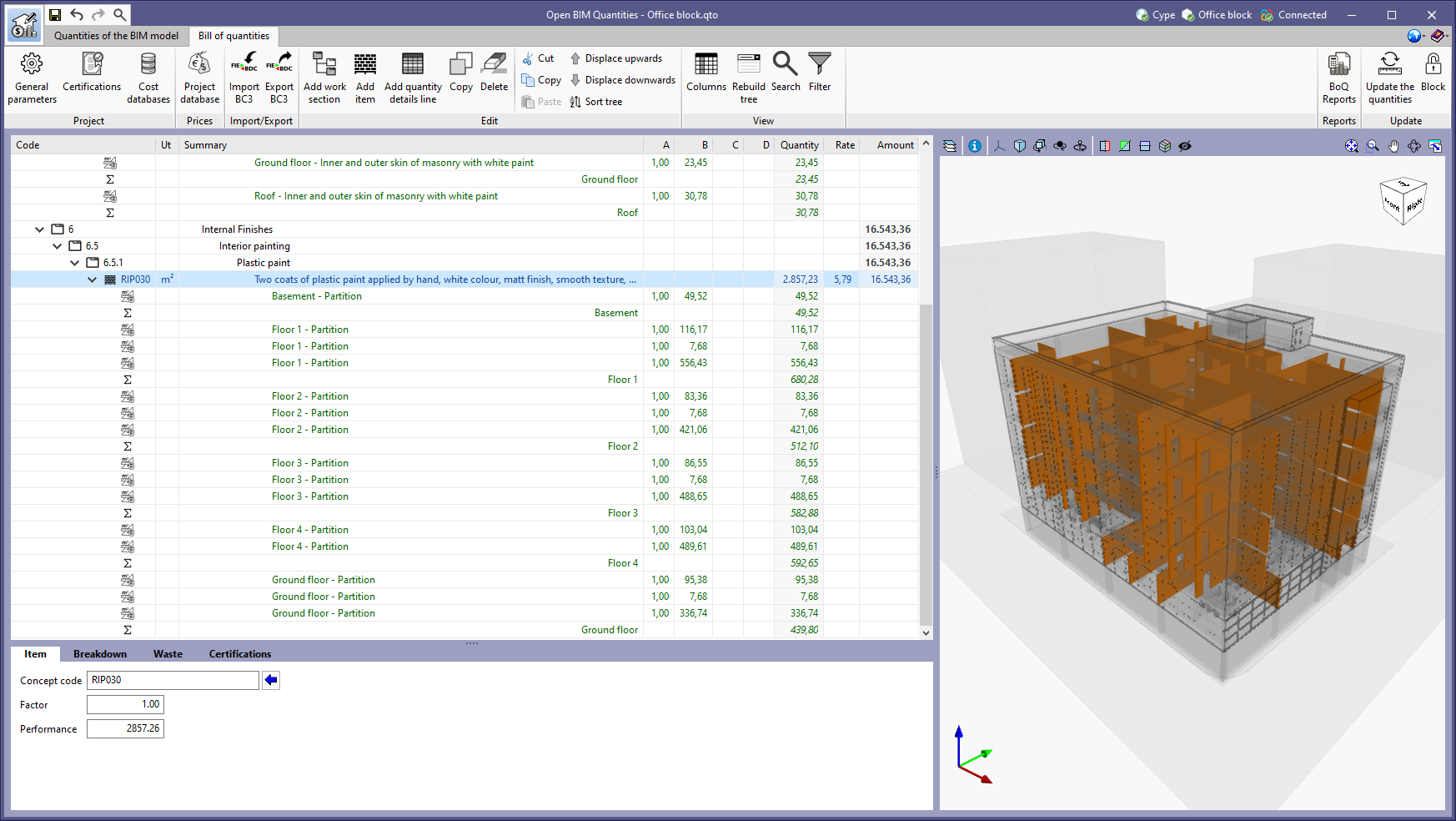
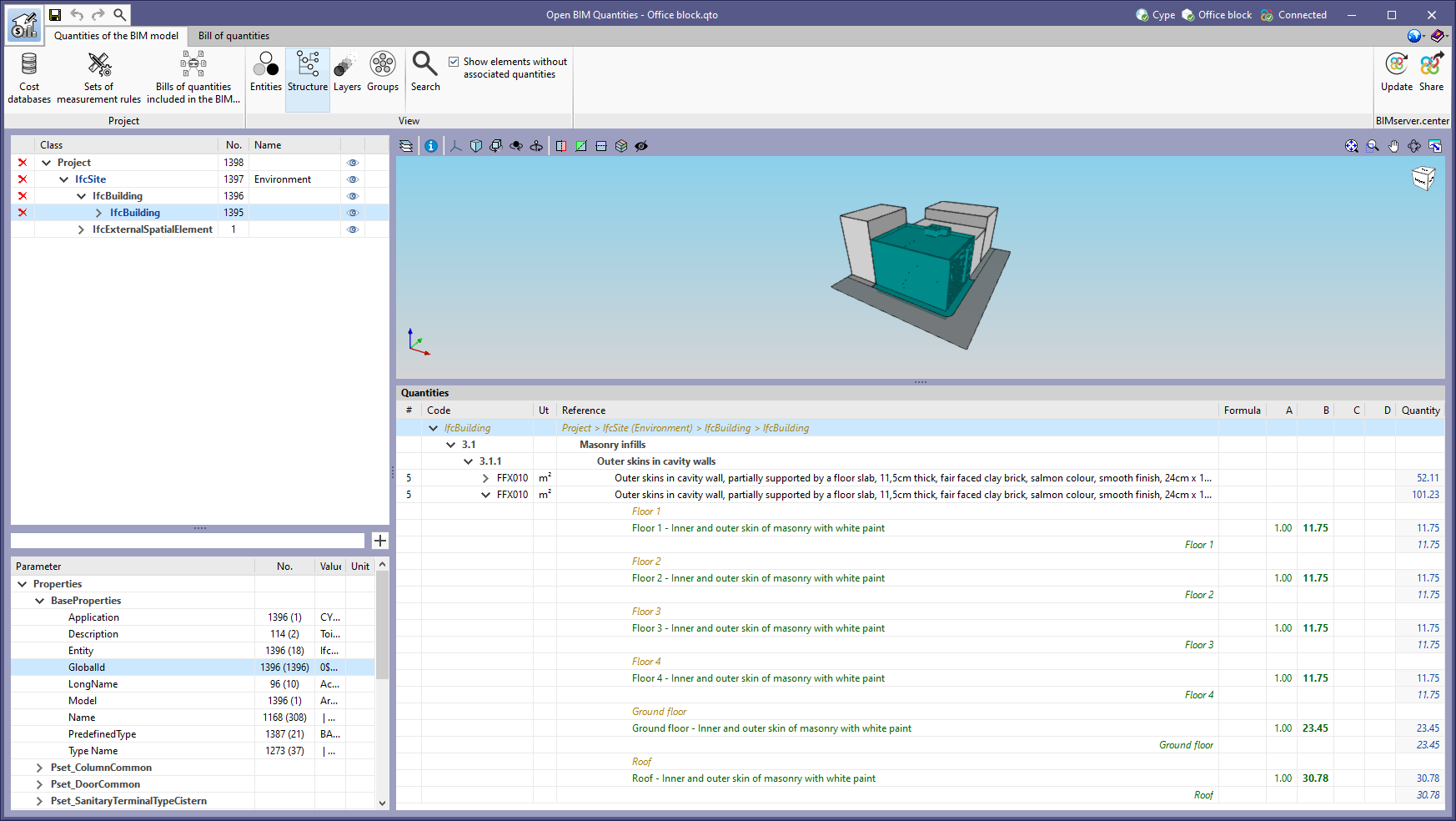
The option to "Zoom" into the 3D model element has been added in the following cases:

  • "Quantities of the BIM model" tab in Open BIM Quantities
    In previous versions, users could frame a component of the IFC model in the 3D view. The same can now be done for the different groups of elements (types, entities, structure, layers and groups).
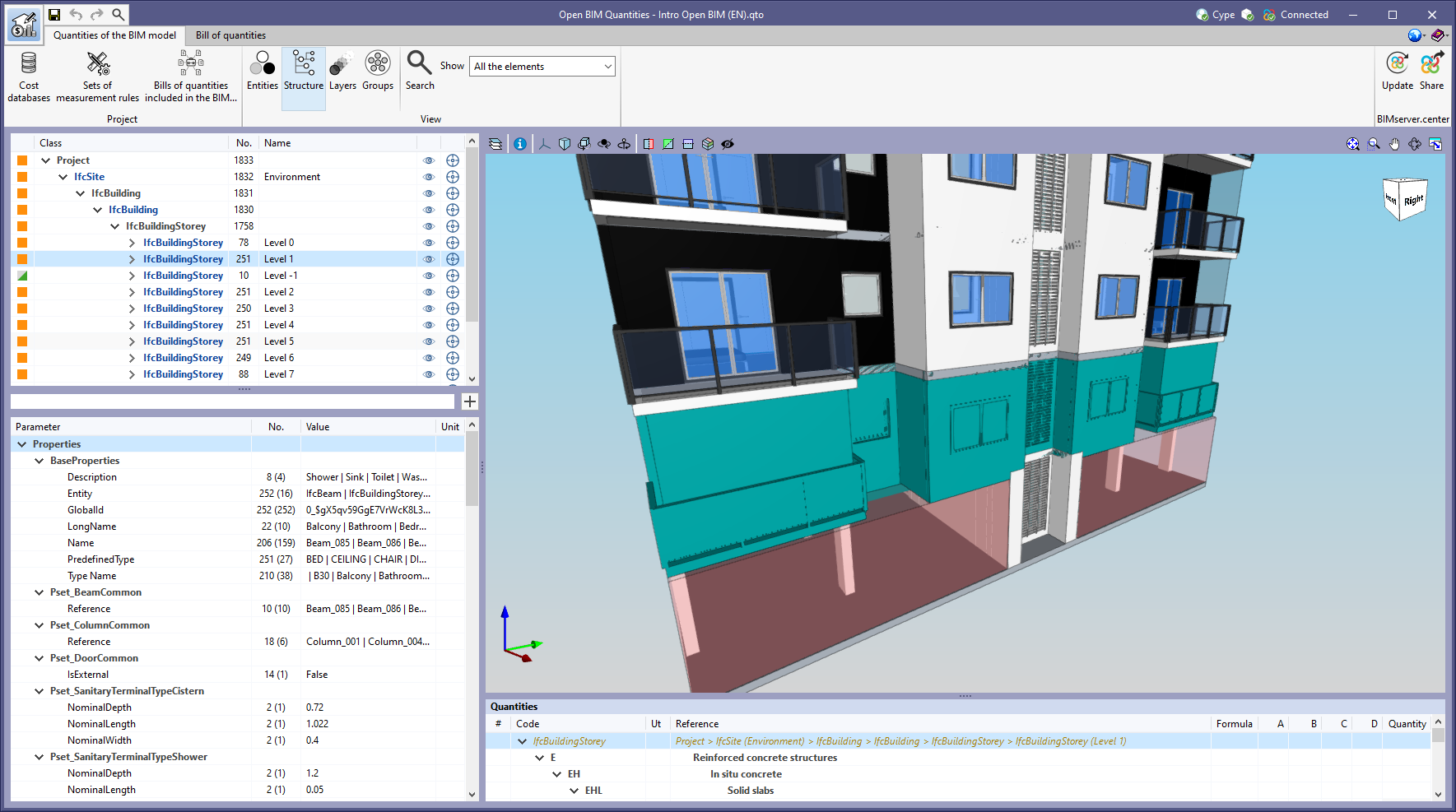
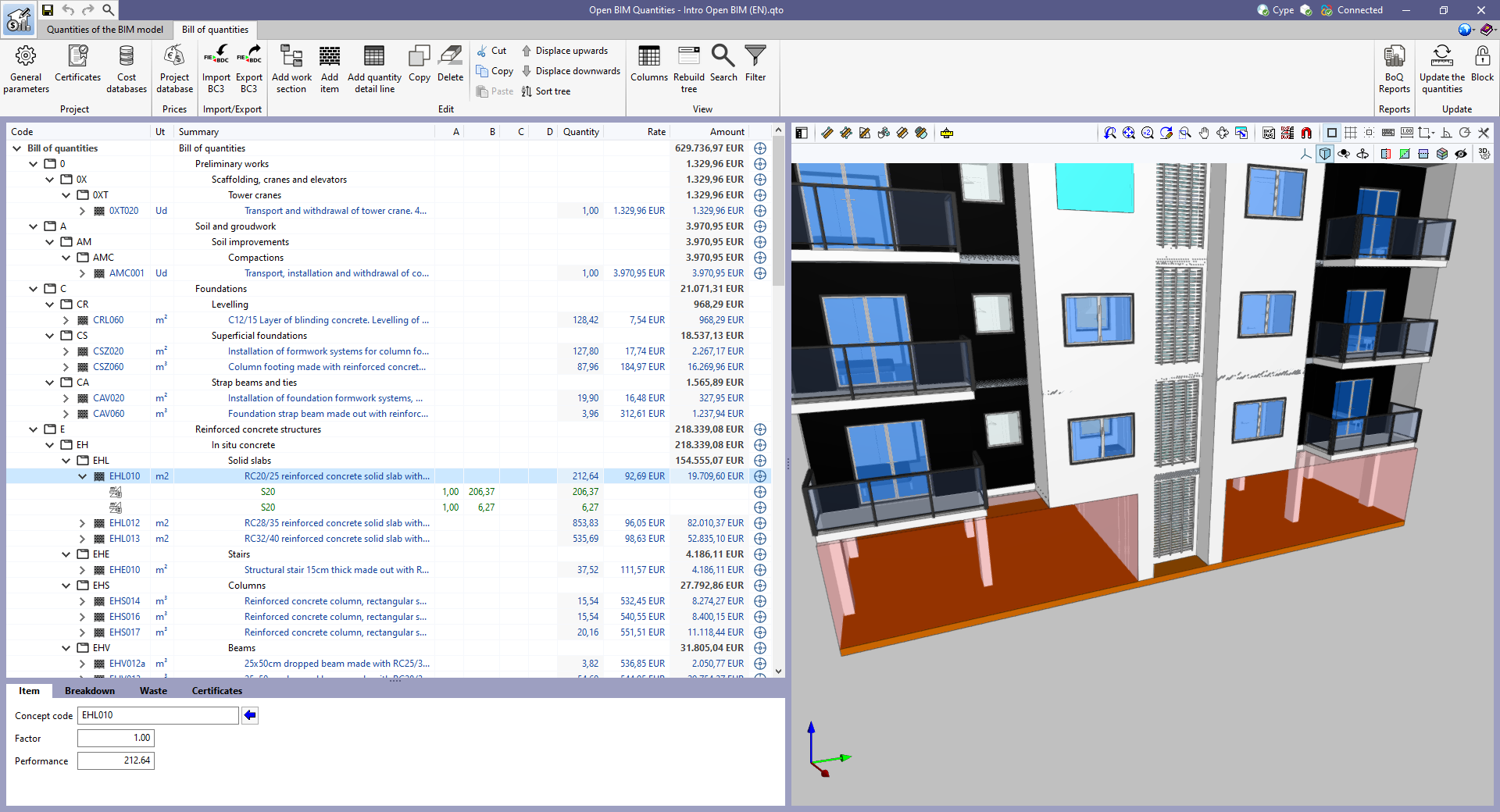
  • "Bill of quantities" tab in applications
    In previous versions, users could frame the elements used in a quantity detail line of the bill of quantities in the 3D view. The same can now be done for items and work sections.
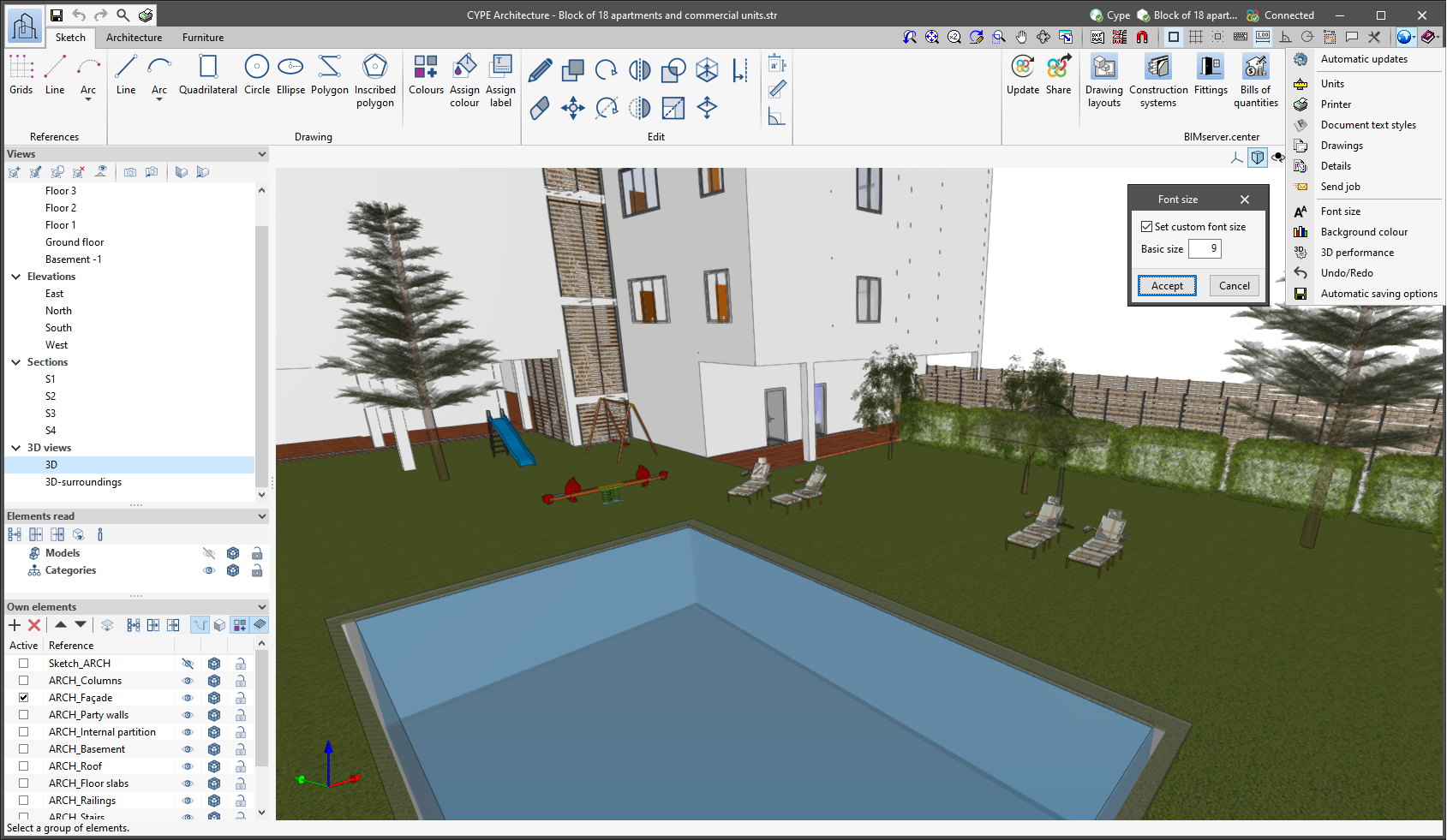
The "Font size" option has been added to the general configuration menu of the applications. This tool allows users to increase or decrease the basic size of the font used in the user interface of the programs. Thanks to this implementation, the accessibility of the applications has been improved while also ensuring the correct visibility of the content on devices with different screen resolutions.

To enter a "Basic size" the "Set custom font size" option must be checked. The size users can enter is the application's basic font size. Any other font sizes that may exist in the program's interface will be automatically modified proportionally according to the change in the basic size.

It is important to note that, as this is a common parameter, its modification will affect all installed CYPE tools.

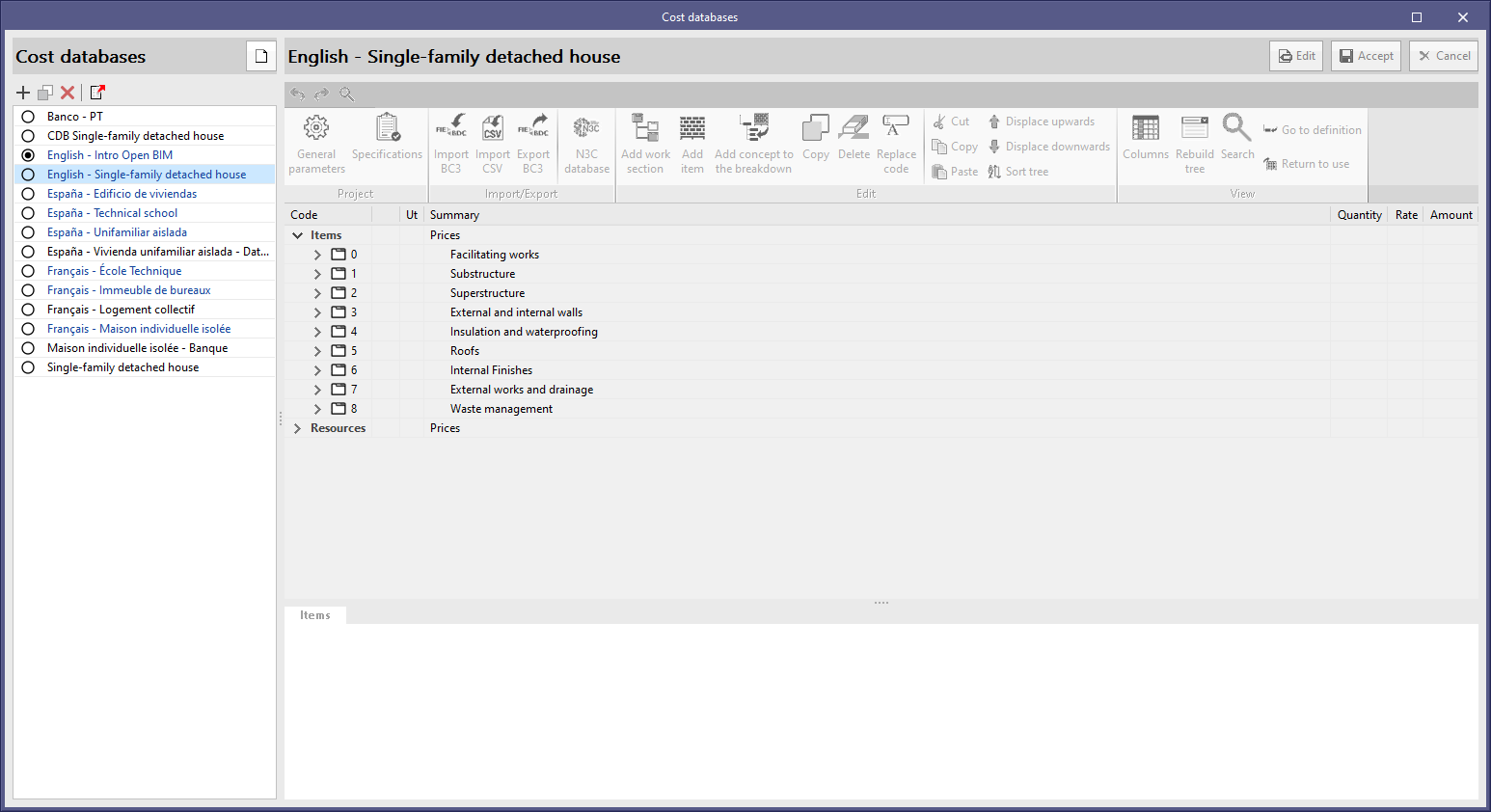
The English example job "Single-family detached house" has been updated together with its cost database and set of measurement rules ("English - Single-family detached house").

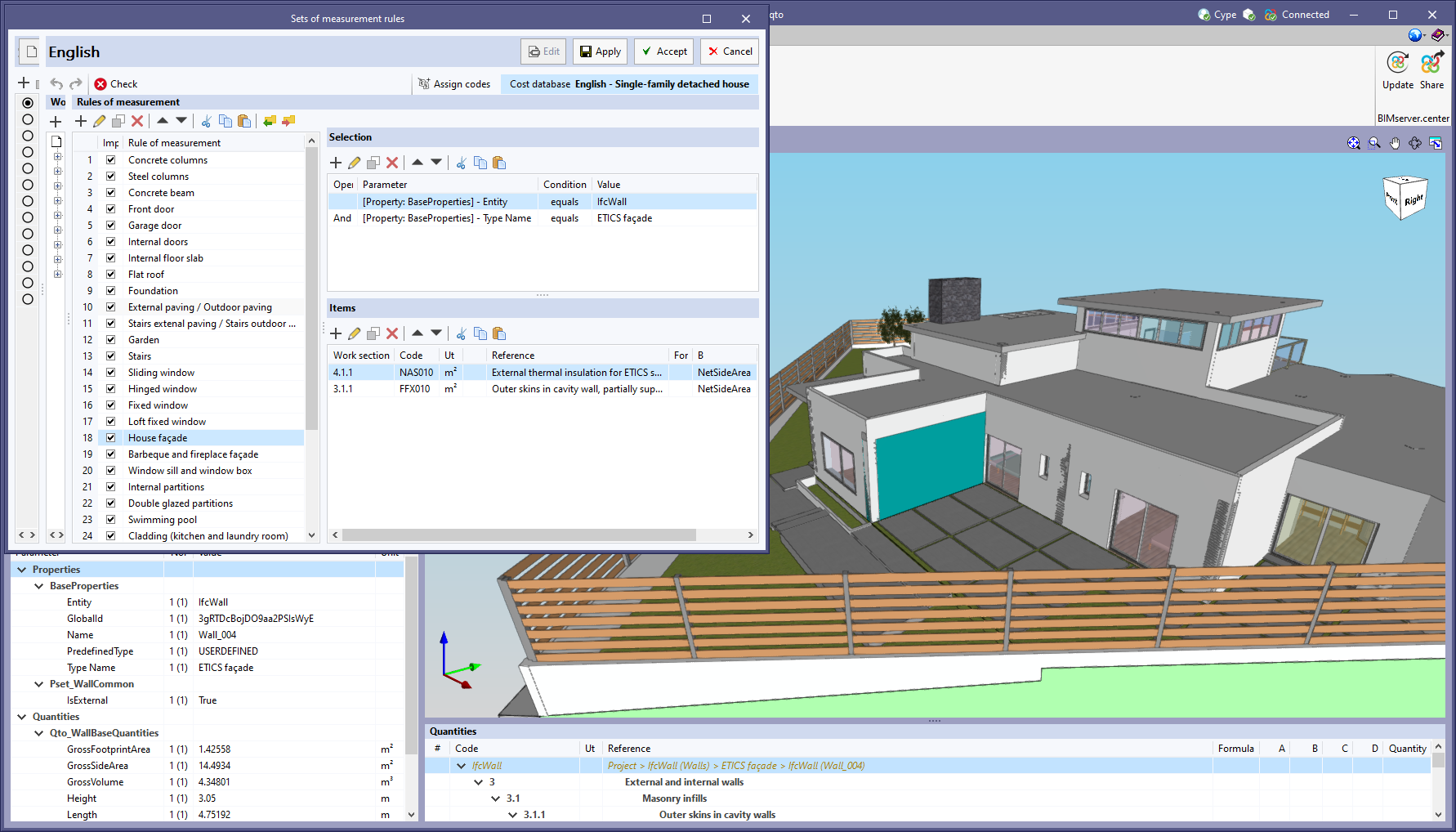
The editing window of the sets of measurement rules now allows users to continue working with other windows of the application without having to close it. This allows the BIM model loaded in the application to be inspected while defining the rules of measurement.

An "Apply" button has been added within the editing of a set of measurement rules. By clicking it, the rules of measurement will be applied to the model in the "Quantities of the BIM model" tab with no need to "Accept" the changes.

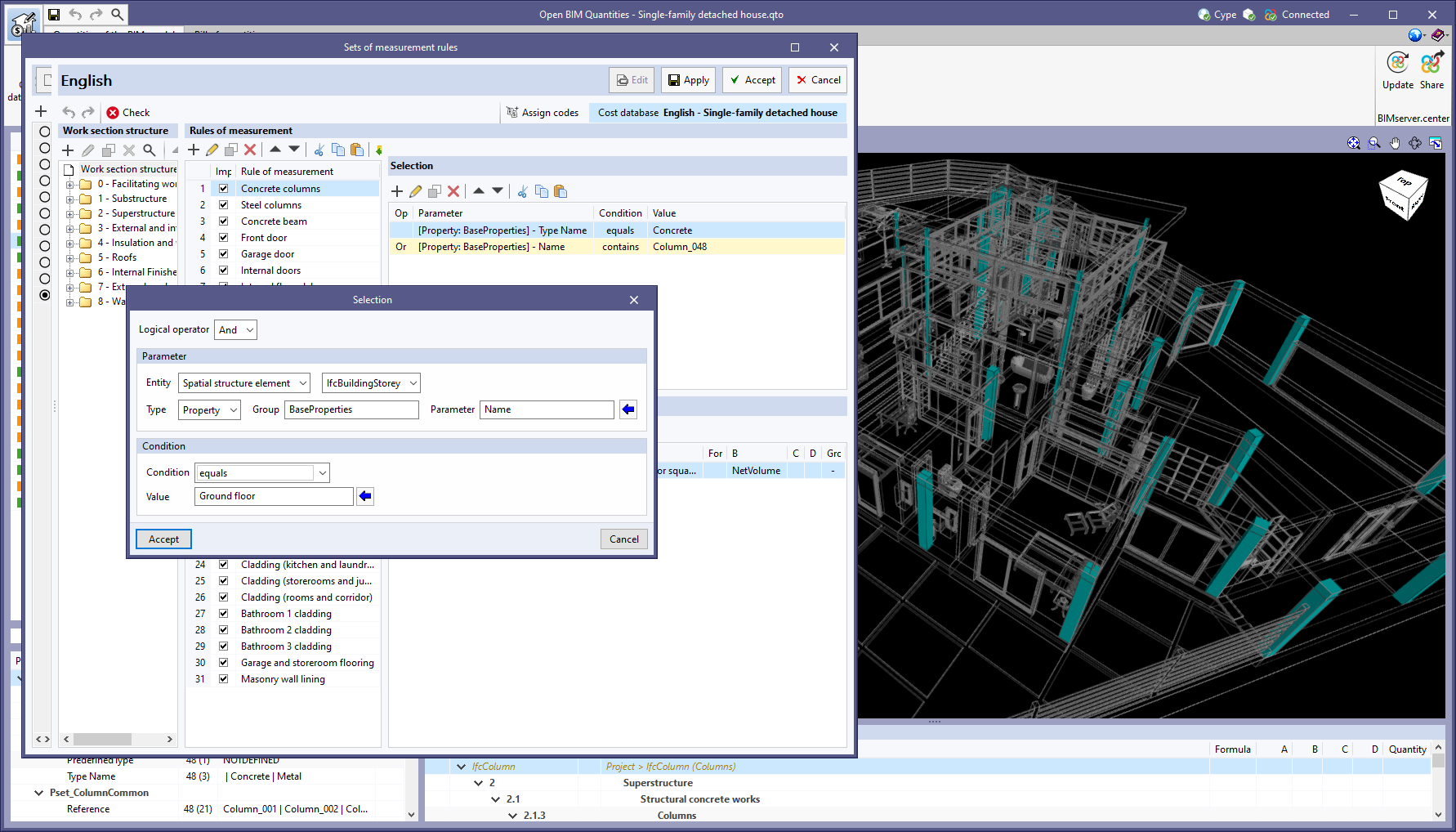
In the "Selection" panel of a rule of measurement, the "Entity" field has been added with two options: "Component" and "Spatial structure element". By selecting the latter, filtering can be carried out based on the parameters associated with the spatial structure element containing the components of the BIM model (e.g. the type of space in which they are located). In this case, the spatial structure element referred to in the IFC standard must be indicated:

  • Site (“IfcSite”)
  • Building (“IfcBuilding”)
  • Storey or level (“IfcBuildingStorey”)
  • Space (“IfcSpace”)

The "Component" option works in the same way as in previous versions, where a parameter is selected from the component of the BIM model itself.

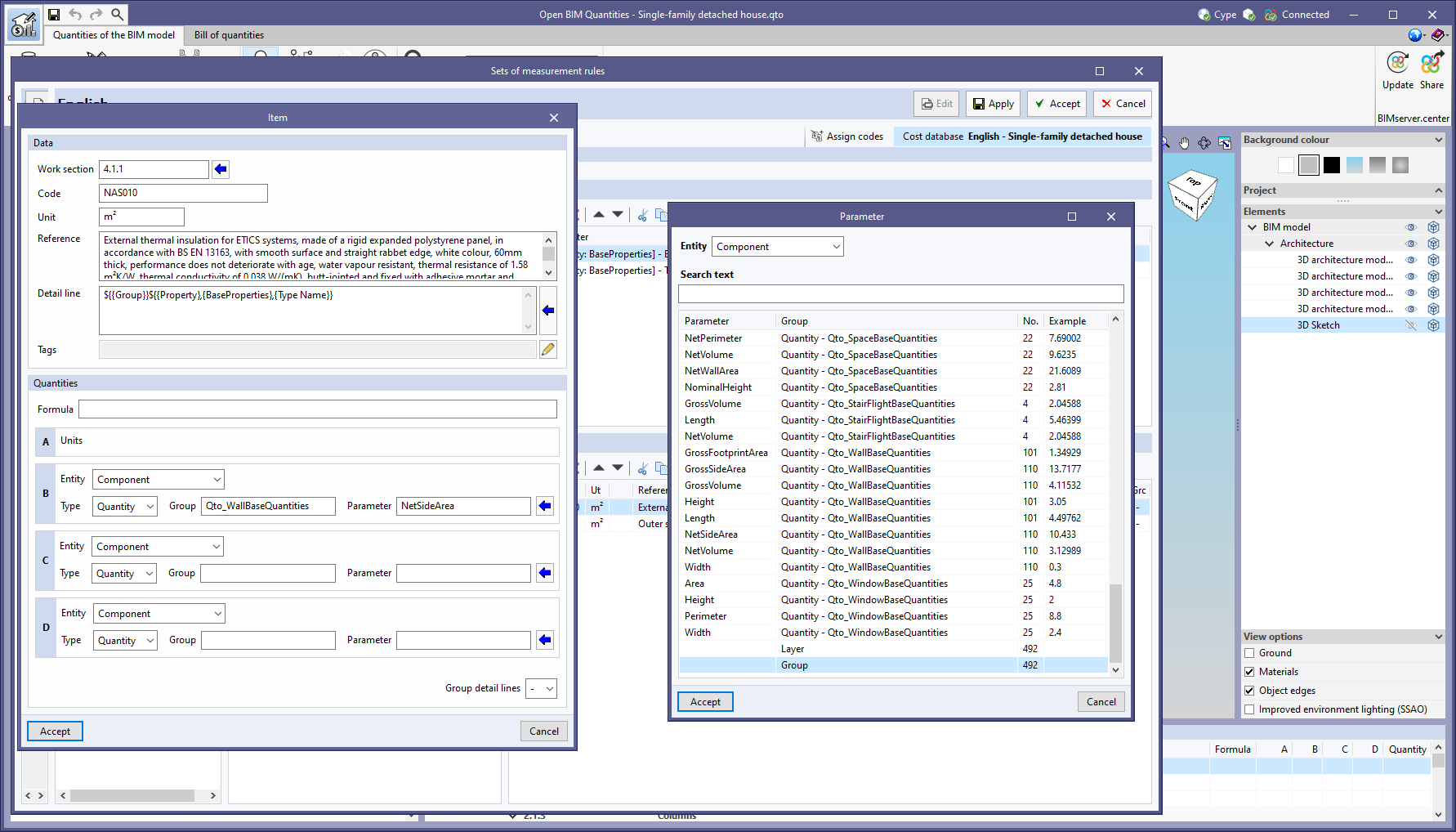
The "Entity" field has also been enabled in the definition of the "Quantities" variables (B, C and D) of the "Items" associated with a rule of measurement. This way, the properties and quantities of the spatial structure elements containing the selected components can now be used to define the quantity criteria.

With the reading of the BIM model layers in version 2023.b and the reading of the BIM model object groups in this version, two new attributes associated with the BIM model components (layer and group) have emerged. However, up until now, its value could not be used to generate the bill of quantities from the rules of measurement. For this reason, we have extended the options of the "Type" of parameter drop-down menu. It can be found in the "Selection" panel of the model components, as well as in the definition of the variables of the "Detail line" comment, in the "Tags" and in the "Quantities" (B, C and D) of the "Items". It is now possible to choose between "Properties" and "Quantities", as well as the name of the "Layer" or "Group".

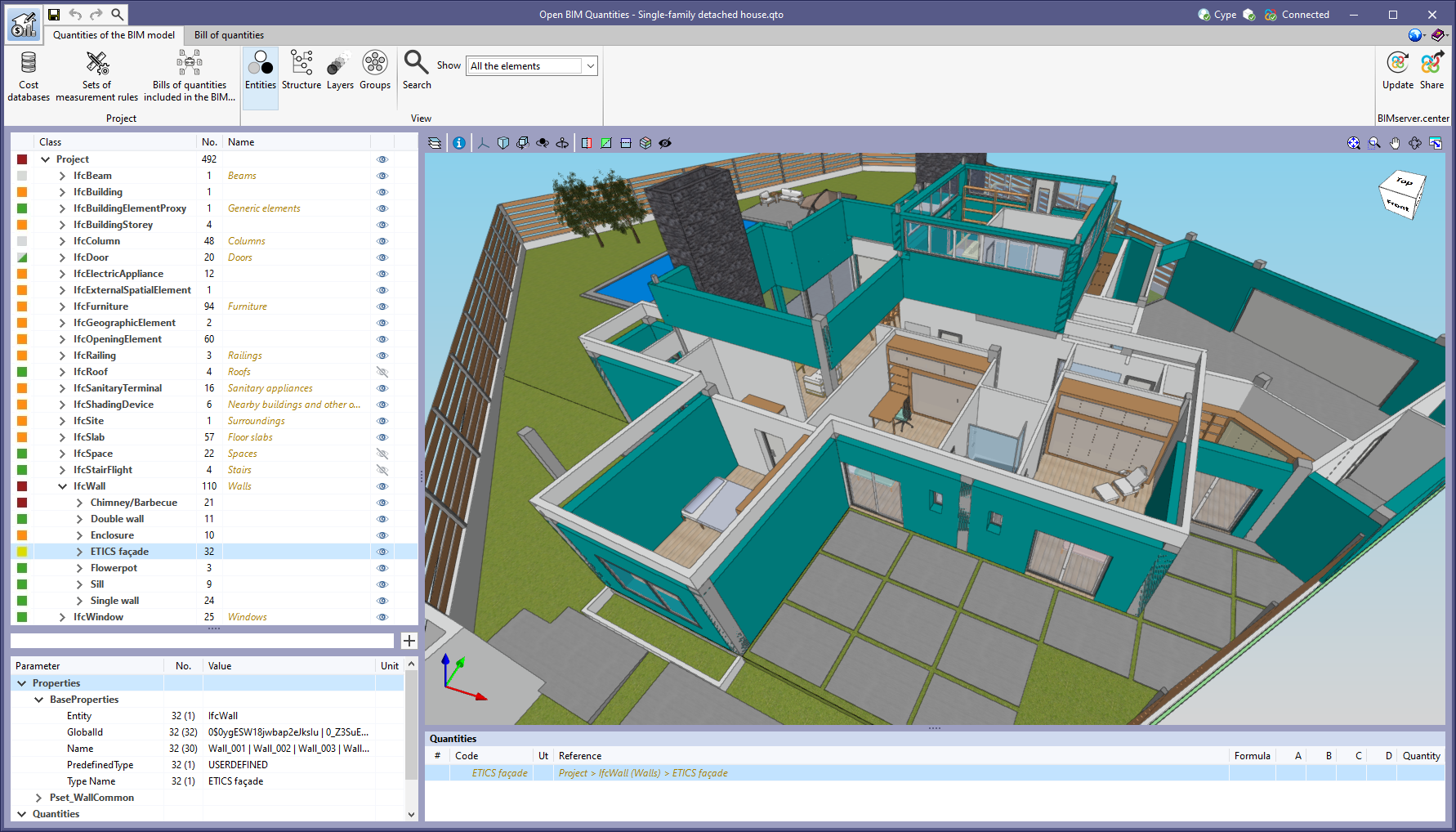
As of version 2023.c, Open BIM Quantities offers four different ways of displaying the BIM model component tree in the "Quantities of the BIM model" tab. Up until now, elements could be arranged according to the IFC entity in which they belong (IfcWall, IfcSlab, IfcSpace, etc), the spatial structure (IfcSite->IfcBuilding-> IfcBuildingStorey, etc.) or the layer in which they are located. In this update, the "Groups" button has been added to the set of "View" options in the application toolbar. By clicking on it, the tree is organised based on the groups defined in the IFC model ( via the "IfcGroup" entity). The components of a group are collected in a branch of the tree which is given the name of the group.

For viewing groups in jobs made with previous versions of Open BIM Quantities, the linked BIMserver.center project must be updated.

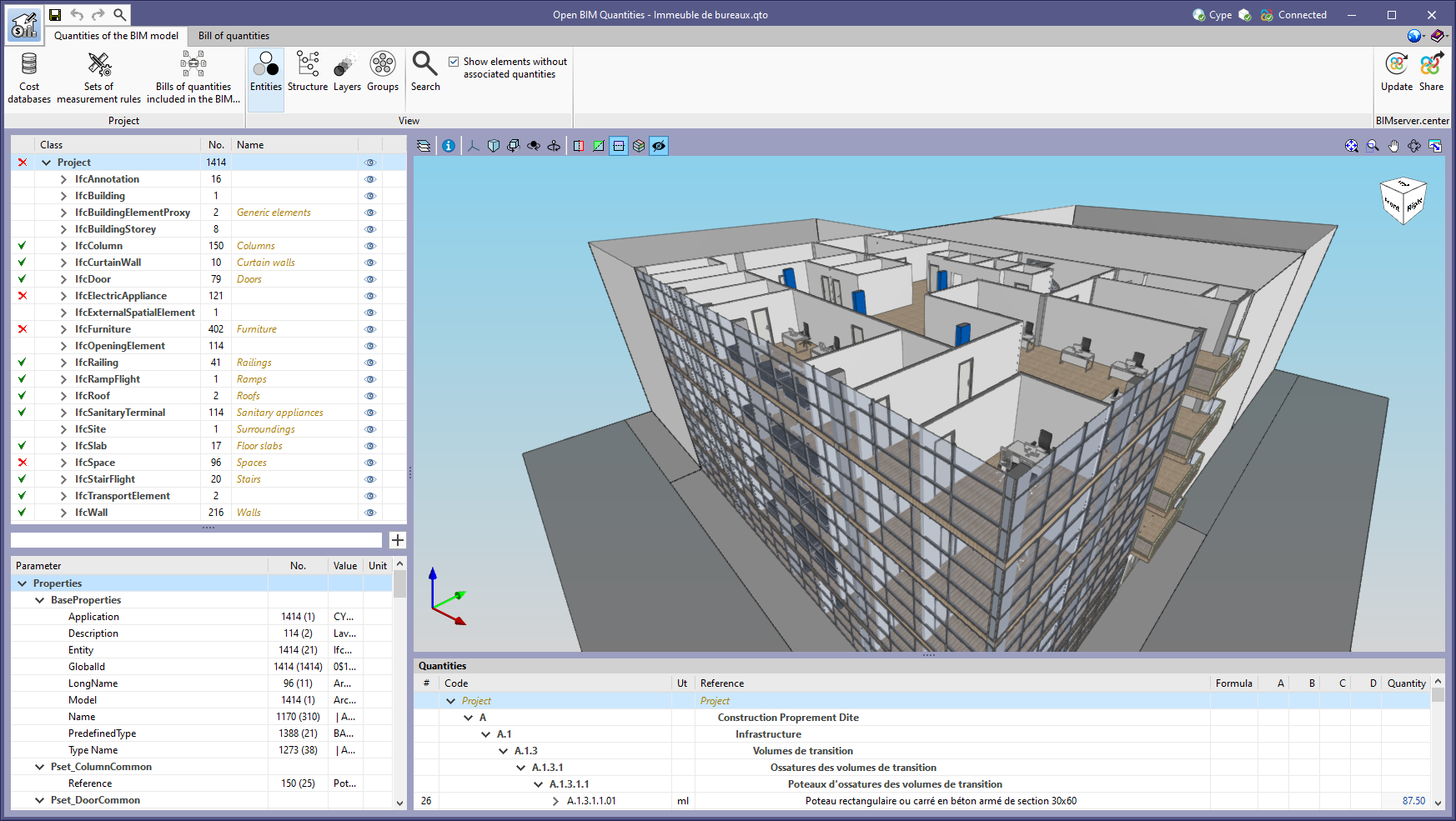
The icons in the BIM model component tree that are displayed next to each element have been modified in order to provide more information on their status. The statuses associated with each icon are as follows:

  • All components have at least one associated item.
  • None of the components have associated items because they have been selected from a rule of measurement not marked as "Import" in the set of rules.
  • Some components in that group have an associated item and other components do not have associated items because they have been selected from a rule of measurement that is not marked as "Import".
  • There are selected components in a rule of measurement with warnings.
  • There are components without an associated item.
  • An error has occurred when applying the rule of measurement to one of the components.
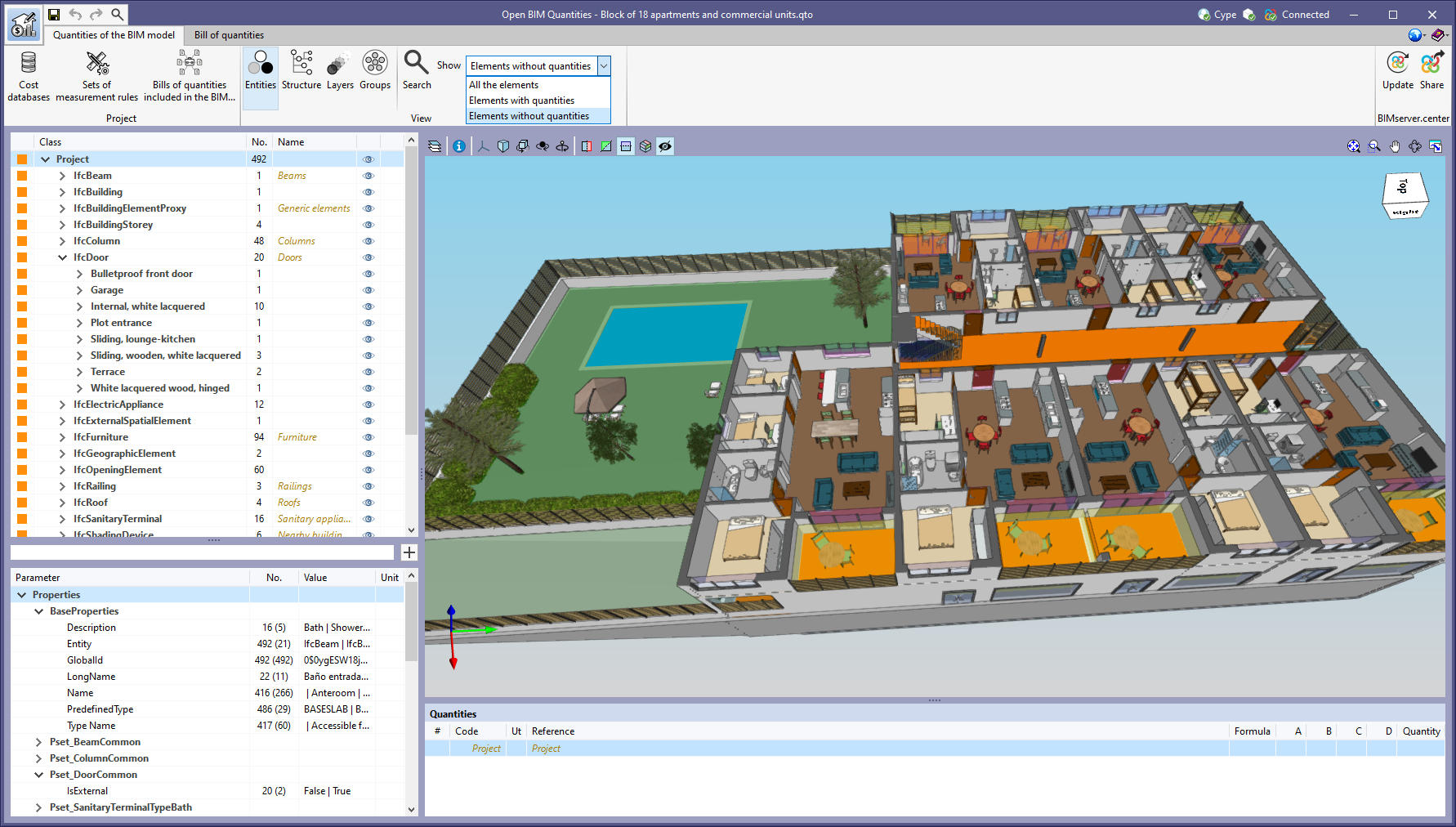
The "Show elements without associated quantities" option, found in the "View" group of the "Quantities of the BIM model" tab, has been replaced by a drop-down menu with three statuses:

  • Show all the elements
    All BIM model components are shown in the tree.
  • Show elements with quantities
    Only those components that have been selected in at least one rule of measurement that generates items are shown in the tree.
  • Show elements without quantities
    Only those components that have not been selected in at least one rule of measurement that generates items or that have warnings or errors in one of them are shown in the tree.

Thanks to this extension of the tool, it is easier to identify the components that still need to be added to the quantities.

A button has been added to the "Cost databases" list components, available from the toolbar in the "Bill of quantities" tab. In previous versions, the active cost database was the one selected in the list. Now, using this button, users can explicitly indicate the active cost database in the project.

The French example job "Immeuble de bureaux" has been added along with its cost database and set of measurement rules ("Français - Immeuble de bureaux").

The Spanish example job "Unifamiliar aislada" has been updated along with its cost database ("España - Unifamiliar aislada").

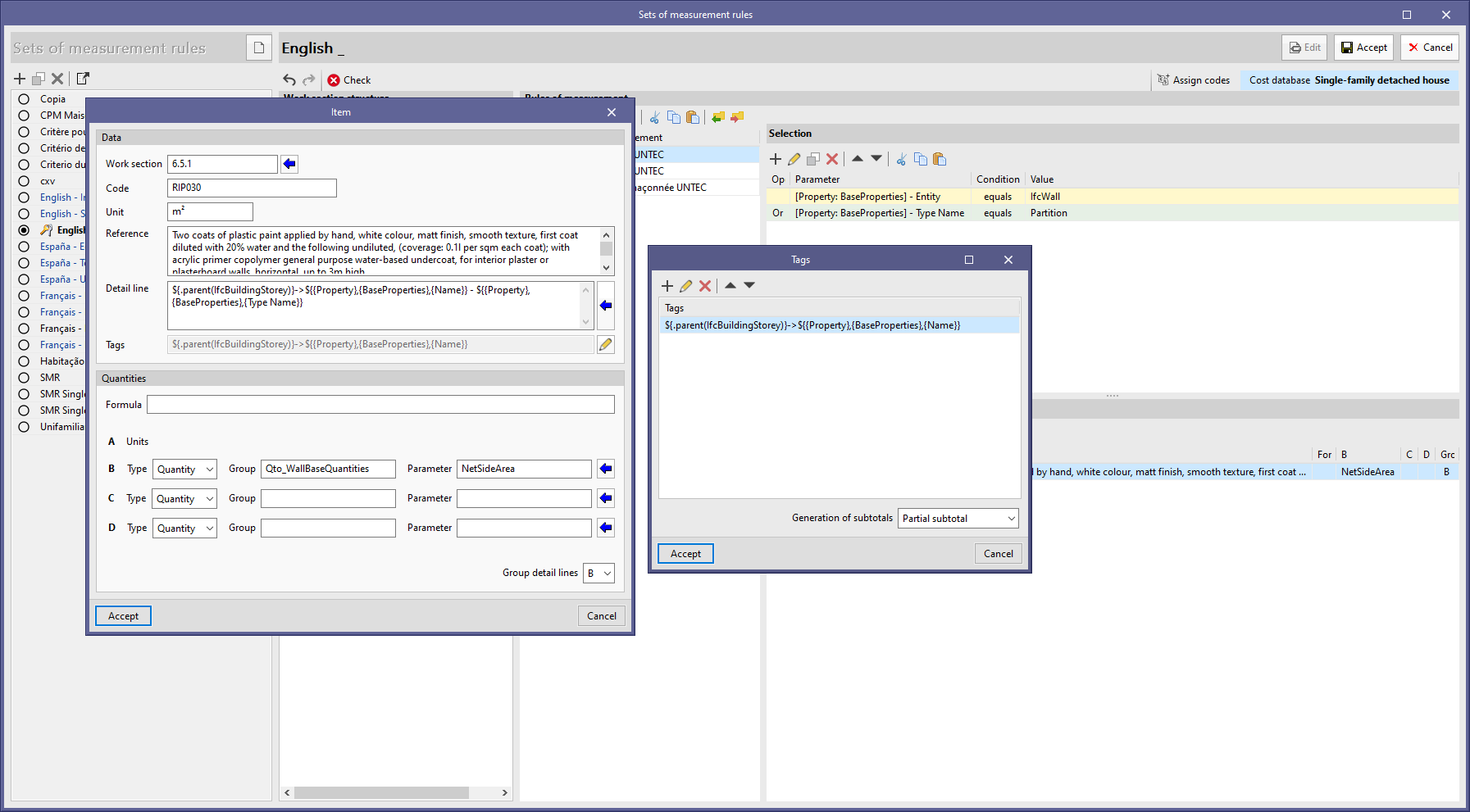
As of version 2023.b, Open BIM Quantities allows the subtotals in the quantity detail lines to be generated from the sets of measurement rules. To do this, the tags associated with the rules of measurement are used. 

Now, in the "Tags" window that appears in the editing panel of an item, the "Generation of subtotals" option is included. From this field, users can choose whether to generate partial or accumulated subtotals. These subtotals are linked to the first tag entered in the list and a subtotal line will be created in the quantity details each time the value changes. For this reason, at least one tag must be entered in the item to be able to generate subtotals from a rule of measurement.

The "Quantities" panel has been improved. The following elements are now included in its structure:

  • A main branch has been added which contains all the elements and also indicates the position of the IFC model in the component tree.
  • Items' quantity detail lines can now be expanded and collapsed.
  • The quantity of each item is now calculated.
  • The tags of an item's detail lines can now be displayed.
  • The partial and accumulated subtotal lines defined according to the procedure described in the new feature "Subtotal line management from the set of measurement rules" have been added.