CYPE Mentor

Update history​​

StruBIM Steel

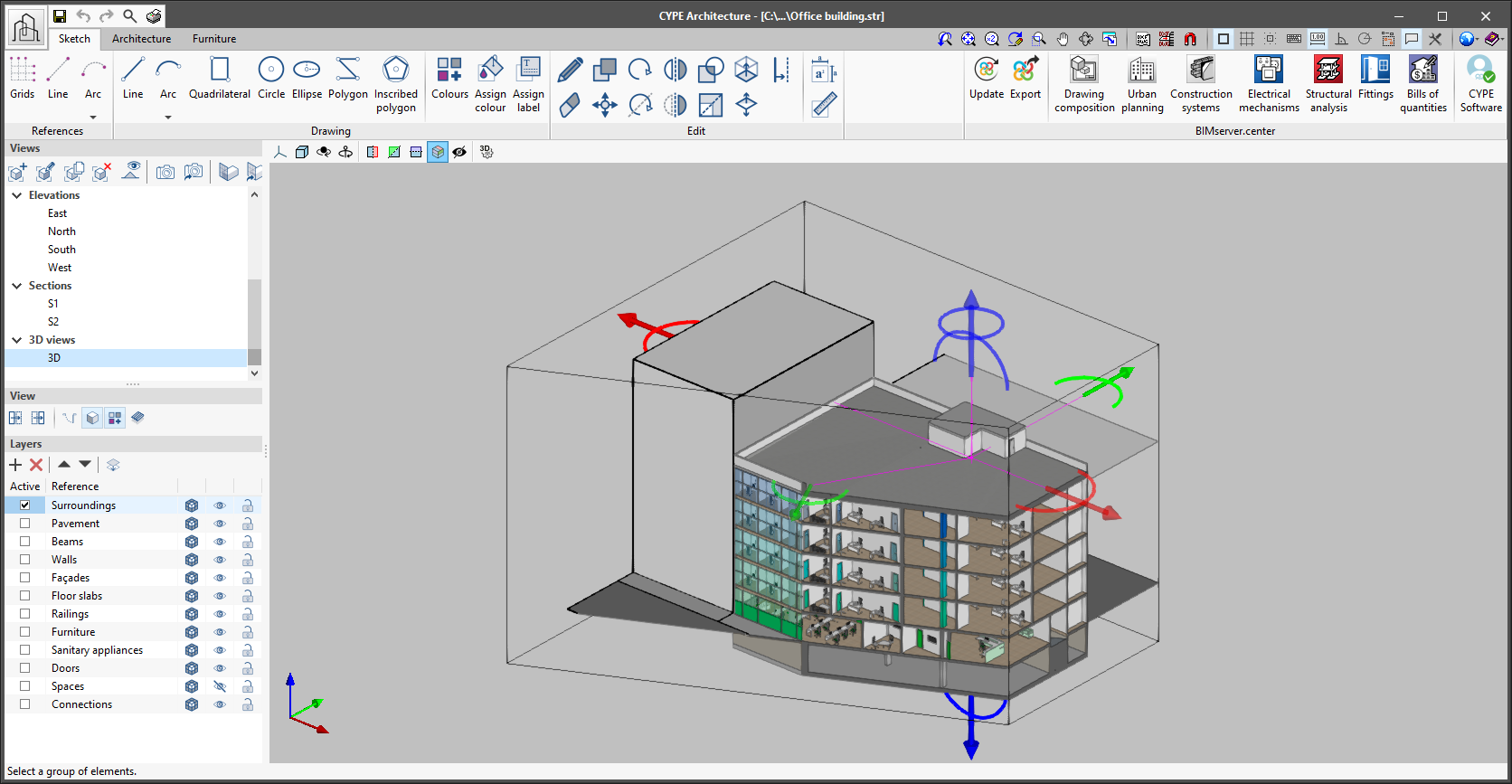
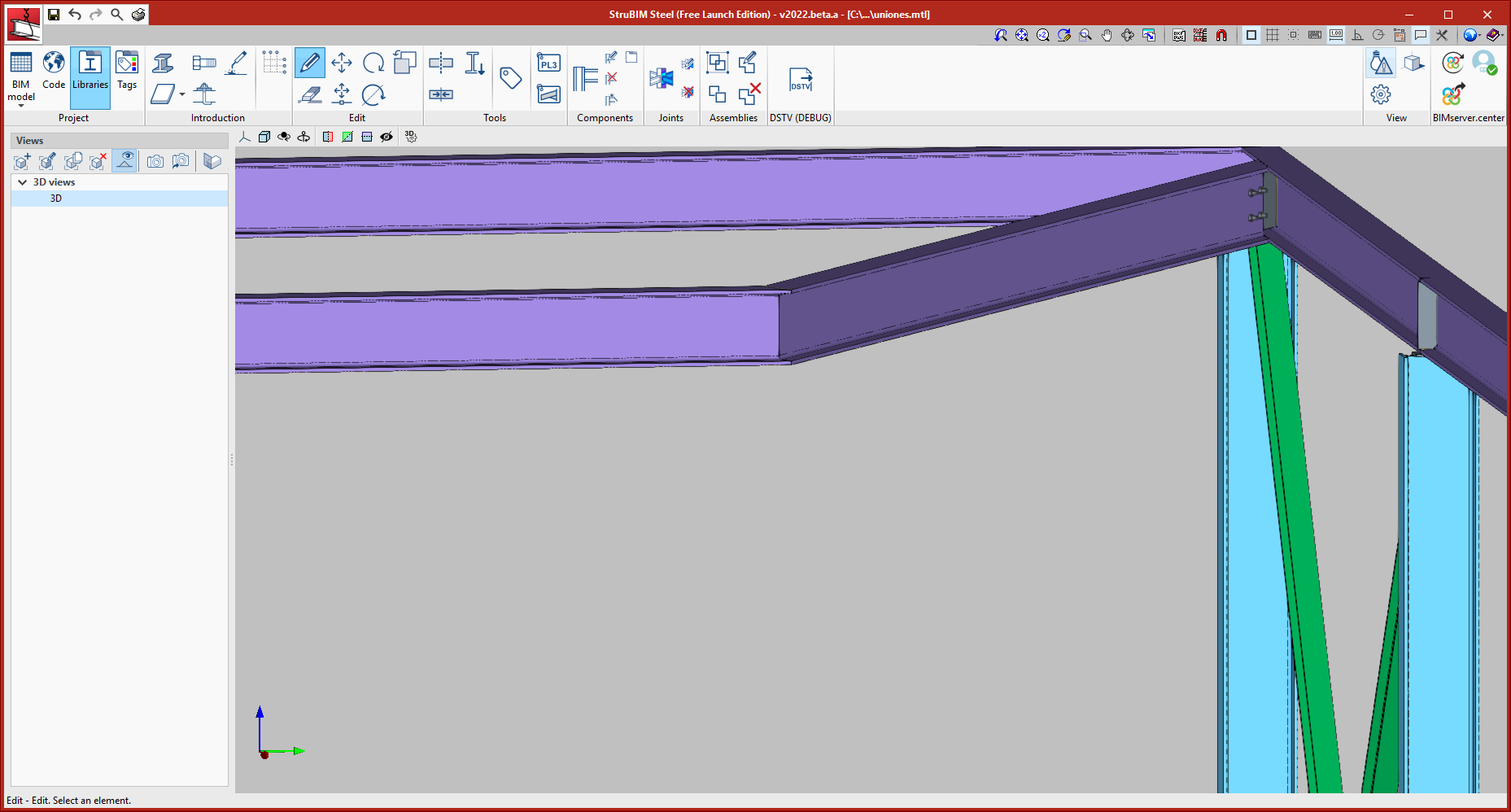
As of version 2022.b, applications with 3D drawing surroundings allow a viewing volume to be defined from the geometric envelope of the scene content. The arrows allow the viewing volume to be adjusted by moving their faces and the arches allow the viewing volume to be adjusted by means of 6 clips planes.

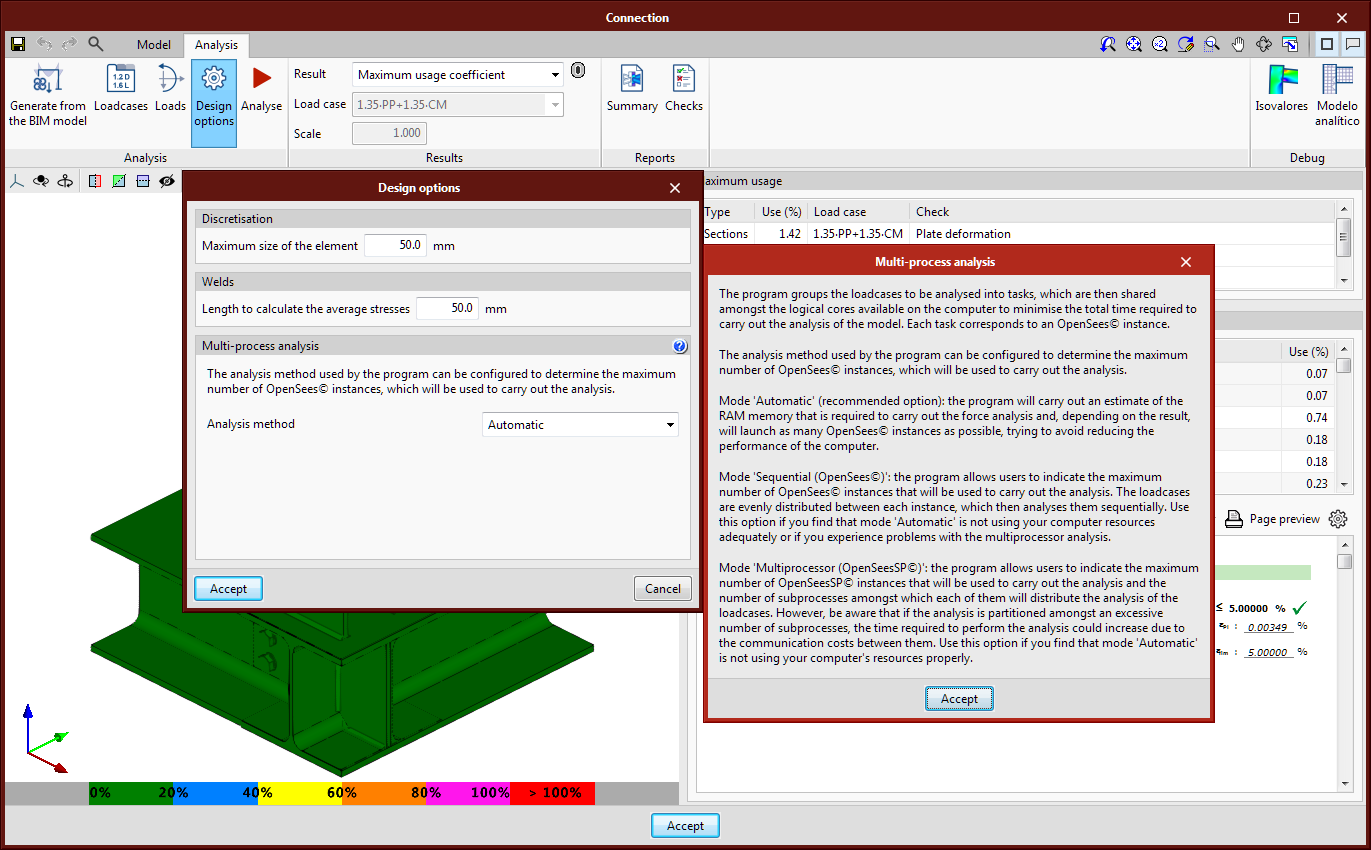
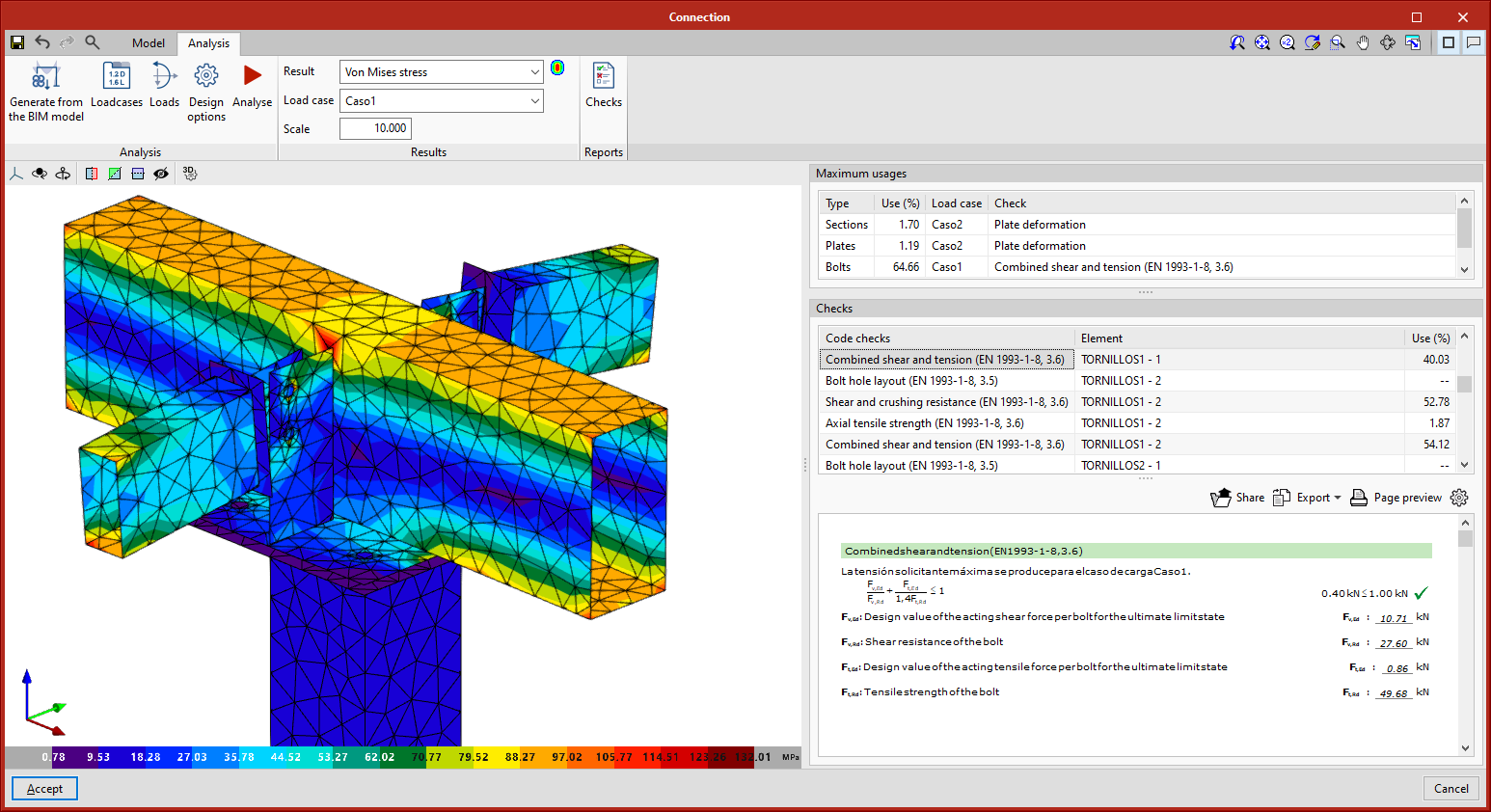
Optimisations have been implemented in the connection analysis process. With these optimisations, the analysis time has been reduced by approximately 30% according to the tests carried out.

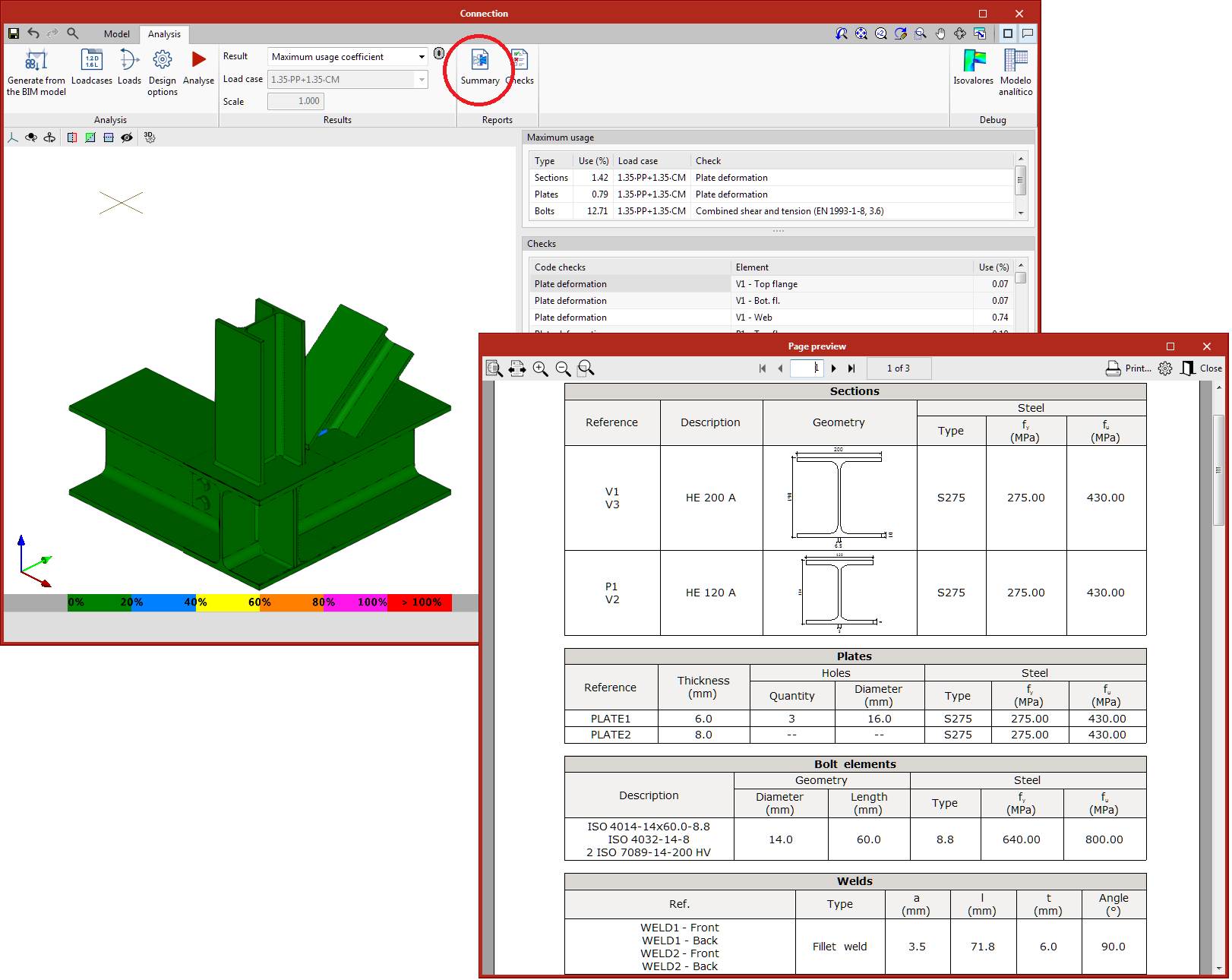
The connection summary report has been added. Connection elements, section loads, or the checks of sections, plates, fillet butt welds, and bolts can be displayed in a summarised form in this report.

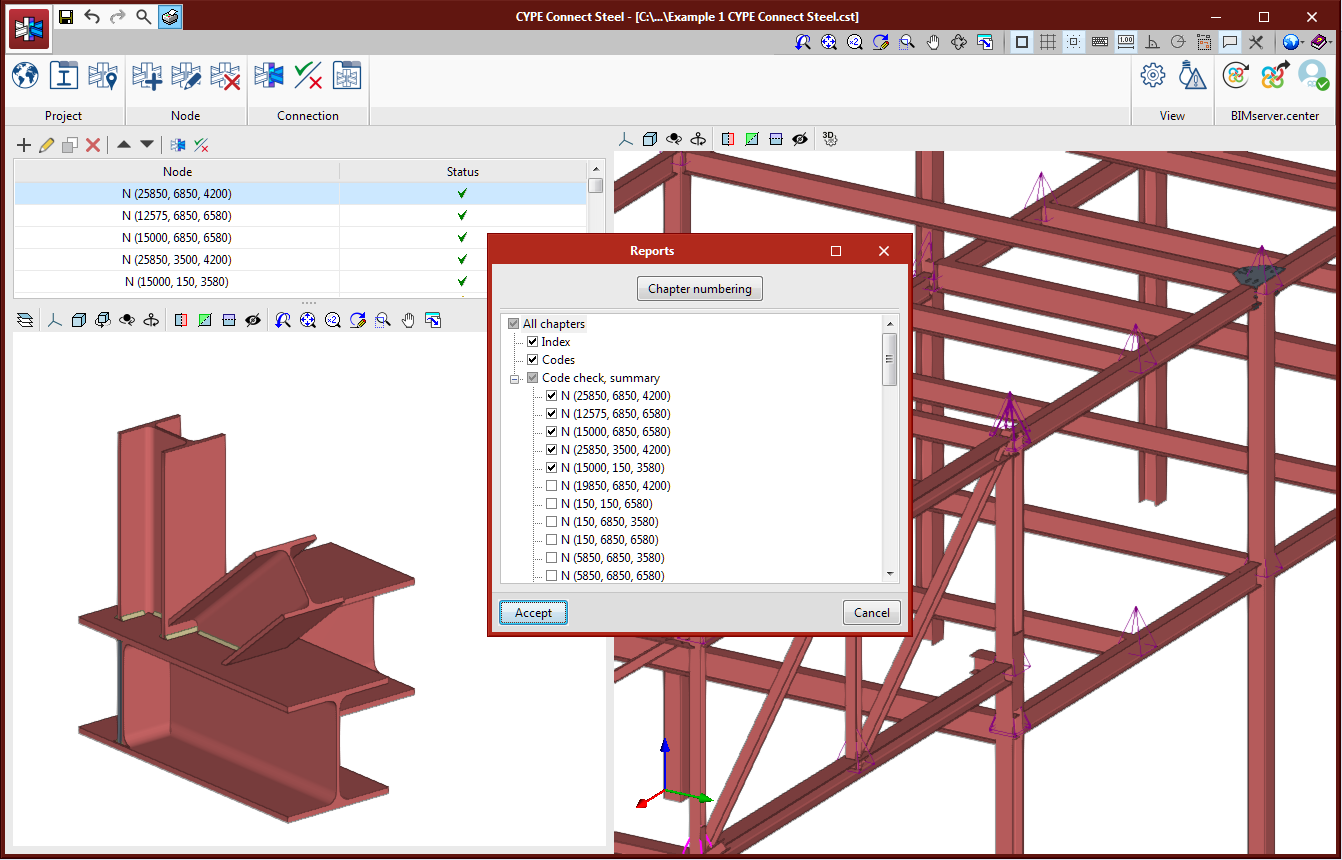
From the "Report" button in the main CYPE Connect Steel window, the report can also be generated with a summary of the nodes selected by the user.

In version 2022.a, a connection library has been added, allowing users to save defined connections so they can be applied to other nodes of the same or other jobs. This library is common to CYPE Connect Steel and StruBIM Steel.

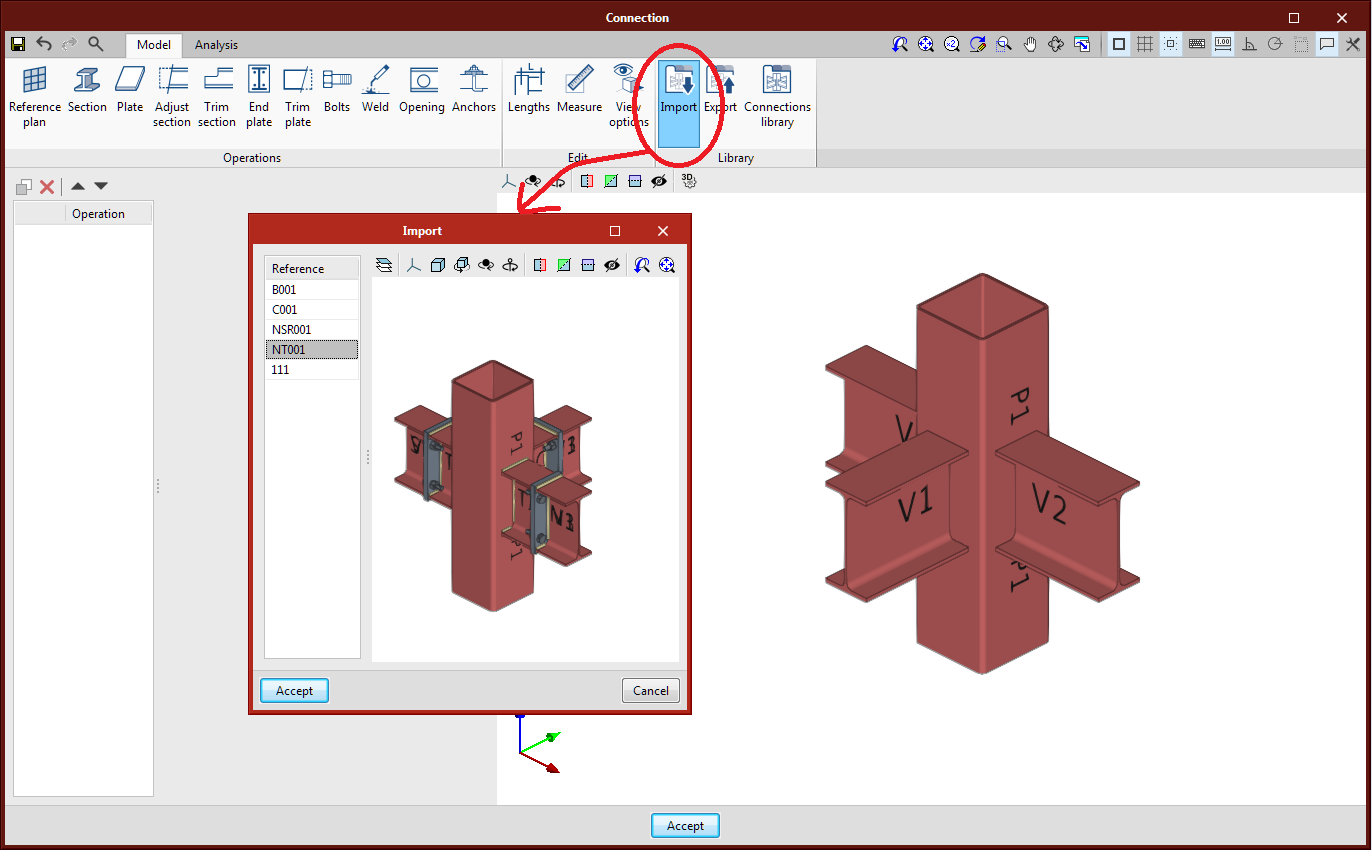
From the connection editing panel, users will have access to the added options: Import from library, Export to library and Connections library.

  • Import from library

    This tool allows users to import the list of operations from a connection from the library.
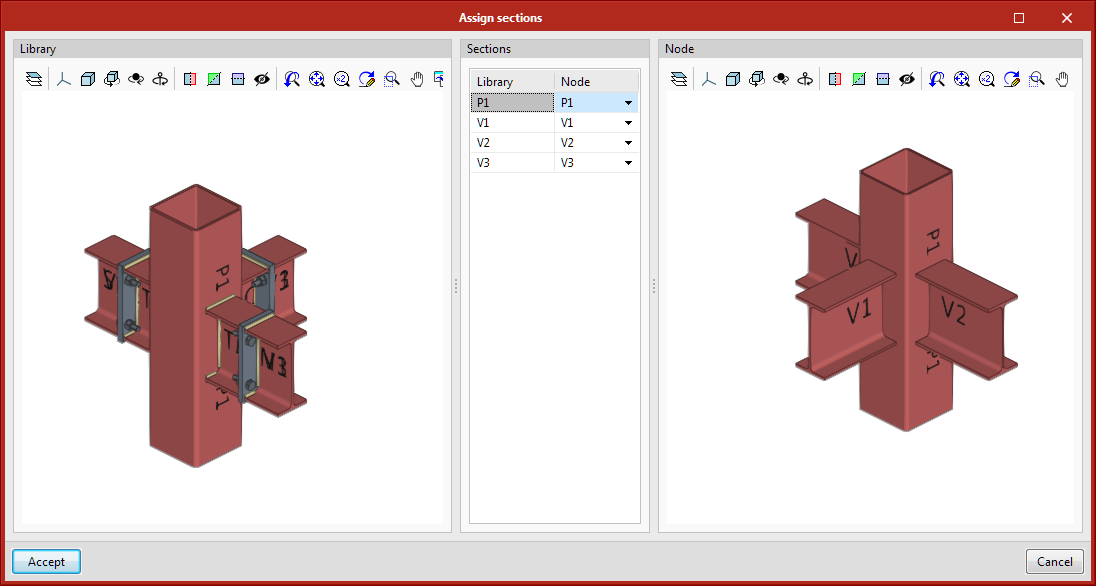
  • When importing, if the section layout is not identical to the one saved in the connection, users will be asked to match the sections of the library with the sections of the current node.
  • Export to library
    Allows a connection to be saved in the job’s connection library. By clicking on "Export", the program will request users to define the reference to save it in the job library.
  • Connections library
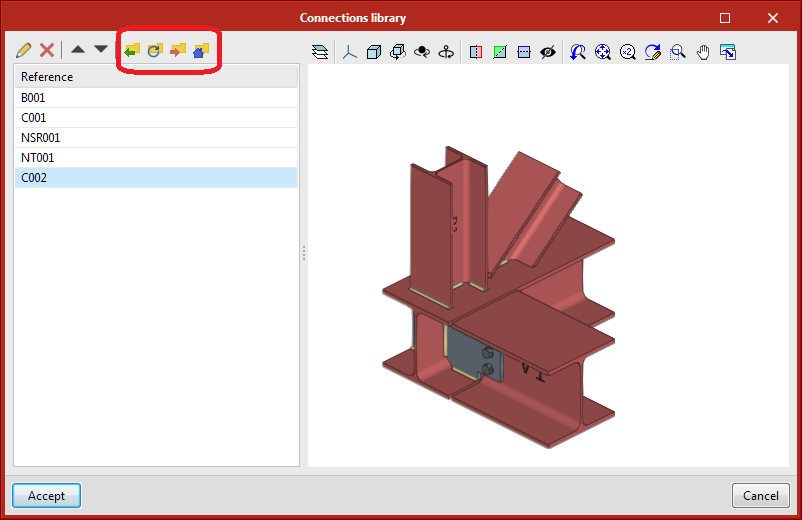
    The connections saved in the library will be available for use in the job itself. To save the connections in this library in the drive and to be able to use them in other projects, share them between CYPE Connect Steel and StruBIM Steel, or share them with other computers, users must click on "Export the element to a file".

    The management of this library works in the same way as the other libraries. The following options related to the management of this library are shown at the top:

    • Import the elements saved in the drive to the project
    • Update the elements used in the project
    • Export the element to a file
    • File selection with initial values for the creation of a new job

Version 2021.g of CYPE’s programs is a closing version of the 2021 version.

As well as the new features and improvements expressly indicated in each version of CYPE software, process optimisation involving internal updates for all our programs is normally included. In each revision, all programs are systematically checked and changes are made to improve their performance, therefore, we recommend that our users (in this case those of v.2021) always update their version to the latest one, regardless of the country for which they are using CYPE software or the language in which it is installed.

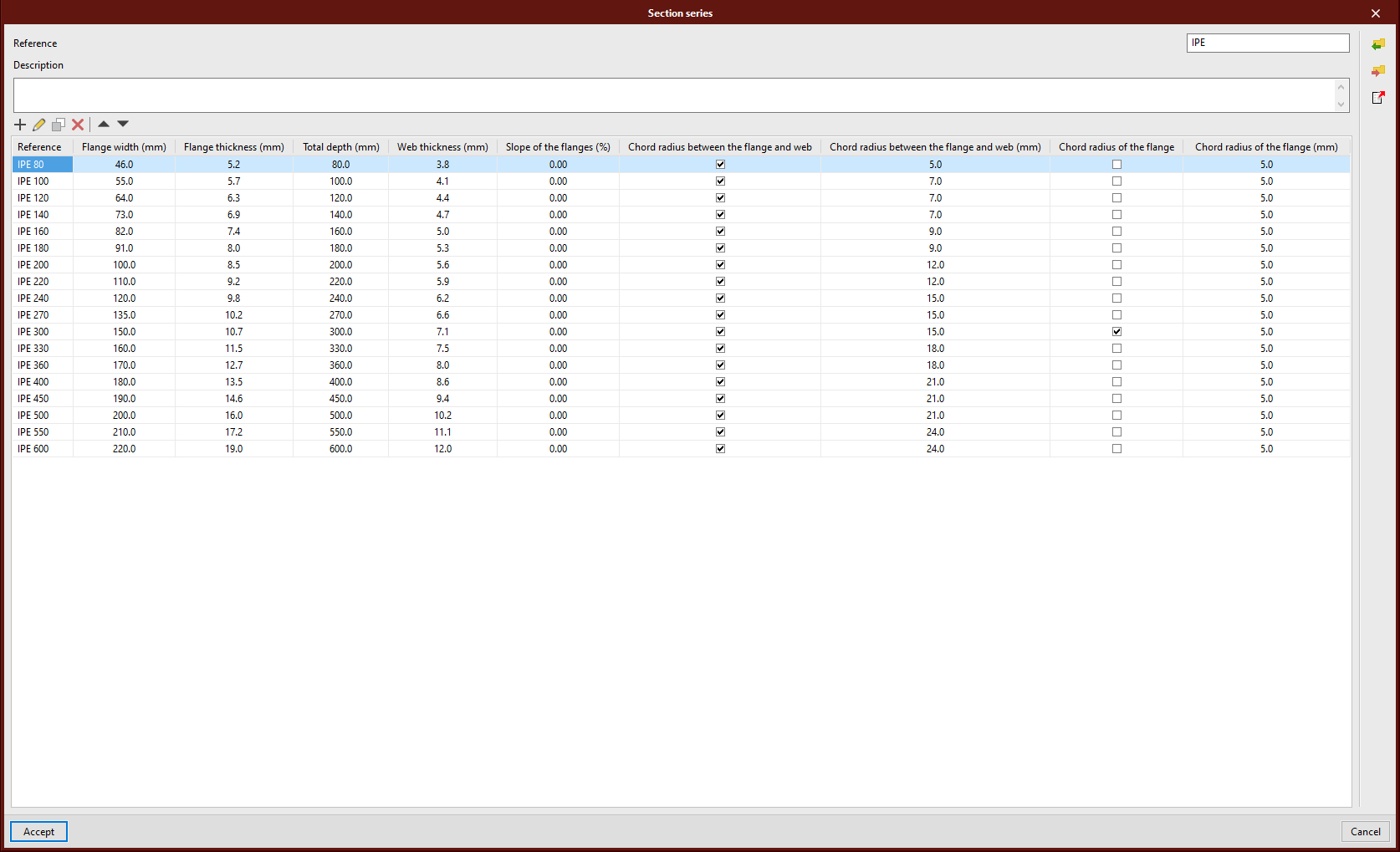
The materials and section libraries have been modified. Now they are represented and edited in table mode. With this upgrade, it is easier to add or edit the library by pasting from the Excel table clipboard.

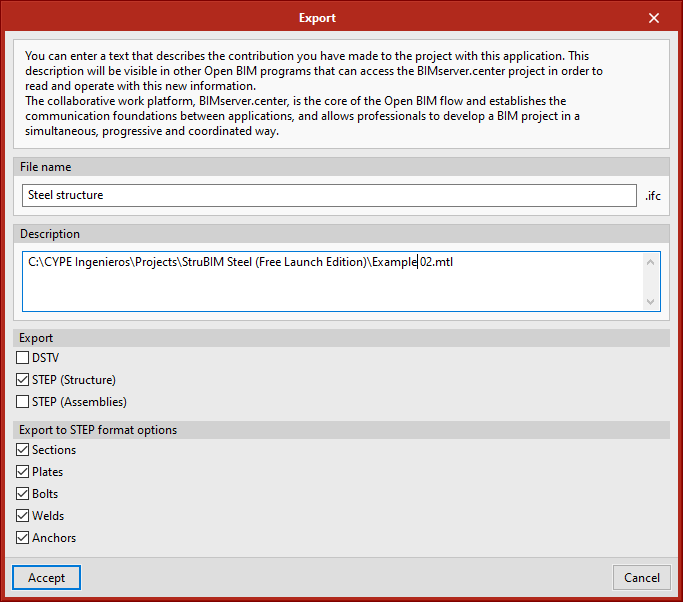
In version 2021.e, the exporting to STEP format was implemented, this version exported sections and boards. Version 2021.f has implemented the exportation of bolts, welds, and anchors. Also, users are given the option of selecting the types of elements they wish to export.

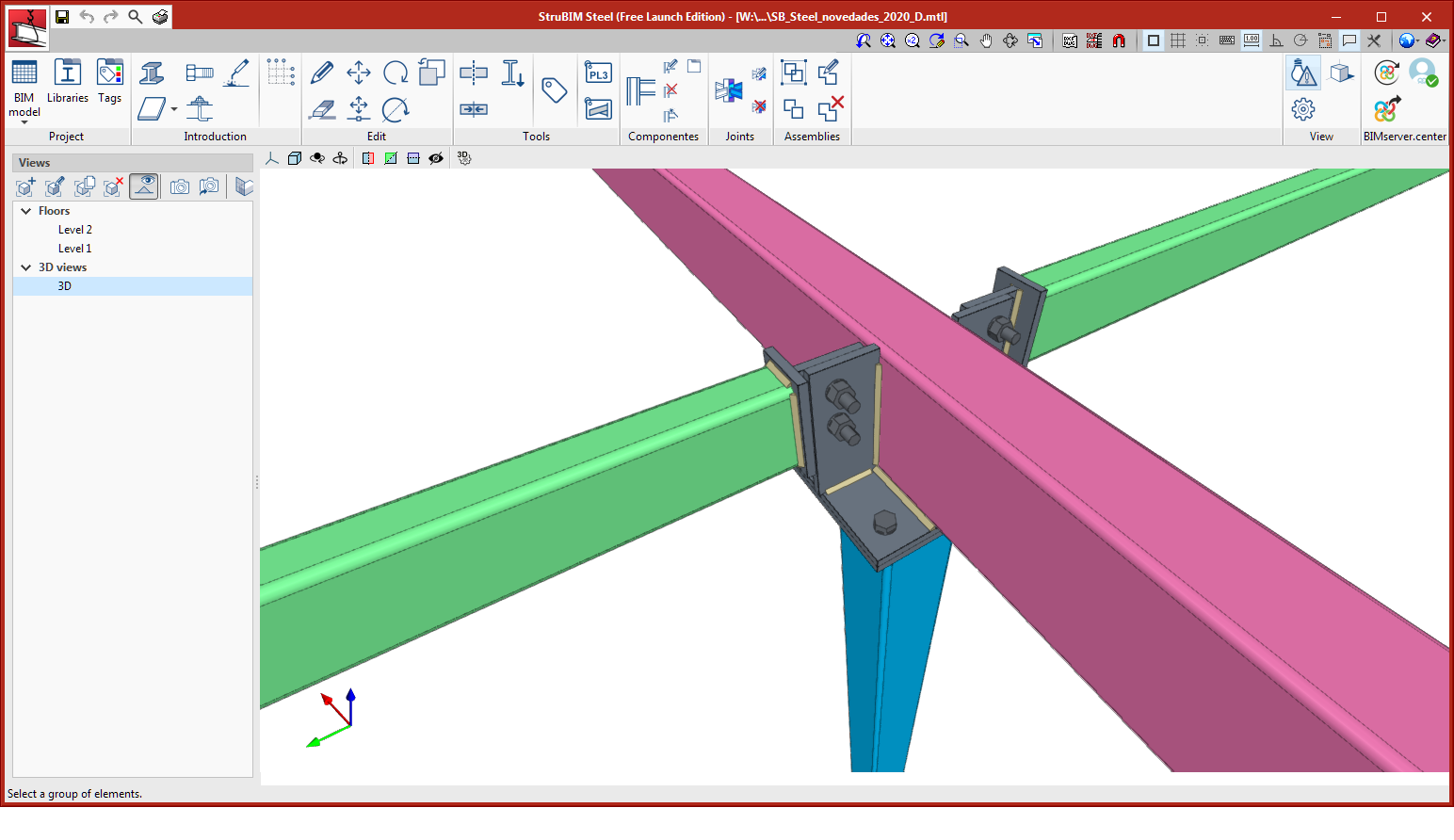
Connections between hollow sections

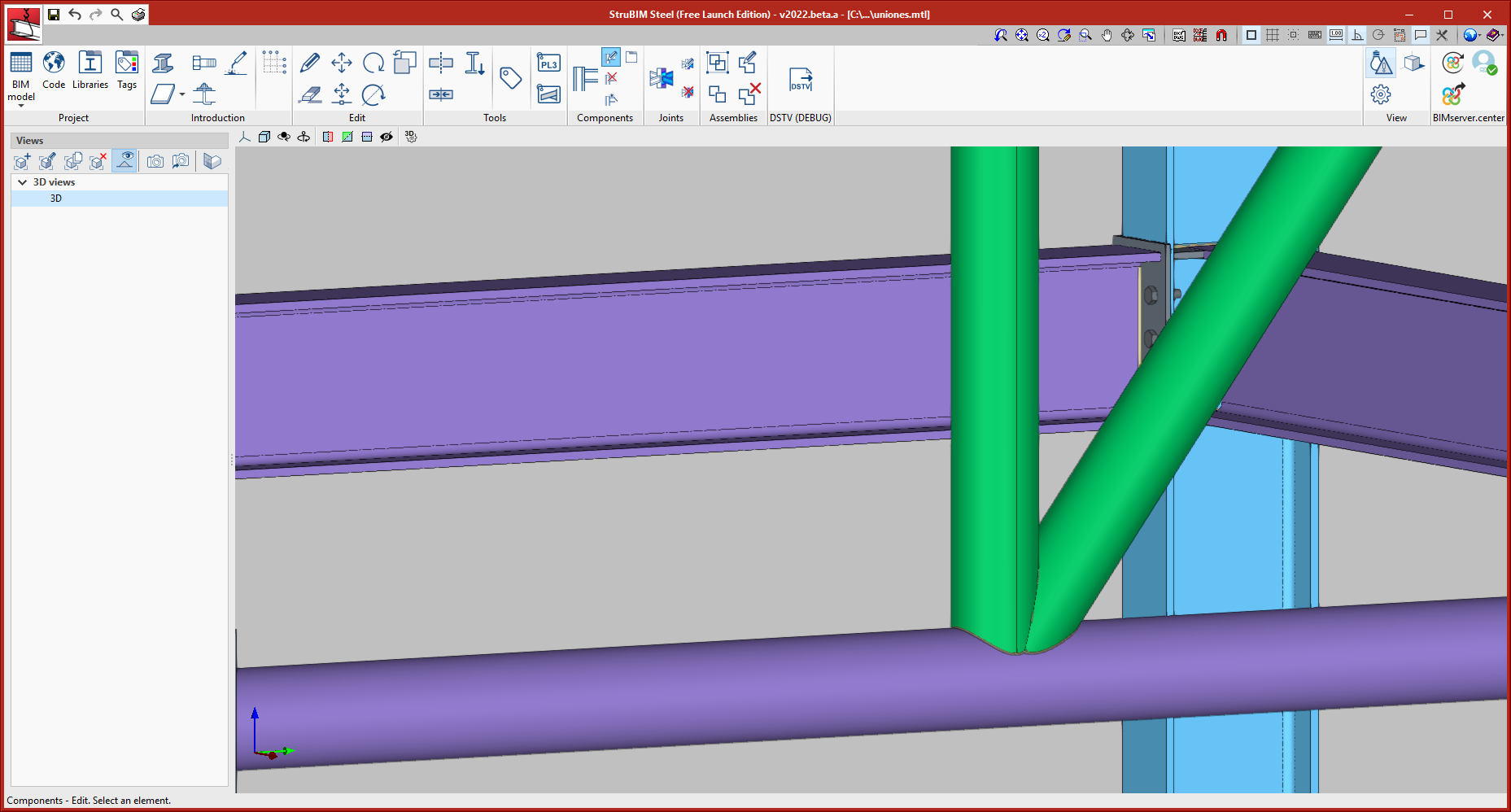
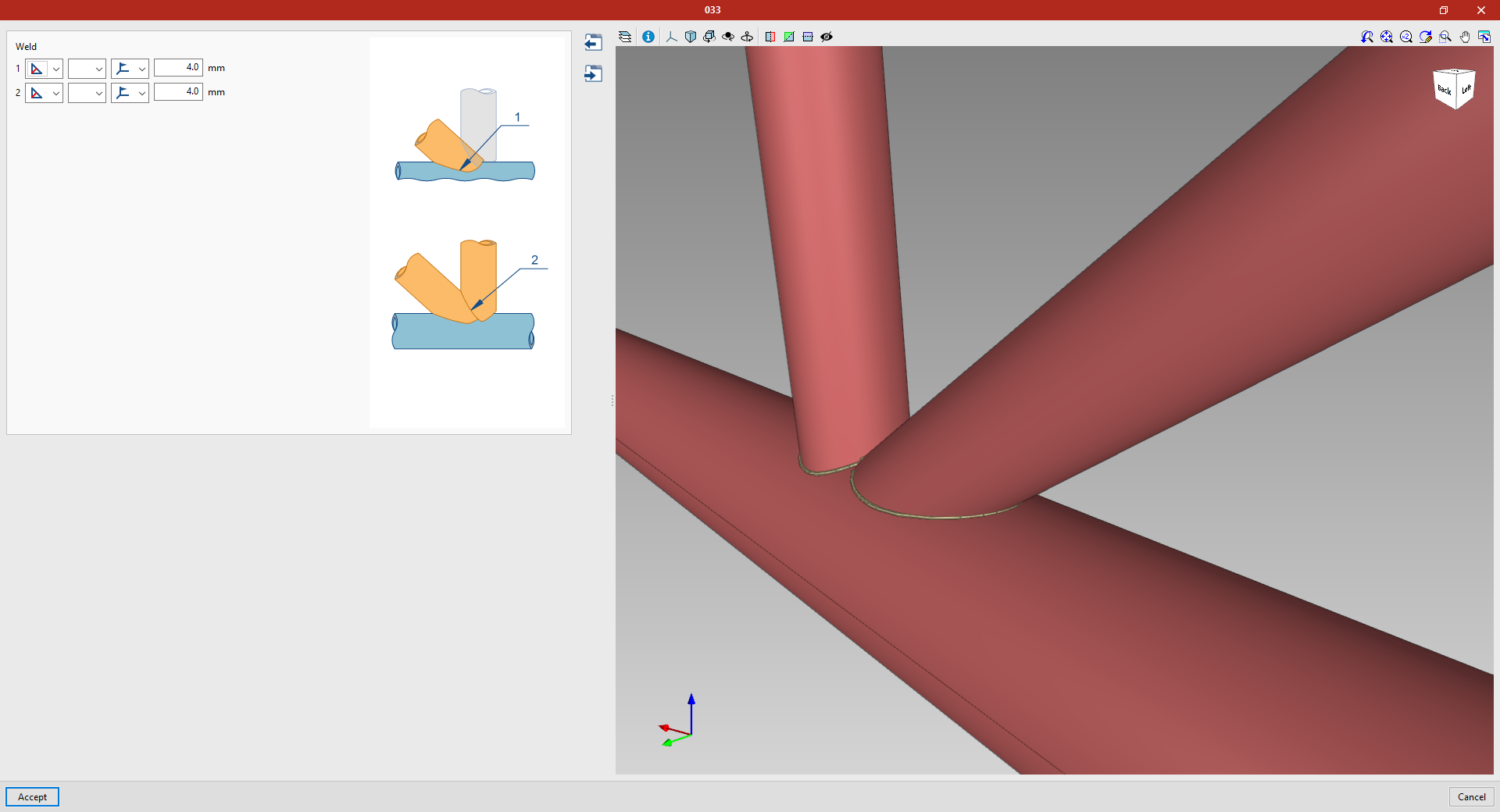
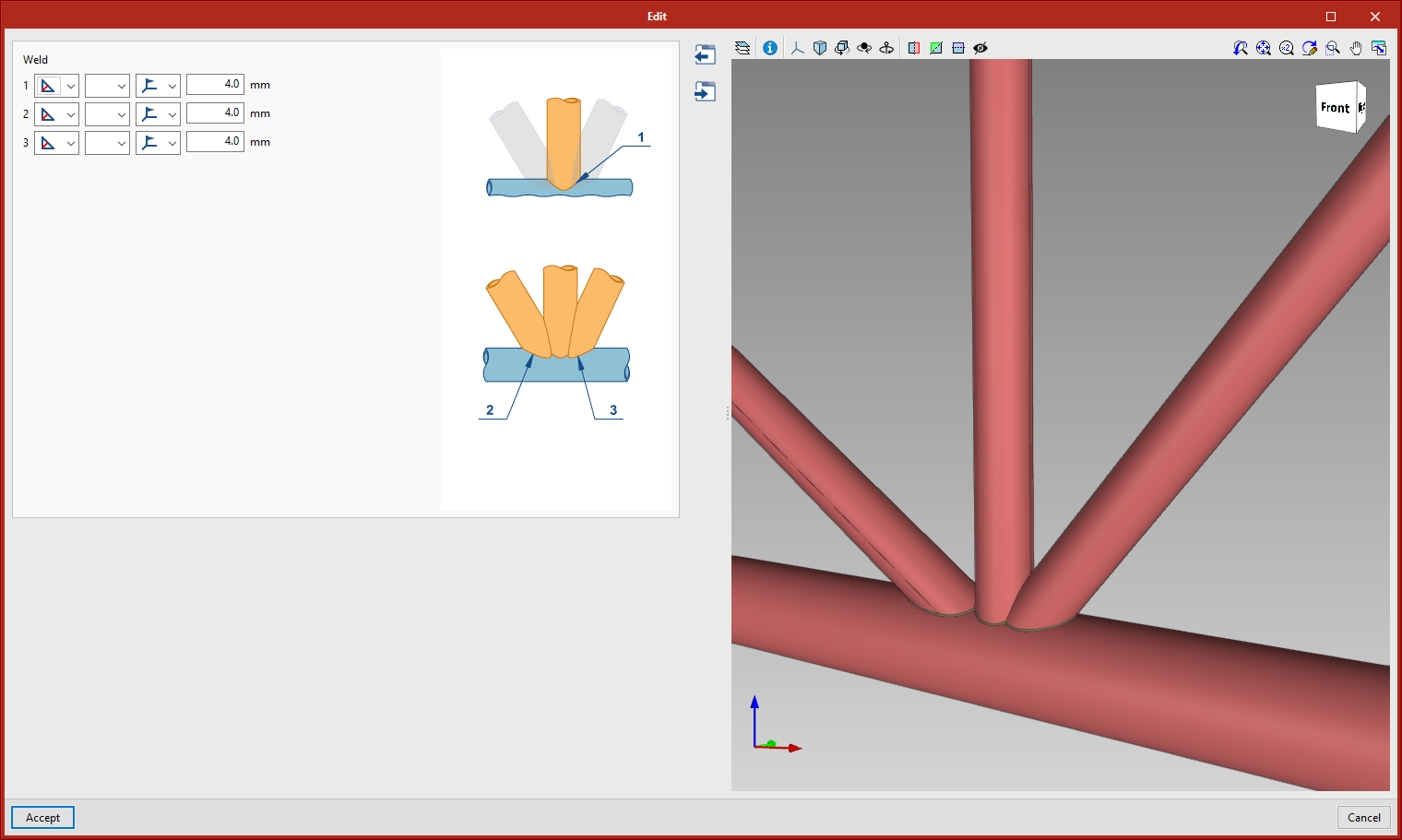
  • One main hollow section and two secondary ones
    In this connection, the first secondary hollow section is cut by the main hollow section. The third hollow section is cut by the two previous ones.
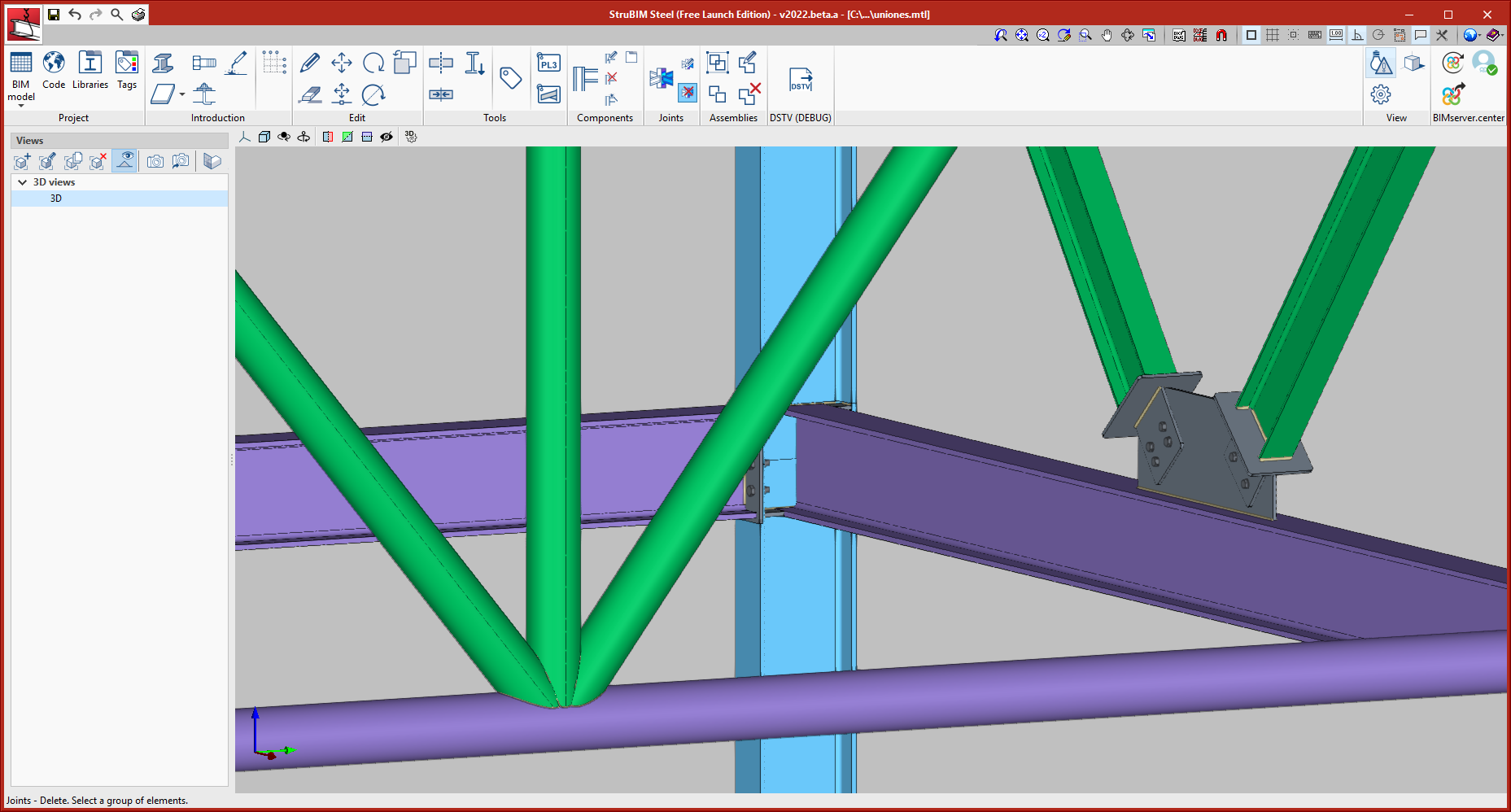
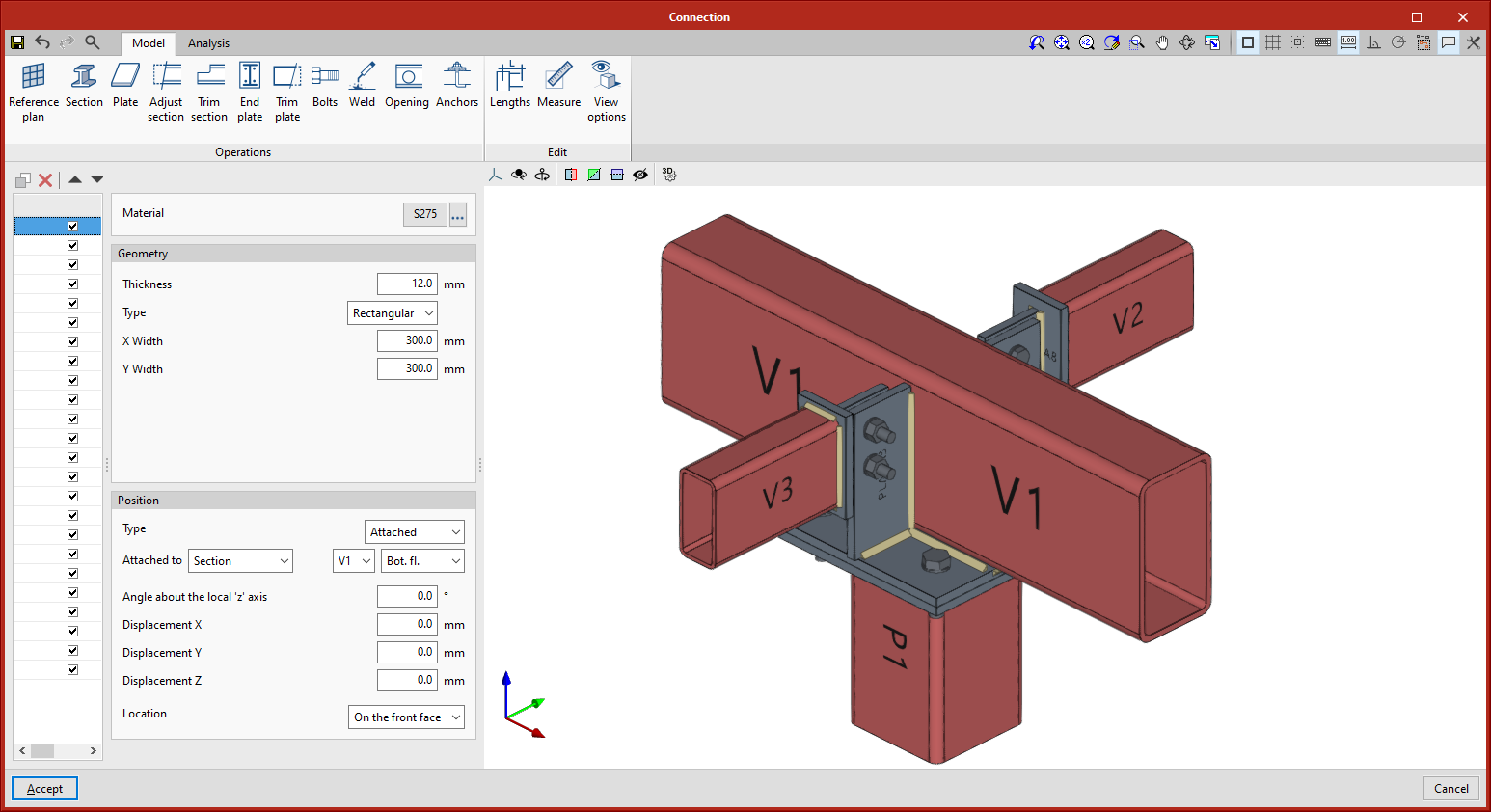
  • One main hollow section and three secondary ones
    In this connection, the first secondary hollow section is cut by the main hollow section. The third and fourth hollow sections are cut by the main hollow section and the first secondary one.

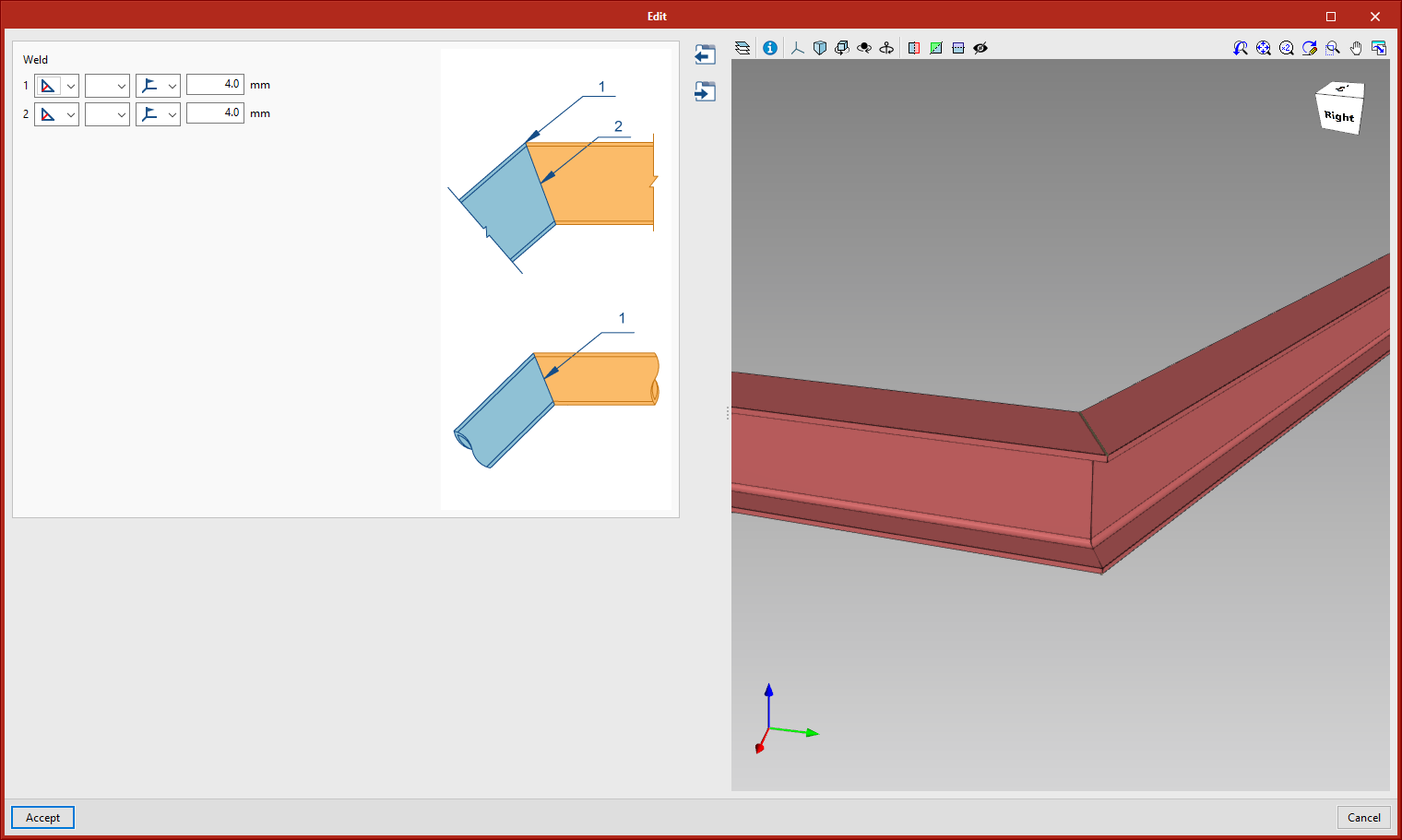
Connection in the "Splices" section
This connection allows butted connections between sections. The section types admitted are rolled I section, rolled U section, circular hollow section, and rectangular hollow section.

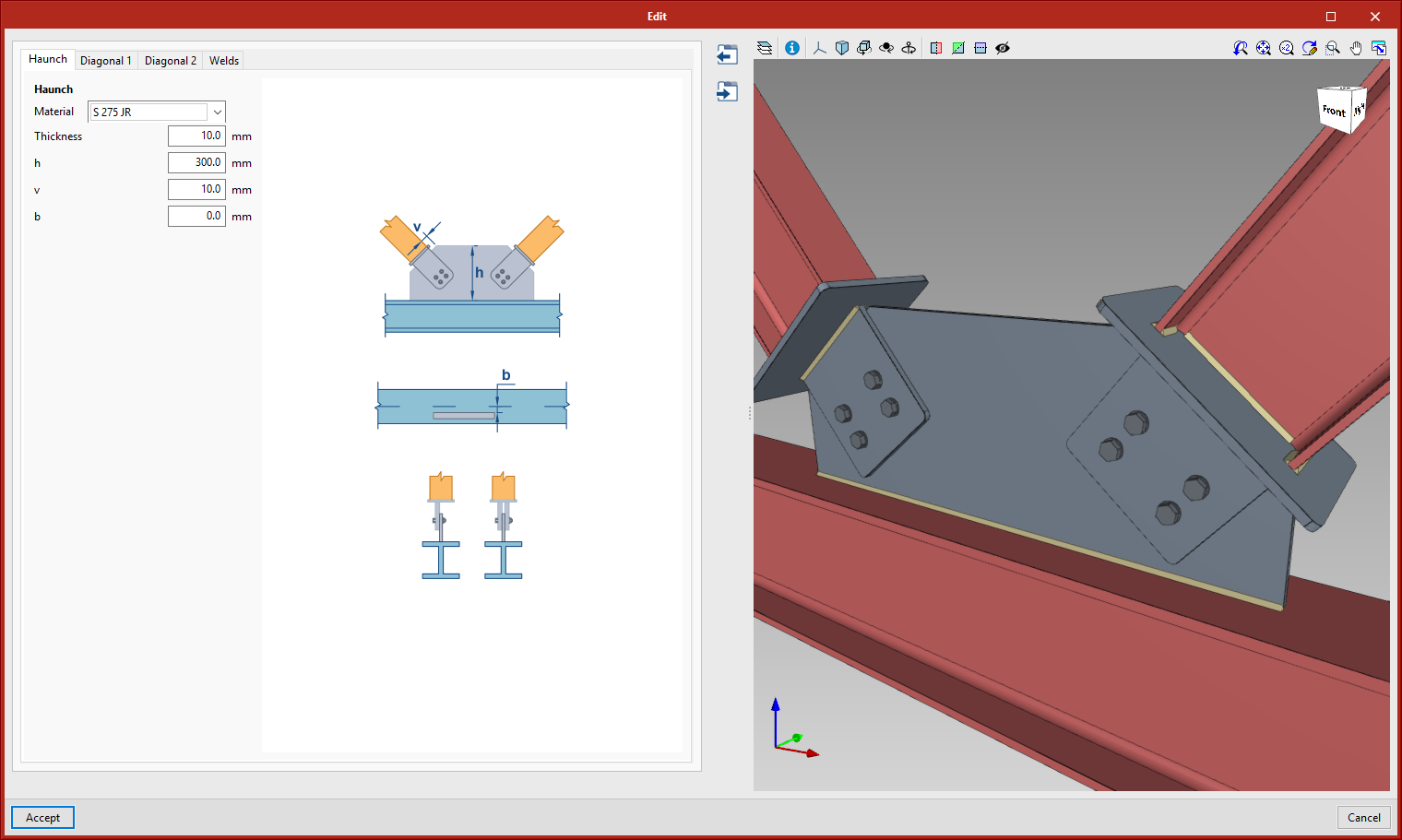
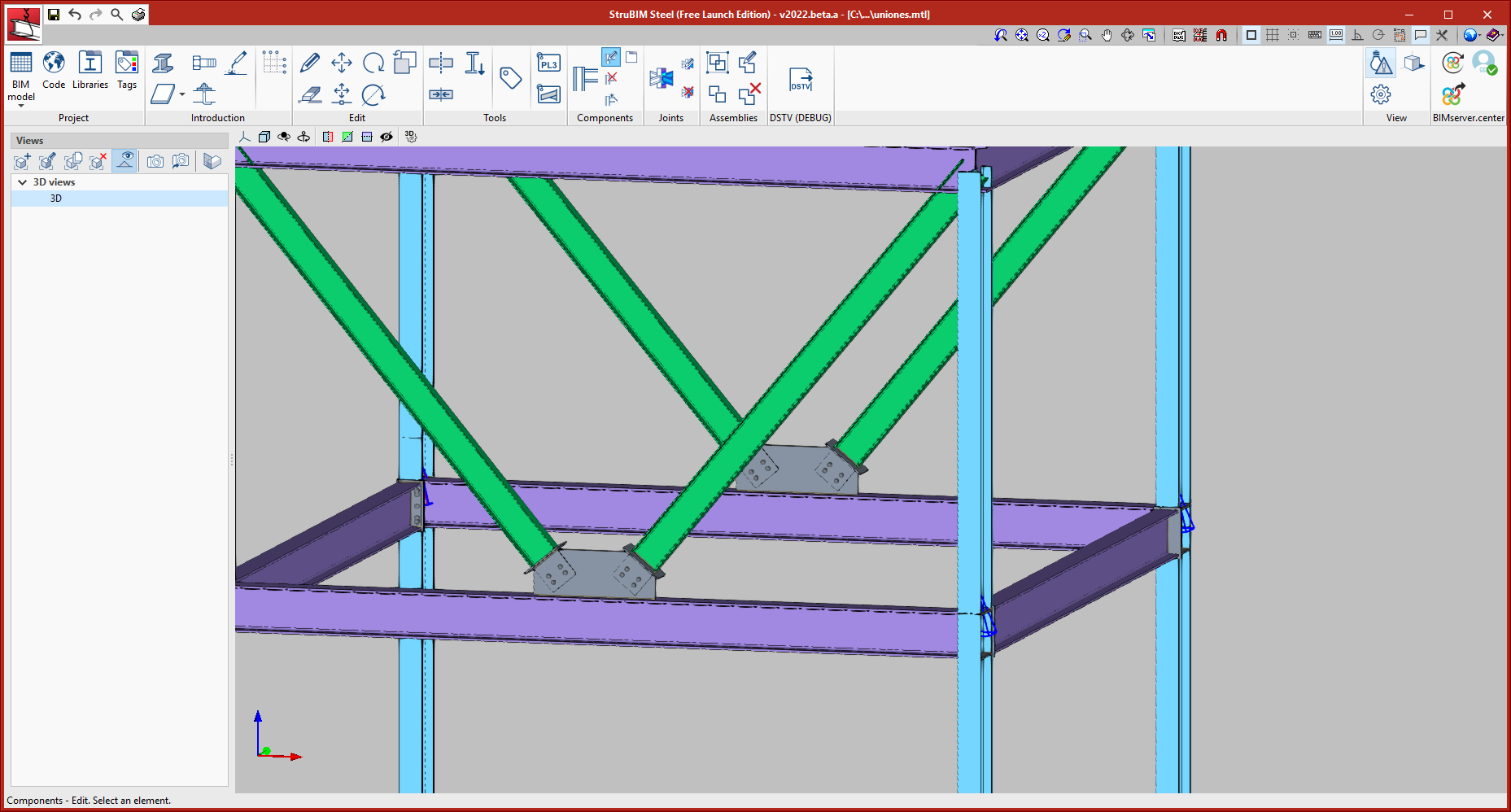
Bolted connections between diagonal sections and haunches
This connection is found in the "Bracing" category. It allows two diagonal sections to be joined to a main section. The main section allows rolled I sections, simple U sections, circular and rectangular hollow sections, and even welded I sections and welded variable sections. As for diagonal sections, they allow I sections of rolled steel, and circular and rectangular hollow sections.

Version 2021.f implements a new tool for modelling and analysing connections, CYPE Connect Steel.

CYPE Connect Steel also operates as an independent program. More information on CYPE Connect Steel.

CYPE Connect Steel, as an integrated tool in StruBIM Steel, allows users to freely define connections between sections. From a range of sections, users establish the layout of the different elements that make up the connection (plates, welds, bolts, anchors, additional sections). Additionally, this tool also carries out an analysis of the connection using the finite element method. It offers the option of obtaining both the structure detailing as well as the justification of the regulatory compliance of the adopted connections.

To add a new joint, users must select the "New" option in the "Joints" menu. Next, they must select the sections used for the joints, and click on the right mouse button.

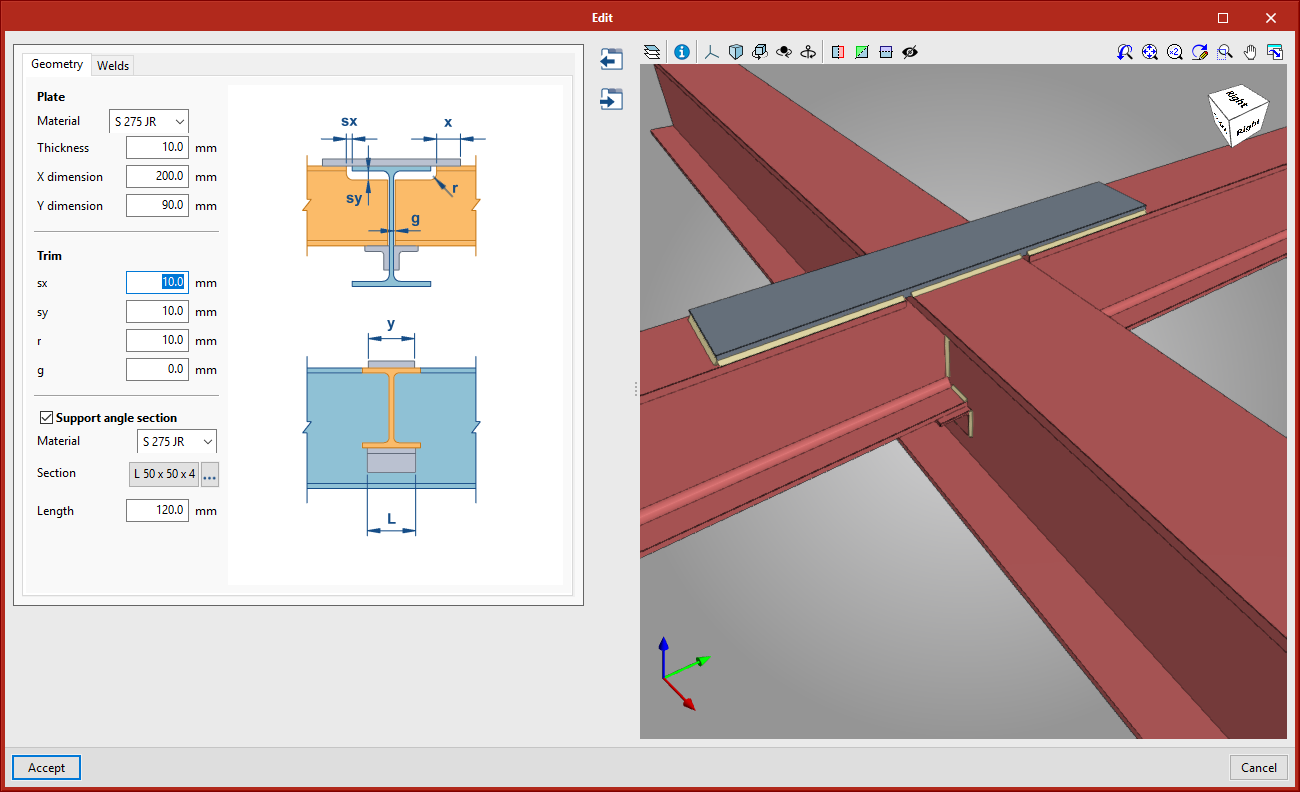
These joints may be edited using the "Edit" option in the "Joints" menu, by selecting the desired connection.


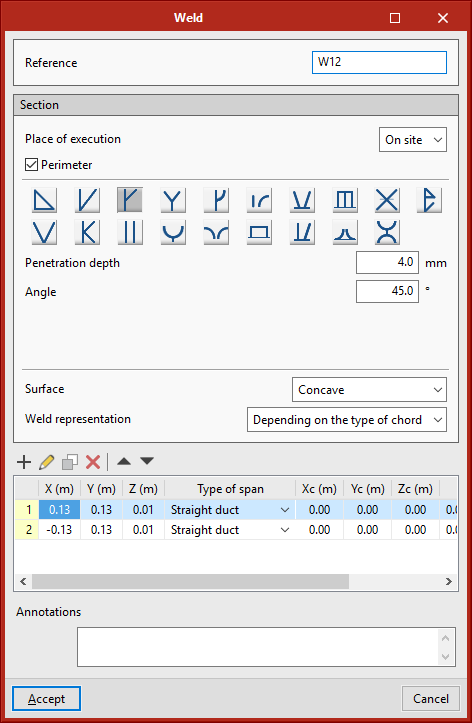
More types of welds are now available. The new types are:

  • Single V butt weld with wide root face
  • Single U butt weld
  • Single J butt weld
  •  Double rounded bevel weld
  • Rounded bevel weld
  • Plug weld
  • Single V butt weld with steep flanks
  • Single bevel butt weld with steep flanks
  • Edge weld
  • Flanged butt weld
  • Double V butt weld
  • Double U butt weld
  • Combined single bevel and fillet butt weld
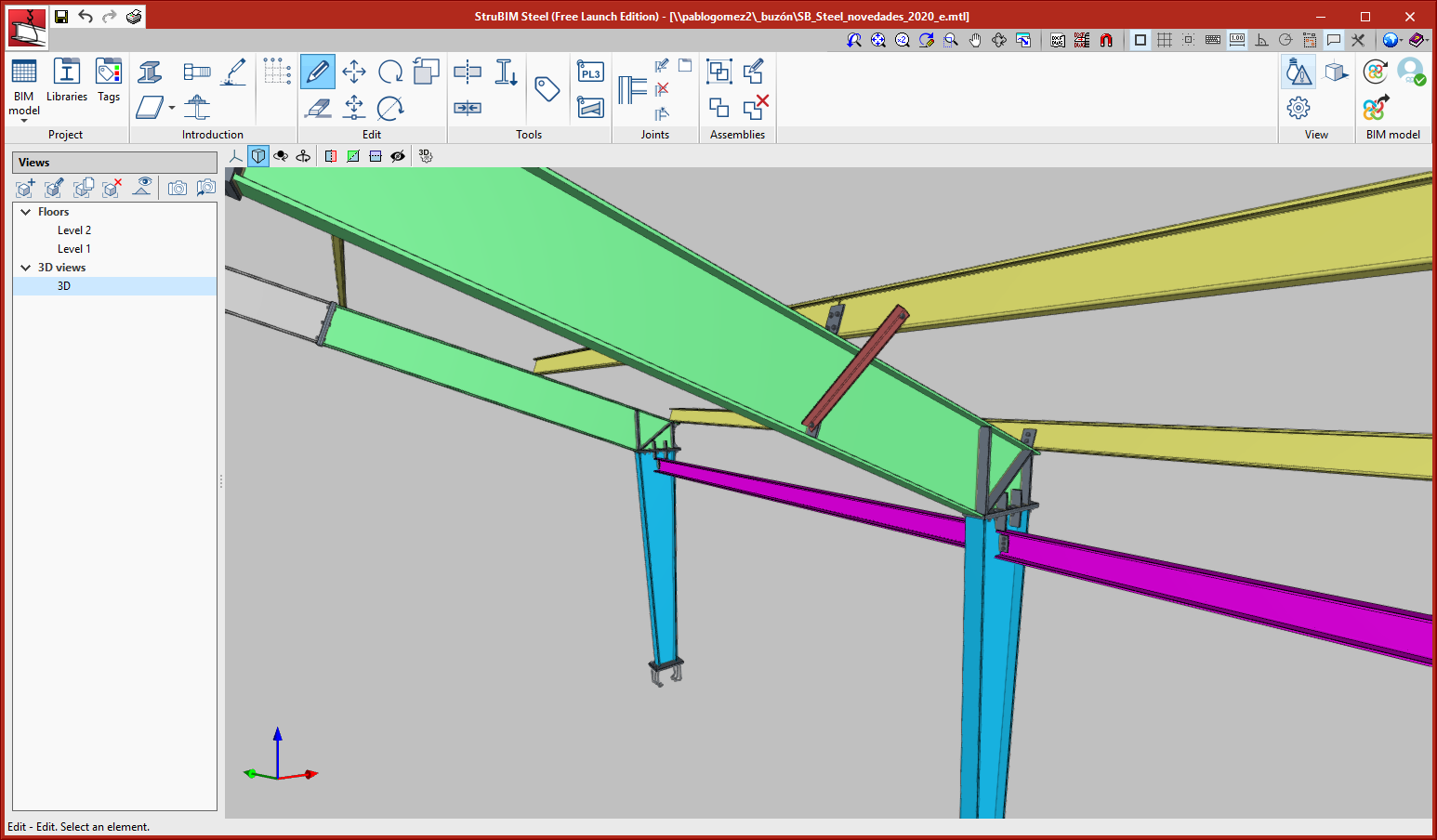
Some of the existing connections have been adapted so they can be used with reinforced sections with variable depth. The connections that have been adapted in this version are:

  • Secondary section pinned connection
  • Main section to purlin connection
  • Main section to two purlin connection

  • Connection between continuous beams with different depths
    This connection can be found in the Beam-Beam category.
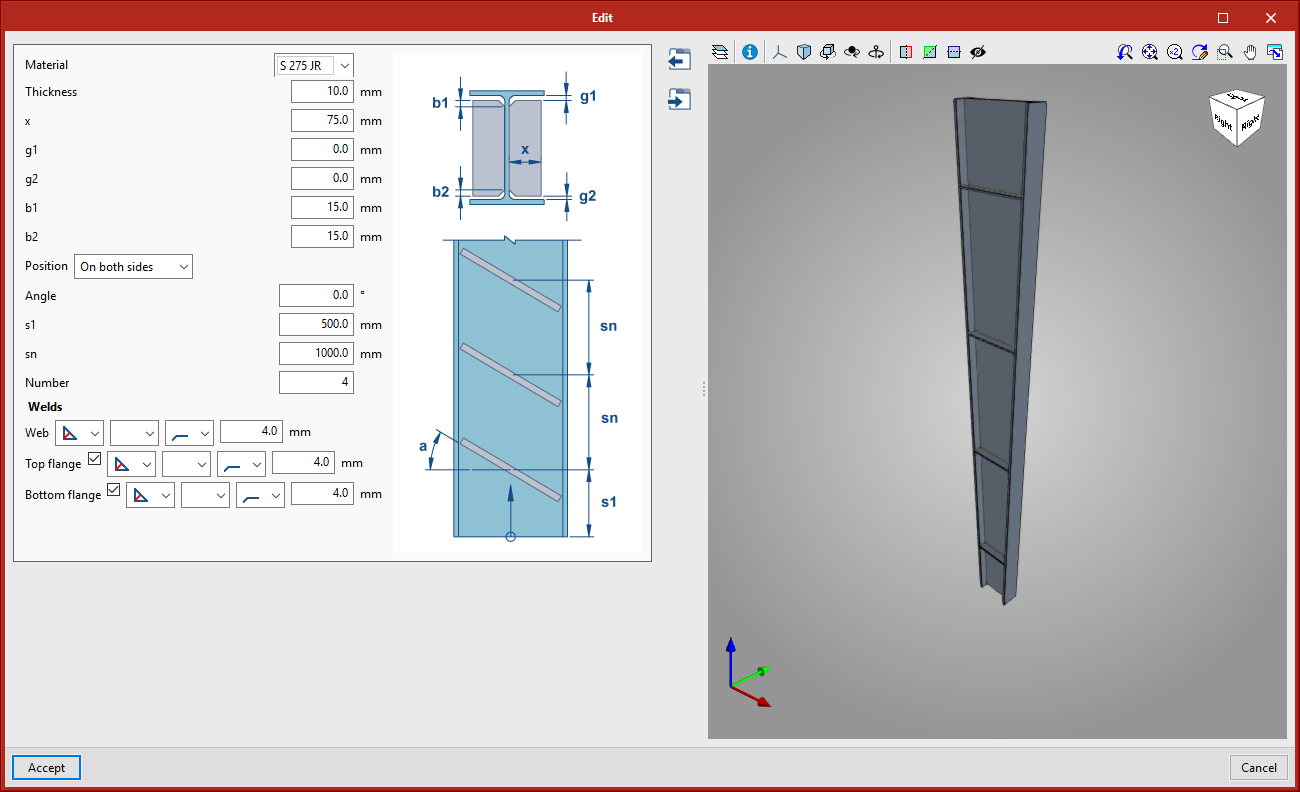
  • Web stiffeners, distributed along I-sections
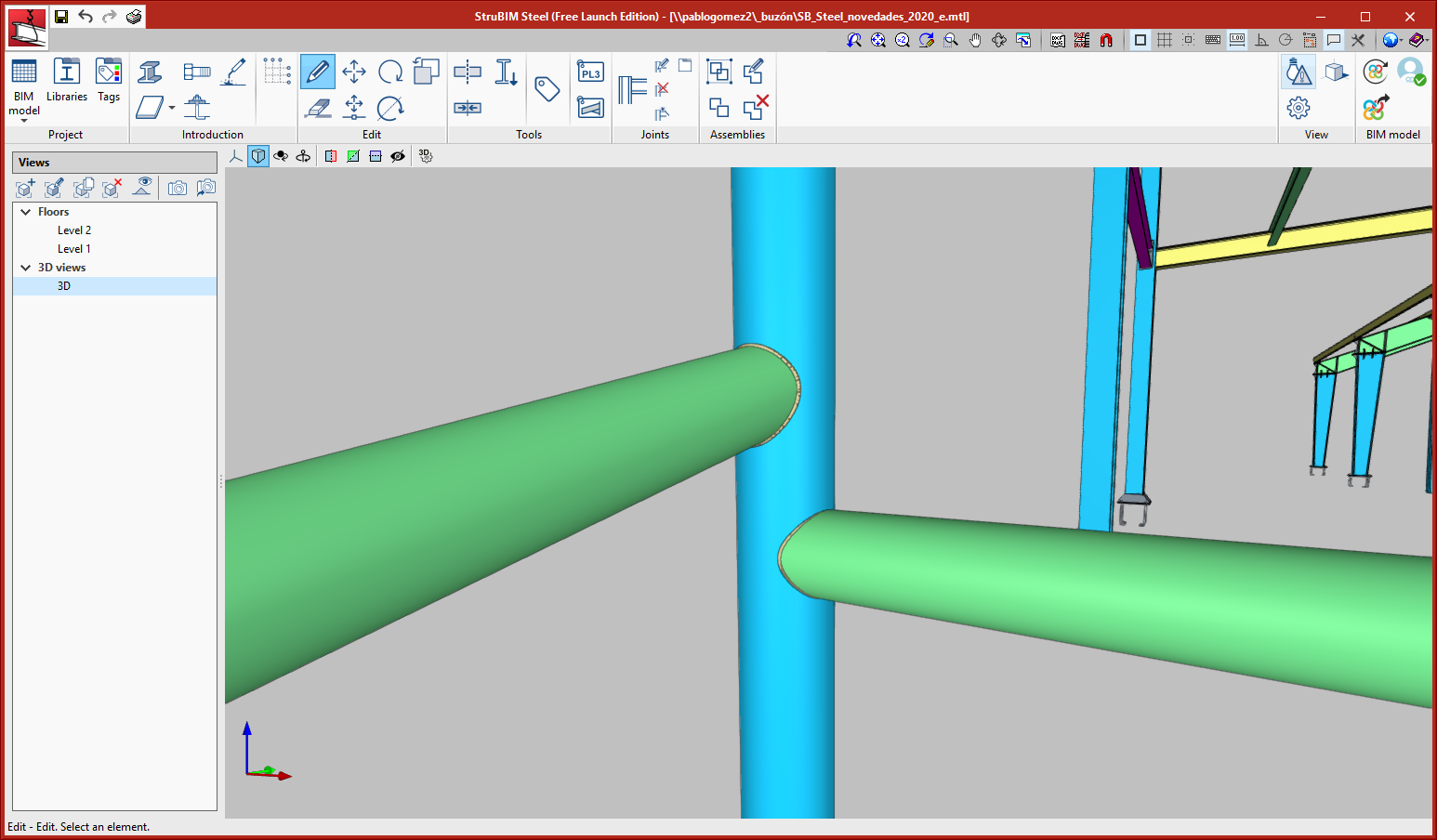
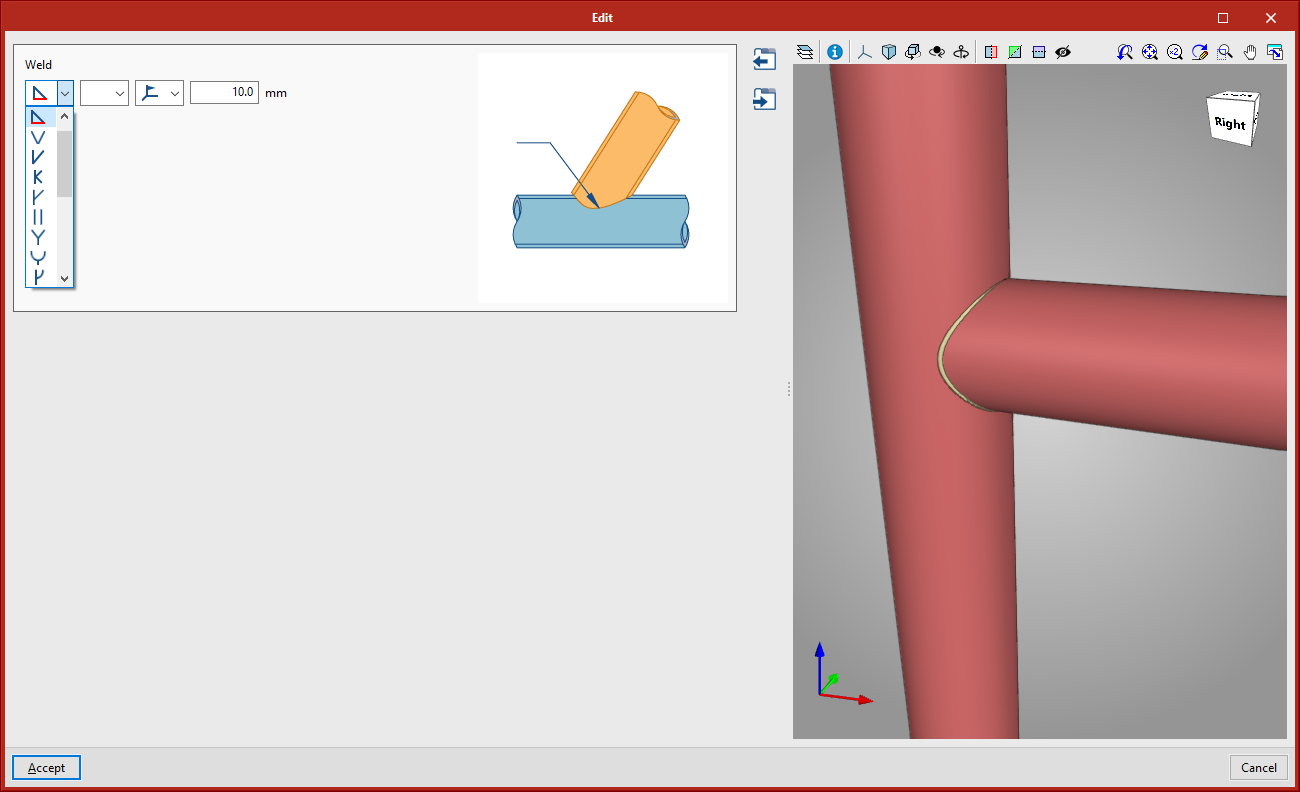
  • Hollow section connection
    This connection can be found in the new "Hollow sections" connections category; it consists of a welded connection between two circular hollow sections.