Update history​​

CYPEHVAC

CYPEHVAC connects to Open BIM Database, from where it downloads the manufacturers' products in order to incorporate them into the design of the water HVAC system.

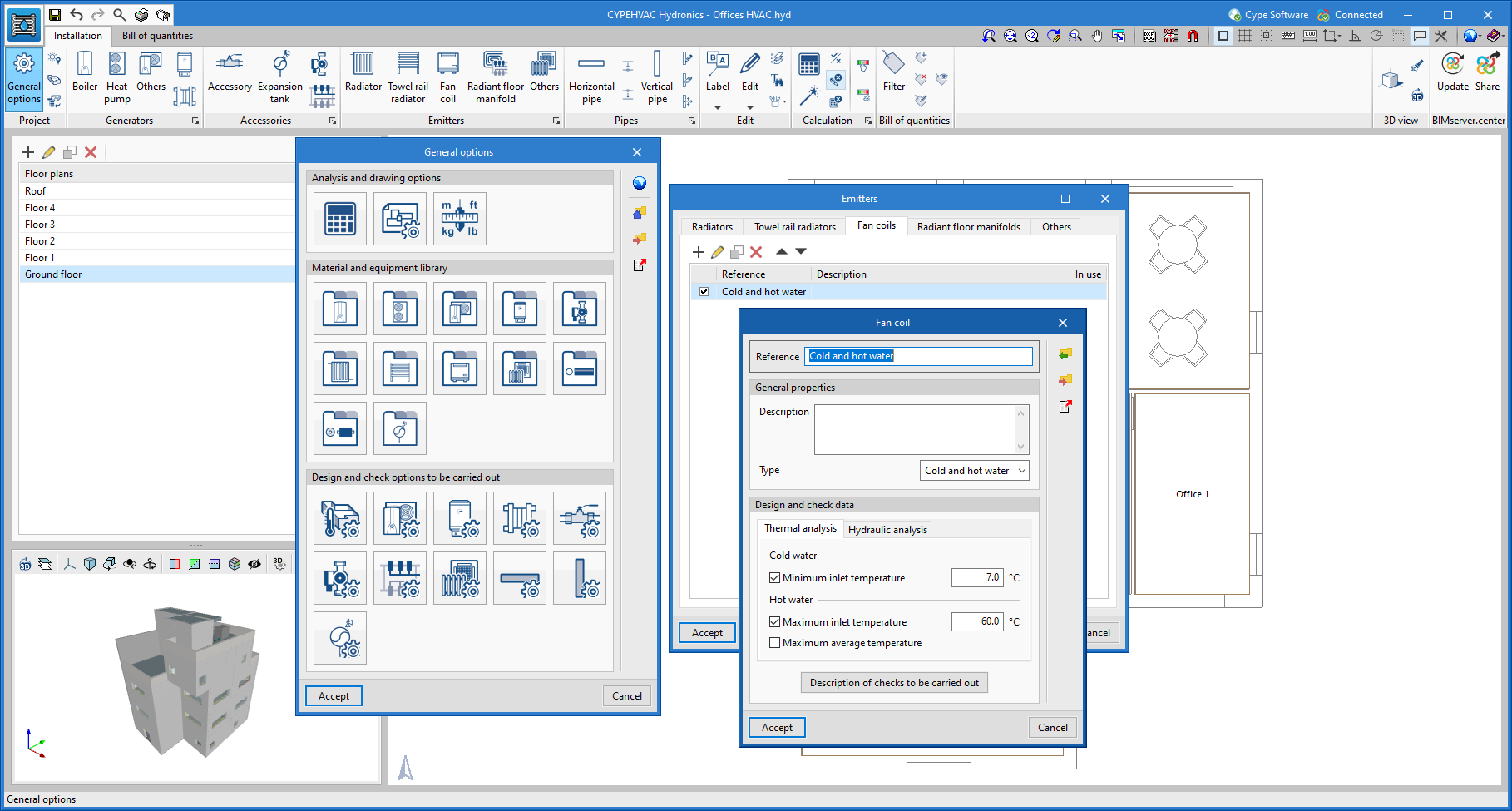
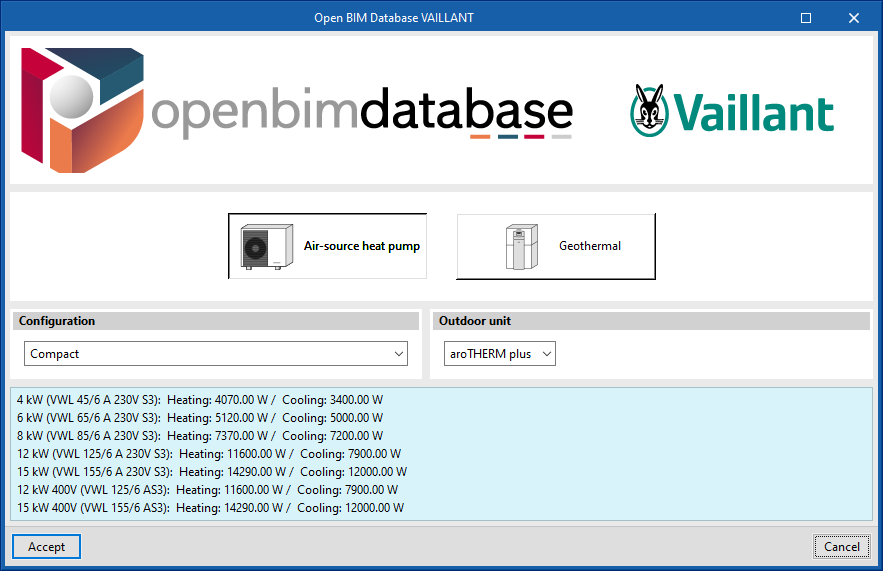
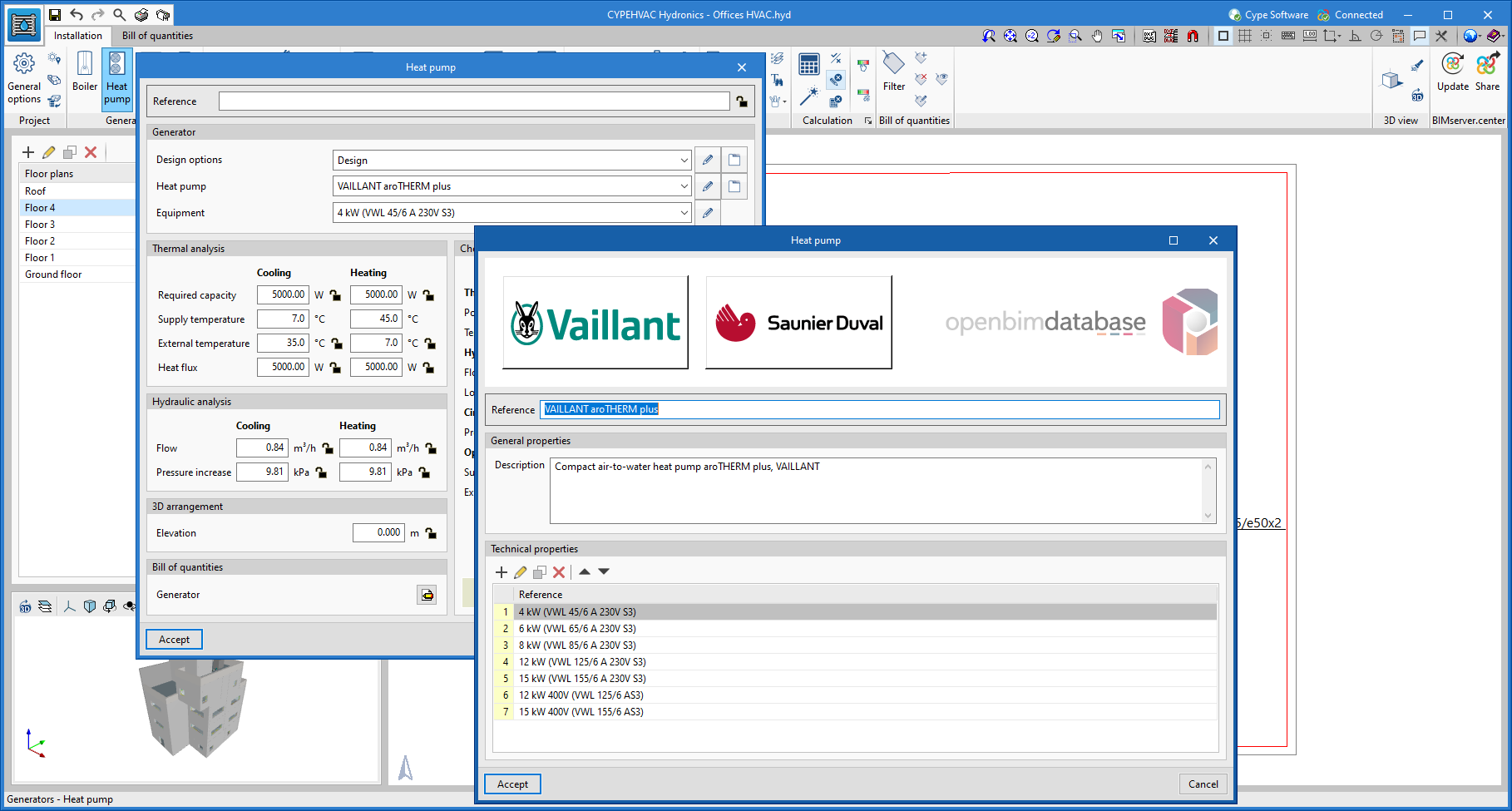
In version 2022.f, users can now download manufacturer data for heat pumps and fan coils from Open BIM Database to the respective libraries of the program. To do this, under "General options", users must enter the library folder of one of the two units and click on the add button. In the following window, by clicking on the manufacturers' logos, the catalogue of the chosen type of unit can be downloaded.

Similarly, these library editing and downloading panels can be accessed from the new buttons at the top of the Heat Pump and Fan coil editing panels.

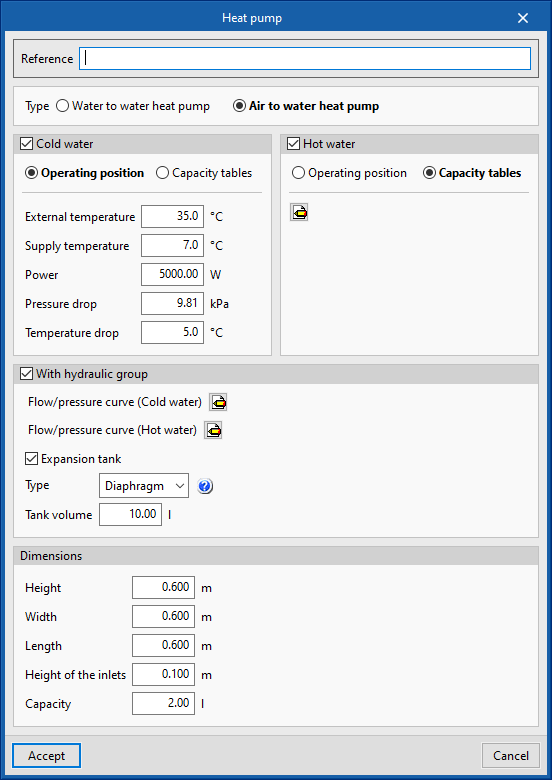
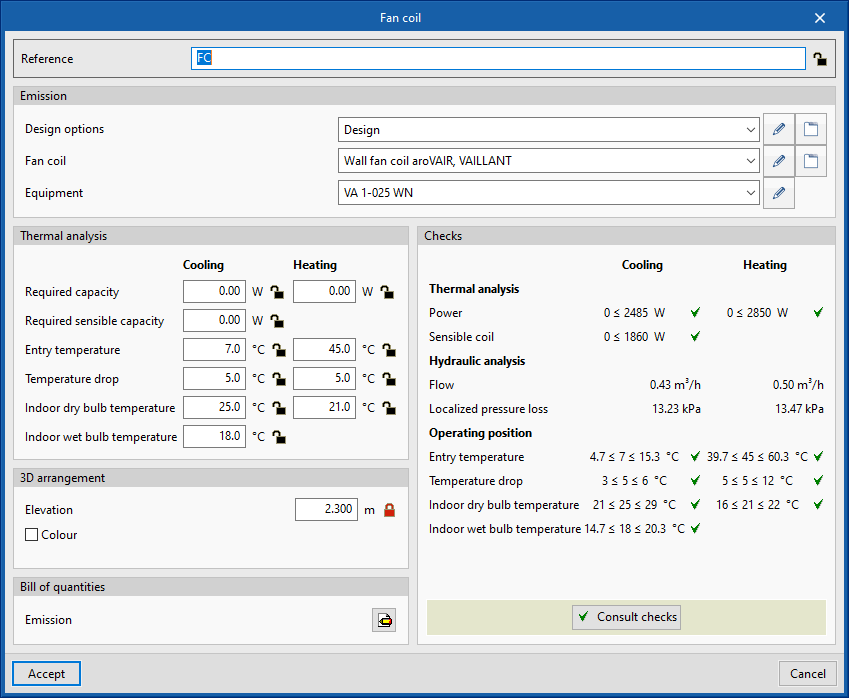
In order to consider more analysis data for heat pumps and fan coils provided by manufacturers, new design variables have been added for both types of units. One of them is the option of defining their capacity tables, which is added as an alternative to the definition of a nominal operating point. In this way, when changing the system's design conditions, the program analyses the power offered by the units again and checks that the operating position is within the indicated operating range.

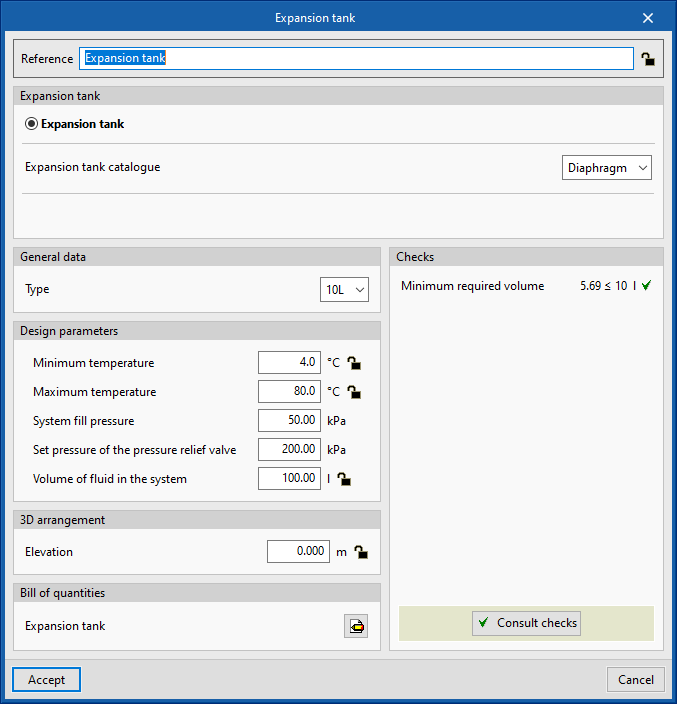
Heat pumps have been divided into two types, air-to-water and water-to-water. The air-to-water heat pumps collect the outdoor temperature data from the selected site. Additionally, users can now also define a hydraulic group associated with the heat pump that includes a circulating pump and, optionally, an expansion tank.

For fan coils, the cooling design indoor wet bulb temperature has been added, which is automatically calculated from the relative humidity and indoor temperature conditions of the space where the unit has been installed.

Version 2021.g of CYPE’s programs is a closing version of the 2021 version.

As well as the new features and improvements expressly indicated in each version of CYPE software, process optimisation involving internal updates for all our programs is normally included. In each revision, all programs are systematically checked and changes are made to improve their performance, therefore, we recommend that our users (in this case those of v.2021) always update their version to the latest one, regardless of the country for which they are using CYPE software or the language in which it is installed.

A tool has been added with which users can modify the coordinate system of the application. This tool is being implemented in several applications. In the 2021.a version, the tool is available in the following applications:

  • IFC Builder
  • CYPECAD MEP
  • CYPEHVAC
  • CYPEPLUMBING Sanitary Systems
  • CYPEPLUMBING Water Systems
  • CYPEPLUMBING Solar Systems
  • Open BIM Lighting
  • CYPELUX
  • CYPELUX CTE
  • CYPELUX RECS
  • CYPELUX HQE
  • CYPELUX LEED

Until now, the programs could only generate the global bill of quantities of the project.

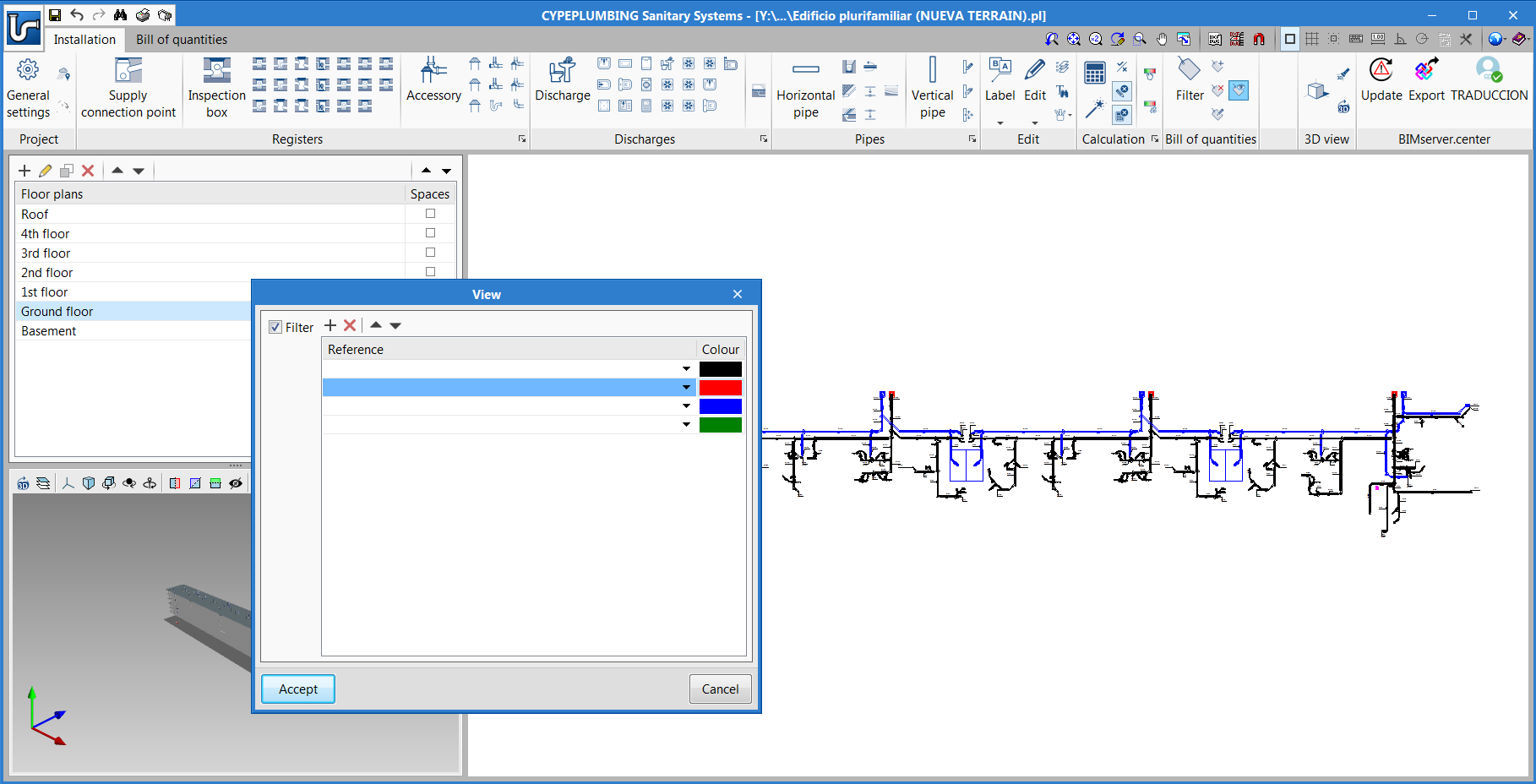
Now, as of the 2020.f version, by applying filters, tags can be assigned to the elements of the installation, which allow for partial measurements and bills of quantities to be generated using the options in the "Bill of quantities" tab.

For example, a bill of quantities can be generated for each block of buildings, each floor or for specific elements of the installation.

An important tool amongst those used to assign these tags to the elements of the installation is the one that provides the graphical 2D and 3D view of the filtered elements. This way, users can quickly identify if these tags have been assigned correctly or not.

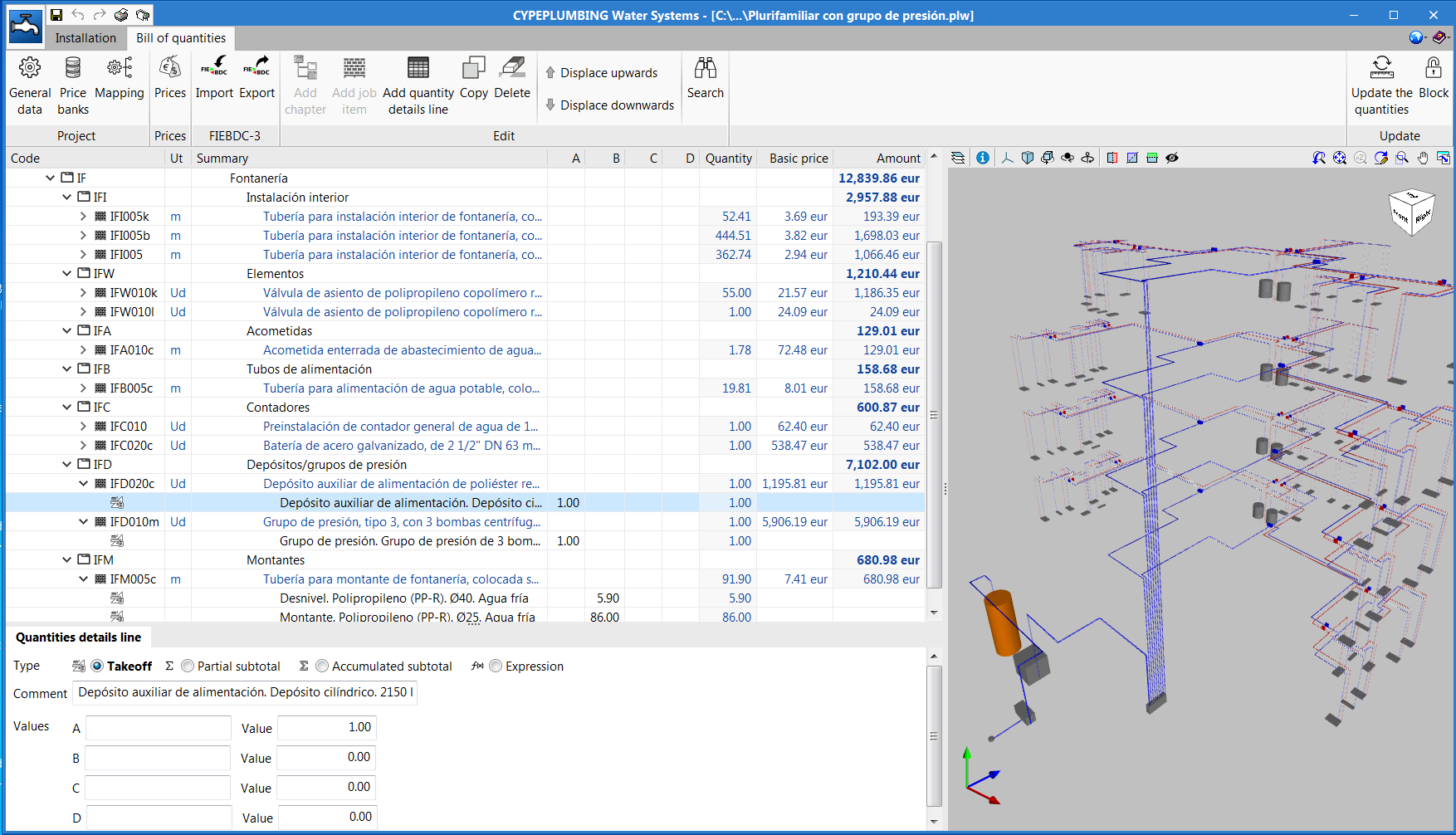
The "Bill of quantities" tab has been included in the 2020.e version. Now, users have tools that can be used to generate and manage the bill of quantities of the elements that have been introduced in these programs.

More information on this new feature can be found in the "Bill of quantities" tab in project phase Open BIM applications section, which affects several CYPE Open BIM programs.

The "Bill of quantities" tab has been added to the toolbar of some of the applications that are integrated in the Open BIM workflow. In the 2020.e version, the first Open BIM programs to have this tab are:

  • Open BIM Quantities (new program of the 2020.e version)
  • CYPE Accessibility
  • CYPE Lightning
  • CYPEPLUMBING Sanitary Systems
  • CYPEPLUMBING Water Systems
  • CYPEPLUMBING Solar Systems
  • CYPEFIRE Hydraulic Systems
  • CYPEHVAC
  • CYPEHVAC Ductwork

This tab will be integrated into the remaining Open BIM applications in upcoming versions.

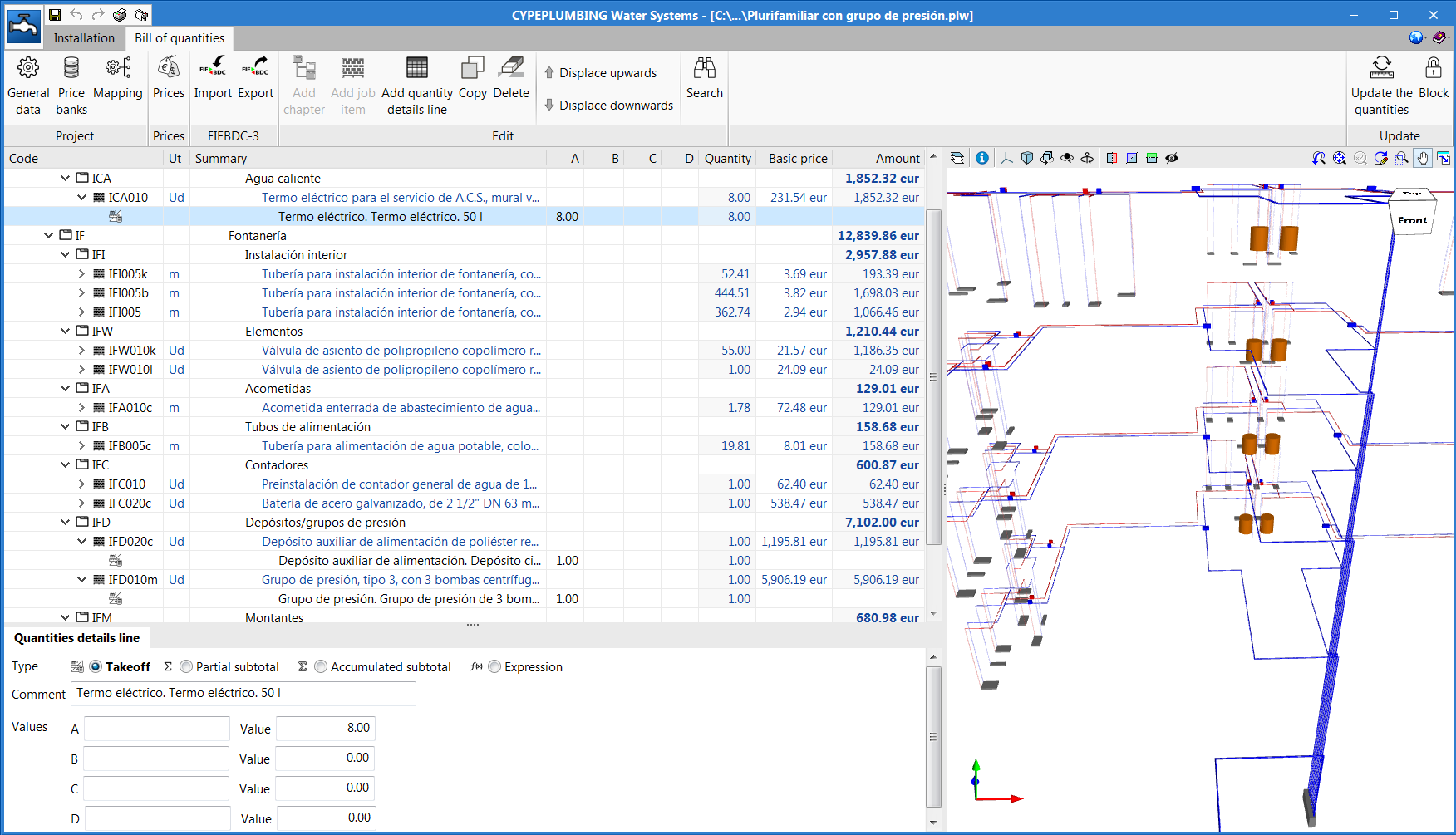
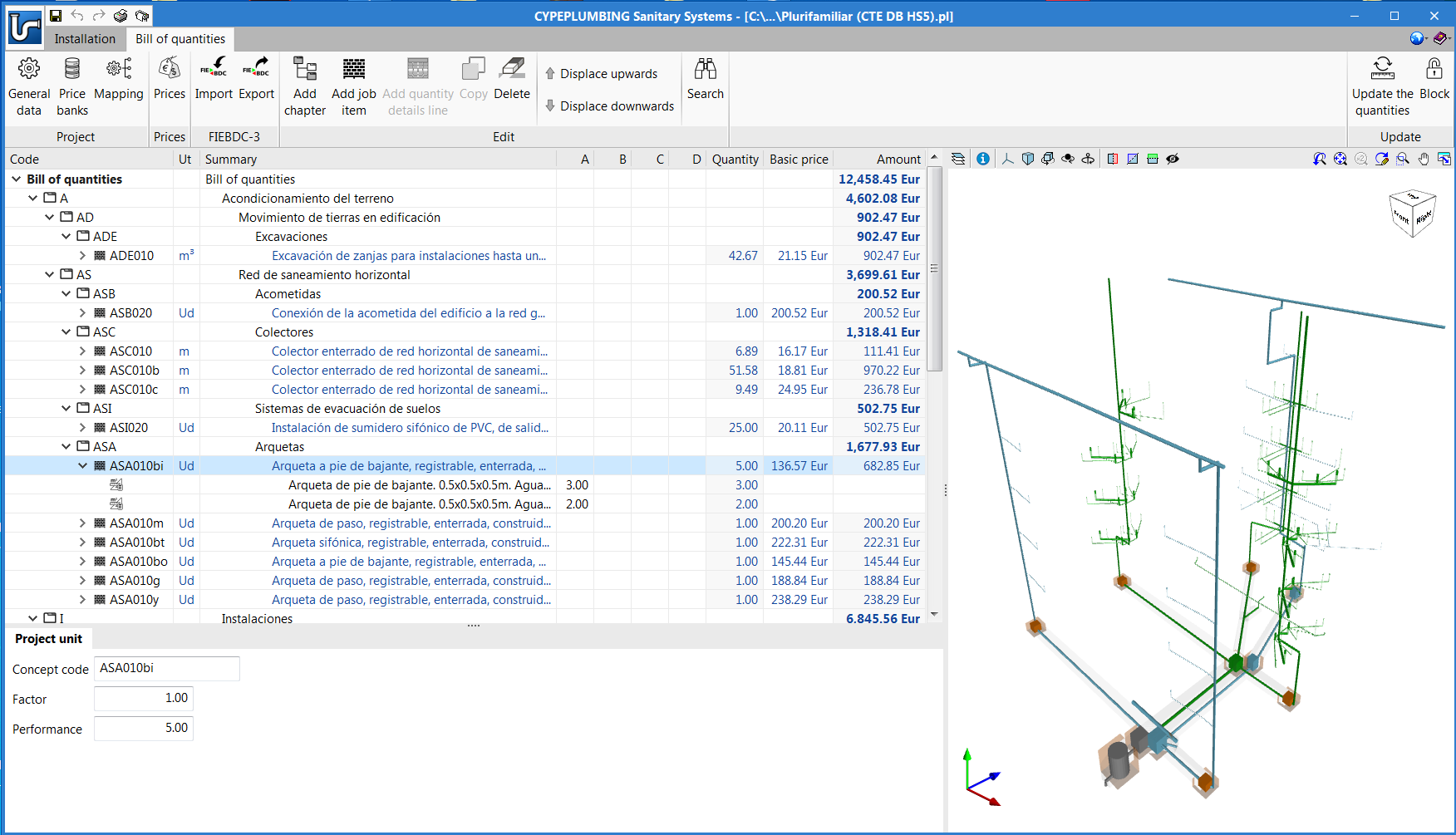
The "Bill of quantities" tab provides users with tools to generate and manage the bill of quantities of the installation that each program analyses. Within this tab, users can extract the quantities of the model and, based on that information, generate the real project items. This process is carried out using a correspondence system between the elements that have been measured in the design model and the concepts of the bill of quantities (mapping). This equivalence is stored on a local drive or network, so that it can be extended progressively and used in future projects.

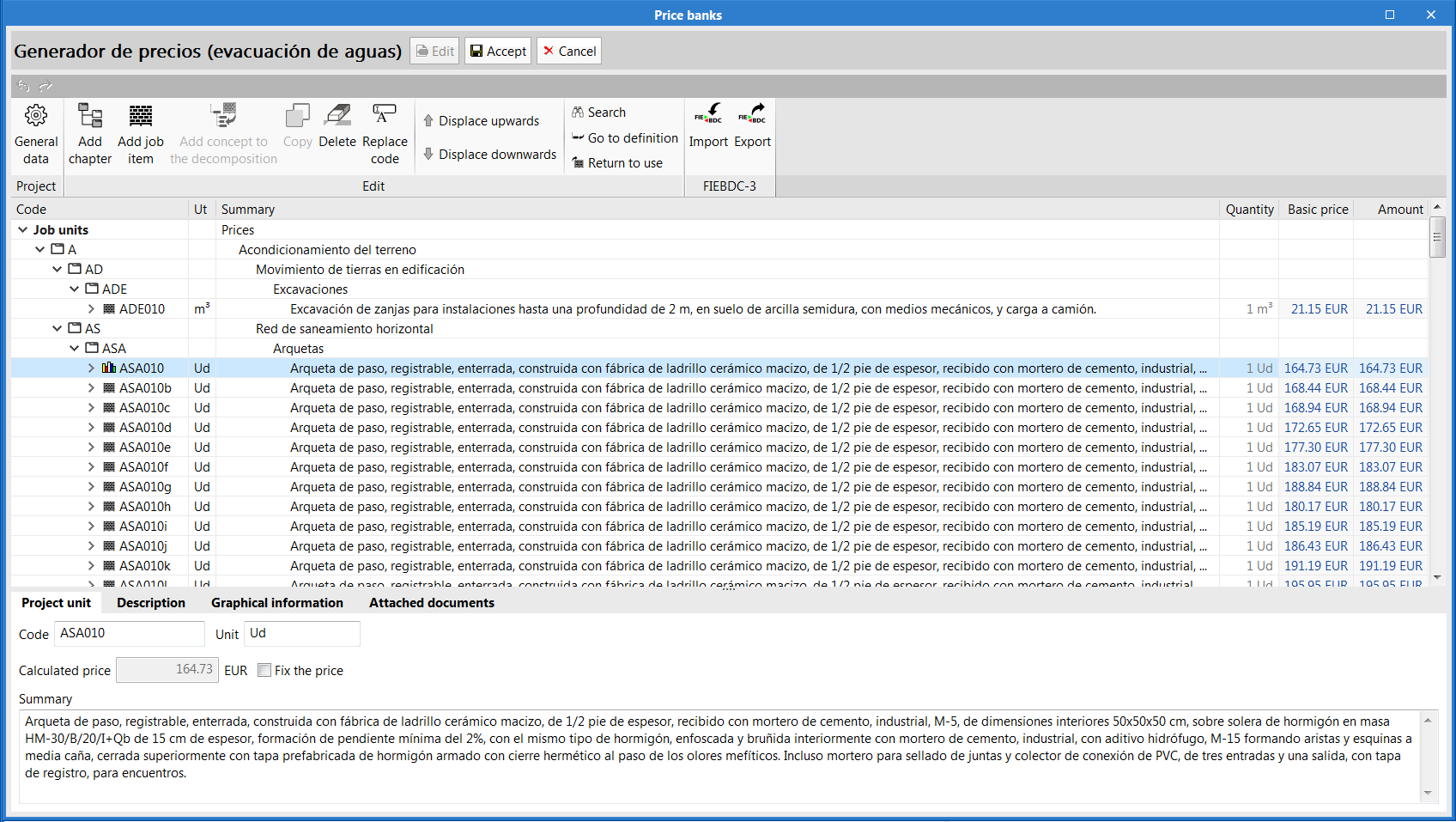
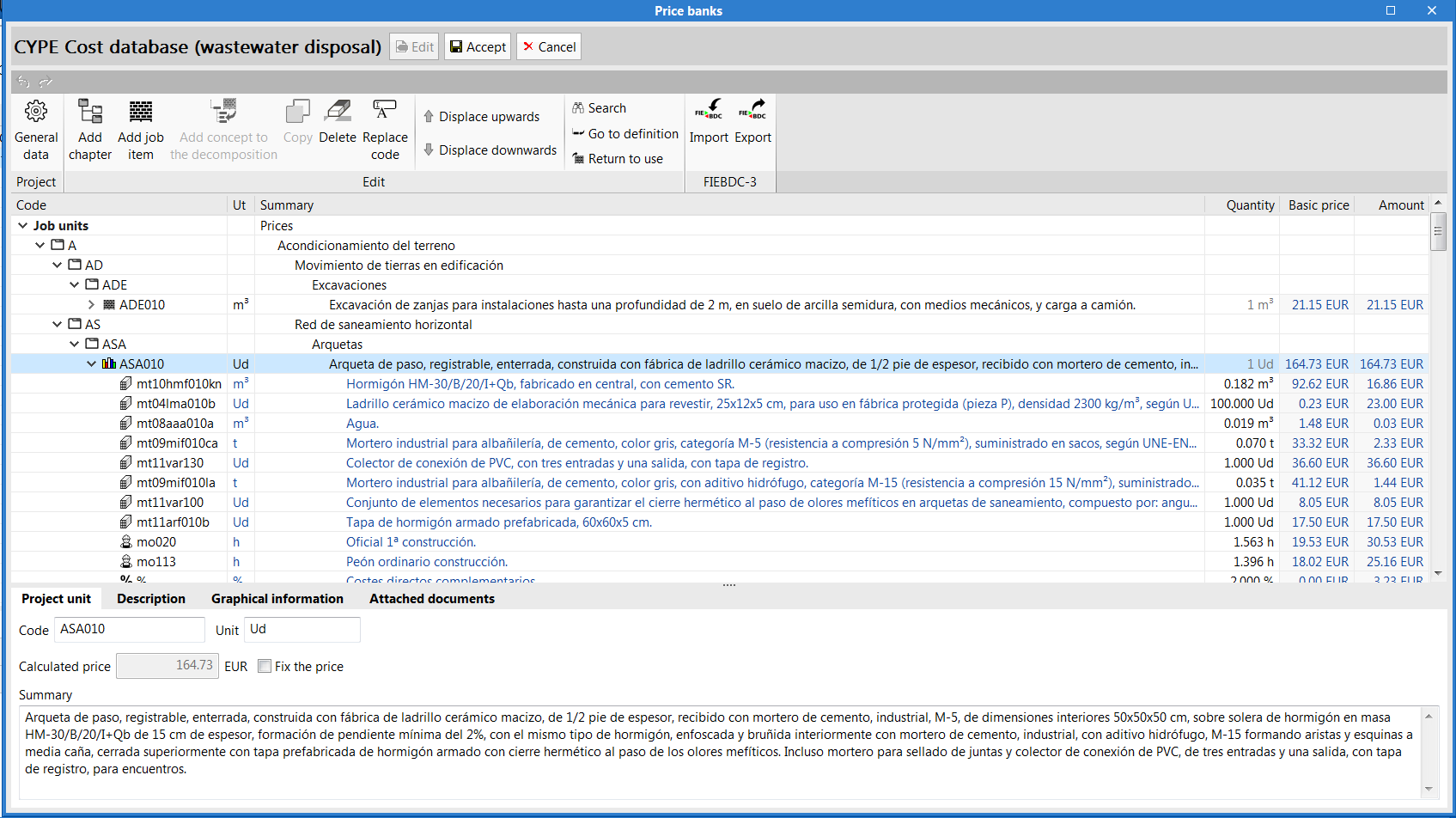
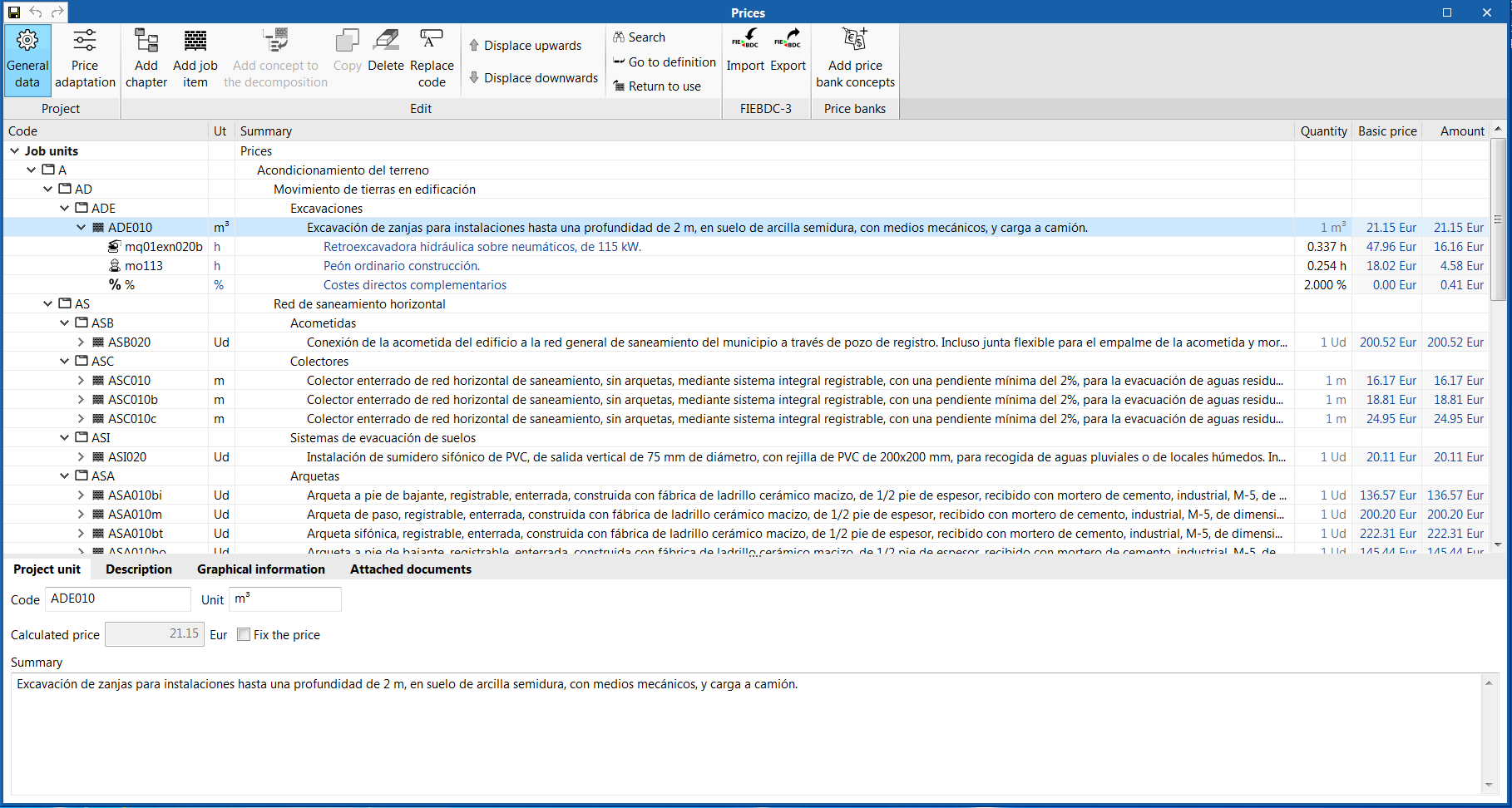
In order to enter project prices easily, users can import complete databases as well as individual concepts from cost databases that have been developed in accordance with the FIEBDC-3 standard (.bc3), such as the CYPE construction cost database Generador de precios.

A cost database and mapping example have been included for installation elements for most of the programs that have the bill of quantities tab. Remember that they are just examples and you can create your own mappings and cost databases.

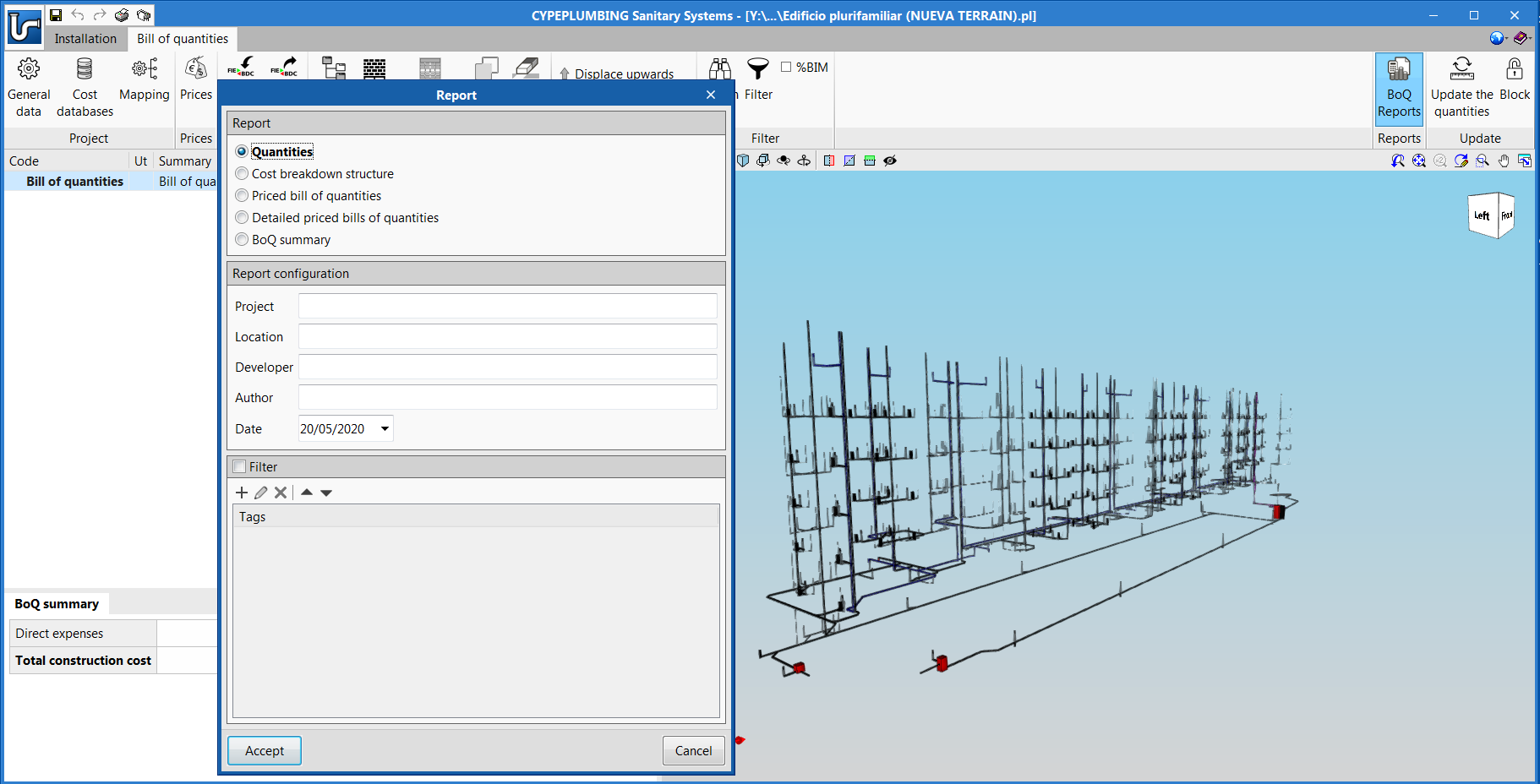
The documents of the bill of quantities can be extracted in several types of reports (Quantities, Cost breakdown structure, Priced bill of quantities, Detailed priced bill of quantities, BoQ summary) and can be exported in HTML, DOCX, PDF, RTF and TXT formats.

The bill of quantities can also be exported, in "FIEBDC-3" format, from the "Bill of quantities" tab of each program, to then be used in cost management programs such as Arquimedes.

The "Bill of quantities" tab is also included in "Open BIM Quantities" (new program of the 2020.e version). Unlike other applications that include the "Bill of quantities" tab, "Open BIM Quantities" allows users to extract the quantities from BIM models that have been defined using the IFC standard (in their "Quantities of the BIM model" tab) . The other programs extract it from the installation that has been introduced in the program itself. Once the quantities have been extracted, the process to generate the bill of quantities in "Open BIM Quantities" is carried out in its "Bill of quantities" tab, as is done with the other Open BIM applications that contain the tab.


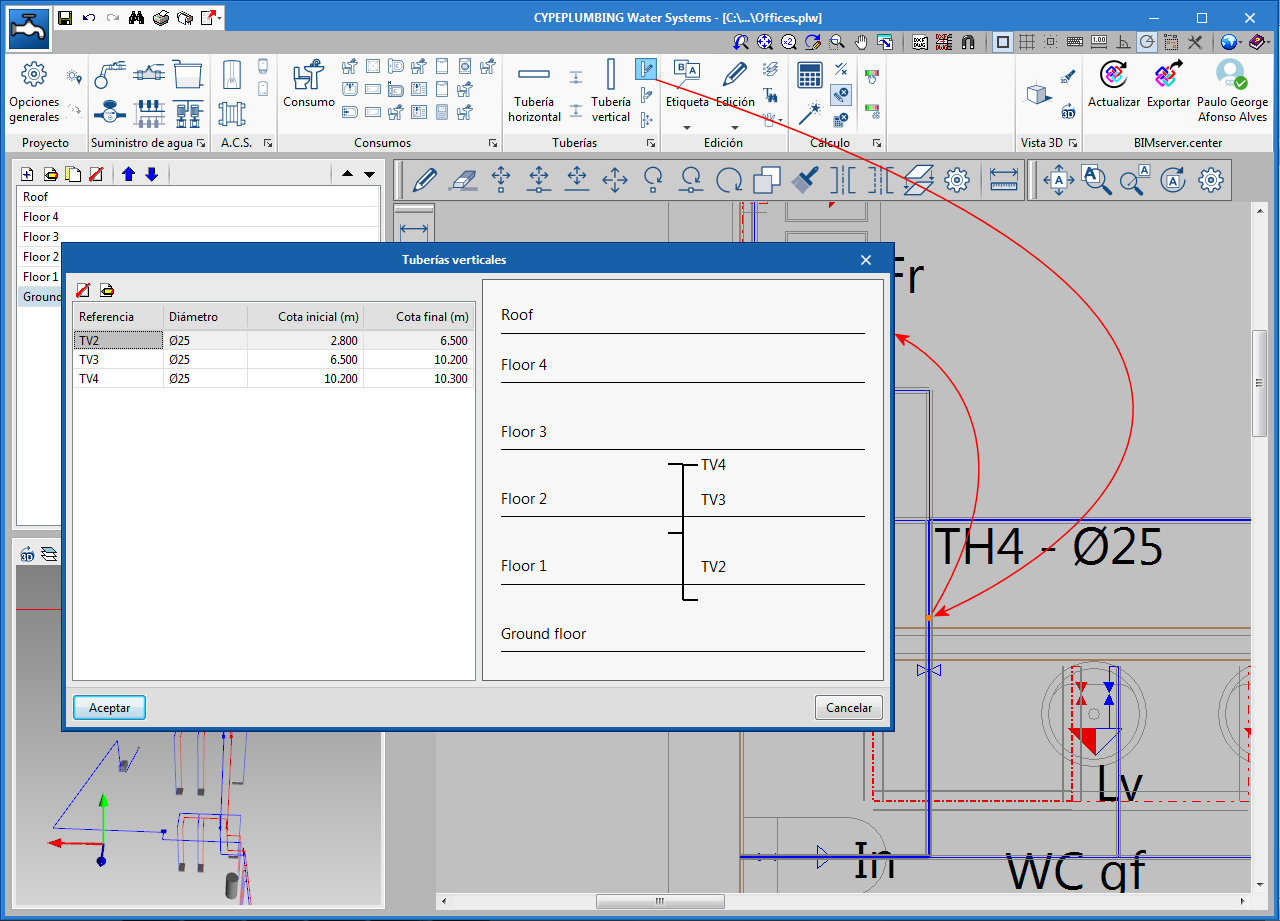
When users introduce vertical pipes, the program automatically tags the initial and final elevation of the direction of flow of the liquid they are carrying (unless these elevations are blocked).

The “Edit” tool has been included in the “Pipes” section of the toolbar (for vertical pipes), with which users can view and edit, in a single window, all the spans of the vertical pipe they select.

In previous versions, the introduction of weather data by selecting it on the map was already available for certain countries. Now, this selection is also possible for France.

The data that is automatically entered when an area is selected on the map is:

  • In CYPEPLUMBING Water Systems
    The outside temperature and cold water temperature data of the network that is required to calculate the energy dissipation in the pipes, the water temperature and recirculation flow rates.
  • In CYPEPLUMBING Solar Systems
    The data of the outside temperature, cold water temperature of the network and solar irradiation that is required to calculate the energy dissipation in the pipes, to calculate the temperature of the water in the network and the solar energy contribution.
  • In CYPEHVAC
    The outside temperature data that is required to calculate the energy dissipation in the pipes and to calculate the temperature of the water.

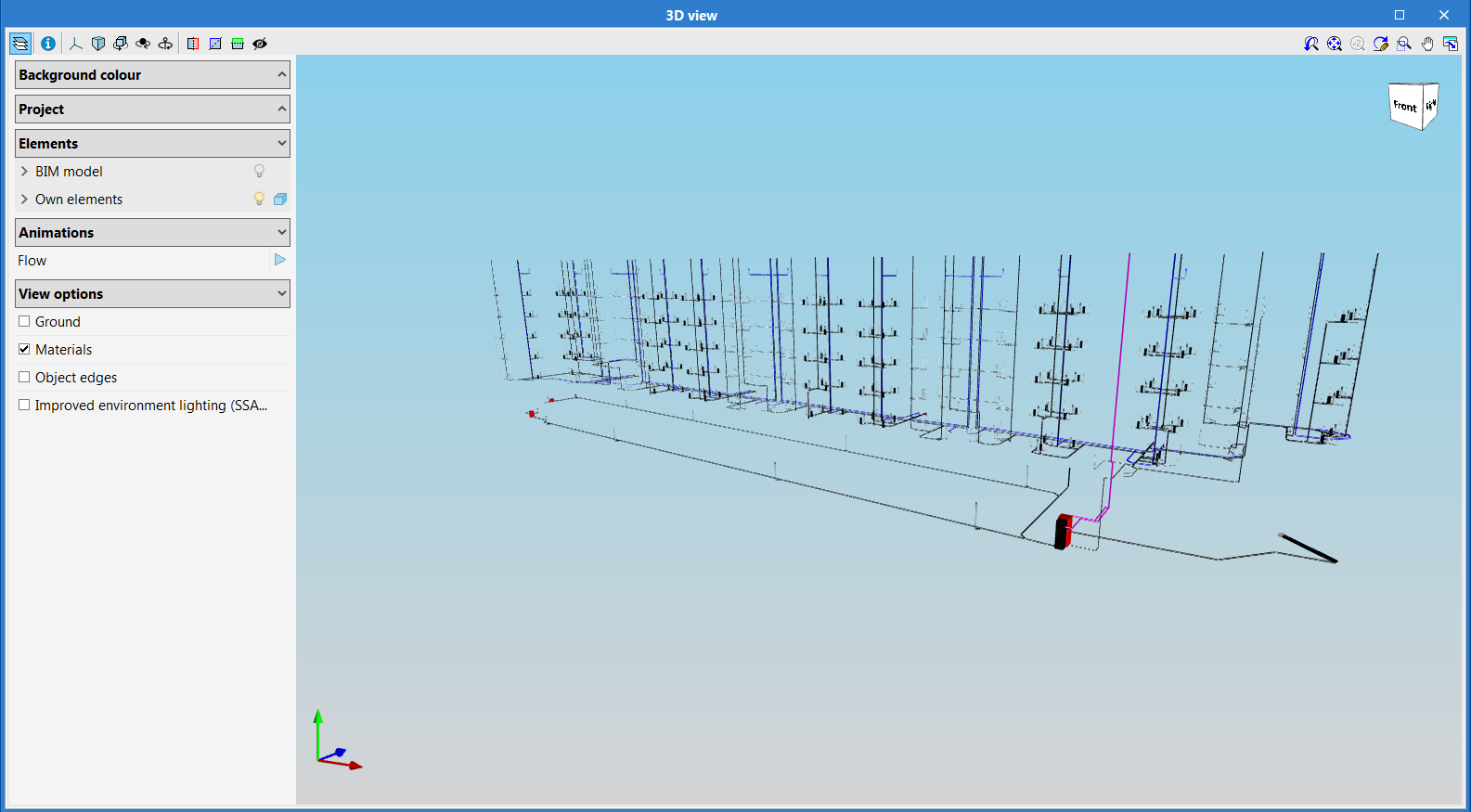
The 3D views of the plans that are generated can be configured in different ways:

  • In colour, without marked edges
  • In colour, with marked edges
  • Monochrome, with marked edges

New editing tools have been added to the toolbar:

  • Move element
    Moves the selected element and disconnects it previously from the pipe.
  • Move span
    Allows users to only move spans and disconnects it previously them from the elements to which they are connected.
  • Rotate element
    Rotates the selected element and disconnects it previously from the pipe.

CYPEHVAC designs water distribution installations for air conditioning systems. It designs radiators (two-pipe system), fan coils, boilers and heat pumps, by attributing the loads of each of these elements.

CYPEHVAC is integrated in the Open BIM workflow. The program obtains the geometry of the building from the BIM project to which it is linked and the calculated thermal loads from CYPETHERM LOADS.

The program can design the entire installation (terminal equipment, pipes and generating equipment), and can also partially design equipment and pipes without the need to introduce the entire installation.

More information on this new application will be available shortly.