
Accessing example projects
CYPE's programs include example projects designed to assist users.
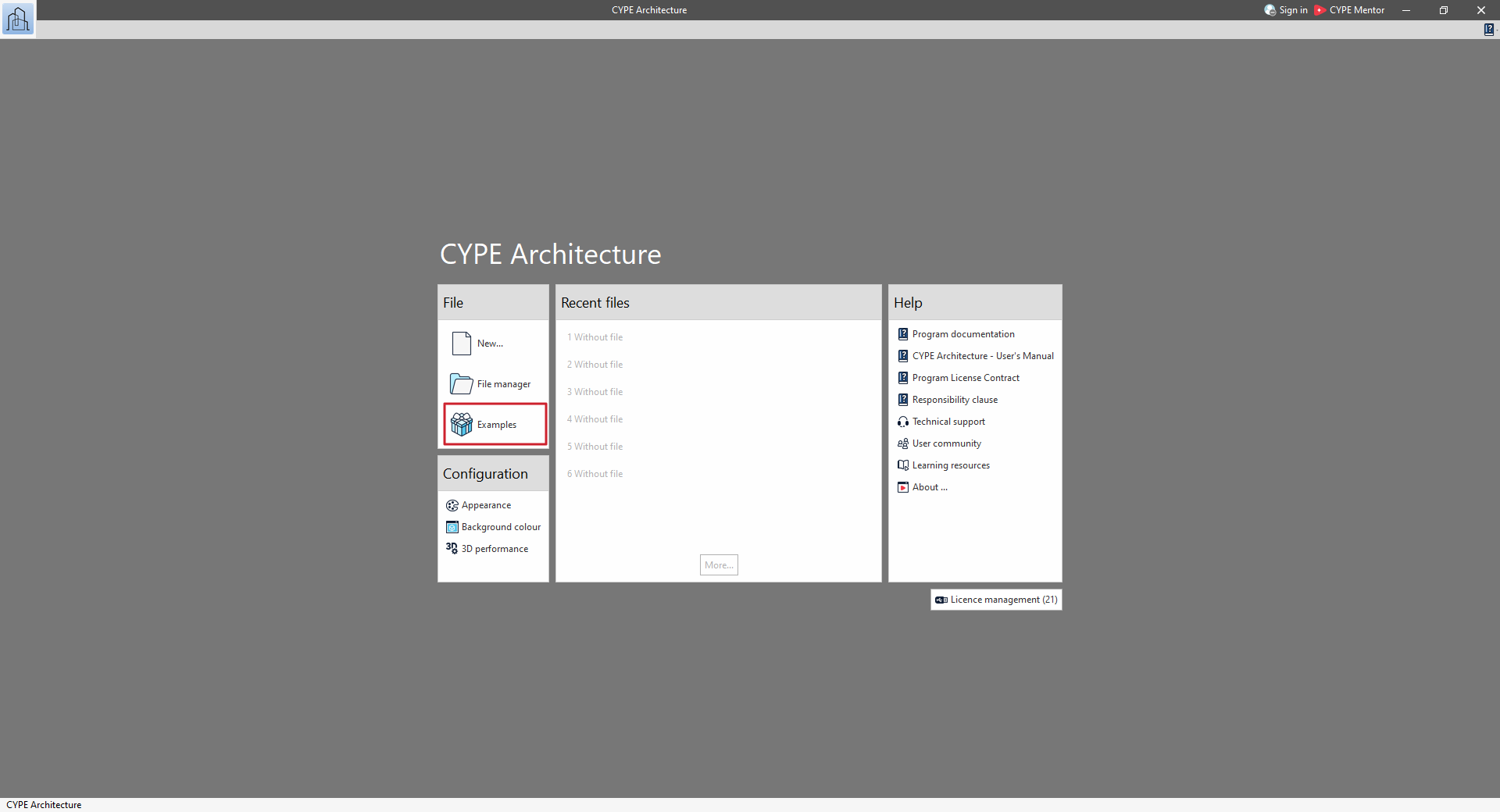
To access them, select the "Examples" option that appears when you open each program.
When you click on this button, a window will appear showing the list of examples associated with the program being run.
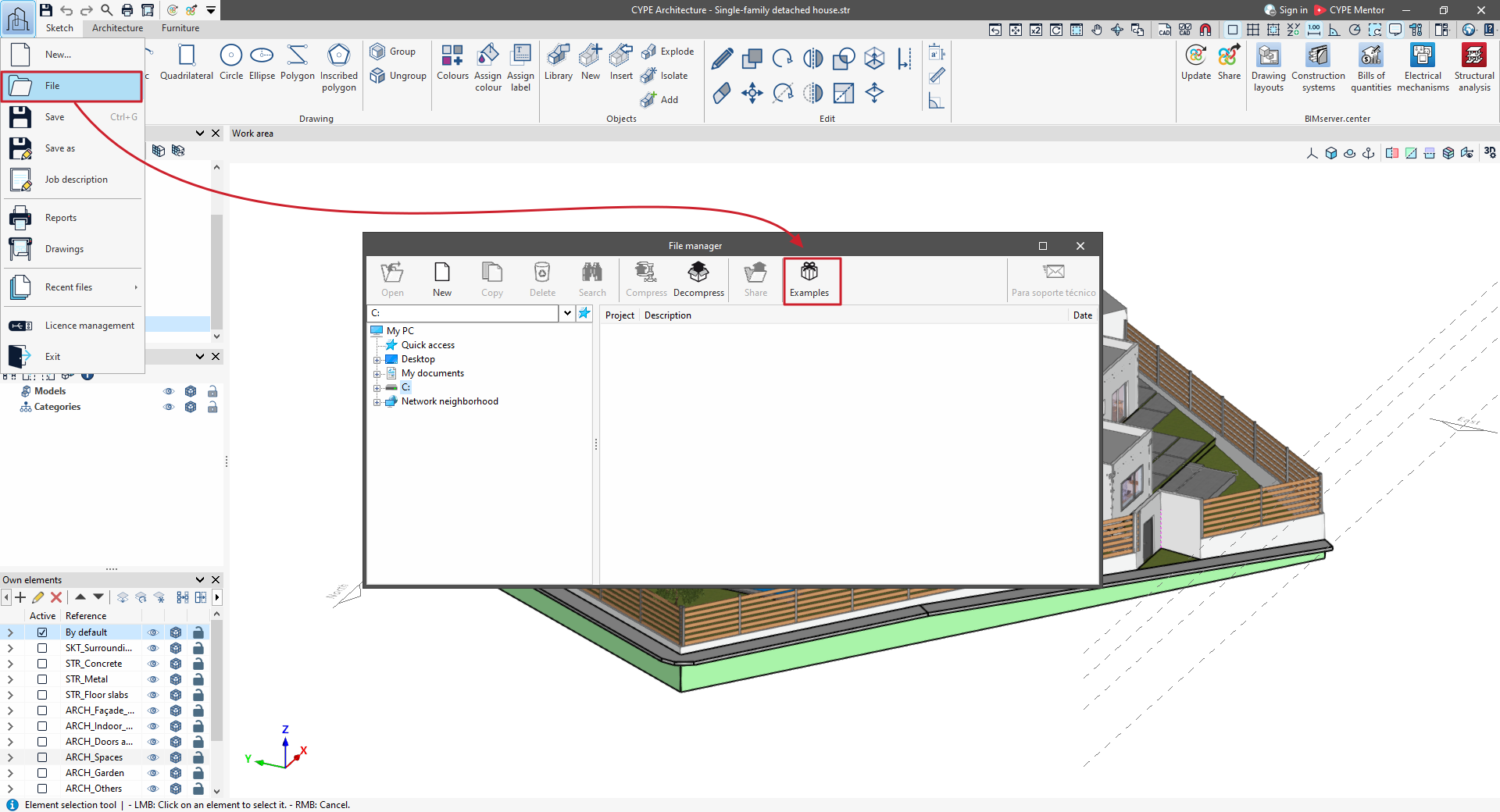
If the program is already running, click on the program logo in the top left-hand corner and select "File" (in some programs, such as CYPECAD, use the "File" > "File management" menu).
Next, in the "File management" window, click on the "Examples" option.
This will also bring up a window showing the list of examples associated with the program.
The example projects are generated in the C:\CYPE Ingenieros\Examples directory.




















































