Marking apps as favourites
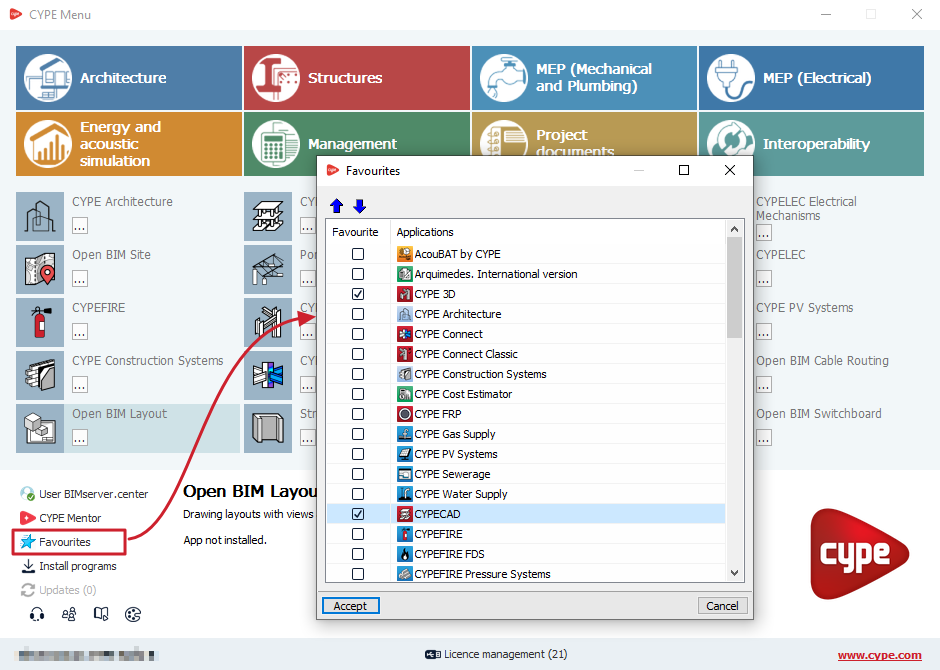
Using the "Favourites" option available in the bottom-left section of the window, CYPE Menu lets you select the desired apps as favourites.
To do this, tick the "Favourites" box for each program in the left-hand column of the pop-up window and confirm.
When you do this, only those apps will be displayed on the CYPE Menu home screen. This is the interface displayed when opening the app.
Furthermore, when using "Install programs", you can sort the list of apps so that those marked as favourites appear first (by clicking on the "Favourites" column header in the window that appears when you select this option), making it easier to install them all together.