Activating and deactivating the electronic licence
The options "Activate electronic licence" or "Deactivate electronic licence" can be found in the "Licence management" panel once you have selected "Electronic licence" under "Licence type".
Activating the electronic licence
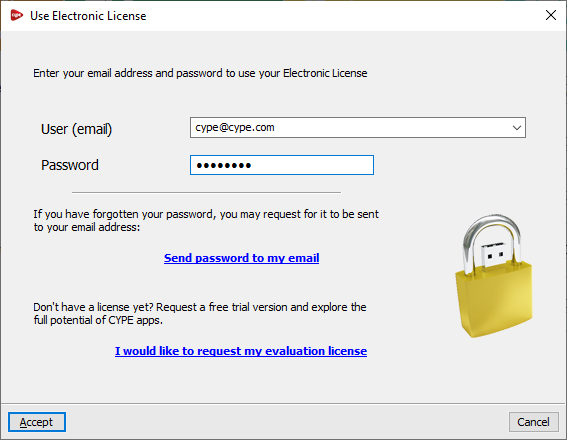
If you have the sign-in details for an electronic licence and wish to use it, you must select the "Activate electronic licence" option and enter your email address and password. If you have forgotten your password, the "Send password to my email" link allows the program to send the password to the email address entered in the relevant field.
Once you have accepted, the licence number currently in use will be displayed in the relevant section.
| Note: |
|---|
| From version 2026.a onwards, this step allows you to enter the credentials for any licence type, including professional, evaluation and campus licences. |
Deactivating the electronic licence
If an electronic licence is currently in use, the "Deactivate electronic licence" appears (instead of "Activate electronic licence").
Clicking on this option deactivates the electronic licence, thereby allowing it to be used on another workstation.