Signing into the myCYPE portal
Sign in
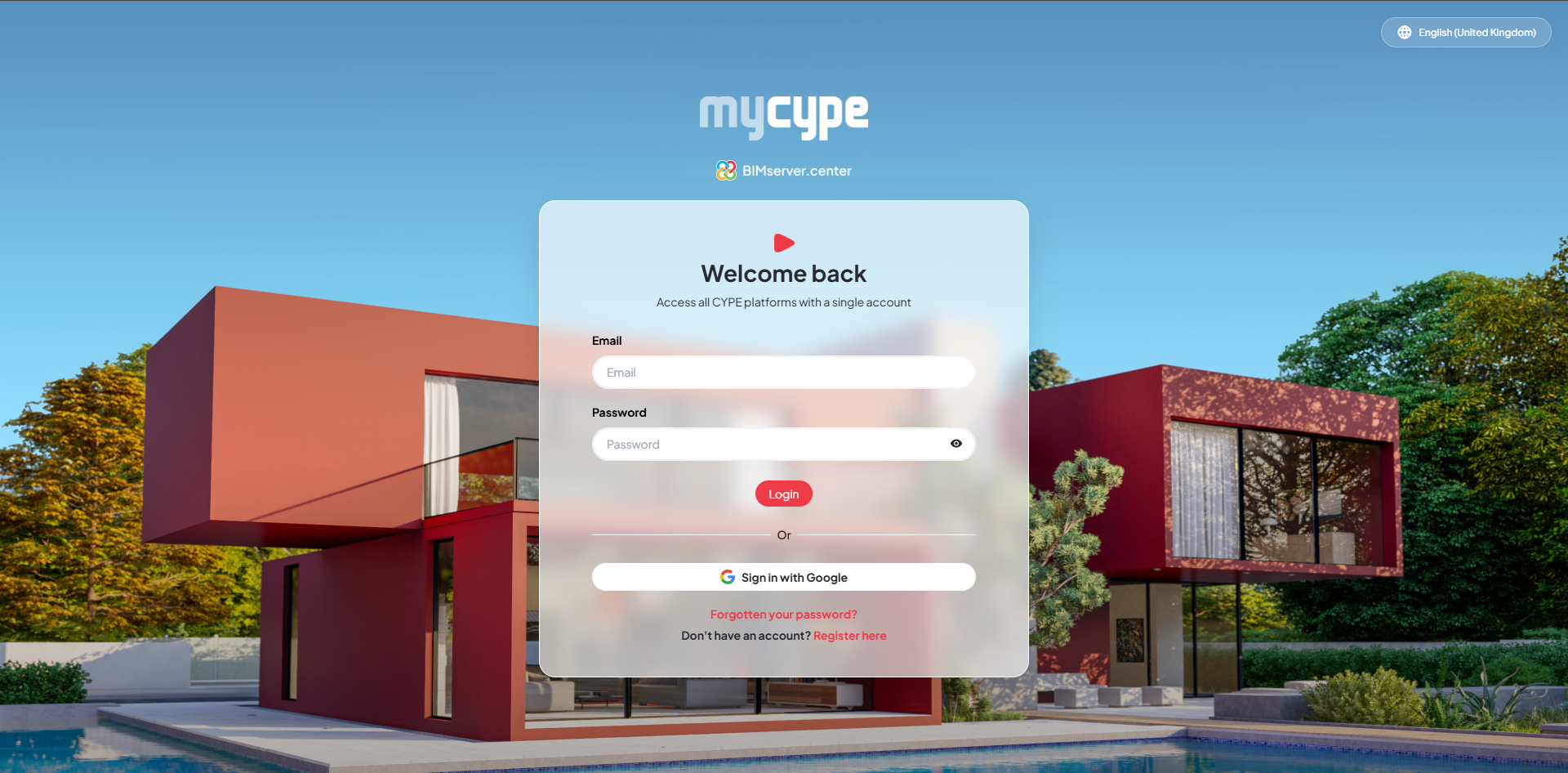
To access myCYPE, you must sign in using your BIMserver.center account. To sign in, follow these steps:
- Enter your BIMserver.center sign-in email address in the "Email" field.
- Enter your BIMserver.center sign-in password in the "Password" field.
- Click on the "Sign in" button.
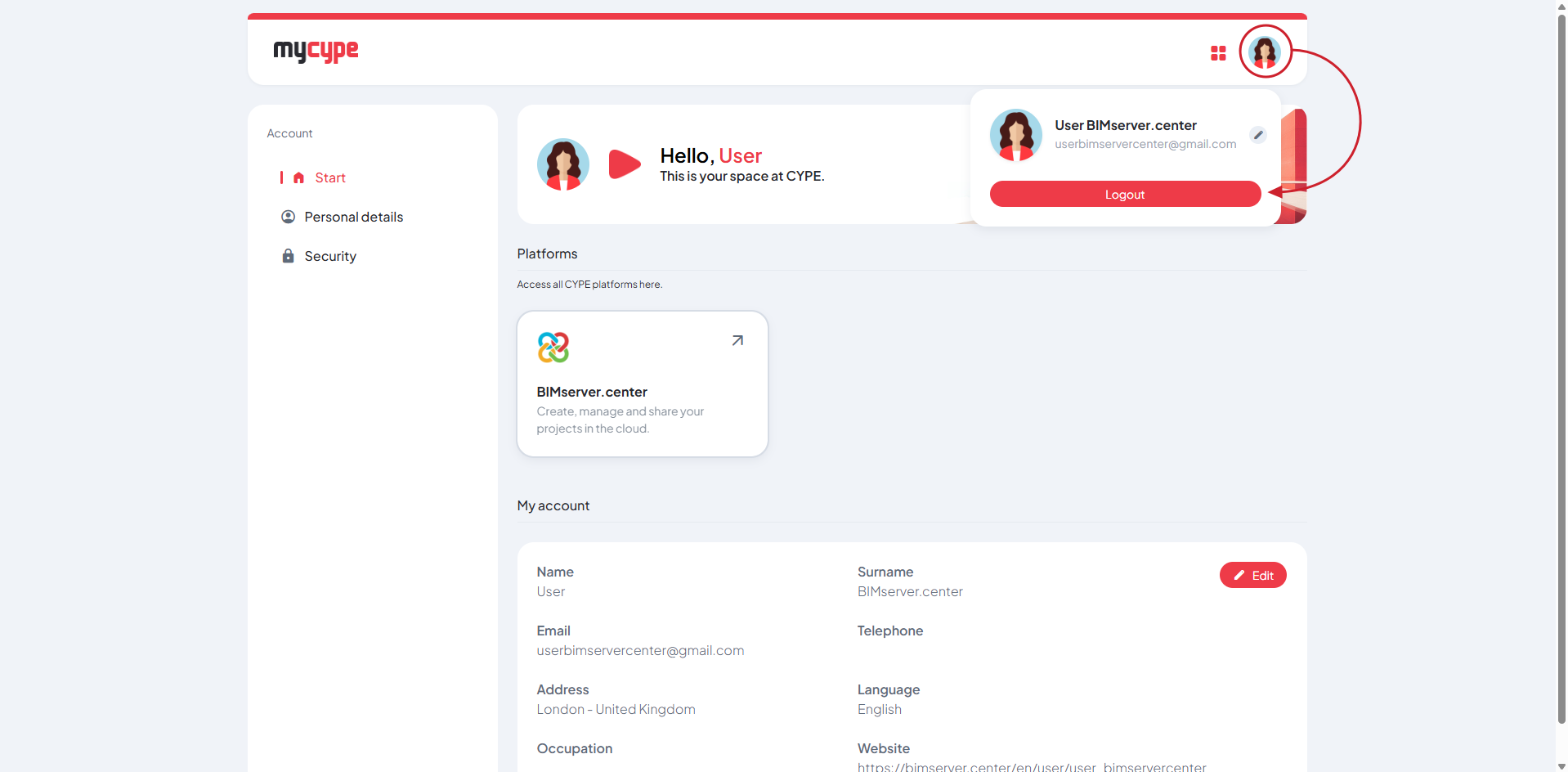
- Once signed in, you will see the myCYPE dashboard, where you can manage your account and access the various CYPE platforms.
Other options
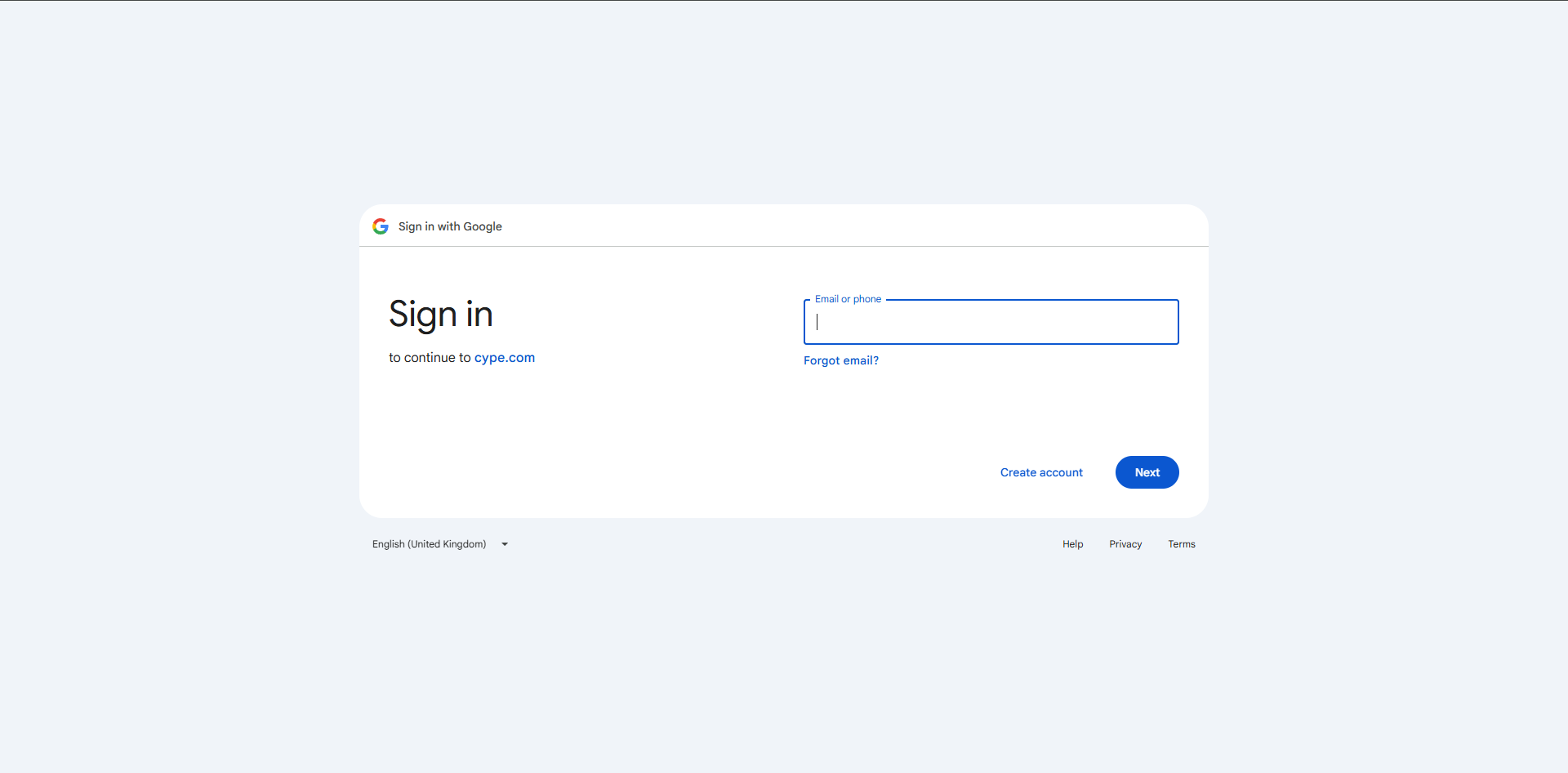
- Sign in with Google: You can sign in using the option provided.
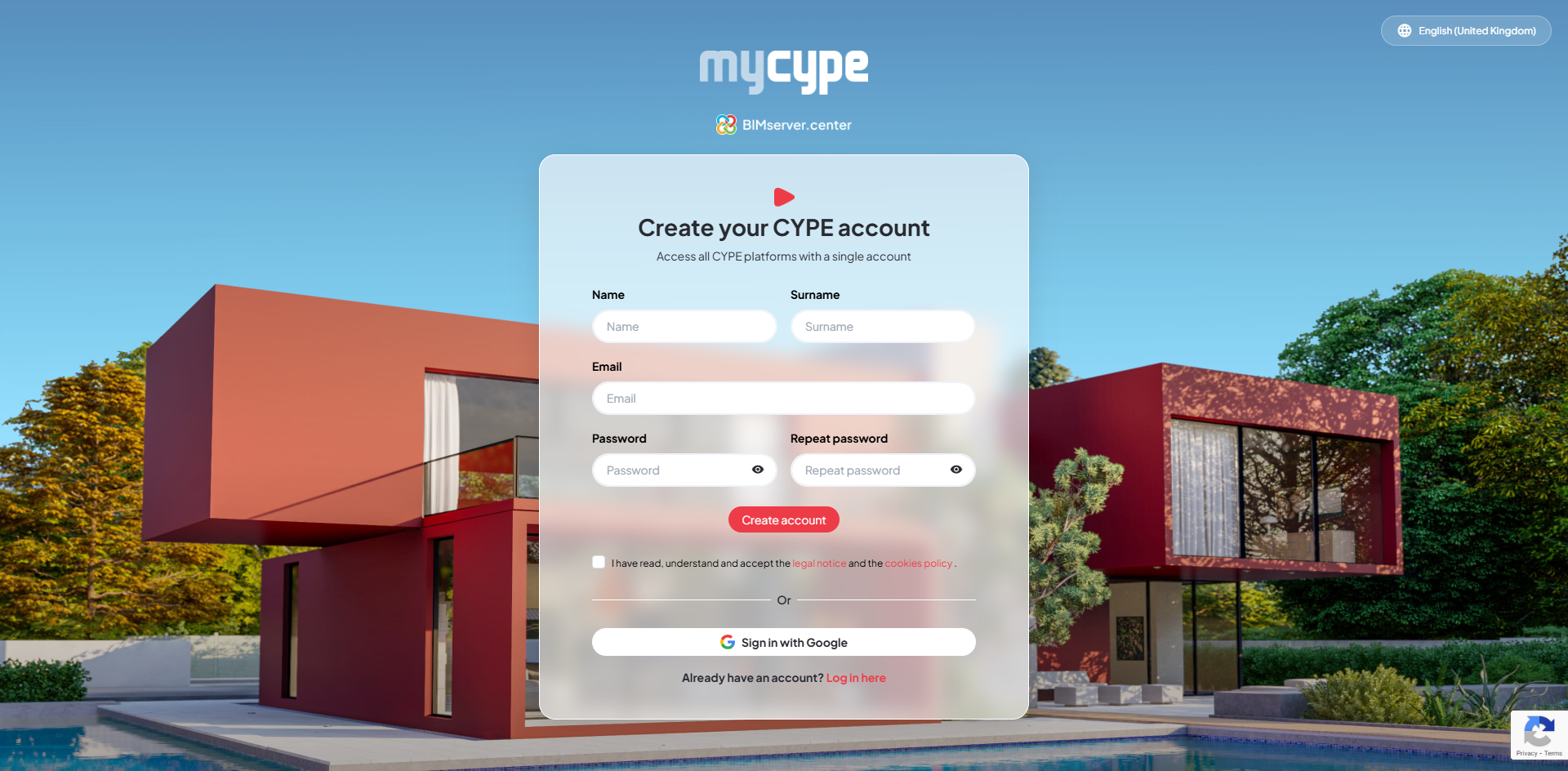
- Create an account: You can create a new account by clicking on "Sign up here" and entering the required details.
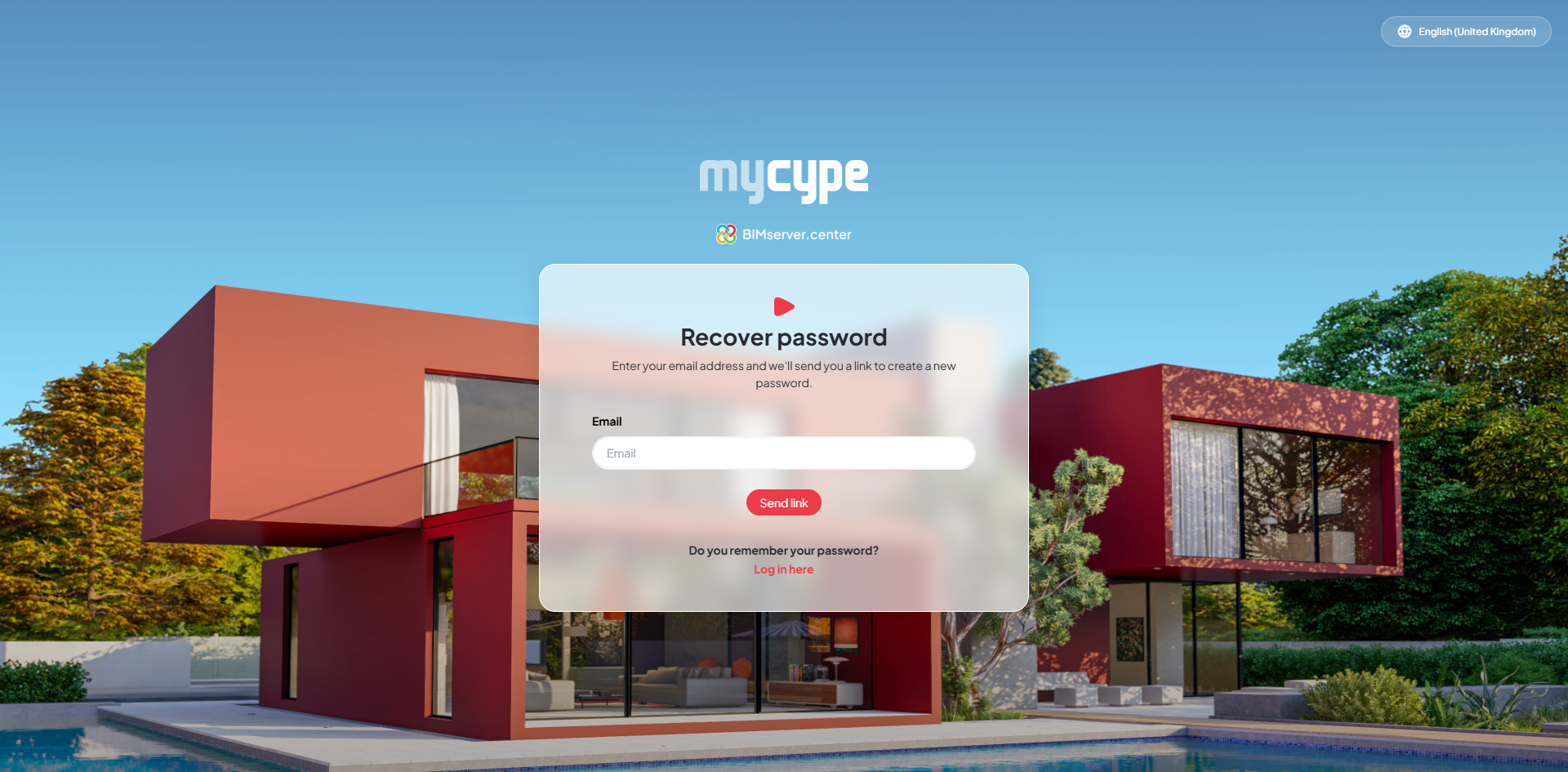
- Forgotten your password?: You can recover your password using the corresponding option.
Sign out
To sign out, click on the user icon in the top right-hand corner of the interface and select the "Sign out" option.