Share the information generated by CYPE programs on BIMserver.center
To share or export the data generated by CYPE programs in a project hosted on the BIMserver.center platform, follow these steps:
- Firstly, the project must be linked to a specific BIMserver.center project. This can be done when creating a new project or at any time whilst the project is already open.
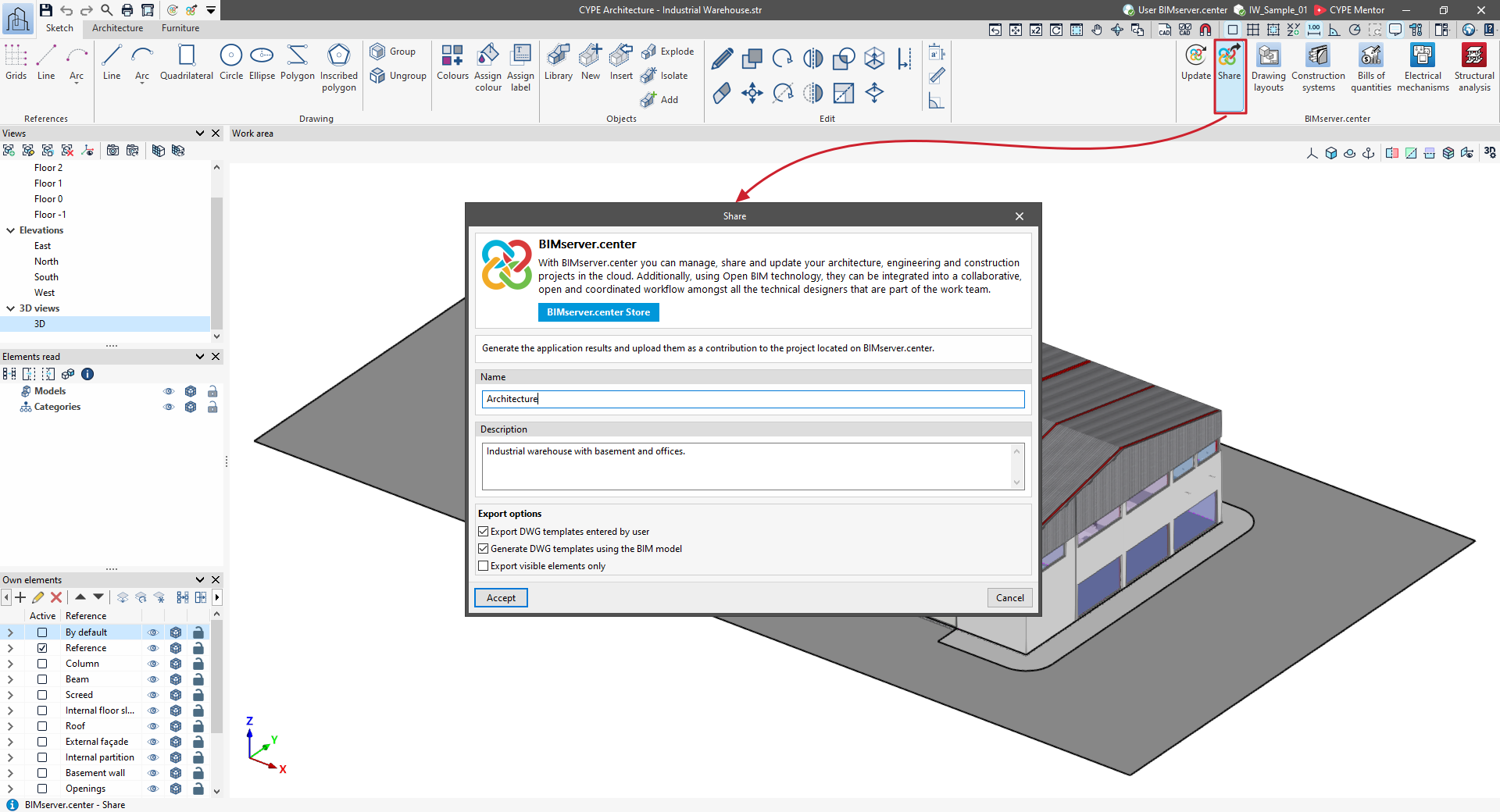
- Next, from the "BIMserver.center" section in the top right-hand corner, select "Share".
- In the "Share" window, you must enter the "Name" of the contribution that will be generated during the export process, as well as its "Description". Furthermore, in some programs, you can configure and specify the information to be exported by ticking or unticking the relevant boxes at the bottom of the window.
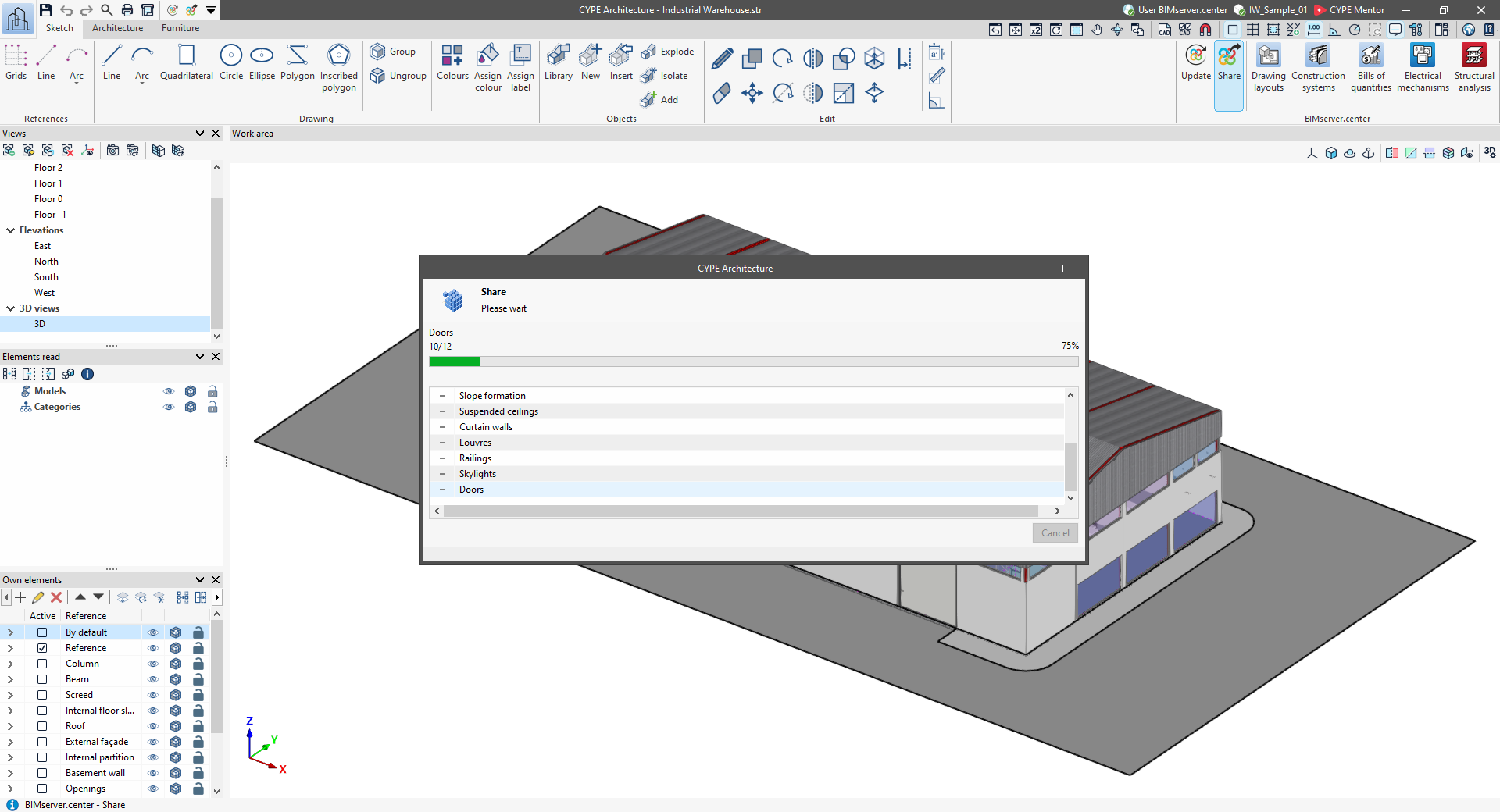
- Once you click "Accept", the program will begin the export process.
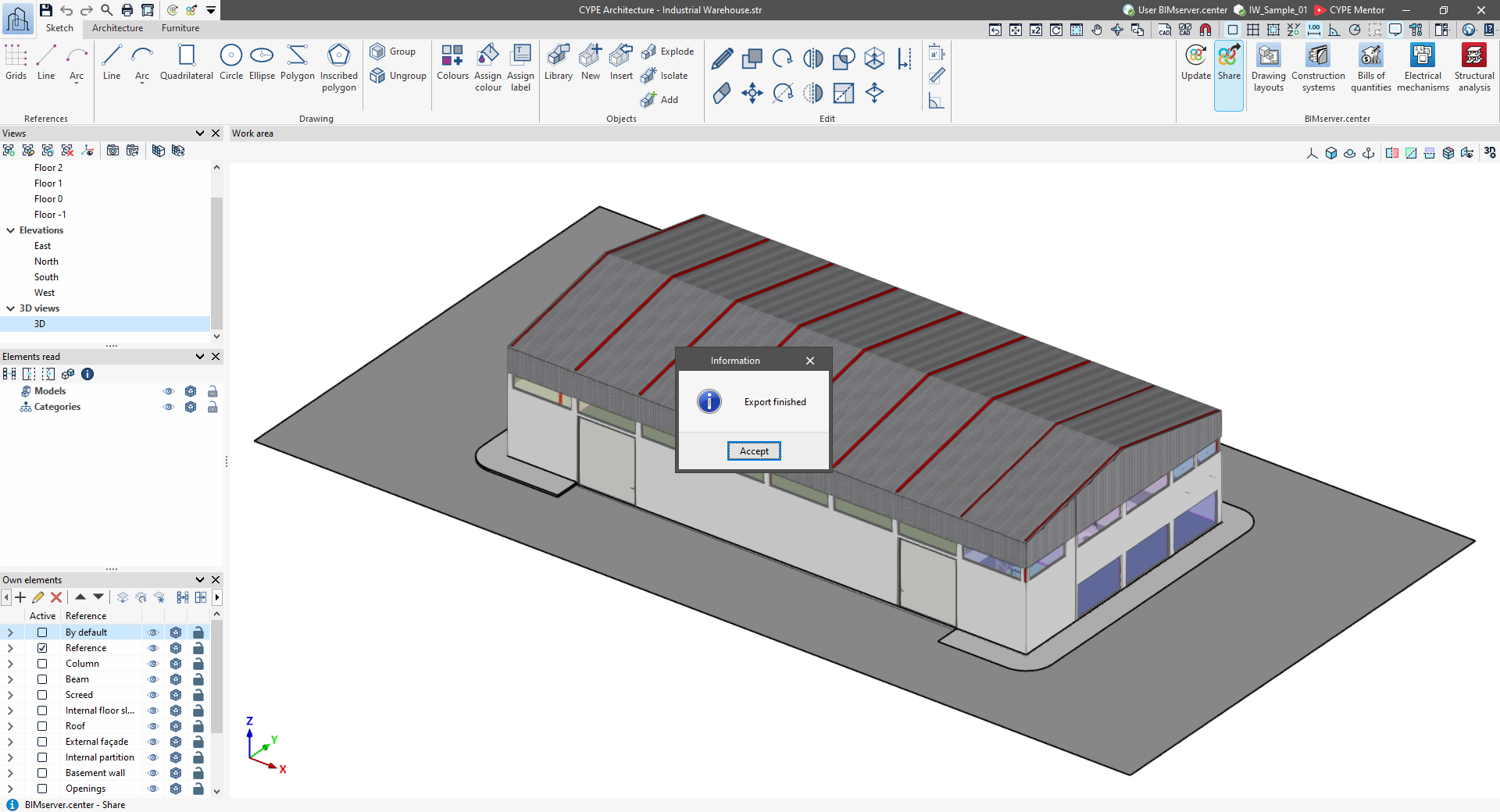
- Once complete, an "Information" window will appear confirming the export, which you can then "Accept" again. The generated information will be automatically uploaded to BIMserver.center.
The export results are now available for you to view and consult on the BIMserver.center web platform. Furthermore, the information generated by the model can be read and interpreted in various ways in other apps linked to BIMserver.center.