Signing into the myCYPE portal
Log in
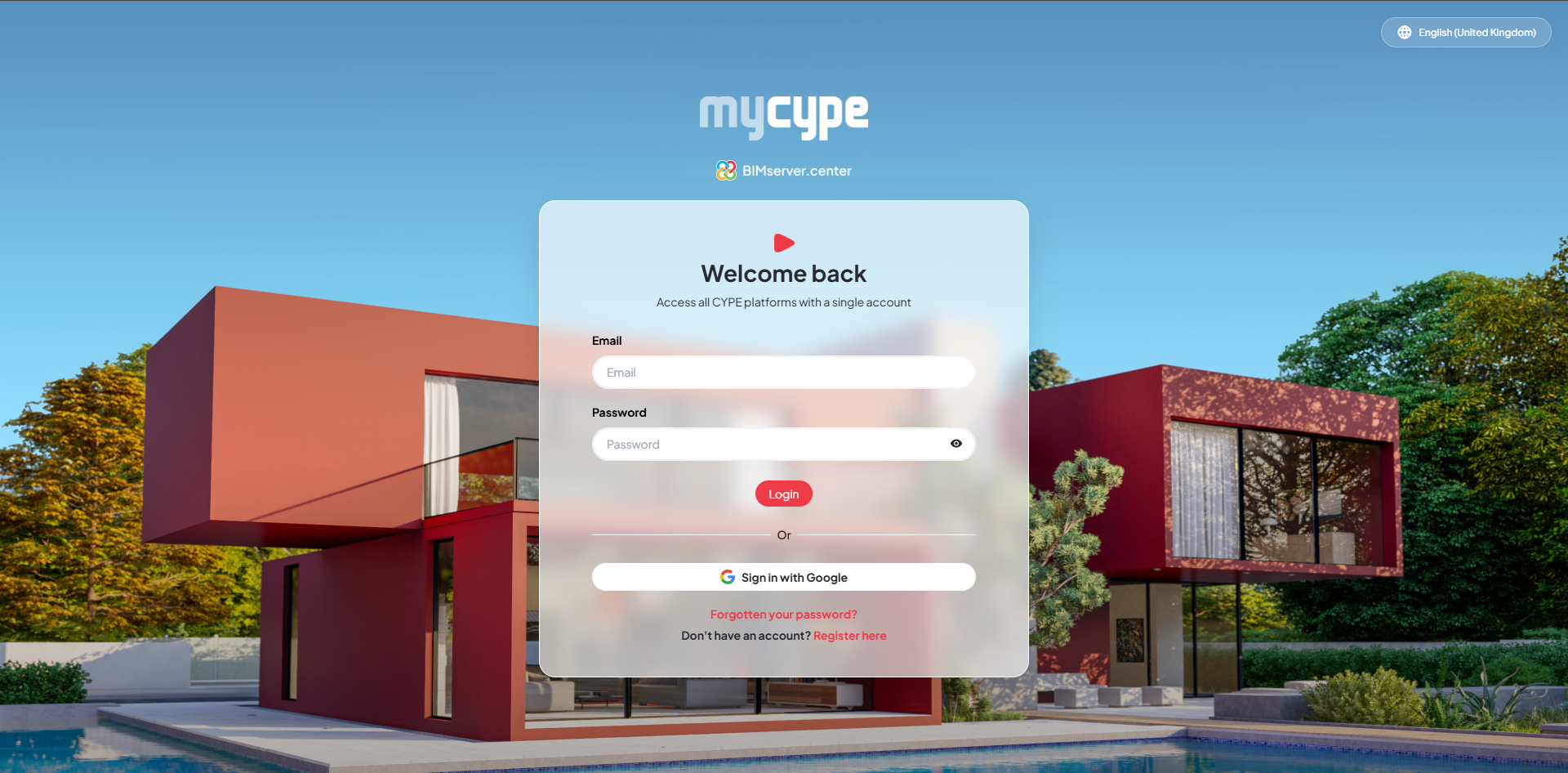
To access myCYPE, you must log in using your BIMserver.center account. To log in, follow these steps:
- Enter your BIMserver.center login email address in the "Email" field.
- Enter your BIMserver.center login password in the "Password" field.
- Click on the "Log in" button.
- Once logged in, you will see the myCYPE dashboard, where you can manage your account and access the various CYPE platforms.
Other options
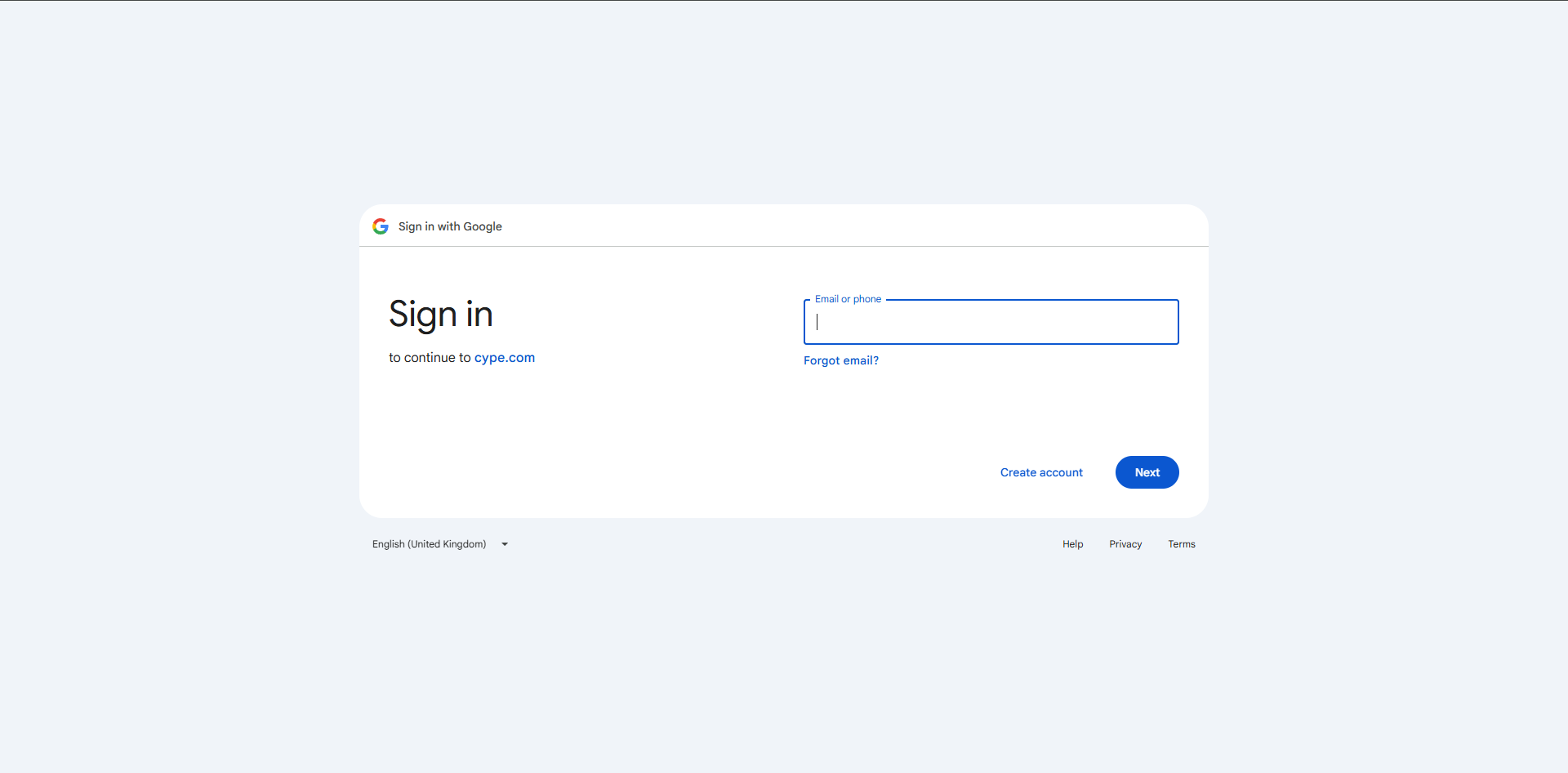
- "Sign in with Google": You can sign in using the option provided.
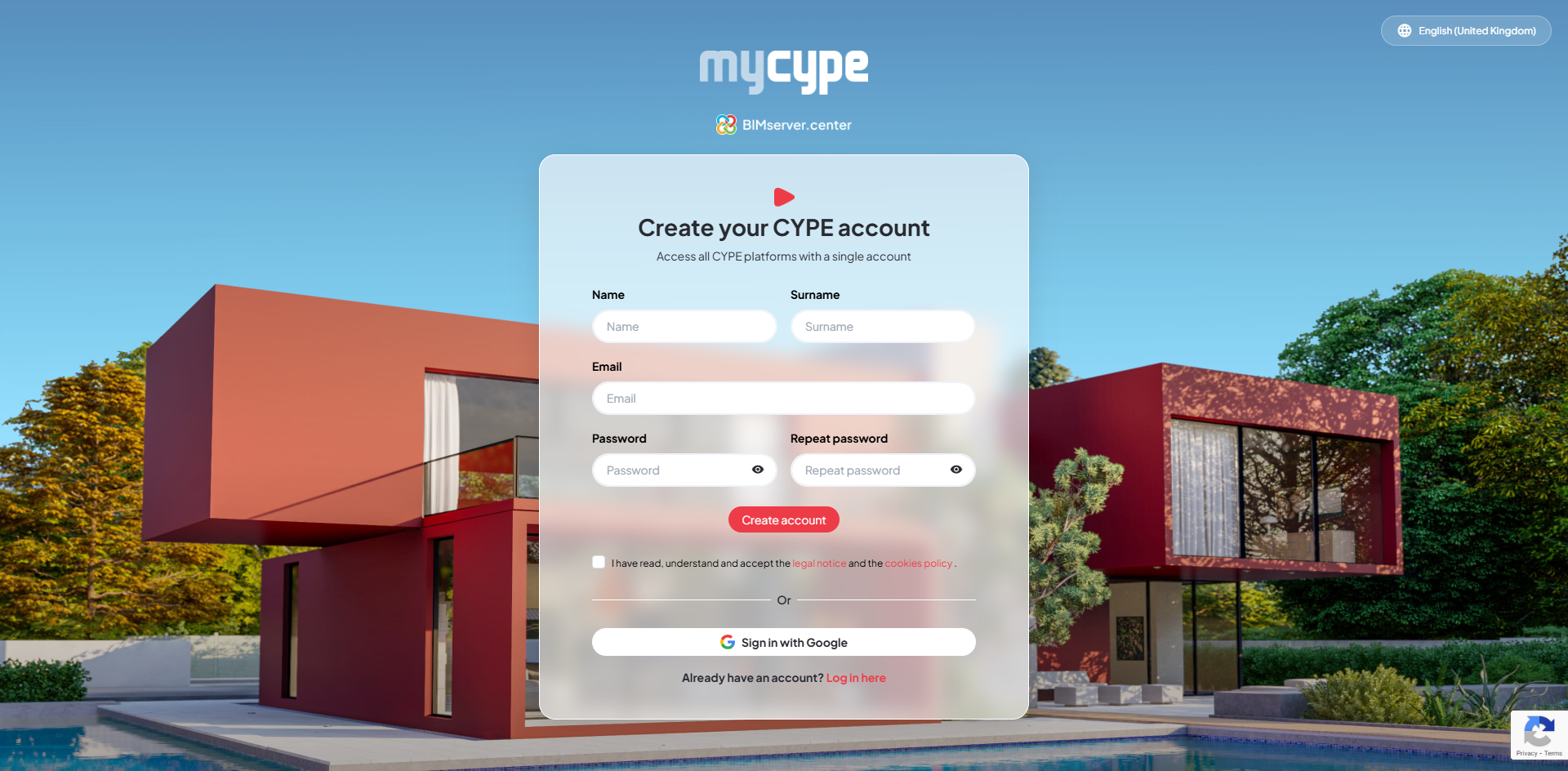
- Create an account: You can create a new account by clicking on "Sign up here" and entering the required details.
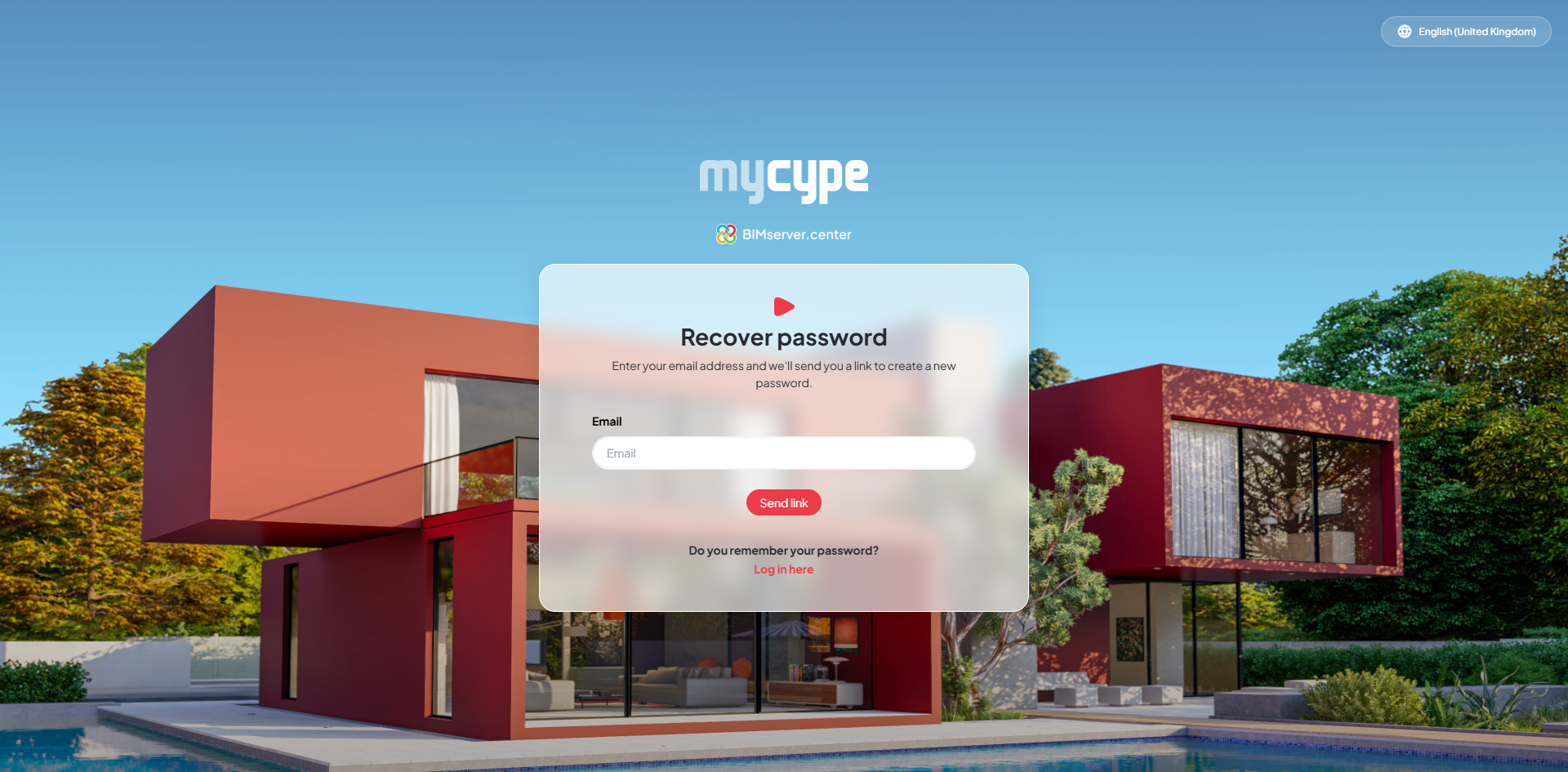
- "Forgotten your password?": You can recover your password using the corresponding option.
Log out
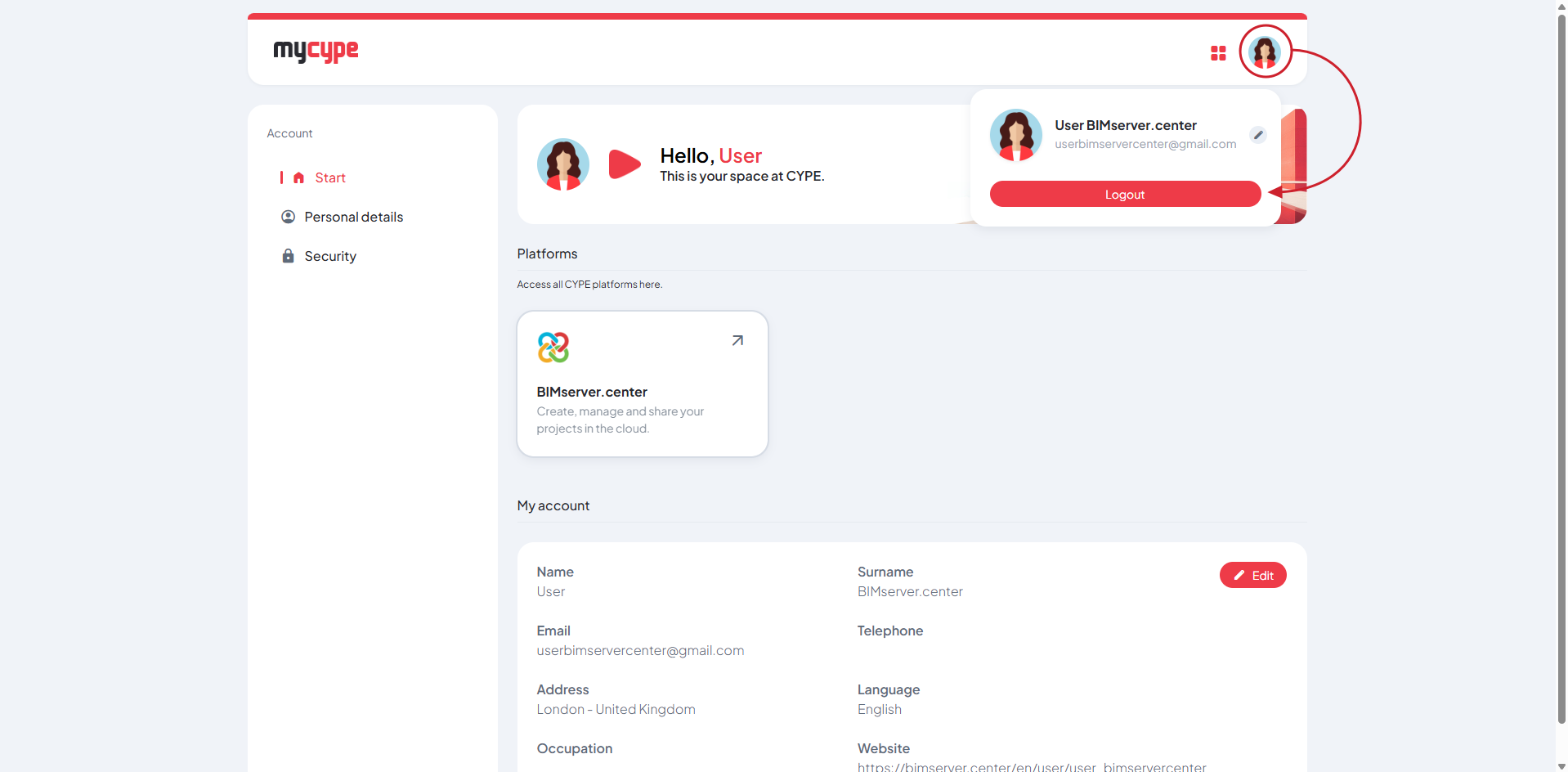
To log out, click on the user icon in the top right-hand corner of the interface and select the "Log out" option.